Week 3 - 2D meshing for sheet metal
Aim
To Take mid surface of all components of Hood model and mesh mid surface with given element quality certeria.
Procedure
step1: Import the geometry
Open ANSA SOFTWARE Go to file-click on open choose the location of hood model than click open, it will open as shown below.
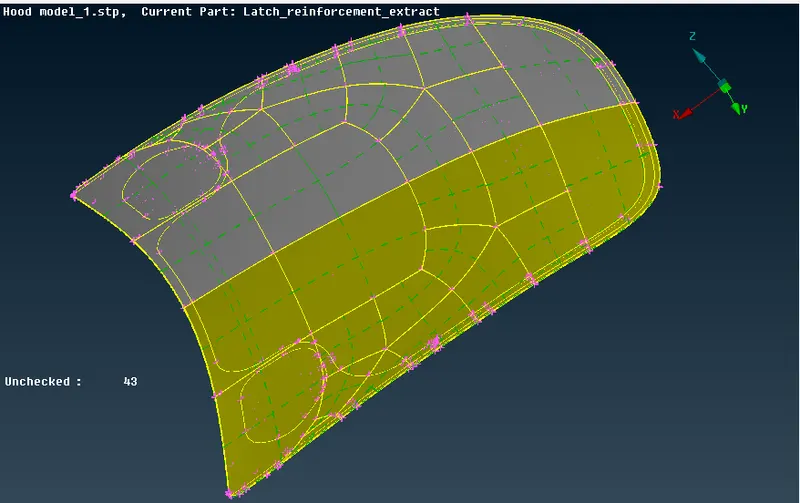
step 2: Geometry clean up
Topology clean up, go to Tools-check-click on check manager
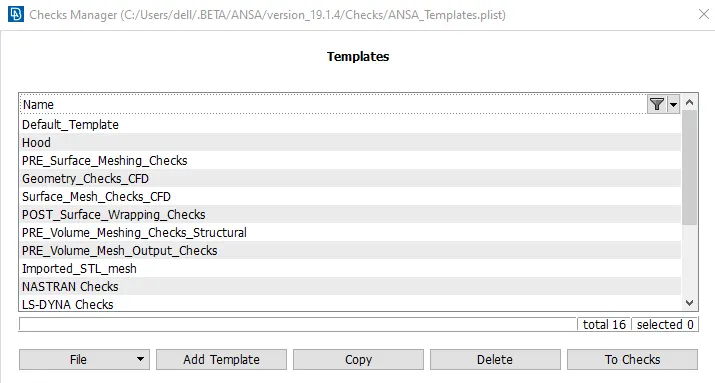
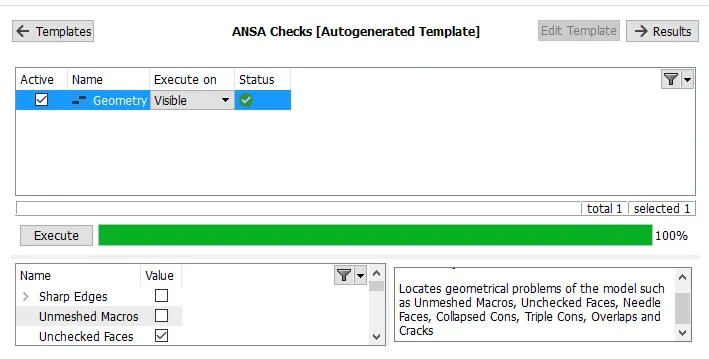
click on add template name as Hood select it than click on to check
check for undefine material and undefine properties than execute.
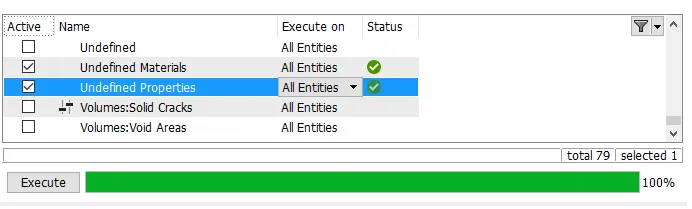
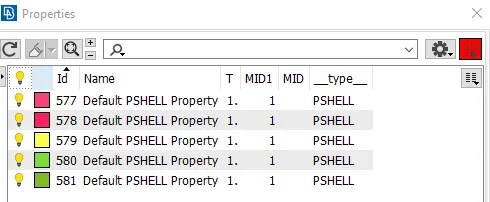
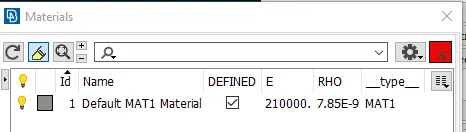
Material is applied on the Hood model.
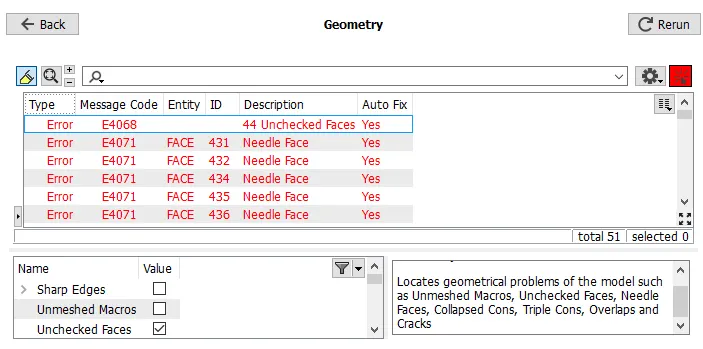
after fixing the geometry again grometry check has done.
Also measured the thickness of each components.
step 3:Extract mid surface of all individual component
To extract mid surface two method are available
Automatic method & offset method
-offset method
first go to topo moduler buttom-> face ->offset than go to feature section click on feature area select face->middle mouse click than give the offset value as half of parents components. similar step has been applied for all the components to generate mid surface.
offset method through feature area is new and time saving as well as easy to applied, the mid surface of all individual component is taken
Left side shows mid surface of all the component and right side shows parent components below
1) Inner hood model
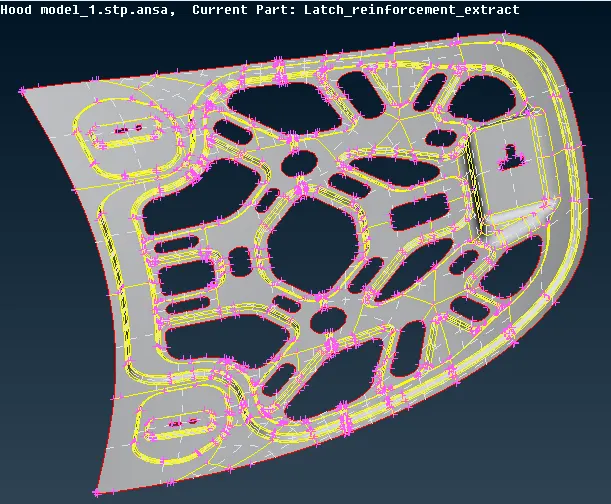
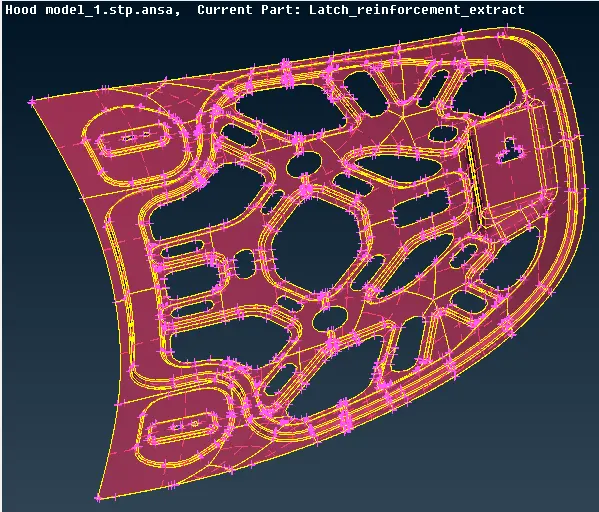
2 Outer hood model
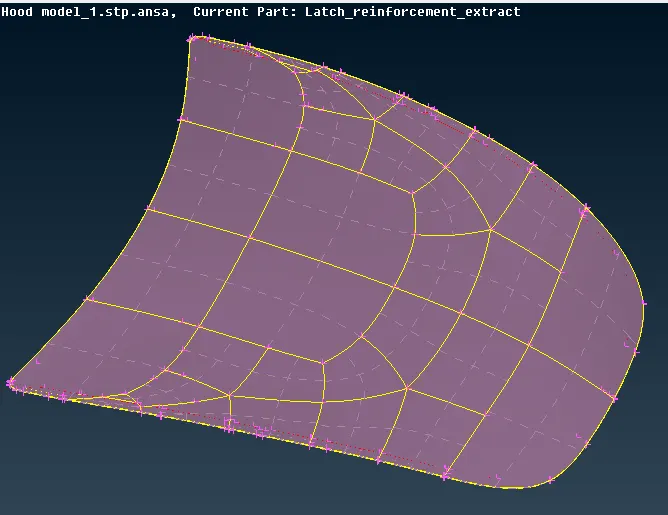
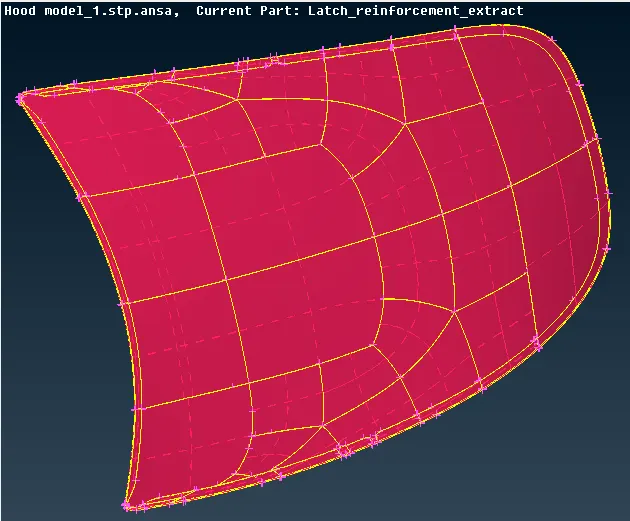
3 Hinge
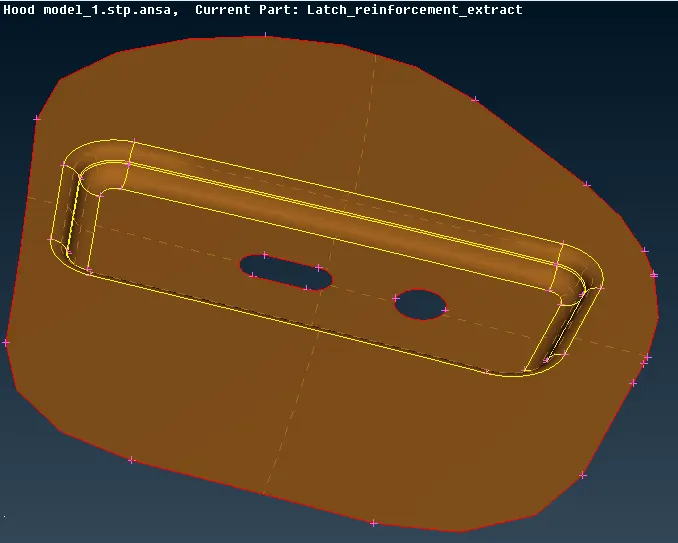
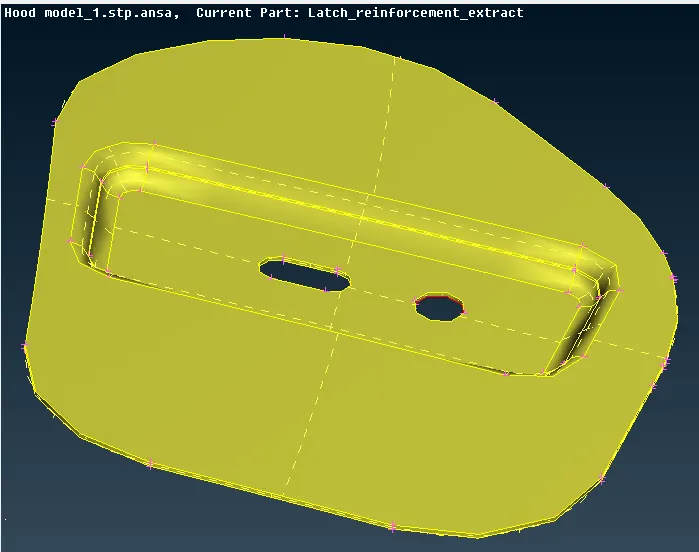
4 Hinge
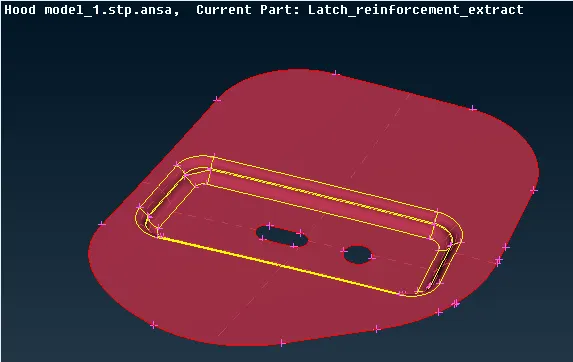
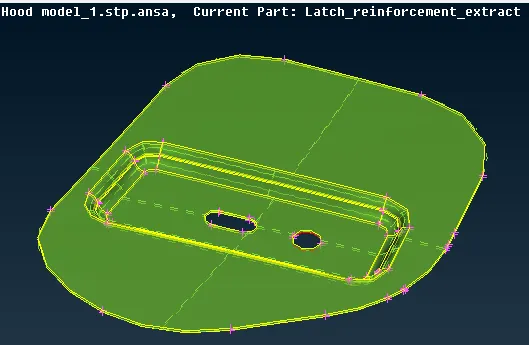
5 Hatch
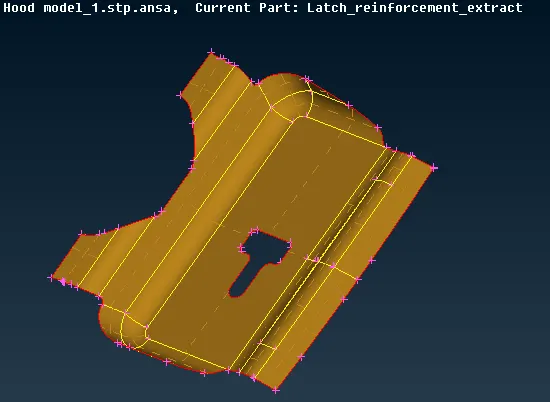
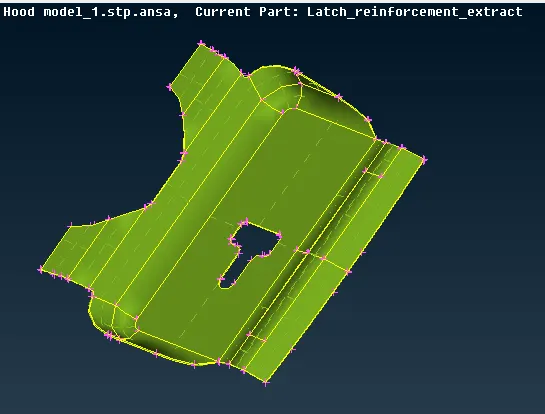
step 4 Assign the material and thickness to mid surface component
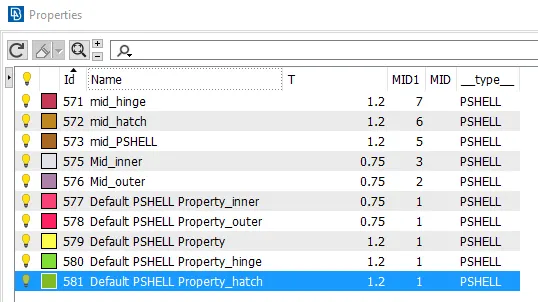
Go to topo modules buttom->face->set PID click on it select the component, middle mouse click property will pop up go to-> new ->pshell assign name and thickness to the mid surface than click ok. repeat for all individual component as shown below
step 5: Defeaturing for mid surface component
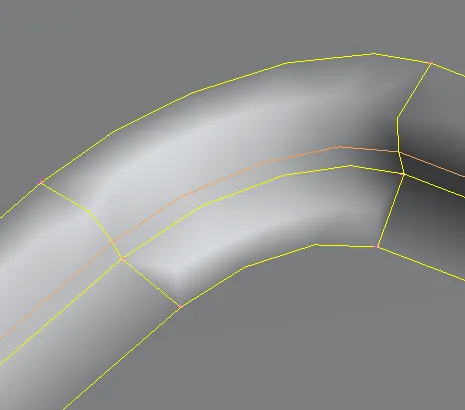
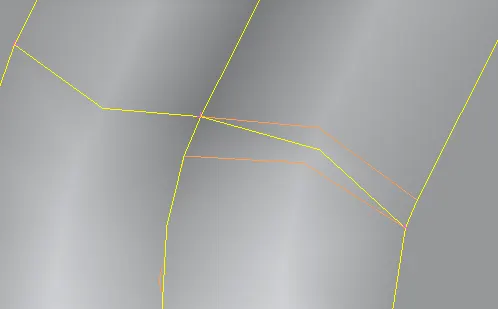
After taking mid surface of all the components geometry clean up has checked, all the triple cons and niddle issue in geometry has ractified.
remove unnecessary hot point which is not sharing on a double cons also remove cons as shown below.
step 6 Assign quality parameter
To assign quality parameter press F11 buttom
give the input as per assign quality certeria as shown below
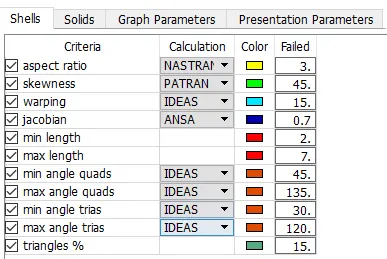
go to presentation parameter -> graphics tick on elements %

click on apply than ok
go to mesh parameter, input the required mesh parameter and type order of mesh as shown in below
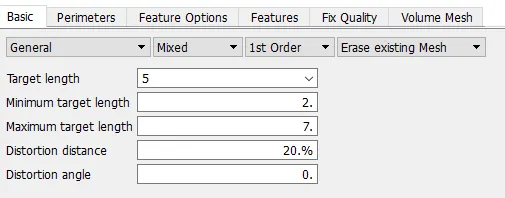
Step7: Meshing
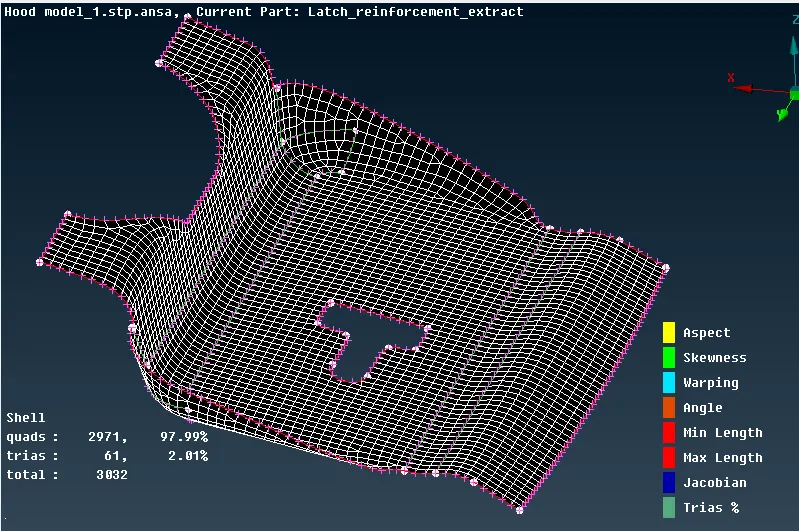
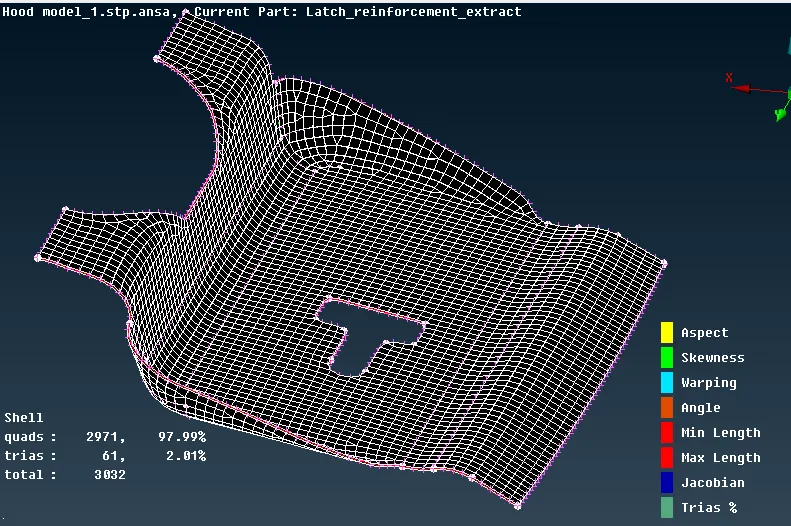
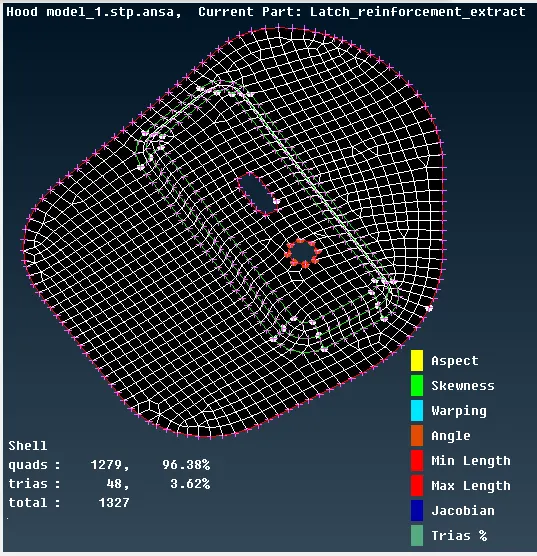
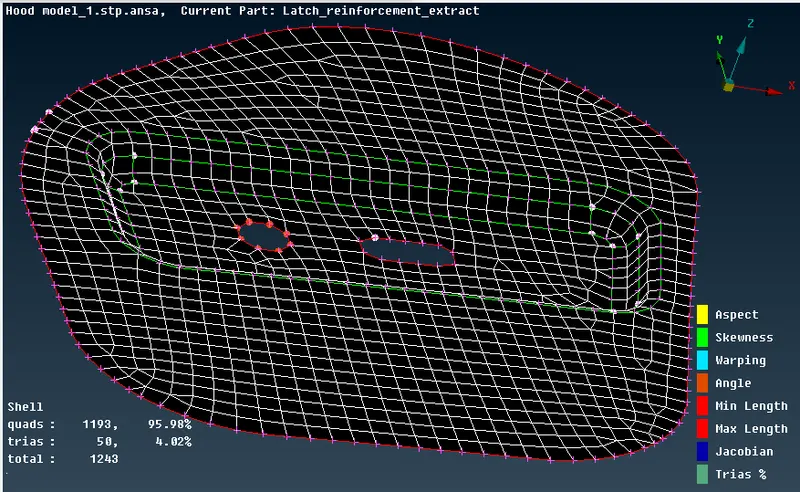
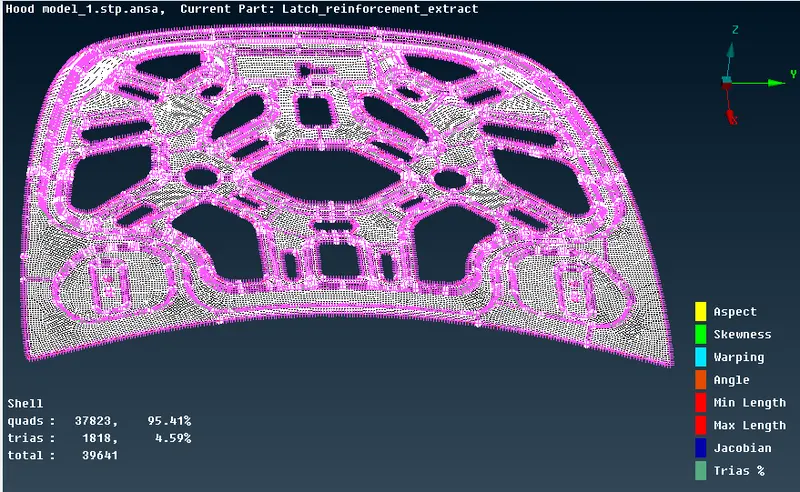
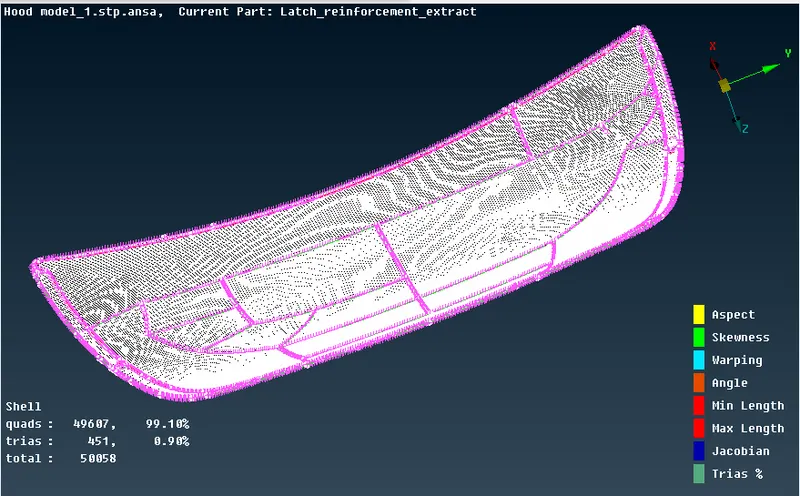
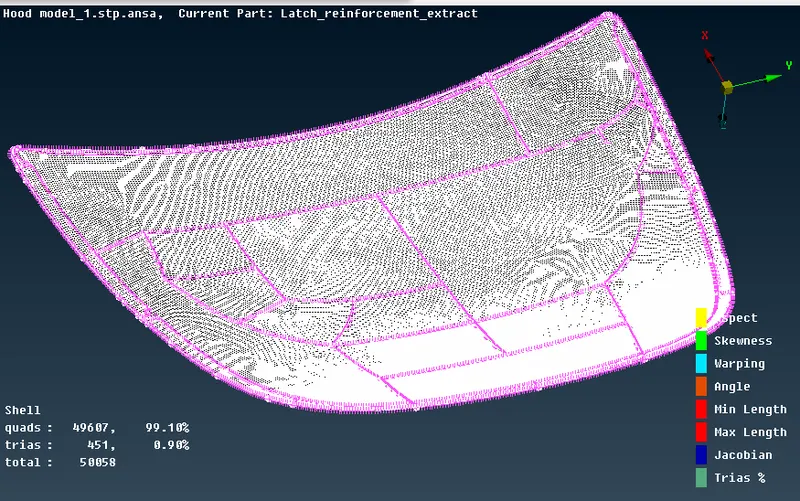
After assigning quality parameter measure the element length in mesh moduler buttom than go to perimeter -> length assign the target length as 5 click ok.
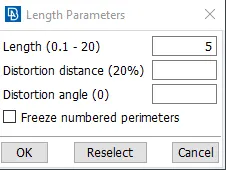
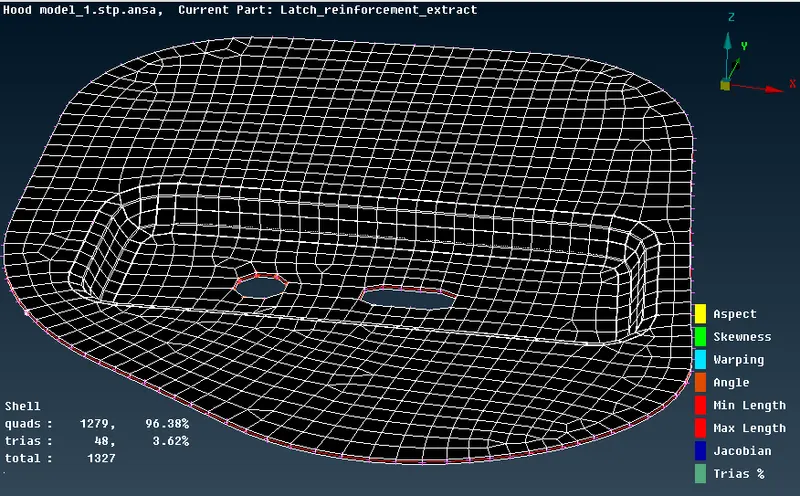
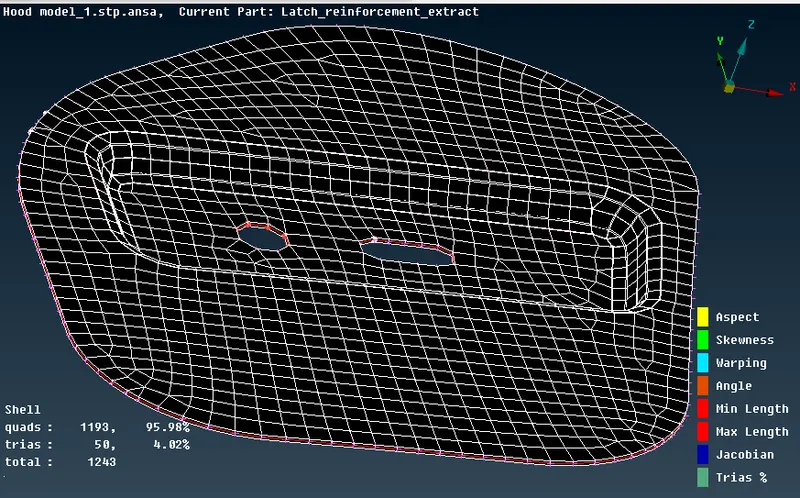
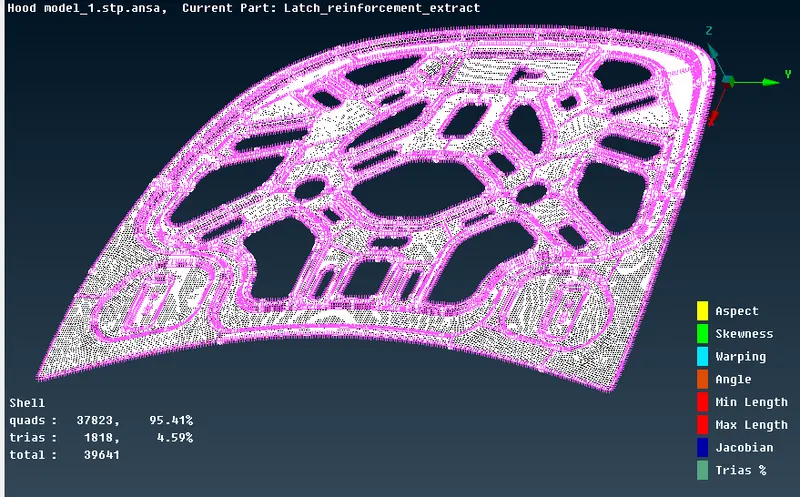
after meshing draw shell as solid is activated as shown below.
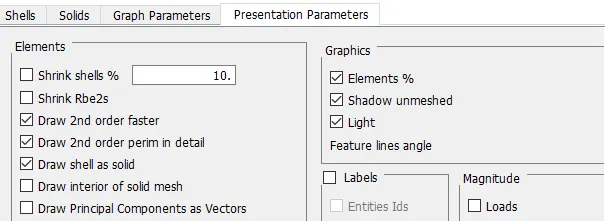
in below, Left side shown meshing of a mid sueface and right side shows draw shell as solid of a mid surface.
Learning outcomes
familar with graphical user interface of ANSA & able to apply different command on a geometry, geometry clean up, extraction of mid surface assigning thickness on it. able to understand quality parameter.
perform defeaturing & different type of meshing technique on a component.
Conclusion
for all the individual component mid surface is extracted and all quality parameter is satisfied on a given hood model.