Week - 4 - 2D meshing for Plastic components
Aim
To extract mid surface of given plastic component and mesh the mid surface with given quality criteria.
Procedure
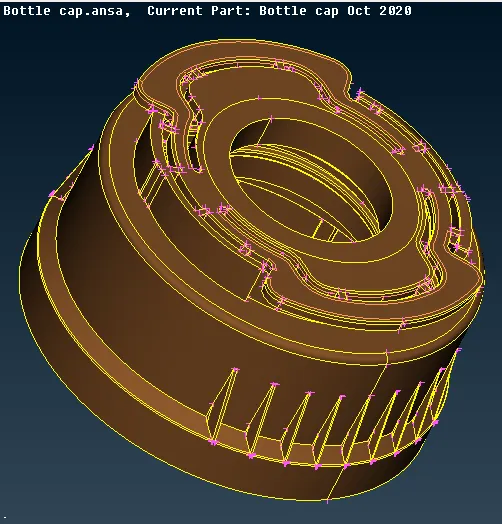
Step1: Import the geometry
first of all open ANSA software after opening go to file->open select the location of plastic component as shown below
Step 2: Topology & Geometry clean up
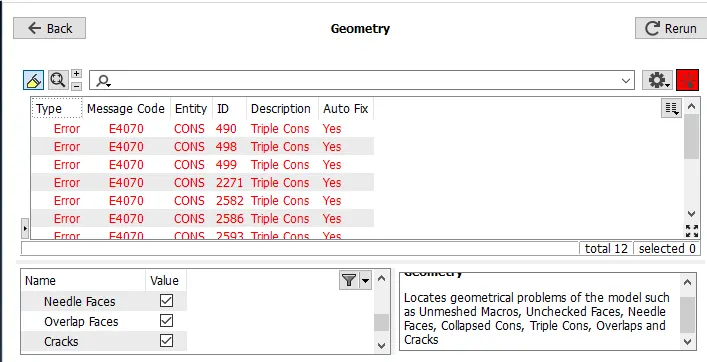
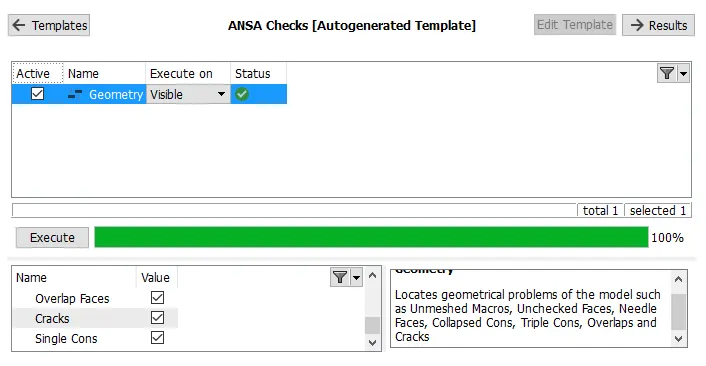
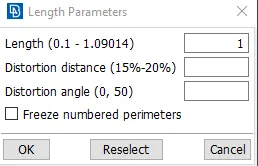
After importing CAD, Apply topo and perimeter & macros length as 1 than go to Tools->checks->geometry
Step 3: Mid surface extraction
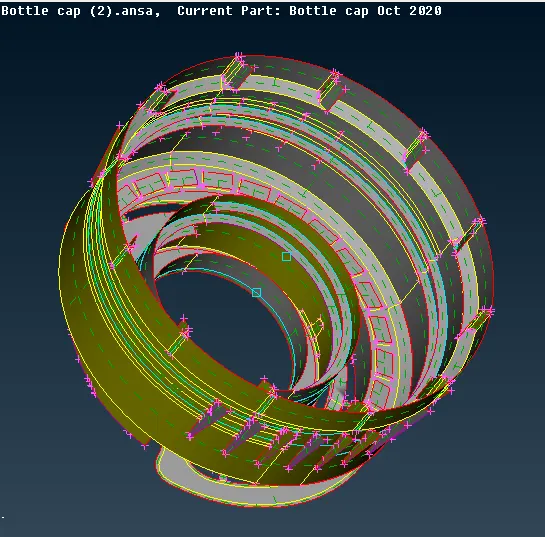
for mid surface extraction of plastic component (Bottle cap), mid extraction technique like offset method, multi & single middle method and middle curve method is used.
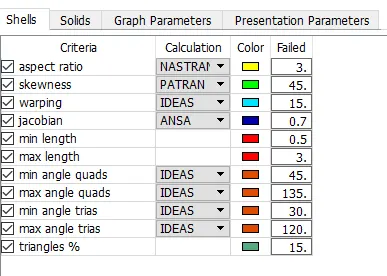
Step 4: Assigning Quality parameter.
press fn+f11 to assign quality parameter as shown below.
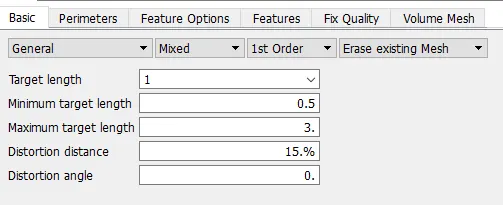
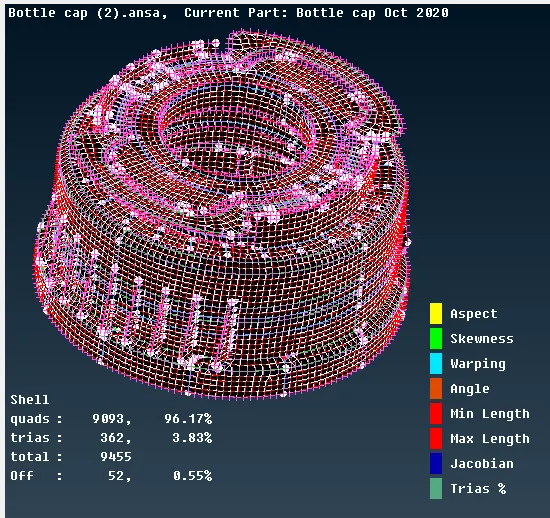
Step 5: Meshing
Step 6: Assigning Thickness to all individual components
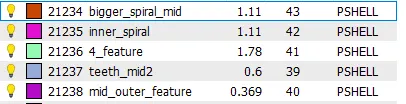
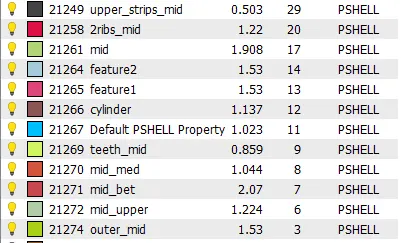
After extraction mid surface thickness is assigned to individual parts as shown below.
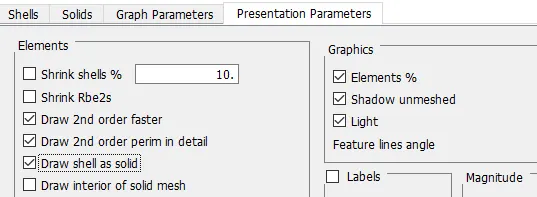
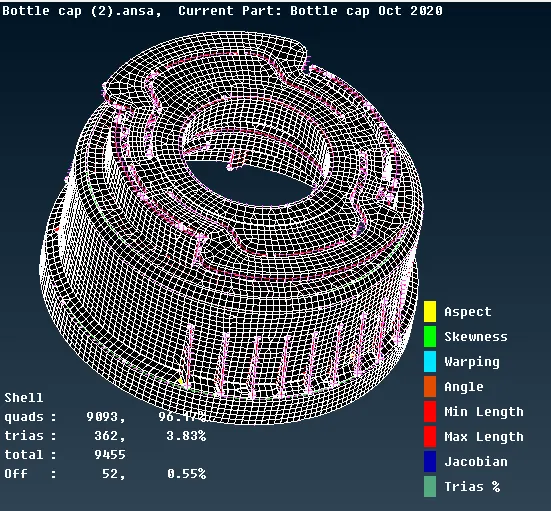
Step 7: Assigning Draw as shell as solid
Learning Outcomes
Able to apply different mid surface extraction techniques, mesh improvement technique, mid surface extraction of complicated geometry like teeth, thread and so on.
Conclusion
For the given Bottle Cap model mid surface is extracted with above mention technique, PID and thickness is assigned for the model and also meshed with given Element Quality Criteria. some quality failure at triple cons which is bound to be as shown above.