Week 4-1D Element Creation Challenge
1D Element Creation
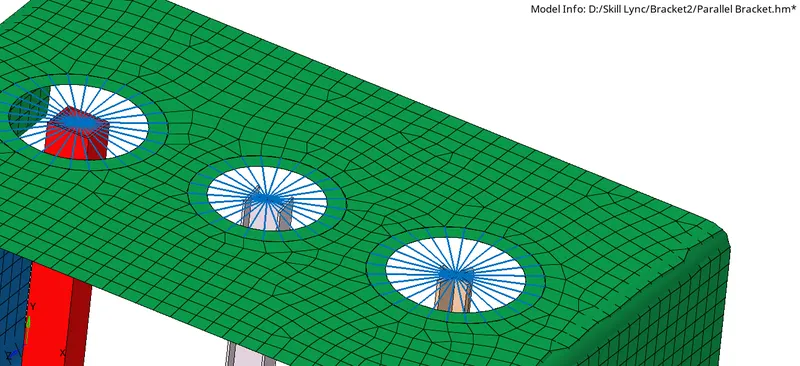
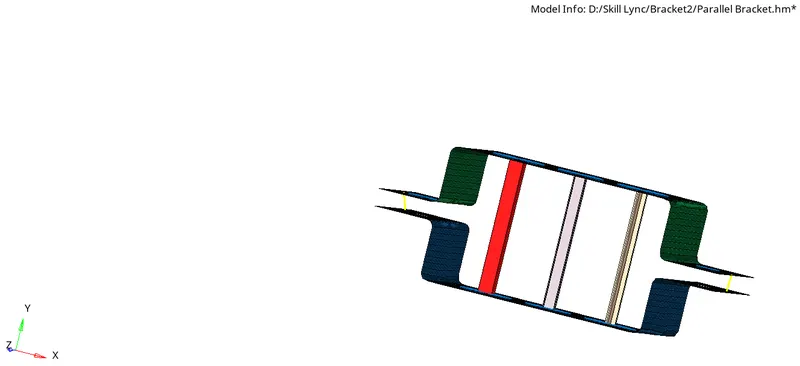
Objective: To Mesh the Given component with the Size of 5 Units and to Create 1D elements with given cross-section and DOF
Problem specification: Create 1D elements on the following component
a. Rod element:- Translational DOF should be Constrained with RBE2 link
Cross-Section: BOX- Dimension a= 12 mm
dimension b=10 mm
Thickness t= 0.75 mm
b. Beam element:- All DOF should be constrained with RBE3 link
Cross-Section: I Section- Dimension a= 8 mm
Dimension b= 10 mm
Dimension c= 8.5 mm
Thickness t1= 0.75 mm
Thickness t2= .6 mm
Thickness t3= .6 mm
c. Bar element:- Constrain only x and y DOFs With RBE3 link
Cross-section: X section- Dimension DIM1= 5 mm
Thickness DIM2= 1.2 mm
Dimension DIM3= 10 mm
Thickness DIM4= 1.2mm
d. & e. Apply the mass of magnitude 10 with the RBE2 link
f. Join the two components with Spring elements
Procedure:
- Import the given geometry file and set it in a good display
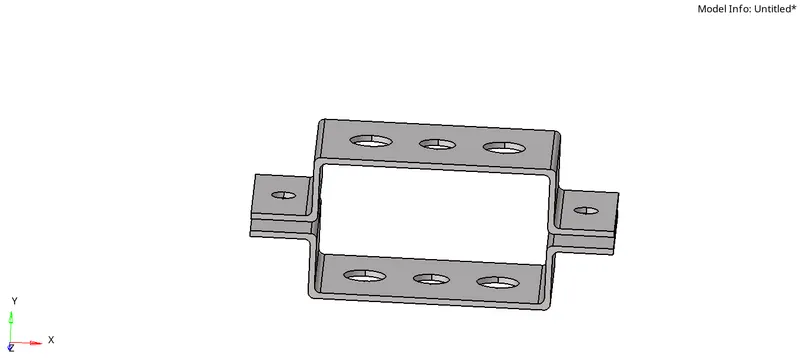
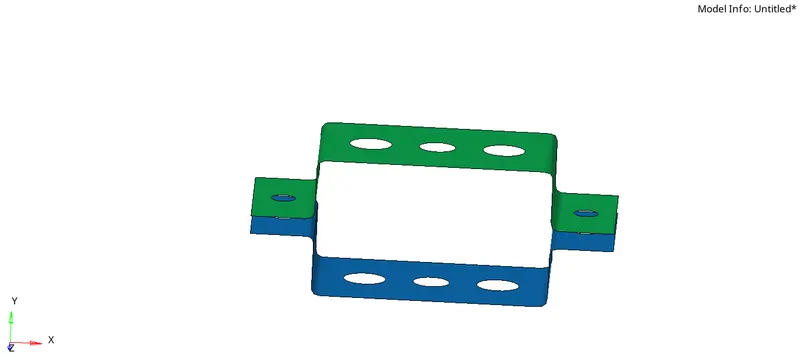
- Go to mid surface option and create the mid surface make sure they do not join and delete the other surfaces and solids
- create the material steel
- create the properties for brackets 1 and 2 and provide the thickness select card image PSHELL
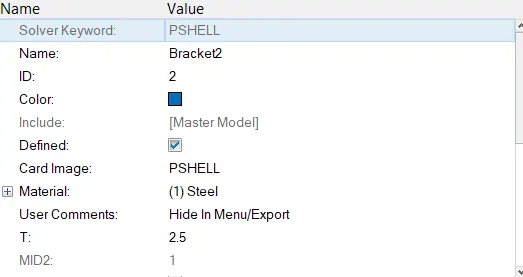
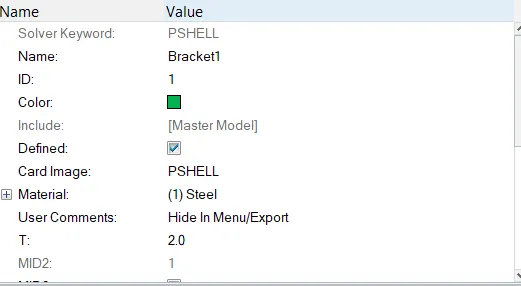
- GO to quick edits and provide washer splits
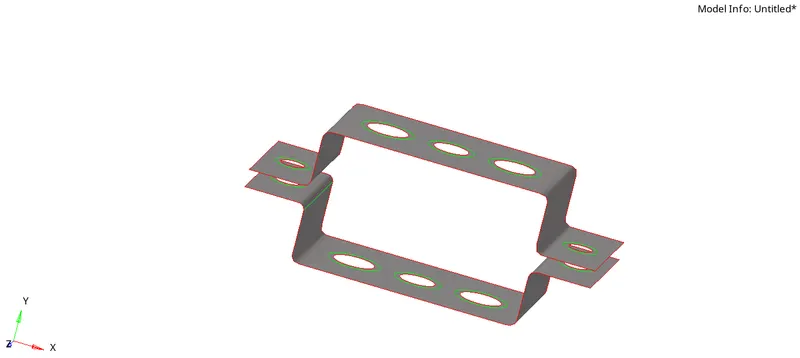
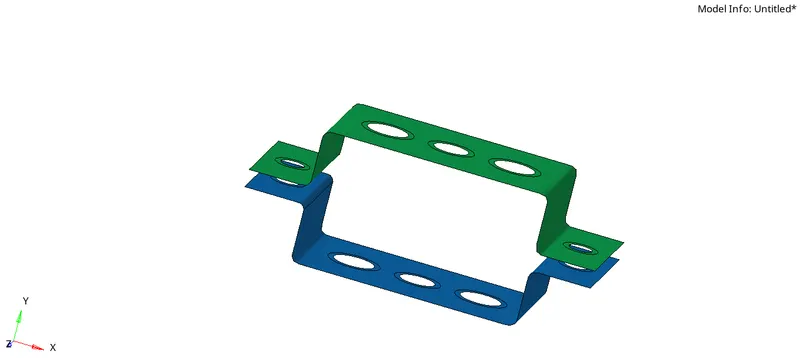
- go to auto mesh and create the mesh having element size 5.0 and correct the nodes in the hole make equal nodes in washer splits
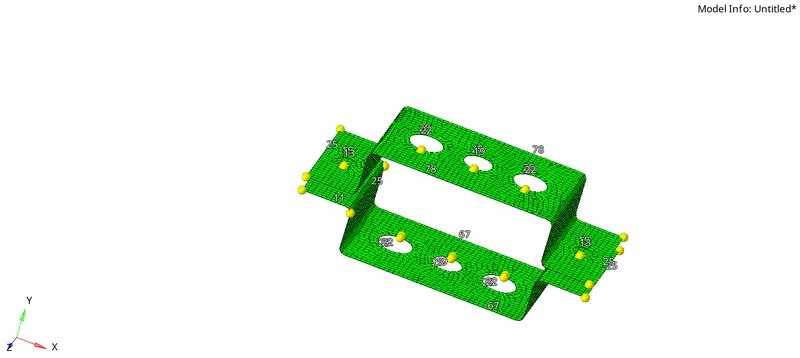
- go to 1d and create RBE2 and RBE3 links provide constrained as required
- go to Hyperbeam and create the cross-sections as per the problem
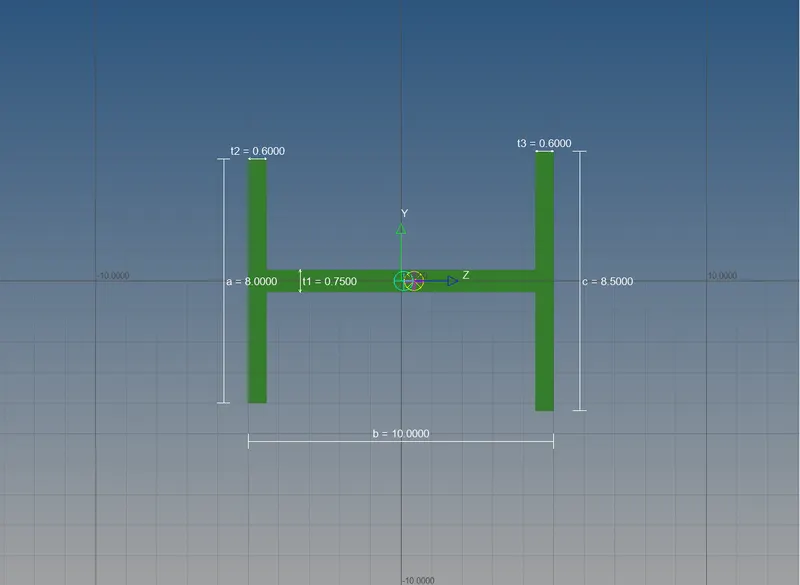
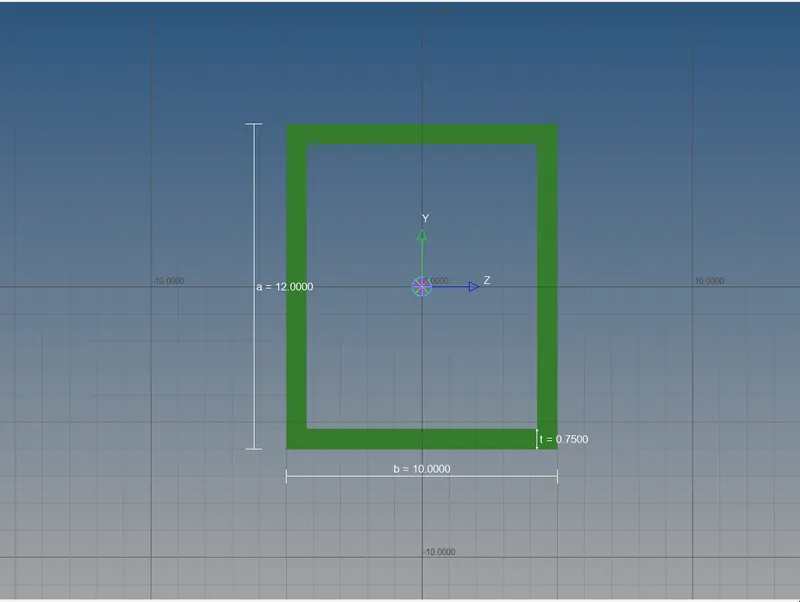
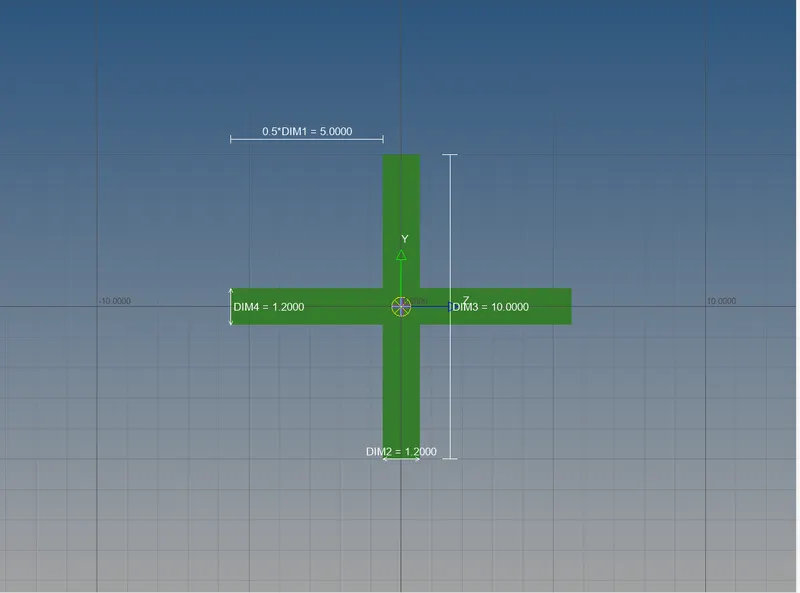
- Create the properties of the bar, rod, and beam by choosing card image PBAR, PROD and PBEAM respectively, and select the required cross-sections
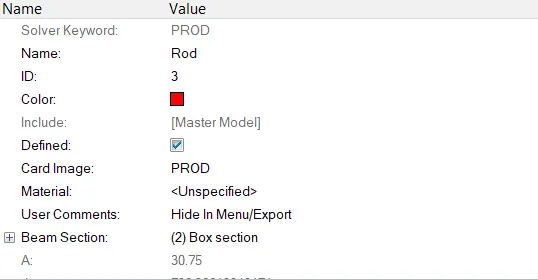
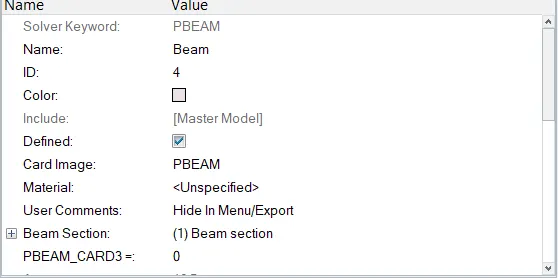
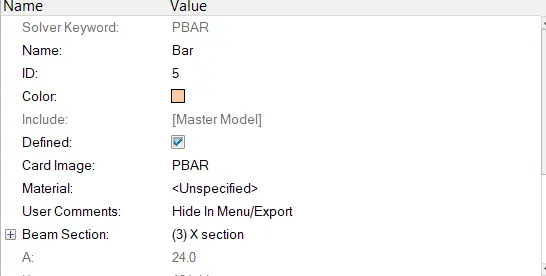
- Go to 1d and create the bar rod and beam by selecting the correct element types and the orientation.
- Go to mass and provide the mass of magnitude of 10 at d and e
- go to spring and join the two brackets at f using spring by selecting nodes.
- Select the 1D detailed element representation
Result: