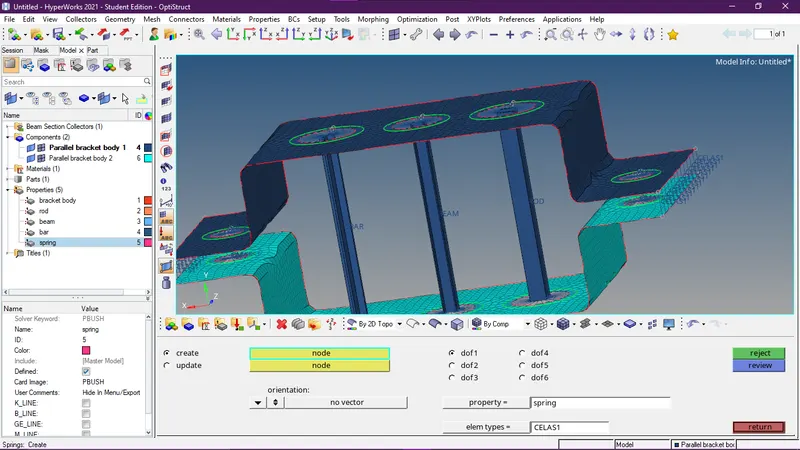
Week 4-1D Element Creation Challenge
AIM:- Mid-surfacing and mesh the given component. creat 1D element component with given cross-section and DOF.
Procedure:-
- import the component. File < import geometry
- creates a mid-surface of one bracket and changes the name mid surface to parallel body bracket 1.
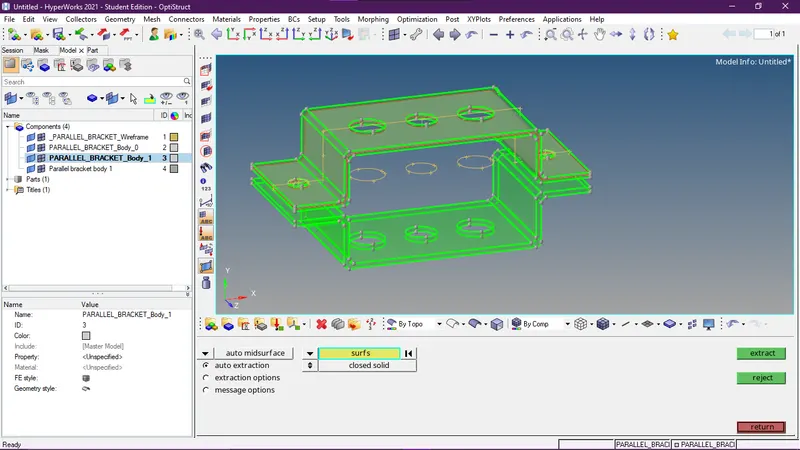
- Create component parallel body bracket 2.
- create the mid surface of another component and compile it into parallel body bracket2.
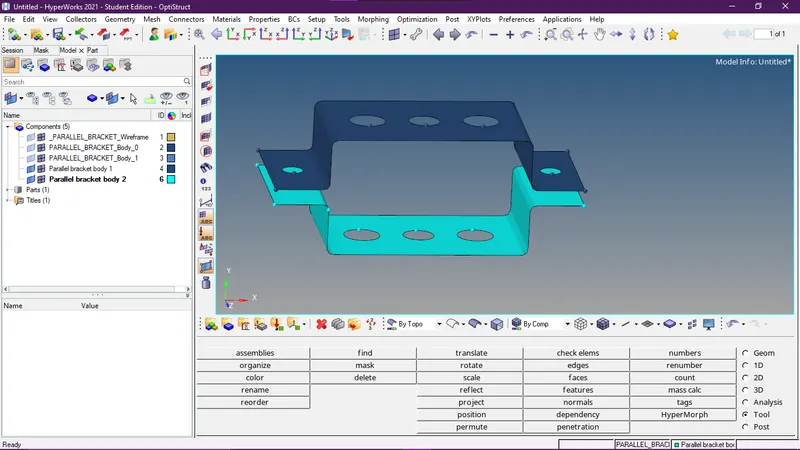
- delete the solid.Delete<solid.
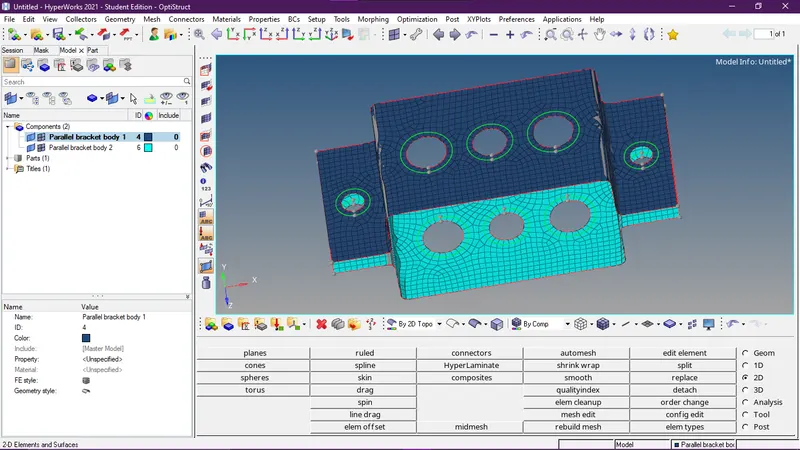
- give washer to all hole. geometrey<quickedit
- creat mesh element size 5. 2D <automesh.
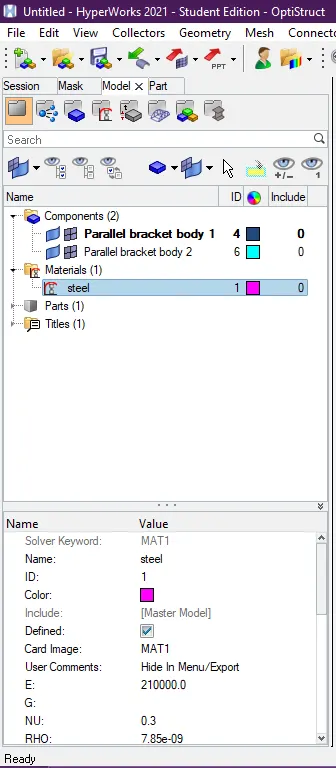
- create material and name it steel.
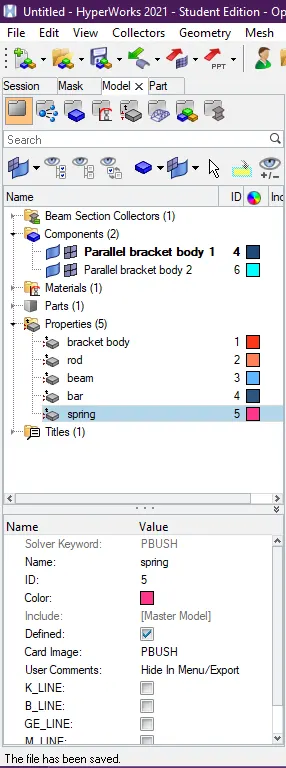
- creat property bracket body, rod, beam, bar, spring.
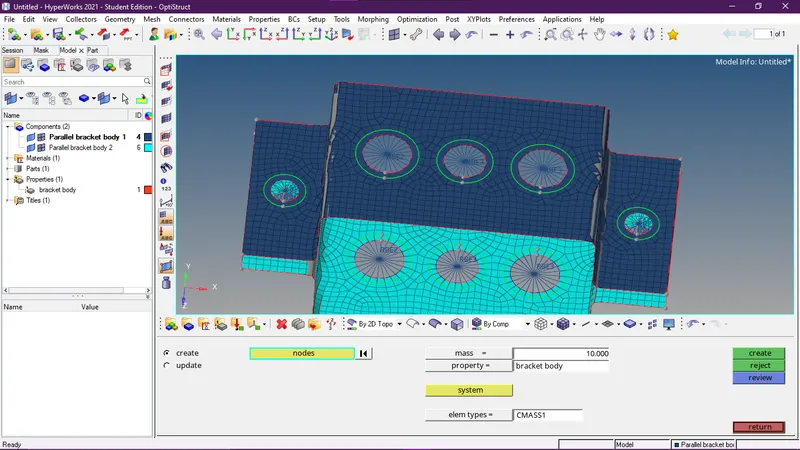
- create link in hole,rbe2 in a, rbe3 in b with all DOF, rbe2 in c with DOF in X and Y and rbe2 in d and e with a mass of magnitude 10.
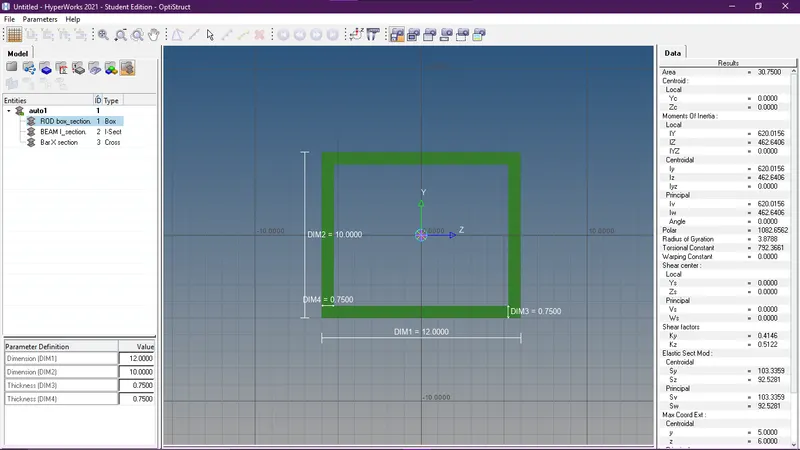
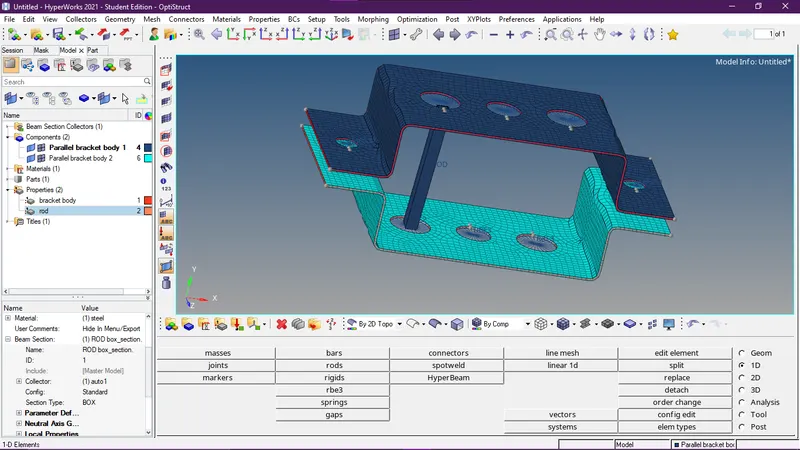
- create cross-section of rod element :BOX- Dimension a= 12 mm,dimension b=10 mm,Thickness t= 0.75 mm
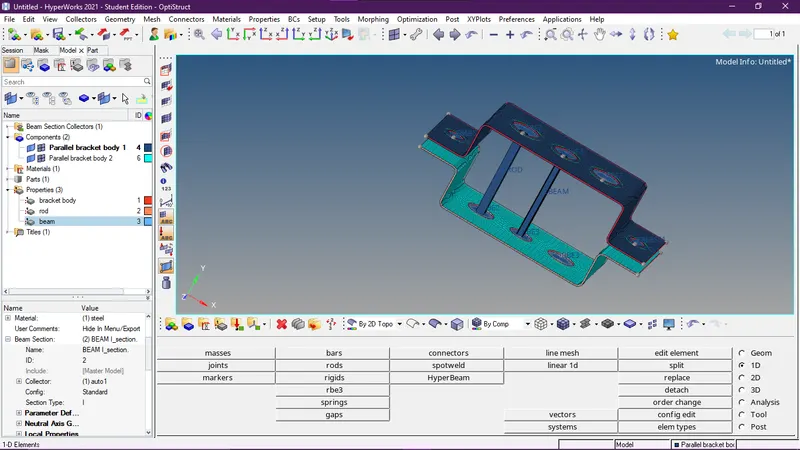
- create cross-section of beam element :I Section- Dimension a= 8 mm,Dimension b= 10 mm,Dimension c= 8.5 mm,Thickness t1= 0.75 mm,Thickness t2= .6 mm,Thickness t3= .6 mm
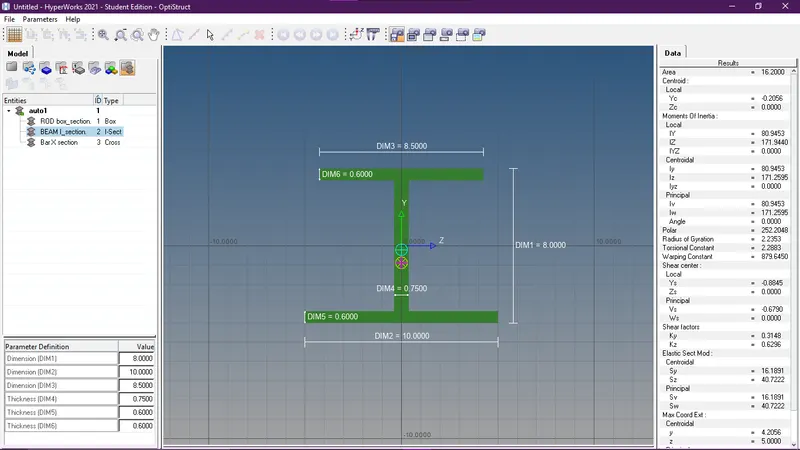
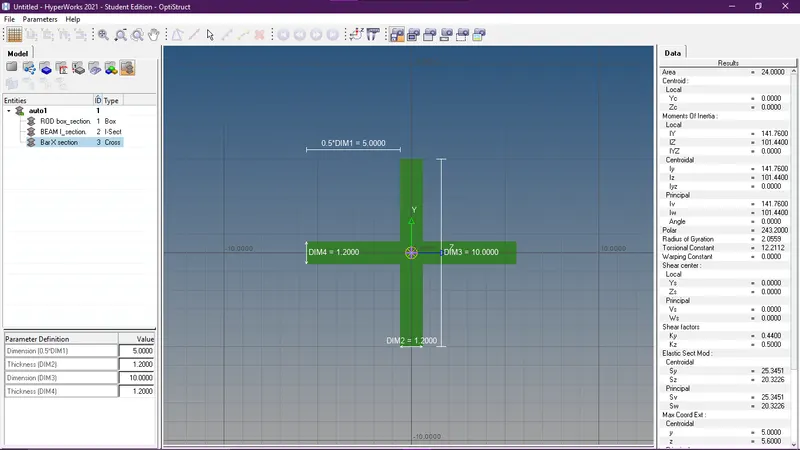
- create cross-section of bar element :X section- Dimension DIM1= 5 mm,Thickness DIM2= 1.2 mm,Dimension DIM3= 10 mm,Thickness DIM4= 1.2mm
- create bar in a with connecting link.
- create bar in b with connecting link.
- create bar in c with connecting link.
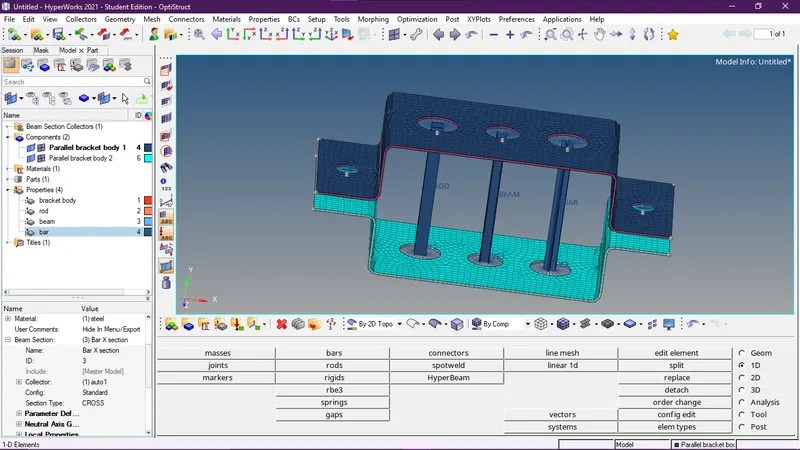
- create the spring at f.