Week 3-Meshing of Hood Challenge
PROJECT REPORT
AIM:
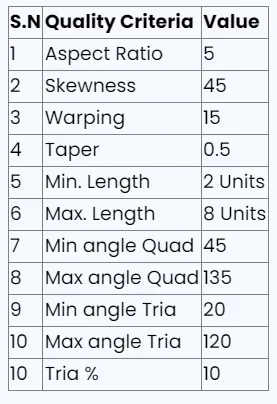
Check and correct geometrical errors on the model and take mid surface, assign the thickness then mesh it based on element Quality criteria given below,
- To check and correct geometrical errors on the Hood model.
- Generating Mid surface and geometry clean-up on the given component
- Generating mesh on the given component with low tria concentration and proper mesh flow and assigning the thickness.
BODY OF THE CONTENT:
The given model is the Hood model with a thickness of 0.6.
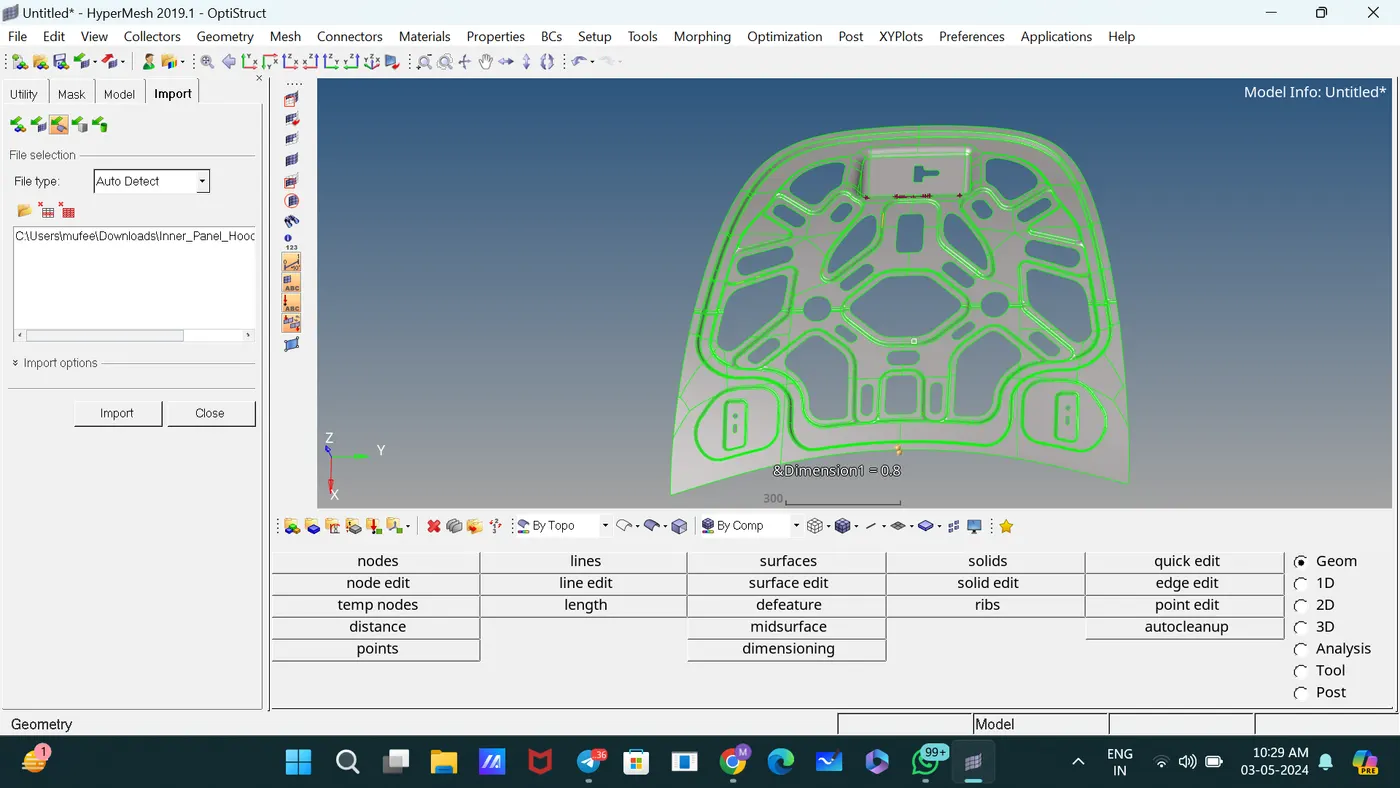
This is the CAD MODEL,
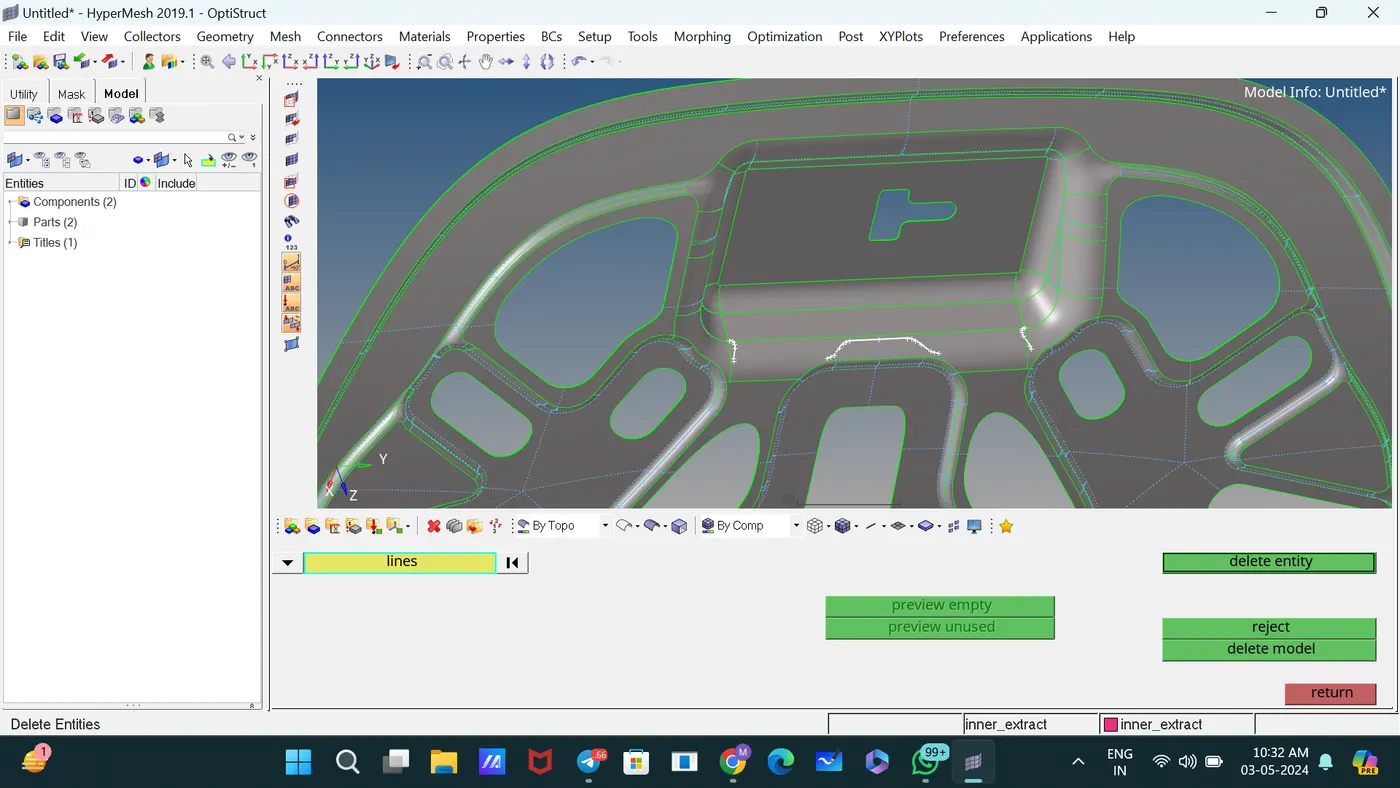
Deleted unwanted lines and solids. [Delete—select the solids and lines]
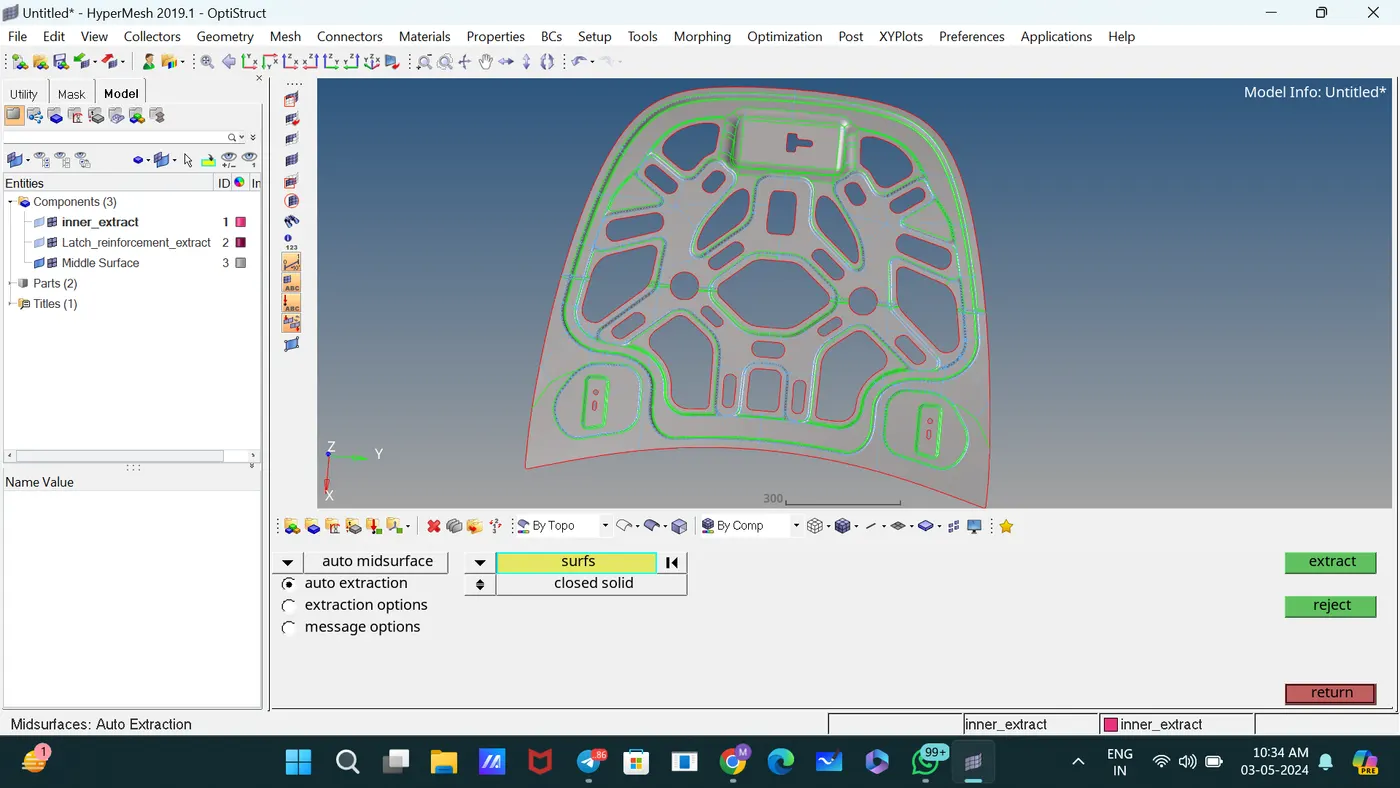
Generated the mid surface of the component using the command midsurface.
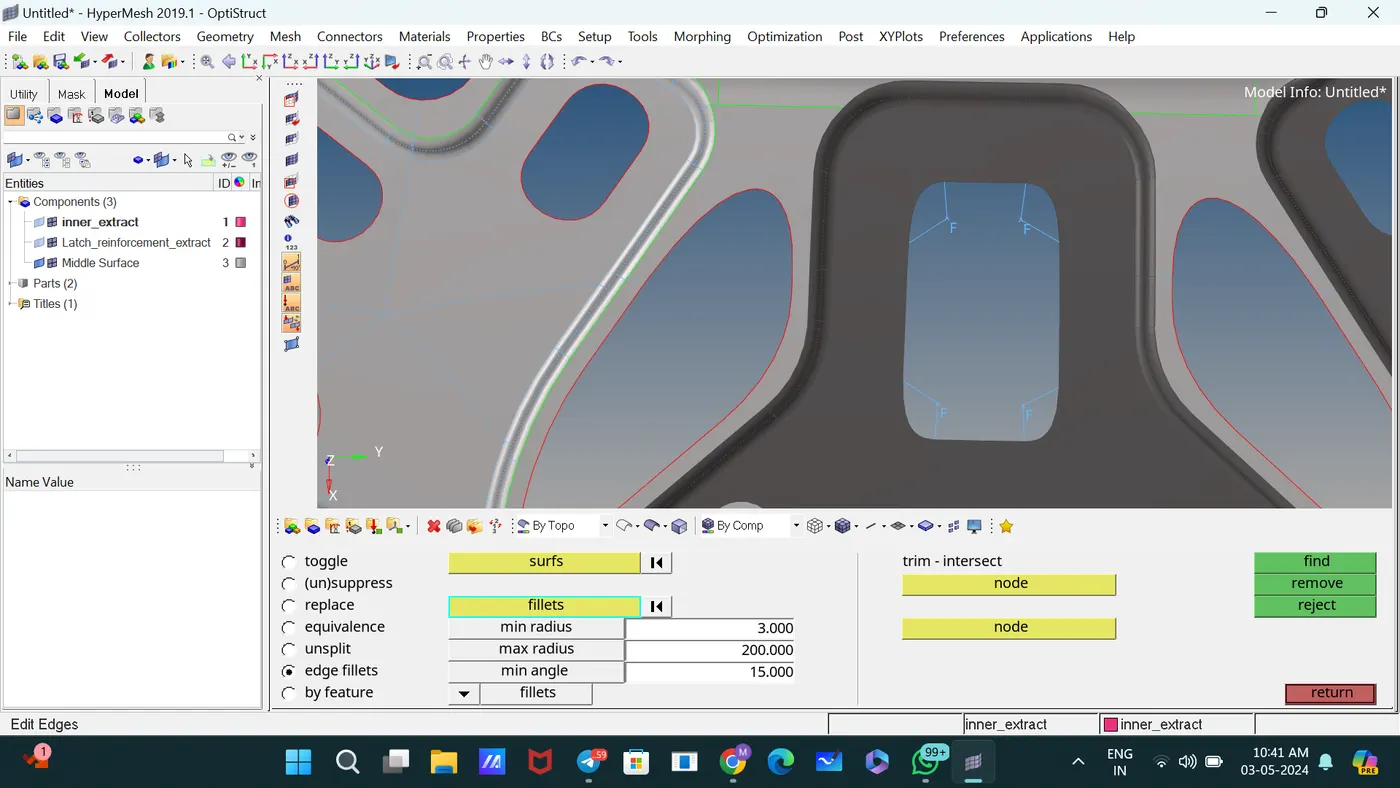
Used the Edge Fillets subpanel to identify and remove edge fillets with specified dimensions.
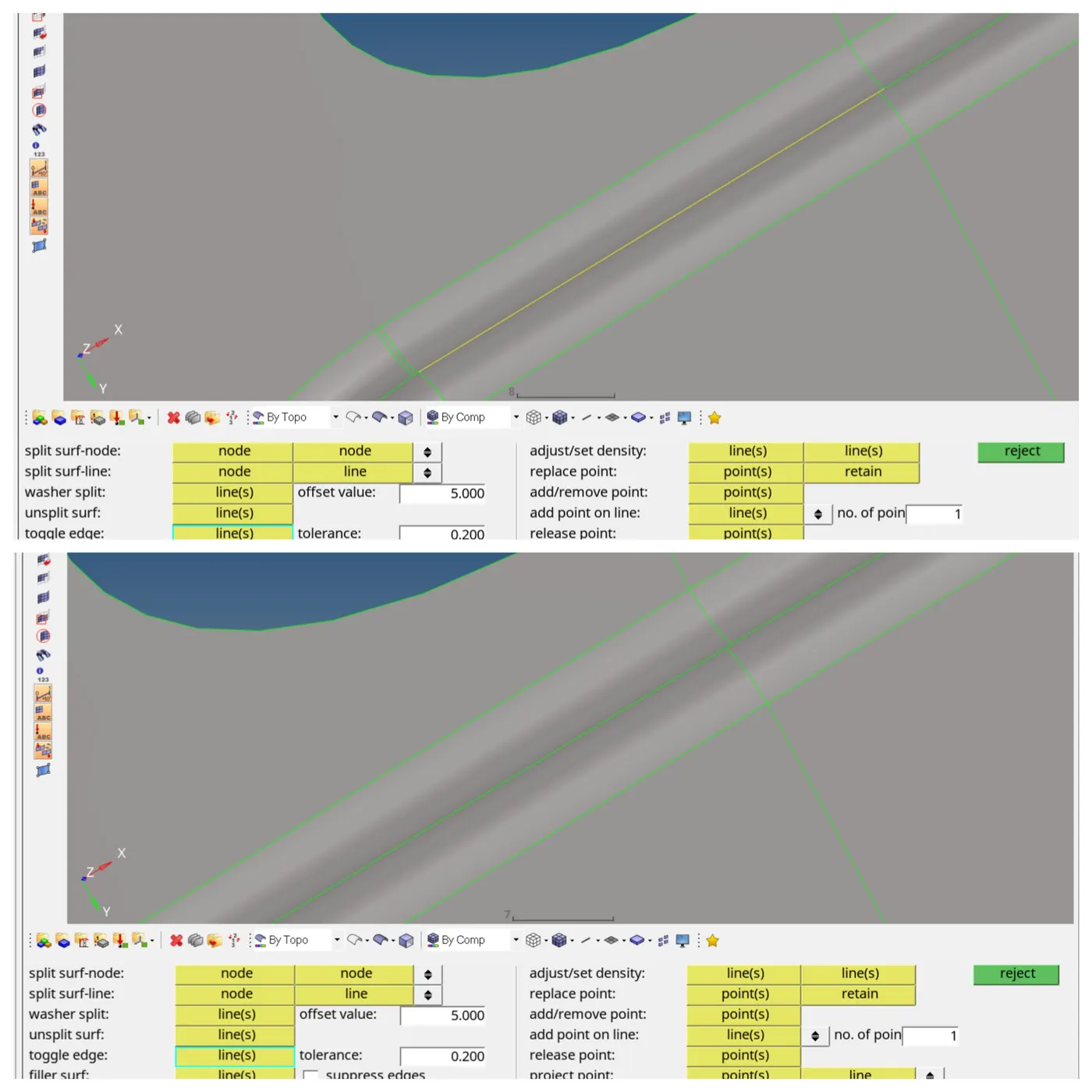
Used the Toggle subpanel to toggle edges for proper connection between surfaces.
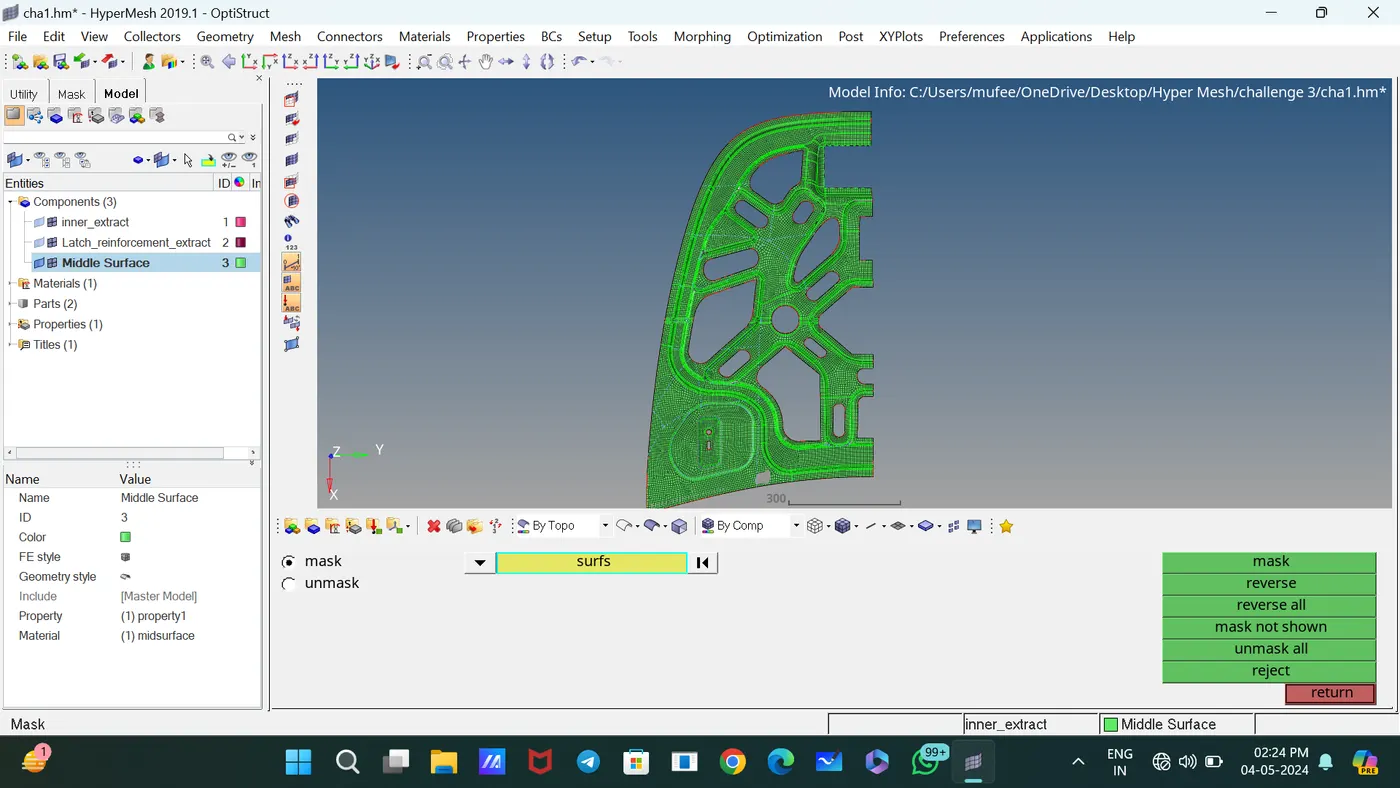
Deleted the symmetric part.
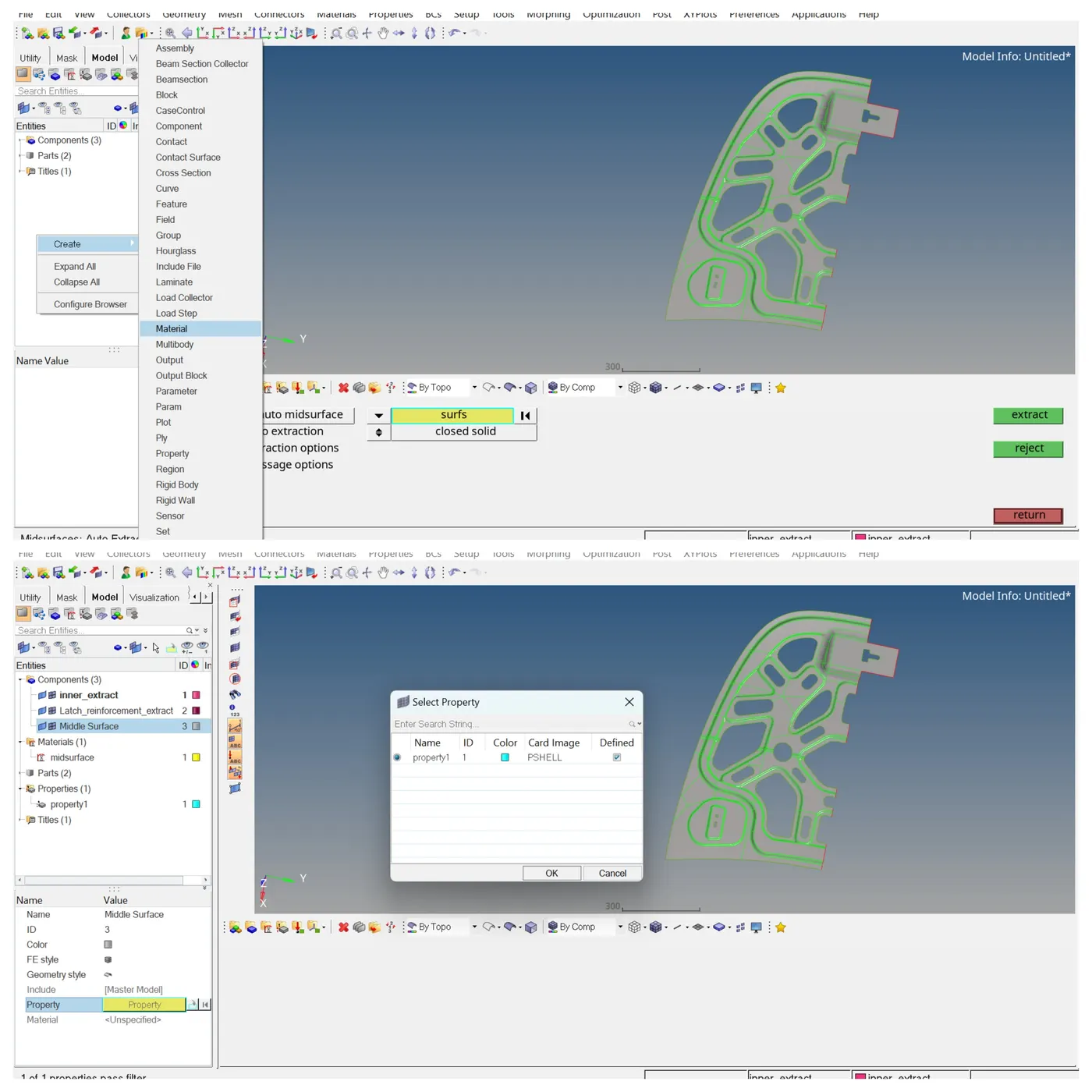
Created New material and property and assigned thickness and density.
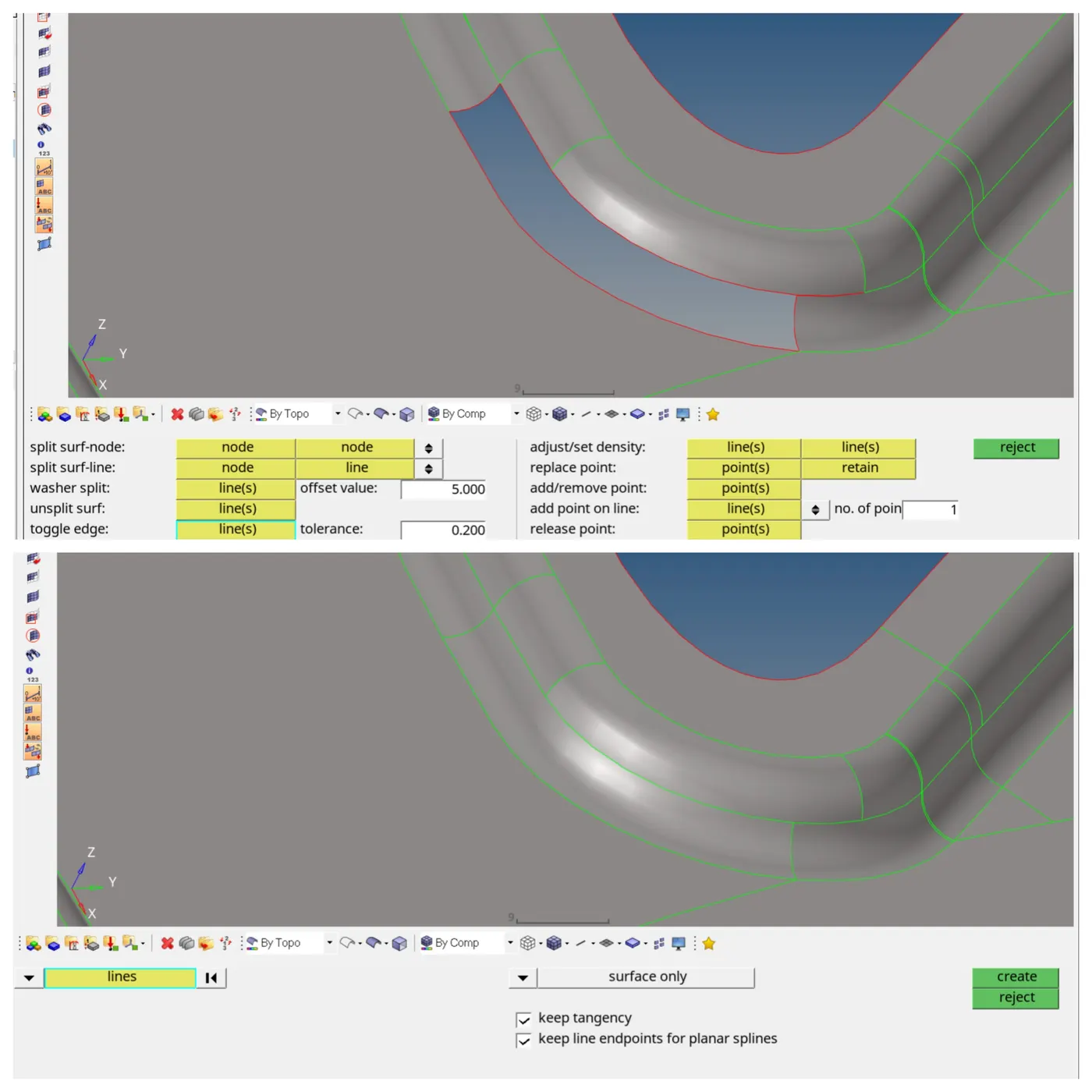
Deleted the damaged surface and created new surfaces by spline surf.
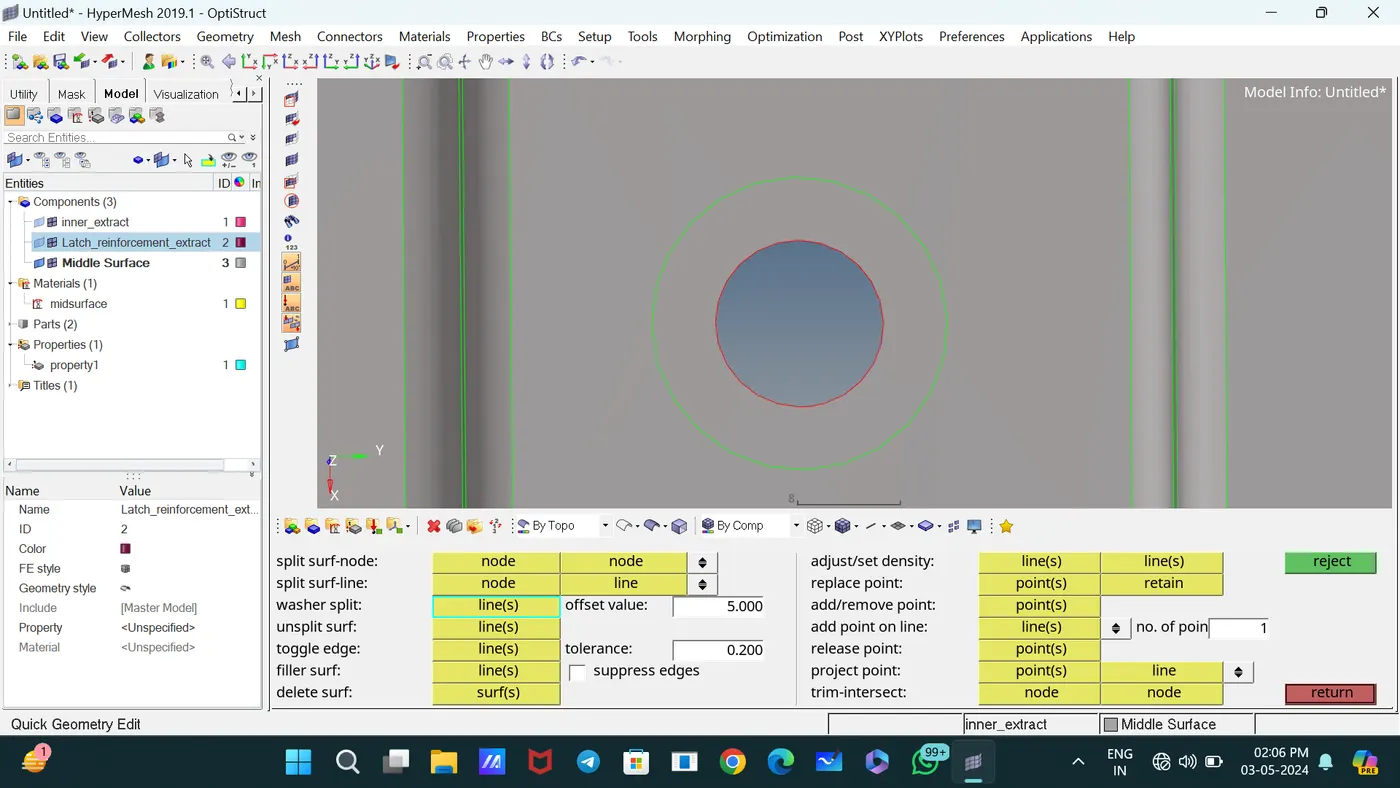
Created a washer seated on a hole model. Specify an offset value (5) to determine the width of the washer, then use the line selector to select the line to which wish to add washers of that thickness.
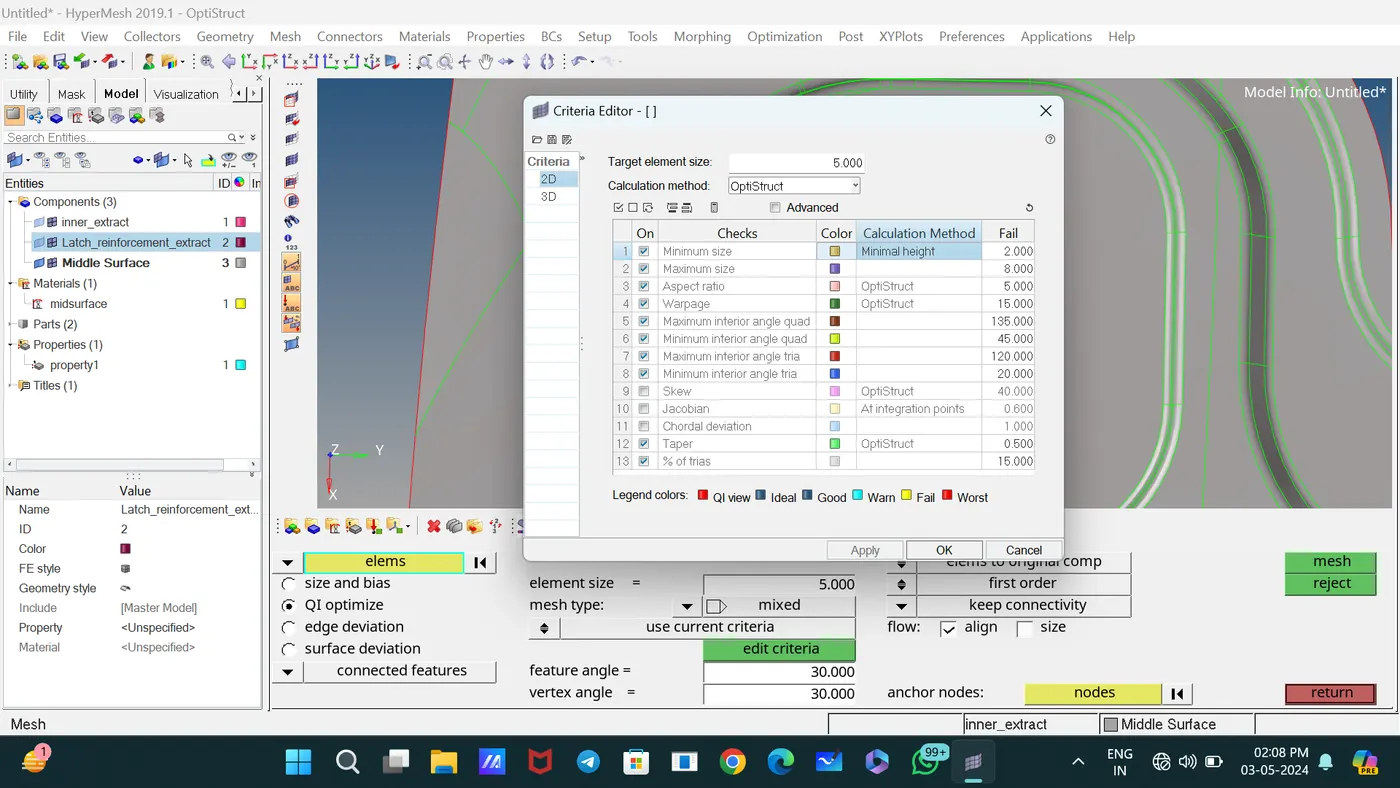
Assigned the quality criteria of elements in check Elements 2D.
Meshed the components with element size 5 by selecting surfaces.
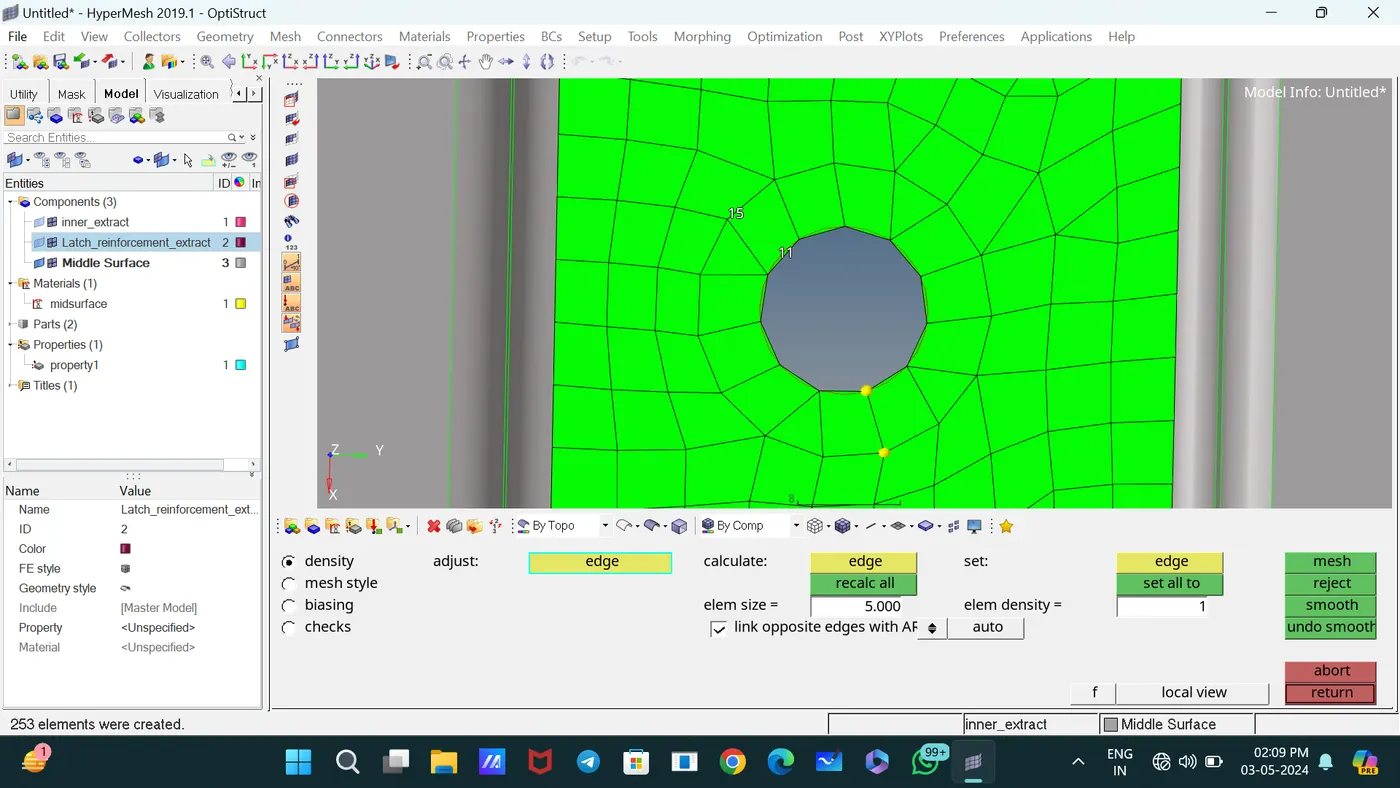
For proper mesh flow and changing tia to quads, mesh the elements and adjust the number of nodes.
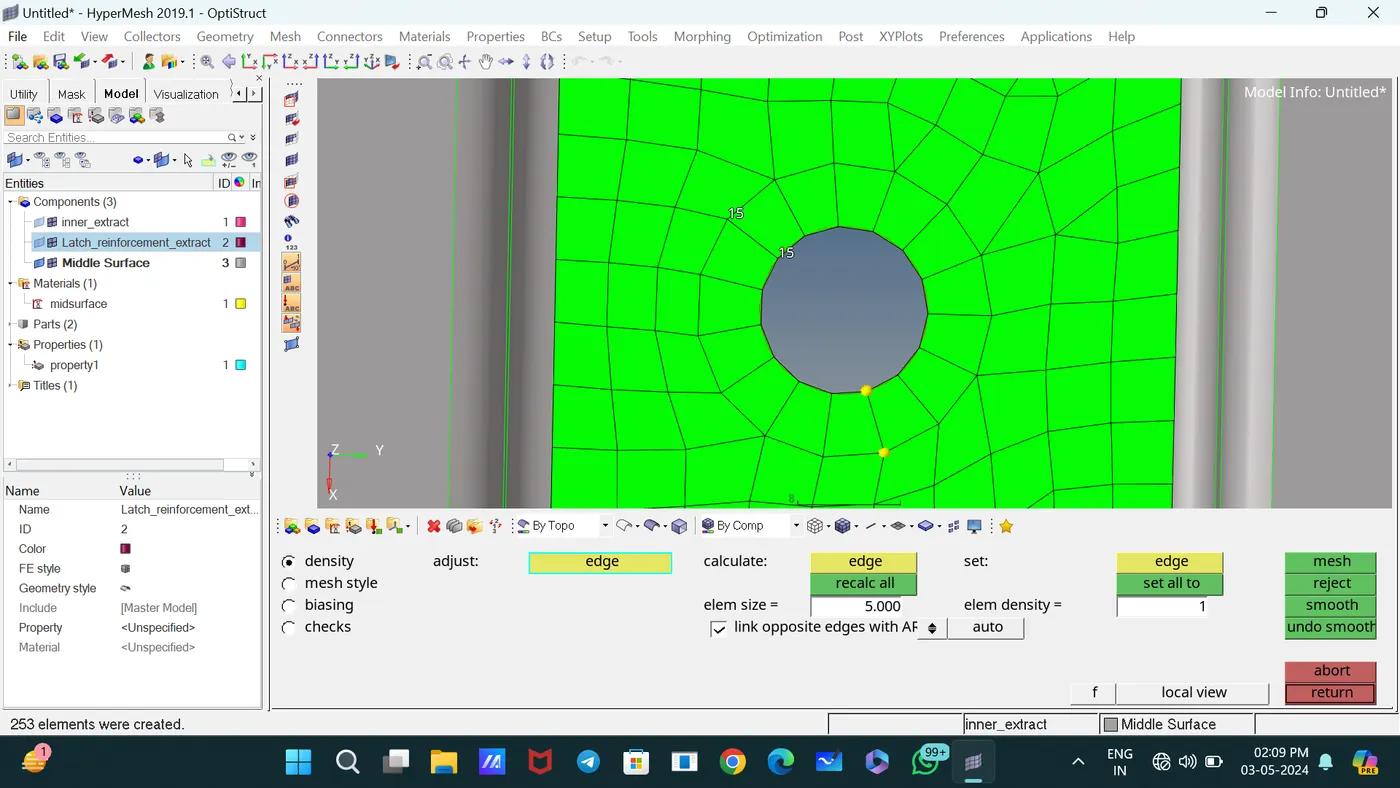
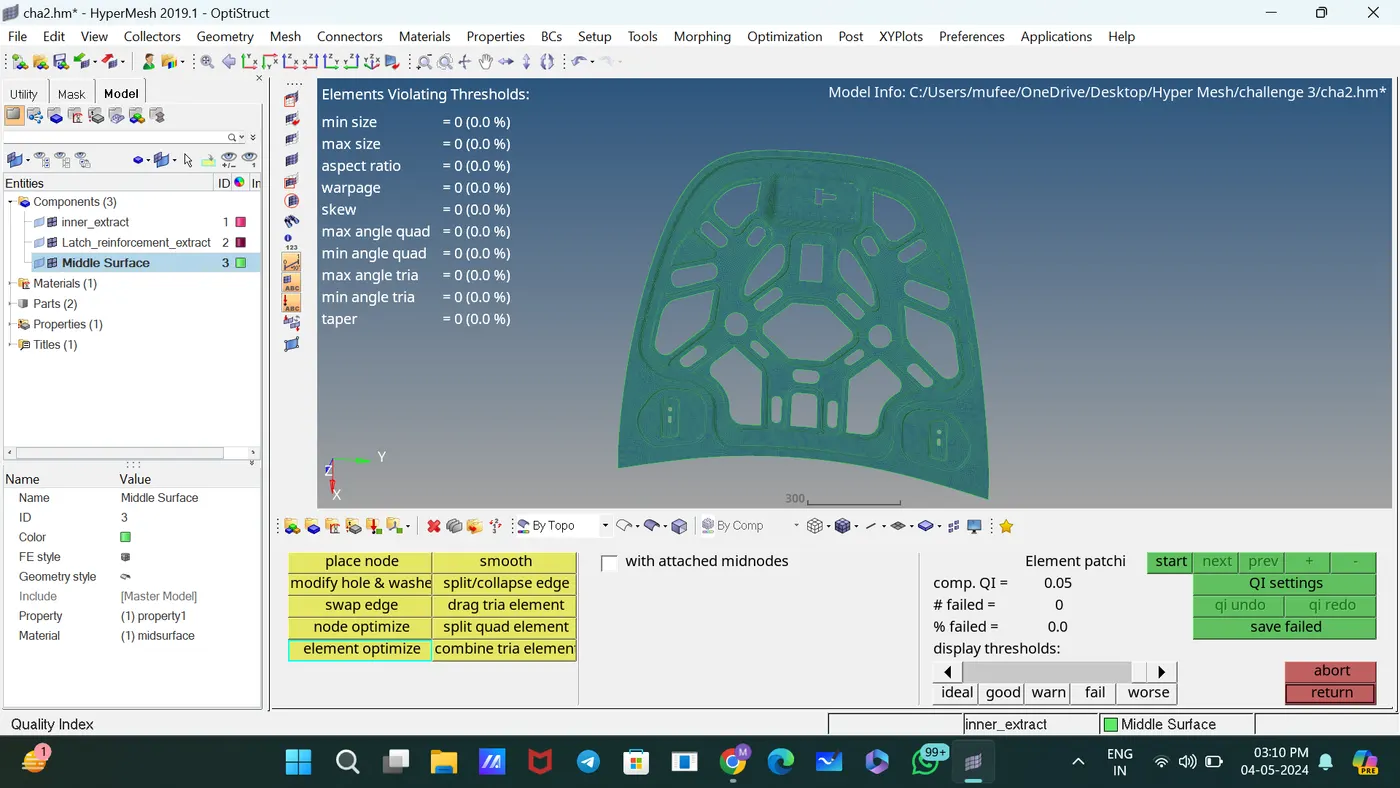
Used the Quality Index panel to calculate a single value to represent the quality of the displayed shell (2D) model and used the commands drag tria elements, place element, and split element to proper mesh flow.
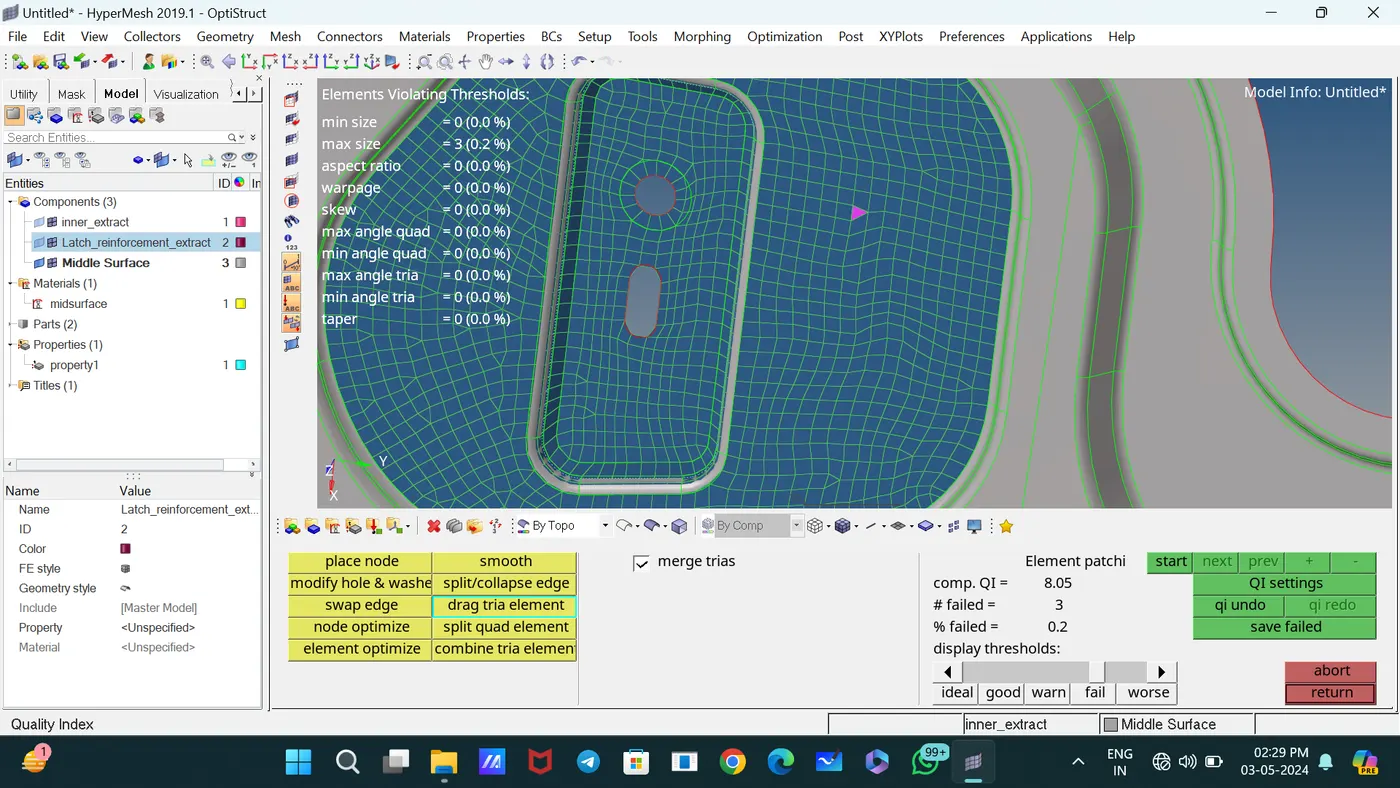
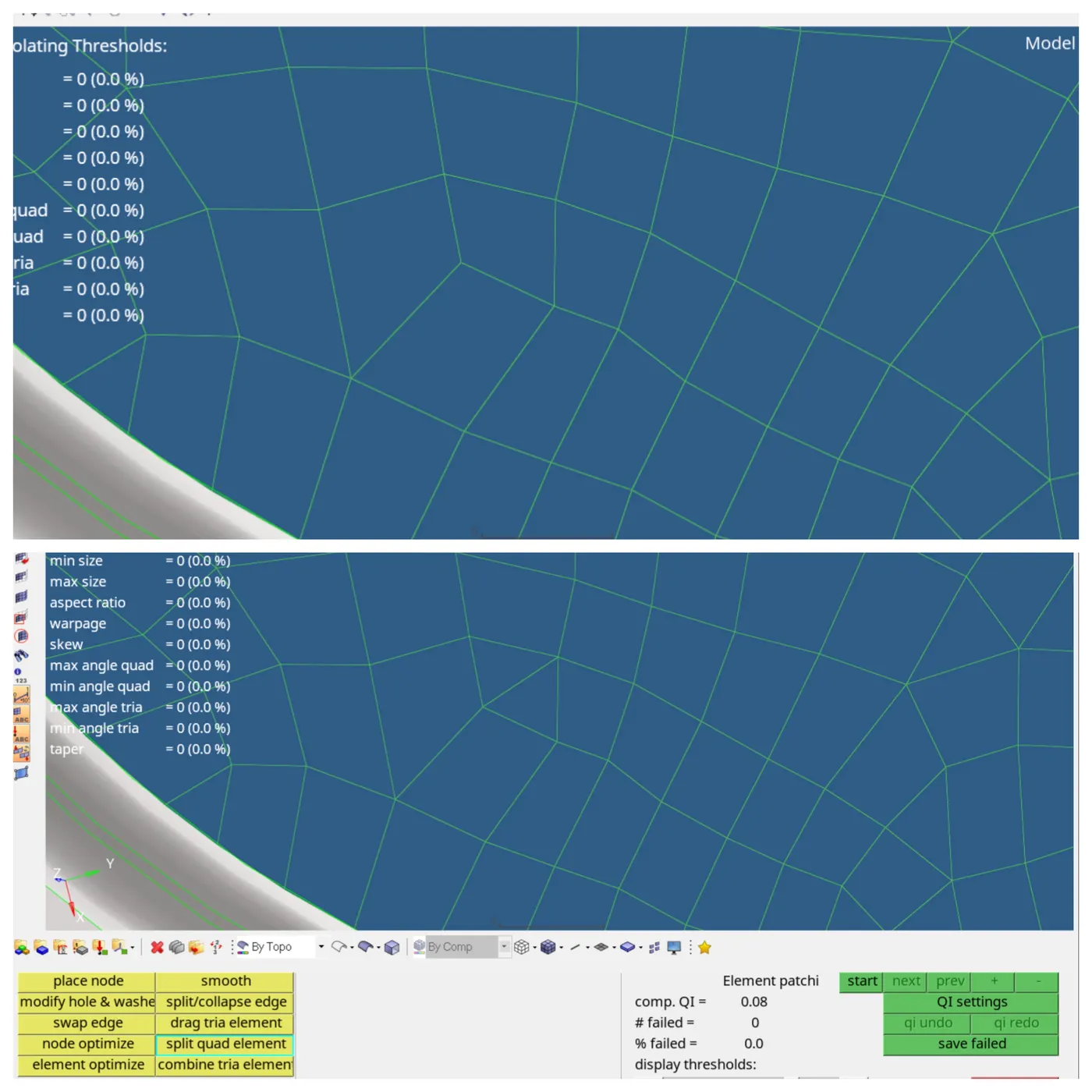
For removing rotational quads, use the slip quads and drag elements.
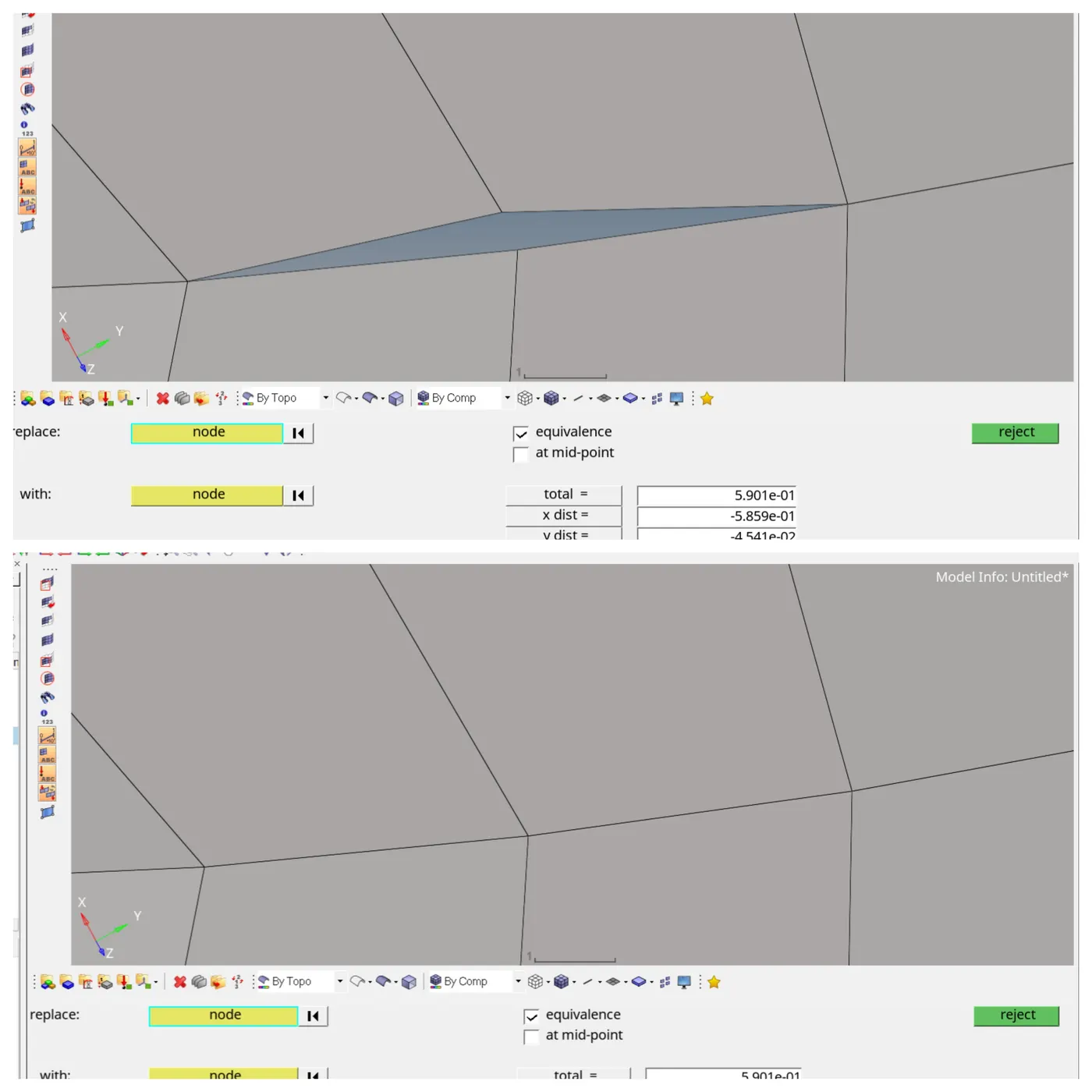
In this situation, use the Replace command to join the elements.
Used Auto element clean up to clean the element for accruing quality criteria.
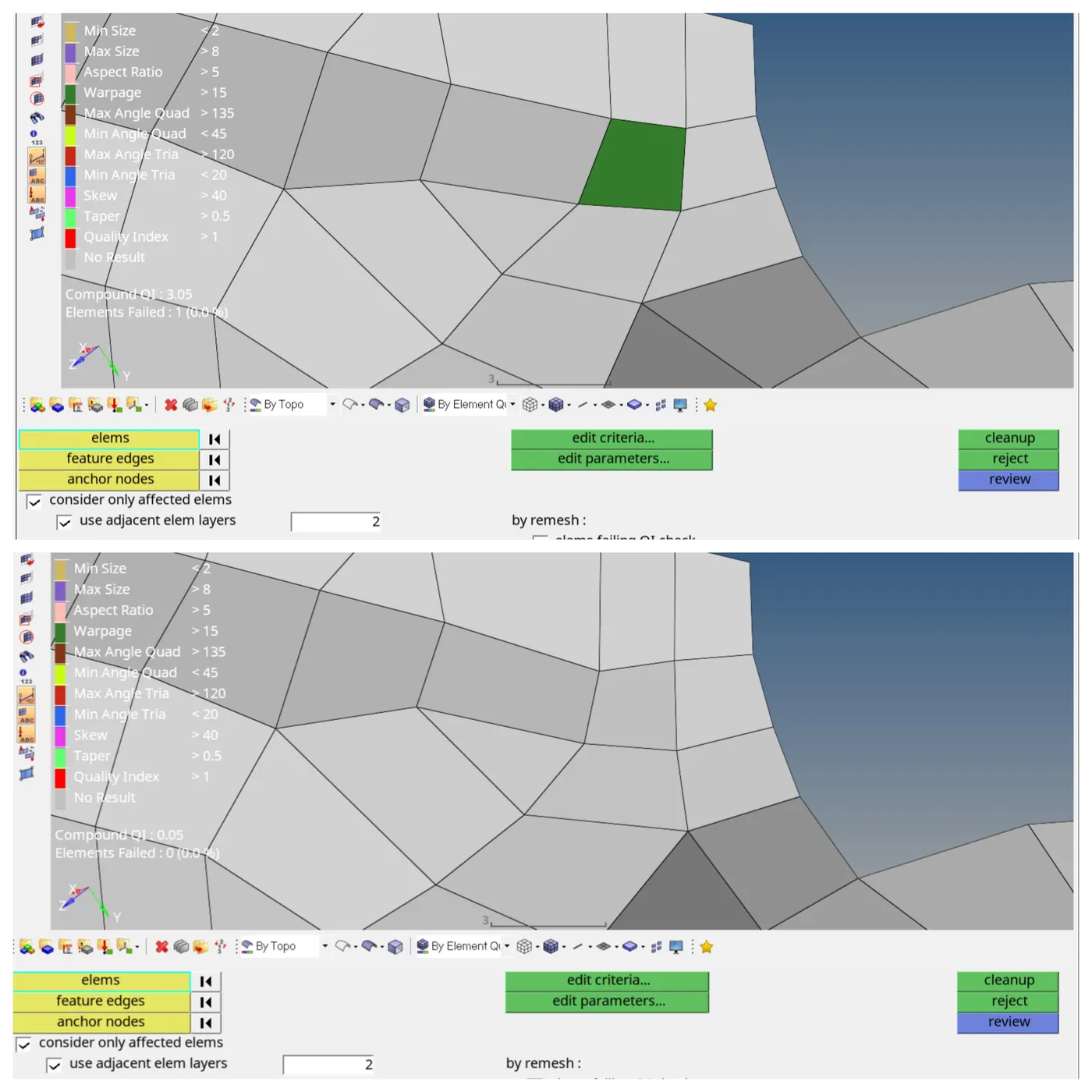
The symmetric meshed component is ready.
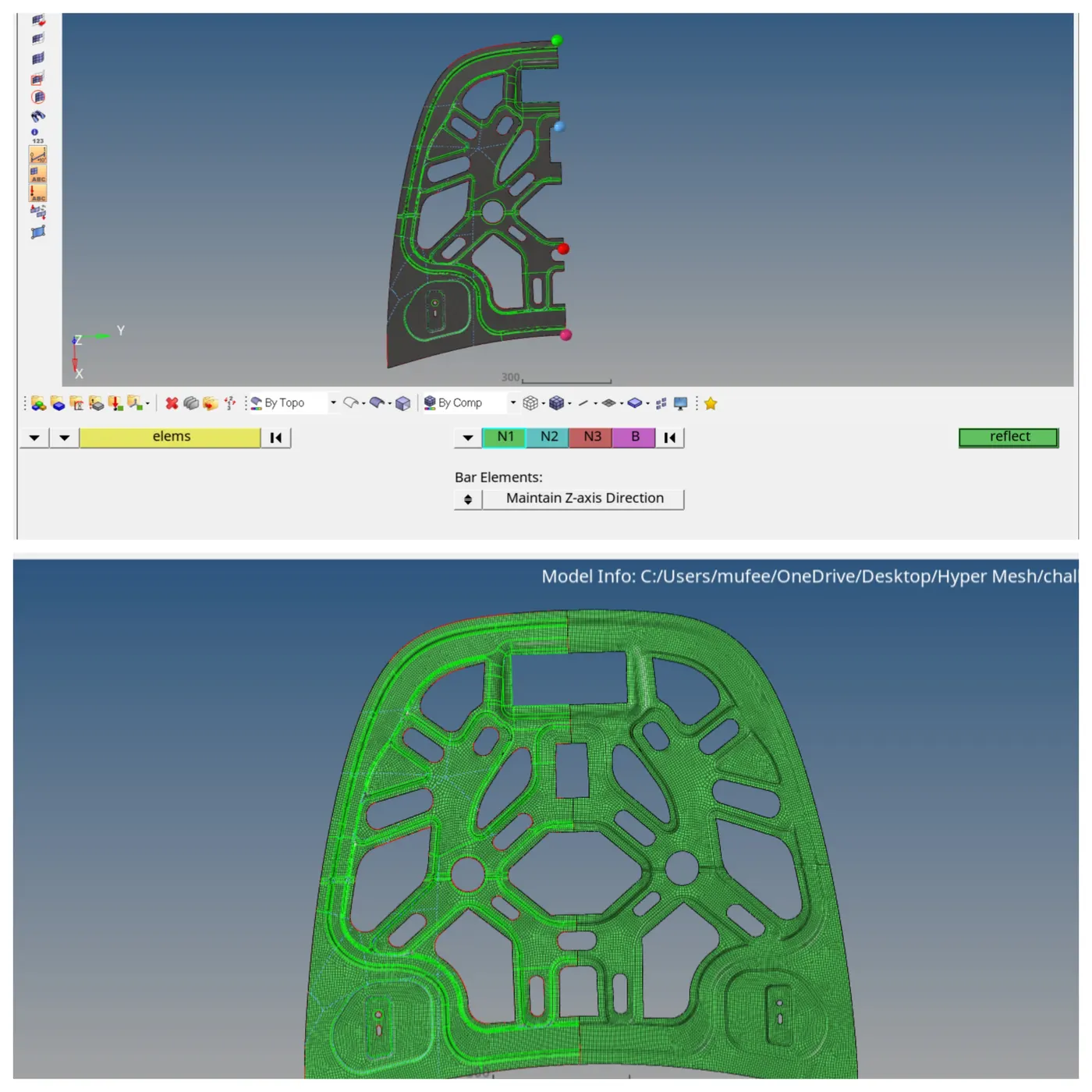
Used the Reflect command to reflect the symmetric elements [tool—Reflect]
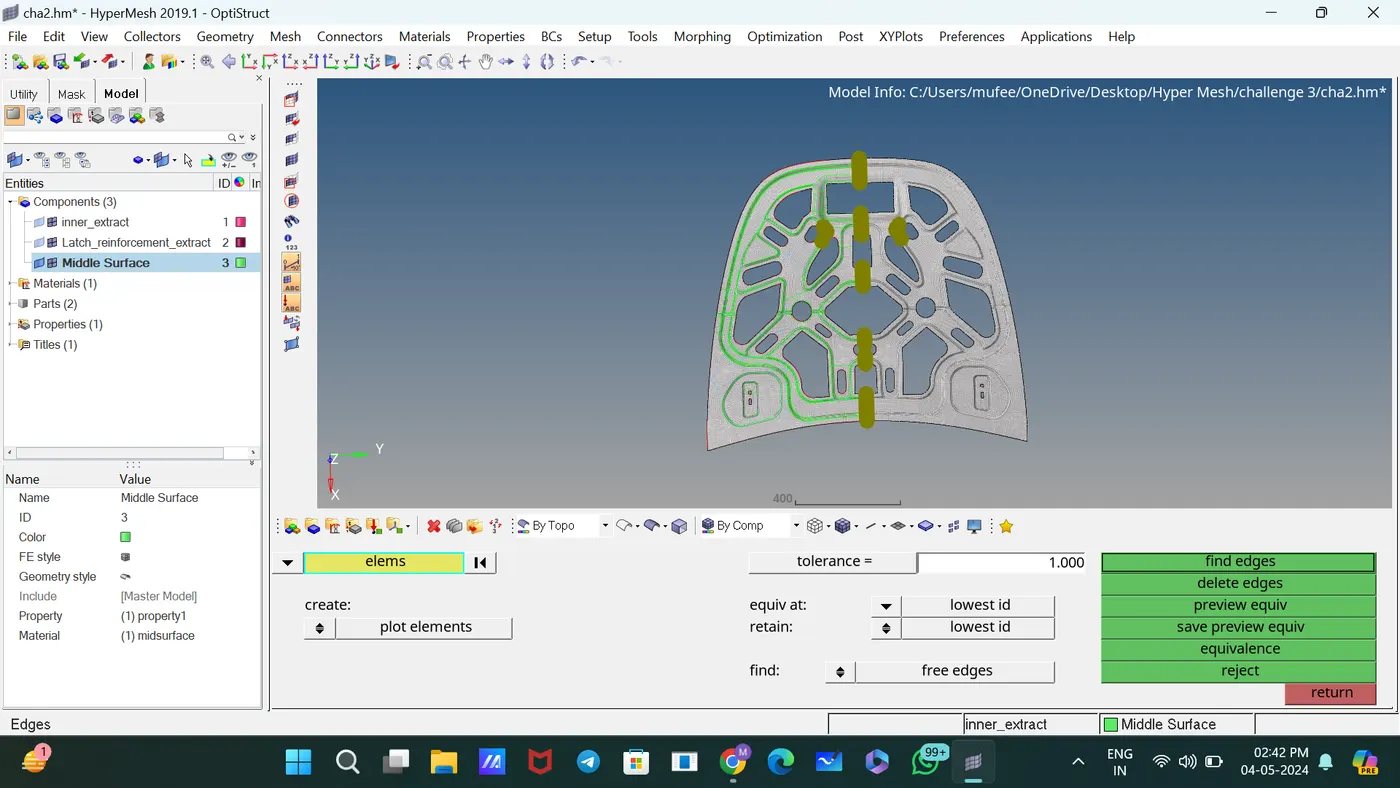
Performed the coincident node check on the selected elements and showed a temporary node at the location of any nodes identified for removal.
Performed the equivalence function by the specified criteria. It is generally advisable to preview the equivalence before performing it.
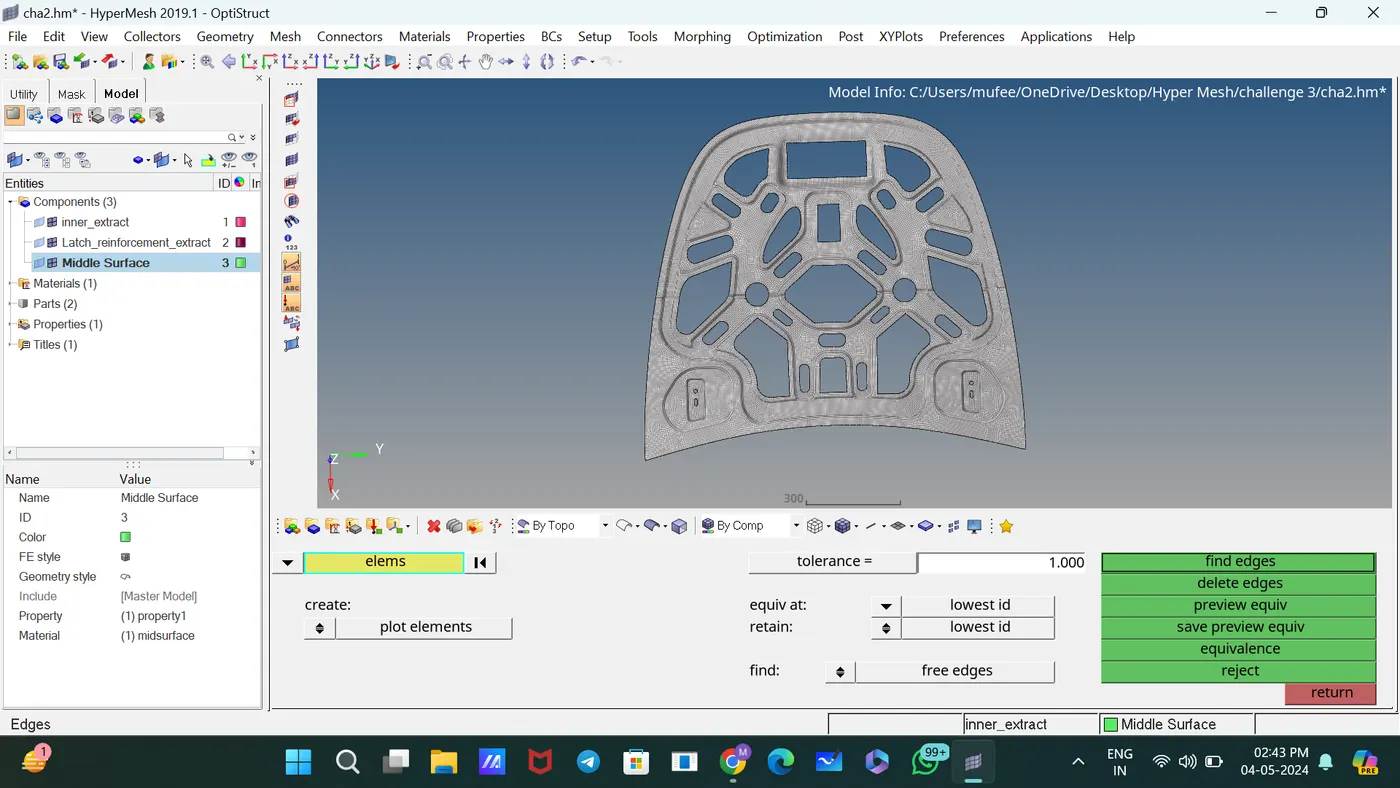
Completed the meshing with proper mesh flow and low tria concentration.
CONCLUSION:
For the given Hood model, the mid surface after checking the geometrical errors, meshed with the mid surface low tria concentration, and proper mesh flow with the given element Quality criteria.