Week 3-Meshing of Hood Challenge
Report- Meshing of Hood
Objective -
1)extract the mid surface of the model and do the clean-up of geometry.
2)then apply mesh on the model
3)improve the quality of the mesh.
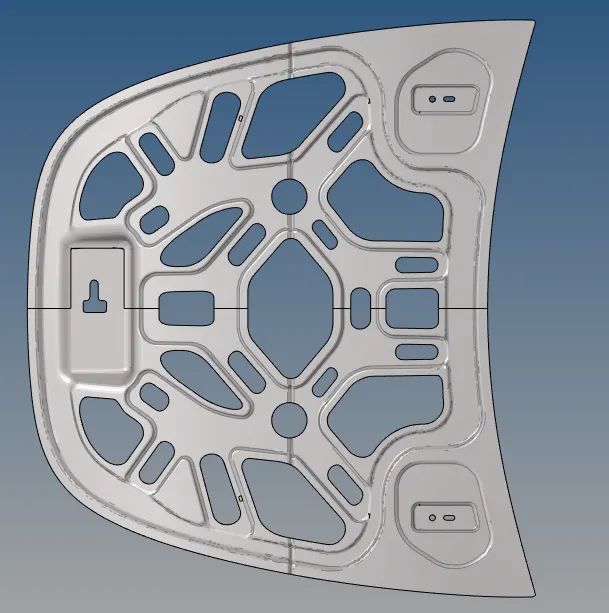
CAD Model pic-
Procedure-
1) extract the mid-surface of the model.
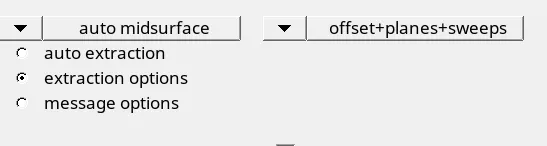
• for that go to geometry>mid surface
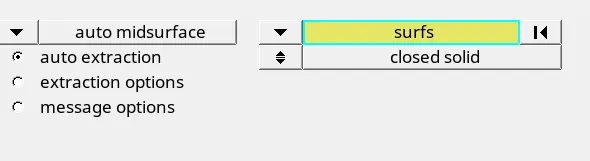
•extraction option and choose offset+planes+sweeps option for the suitable mid surface.
•then again go to auto extraction and click extract.
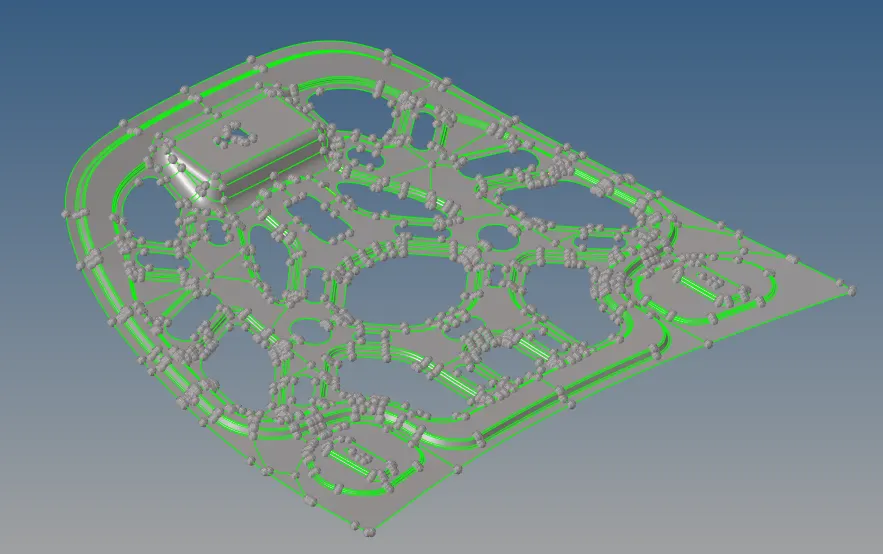
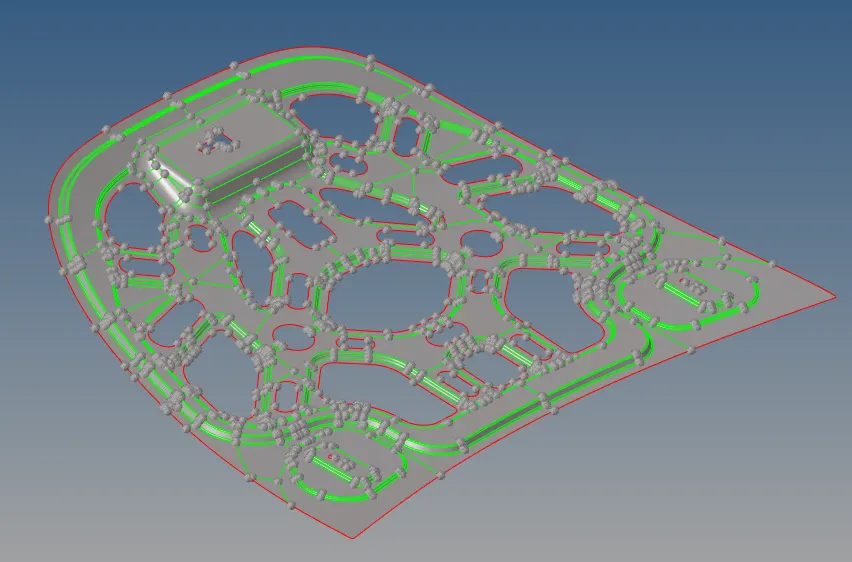
•Mid surface
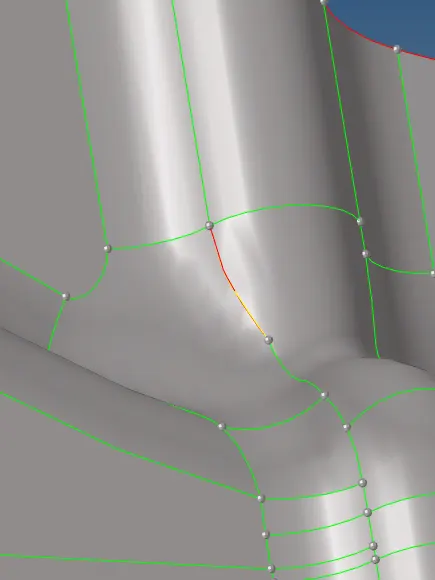
•as we see there is a free edge present in the model
•so do geometry clean up to remove such type of problem
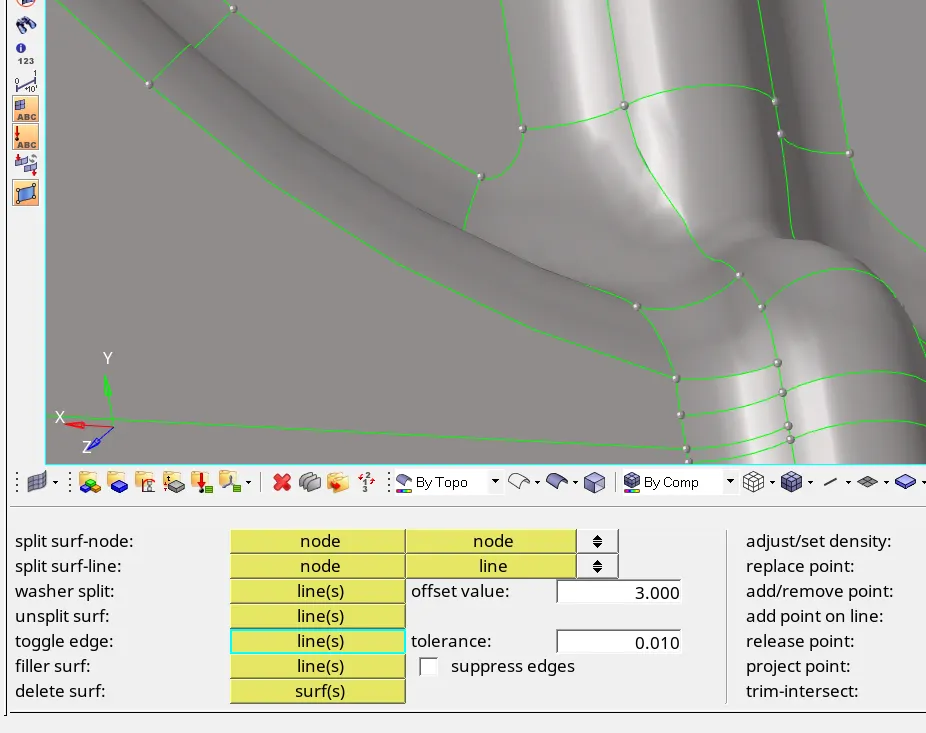
so to fix this go to the geometry >quick edit >toggle edge
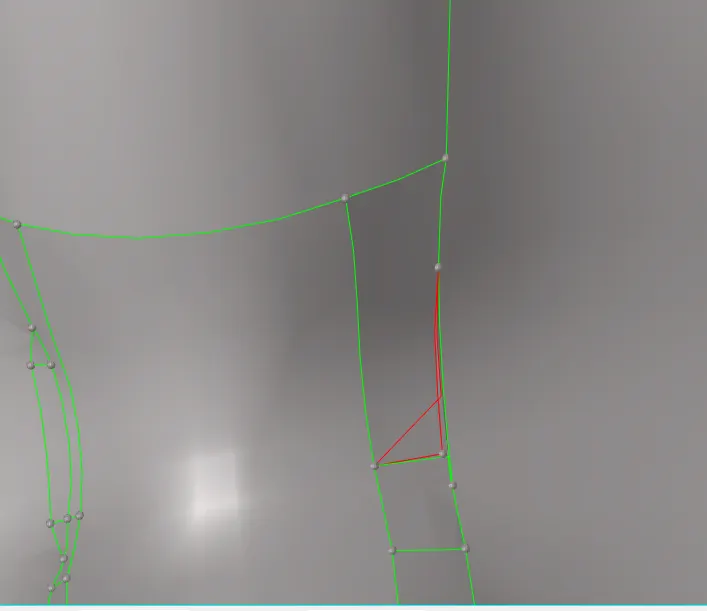
delete the surfaces and apply filler surfaces command
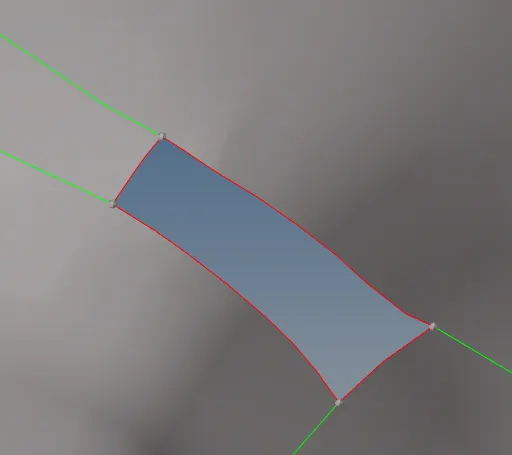
now go to geometry > quick edit> filler surface
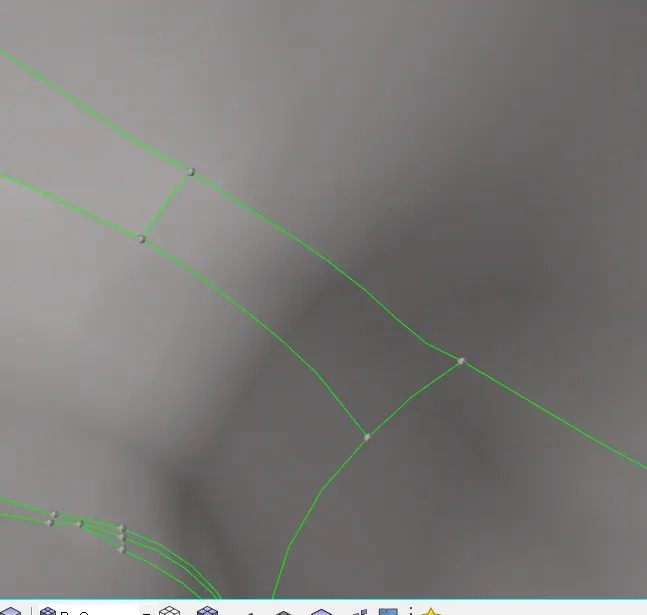
•as we see the component is symmetric so delete half of the component from the midpoint
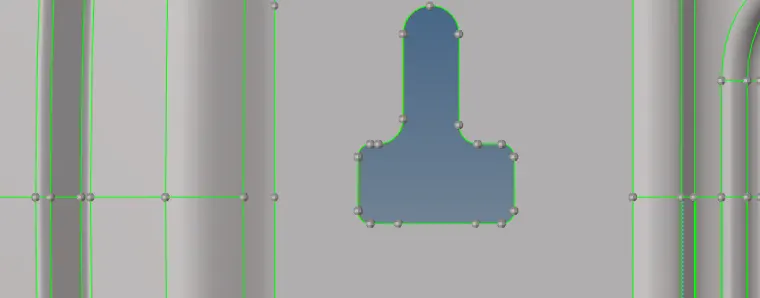
•to do that split the surface from the midpoint.
•go to quick edit split surface line(node line) to split the surface.
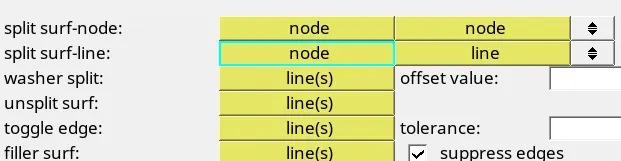
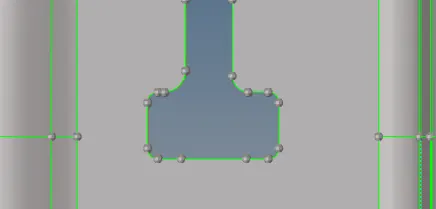
now apply the delete command to delete the half surface of the component.

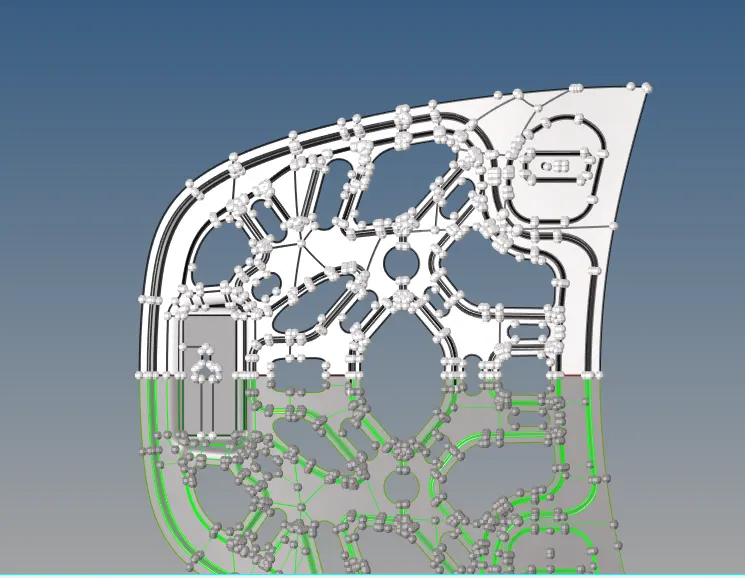
by deleting the half surface we have half region left
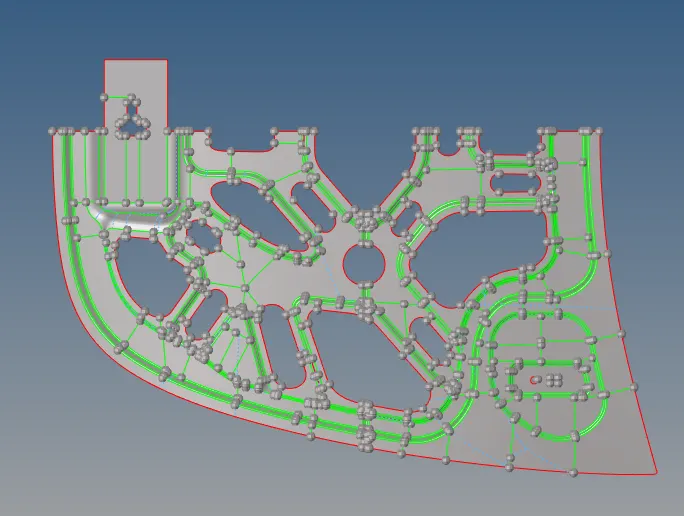
2)Meshing of the mid surface.
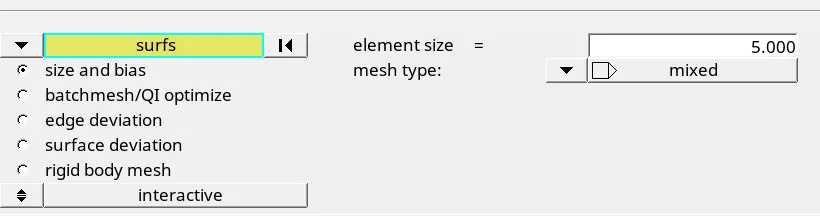
•go to 2D, auto mesh, and select the target element size as 5 unit
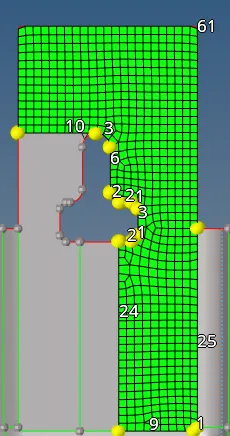
•and select the surface one by one for meshing(try to start the meshing from the inner surface).
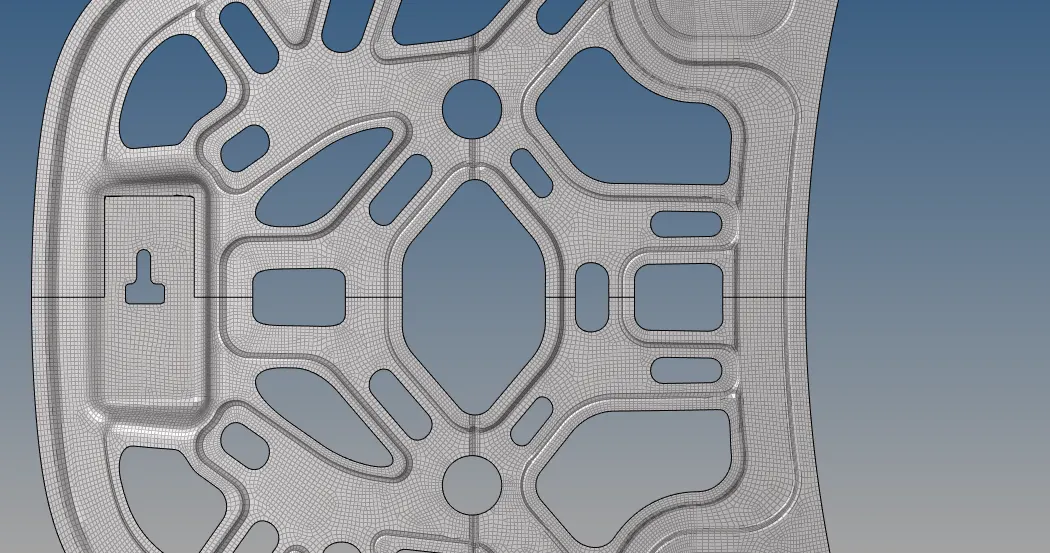
• then we get the mesh on the component.
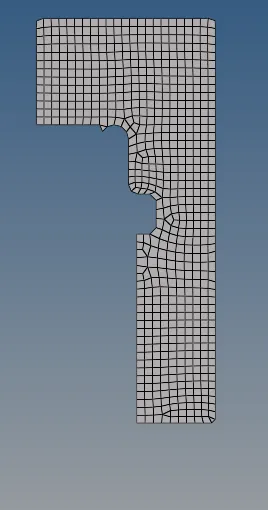
now hide the component to show the FEA model that we have meshed.
•to maintain the mesh flow use remesh and rebuilt option.
• mesh rest of the surface by using with same concept.
•if required to cut the face of the component then use quick edit split surface line (node line )
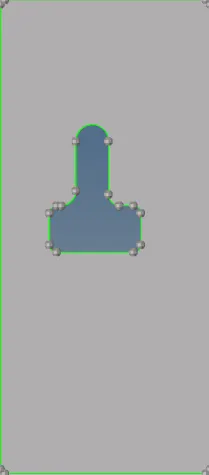
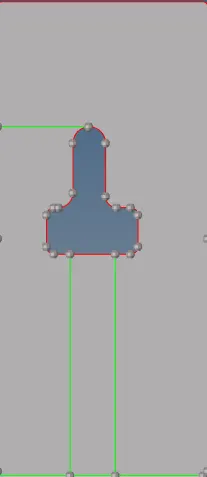
•To maintain the mesh flow go to geometry> quick edit> adjust
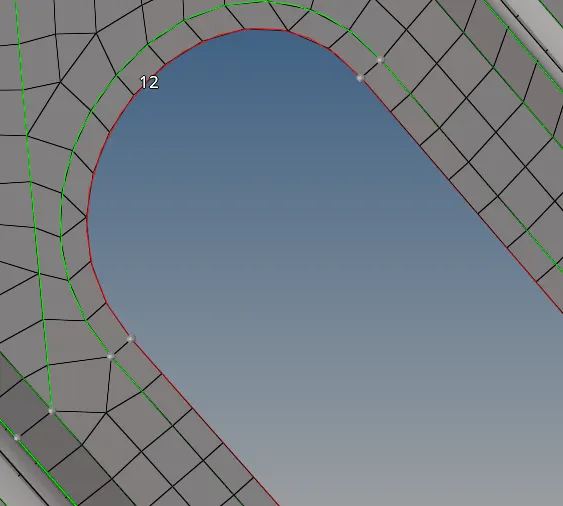
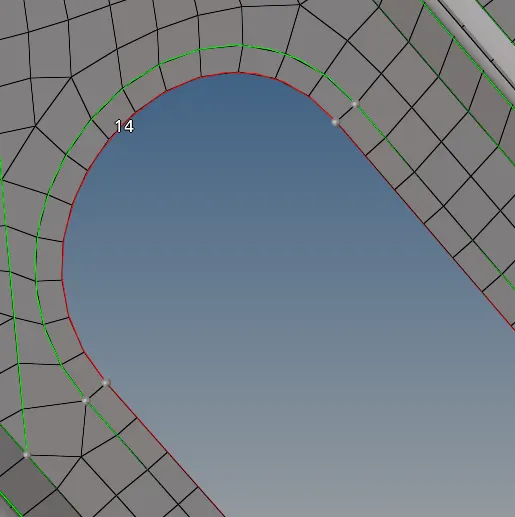
•try to make the flow of mesh good in the meshing of the component.
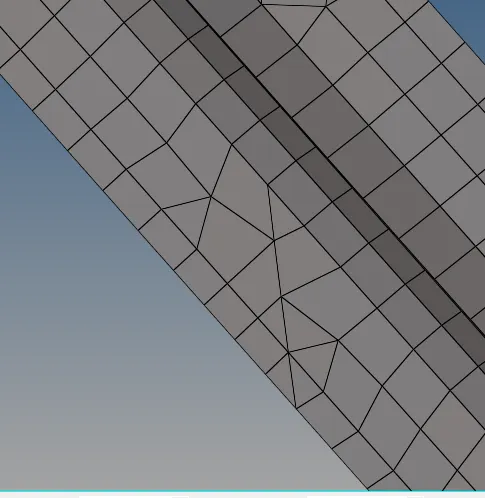
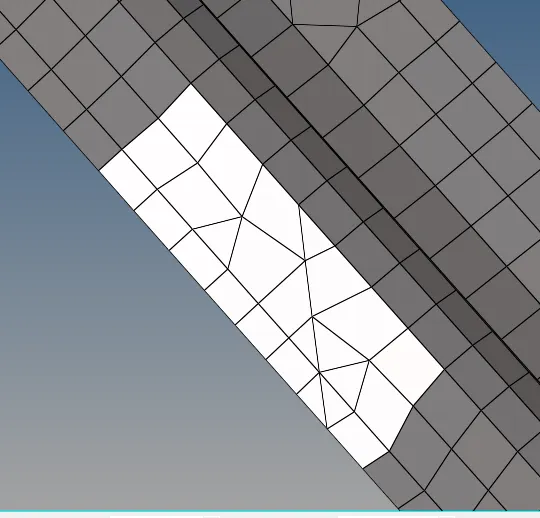
• go to 2D, auto mesh select the region and remesh that portion only.

3)Quality of mesh
•Quality criteria for meshing of mid-surface.
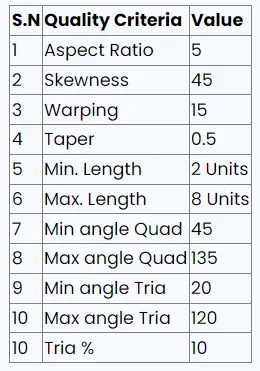
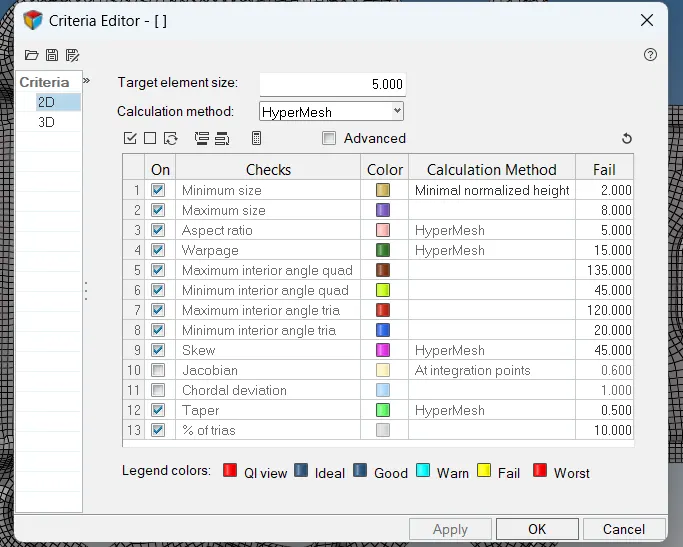
•assign the quality criteria to the mid-surface.
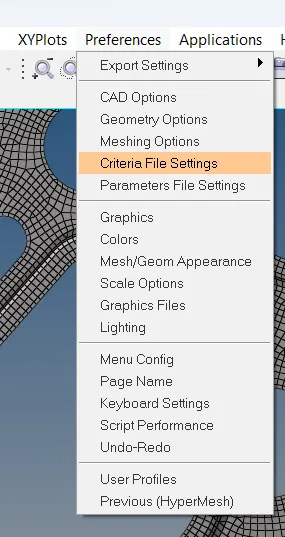
•to do that go to preferences > criteria file setting.
meshing will be done surface by surface
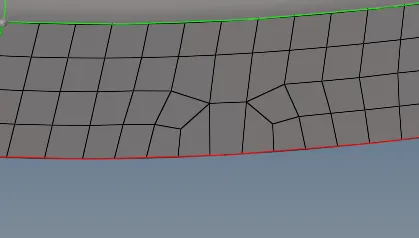
here meshing flow is not in the proper way to fix it we can use multiple things
like remesh, rebuilt mesh, element optimize
I am going to use remesh option 1st to do that go to 2D-Automesh select the element option lift click
on element -choose by geometry and select the surface where we want to remesh- add to selection
remesh.
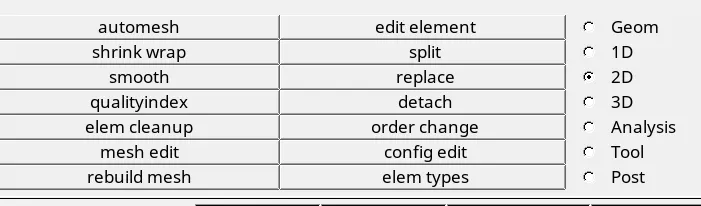
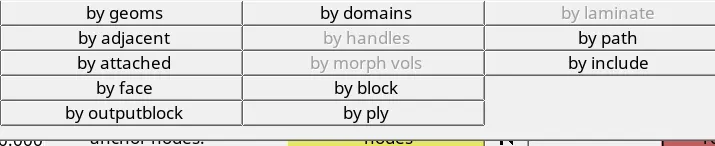
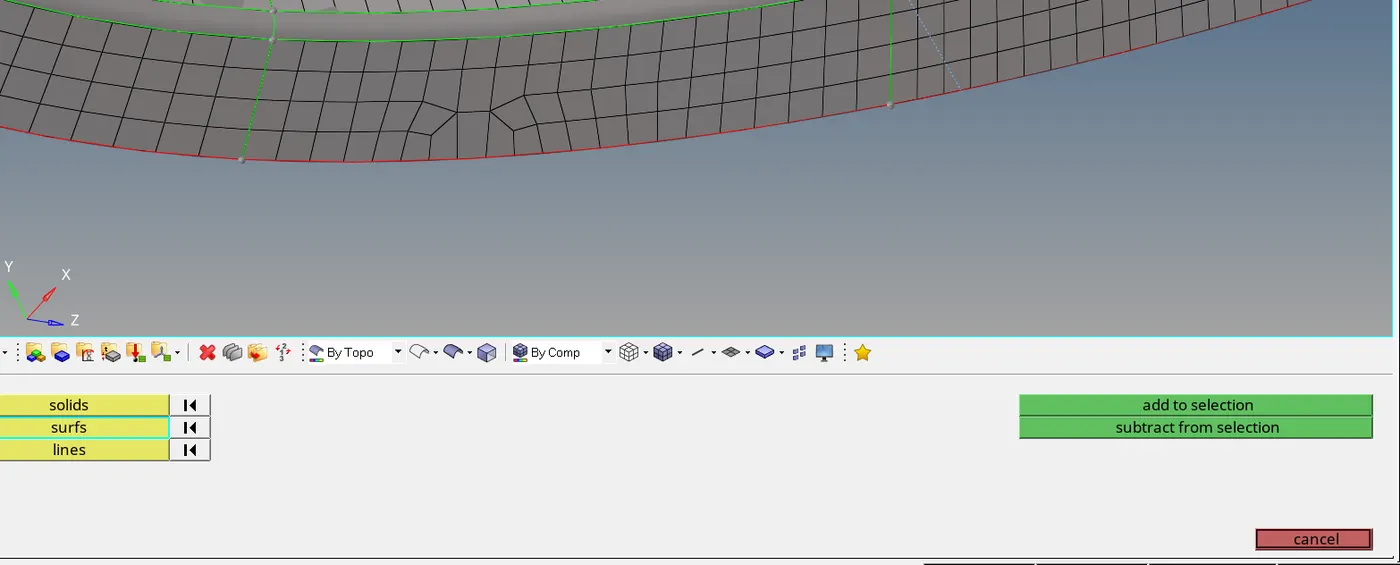
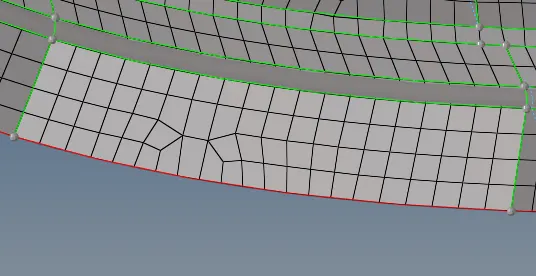
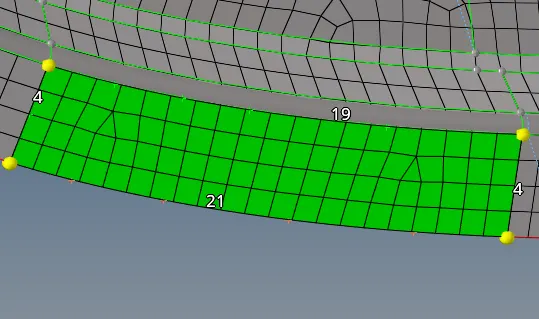
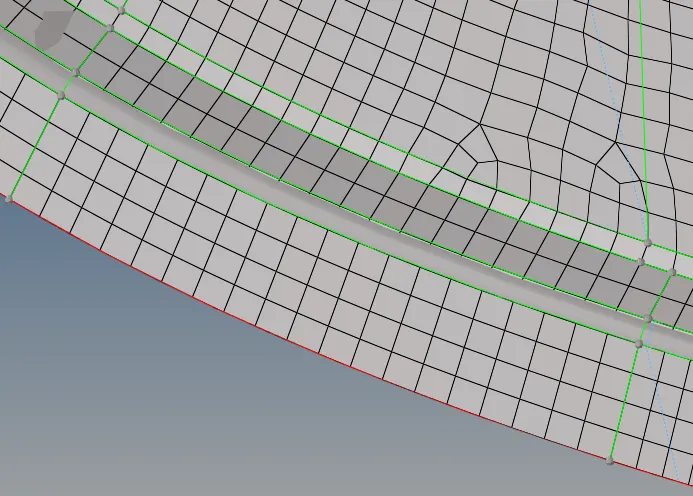
after completing the mesh go to tool use reflect option
select the element and assign the direction and click on reflect.