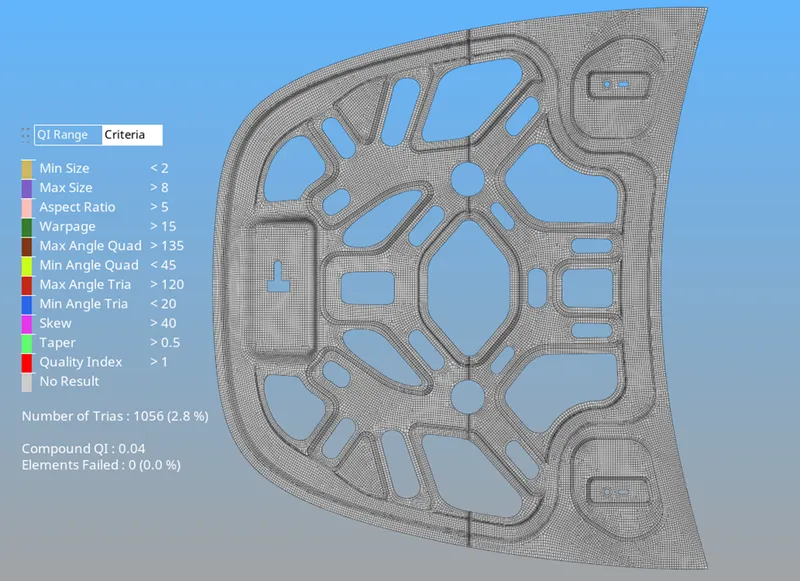
Week 3-Meshing of Hood Challenge
Week 3-Meshing of Hood Challenge
Aim: To perform the geometrical cleanups, mid-surfacing and meshing of the given hood geometry.
Objective:
- Cleaning up the geometry.
- Enclosing the model without any free edges.
- Extracting the mid surface from the model.
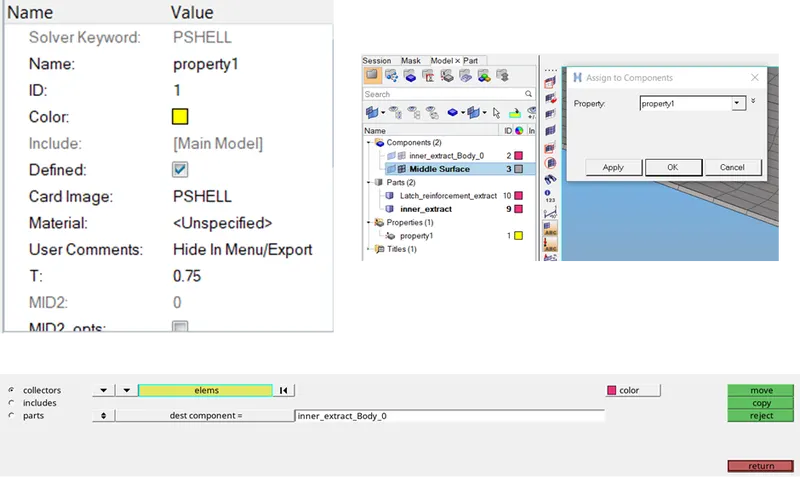
- Assigning the thickness to the mesh.
Procedure:
1) Given .IGS file is imported to the hypermesh.
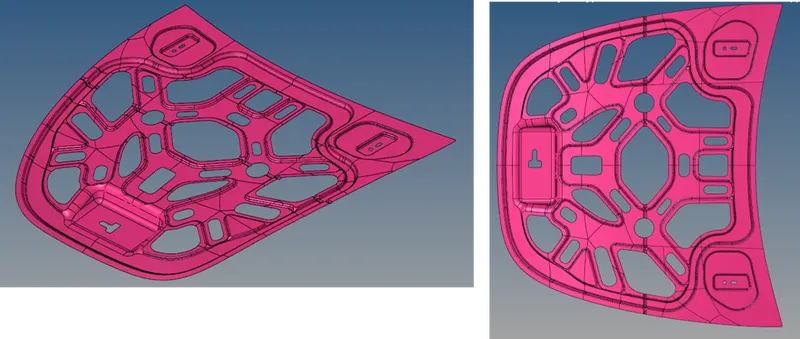
2) The geometry colour mode has to be changed to ”By topo”. With colours, error rectifications can be done easily.
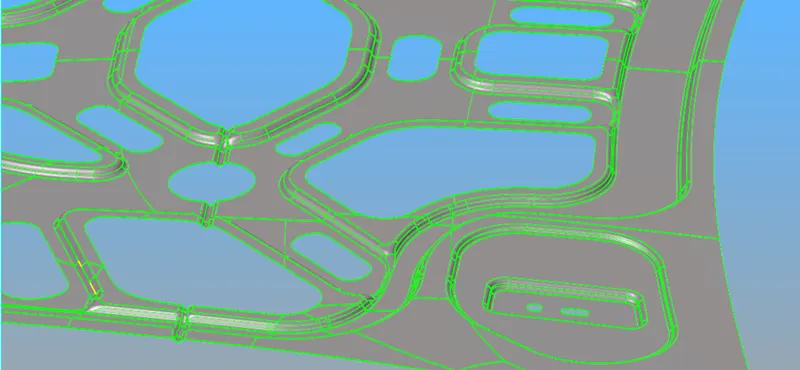
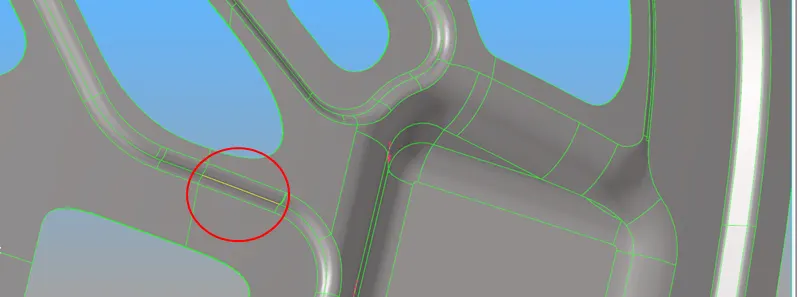
3) Through GEOM-Quick Edit----Filler surf option is used to fill the surfaces with fewer errors. If any major broken geometry it must be fixed manually.
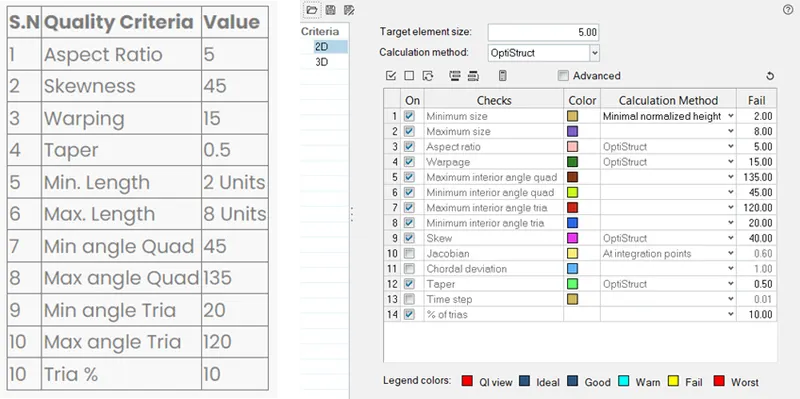
4) Given quality criteria file is entered into the hypermesh.
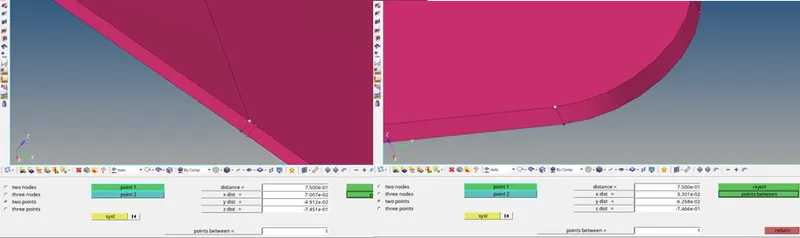
5) The given model is identified as sheet metal as it contains the overall same thicknesses (0.75) all over the model.
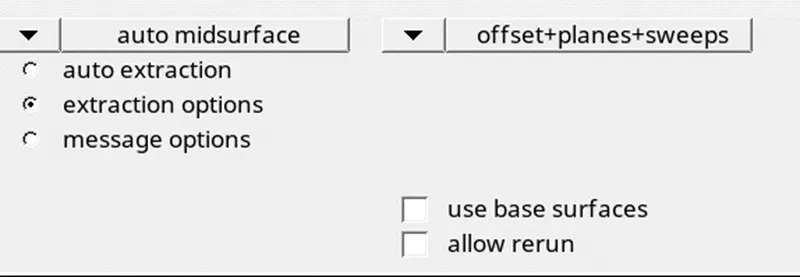
6) Mid-surfacing is done through auto midsurface using offset+planes+sweeps for uniform thicknesses (Sheetmetal).
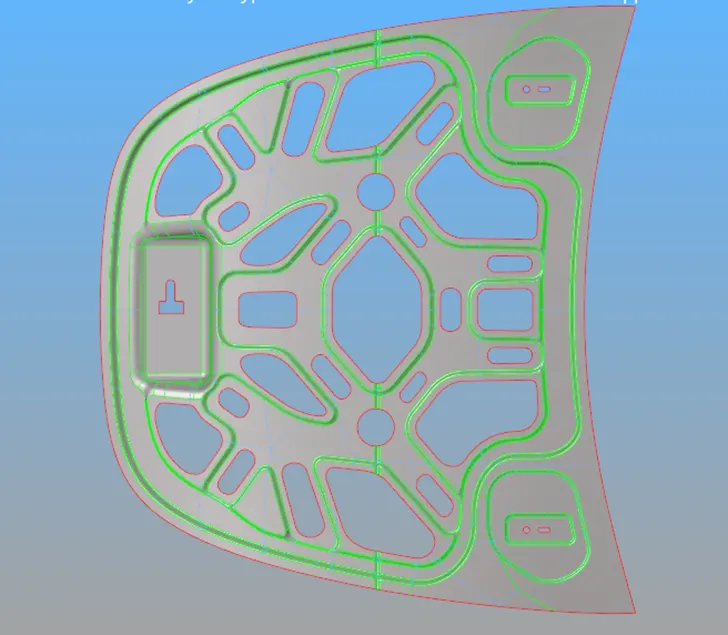
7) If there are any close edges it can be toggled.
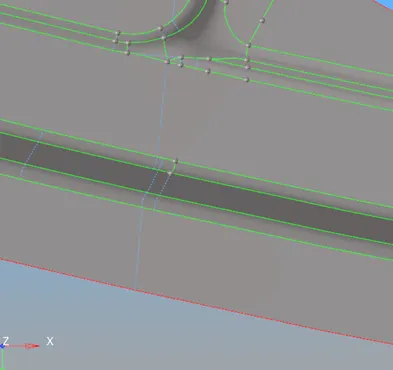
8) The meshing process can be initiated if the geometrical cleanups are done well.

9) As the component is simple and is sheet metal batch mesh will save a lot of time than the manual mesh.
10) By using the quality index option mesh flow and trias can be corrected for better mesh flow.
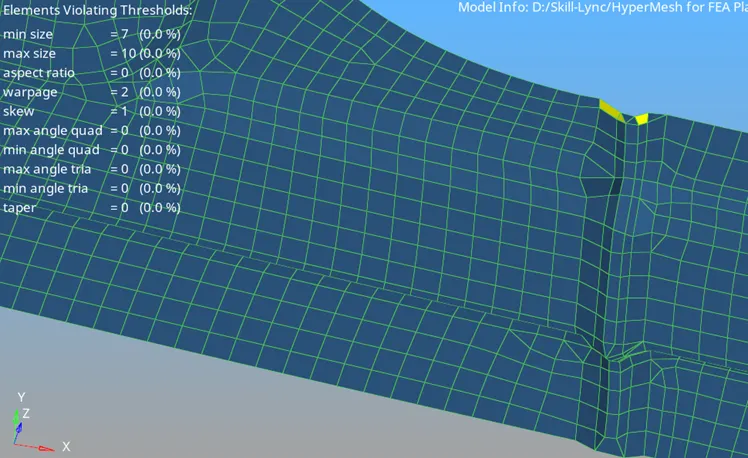
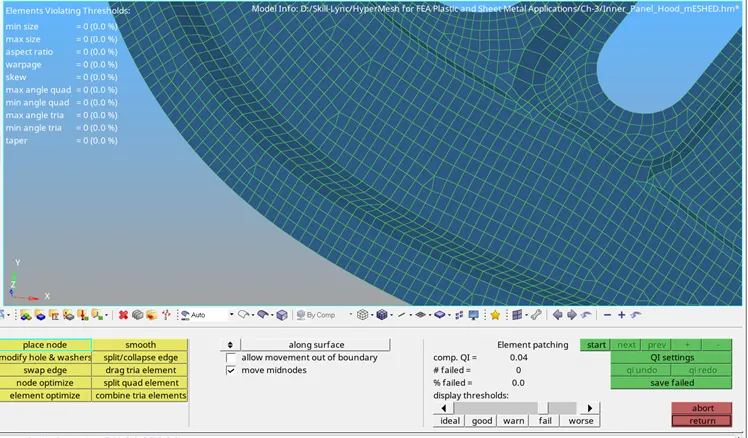
11) The thickness can be assigned after correcting the mesh flow without any OFF elements.
Course Outcomes:
- Proper geometry cleanups.
- Auto mid-surfacing using the offset+planes+sweeps command.
- Thickness assignment after the proper meshing.
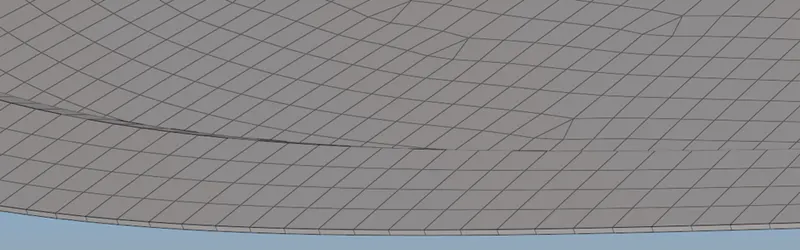
Result:
Geometrical cleanups, proper mid-surfacing and meshing are done as per the requirement.