Week 3 - Geometry simplification of an Electronic enclosure assembly
Challenge- 22 Week 3
Topic: Geometry simplification of an electronic enclosure assembly
Introduction: Electronics System or PCB in the modern world consists of hundreds and thousands of components, Chips, sub-assemblies with complex geometries. To segregate and discretize them in Icepak alone will become highly tedious and time consuming So, we have many useful options in Ansys SpaceClaim which is a sister tool of Ansys Icepak for simplifying the geometry and segregating the components from parent electronic system.
AIM: The goal of this challenge is to Use the Ansys Workbench for establishing the connection between geometry creation tool i’e is SpaceClaim and Icepak. And using the SpaceClaim individual components from the complex PCB Board must be segregated. And after segregation unidentified bodies must be simplified according to their function, importance, and complexity. The steps followed with proper justification must be documented with appropriate images.
Procedure:
Step 1- Workbench setup
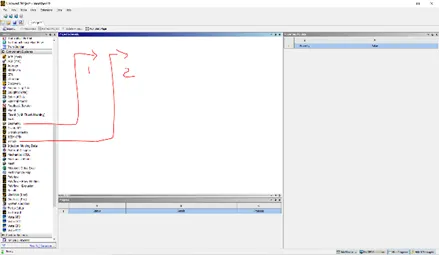
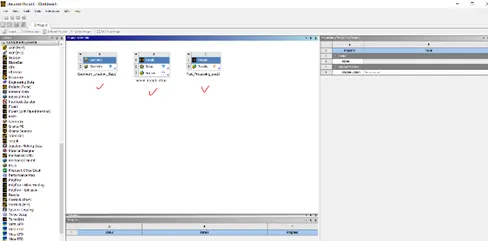
- Launch the workbench from start menu and in toolbox search for components and drag geometry and drop it on Project schematic.
- Similarly look for Icepak tool and drop it to right of geometry toolbox.
- Repeat the above step for post process
The supporting images are attached below
Step 2- SpaceClaim Operations
- Launch the SpaceClaim from geometry tool in Workbench
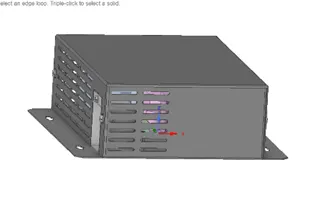
- Import .Step file from the working directory.
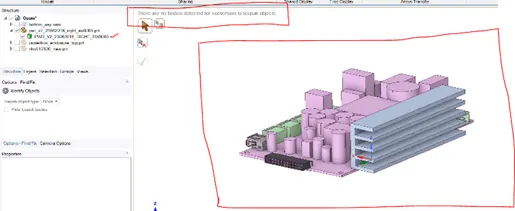
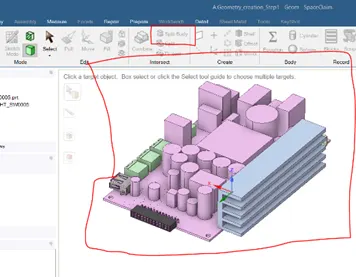
- Under workbench Tab got Icepak options and click identify icepak objects.
- Click accept mark if any objects identified.
- If no objects got identified return to design Tab and split single solid into individual components.
The supporting images for above steps are attached below
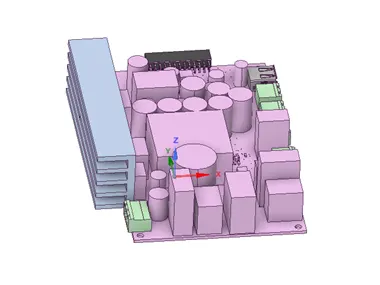
- Repeat the Identify objects steps after splitting the body and make visible only Non Icepak bodies for better operation.
- Delete the unwanted holes, fillets, screws, and bolts from the geometry as their effect on the simulation is negligible.
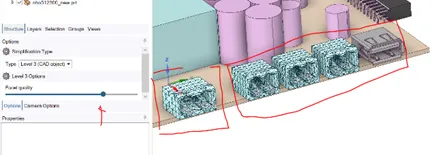
- Simplify the CAD according to their importance. There are three level of simplification they are Level 1, Level 2, and faceted CAD
Below images show the sample images and kind of simplification considered for the project.
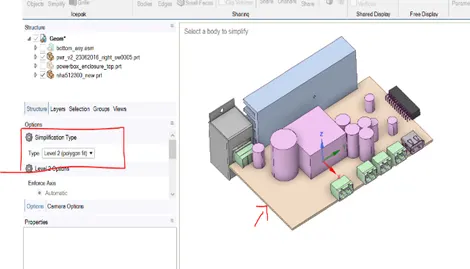
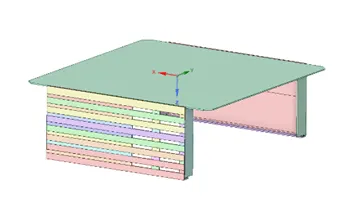
- After completing above activities for all the components save the project and close the SpaceClaim.
- You can see the check mark in the geometry section
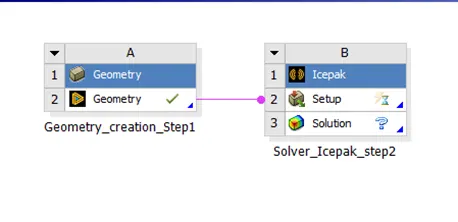
Step4: Icepak Setup
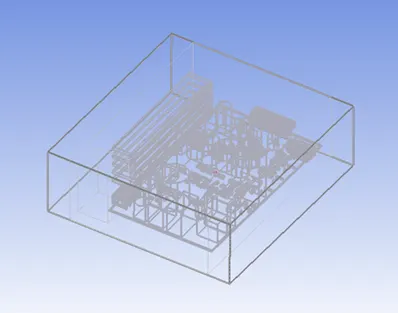
- Launch the Icepak from workbench, you will get to see the CAD on your graphic space. Here we get to know that workbench helped in transferring data from SpaceClaim to Icepak.
- Below are the images after importing the CAD into Icepak
NOTE: I am Attaching Icepak,CAD and Workbench Files along with this report