Week 3 - Geometry simplification of an Electronic enclosure assembly
Aim --> Geometry simplification of an Electronic enclosure assembly.
Imported CAD model --> We import the CAD model into spaceclaim for the cleanup and simplification into ICEPAK objects.
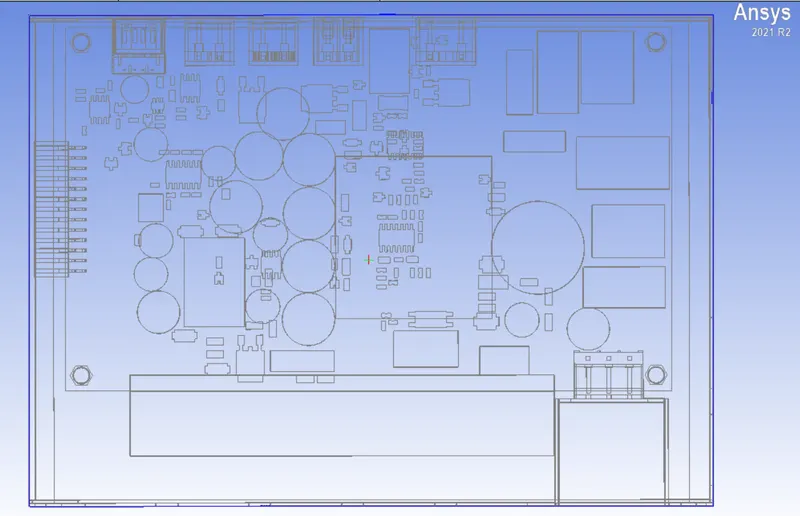
The CAD model is imported into spaceclaim for the clean up. There are a lot of components that are not needed for the analysis like bolts, screws, extended surfaces.
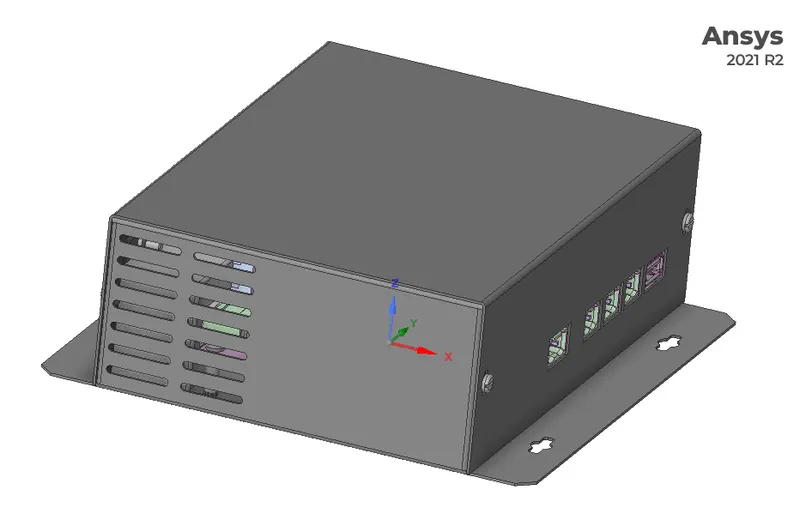
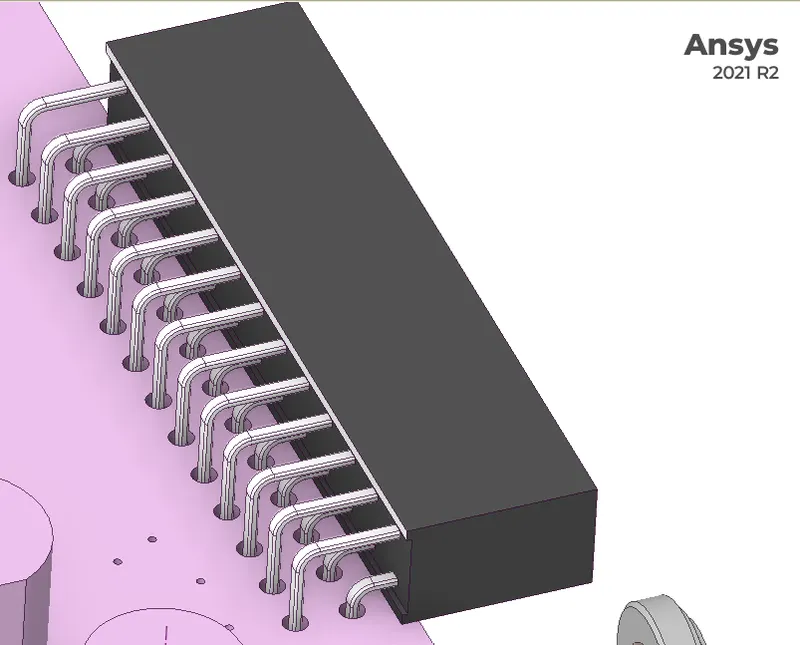
--> We remove the side parts by using split body tool. Deleting the curvatures (curves) is also important so that it does not give problems while ICEPAK simplification. So, we select the curves and hit delete button, so that curves are deleted. Sometimes the curves are hard to delete so we need to select them 1-by-1. If still the curves are there then we use ICEPAK simplify to correct them. We can also select multiple rounds at once by using selection tab.
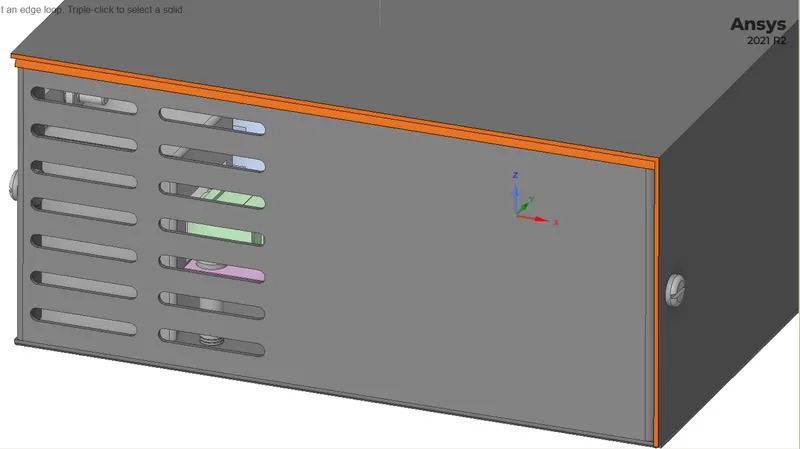
After deleting the curves.
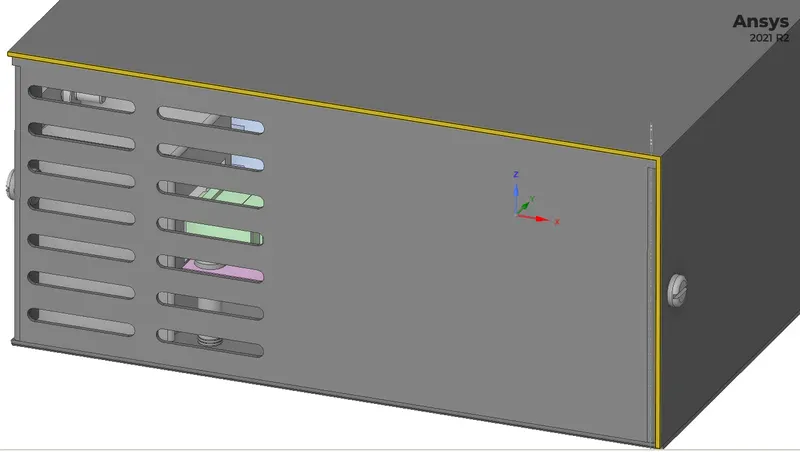
--> Filling of gaps
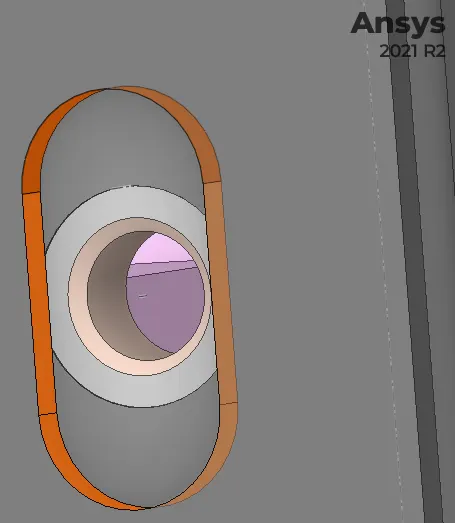
Splitting the Objects
The objects need to be split form the PCB base from both side top and bottom.
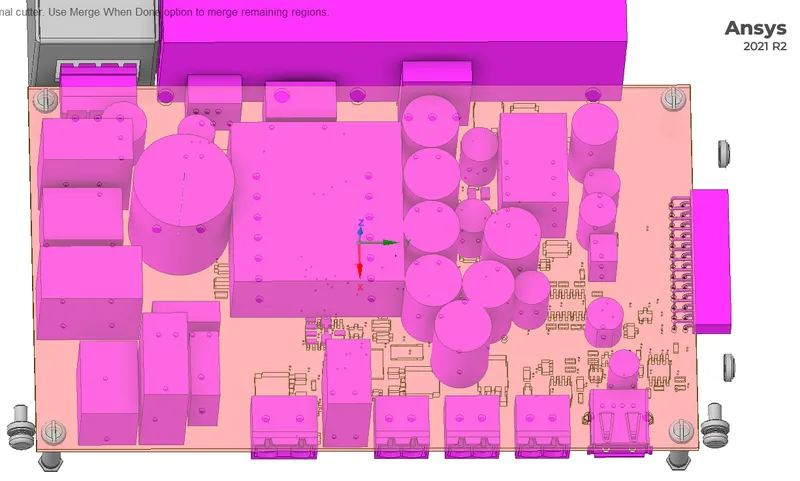
ICAPAK Identify objects
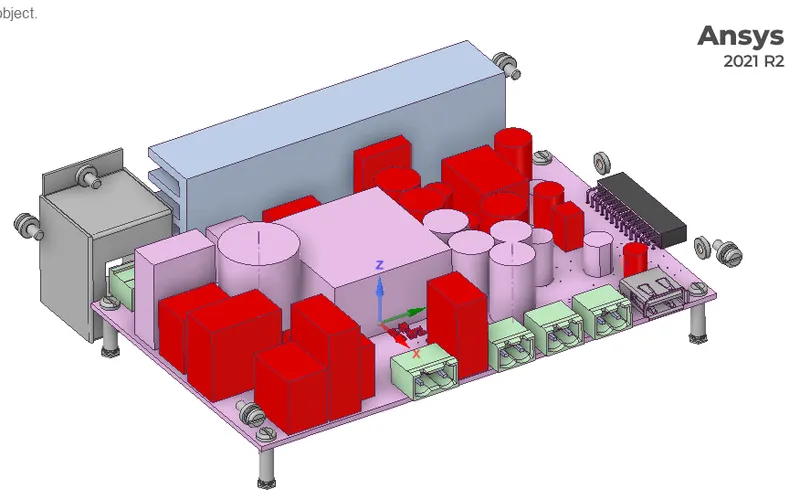
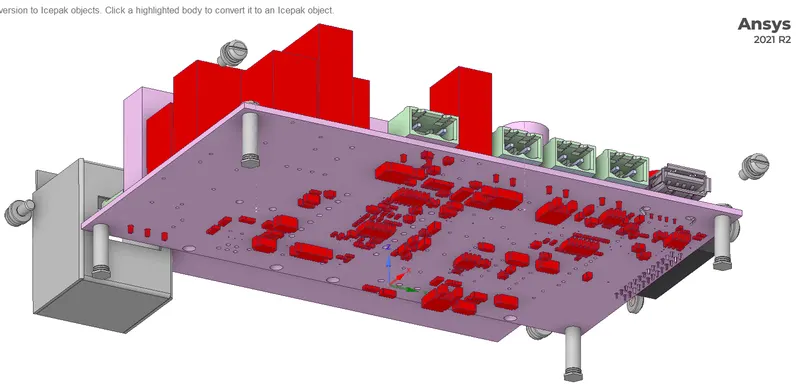
ICEPAK Bodies
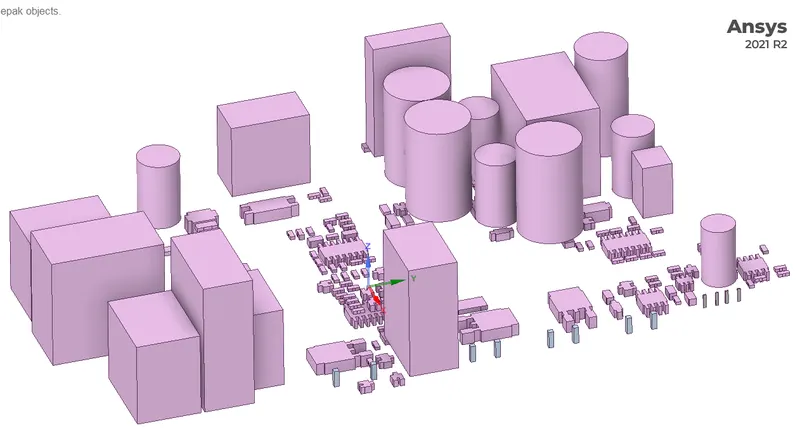
Non-ICEPAK Bodies
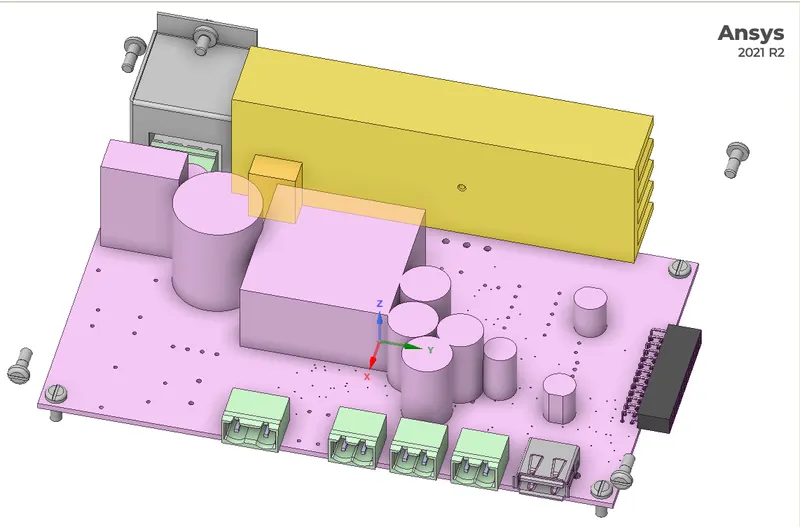
--> These bodies are not converted into ICAPAK objects by default so we need to use the ICAPAK simplify tool with 4 different levels of simplification.
ICEPAK simplify
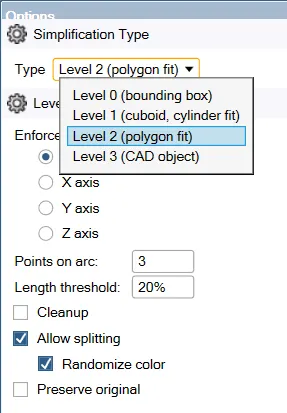
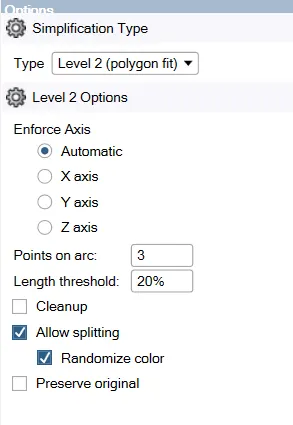
--> We can see 4 levels of ICEPAK simplifications available in spaceclaim. We use different level of simplification while simplifying the geometry.
CAD Objects before the Simplification
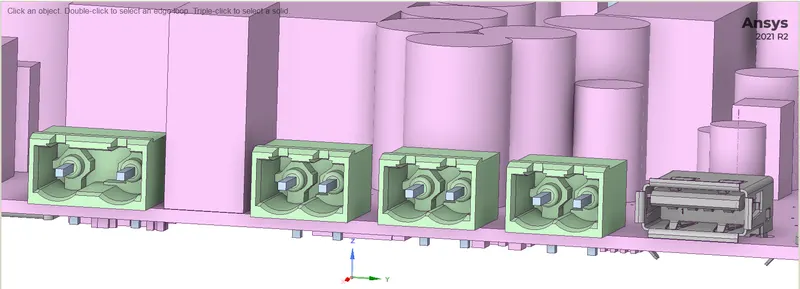
Objects Interferrence
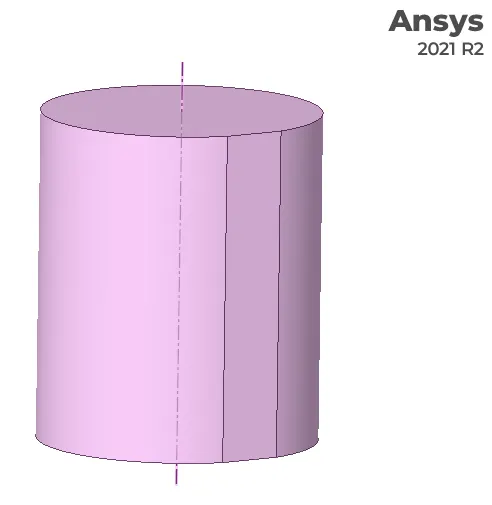
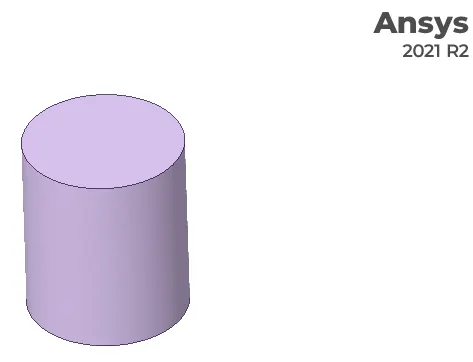
The cylindrical components need to be moved because it will be difficult to mesh the domain.
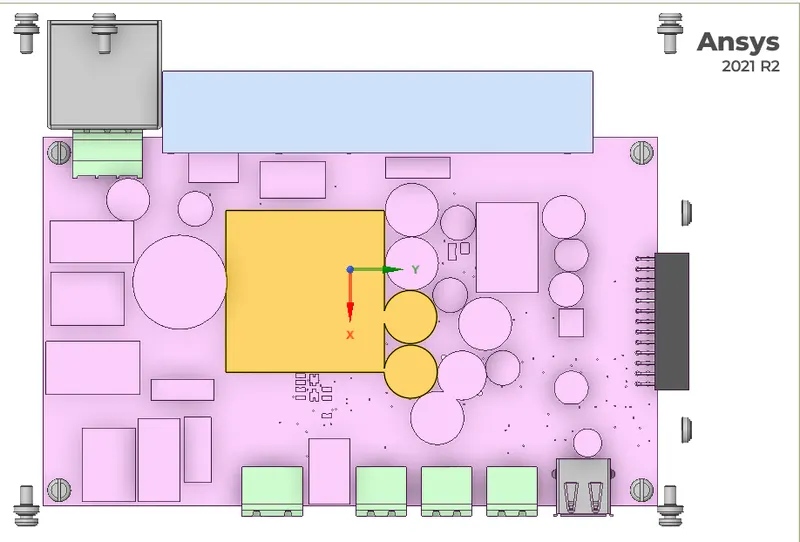
CAD Obects after simplification to ICAPAK Objects
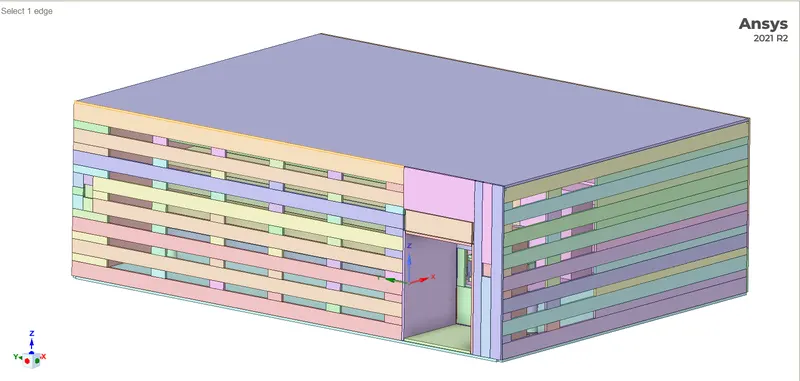
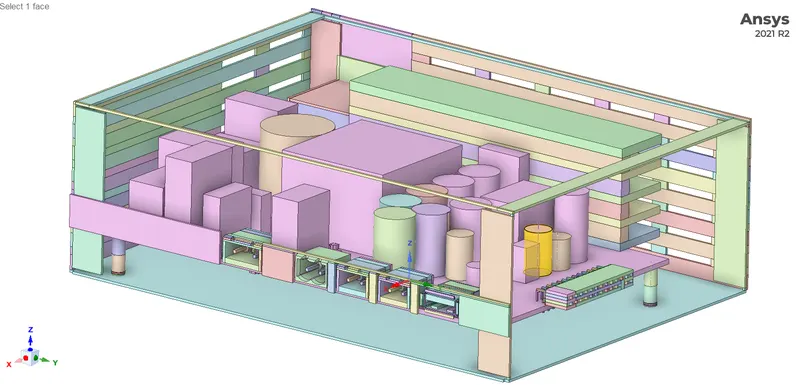
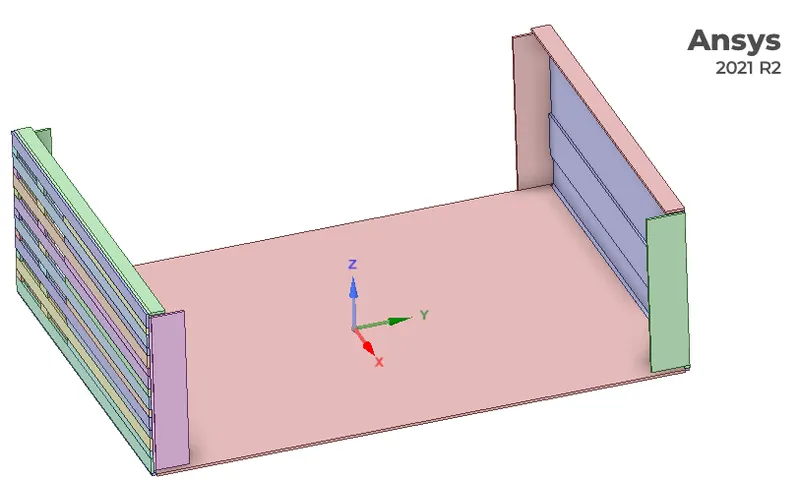
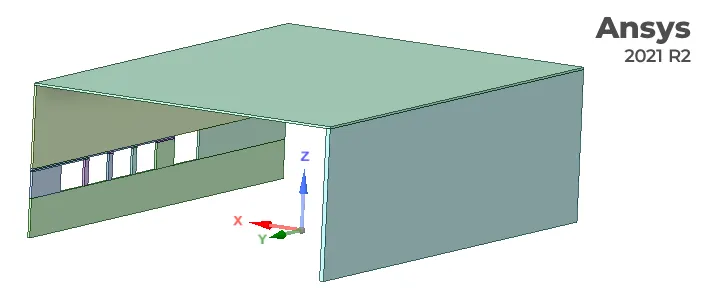
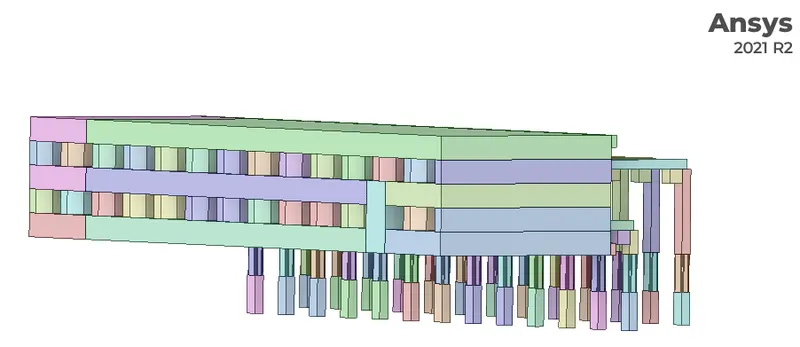
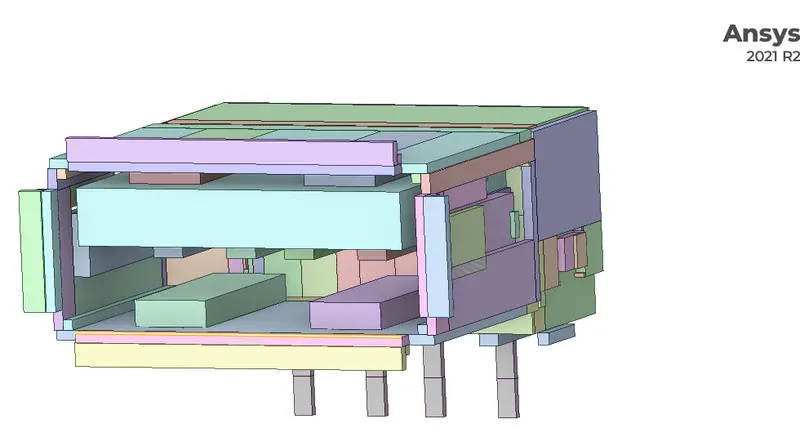
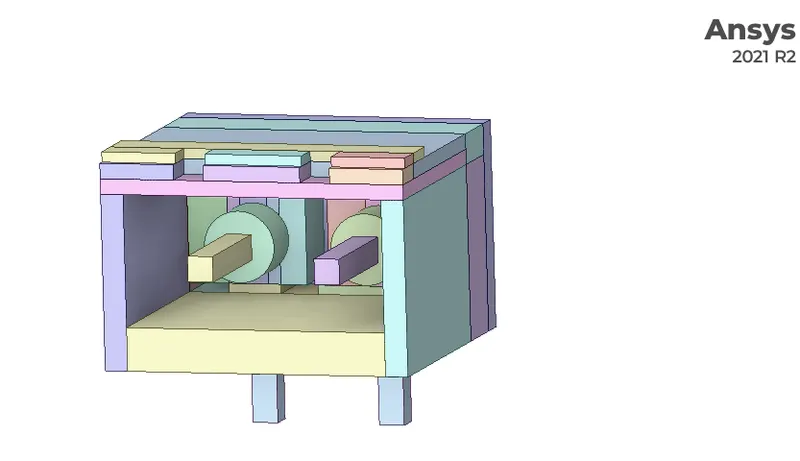
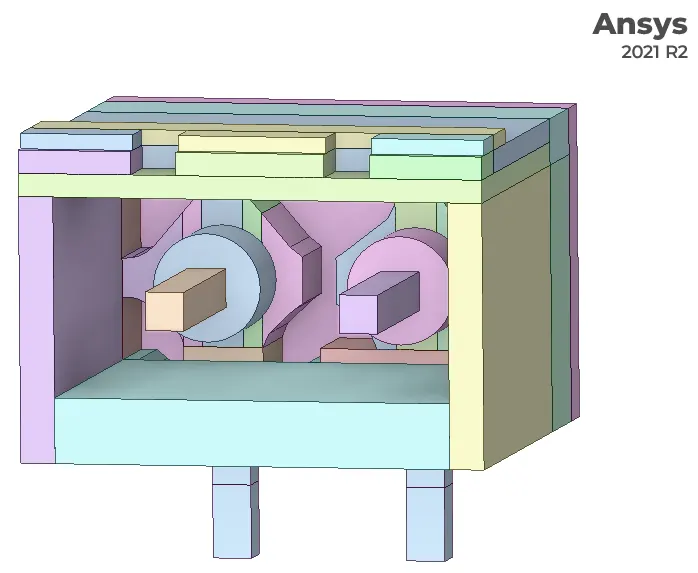
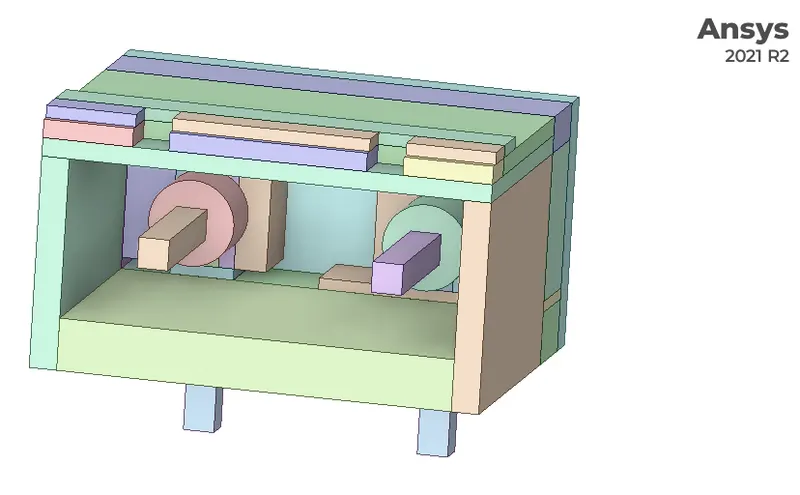
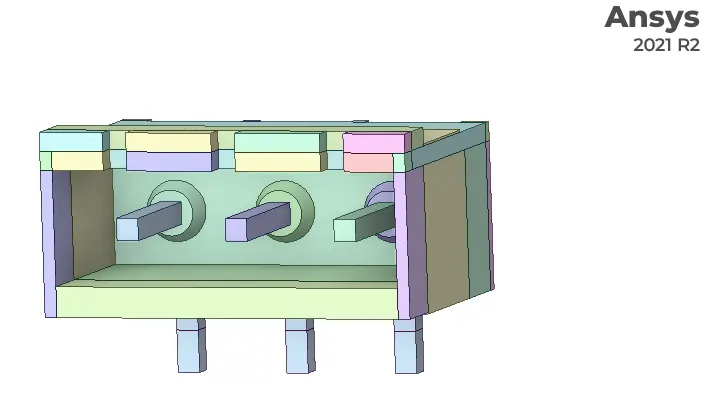
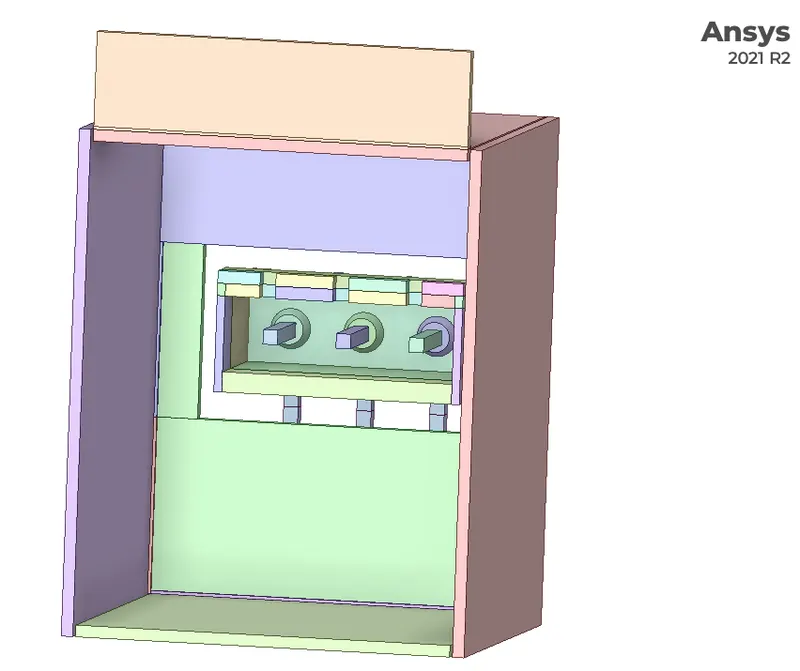
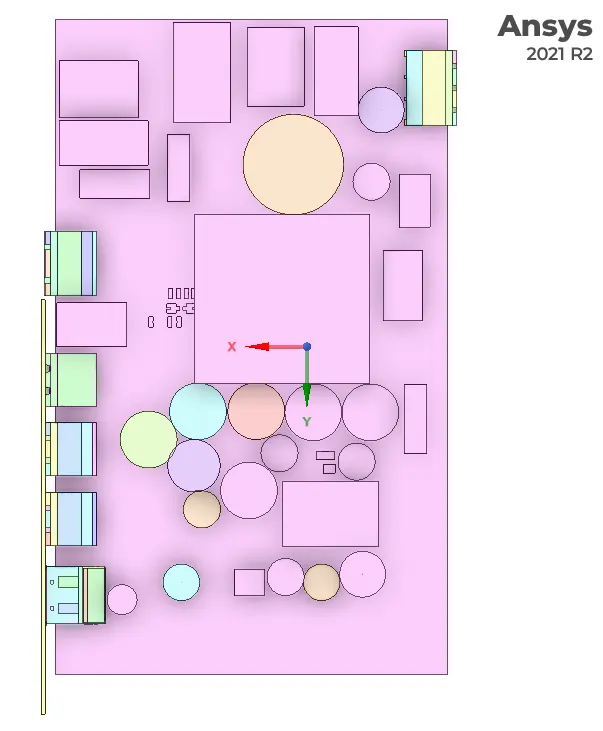
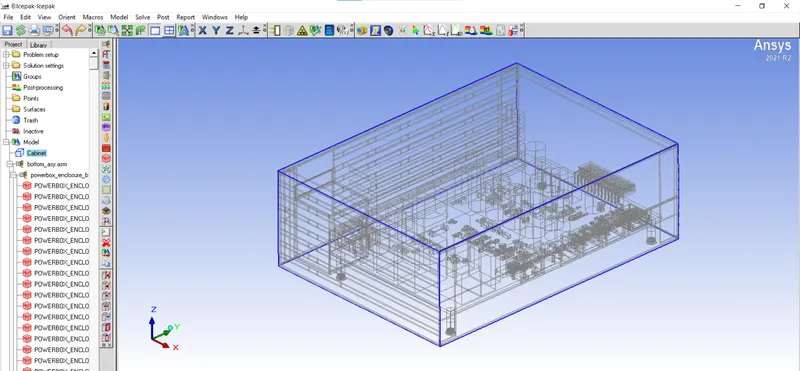
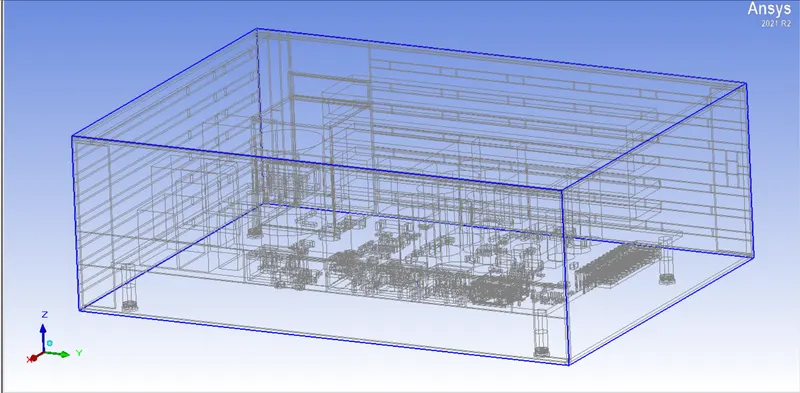
After importing the Simplificed geometry into ICEPAK.
Conclusion
- ICEPAK Simplication is done using space claim.
- Different tools were used and understood for the same.