Week 3- Geometry cleanup and Mid-surfacing
CASE 1
AIM : To extract the mid surface for the tube model. And provide a connection.
PROCEDURE:
STEP 1: OPEN THE DESIGN MODELER.
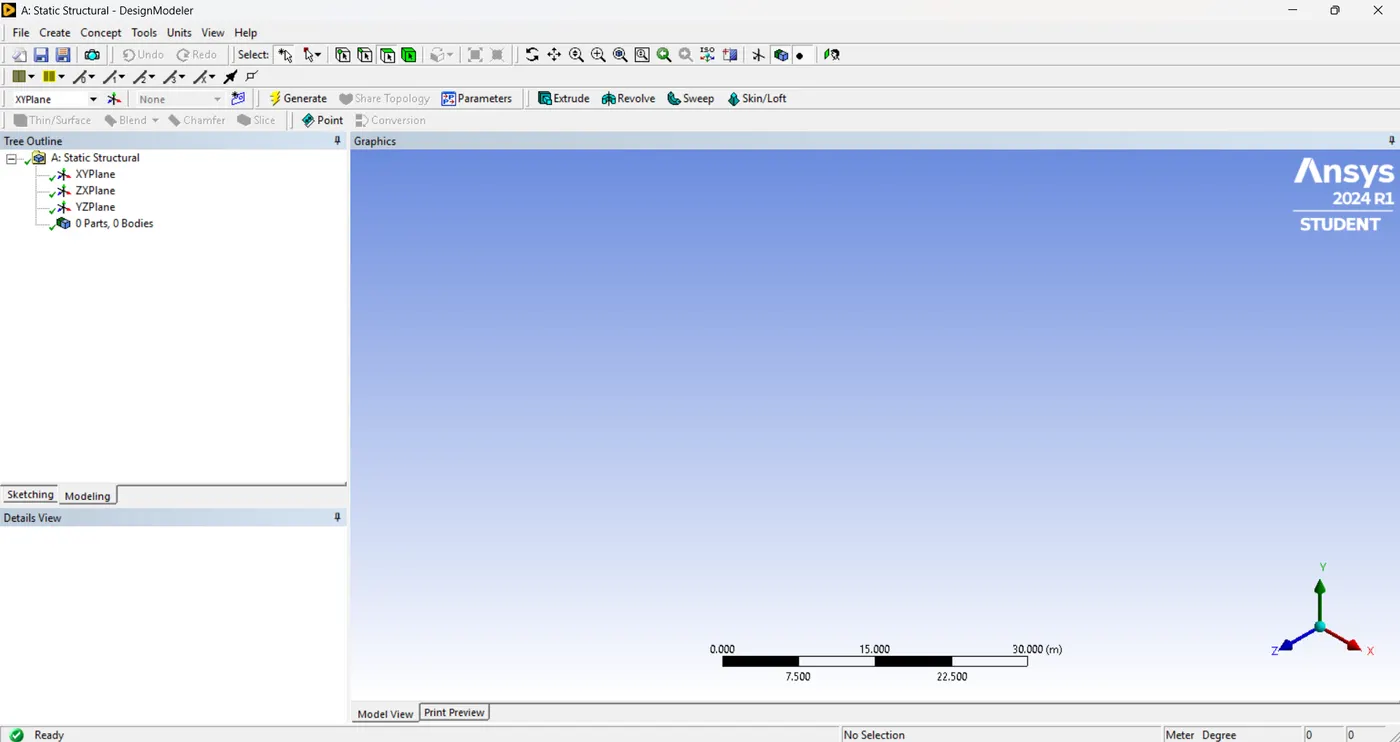
STEP 2: IMPORT THE MODEL.
file > import external geometry file
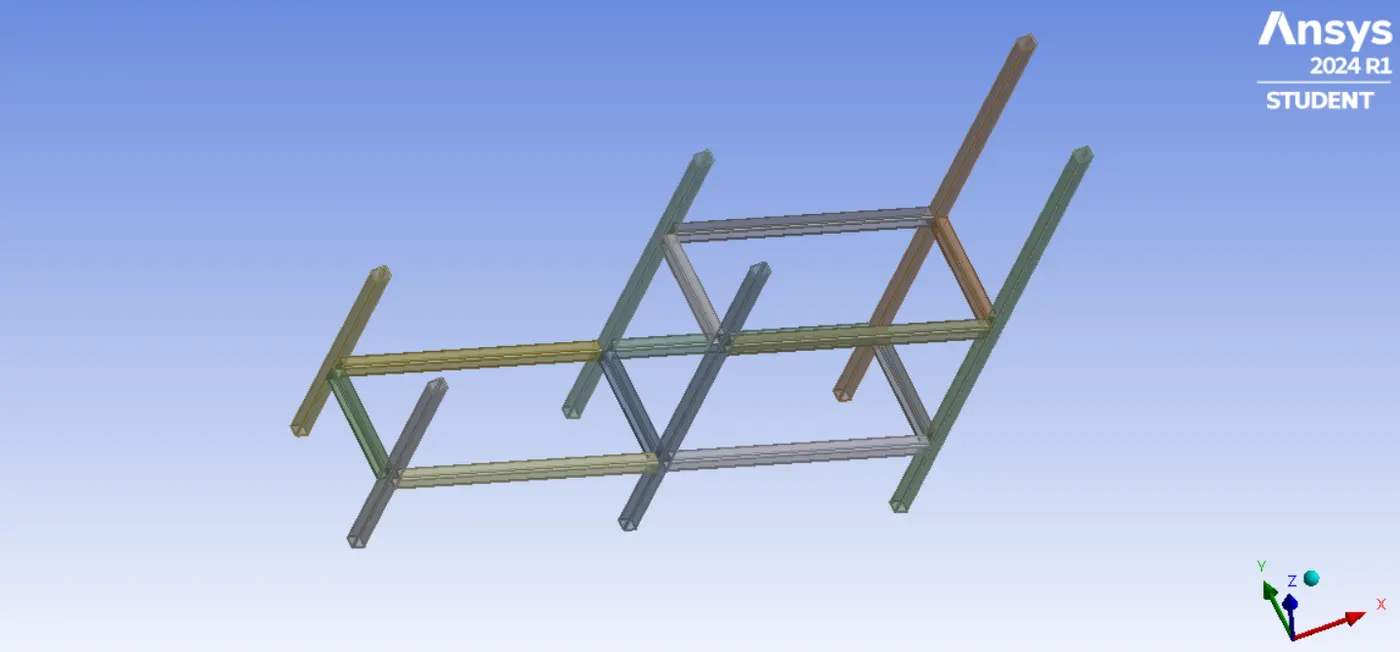
STEP 3: SET THE UNIT IN millimeter
STEP 4: EXTRACTION OF MID SURFACE.
First hide all other bodies and set visible only one body like this,
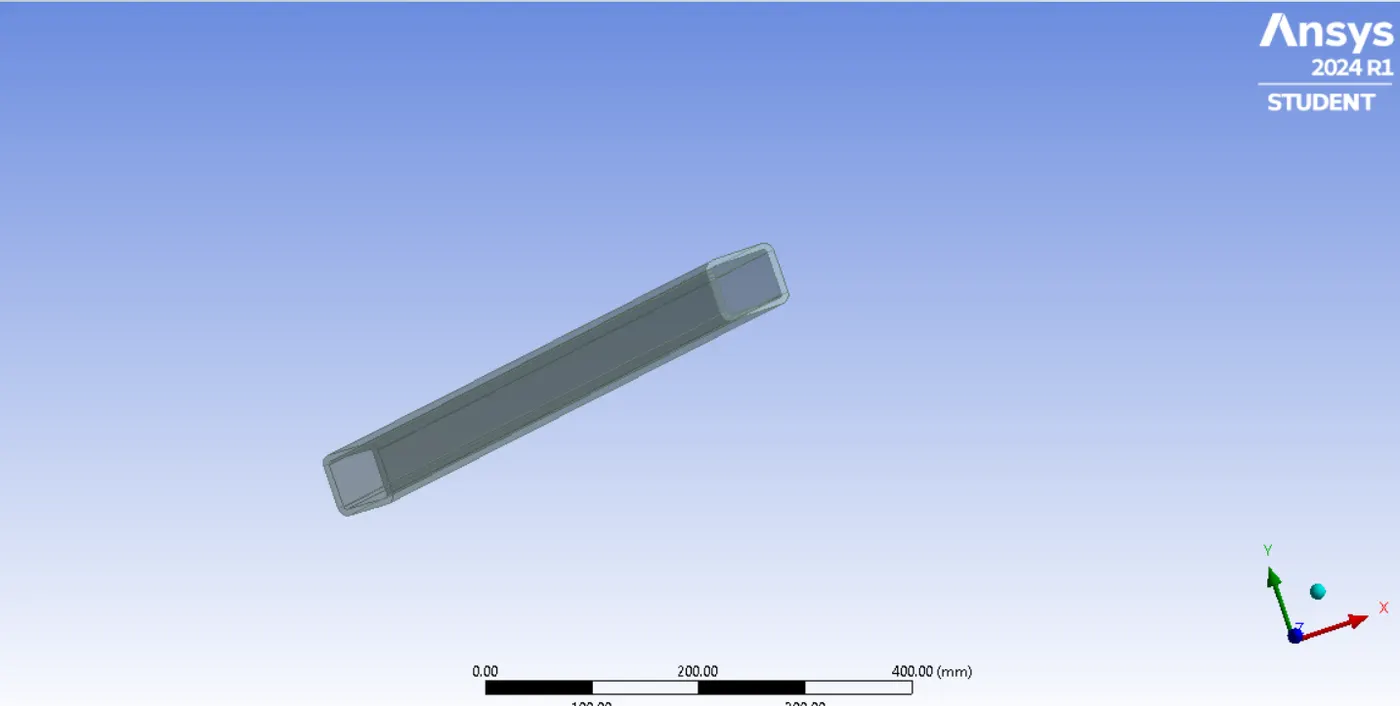
Then go to, tools > mid surface
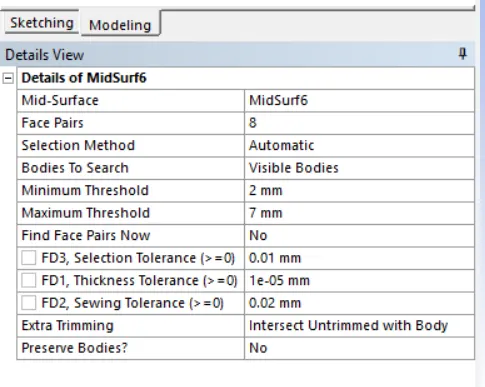
Then press, GENERATE button.
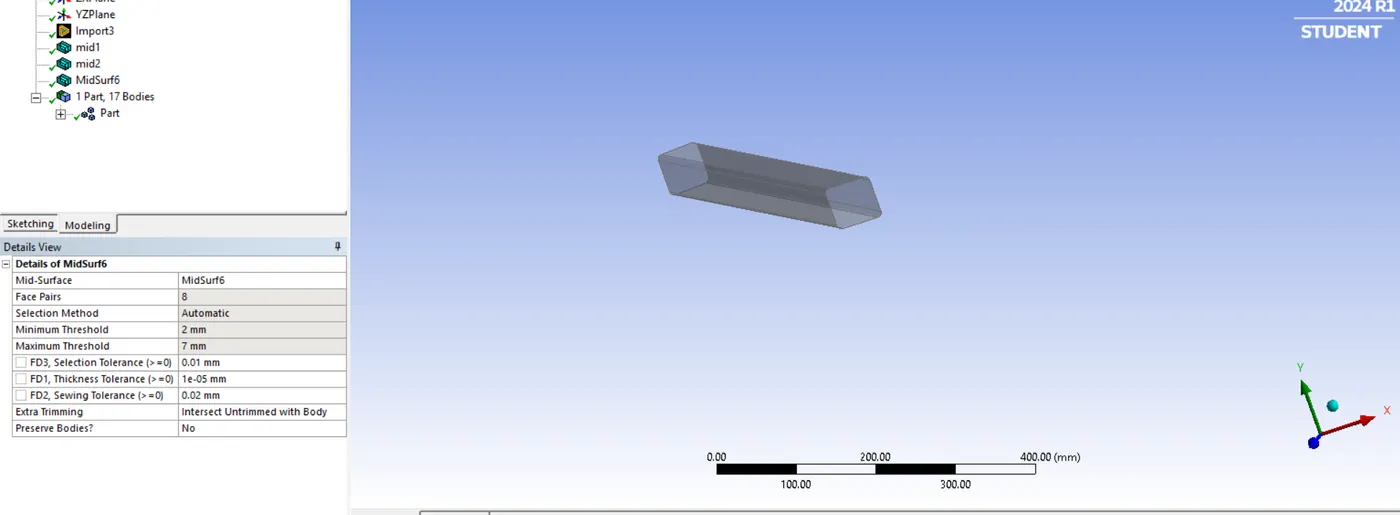
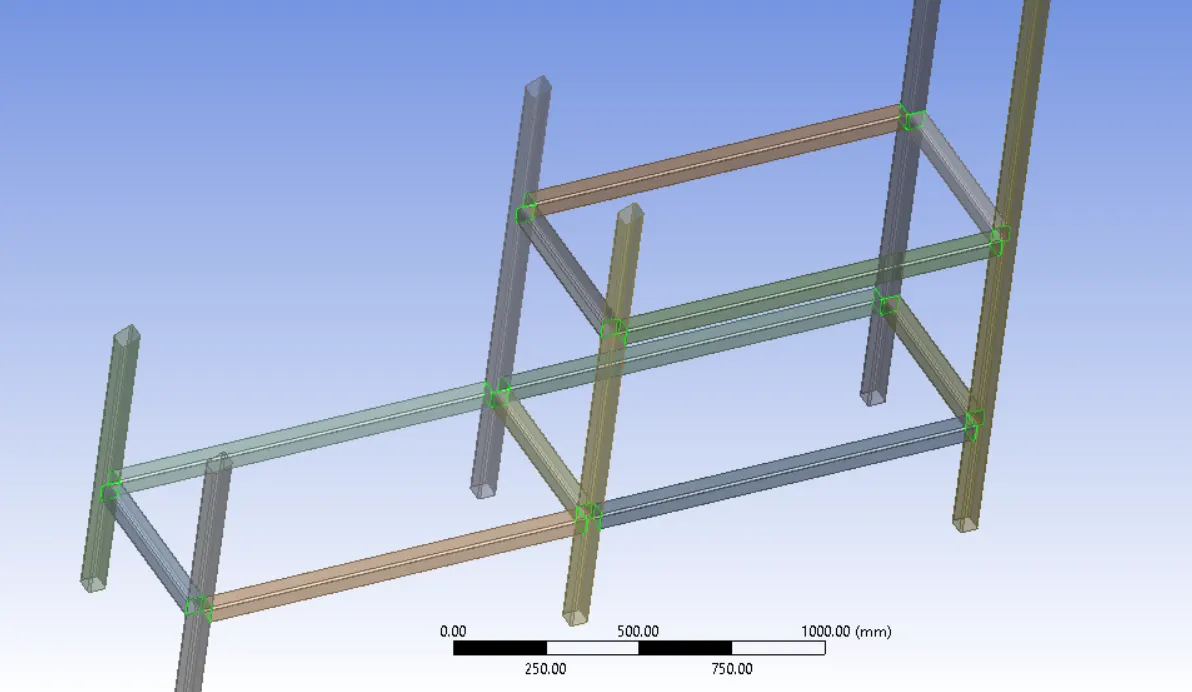
Do same operation for all bodies.
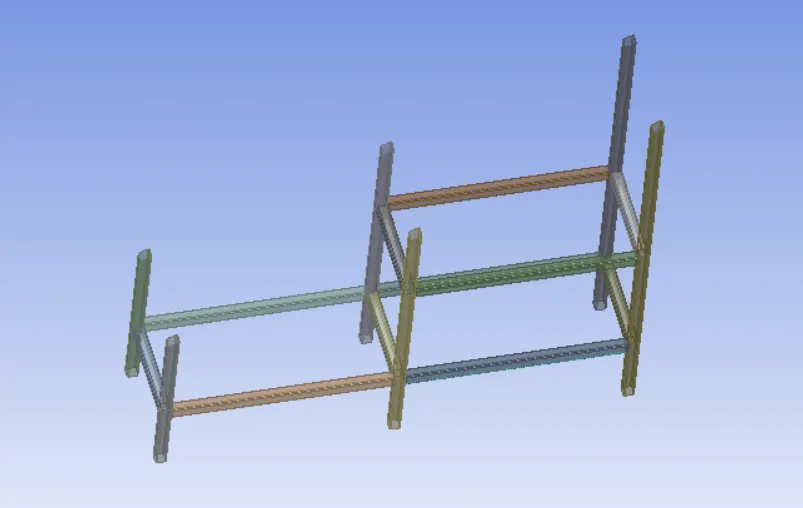
STEP 5: EXTENDING THE SURFACES.
tools > surface extension
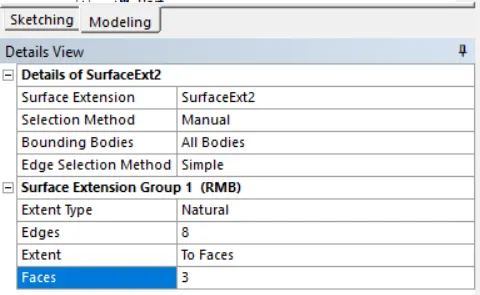
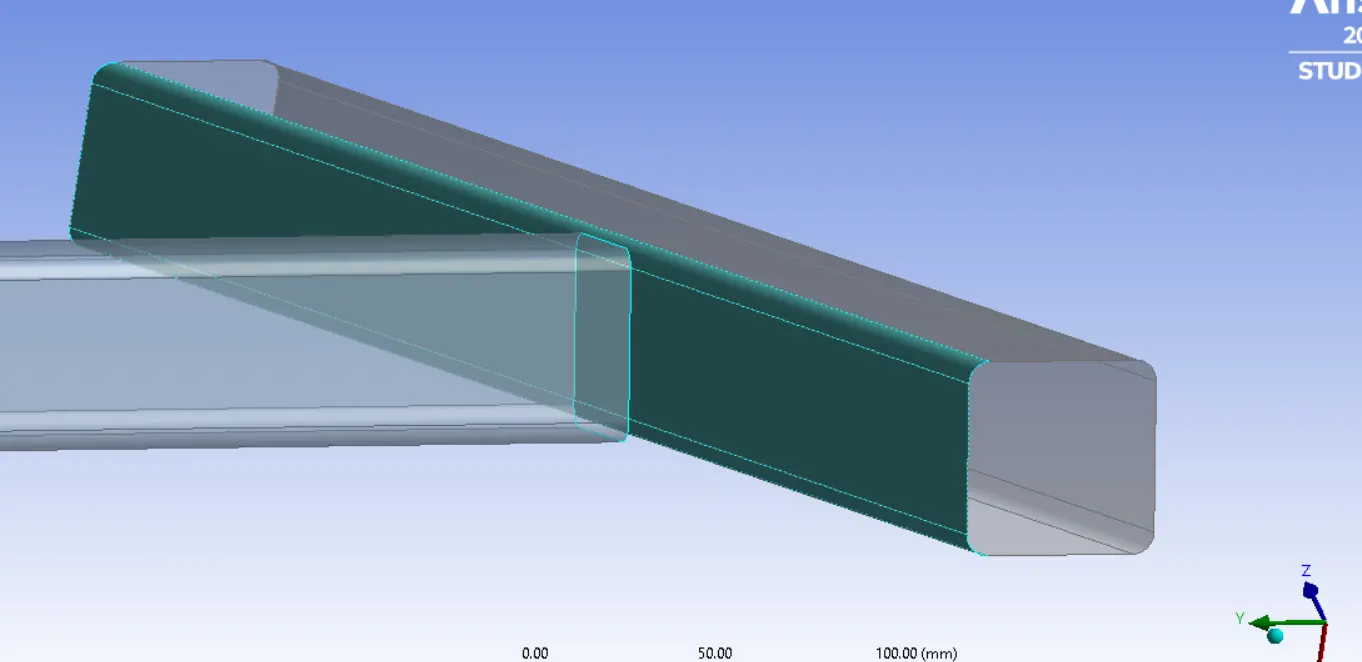
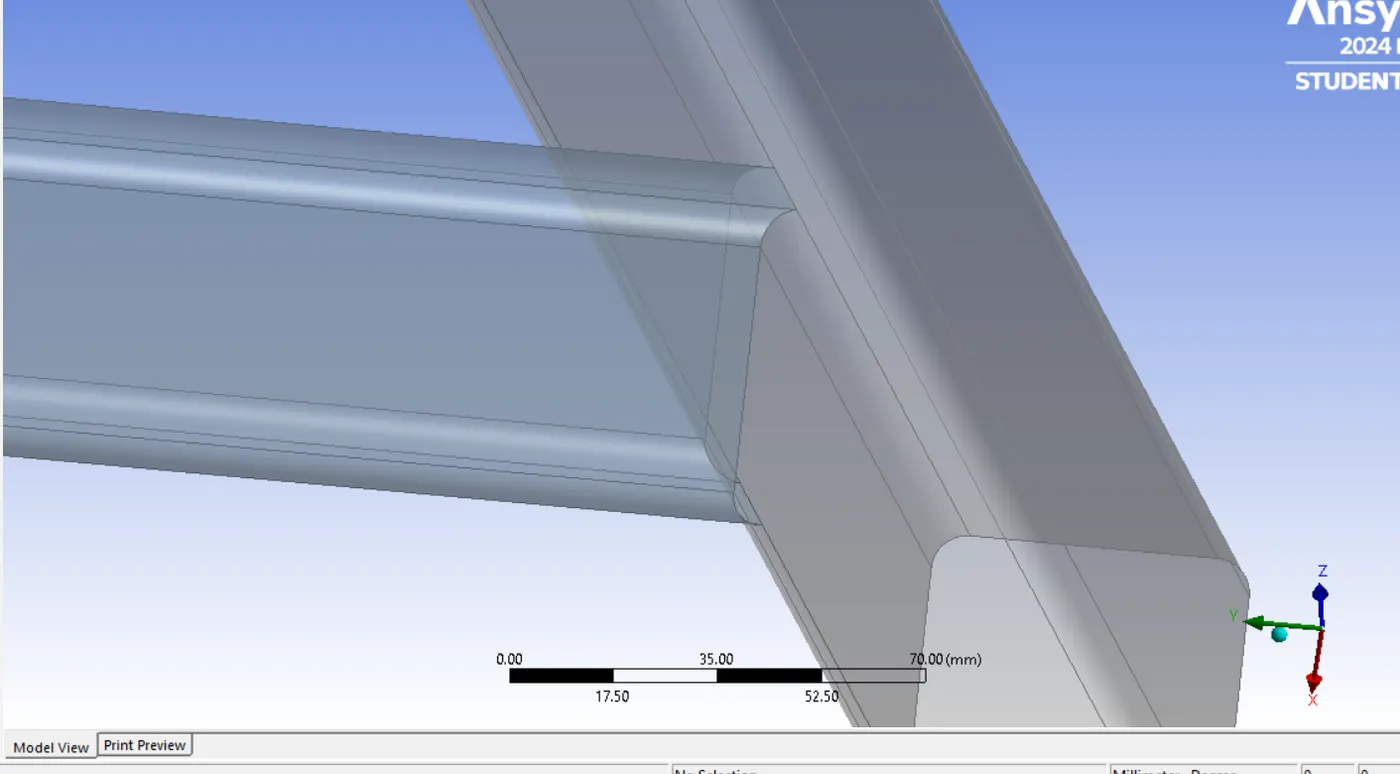
Do the same operation for all other joining positions.
---------------------------------------------------------------------------------------
CASE 2
AIM: Create a model in SpaceClaim one on top of each other and create a shared topology between top box and bottom box. And perform a modal analysis(free-free run) verify connections and analys the result.
PROCEDURE:
STEP 1: OPEN MODAL ANALYSIS.
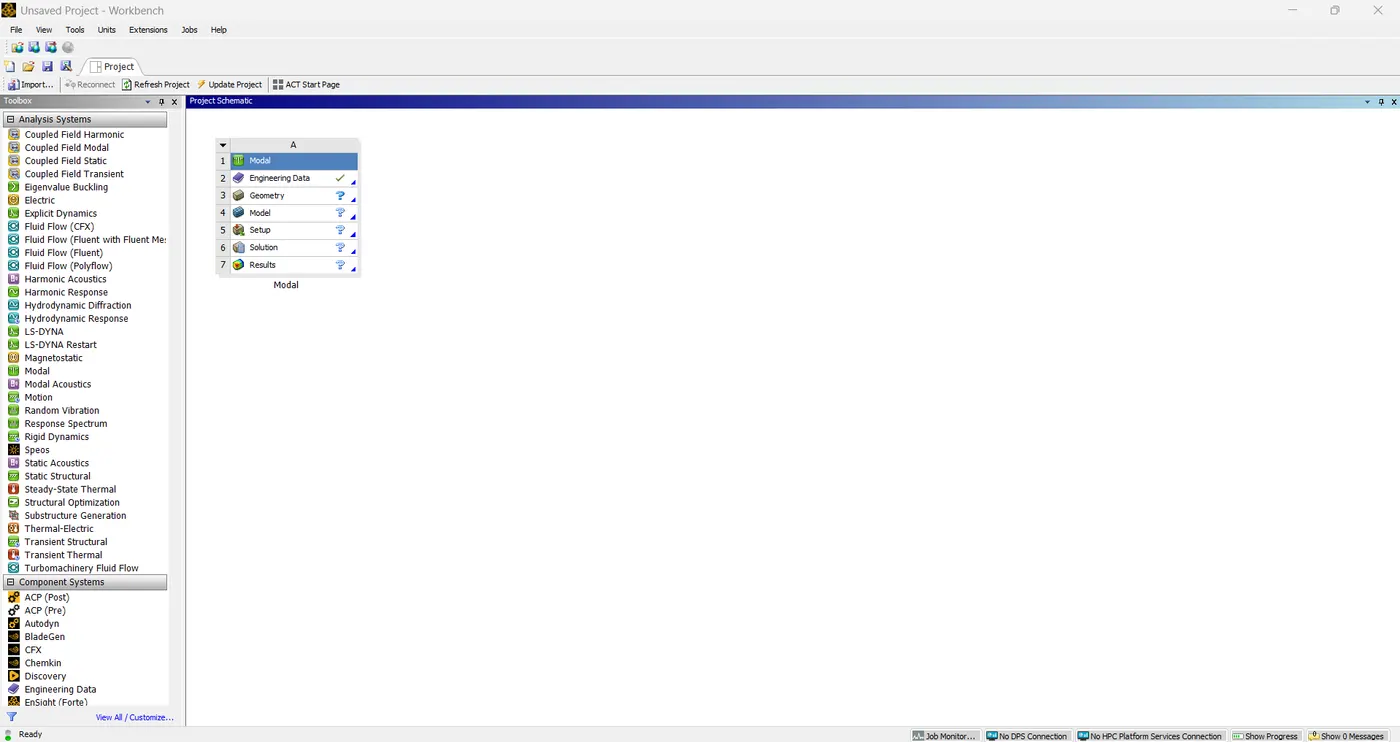
Choose modal analysis.
STEP 2: SETTING ENGINEERING DATA
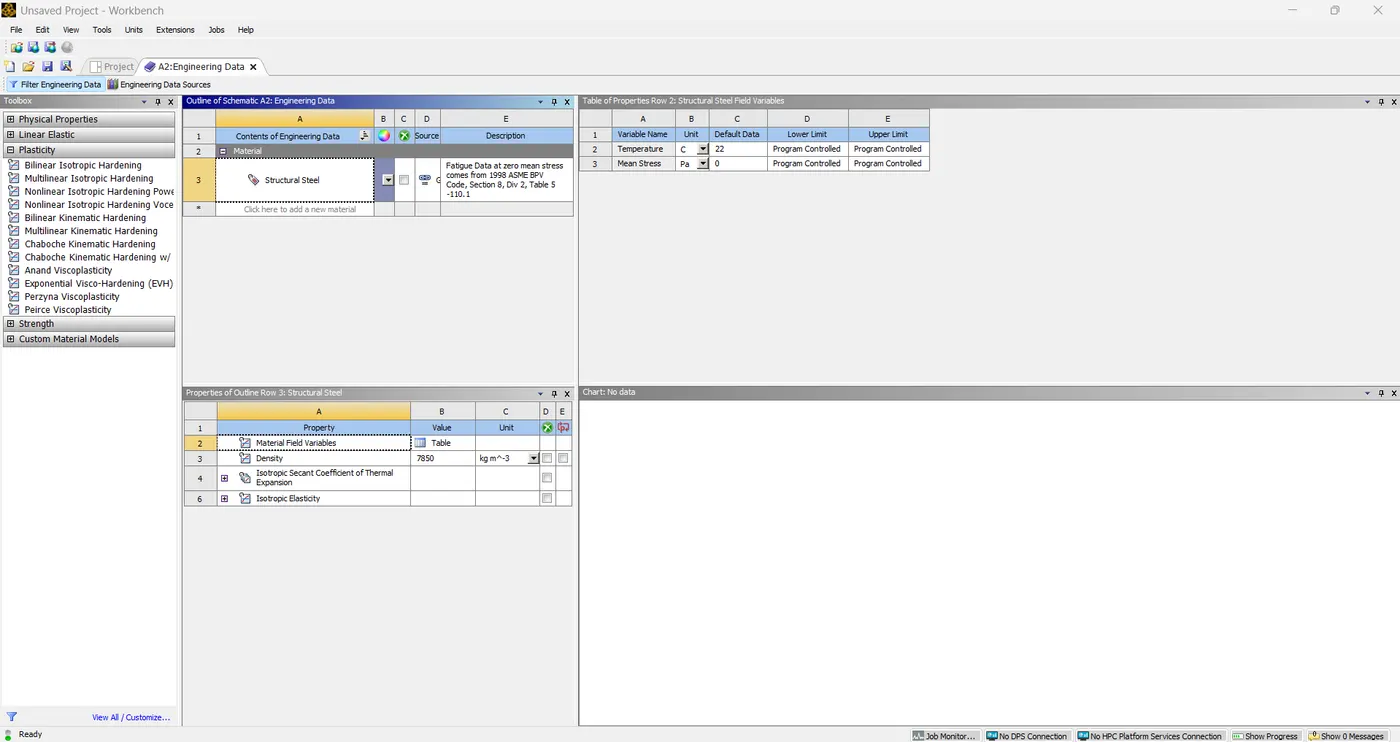 Here I am using default material, that is structural steel.
STEP 3: OPEN SPACE CLAIM(GEOMETRY)
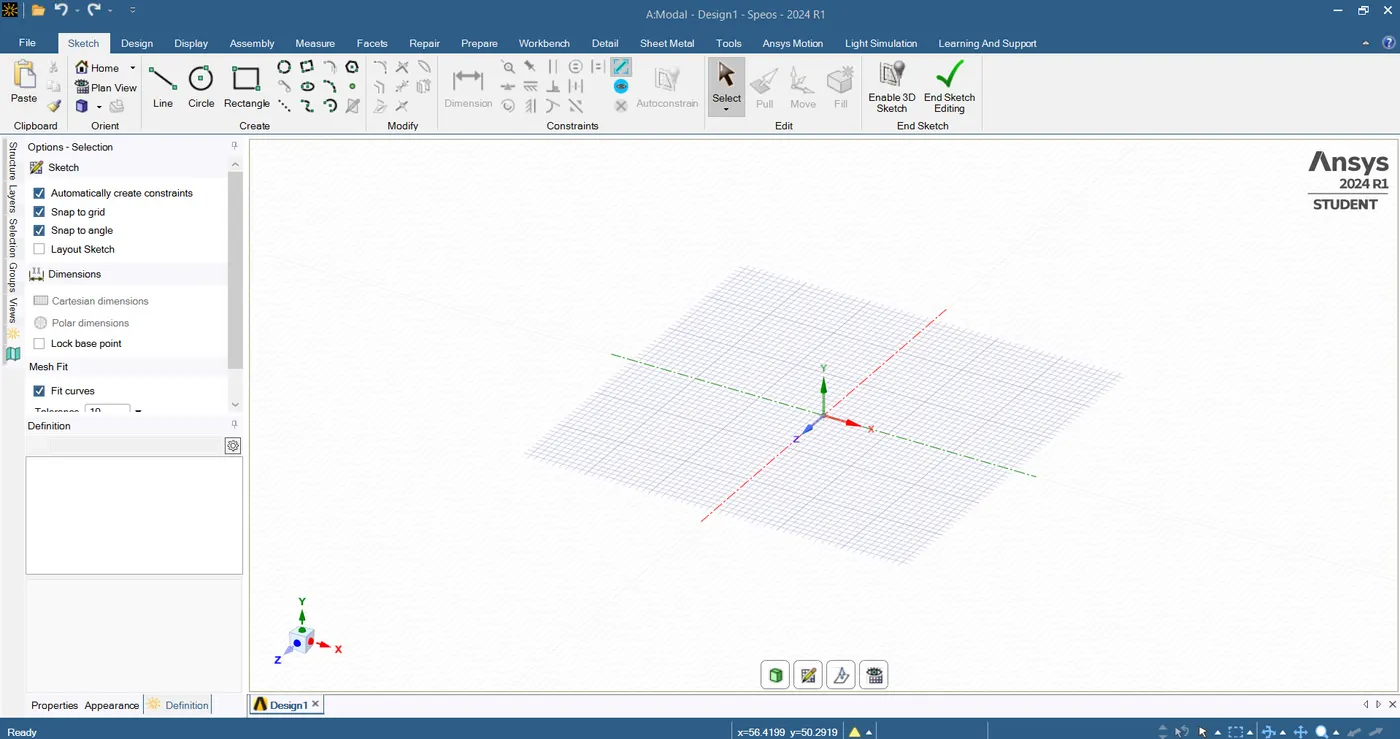
Here we can create model.
First make a rectangle dimension of 40x40 mm
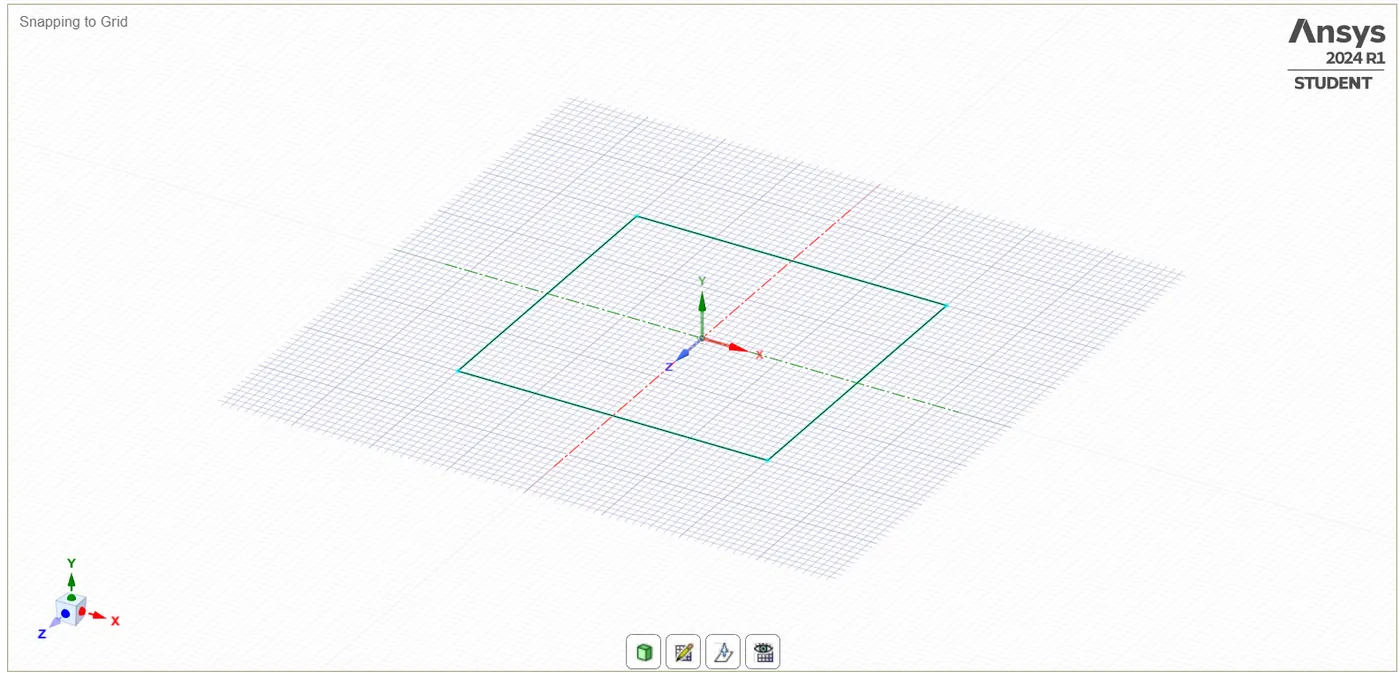
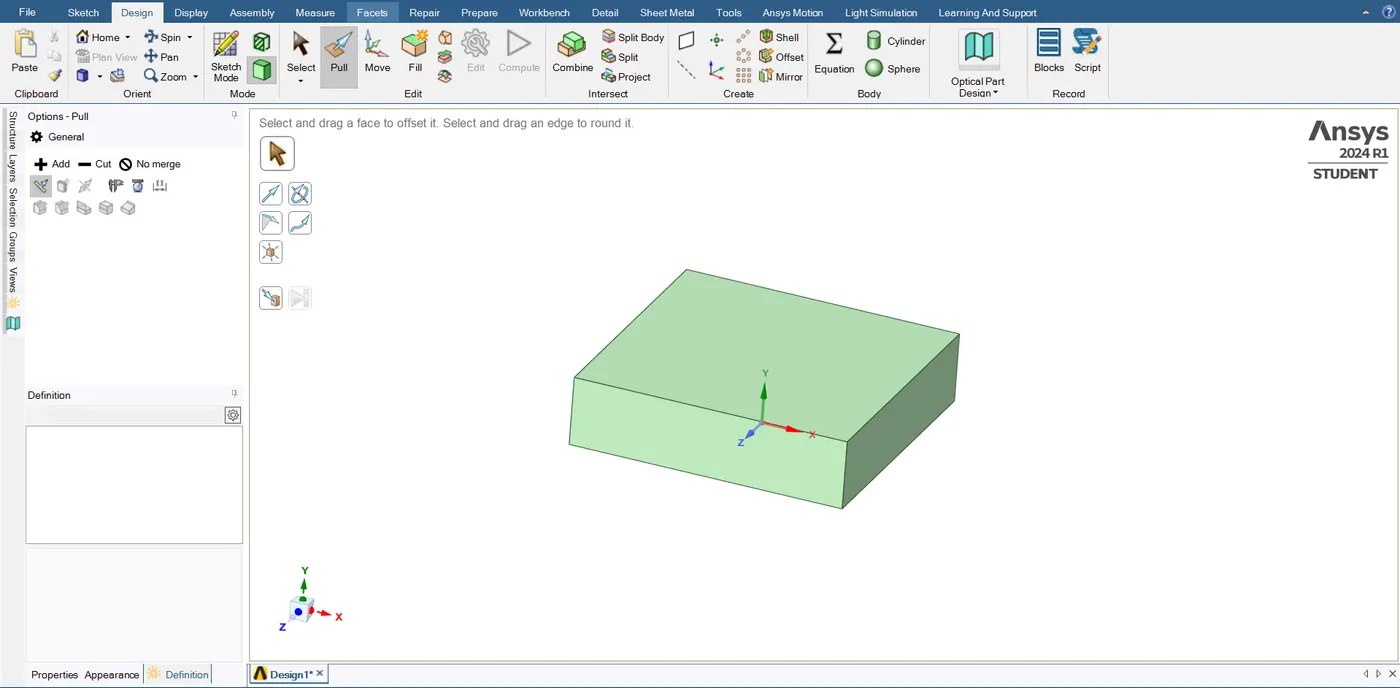
After making rectangle by using PULL option we can make thickness of 10mm.
Then we have to make a link between top and bottom box.
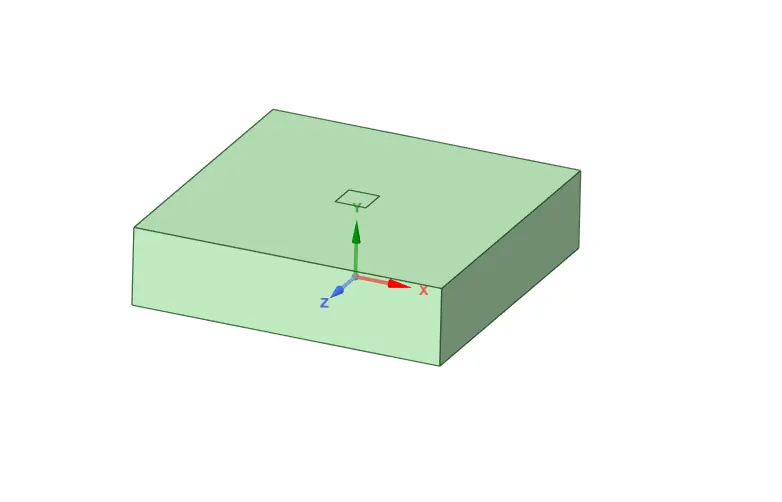
Then use pull option
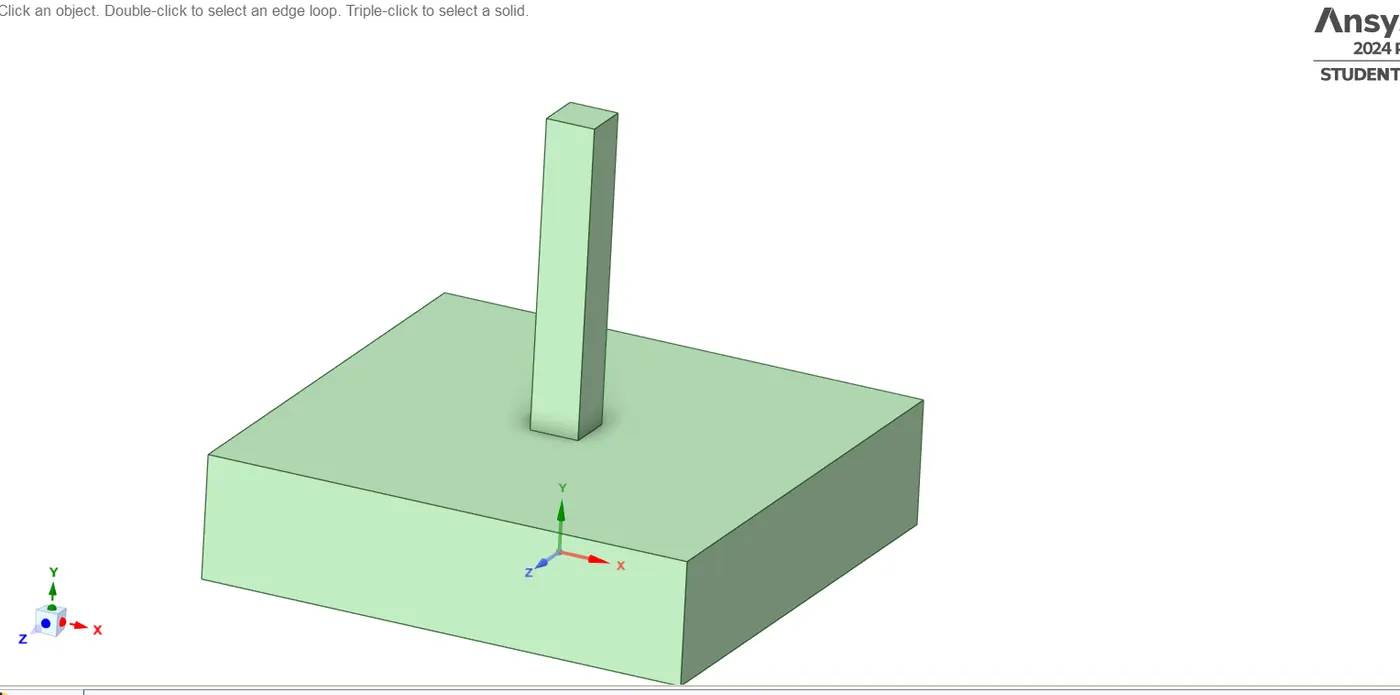
Then make top box dimension of 20x20x5mm
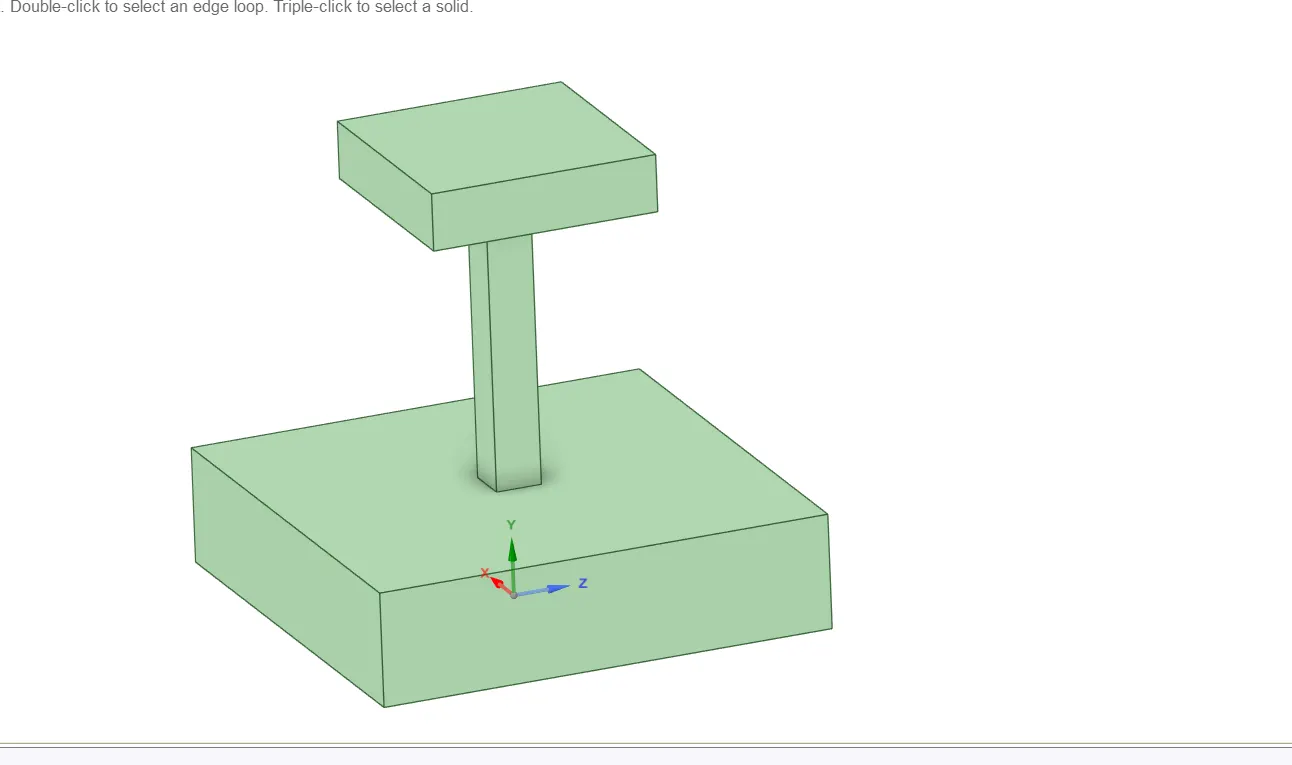
The model is ready, then we can move to mechanical.
STEP 4: OPEN MODEL (MECHANICAL)
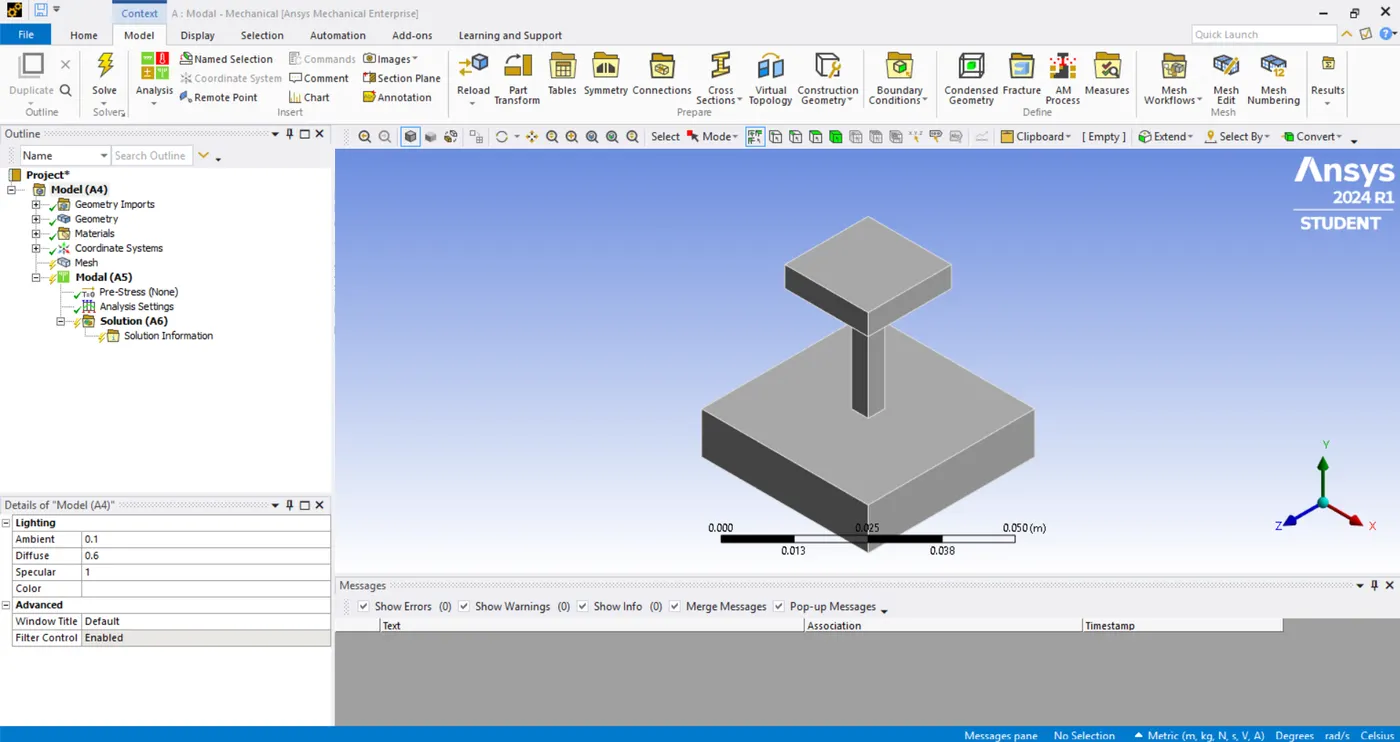
After opening the mechanical, we should check geometry(property) and material.
STEP 5: MESHING
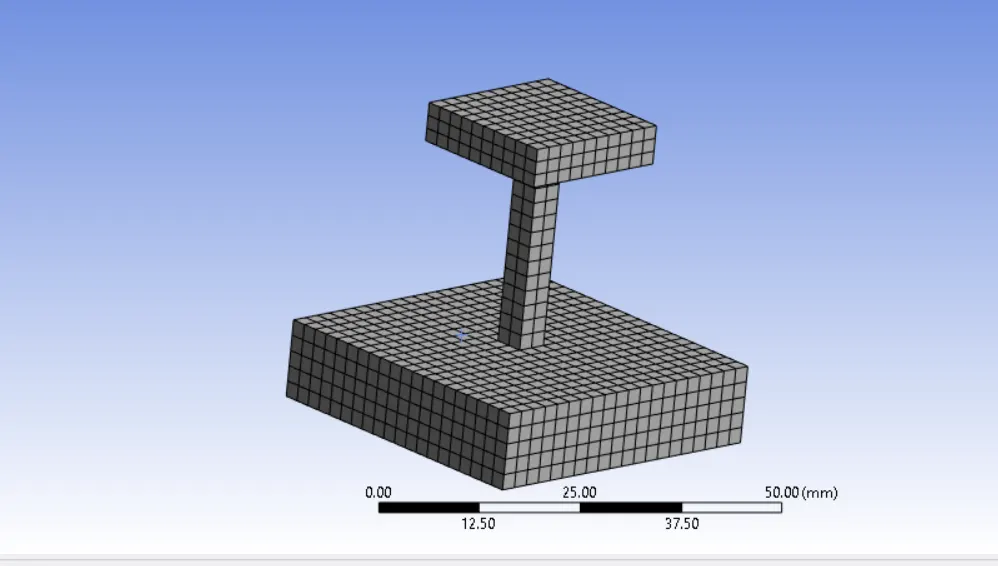
Our Element order should be linear.
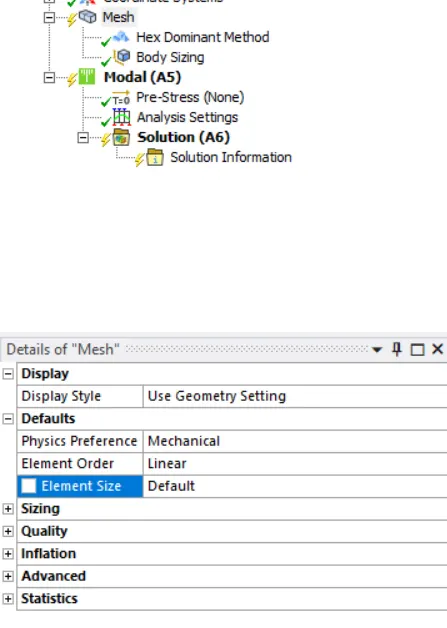
1. Insert method
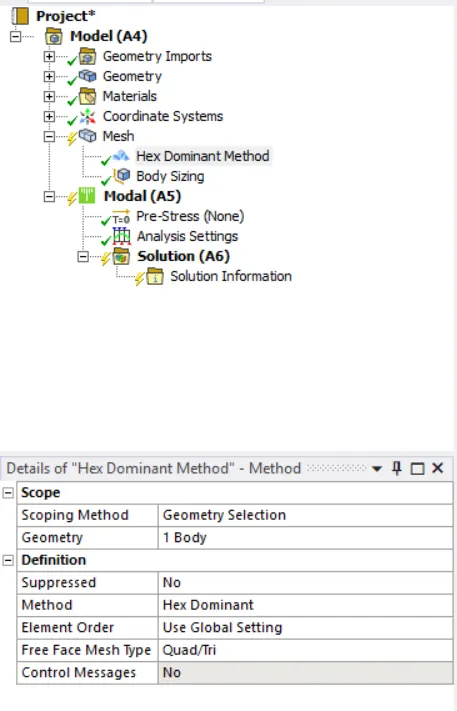
This is a solid model, so we can use Hex dominant method.
2. insert sizzing
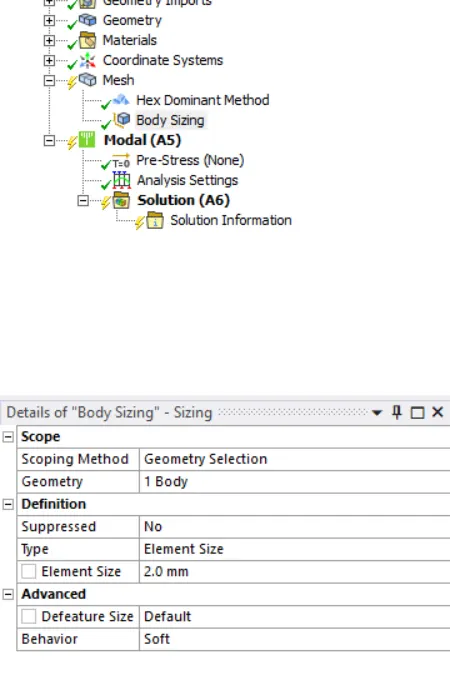
Here we can use 2mm element size.
Then generate mesh
STEP 6: APPLY BOUNDARY CONDITION
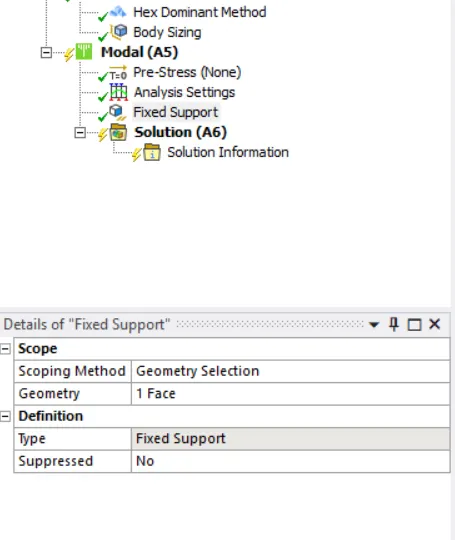
Here we should fix the bottom surface of block B.
modal > insert > fixed support
STEP 7: CHANGE NO:OF MODES
Go to Analysis settings give 10 to Max Modes to Find,
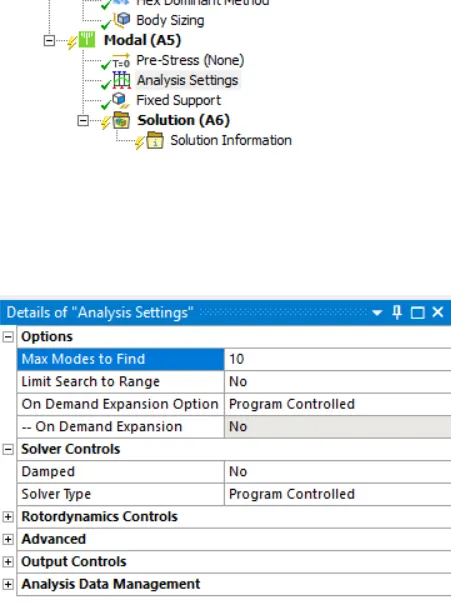
STEP 8: ADD TOTAL DEFORMATION
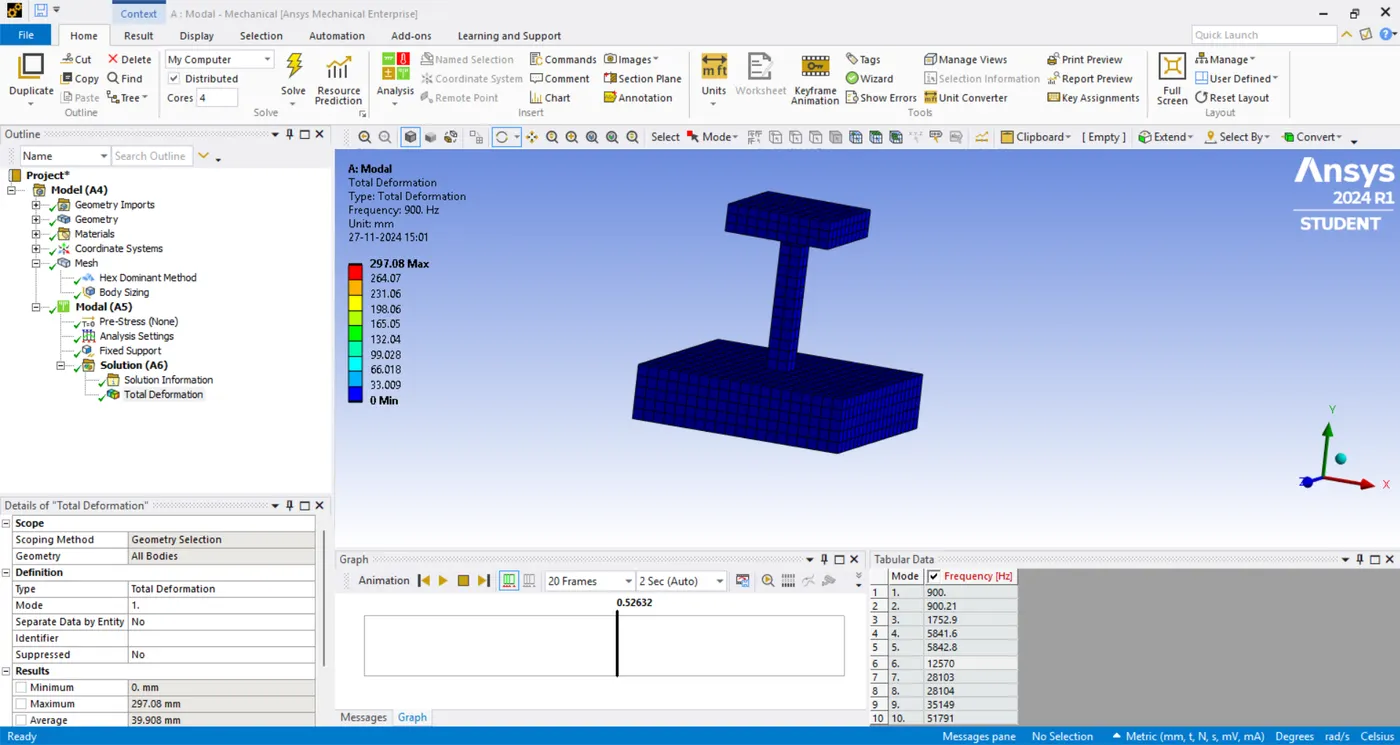
solution > insert > deformation > total
STEP 9: SOLVE THE PROBLEM.
solution > solve
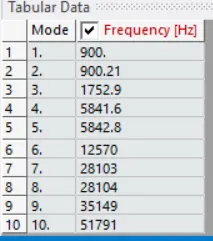
There we given as 10 modes, So here we can see that 10 modes with natural freequency.
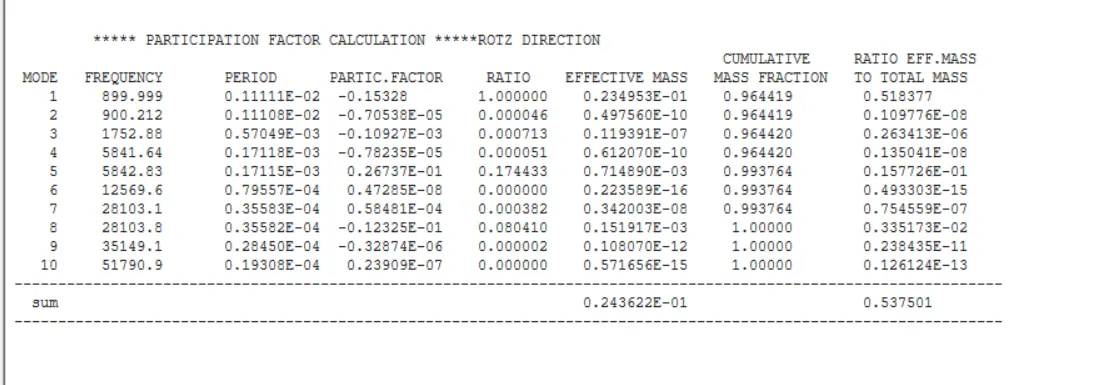
Here we can see participation factor on rotation Z direction.
-------------------------------Thank You-----------------------------------------------