Week - 3 Drop test Challenge
DROP TEST CHALLENGE
Aim:
To do a drop test challenge of a cell phone
Procedure:
Step 1:
Open the LS- Dyna program manager start LS prepost Open the keyword file
Step 2:
We need to get the solver deck ready by creating node sets.
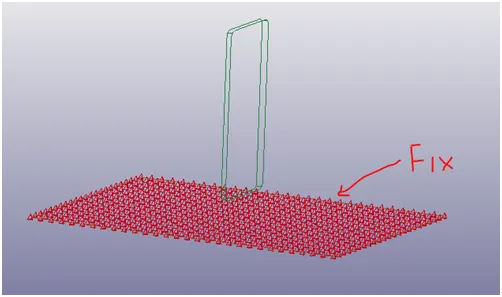
The base block should be fixed ( All DOF)
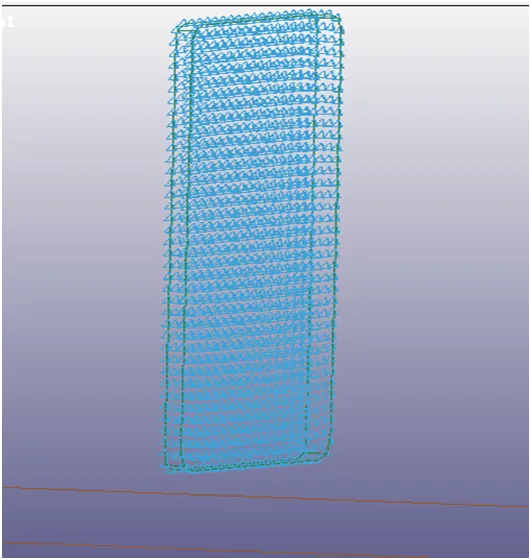
The cell phone is free to move only the Z direction.
Step 3:
Create respective section ID
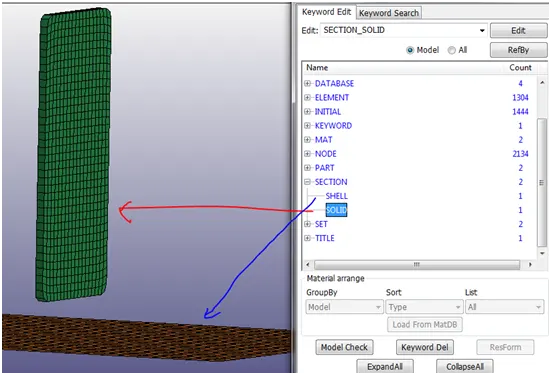
Shell thickness was given 10mm.
Step 4:
Create respective Material ID
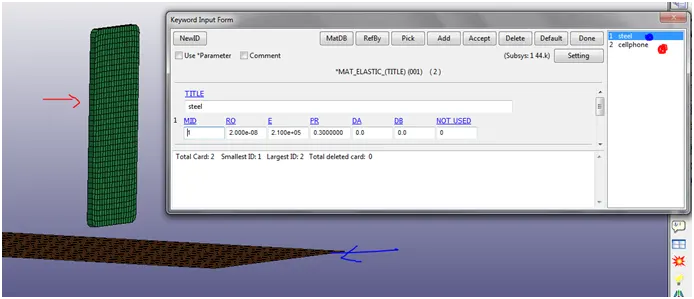
Step 5:
Create respective PID for the different FE parts.
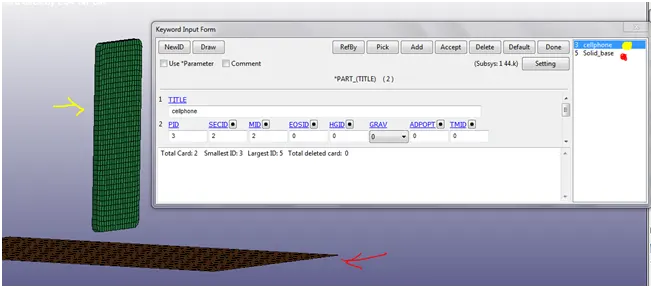
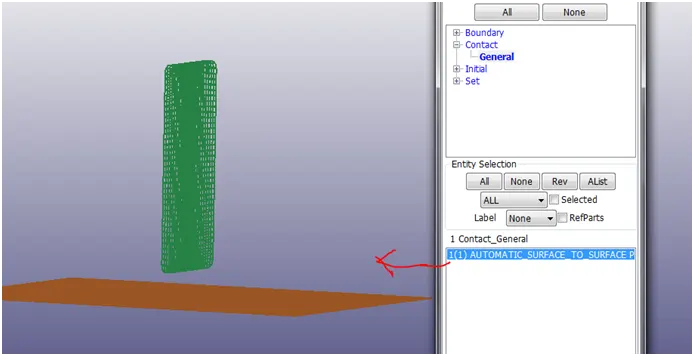
Step 6:
Create respective contact between the two parts. Automatic surface to surface contact has been used.
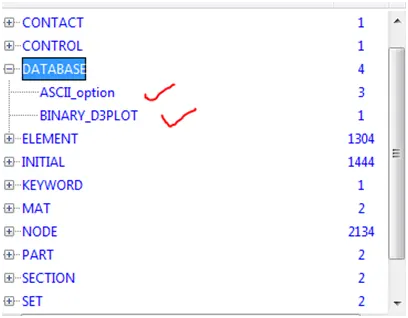
Step 7:
Under the database the ASCII option is selected. From which GLSTAT, MATSUM, SPCFORC is selected.
Under the Database the Binary d3plot is used to determine the time interval of the output.
Step 8:
Calculate the Velocity and the time taken for the fall.
Given :
Height = 19.8mm
Gravity= 9.806
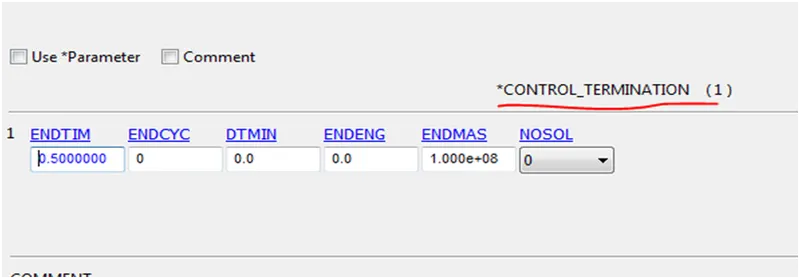
Time= = 0.6355 sec ; CONTROL_TERMINATION = 0.6355
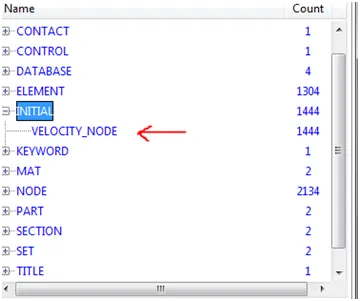
Velocity = g x T = 0.6232 m/sec ; INITIAL_VELOCITY = 0.6232 m/sec
Step 9
The velocity card INITIAL_VELOCITY is used to determine the velocity acting downward in –Z direction.
Step 10:
Control Termination card is used to determine the end time of the drop.
Step 11:
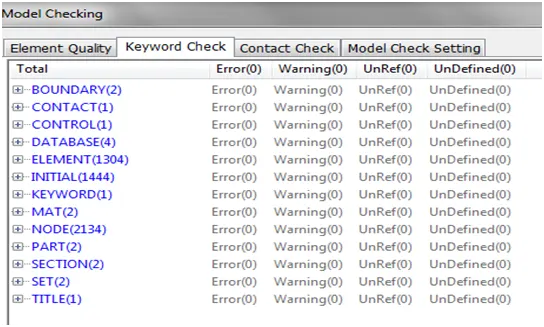
Check if the solver deck is out of errors.
Challenges encountered:
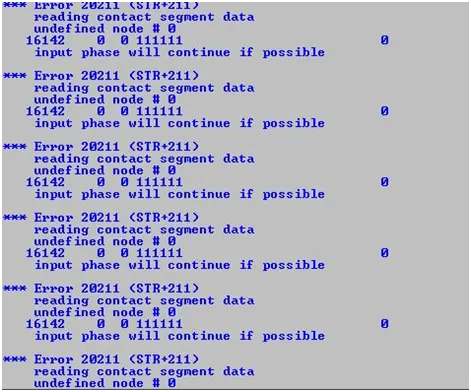
Instead of selecting the part ID, Node set ID was selected.
Problem was resolved after changing.
Results:
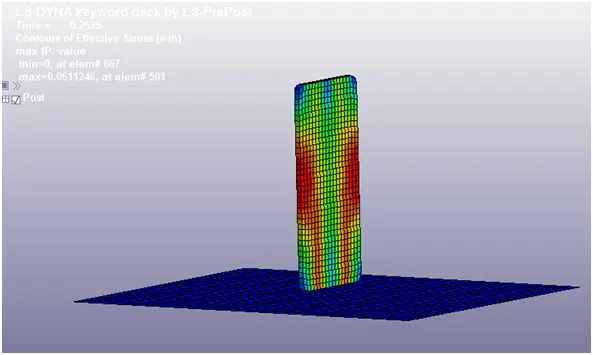
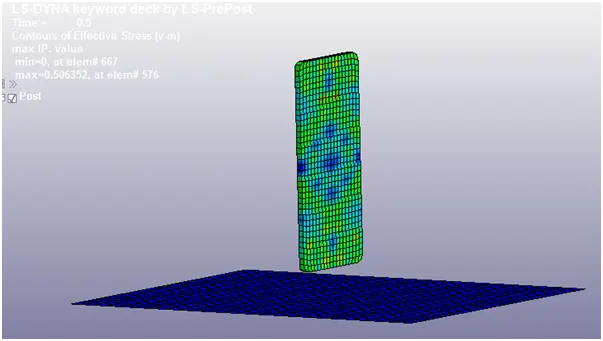
The Von Misses stress :
The effective stress at the point of contact is σ = 0.06112
Maximum effective stress:
The maximum effective stress the cell phone experiences is σ = 0.5063
Learning outcomes:
I learnt to create a complete solver deck for the given drop test challenge, using LS Dyna. And also I was able the debug the small errors that came up.
Conclusion:
The given drop test Challenge was solved using LS-Dyna.
Please use the link to take the .k file and d3plot
File path: https://drive.google.com/drive/folders/1l_l3OLdXUKBvDU3XBxcsORTzIBv4FzDj?usp=sharing