Week - 3 Drop test Challenge
AIM
Perform Drop test of cellphone.
- Create the proper rigid surface mimicking ground.
- Create complete simulation file from this to perform drop test.
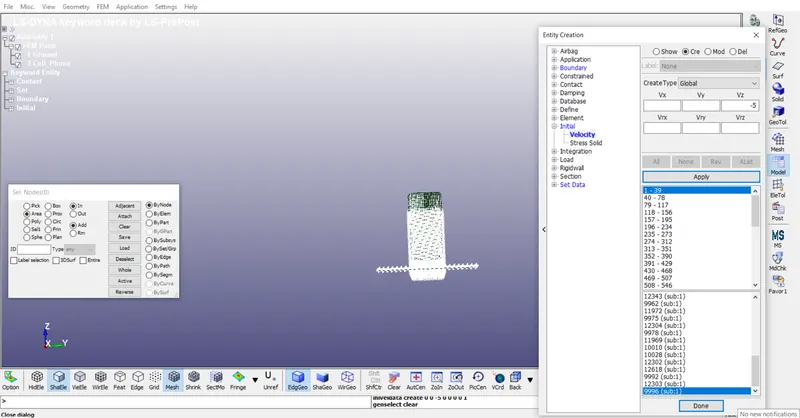
- “INITIAL VELOCITY CARD” is used to define the velocity of cellphone.
OBIECTIVE
- Create an input deck from scratch
- Create results similar to following situation
- The phone should bounce back in the same direction after the impact.
- Bounce back along with rotation after the impact
PROCEDURE
- Model setup
- Run the setup
- Results
MODEL SETUP: This is the first step where different inputs is provided in the form of text. These inputs are in the form of “KEYWORD”. In this model setup different inputs are defined as followed
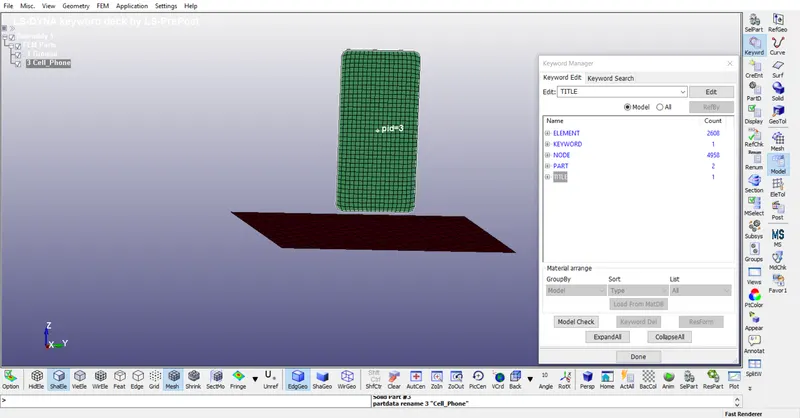
- Model: As in the figure the model is defined and properly meshed
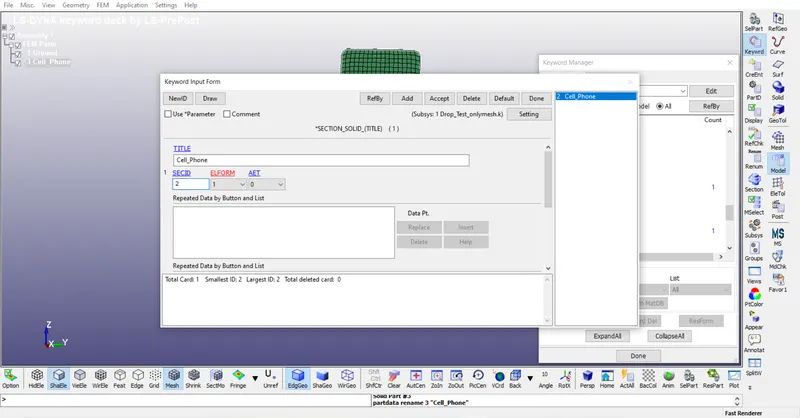
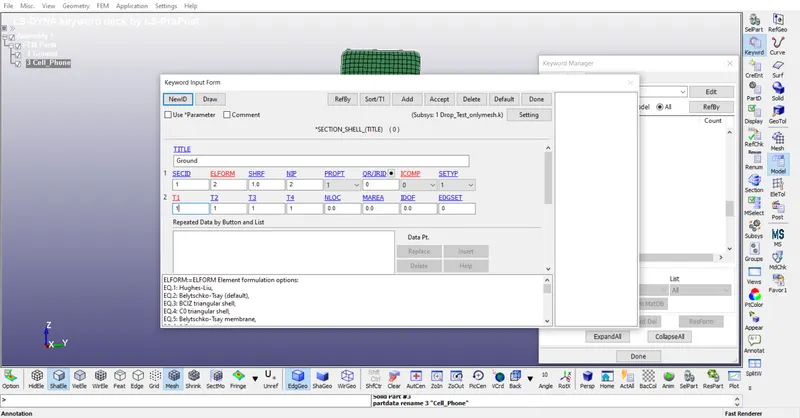
- Section: In this step each is defined with each section ID respectively. Cell phone is define as solid and ground is define as shell element.
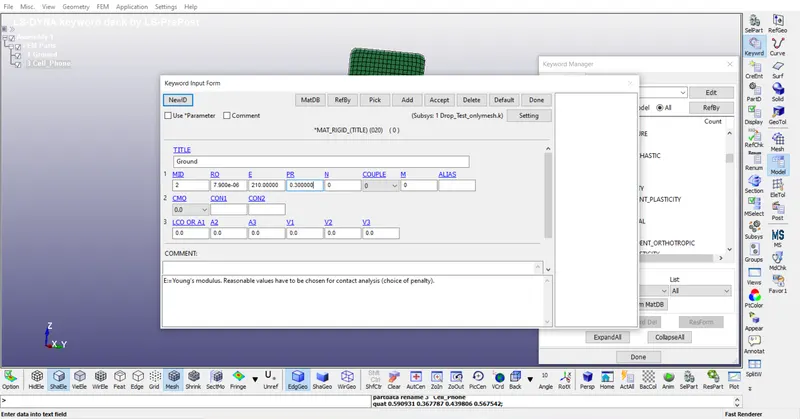
- Material: In this step different material is to the model. Arbitrary value of properties taken for both materials.
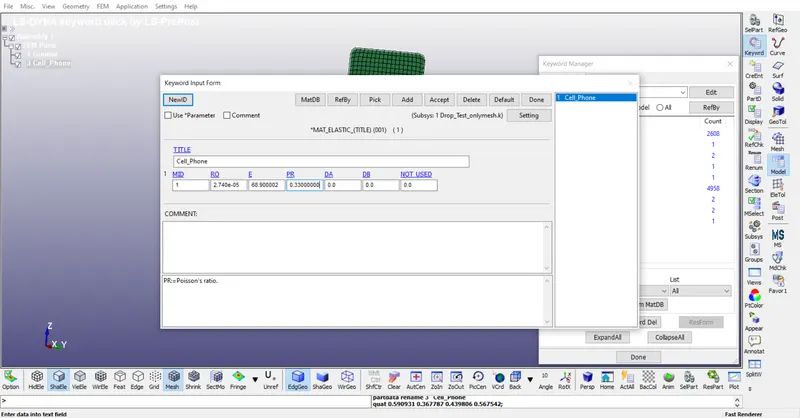
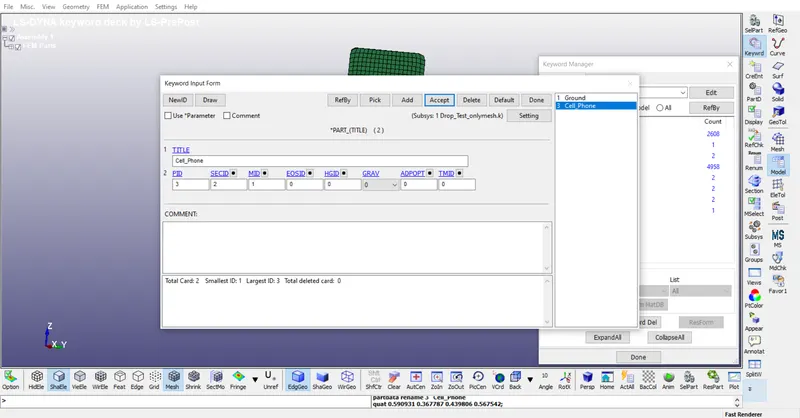
- Part: Since section and material is defined now lets update it on the part.
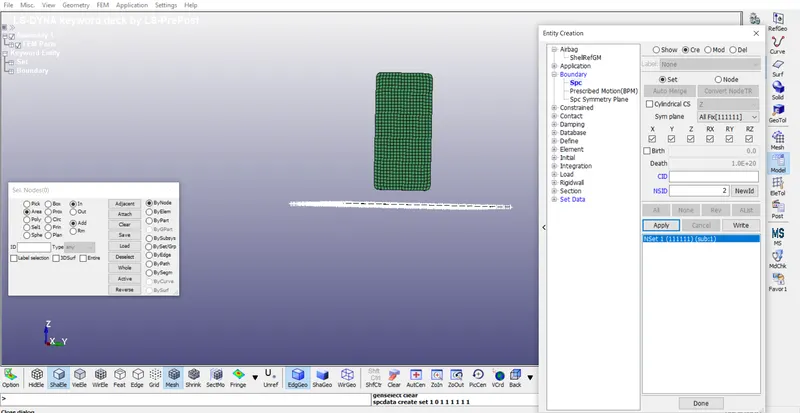
- Fixing the ground: For this boundary condition is defined with constrains.
- Initial Velocity: Since the cell phone is falls so it possess some velocity. Initial velocity is defined by calculating the distance between cell phone and ground that is 22mm. Hence the velocity becomes according to ͂= 5mm/s. So -5 mm/s is in the direction of Z axis.
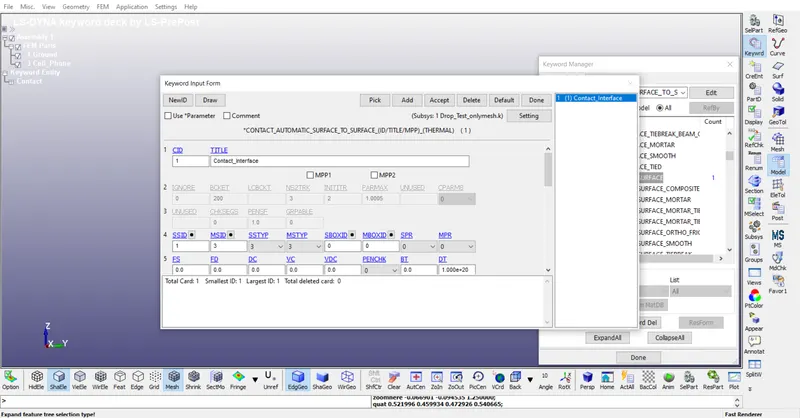
- Contact: Since the cell phone is dropped hence both cell phone and ground has contact.So the contact interface is defined where Master segment set id is cell phone and Slave segment set id is ground.
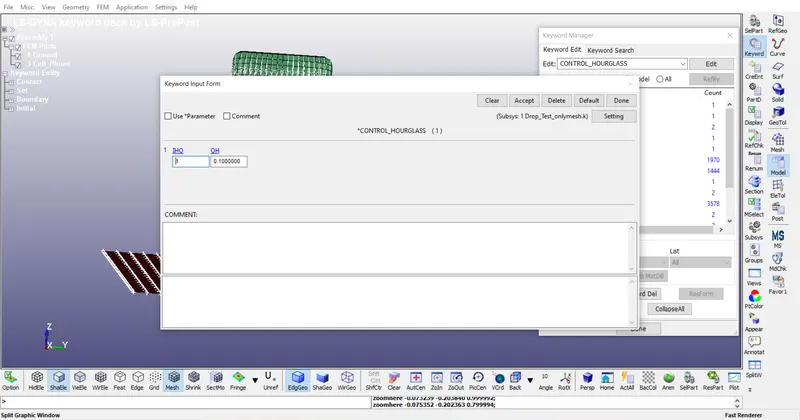
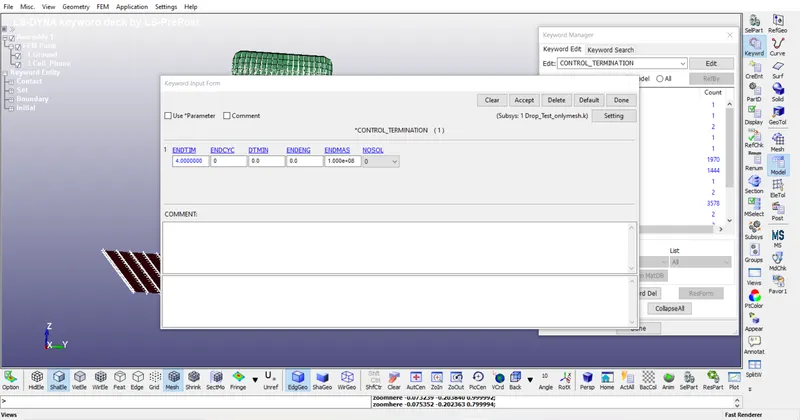
- Control: In this section termination time is defined and hourglass. Termination time is 4 and hourglass is default.
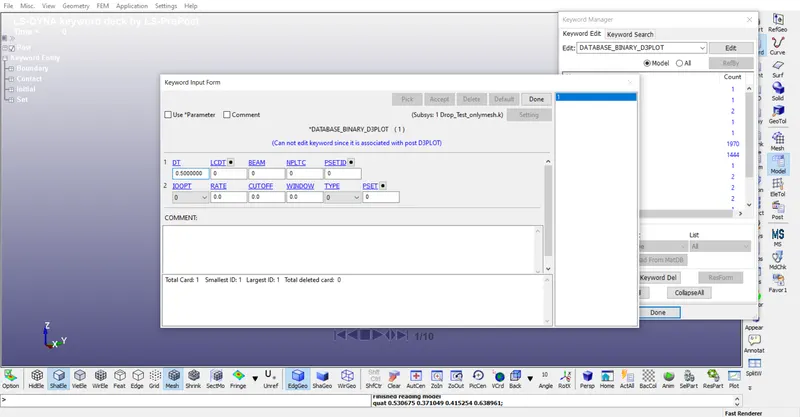
- Database: Here the output file defined. Here Binary D3plot is defined.
- Modal Check: After defining all keywords model is checked for any errors.
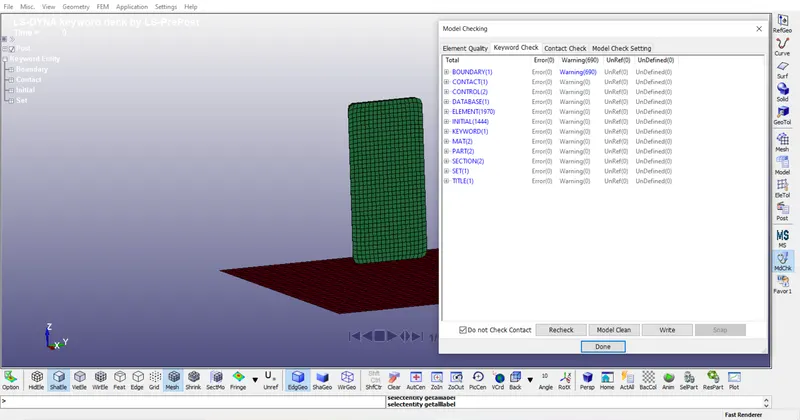
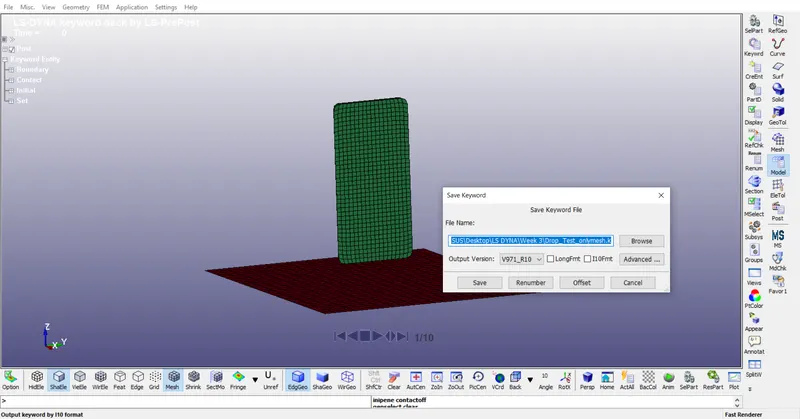
- Save: After through checkup last thing is to save the keyword file.
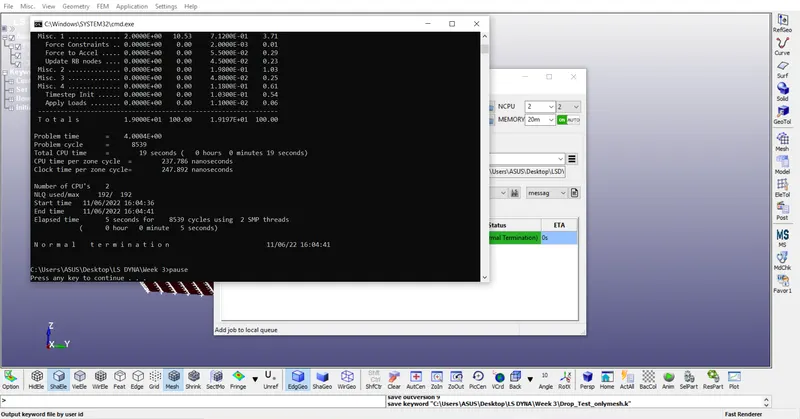
- Run: After saving the file the program is finally run.
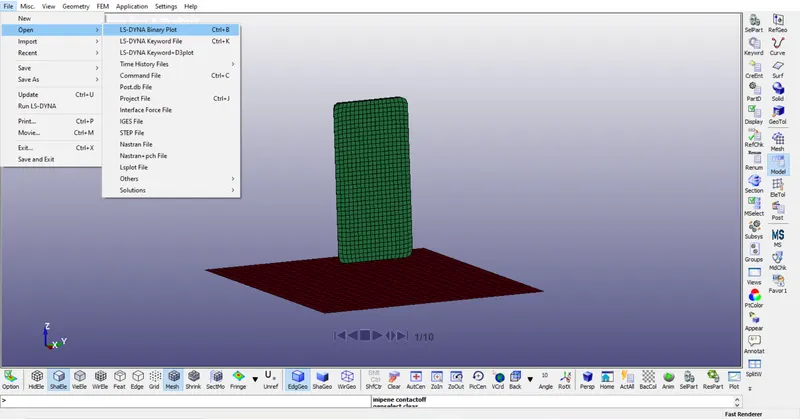
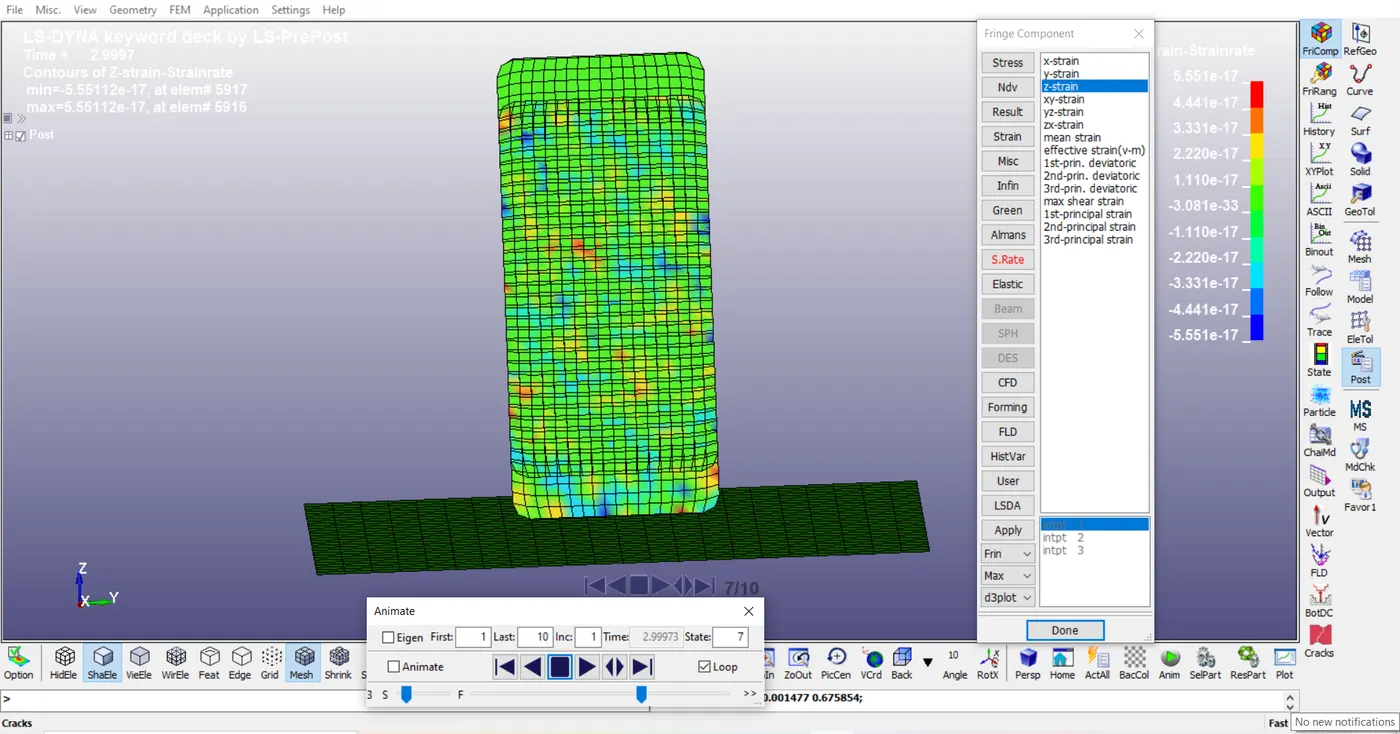
- Binary Plot:Since the program run is finished now the d3plot is opened is LS-Prepost.
- Result: After completion the final result as a stress and strain is obtained.
CONCLUSION
Hence the simulation of phone drop test is performed and the stress and strain developed in the cell Phone is observed.