Week - 3 Drop test Challenge
Drop test Challenge:
Aim:
To perform a drop test in LS-Dyna of cellphone by creation of appropriate section,materials assignment,Boundary canditions,controls,sets etc.
Steps followed:
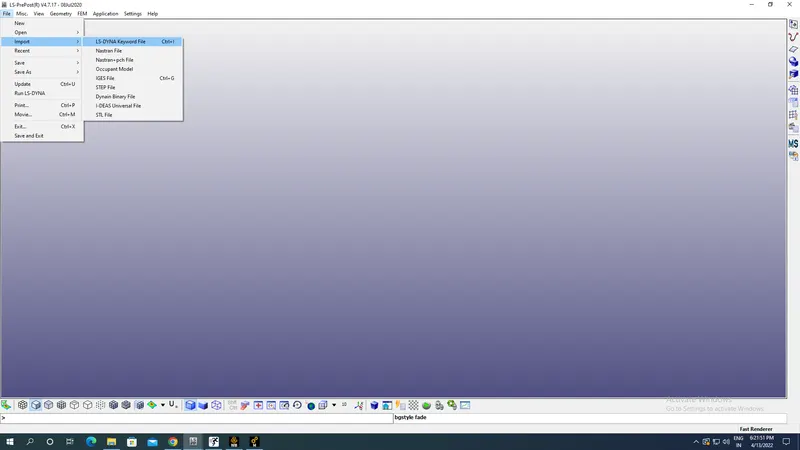
Import the model named as Drop_Test_onlymesh using import under File of LS Prepost as shown in the image below:
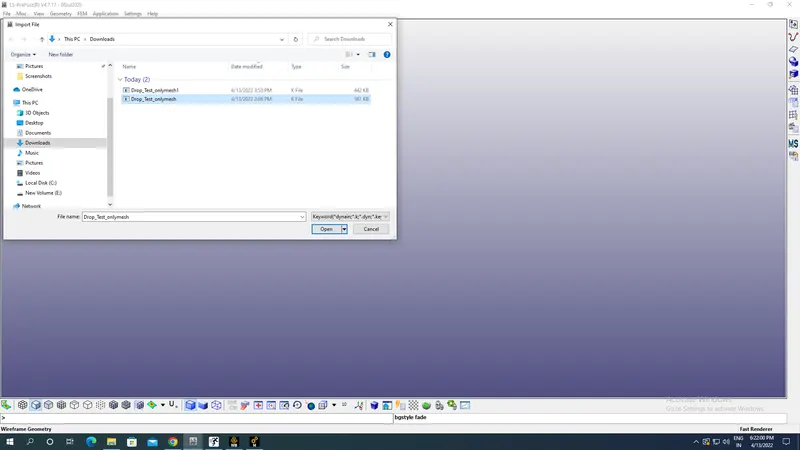
Final imported model is shown in the image below:
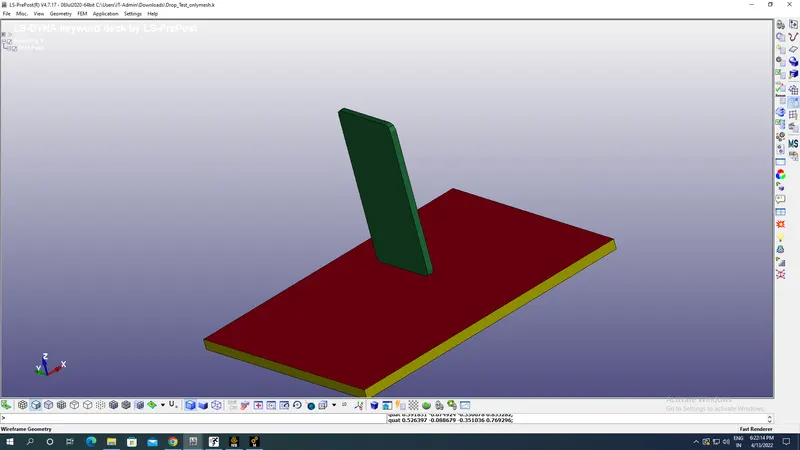
Green colour part is cellphone while red & yellow part is floor as seen in the image of model above.
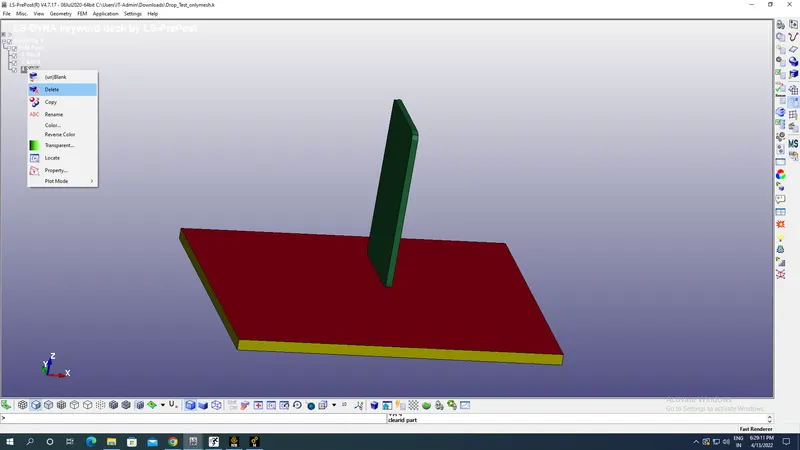
Now go to assembly and delete the yellow part of floor which is solid part so that floor can have configuration of shell element part as for drop test scenario we need only shell elelements for the floor not solid elements for floor as this will decrease our computational time so delete the solid elements as shown in the image below:
Meshes are turned on and model looks as shown in the image below:
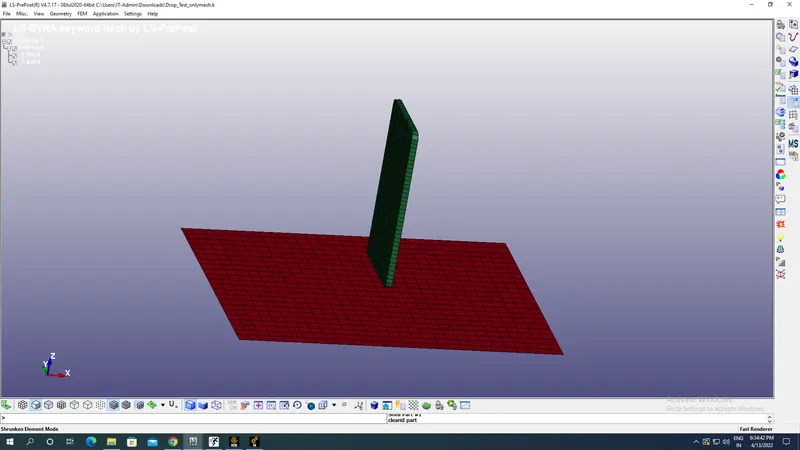
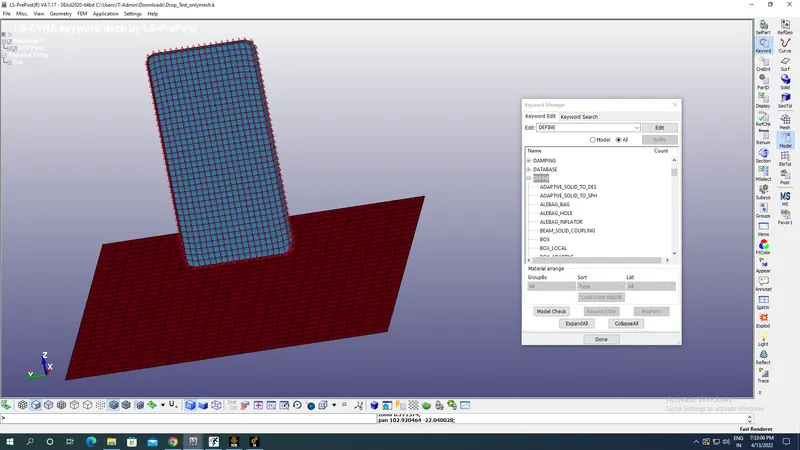
Go to Keyword manager under models as shown in the toolbar on the right side corner of screen and keyword manager will be as shown in the image below:
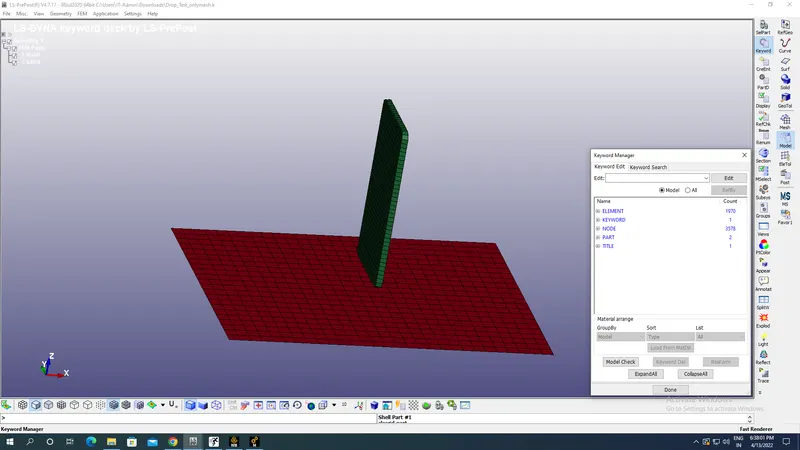
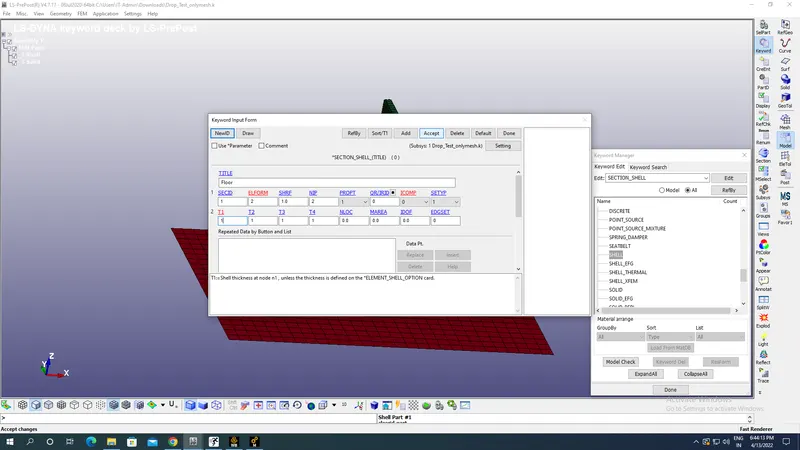
Create Section for parts in the model with title & ID and Shell for floor while solid section for cellphone as shown in the image below from All button beside Model as shown in the image below:
Shell Section for floor with 1mm thickness:
Solid Section for cellphone:
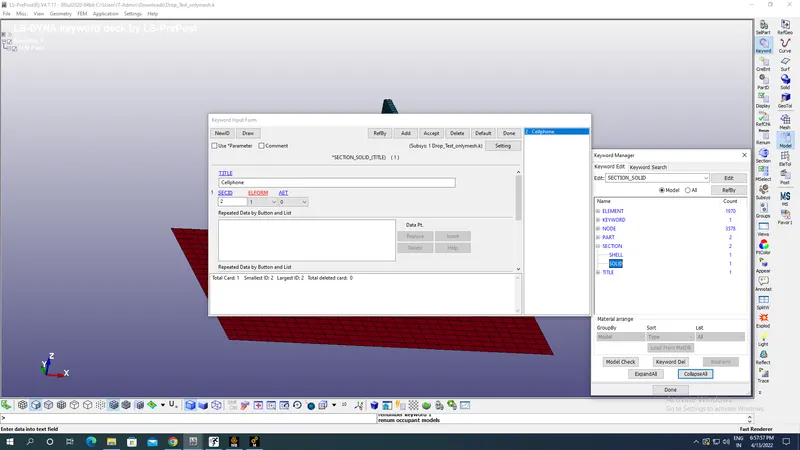
Note:All units are taken in Kg,mm,s.
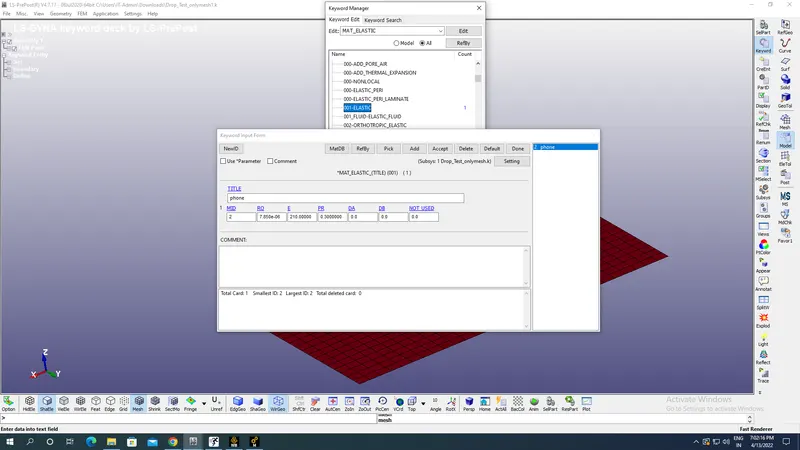
Now we have to select the appropriate material for cellphone as 001 Elastic for cellphone with appropriate material properties of density 7.85E-06 Kg/mm^3,Young's modulus as 210 MPa and Possion's ratio as 0.3 as as shown in the image below under All option:
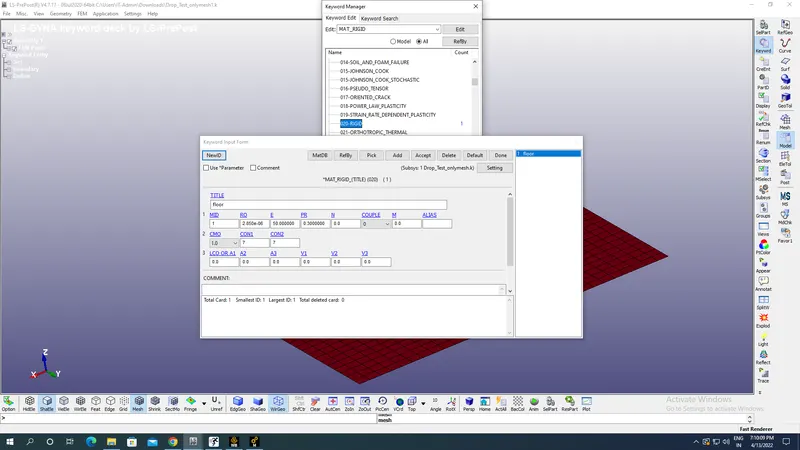
Select the appropriate material for floor as 020 Rigid for Floor with appropriate material properties of density 2.85E-06 Kg/mm^3,Young's modulus as 50 MPa and Possion's ratio as 0.3 with Centre of Mass Constrained(COM) as 1 and for global coordinates selection & constrained displacement along X, Y & Z as 7(CON1) as shown in the image below under All option:
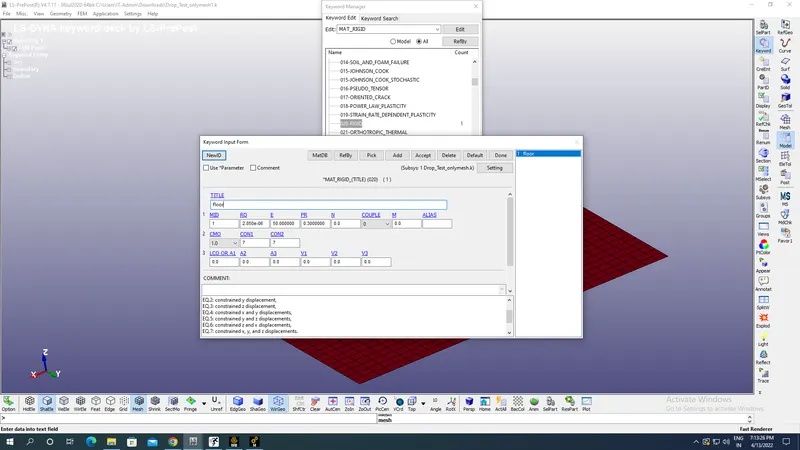
Constrained displacement along X, Y & Z as 7(CON1) as shown in the image below:
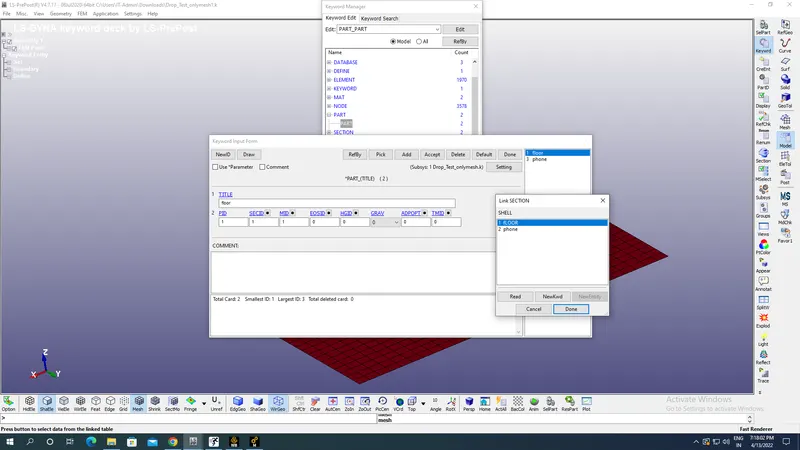
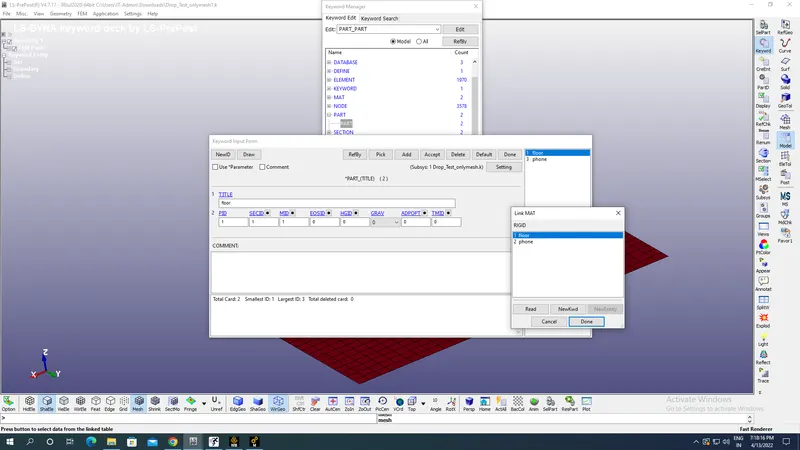
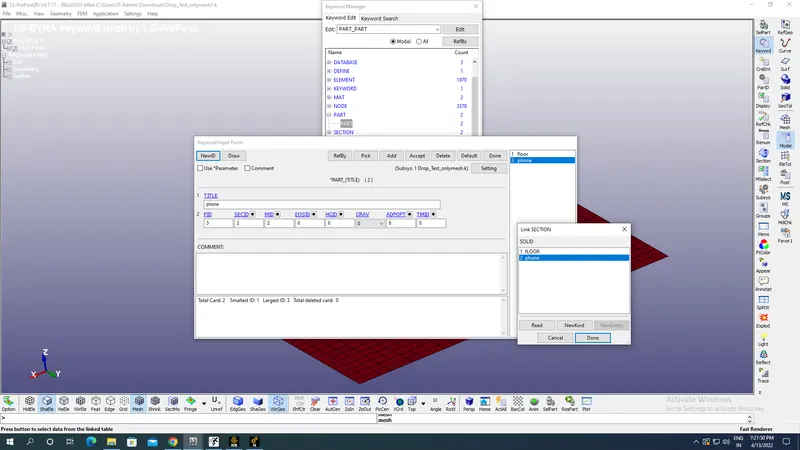
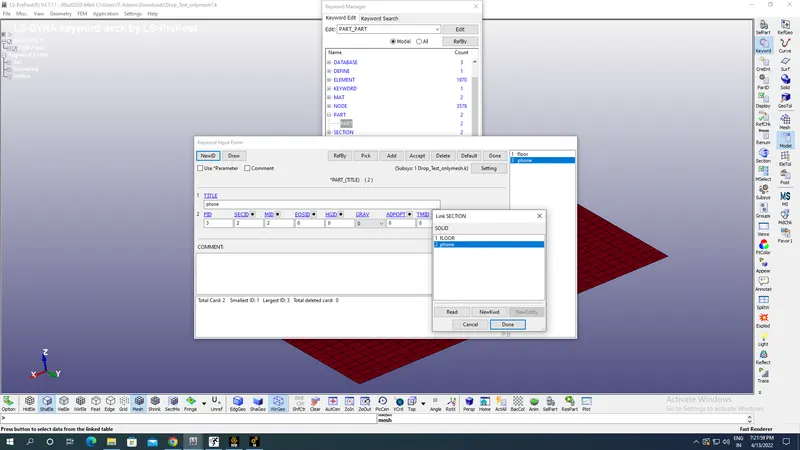
Now go to parts assign appropriate title,part Id,material ID,Section Id to the floor & cell phone as shown in the image below:
Floor part:
Cellphone part:
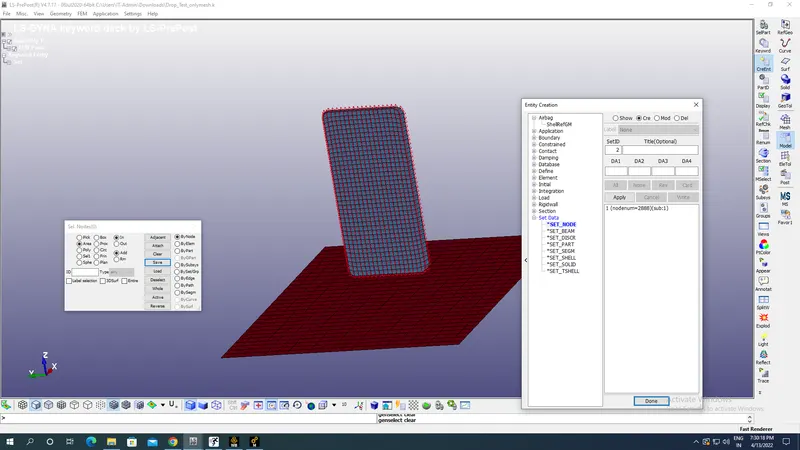
Create a set of nodes using create identity option in oder to apply velocity to the cellphone as boundary candition as shown in the image below:
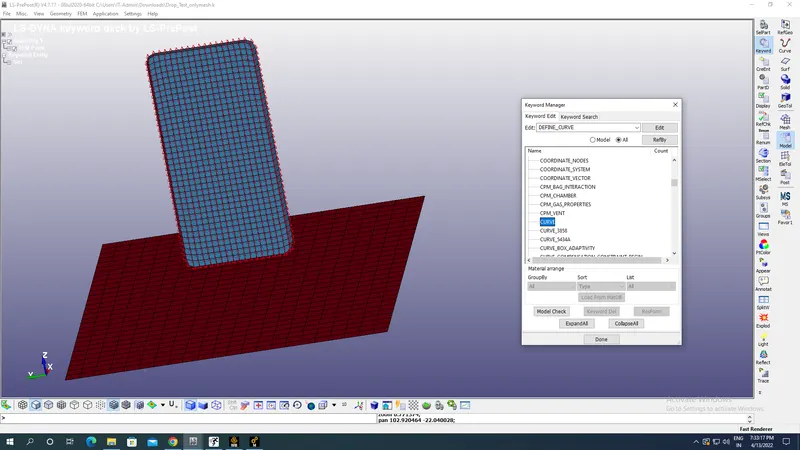
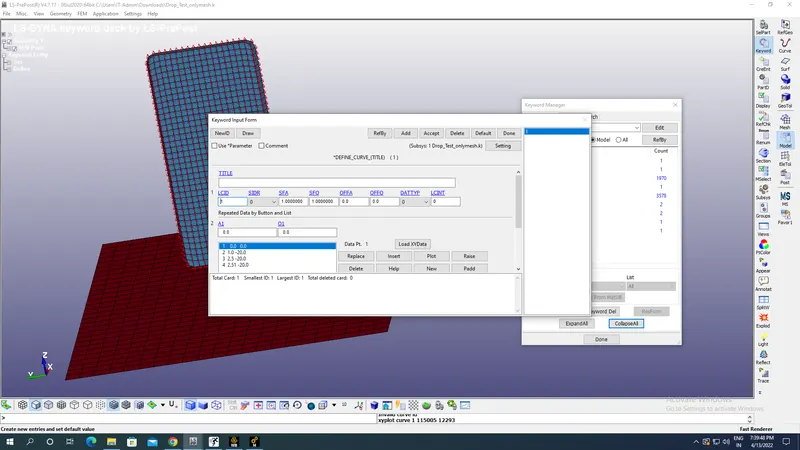
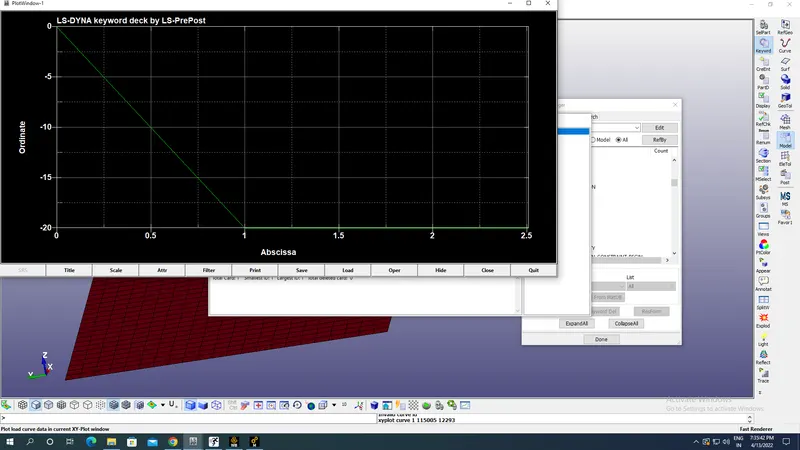
Define a curve for velocity of phone as shown in the image below using all options with values along negative Z axis as shown in the image below upto 2.51s with plots as shown in the image below:
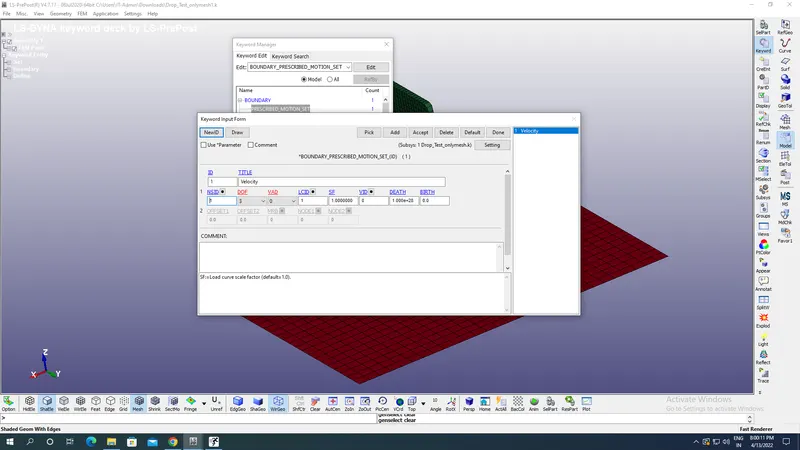
Now go to Boundary candition select prescribed motion set,Boundary candition ID select SET ID,Curve ID,Degree of freedom=3 & Velocity with 0, as shown in the image below:
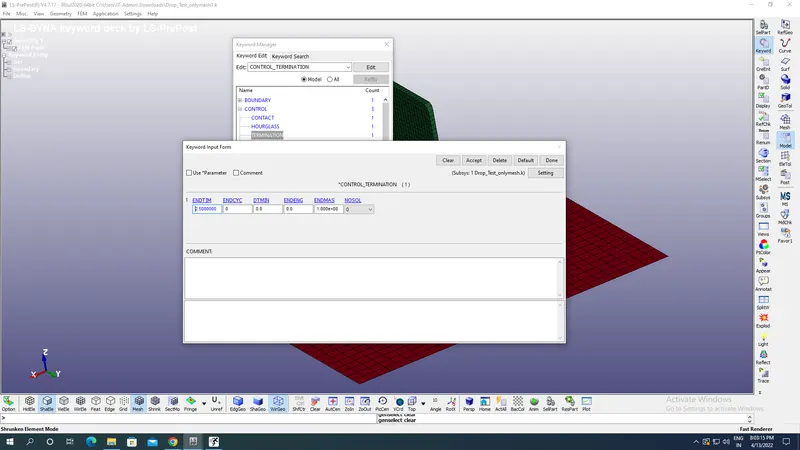
Now go to Controls-select the Termination with End time of 2.50 s for the animation time as shown in the image below:
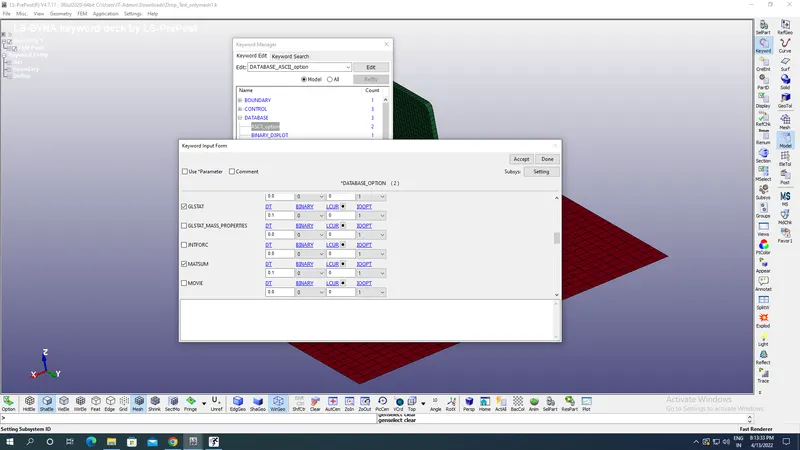
Now go to Database assign ASCII & BINARY_D3PLOT for outputs as shown in the image below:
For ASCII assiign GLSAT to record energies & MATSUM to record material energies with DT as 0.1s as shown in the image below:
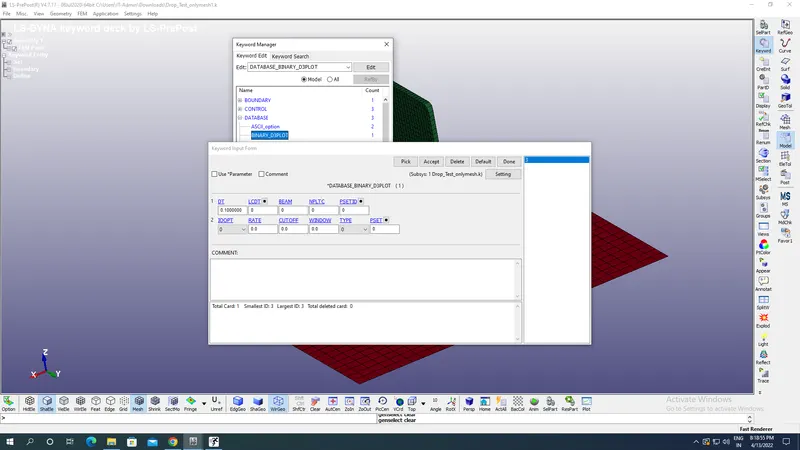
For Binary_D3Plot with DT AS 0.1 s as shown in the image below:
Save the model as Save Keyword AS and RUN it.
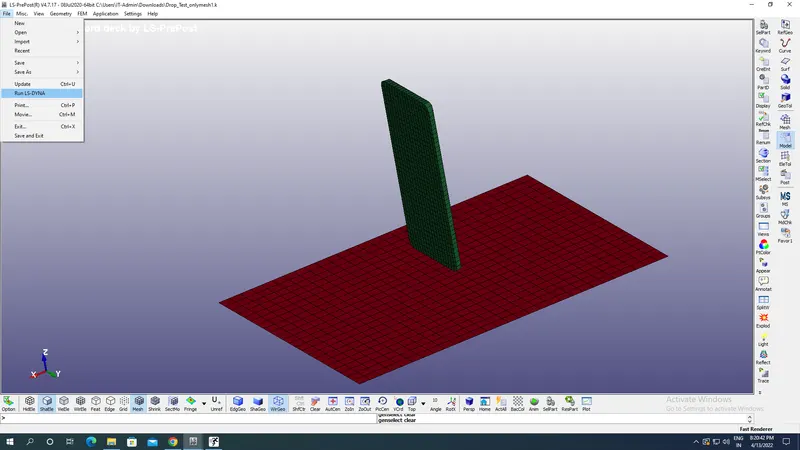
Now run the model with RUN LS DYNA option under file menu as shown in the image below:
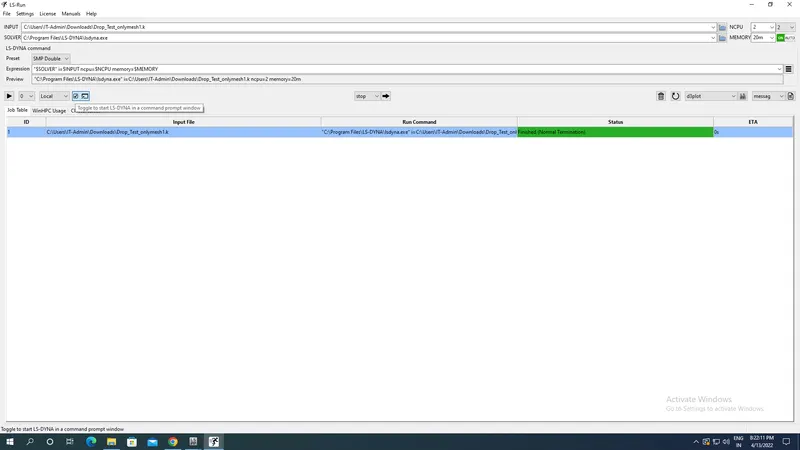
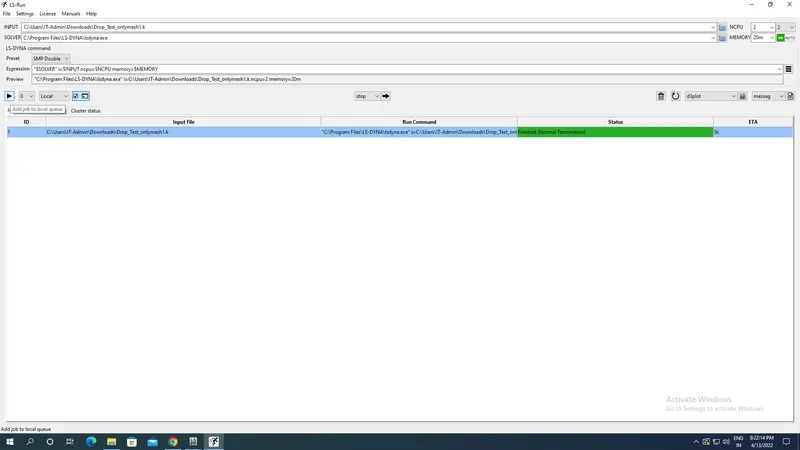
Now LS run window option opens select Toggle & run the qeue as shown in the image below:
Results:
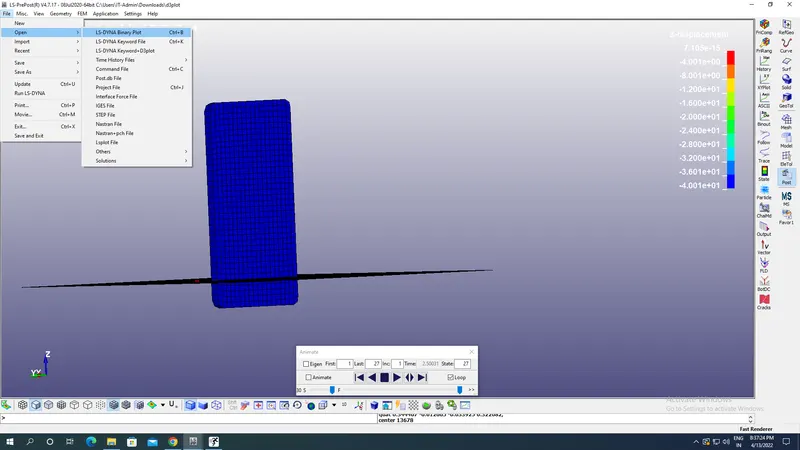
After running the background we open new LS Prepost window and will select the binary d3 plot file from specified path as shown in the image below:
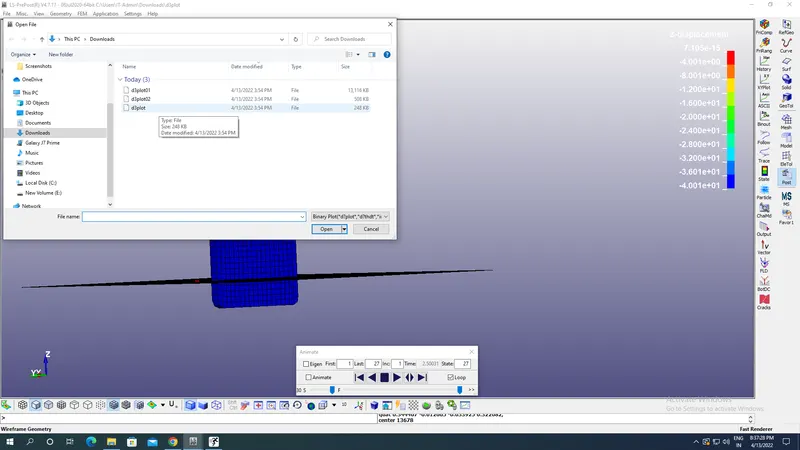
Now go to Fringe component and select the outputs needed.
Von mises stress plot:
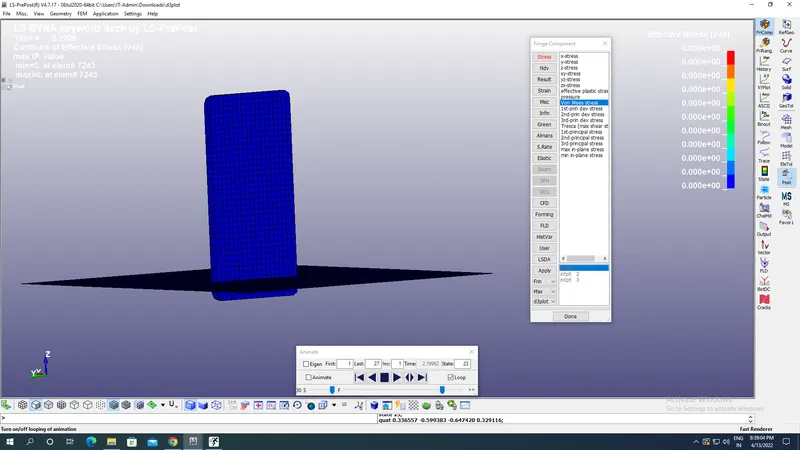
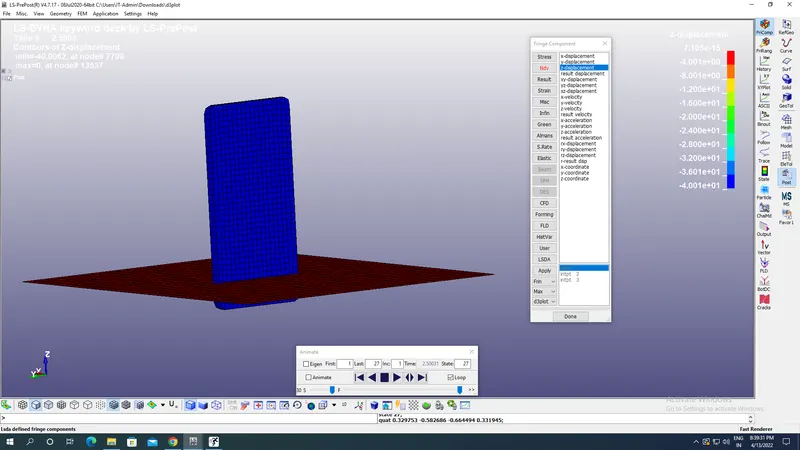
Z displacement:
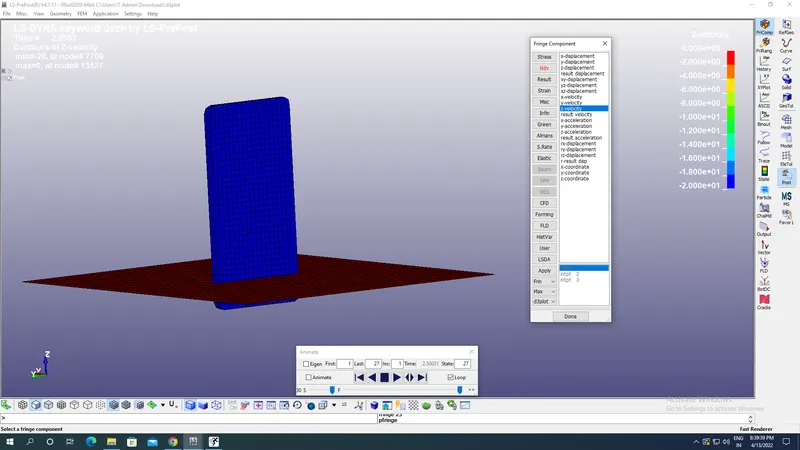
Z-velocity:
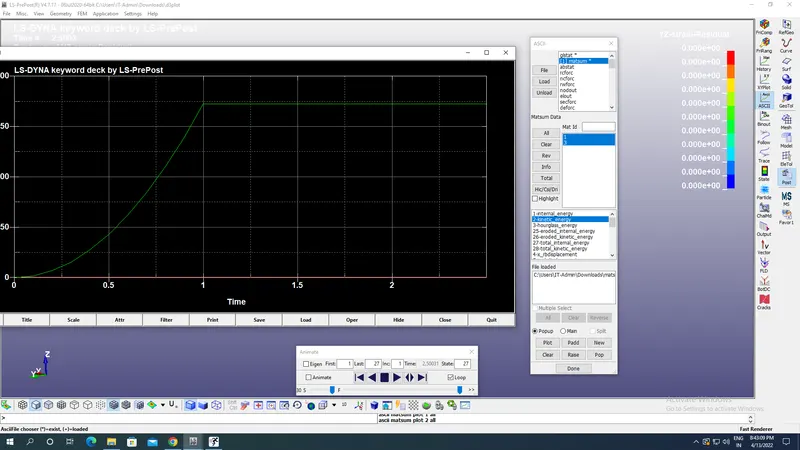
From the ASCII plot MATSUM i.e material kinetic energy for respective materials through ASCII option in right side as shown in the image below:
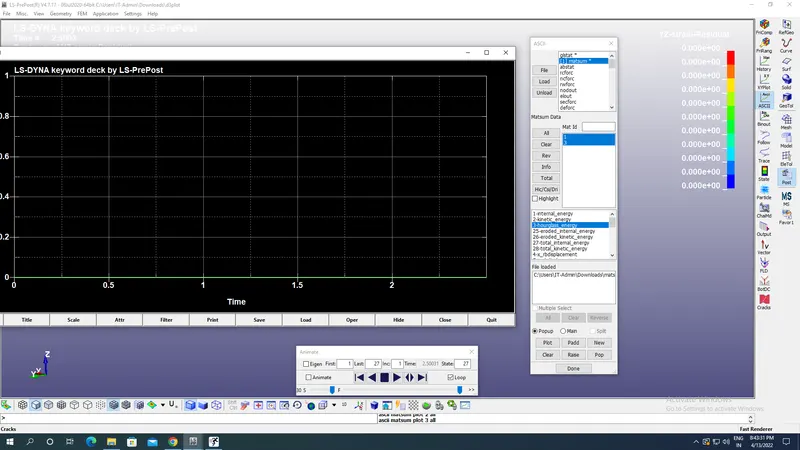
Hourglass energy for materials:
Conclusion:
The drop test was conducted with velocity vs time curve creation with maximum velocity as 20 mm/s and desired results are obtained as shown in the image above.