Week 3 Challenge : CFD meshing on Turbocharger
AIM:
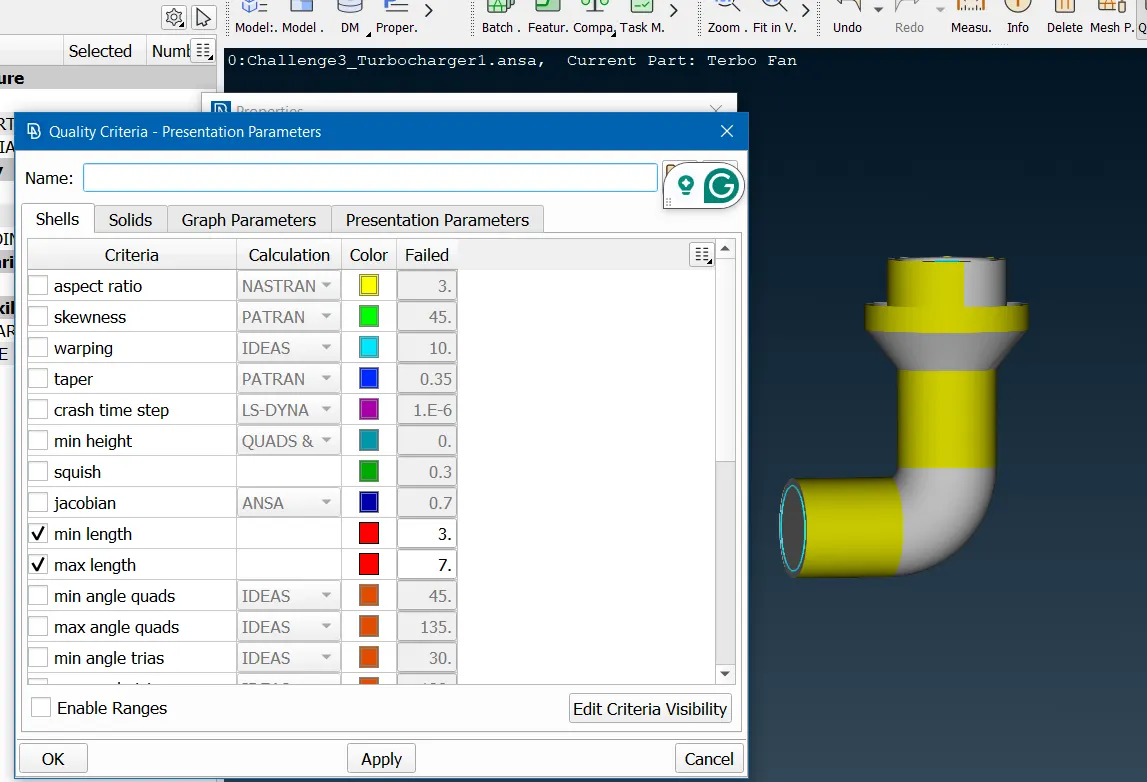
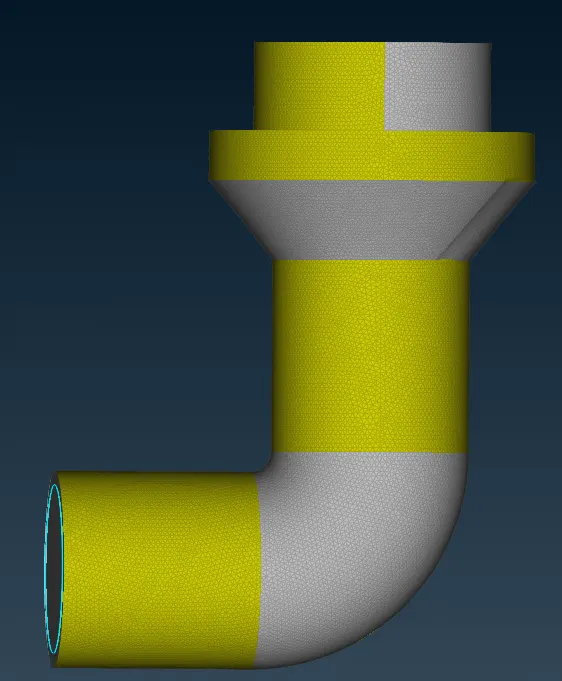
For the given model, to check for the geometrical errors to make appropriate volumes, create and assign PIDs. To perform surface mesh with the given target lengths as per PIDs.
- Blade stage-1 = 1 mm
- Blade stage-2 = 1 mm
- Impeller = 2 mm
- Shaft rotor = 1 mm
- Turbo casing = 5 mm
- Compressor casing = 5 mm
- Inlet casing cover = 5 mm
Then to perform Volumetric mesh for the required volumes.
Given: -
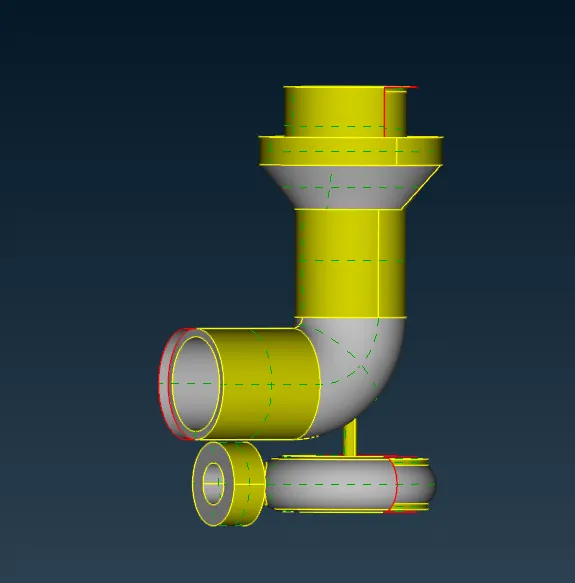
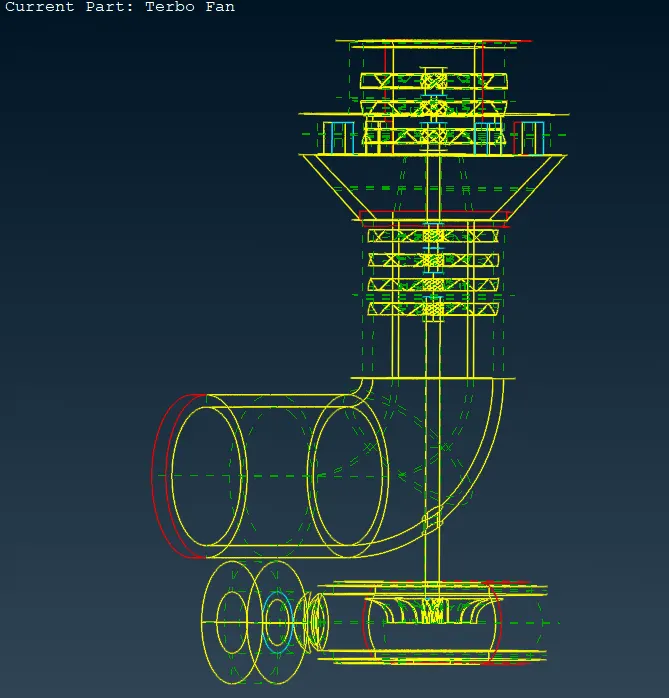
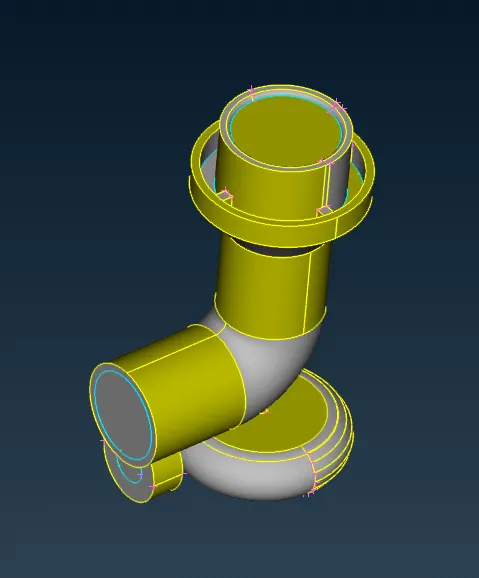
A. The Given CAD Model of the Turbo-Charger is Shown Below: -
Cleaning up the Geometry: -
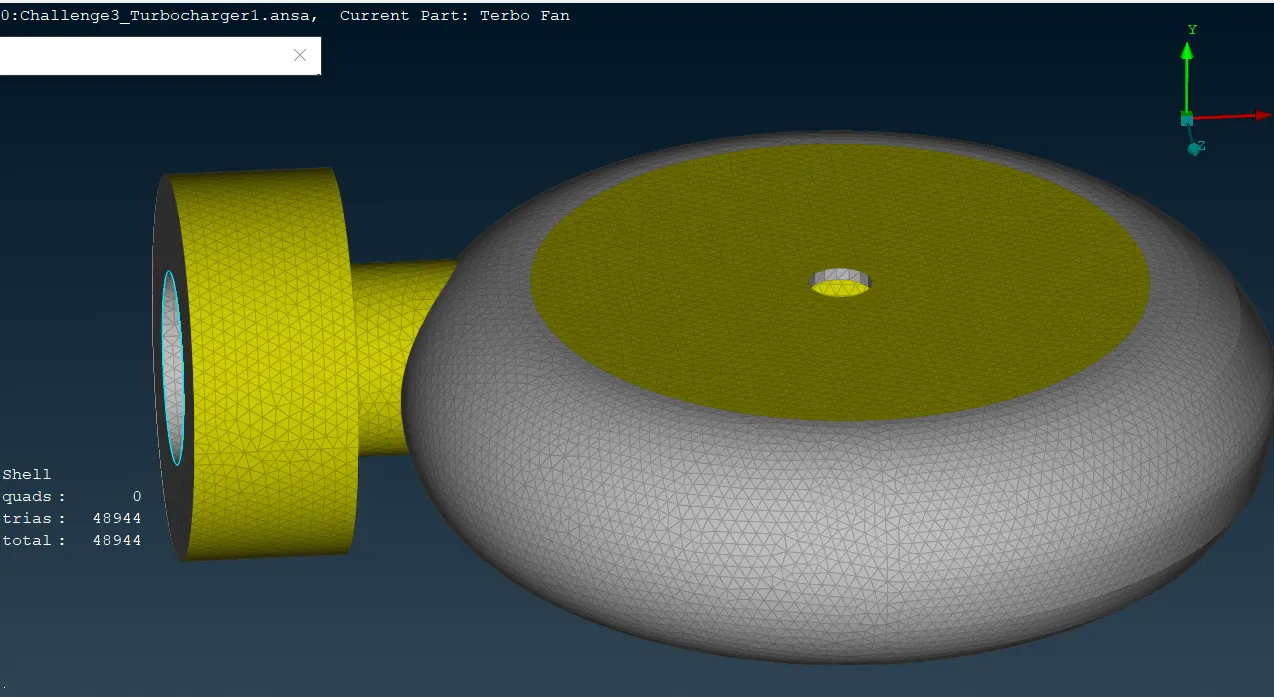
A. Performing Geometric Cleanup on Turbo Casing:-
i. Description of Tools used(Reference - ANSA Help): -
a. Project(CONS) →→ This function projects, as CONS or 3D Curves, a number of selected 3D-curves, CONS, element edges, line elements, or Hexa Box edges on a number of selected Faces, WPLANEs and CROSS_SECTIONs, in a user-controlled direction. The selection of the CONS or 3D-curves can be assisted by the 'Corner Angle', 'PID Neighbs' for line elements, or 'Path'.
b. Delete →→ The Delete function of the Geometry Group can be used to delete various ANSA entities (Curves, Faces, FE-Model entities, etc.).
c. Fill Holes(CONS) →→ This function fills holes on Faces. The holes can be of any shape. Such internal openings can be selected individually, or automatically among the visible ones if they fall below a user-specified diameter value. There is the option to create automatically 3D Curves, Points, or Connection Points of the removed holes, in order to mark their shape and position for reference.
d. Project(Hot Points) →→ This function defines a new Hot Point on a CONS, a Node on a 3D-curve, or a Weld Spot on a Face, as the projection of an existing Node, 3D-point, Hot Point, Weld Spot, etc. on each of these entities.
e. New(Faces) →→ This function defines a new surface by selecting its boundary curves and creates a corresponding face that covers the new surface. The calculated surface appears as a net.
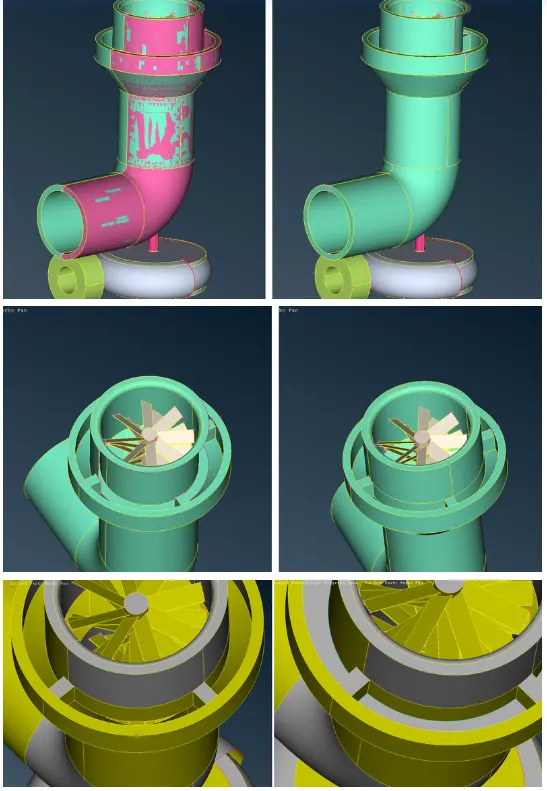
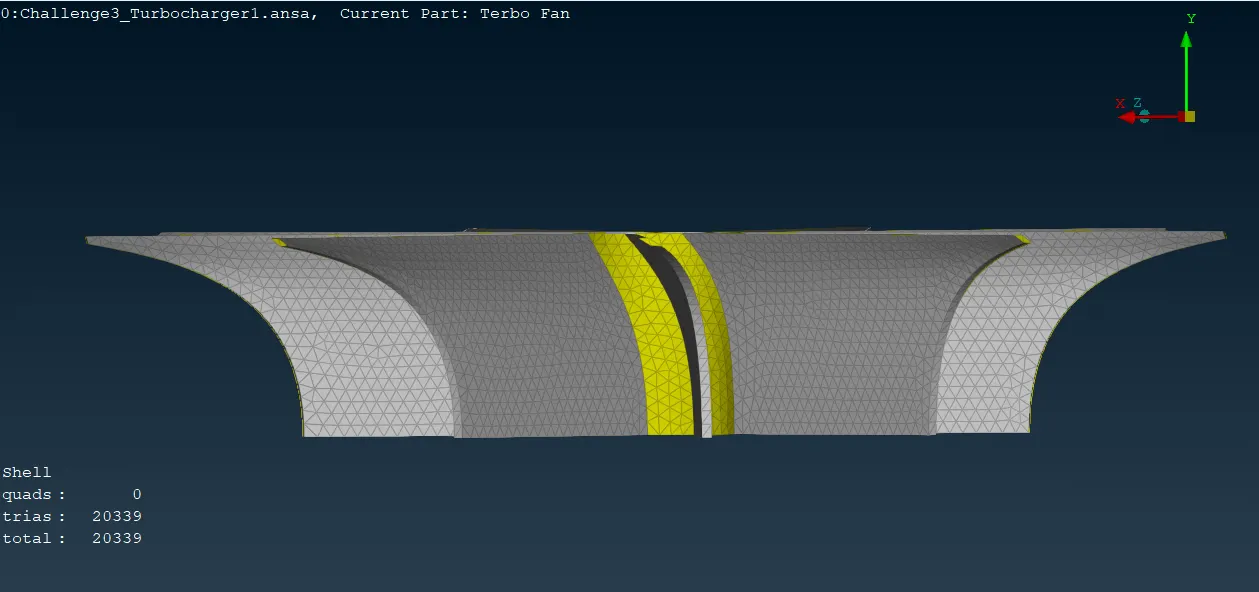
ii. Step OUTPUT: -
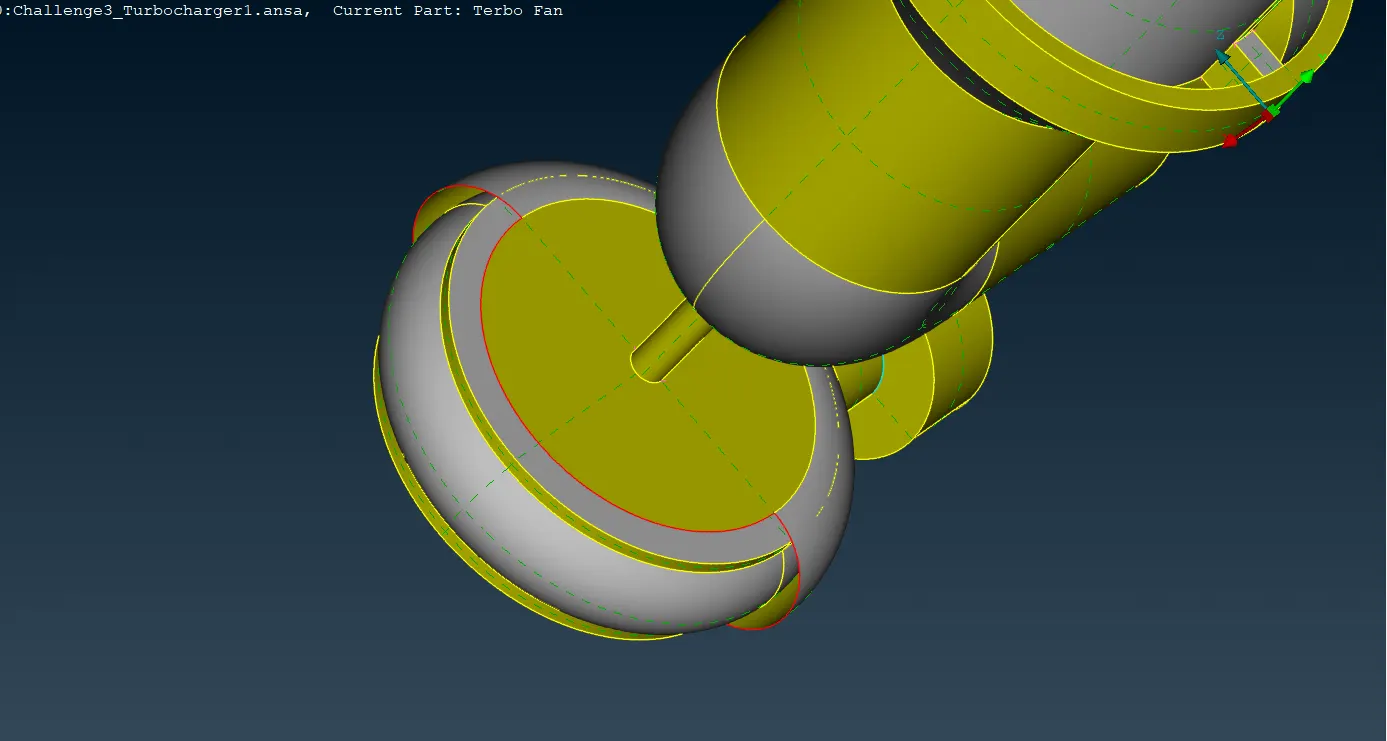
B. Performing Geometric Cleanup on Compressor Casing:-
i. Description of Tools used(Reference - ANSA Help): -
a. Copy(Transform) →→ This function is used to Translate, Rotate, Transform, Scale, Symmetry or Mirror selected entities (Faces, Points, Elements, etc). The selected entities are copied into the new position.
b. Fill Hole(CONS) →→ This function fills holes on Faces. The holes can be of any shape. Such internal openings can be selected individually, or automatically among the visible ones if they fall below a user-specified diameter value. There is the option to create automatically 3D Curves, Points, or Connection Points of the removed holes, in order to mark their shape and position for reference.
Giving Property Names/PID Names: -
i. Description of Tools used(Reference - ANSA Help): -
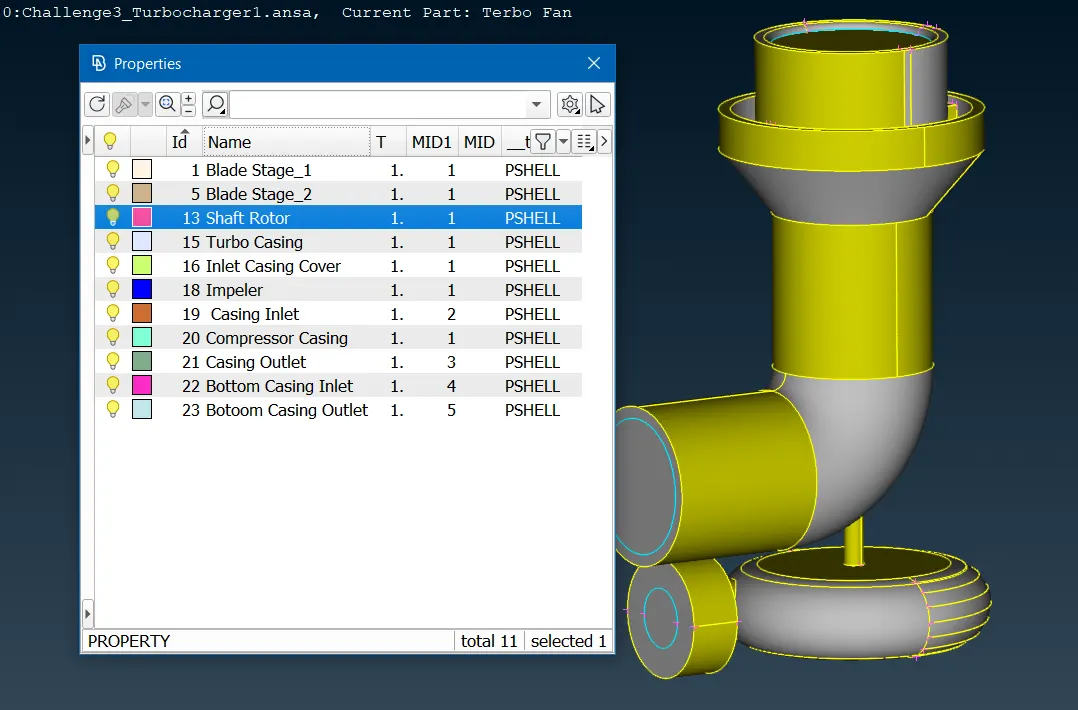
a. Properties/PID →→ This function facilitates property management. A list of the properties existing in the file is available. Management windows, such as this one, provide filtering, sorting, and selection capabilities on the listed entities as well as the definition of new entities.
ii. PIDs
Creating Surface Mesh of the Components: -
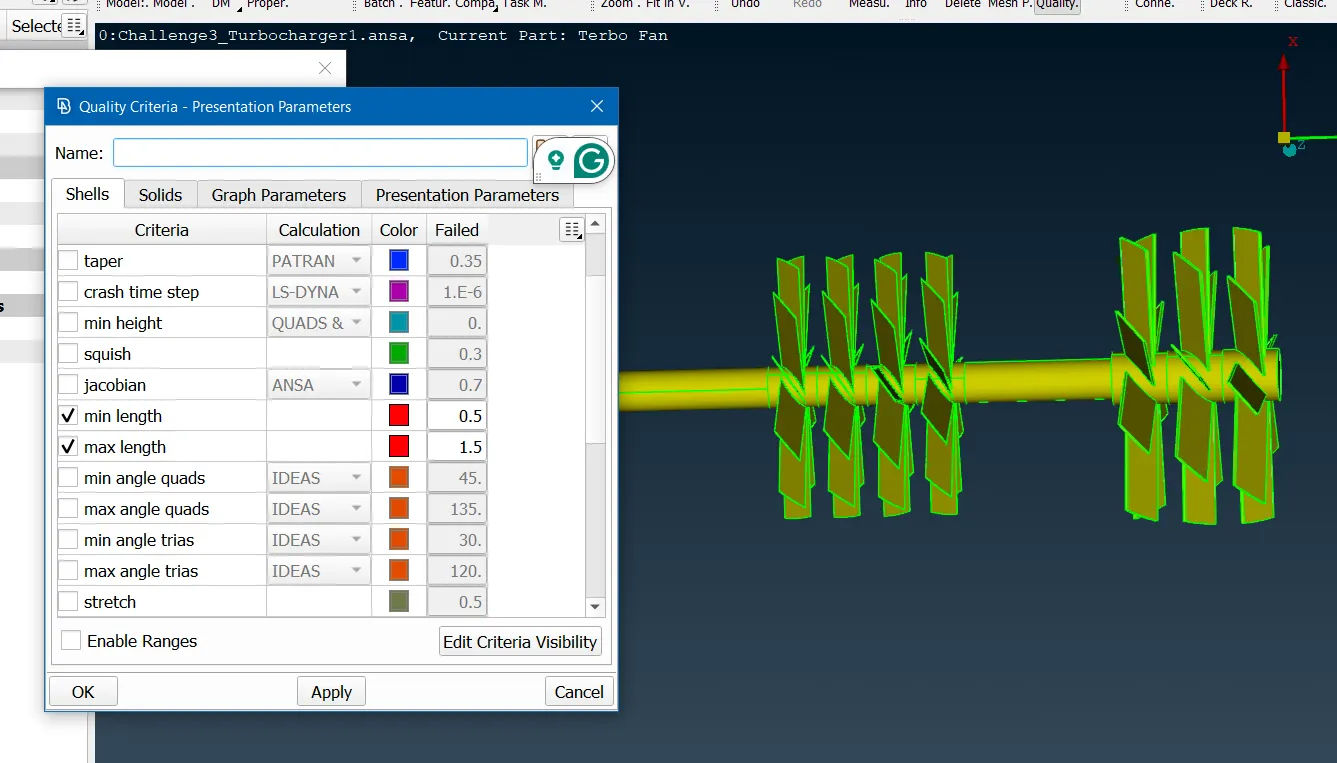
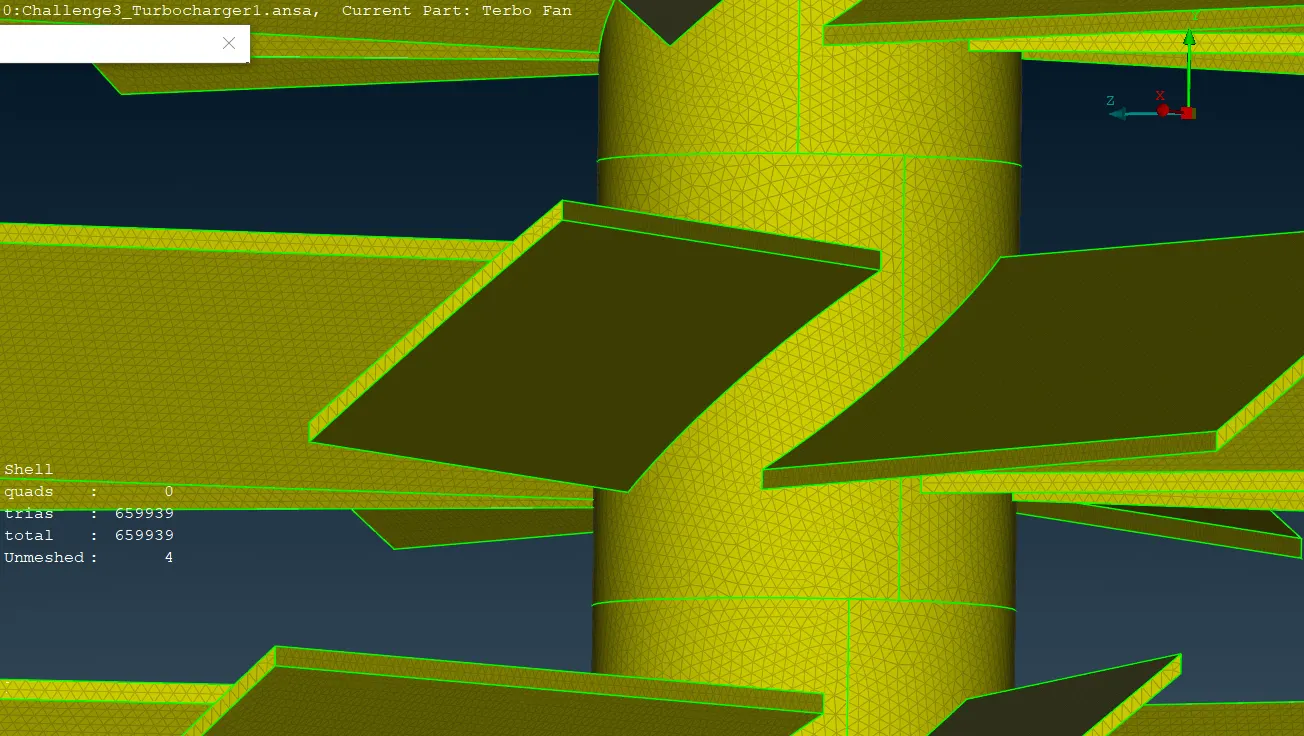
A. Meshing the Shaft Rotor and Blades: -
i. Description of Tools used(Reference - ANSA Help): -
a. Join(Macros) →→ This function eliminates a Macro Area boundary segment between two adjacent Macro Areas. This way, two Macro Areas are joined to be treated as one, larger Macro Area.
b. CFD(Mesh Generation) →→ This function is recommended after the user has applied the
Perimeters>Spacing(Auto CFD) on the selected perimeters.
This algorithm meshes with variable element lengths, depending on the local
curvature of the underlying CAD surface, under tight user-controlled
specifications. It generated the less possible elements considering all the geometry's small details. This algorithm is an advanced meshing algorithm
tailor-made to meet CFD specs or other application areas where a variable-size
mesh is required.
ii. Step OUTPUT: -
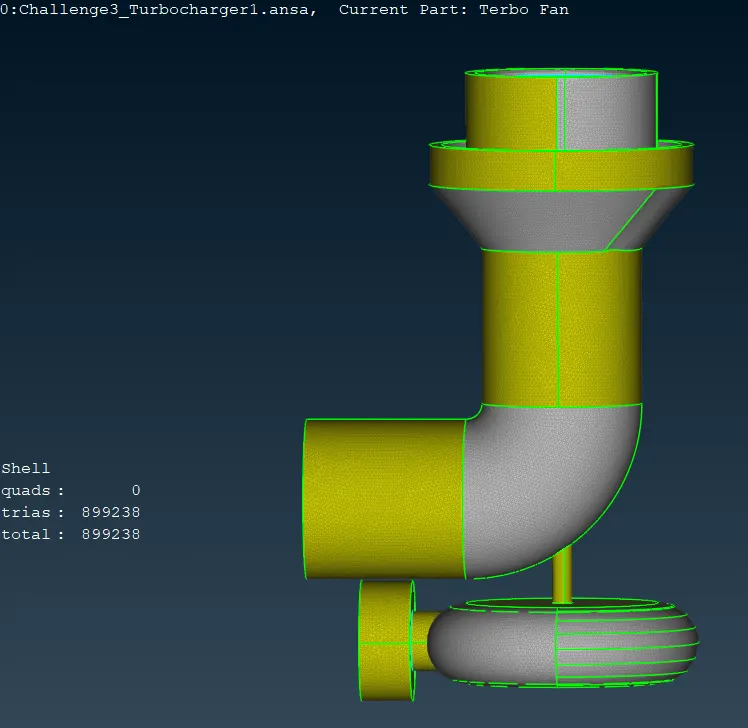
Creating Volume Mesh of the Components: -
A. Defining Fluid Volume: -
i. Description of Tools used(Reference - ANSA Help): -
a. Define(Volumes) →→ This function automatically defines multiple volumes using already meshed macros or FE-model mesh.
b. List(Volumes) →→ This function enables the handling of the defined volumes in the database.
ii. Step OUTPUT: -
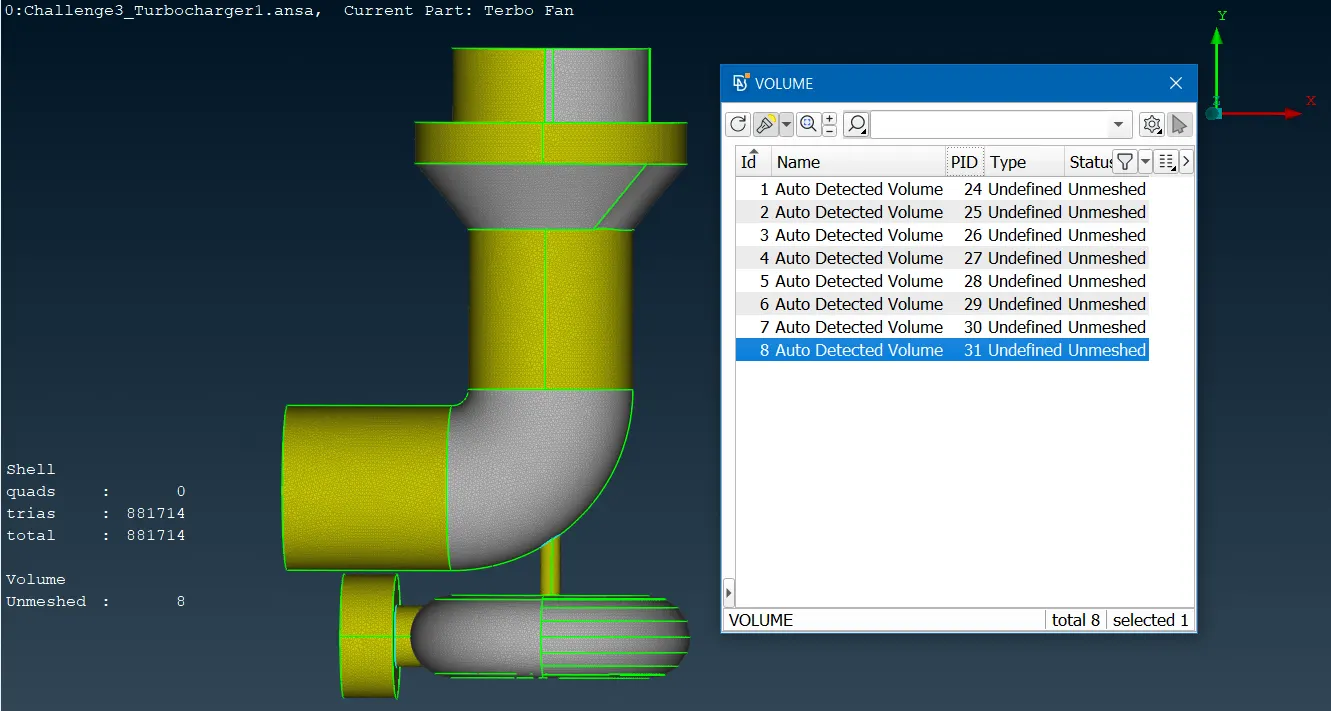
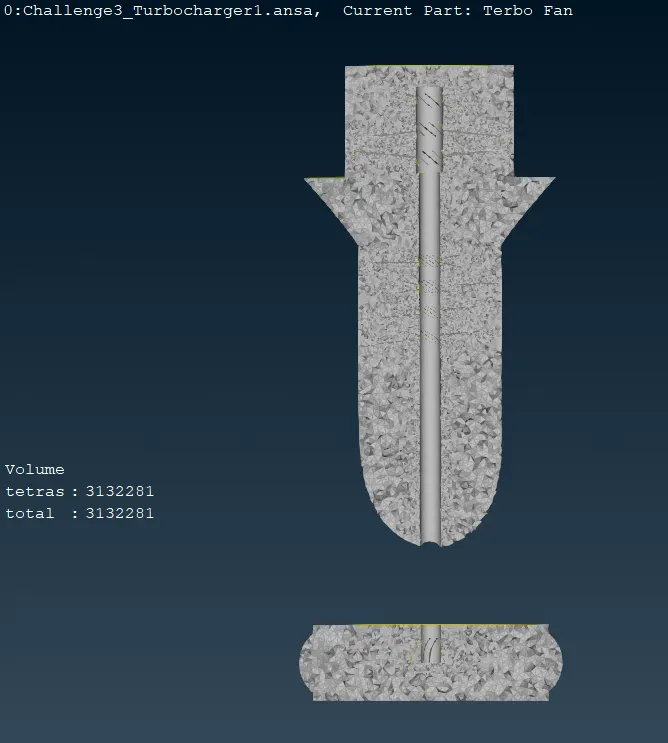
Model Link:-
https://drive.google.com/file/d/1tlaTajdWiPdo0kyMB1SlOAktPDVWjB4A/view?usp=drive_link