Week 3 Challenge : CFD meshing on Turbocharger
VOLUME MESHING ON A TURBOCHARGER USING ANSA
(WEEK-3 CHALLENGE)
- AIM
Our aim is to mesh the volume of a turbocharger in ANSA v22.1.0 using tria element type and suitable given target mesh length.
- THEORY/EQUATIONS/FORMULAE USED
ANSA is a computer-aided engineering tool for Finite Element Analysis and CFD Analysis widely used in the automotive industry. It is developed by BETA CAE Systems. The software is distributed worldwide by a number of BETA CAE Systems subsidiaries and business agents. In the United States, it is distributed by Beta CAE Systems, USA, based in Farmington Hills, Michigan.
ANSA maintains the association between CAD geometry and the FE mesh. This means that the FE meshes are better representations of their geometric parents. Also it is easy to maintain and update any changes in the geometry by simply reworking the updated area instead of recreating the FE from scratch. It carries several proprietary algorithms for meshing suitable for both CFD and structural models. ANSA was initially standing for 'Automatic net generation for structural analysis', but the software has gone beyond that very quickly.
- GENERAL PROCEDURE
- Firstly the softwares are downloaded and installed in the system.
- Geometry is imported in ANSA, firstly the diagnosis is carried out to check for any errors, then the errors are rectified, Property ID’s are defined and necessary surfaces, coons and hot points are created in topology deck.
- Mesh Parameters such as target length, Perimeters and macros length, Quality parameters such as Min and max mesh length are defined before surface mesh is created using various algorithms available such as free mesh, Spot mesh etc as required in Mesh deck. Check the quality and refine the mesh as required.
- DISCRETIZATION
- Geometric Model
The 3D geometry file of a turbocharger is imported in ANSA as per the figure given below.
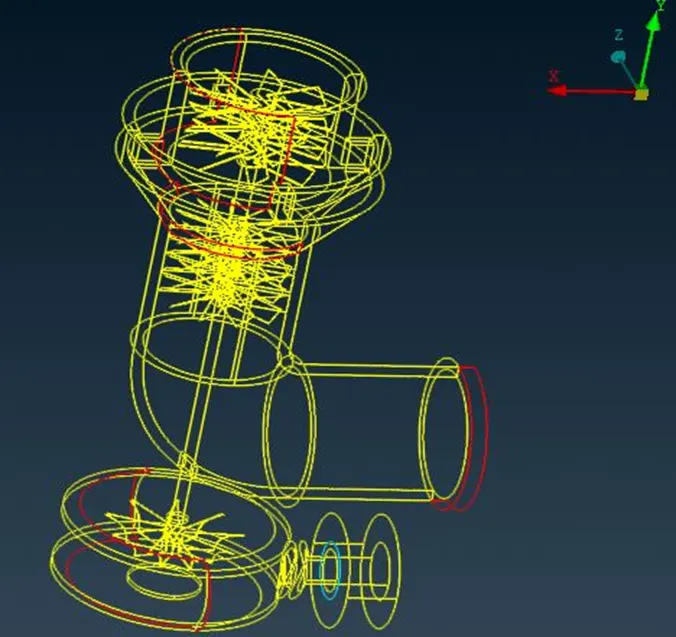
Fig: Wireframe – Turbocharger
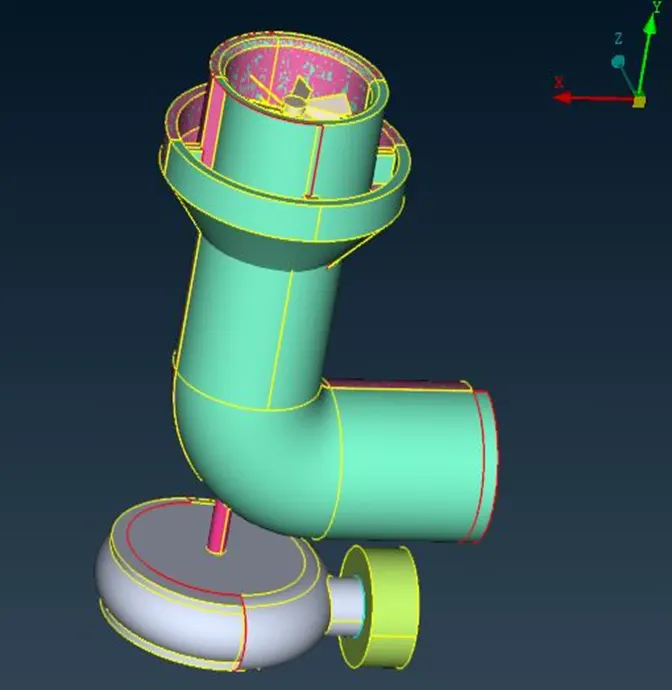
Fig: 3D Geometry – Turbocharger
- Meshing Process
- After the model is imported, the draw mode is changed to PID and the available perimeter points, cons are checked.
-
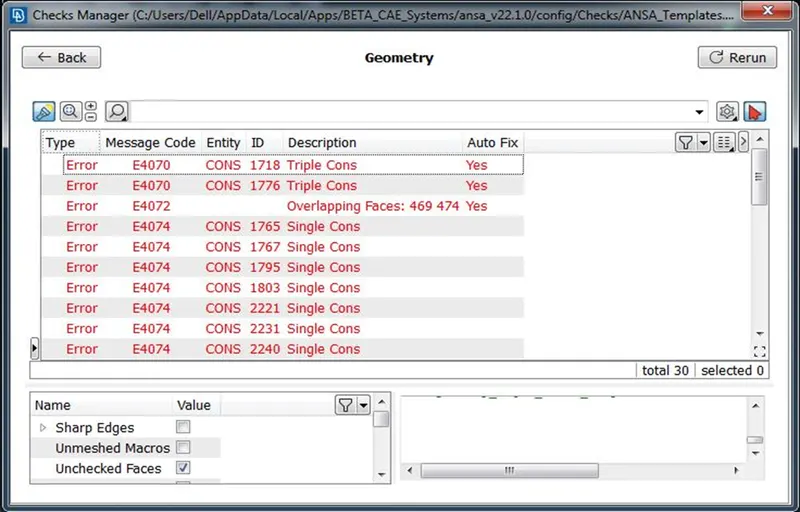
- As it can be observed that there are lot openings in the model, diagnosis is carried out using checks manager for any errors such as unchecked faces, collapsed cons, triple cons, single cons, needle faces, cracks, overlap faces, etc. [Check > Geometry>Execute]
-
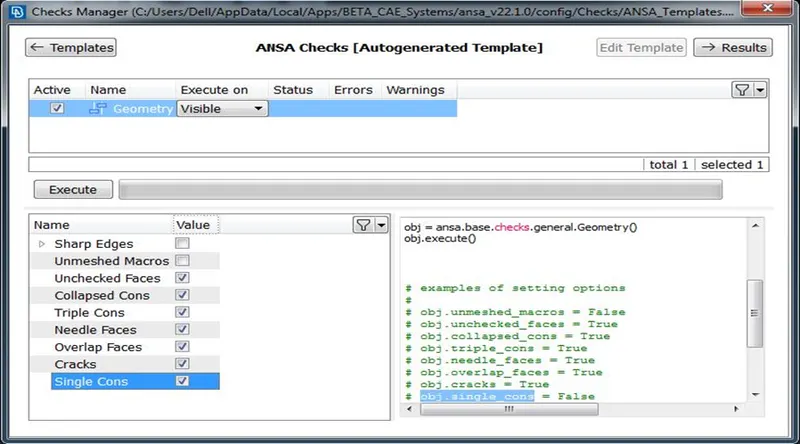
- As expected there is lot of errors that needs to be rectified before heading for meshing and most of it is single cons and some triple cons as well. Also not all triple cons should be considered as error.
-
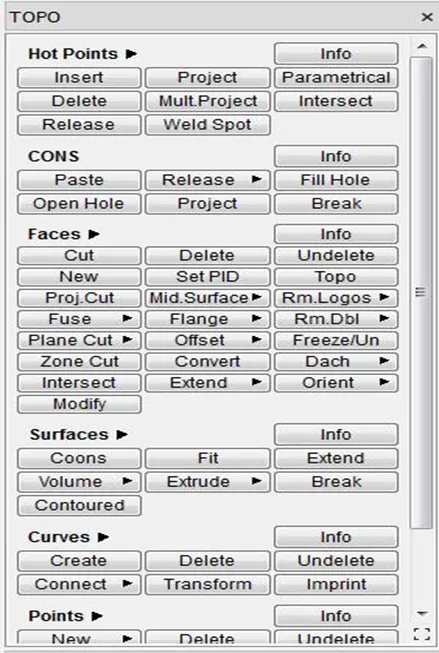
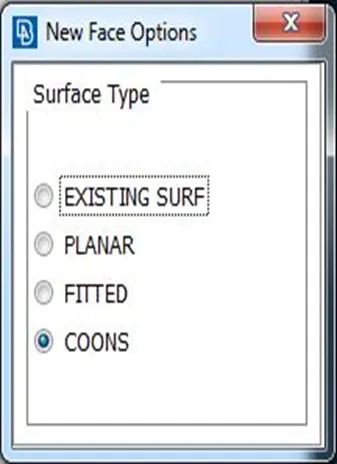
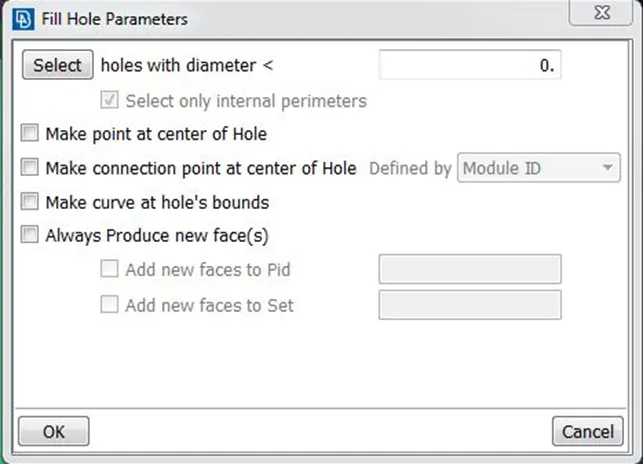
- The openings/ errors are rectified by creating new faces in order to convert the single cons into double cons and filled up the cracks as well by various surface type options such as existing surface, planar, fitted, coons and fill hole. [TOPO > faces > new], [TOPO > cons > fill hole].
- The properties ID (PID) are created in order to identify each surface and named as inlet, outlet, body, spring, base surface, valve head, and column accordingly as shown in the figure below. [Properties > New > PSHELL > PSHELL]
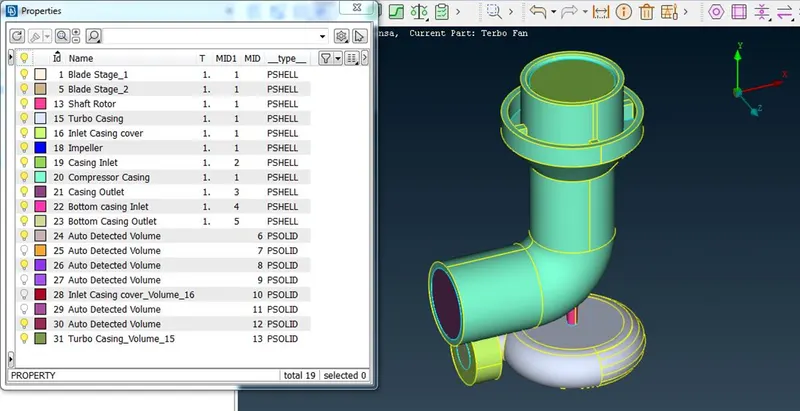
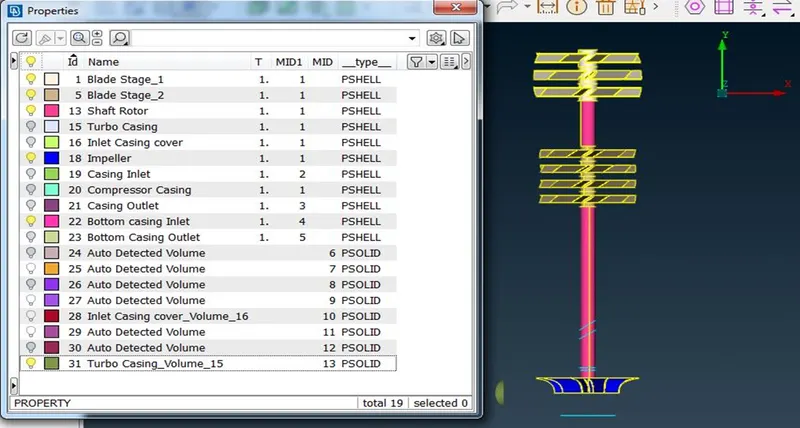
- More importantly the unwanted surfaces and parent PID are deleted by checking the surfaces in order to avoid duplicates and to assign common PID for example for the shaft surface.
- Once all the errors are rectified and PID is created, now move onto Mesh deck.
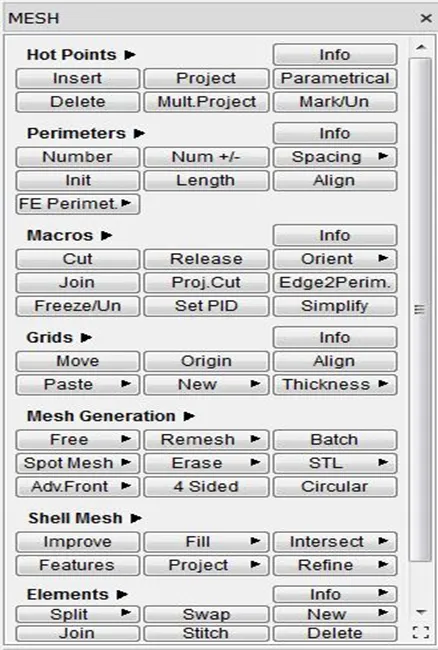
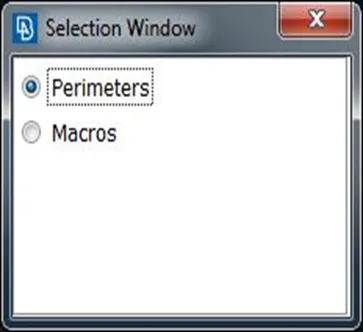
- Specify the mesh length in both perimeter and macros as given. [MESH > Perimeters > Length]
- Define the target mesh length and element type such as quad, tria, mixed etc as given. [MESH Perimeters]
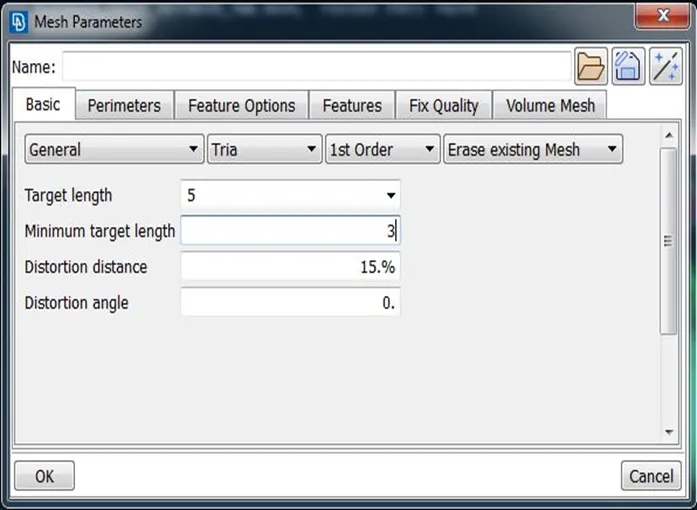
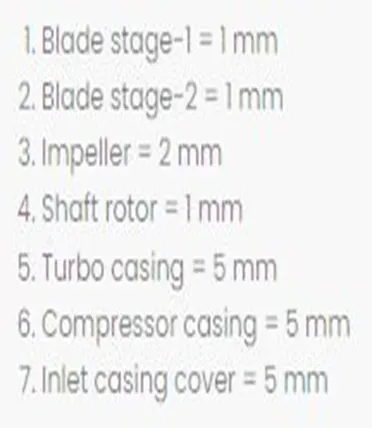
Fig: Given Target Mesh Length
- Set the min and max mesh length in quality parameters as per the case. [Quality Perimeters]
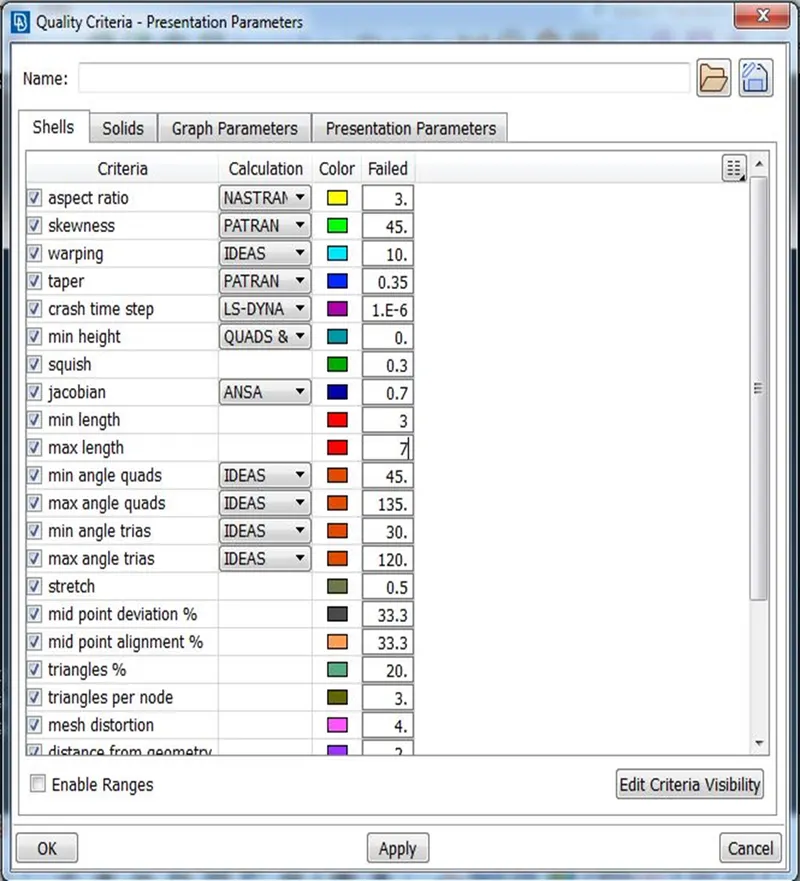
- Once everything is set, create the surface mesh by using spot mesh algorithm by selecting individual PID surfaces. [MESH > Mesh Generations > Spot Mesh]
- Finally, disable the perim and double cons option to see the surface mesh clearly for all cases.
- We can see the Surface mesh is not created in all the surfaces as the target length for some connected surfaces are different.
- So the Length Options such as Perimeter and macro should be defined accordingly so that the transition of mesh happens smoothly. Also made sure that all the surfaces are meshed.
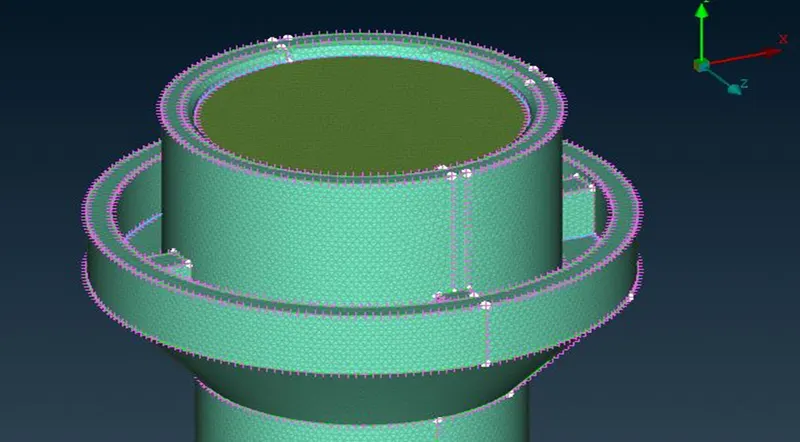
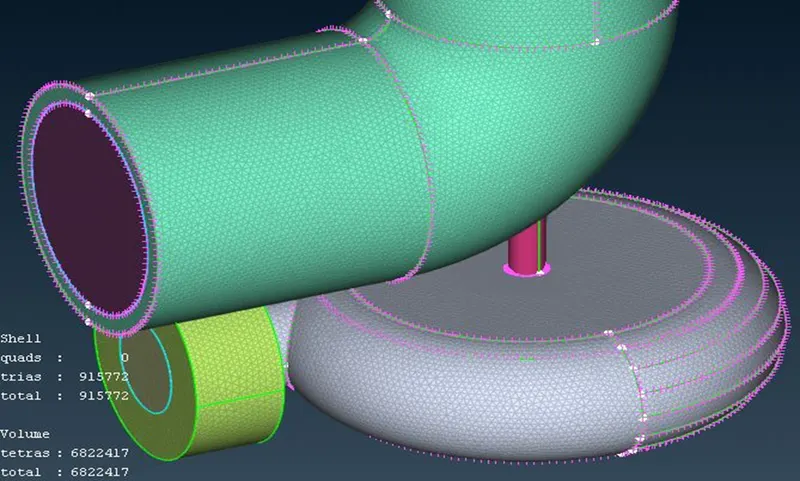
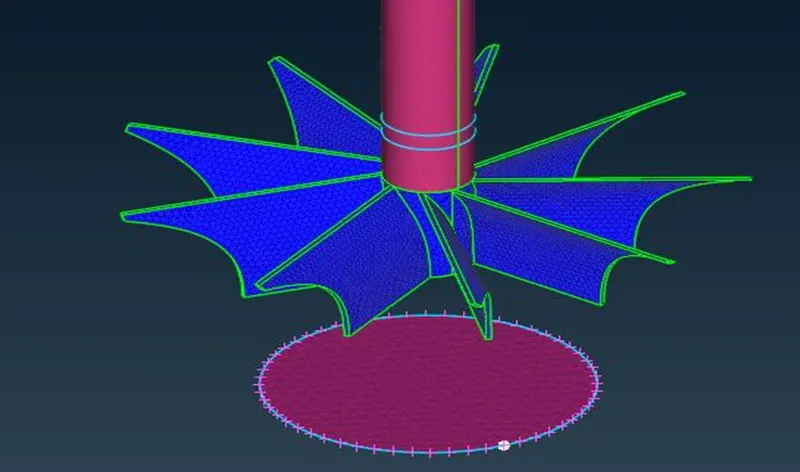
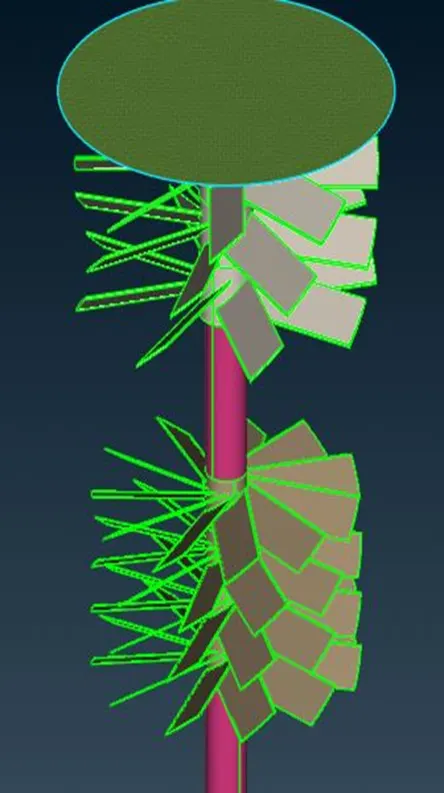
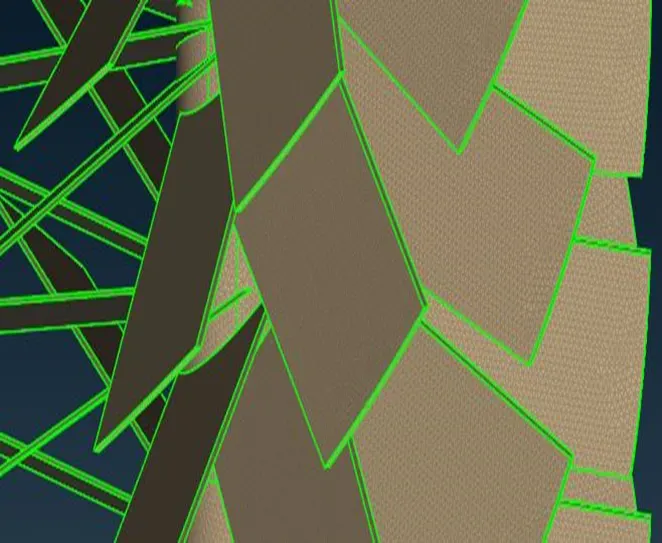
- Once the surface meshing is done then moved onto the volume meshing.
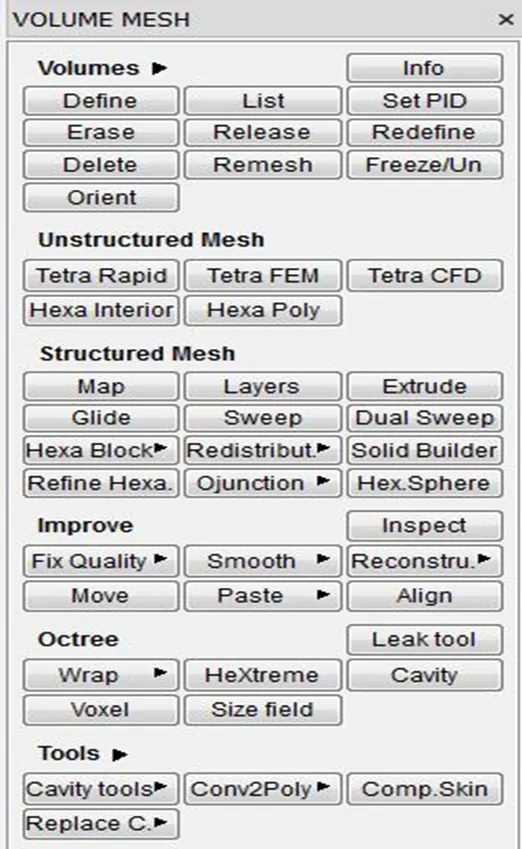
- In Volume mesh deck, volumes comprising the thickness of the turbocharger parts are isolated from the flow volume domains and deleted. [VOLUME MESH > Volumes > Define]
- Then the flow domain volume is meshed using tetra element type. [VOLUME MESH > Unstructured Mesh > Tetra CFD]
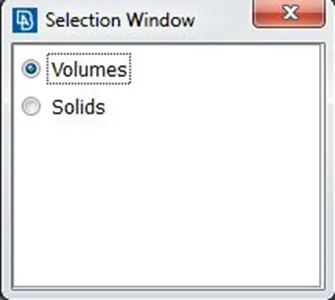
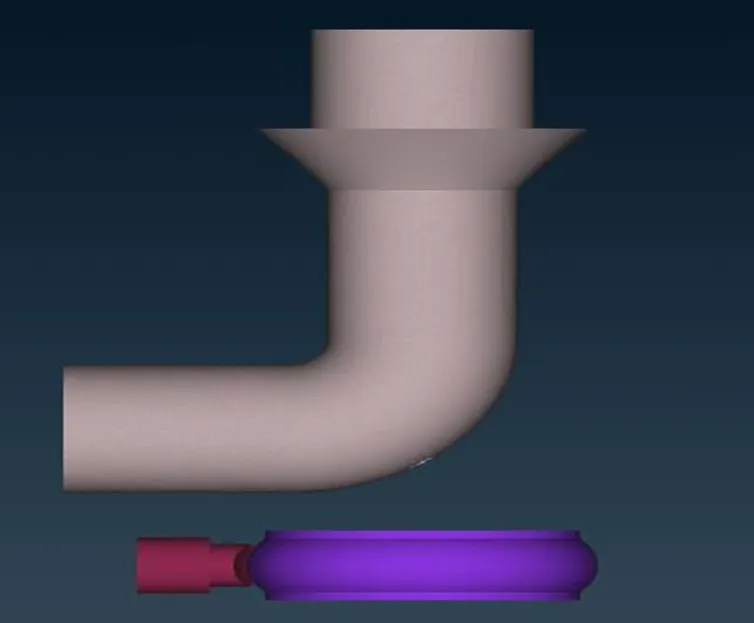
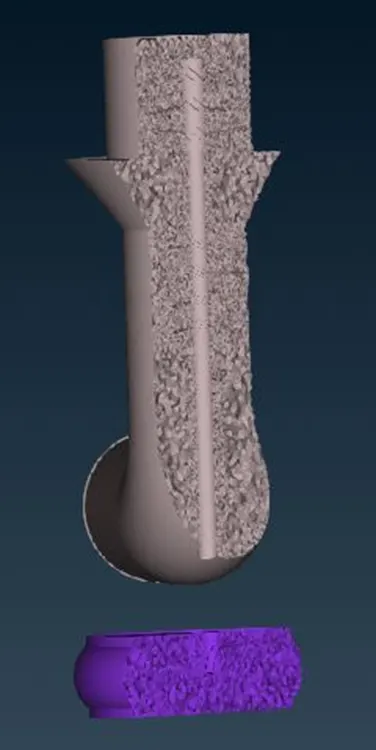
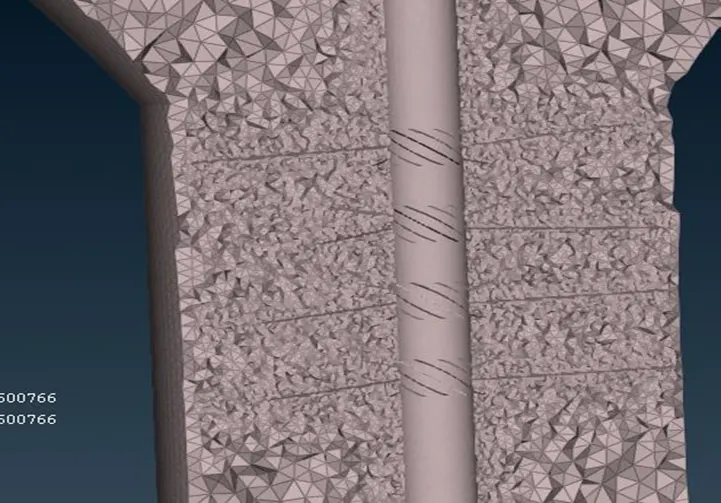
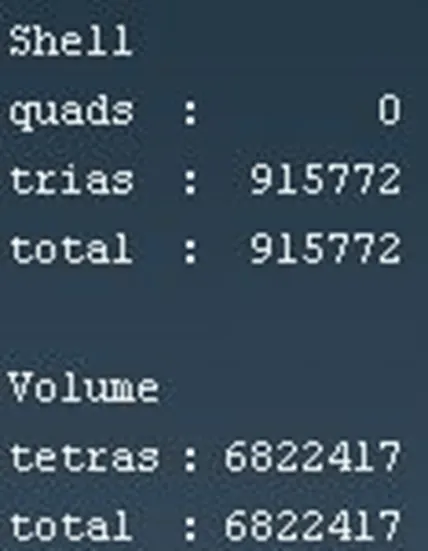
Fig: Cell Count
5. CONCLUSION
- The volume mesh on a turbocharger is created in ANSA v22.1.0 using the Graphical User Interface (GUI) commands for the given target mesh lengths for each part.
- Surface topology is cleaned by rectifying various geometrical errors such as cracks, single cons, etc by closing the holes, creating new surfaces to convert the single cons to double cons and also by deleting certain cons which are very closer to each other in order to avoid any error while meshing.
- Surface meshing is carried out using tria element type and appropriate given target mesh length.
- In each of the part the mesh length is maintained in such a way that there is smooth transition between PID surfaces of different mesh length.
- Surface Mesh has a total of 915772 tria elements and Volume Mesh has a total of 6822417 tetra elements.
- It can be seen that there is an increase in number of element with decrease in target mesh length.
- It can be observed that different target mesh length for different PID surface is important in order to capture the surface curvature and in turn the flow domain volume especially with better accuracy. The accuracy can be increased even further by reducing the target length of the element.