Week 3 Challenge : CFD meshing on Turbocharger
AIM : To surface mesh and volumetric mesh the turbocharger.
Procedure :
- Initially we need to give PIDs to the parts present in the model. Its best practise which will help to identify the parts easily.
- To mesh the model, we need to topo cleanup the model.
- Remove the overlapping surfaces from the model so that we can have clear idea how much cons we have in that particular surface.
- To fill the surface use Faces - New - Surface types.
- Choose the appropriate surface type to fill the surface.
- If the surfaces are complex to create select Cons - Project to develop the surface with the help of creating hot points on the required place.
- Create hot points using Hot points - insert.
- Project the hot points on the other side perpendicular to it using Hot Points - Project for single point and Hot Points - Mutiple Project for multiple points at a time.
- When we remove the surface we still have triple cons that the surface which needs to be updated.
- Use Cons - Release to release the triple cons and double cons into three single cons and two single cons respectively.
- Select Faces - Topo and select the cons which needs to be updated to triple or double cons.
- To make the shaft rotor a single volume we used release and topo command.
- Once we changed all the singles cons into double cons or triple cons you can check any single con is left by clicking ctrl + shift.
- We can see red cons on the wireframe mode and those are the single cons.
- Eliminate all the single cons present in the model so that we can perform Volumetric mesh.
- Checks - checks manager - Pre_surface_meshing_checks helps to find any geometric error or intersection is there or not.
- Check for triple cons error, leave if it is required and change if it not necessary on that surface.
- Use cons - project to remove the overlapping surface and to make the projection in a good manner we use Auxillaries - fine to improve the con surface.
- Again go for check whether the thrown errors are cleared or not.
- Once it is done it is ready for surface meshing.
- Close all the openings present in the model and give PIDs for the cover.
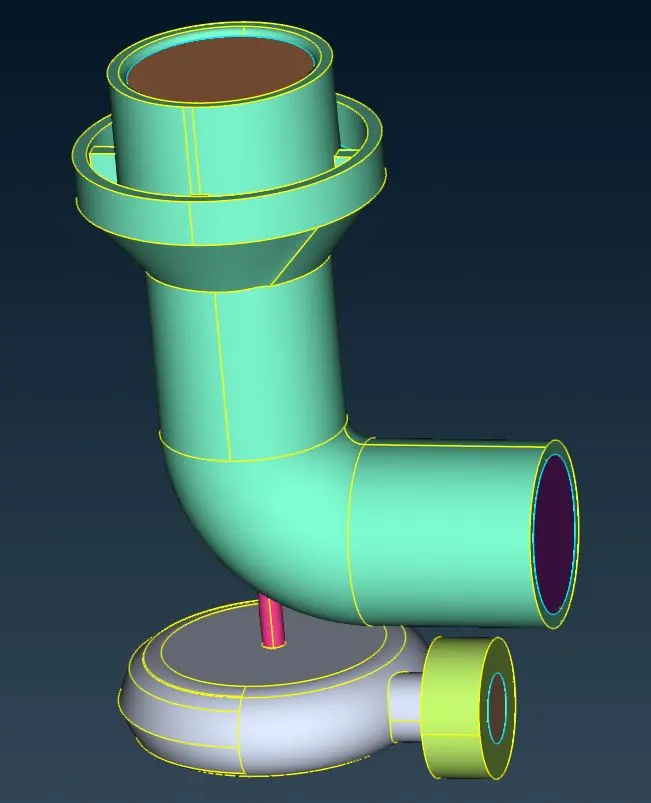
- After the topo cleanup we can see the model as below
Surface Meshing for the model :
- To mesh the model go to Mesh Module.
- Since we have different mesh length for different PIDs we need to select each PID and mesh it separately.
- Mesh length should be given in 4 different locations ie., i.) Perimeters - Length - Macros ii.) Perimeters - length - Perimeters iii.) Mesh Parameters & iv.) Quality criteria.
- Target lengths for different PIDs are Blade Stage 1 & 2, shaft rotor - 1mm, Impeller - 2mm and Compressor casing, turbo casing and its covers - 5mm.
- Target lengths for different PIDs are given with the respective Mesh Lengths.
- We can see in some region the given mesh will disapper it is due to different mesh length on the coinciding surfaces.
- This can be rectfied by giving ranging mesh length in the Perimetes - length - Macros.
- This transition of target length can be highlighted by Macros - cut - resconstruct.
- The region we have select are the transition of mesh length.
- We can see the mesh applied to the different PIDs below.
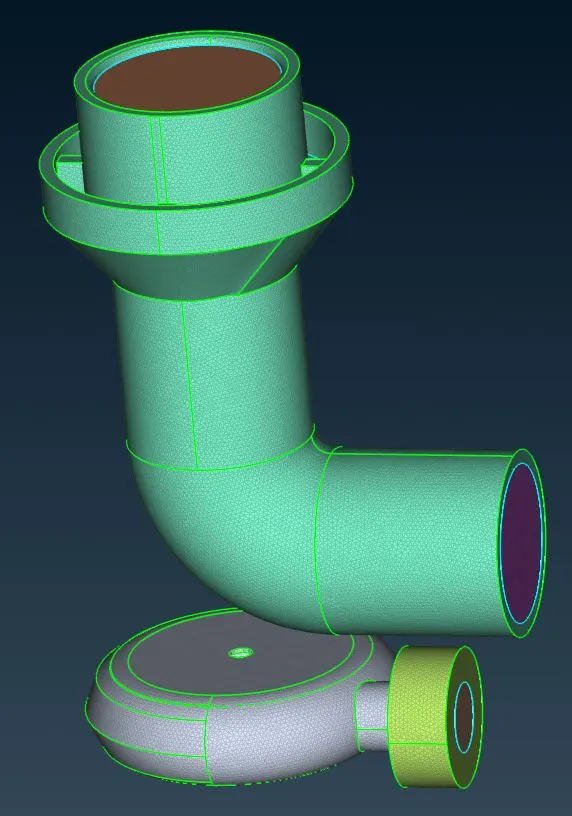
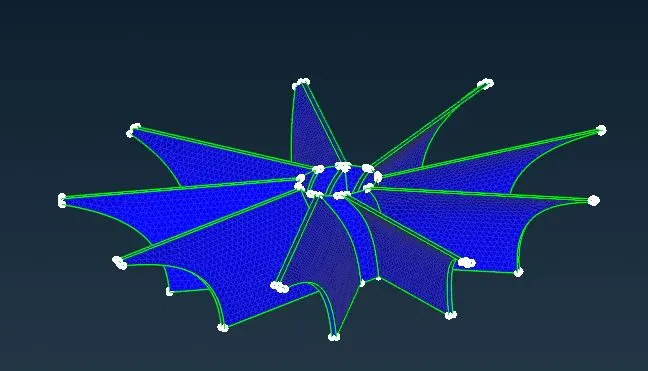
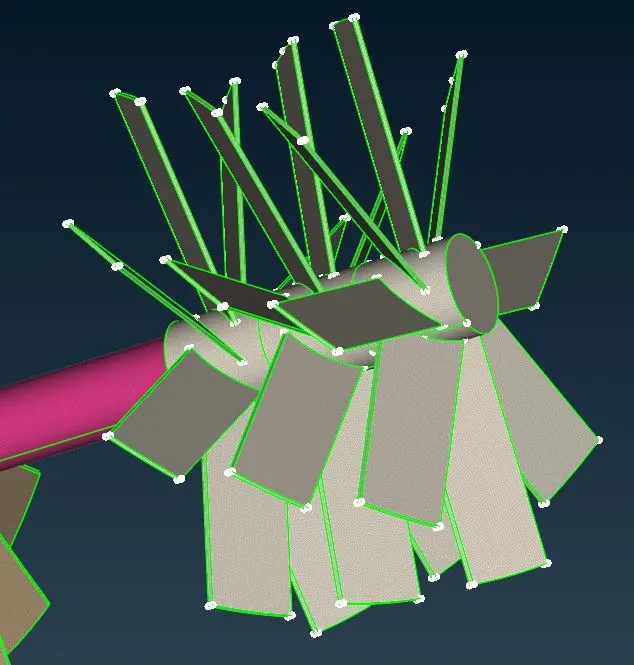
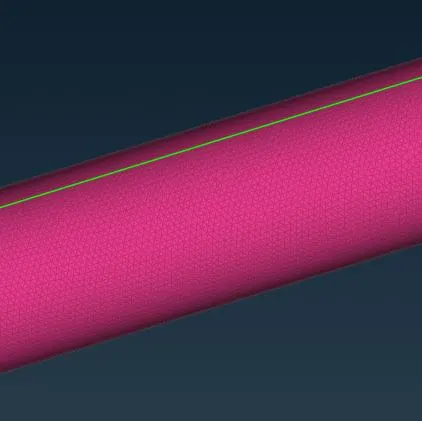
The surface meshing for the turbocharger is done and it is ready for Volumetric Mesh. The surface meshing turbocharger is given below.
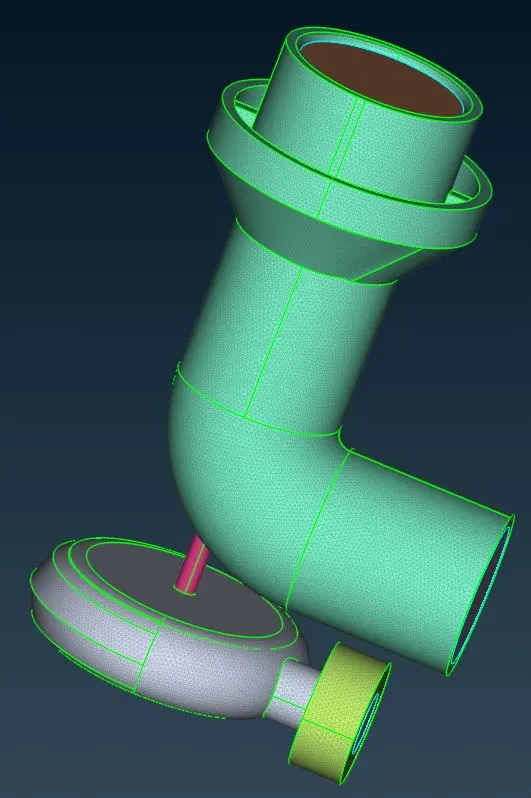
Volumetric Meshing :
- Once the surface meshing is done, switch to volumetric mesh module.
- Select Define - Whole db to get the volumes present in the model.
- We will get 8 different volumes and we need to select only the required volumes where the fluid may flow through.
- After selecting those volumes, we need to remesh the volumes present.
- Select the volume, right click - remesh- tetra cfd.
- Repeat this for all the volumes ready for volumetric mesh.
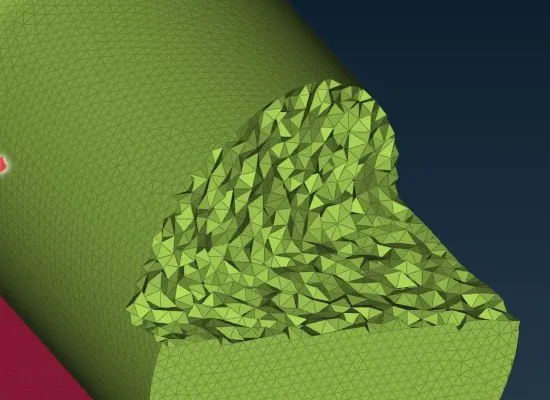
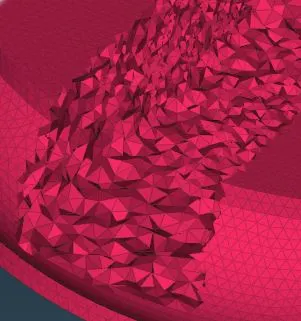
- We will get a solid model with different mesh length at the respective part.
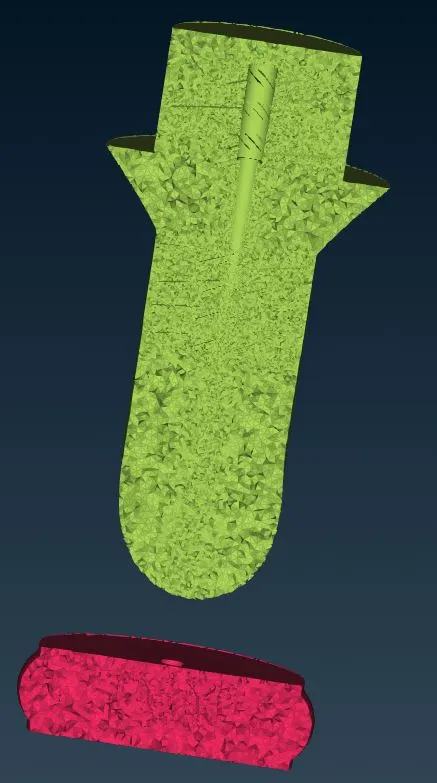
- We can check the volumetric meshing by selecting !not box select particular region.
- We will get 3d elements inside the volumes present on the screen.
- Refer below image for clarity.
Result :
We have now done the surface meshing & volumetric meshing on the turbocharger.
Learning outcomes :
Now, I can perform topo cleanup, surface meshing & Volumetric meshing for any component.