Week 3 Challenge : CFD meshing on Turbocharger
CFD meshing on Turbocharger:
Topo cleanup:
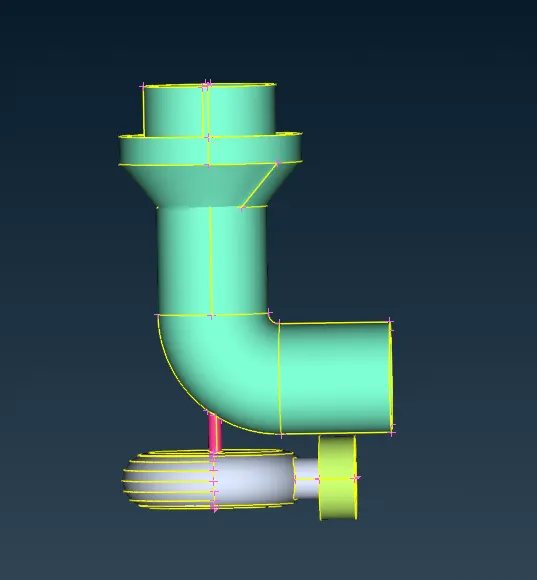
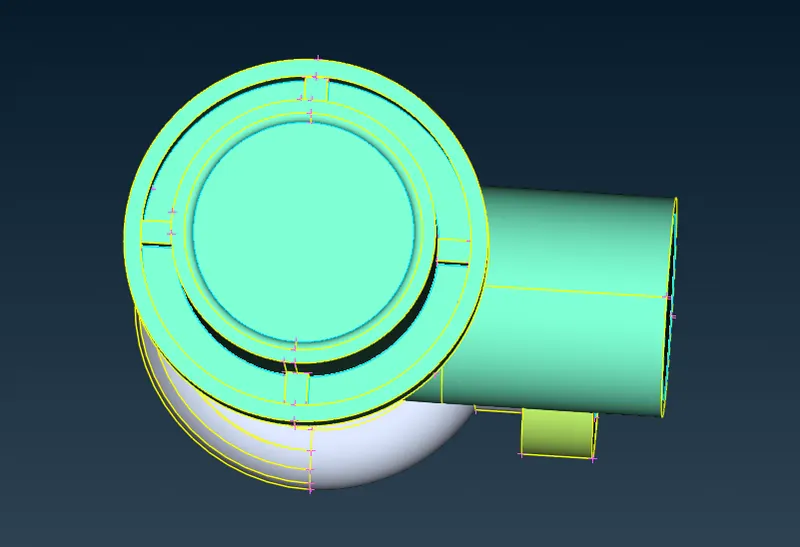
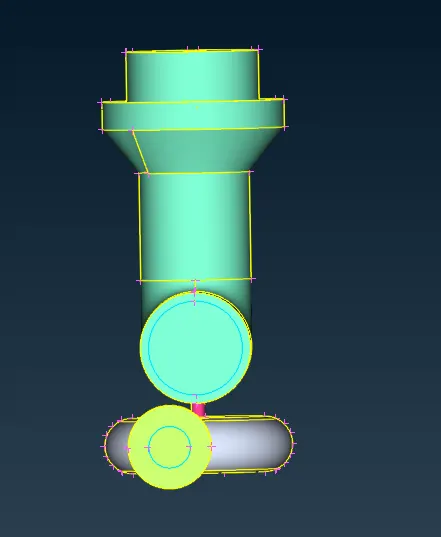
Initially, the patches and irregular surfaces are cleared. Open surfaces are closed.
PID properties:
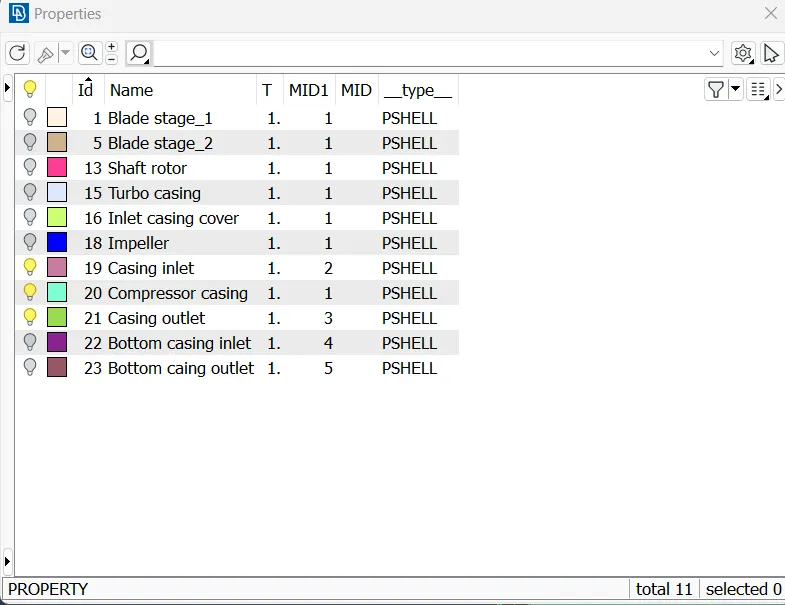
Rename the PID regions according to the parts and assign them.
Surface mesh:
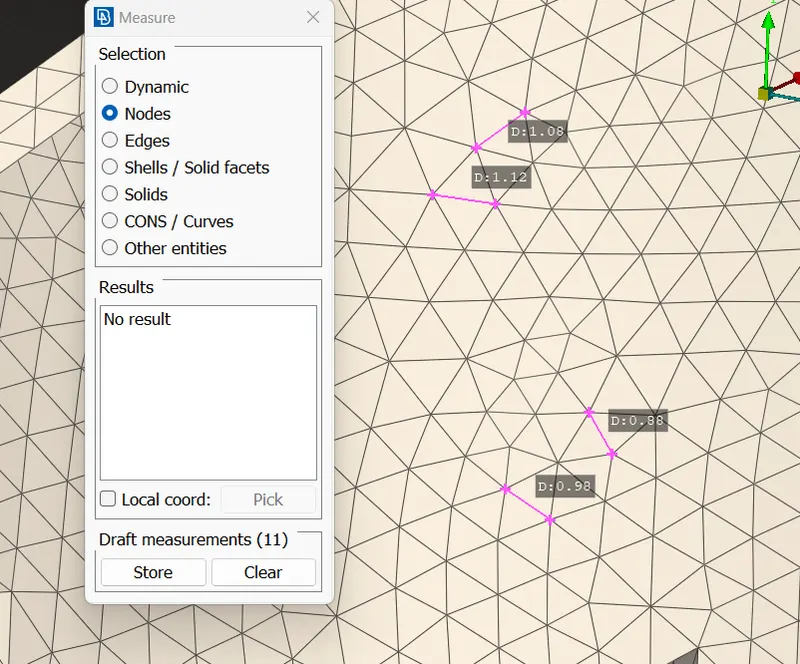
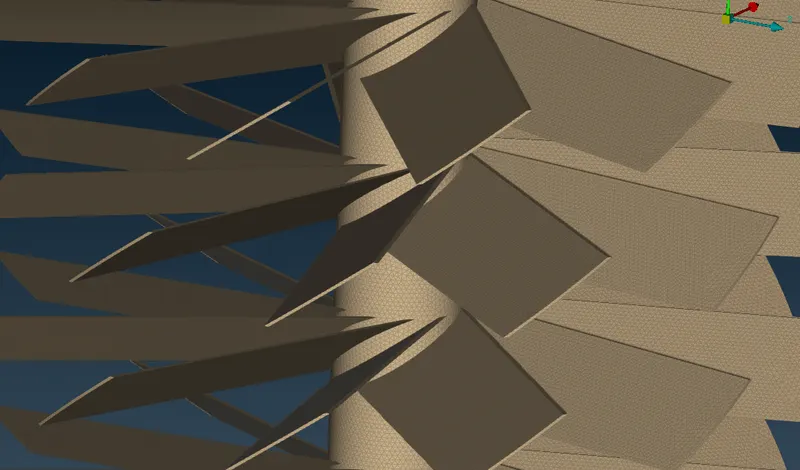
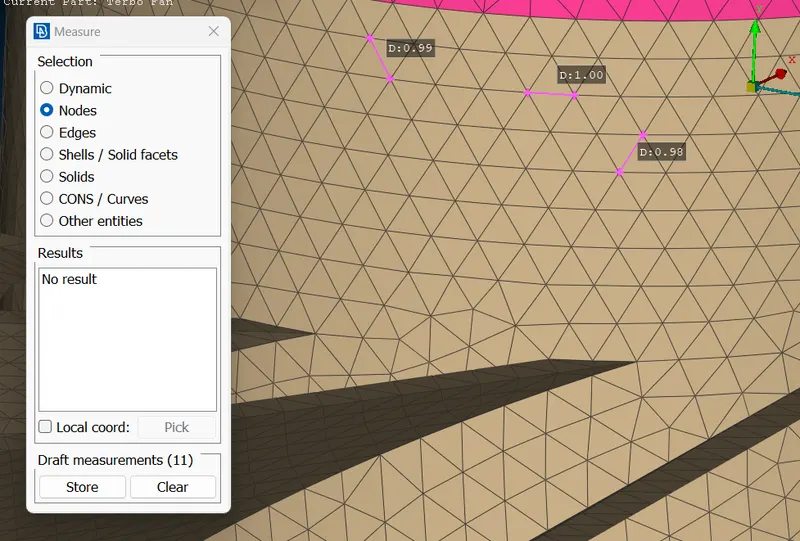
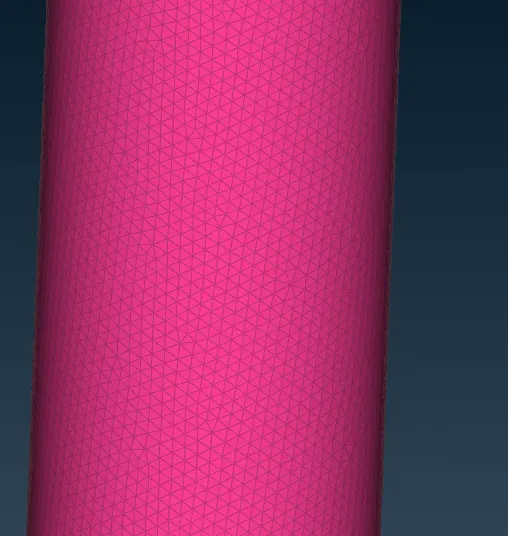
Change the mesh parameters for each part as given in the question and apply the mesh.
Compressor casing:
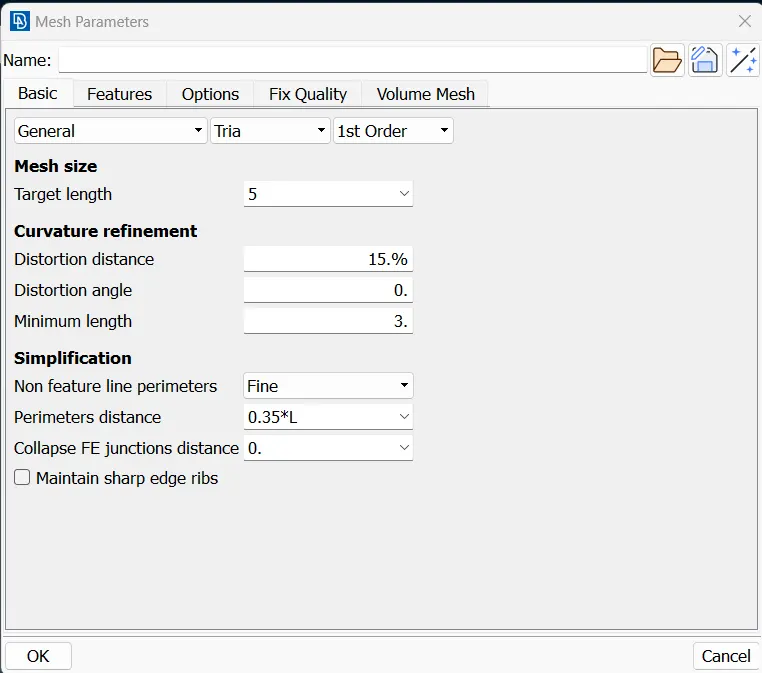
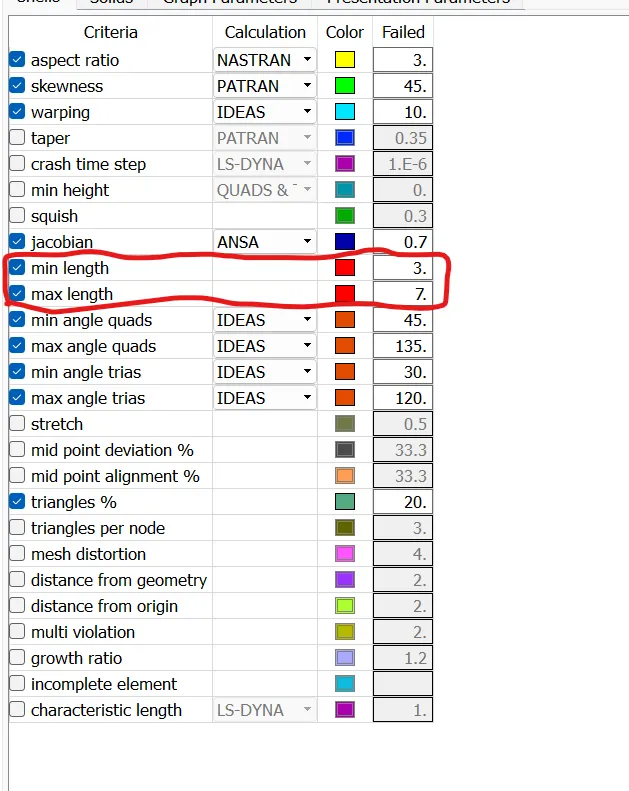
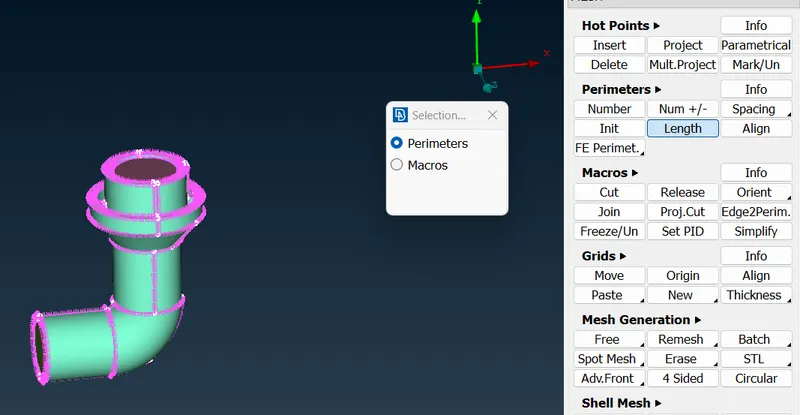
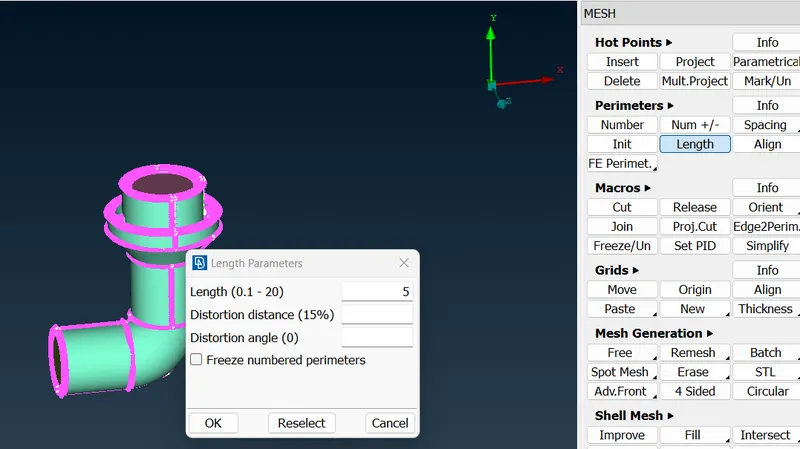
Perimeters
Macros
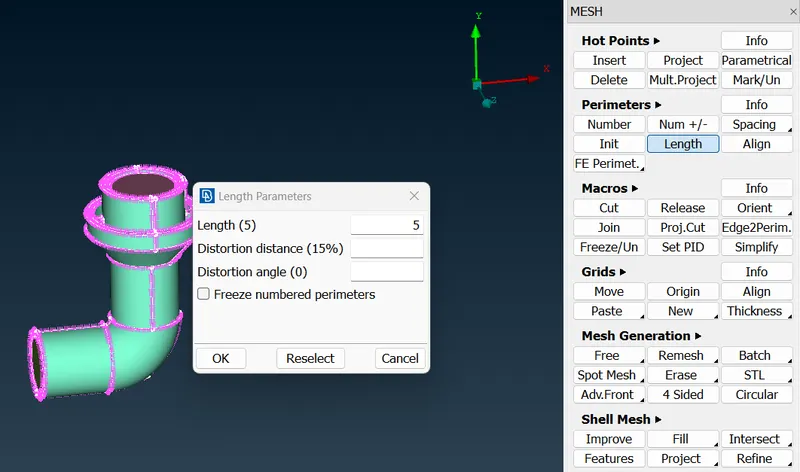
Generate mesh by clicking on spot mesh>visibile
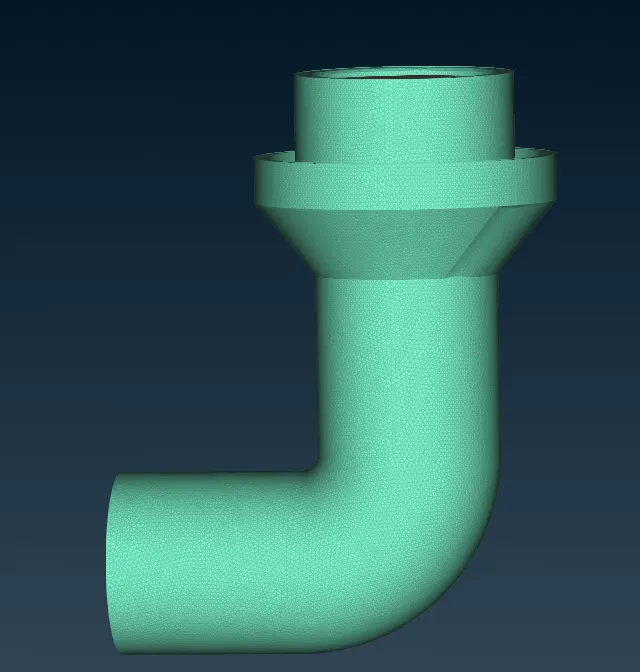
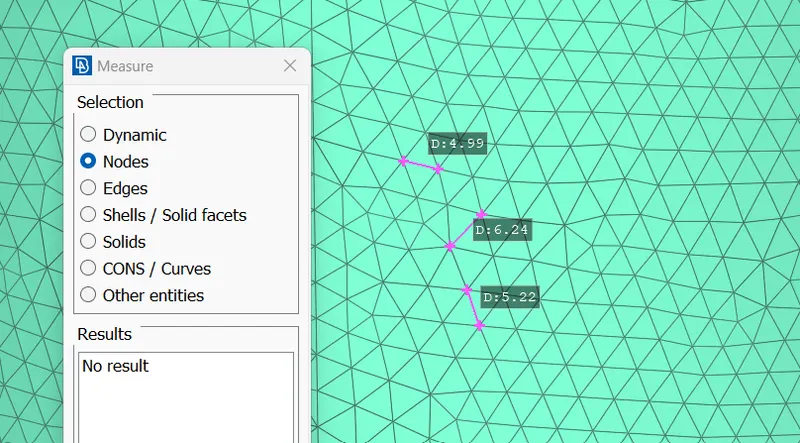
Similarly, proceed to the other parts.
Turbo casing and Inlet casing cover:
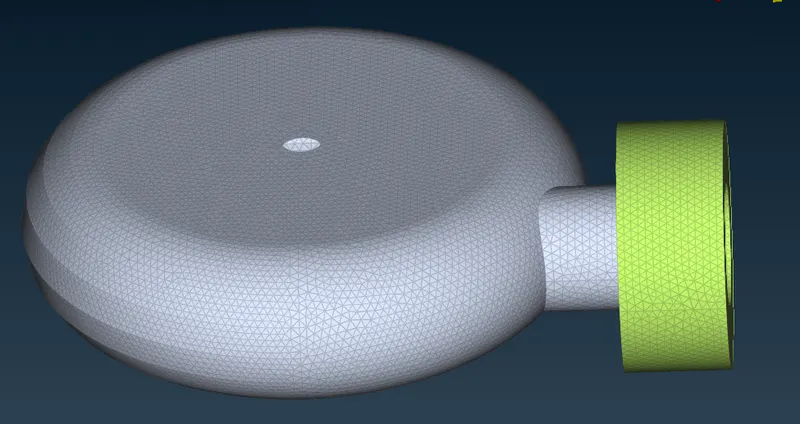
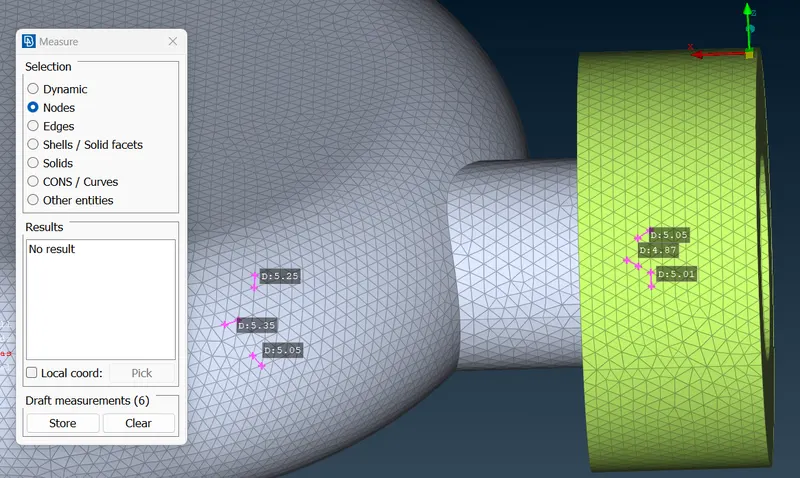
Impeller:
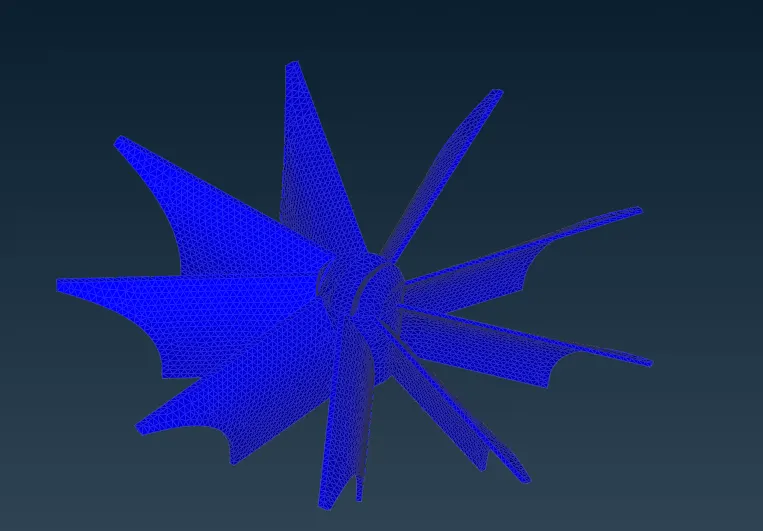
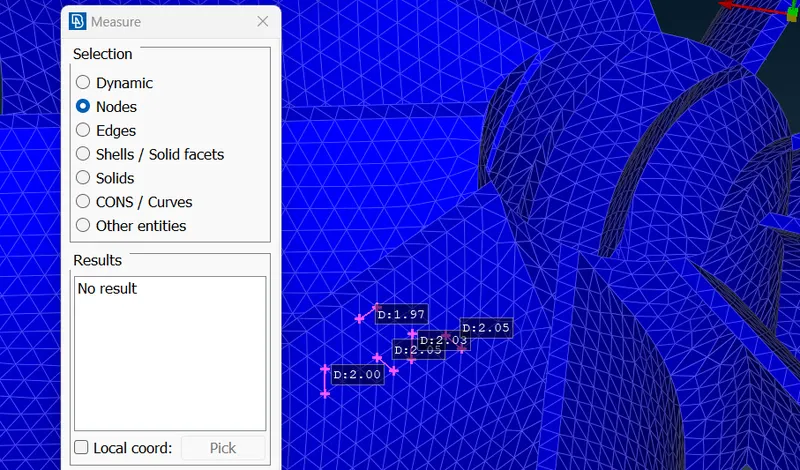
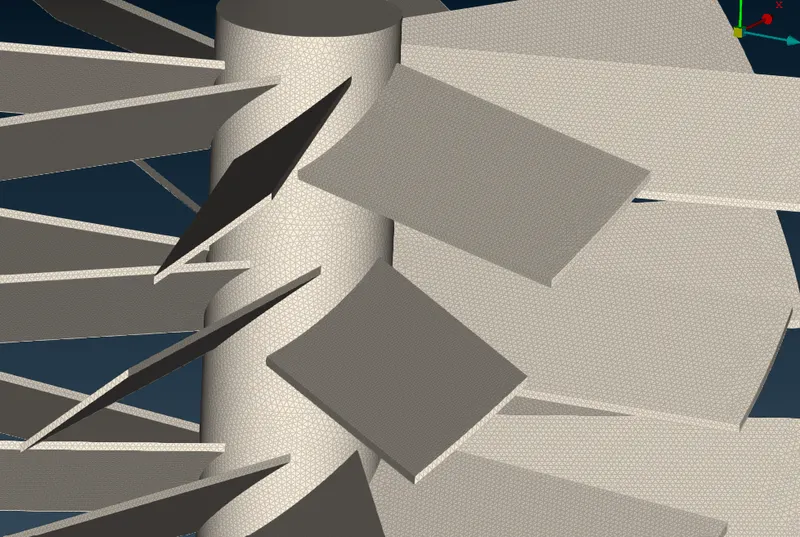
Blade stage-1, 2, and shaft rotor:
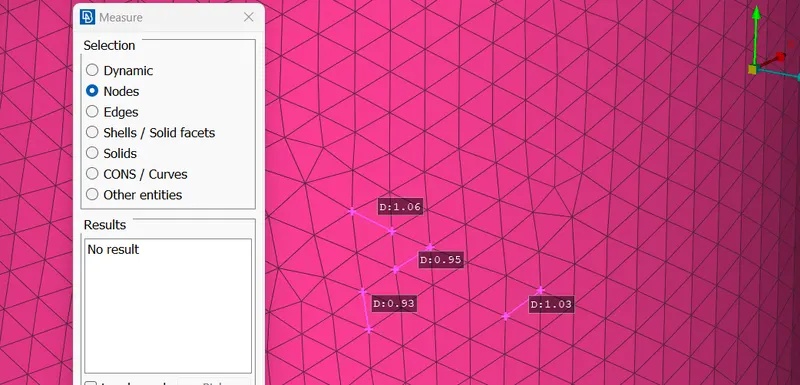
Volume mesh:
Click on define>ok. Delete the unnecessary volumes (thickness of the part) from the dialog box.
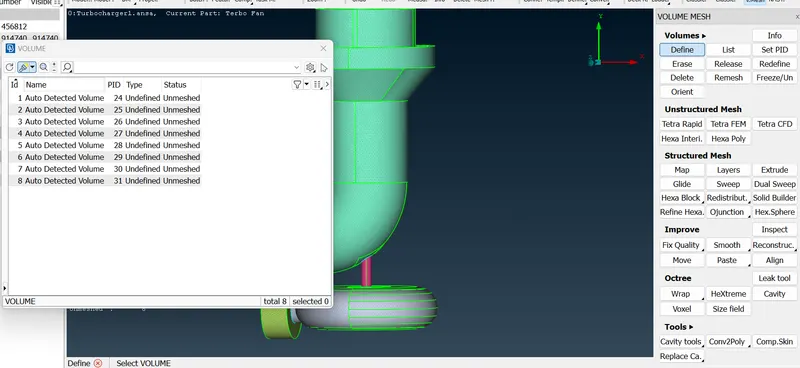
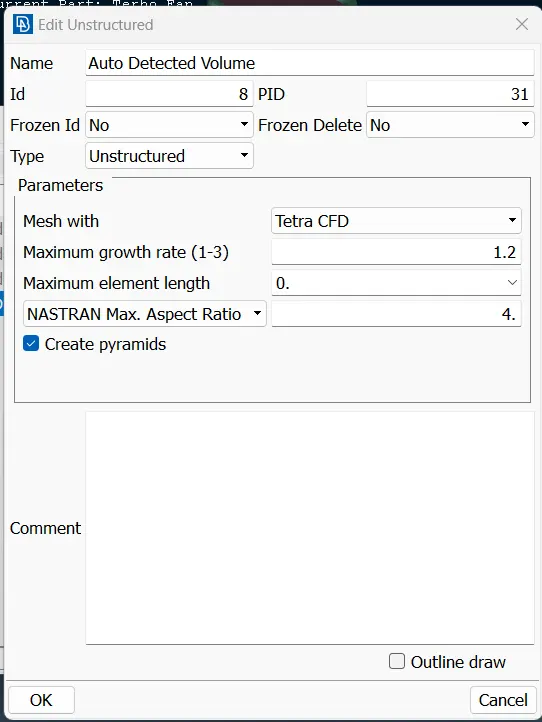
After deleting, we are left with the remaining volume. Right-click on the part and click on Edit. Change Mesh with to Tetra CFD. Click ok.
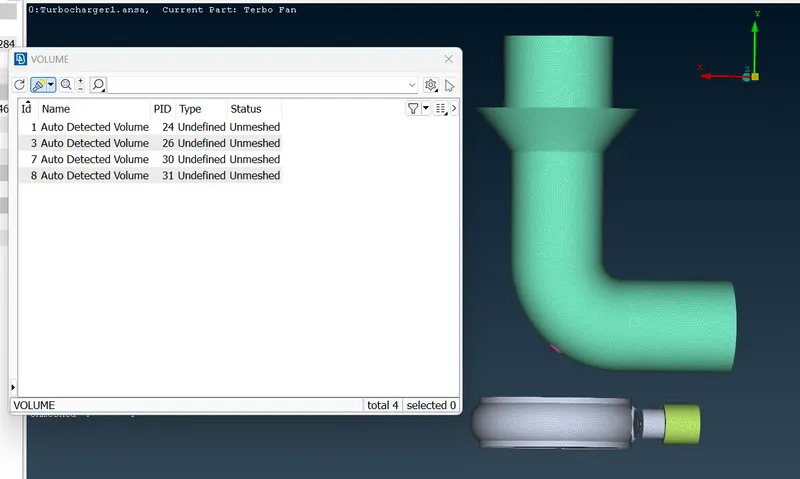
Again right click on the part and click mesh.
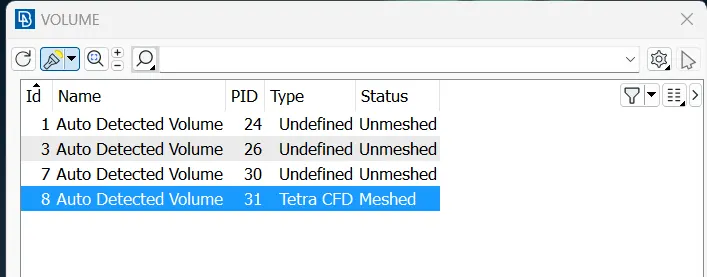
Proceed the same for the other parts.
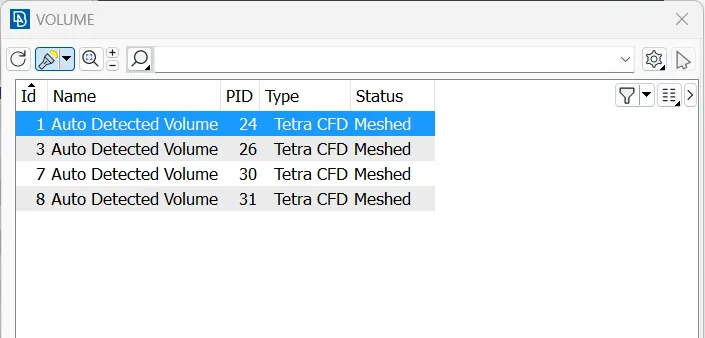
Click on topo and using not remove a slight portion of the part.
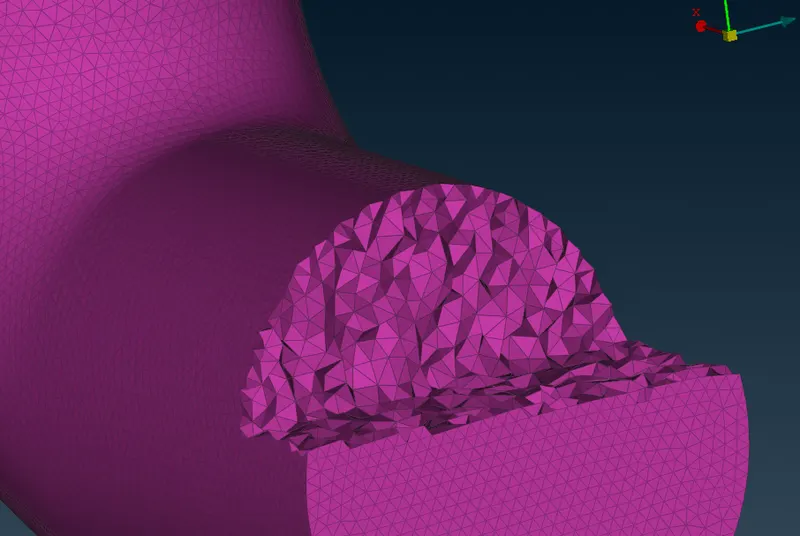
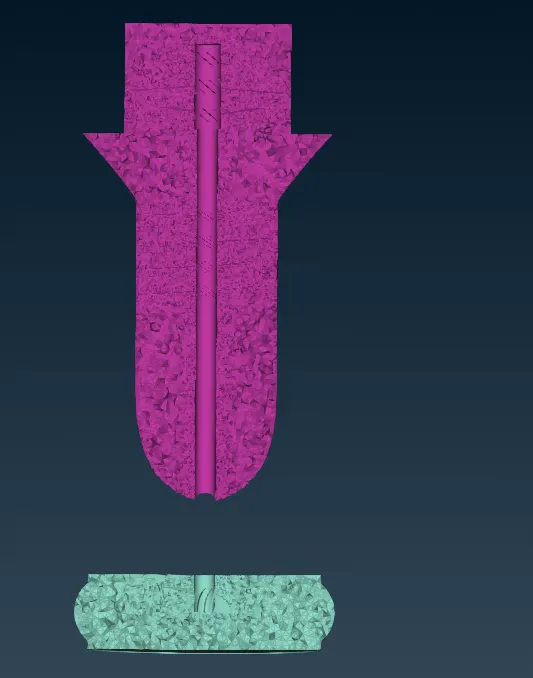
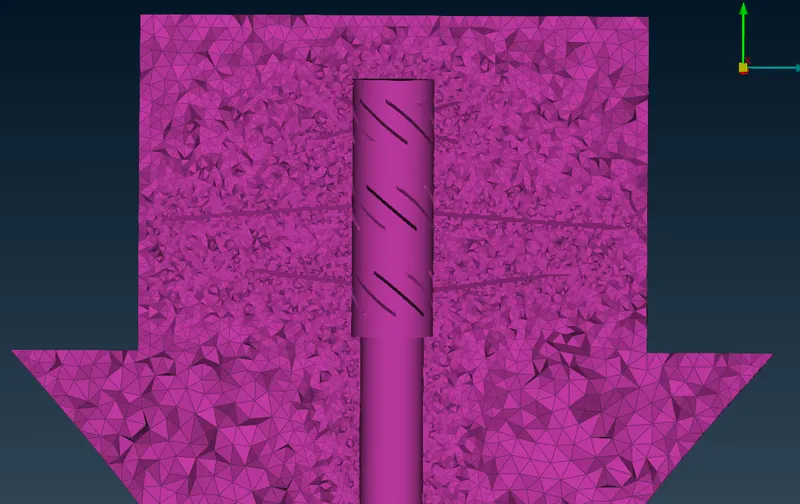
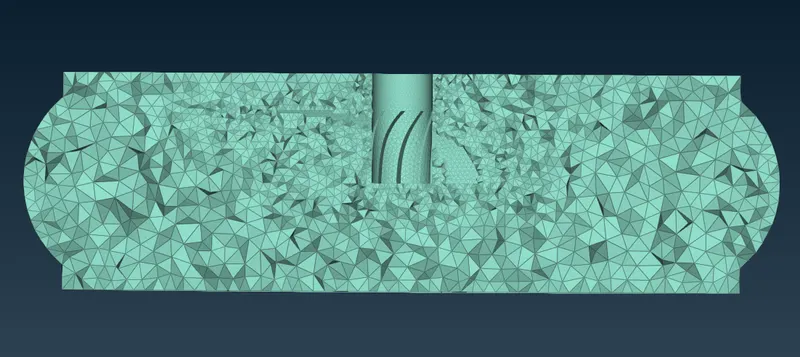
The volumetric mesh is now completed.