Week 3 Challenge : CFD meshing on Turbocharger
CFD MESHING ON TURBOCHARGER :
AIM:
The given model, check for the geometrical errors to make appropriate volumes.create and PIDS shown in the figure.using the ANSA CFD in the turbocharger.
OBJECTIVE:
- To checks the geometrical errors for the given model of a turbocharger,to make appropriate volumes.
- To ctreate and assign PIDs accordindly.
- To create surface mesh and making use of that VOLUMETRIC mesh
- To clear the geometrical error and solve the single conc ,double conc snd triple conc.
Perform surface mesh with the given target lengthas per PIDs.
1.Blade stage-1=1mm
2.Blade stage-2=1mm
3.Impeller=2mm
4shaft rotor=1mm
5.Turbo casing=5mm
6.Compressor casing=5mm
7.Inlet casing cover=5mm
PROCEDURE:
We start to open ANSA CFD application and importing geometry in ANSA .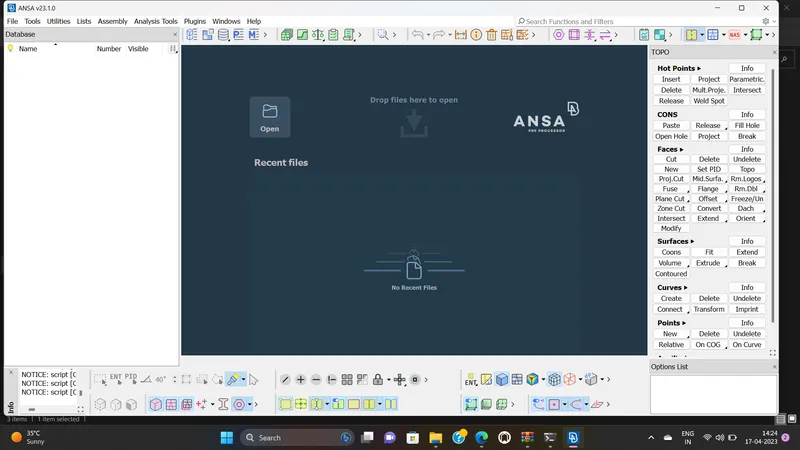
this is new page of ANSA application and import the turbo charger.
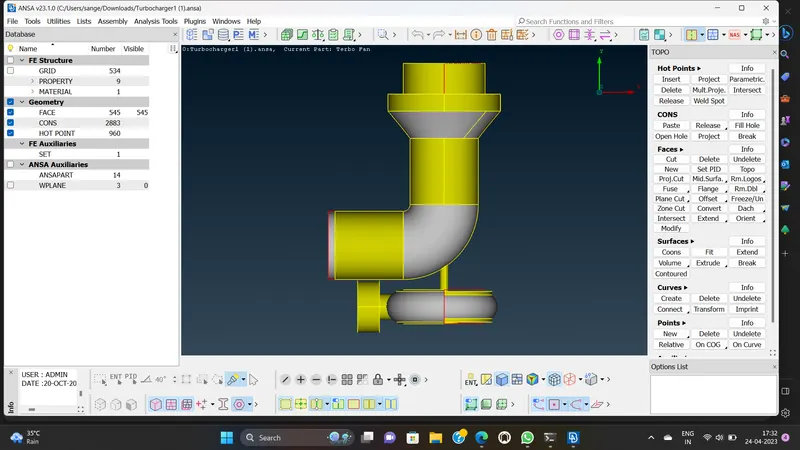
This is basically turbo charger model on which we supposed to do TOPO cleaner.
There are also PIDs region, we need appropriate PIDs.so correct the PIDs once afterr do this TOPO cleaner.
Basically the colour of the cross check same colour of the cross check same colour of pIDs region select the delete option OK.
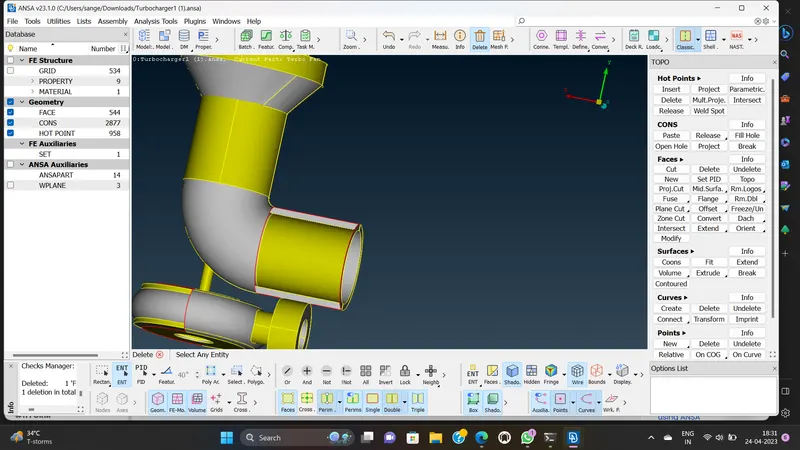
So inorder to other surface mixture with there .Try NOT option hidding the PIDs region .We can see that surface are unwanted directly go to DELETE do this.
NEW >COONS>ENT>use the LOOP option one edge >Two edge >TH]hird edge>Forth edge create a new surface by a confirm click OK.
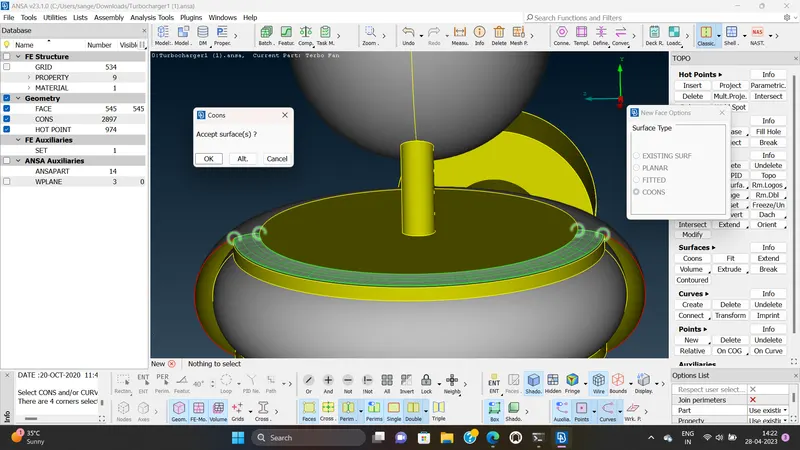
ctrrl+shift is wireform mode use NOT MESH any single concnot to ptresent and very good surface,this is fine middle click.OK .check the other region
NOT option is use to hiding the PIDs region and able to see this duplicated surface and i go delete surface then click on ALL option .its dont show the triple conc.
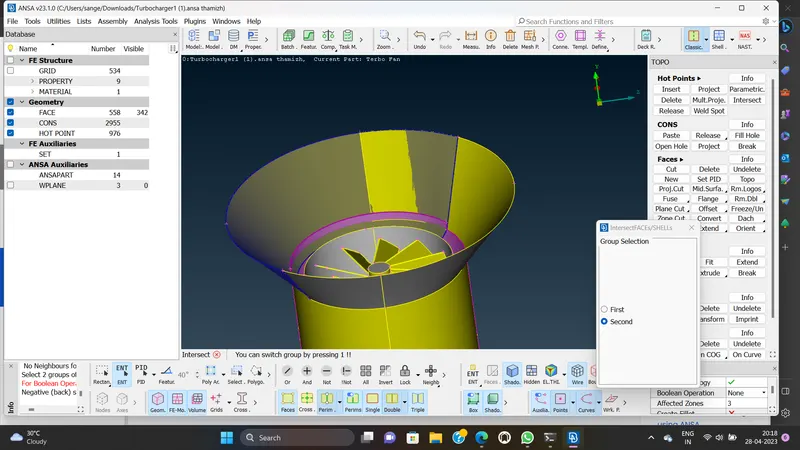
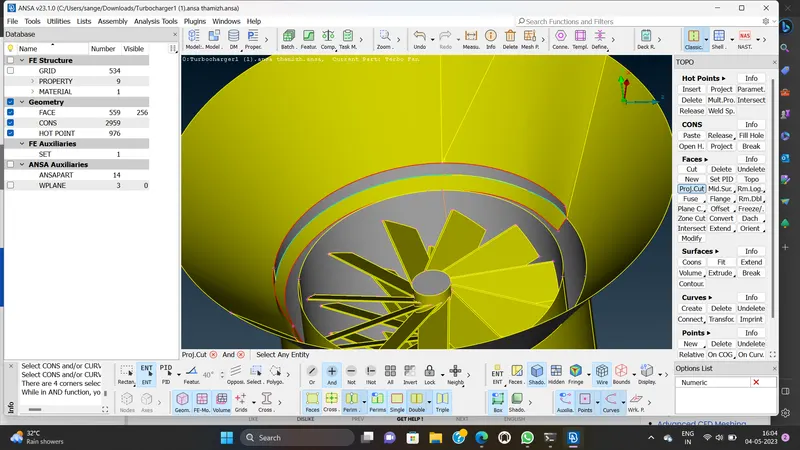
Face >INTERSECT>FIRST click let see how it can be work and click SECOND surface which is denoted with surface and ctrl+shift .This is the shortcut of wirefrom mode.
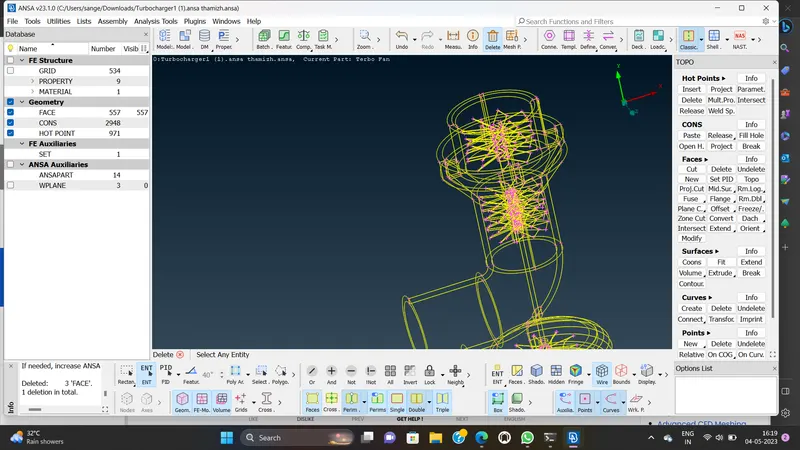
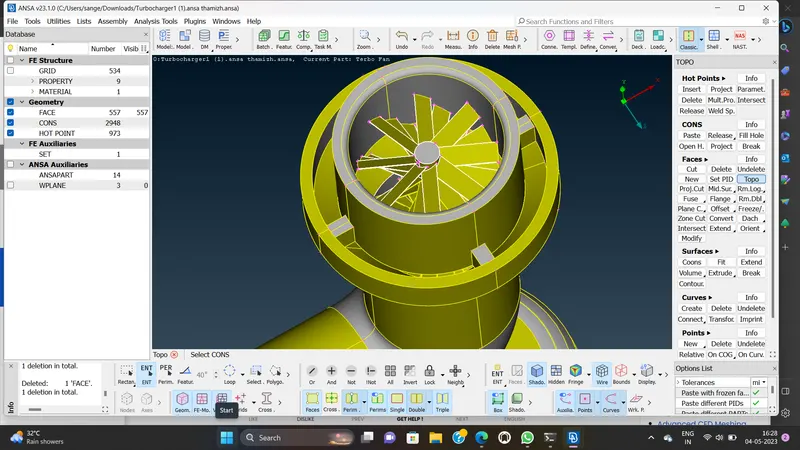
Topo is basically opposite to RELEASE the conc.
RELEASE is basically out of the double conc it will be two conc out of triple conc it will be there single conc.
TOPO is do opposite manner of RELEASE if you have three single conc .If you use topo will try to connect.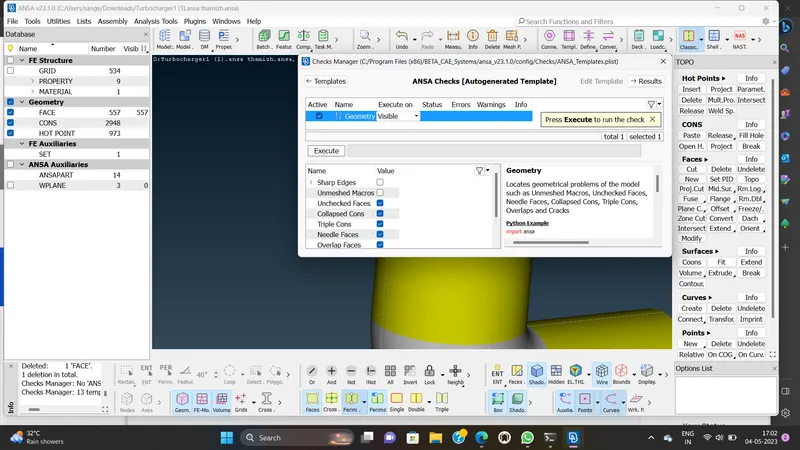
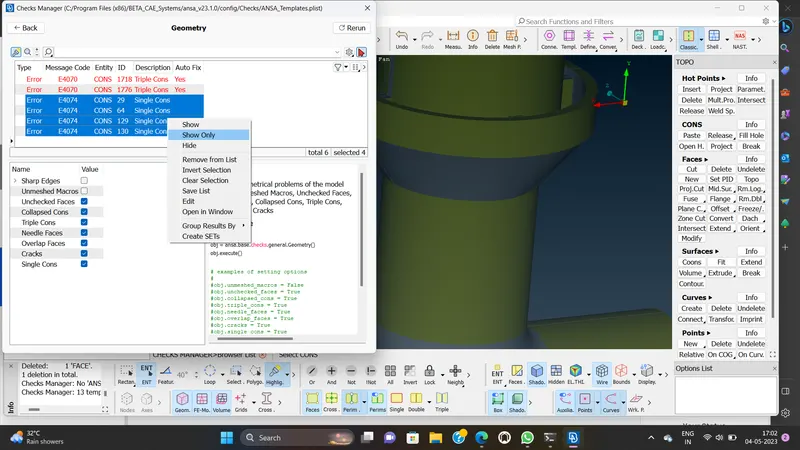
Go to check option to click the CHECK option and select the GEOMETRIC .select the visible option and click all the single cons like that and finally execute the errors.can you easily find the errors .step by step.
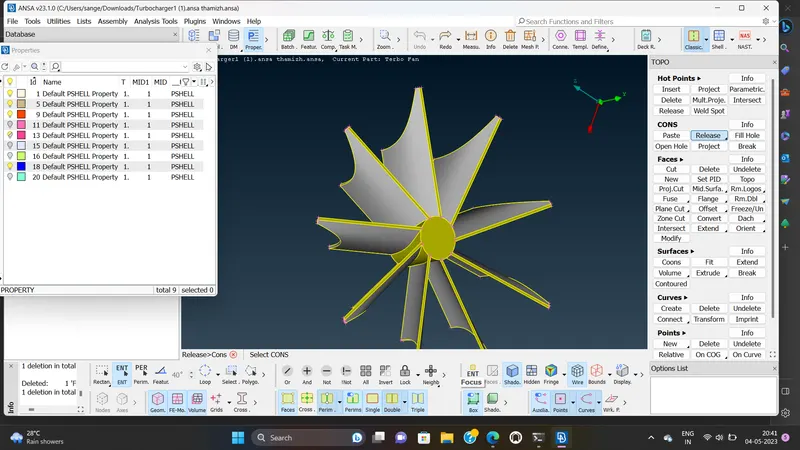
Now DELETE the unnecessary surface in rotor shaft.hide the surface and directly select DELETE option to delete click middle button of mouse and the click OK.
Other way is go to GEOMETRIC CHECK .Enable single conc .Execute open the PIDs managerand then hide one by one .three single conc show in the error.
select the single conc error only show the single error .FACE>TOPO is use to clear thr error.Again check the errorsinglr conc not shown in the geometry.
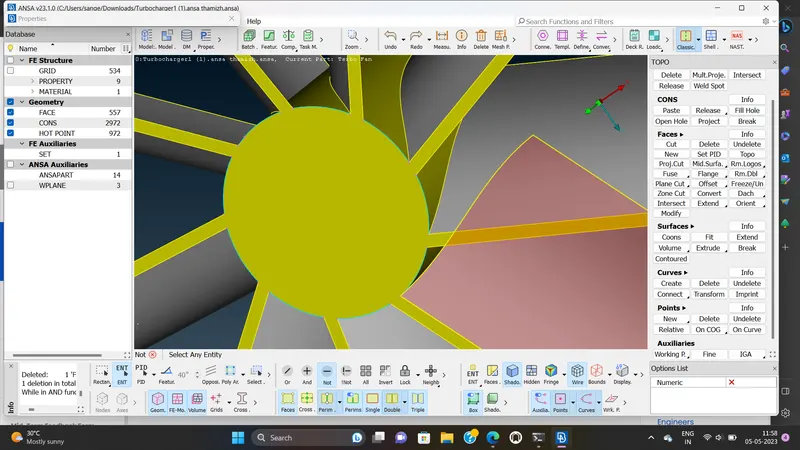
Use CUT option to select the hot points. select one to one properly .
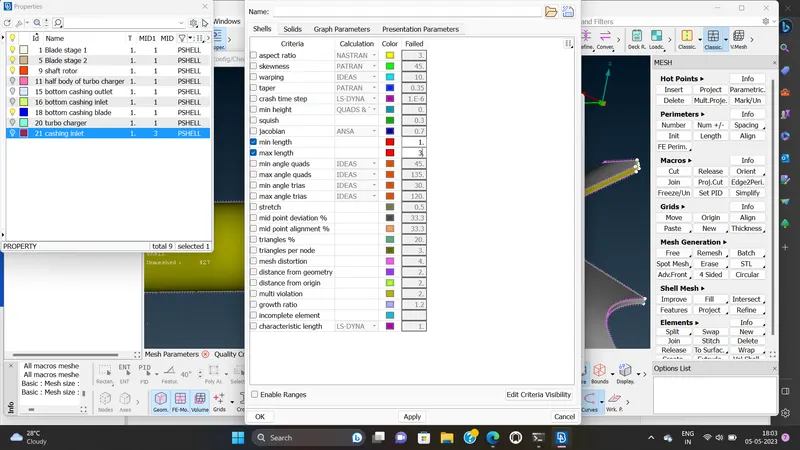
After the topology cleanup was completed and we then went to set our PIDs accordingly.
After which surface meshunh of the parts were done as per the described target length.
For that mesh quality critria were set and then mesh setting were set and perimeter and macros assigned in the section for the part as per the need.
similarly target length was set for other partsas well and their meshing was also done using spot mest option.
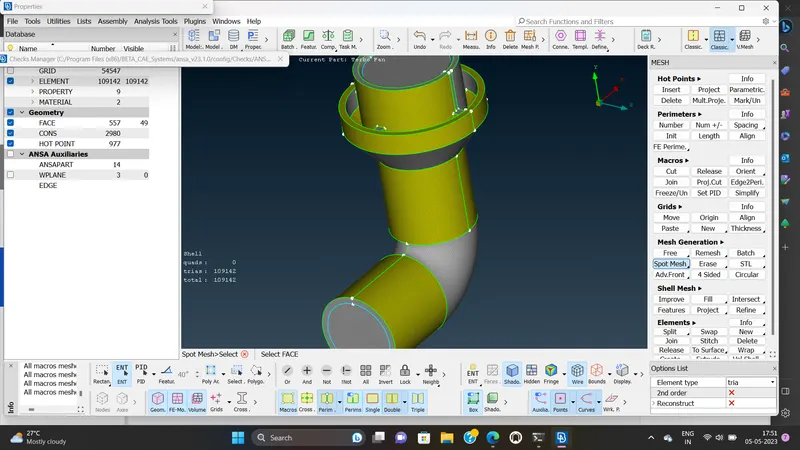
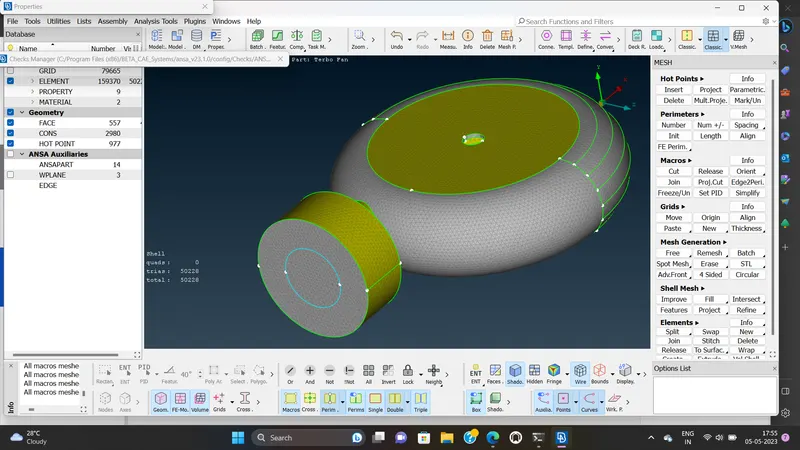
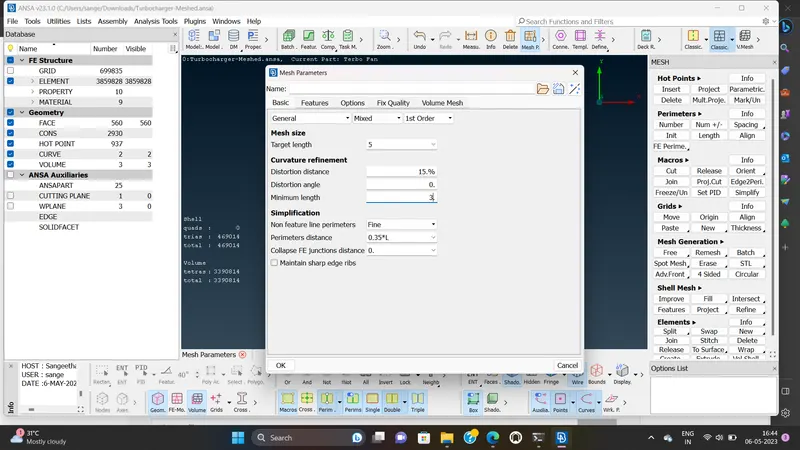
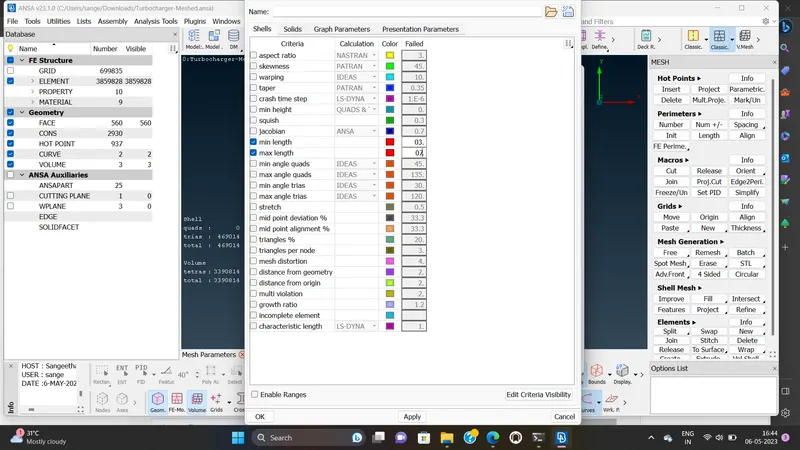
Similarly TARGET length was set for other part as well.
their meshing was also done using spot mesh option.
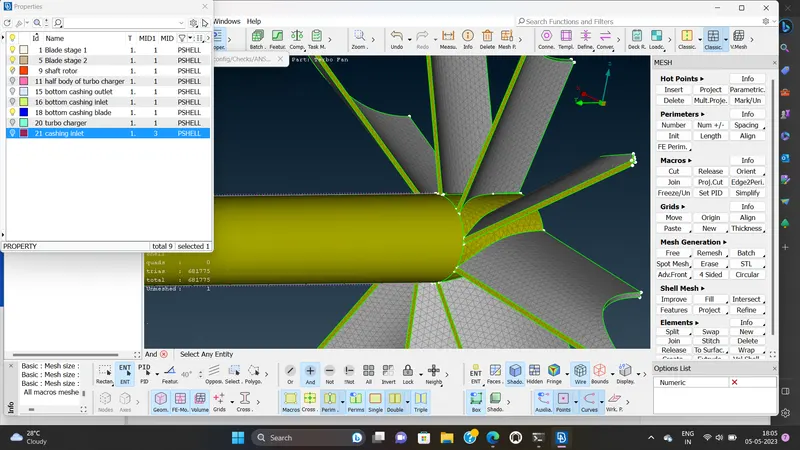
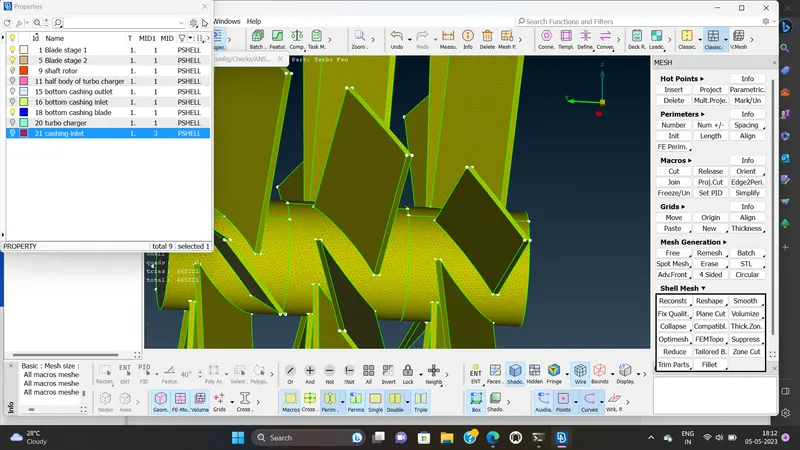
After completing the surface meshing of the turbo charger we head to volumetric mesh deck where the first thing we do is define the volumes using the auto detection method
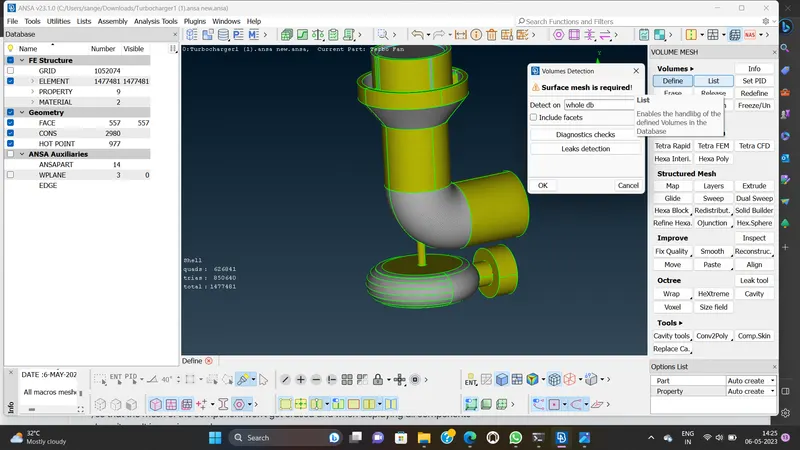
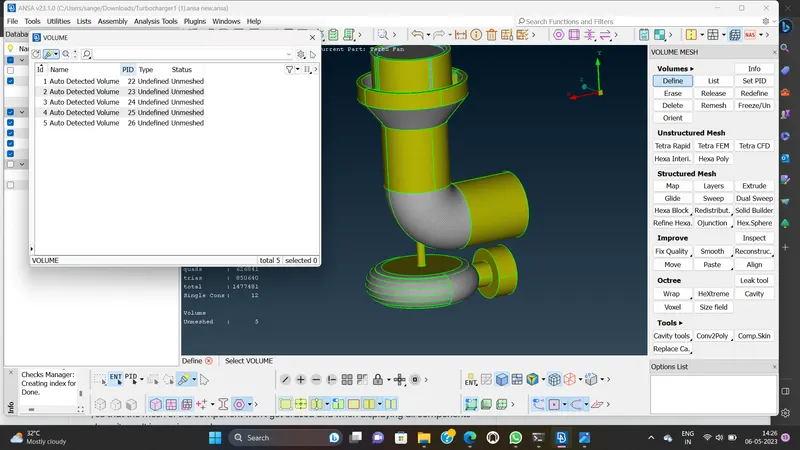
By clicxking on each volume we check either it fluids flow of volume or geometryvolume only the volume where fluid flows are kept and all other volumes are deleted.
When meshing for CFD we need to make sure that the geometry should we have completely closed and at times it leads to triple conc which can be ignored.
VOLUMETRIC MESH:
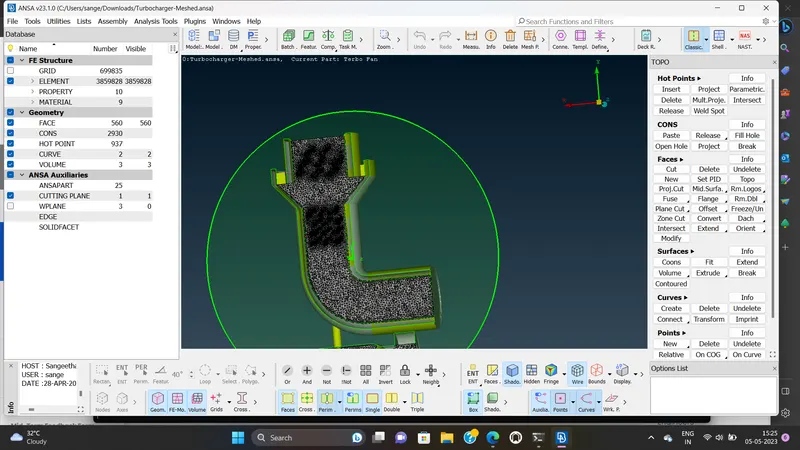
Volumetric mesh is nothing but 3D kind of mesh will have surface is mesh with the help of 2D elements with a tria elements now.
Volumetric mesh is surface with tria elements and that to after we select the surface mesh will try find a volume and tria expanding the 2D elements into 3D elements
CONCLUSION:
we learnt about volumetric meshing and got experience in surface meshing through this project also learn how to patch the complex surface.
we also learn that volumetric meshing is highly demanding and takes time to be generated,and aslo learnt how to surface mesh two objects sharing a common boundry but having different mesh target lengths.