Week 3 Challenge : CFD meshing on Turbocharger
Aim:CFD MESHING OF TURBOCHARGER.
Procedure:
As the first step of process, check for all the errors in the given model. Start by solving the visible errors such as holes, cracks or breaks, overlapped surfaces. To create surface on the existing surface, select 'New' under Faces section and select COONS. Once all the incomplete surfaces are filled, check for single and triple cons by clicking on to geometrical checks. For Surfaces as shown in the below Picture, hot points should be added at multiple loactions and then COONS operation should be performed.
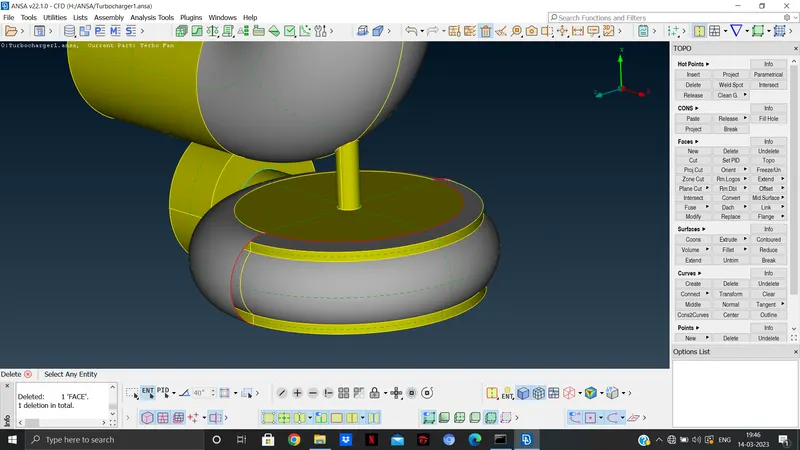
After the geometric check is run, solve all the single cons and triple cons. The triple cons are the result of intersection of 3 suraces. Most of the triple cons are the result of the overlapped surfaces. The overlapped surfaces in the model can be deleted by 'Delete' option. Some of the triple cons which are not considered are errors are ignored. Once all the single and triple cons are solved, the next task is to make sure that the model has one volume.
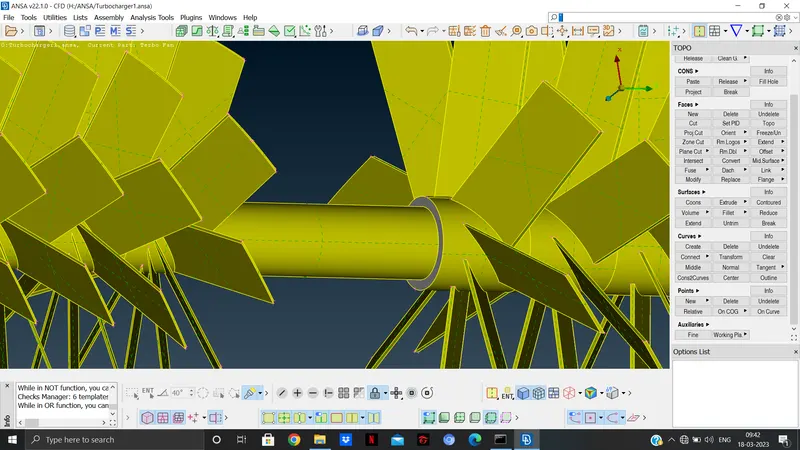
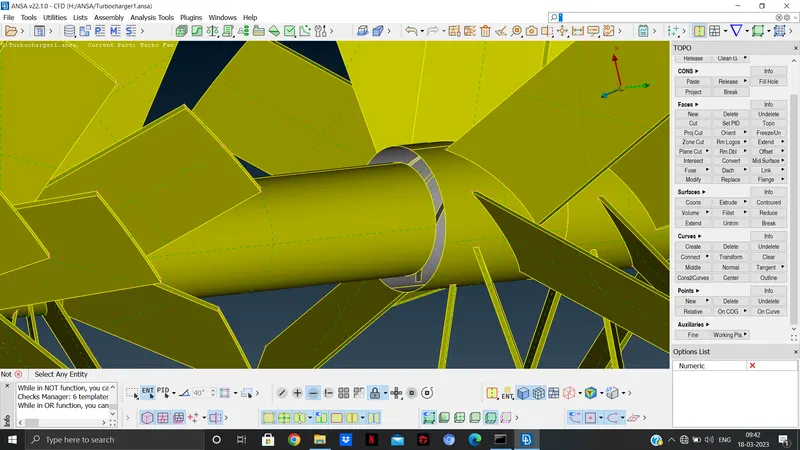
The above image shows the creating of common volume inside the model.
The next step is assigning the PIDs.
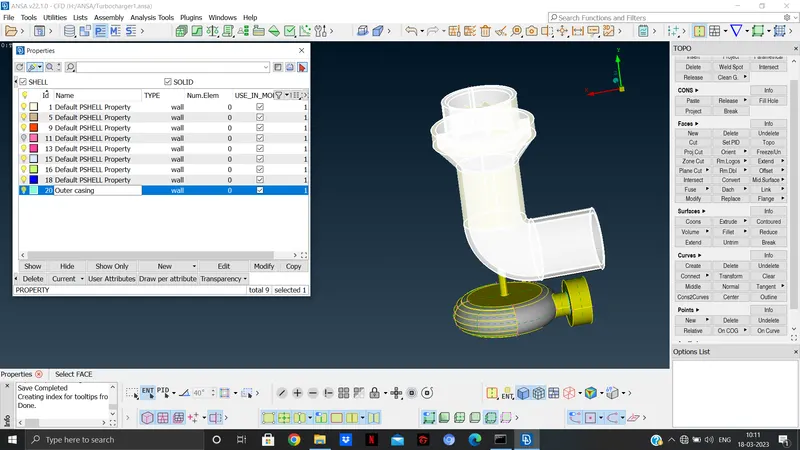
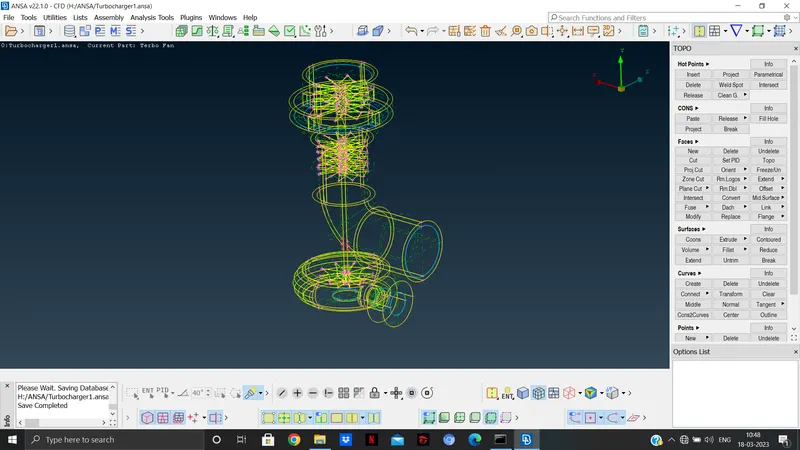
After allocating the PIDs, go for final geometric check before performing surface mesh. Neglect all the required Triple cons as shown on the above image. Close all the open surface by creating new suraces.
After this, start surface mesh by switching into mesh module. As per the given mesh length, assign target length and set quality criteria. Assign the target length by selecting length under the perimeters section and assign the value for both perimeter and macros. After asssigning the values, perform surface mesh by selecting spot mesh and visible.
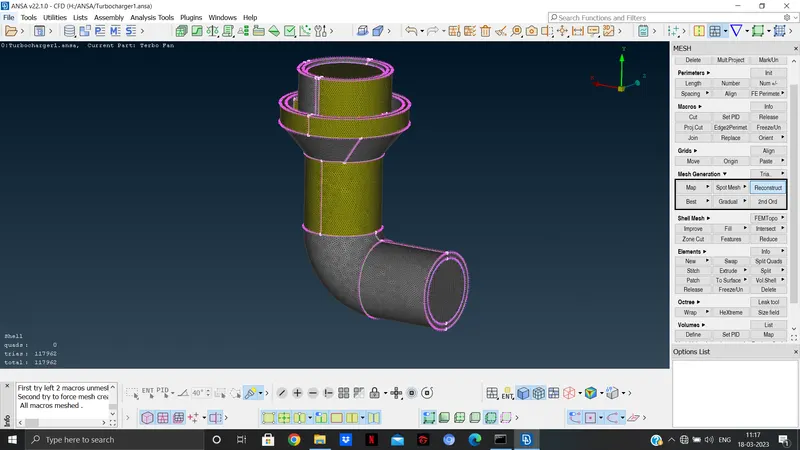
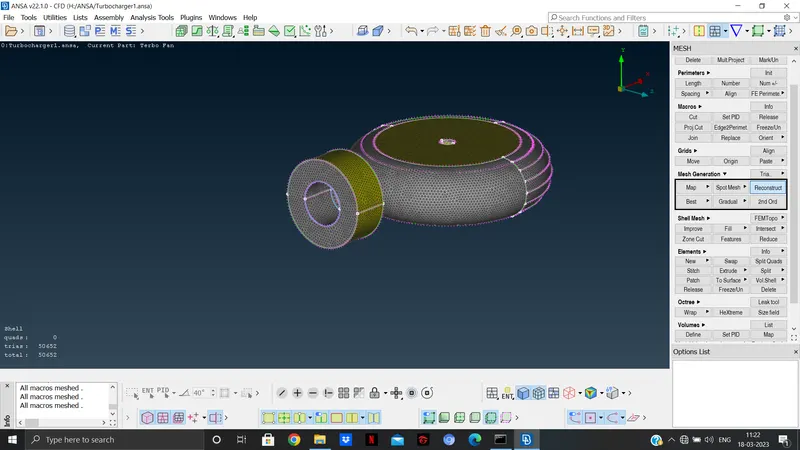
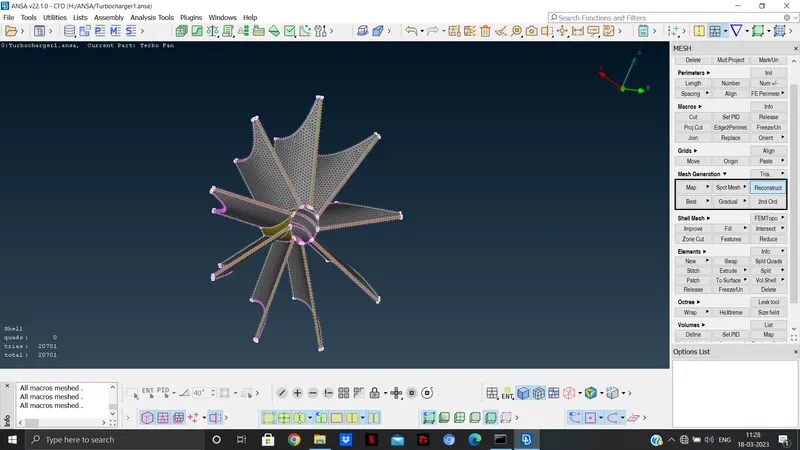
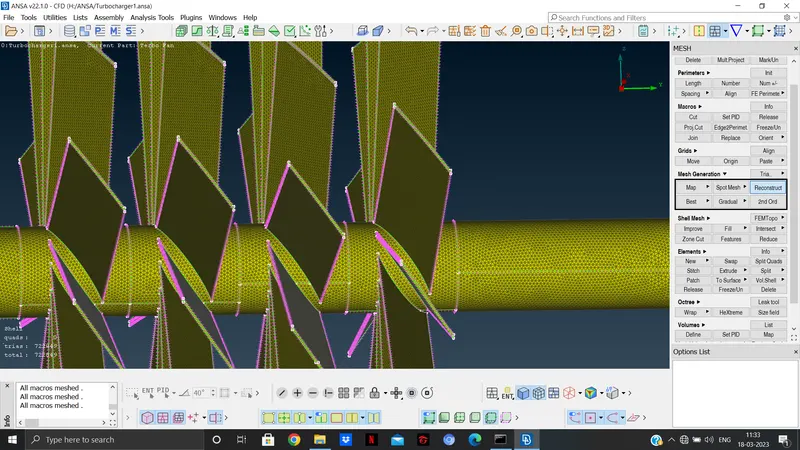
After surface mesh, go to volumetric mesh module. Under the volumes section, select Define->Auto detect->Select whole dB.
Here all the volumes will be detected by ANSA, carefully keep all the volumes where the fluid flows and delete all the unwanted volumes i,e the volume created by the thickness of the model. After deleting the unwanted volumes, select the remaining volumes one by one and right click and select remesh-> Tetra CFD.
Check the volumes by selecting the 'list' option under volumes section to see the volumes.
Learning outcome: Learnt about the significance of volumetric mesh and how to preprocess model before meshing.
Result: The model was successfully meshed successfully.
Conclusion: The model needs to be processed prpoerly before surface and volumetric meshing. Hence the outcome will be positive. The model needs to have a single volume to be meshed volumetrically. Volumetric mesh is done to trace the fluid flow in the given model.