Week 3 Challenge : CFD meshing on Turbocharger
AIM: To set the given target length as per the PID and mesh the given model using ANSA.
OBJECTIVE: Check the given errors in the given model and rectify the errors and to make appropriate volumes. Assign the PID. Perform the surfesh mesh withe the given target lengths as per PIDs
- Blade stage-1 = 1mm
- Blade stage-2 = 1mm
- Impeller = 2mm
- Shaft rotor = 1mm
- Turbine casing = 5mm
- Compressor casing = 5mm
- Inlet casing cover = 5mm
- Perform the Volumetric mesh for the the required volume for the given model.
PROCEDURE:
- First of all we insert the given model in the ANSA.
- Then we Check the unit in mm.
- Then we check the resolution of the given model.
- Then we check the geometrical errors.
- If geometrical errors is there then we rectify all the geometrical errors like single coons, triple coons inersction errors etc.
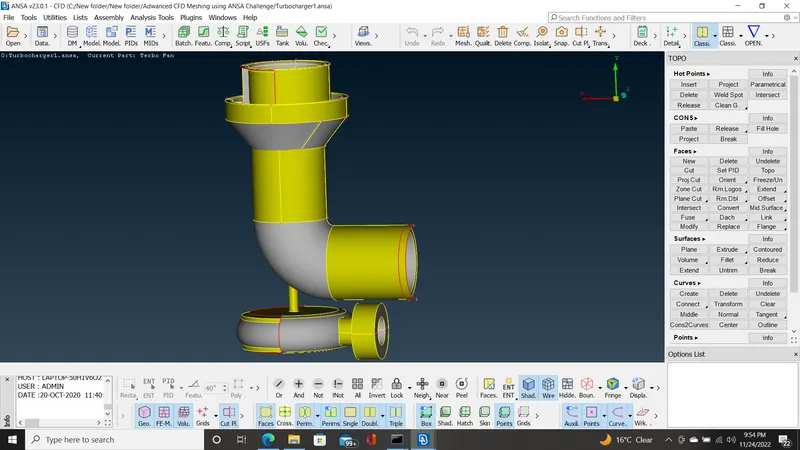
In Entity mode
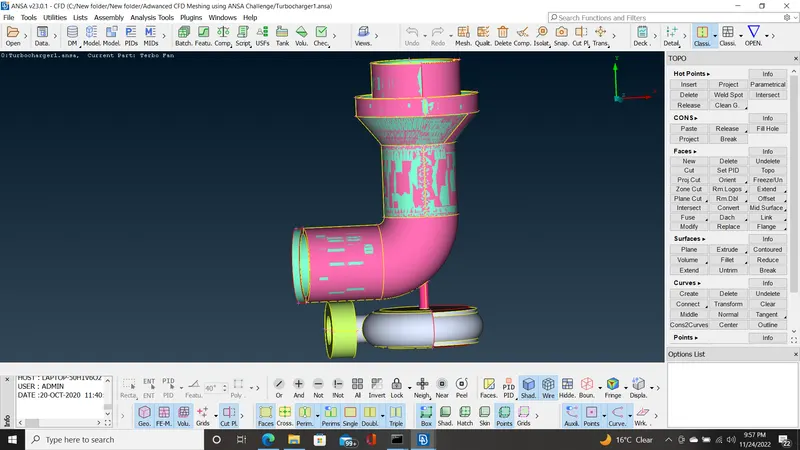
In PID mode
Geometry Check
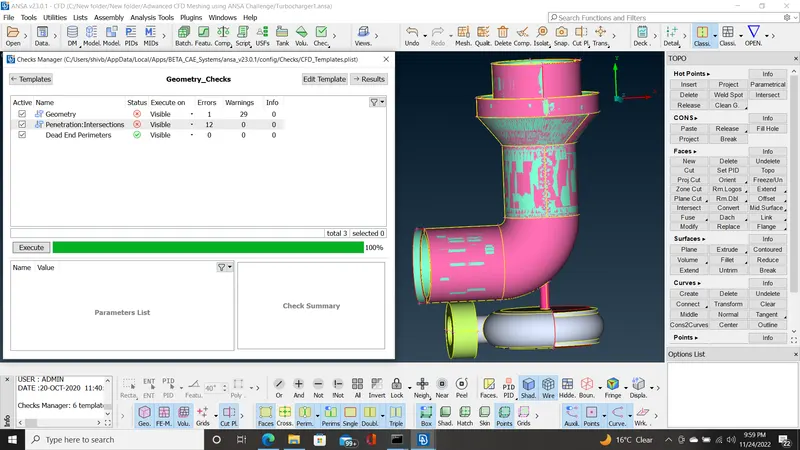
- So there are many single coons errors and 12 intersection errors.
- So first we resolve the all geometrical errors
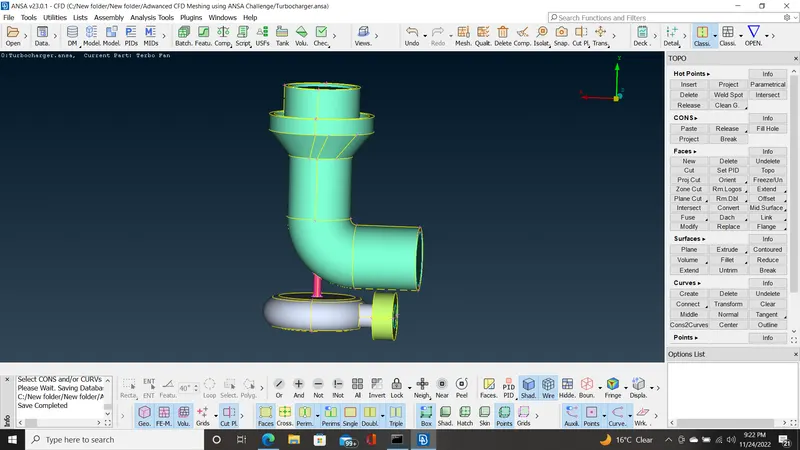
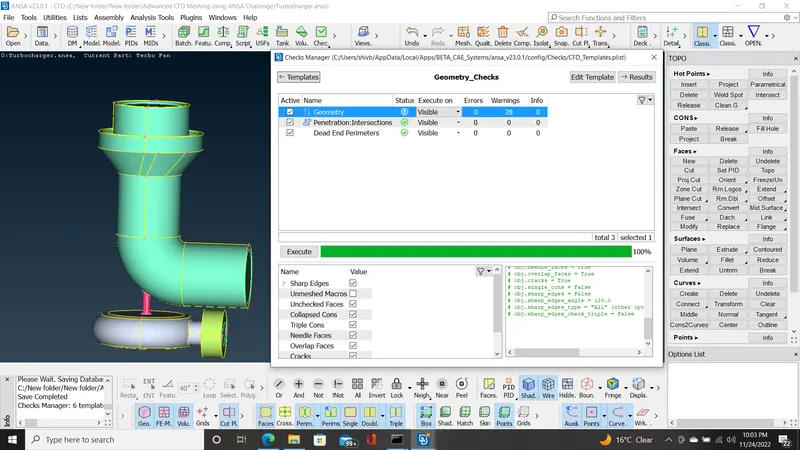
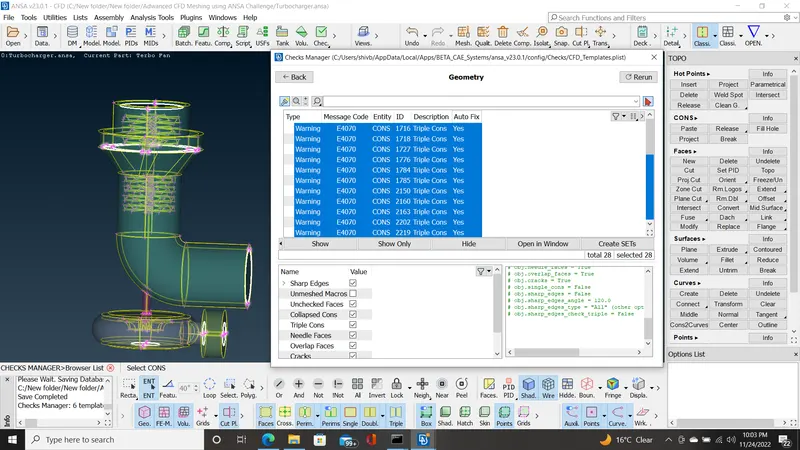
- Now we have rectify the all geometrical errors and only triple coons are there because when we cover the all onen surface then three faces are intersect.
- Now we assign the PID for the given model.
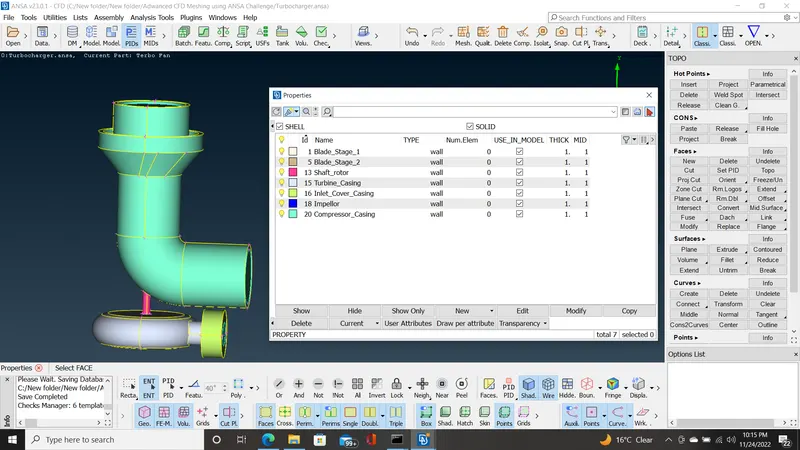
- Now we go for surface meshing.
- So first we set the target length as per the given PID.
- Blade stage-1 = 1mm
- Blade stage-2 = 1mm
- Impeller = 2mm
- Shaft rotor = 1mm
- Turbine casing = 5mm
- Compressor casing = 5mm
- Inlet casing cover = 5mm
- Now we set the target length = 1mm for Blade stage-1, Blade stage-2 and Shaft rotor and mesh it.
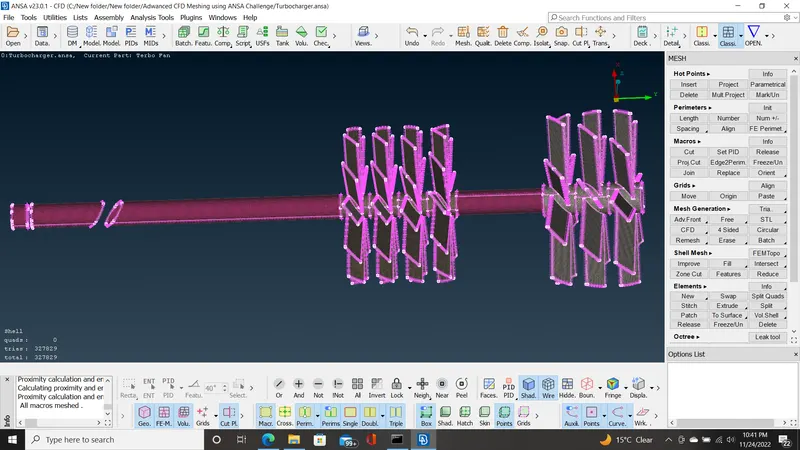
- Then we set the target length = 2mm for Impeller and mesh it.
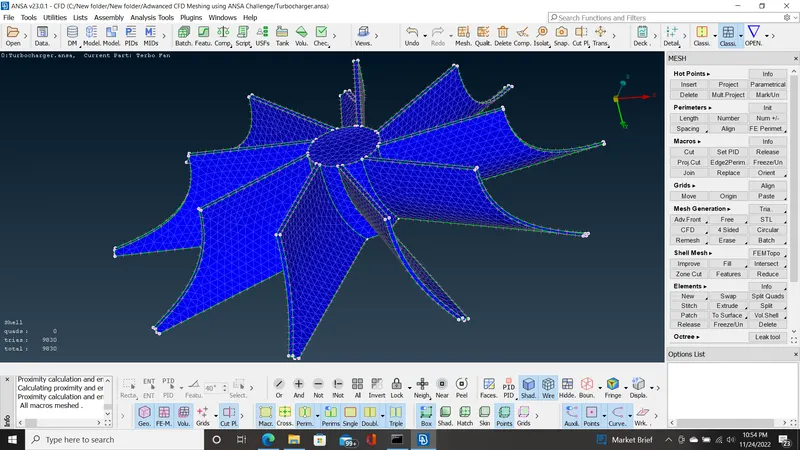
- Then we set the target length = 5mm for the Turbine casing, Compressor casing and Inlet casing cover and mesh it.
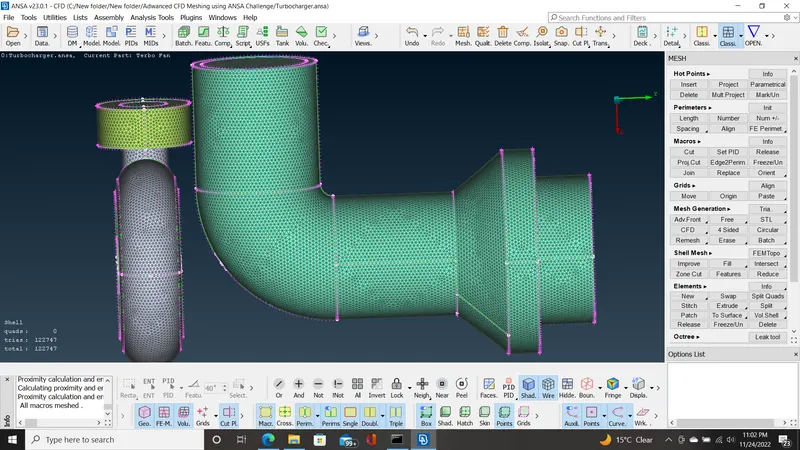
- Then we show the comlete meshing of the mogiven model
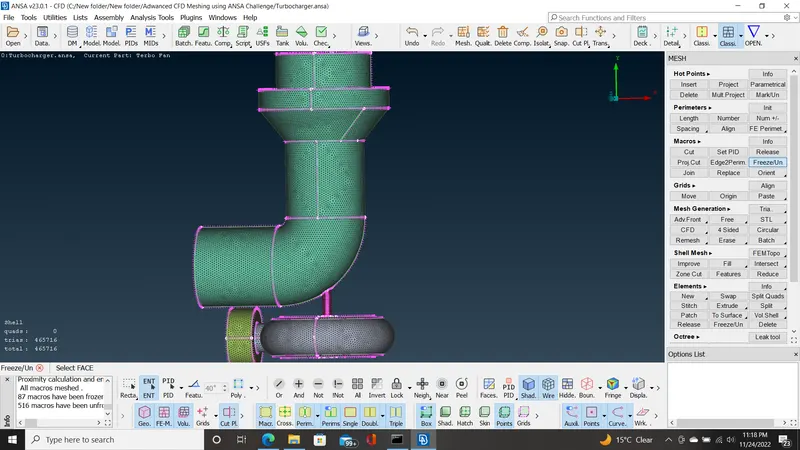
- Now we have complete the surface meshing.
- Now we next move to volumetric meshing.
- Now we have to do internal flow analysis then we select the internal volume of the given model. remove external volume.
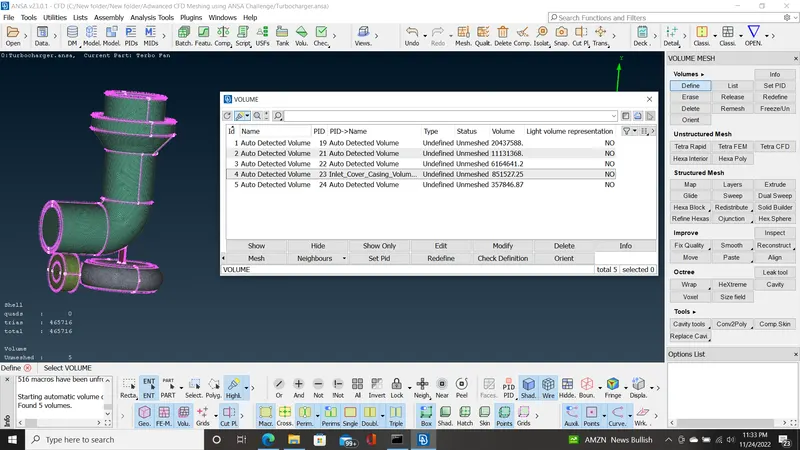
- Now there are five volume detected and i2 and 4 is the external volume and rest all are internal volume. So external volume is deleted
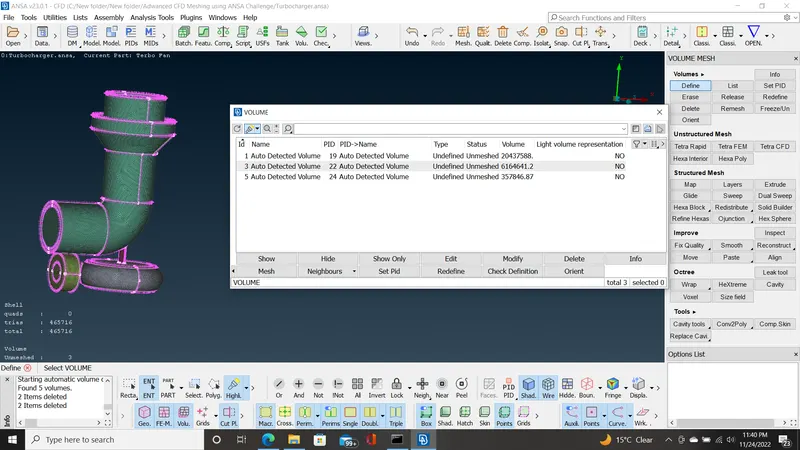
- Then we will apply the volumetric mesh as shown in below
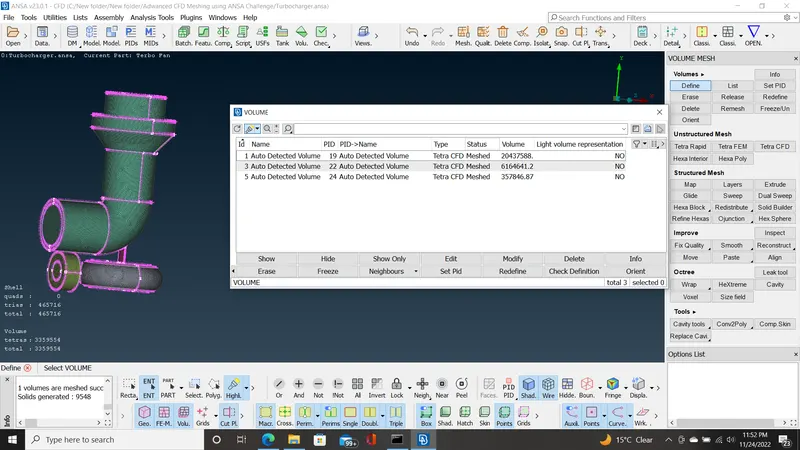
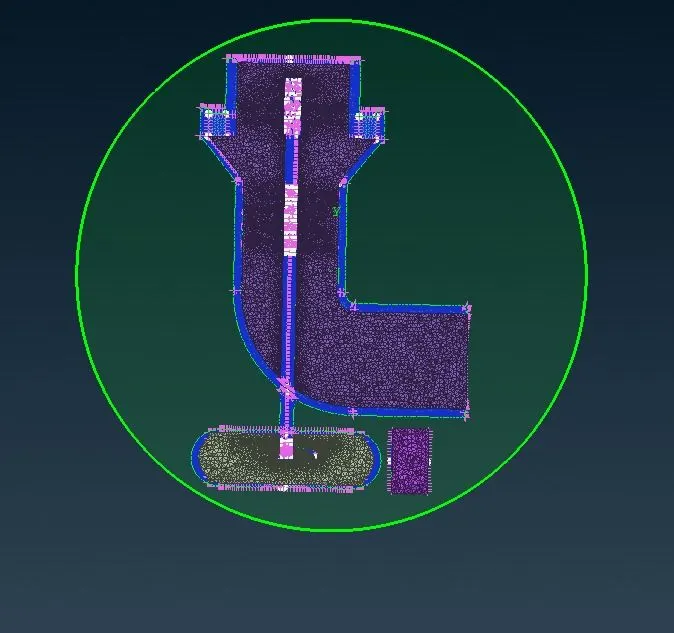
- Now we cut the whole model in the XY plane and see how look inside the volumetric mesh as shown in below.
CONCLUSION:
- It is concude that when we set the target length for different parts of the model of different target length shows refined mesh.
- When we apply the volumetric mesh in the internal part of the model and cut the plane then we show how looks refined mesh inside the model.