Week 3 Challenge : CFD meshing on Turbocharger
Aim :
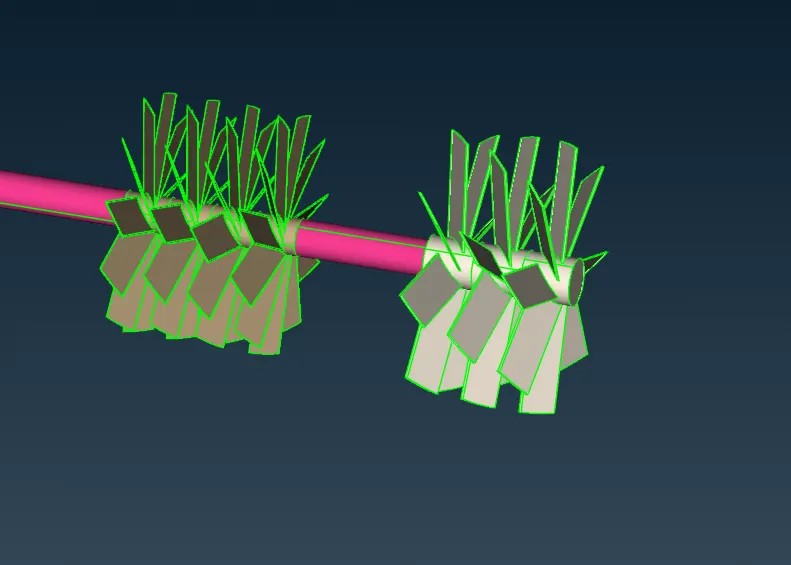
For the given model, check for the geometrical errors to make appropriate volumes. Create and assign PIDs as shown in the video. Perform surface mesh with the given target lengths as per PIDs.
- Blade stage-1 = 1 mm
- Blade stage-2 = 1 mm
- Impeller = 2 mm
- Shaft rotor = 1 mm
- Turbo casing = 5 mm
- Compressor casing = 5 mm
- Inlet casing cover = 5 mm
Perform Volumetric mesh for the required volumes as shown in the videos.
Write a detailed report on your surface meshing & Volume meshing process.
Procedure
1) Import the given model into ANSA
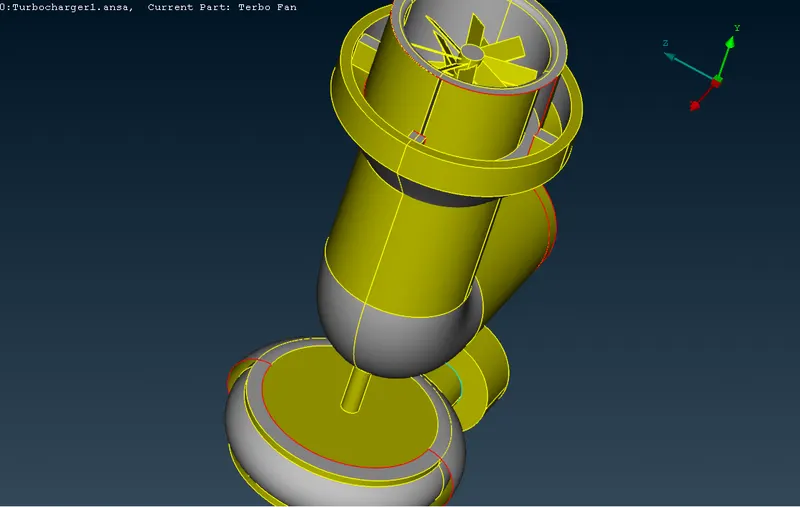
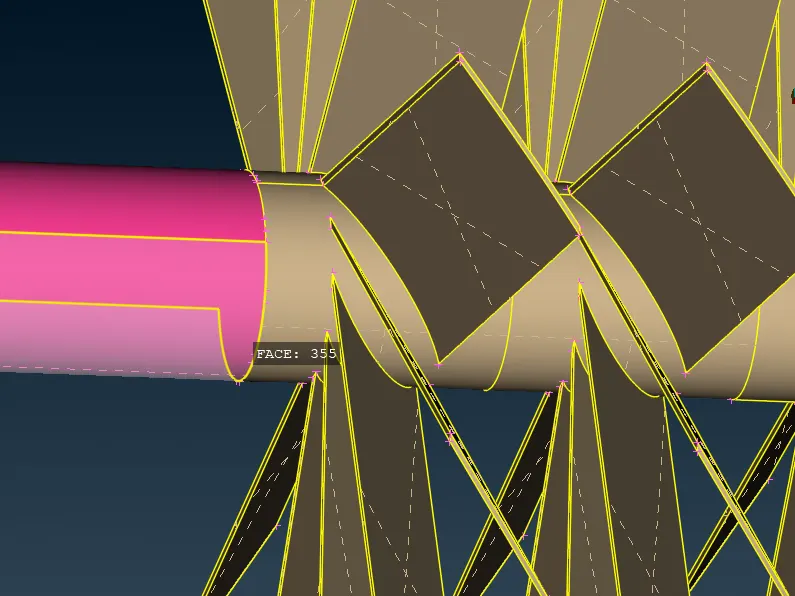
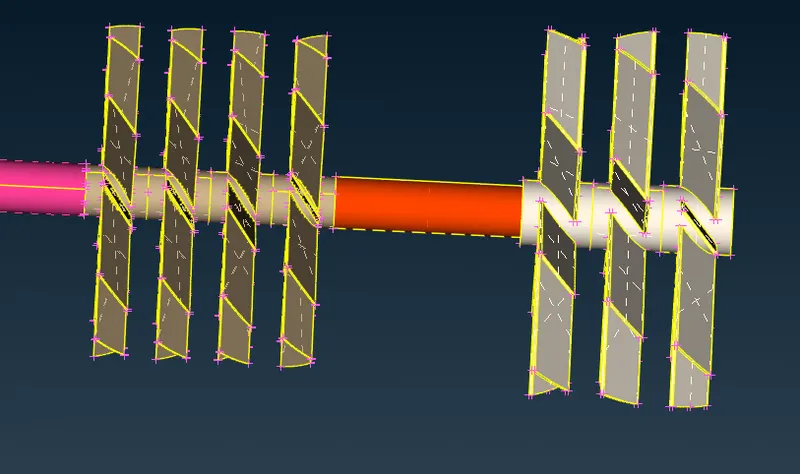
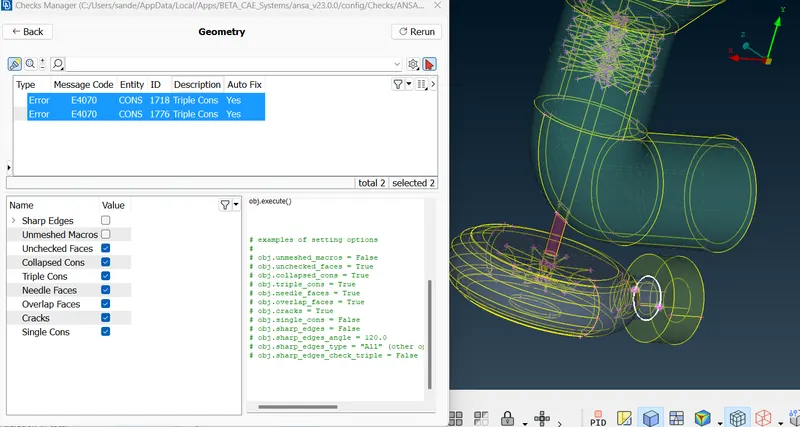
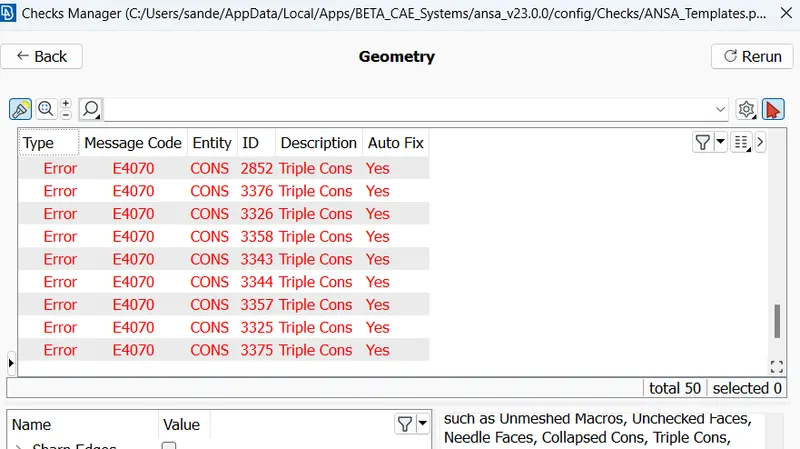
2. Starting with the Topo cleanup by doing geometry checking to find single and Triple cons in the geometry.
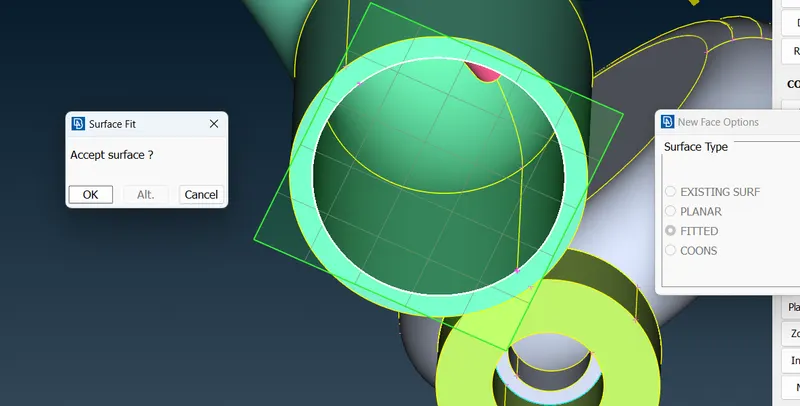
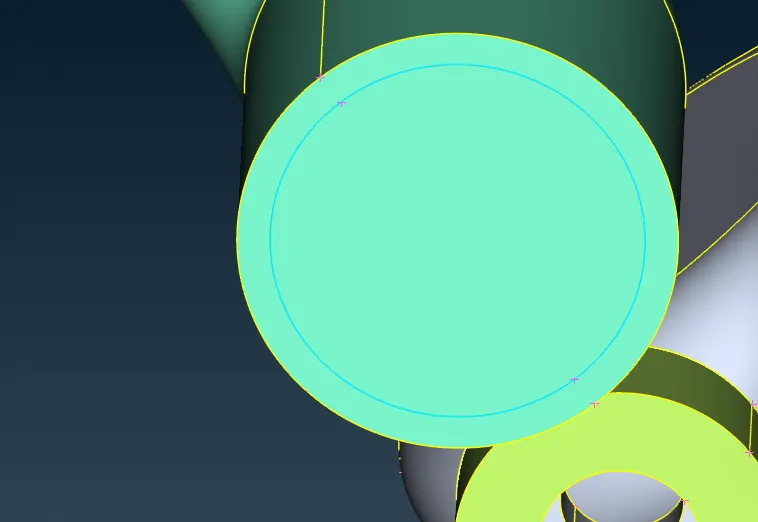
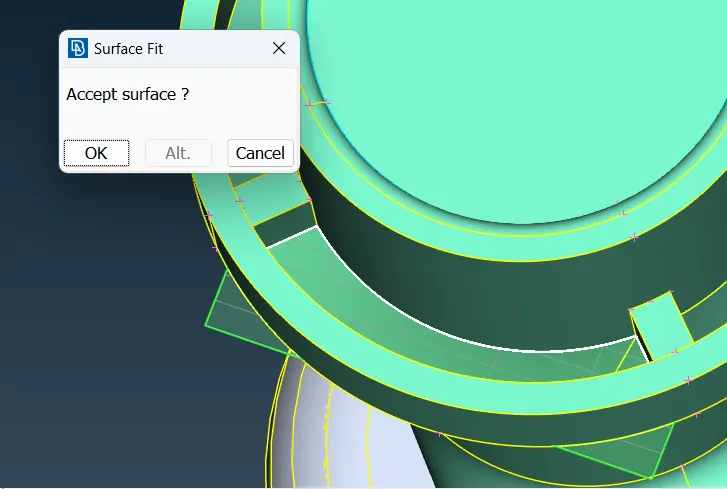
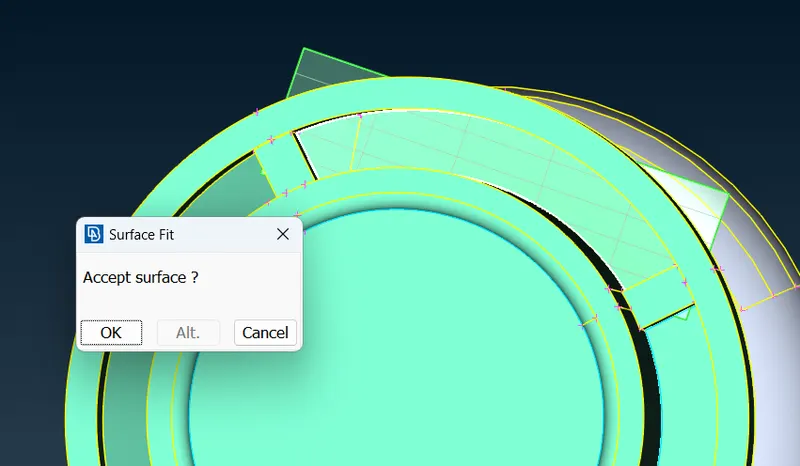
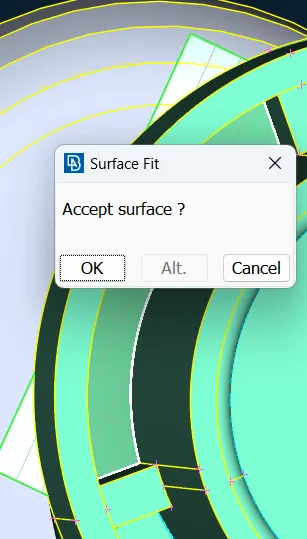
Filling up the surfaces and cleaning the single cons by creating new surface wherever required.
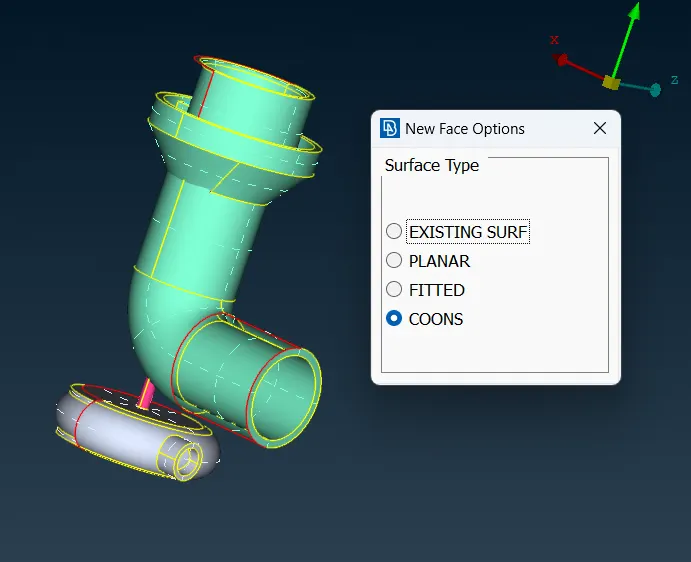
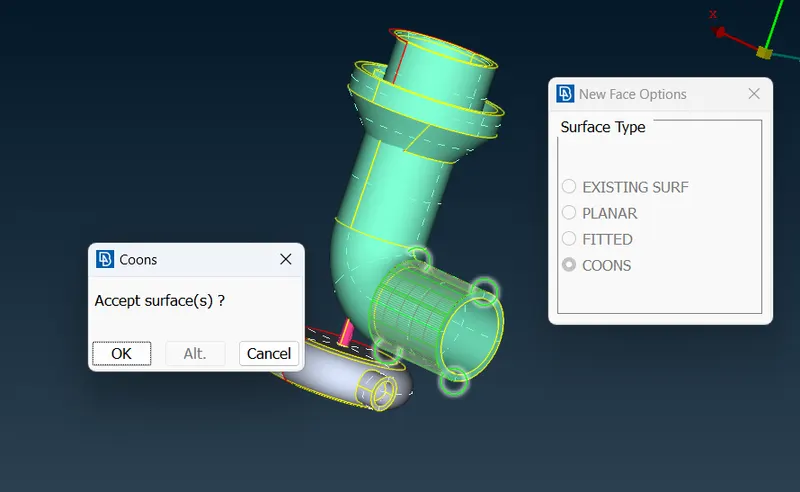
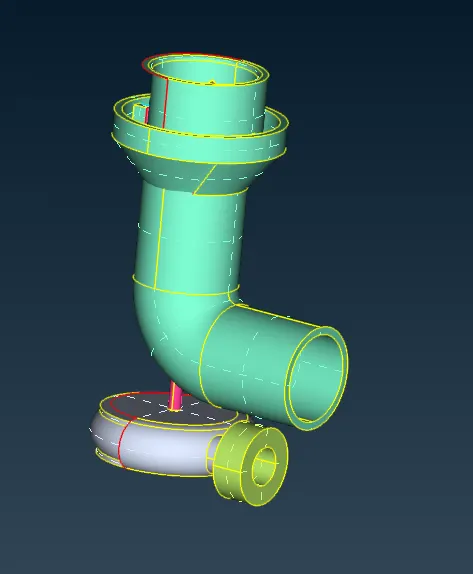
So we need to create small different surfaces by using hot points.
For this we need to project the hotpoints on the other face of this surface
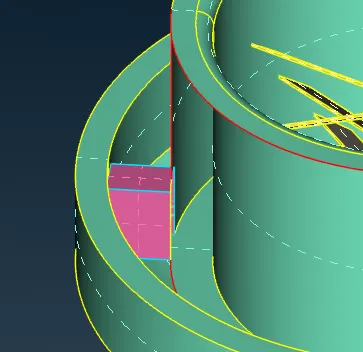
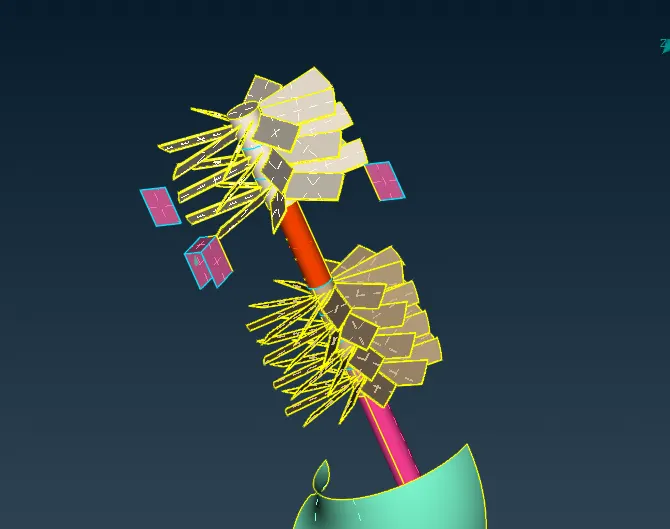
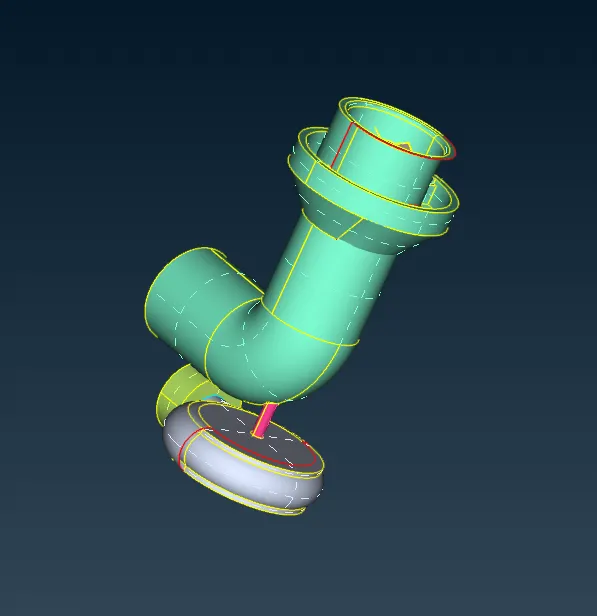
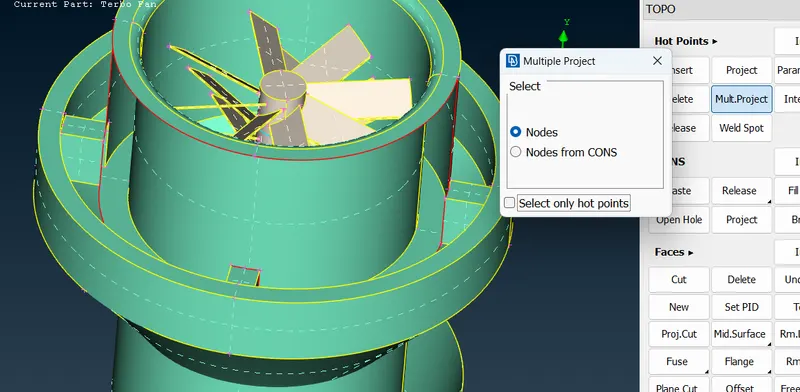
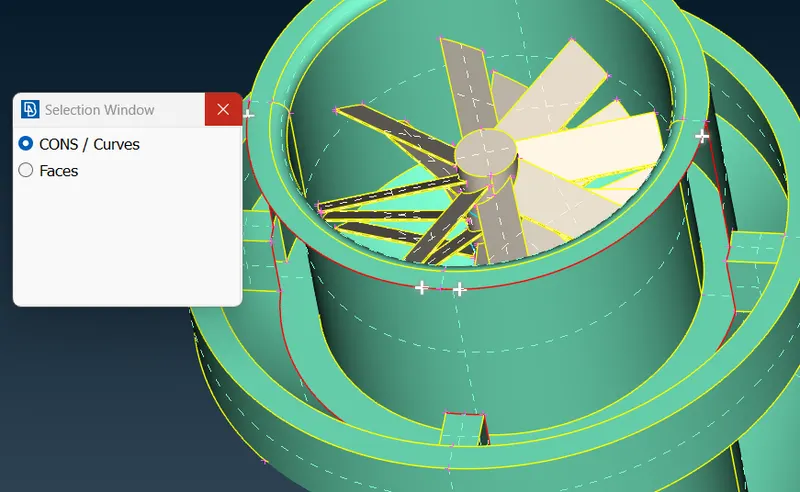
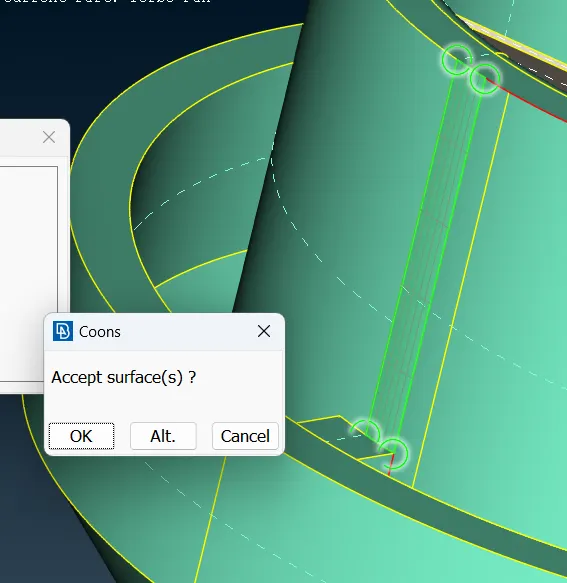
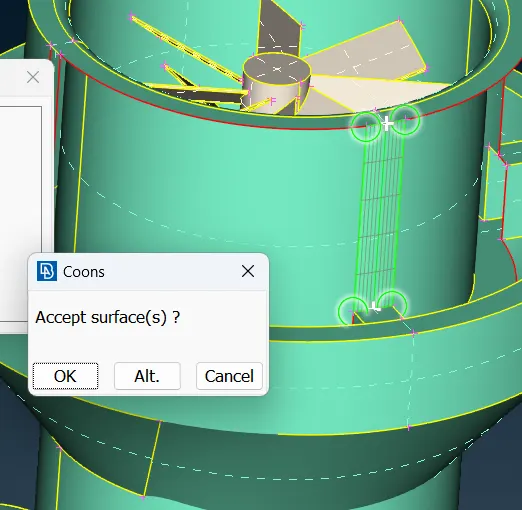
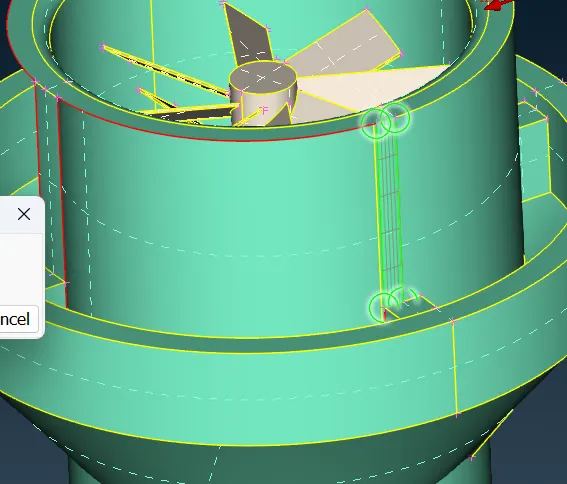
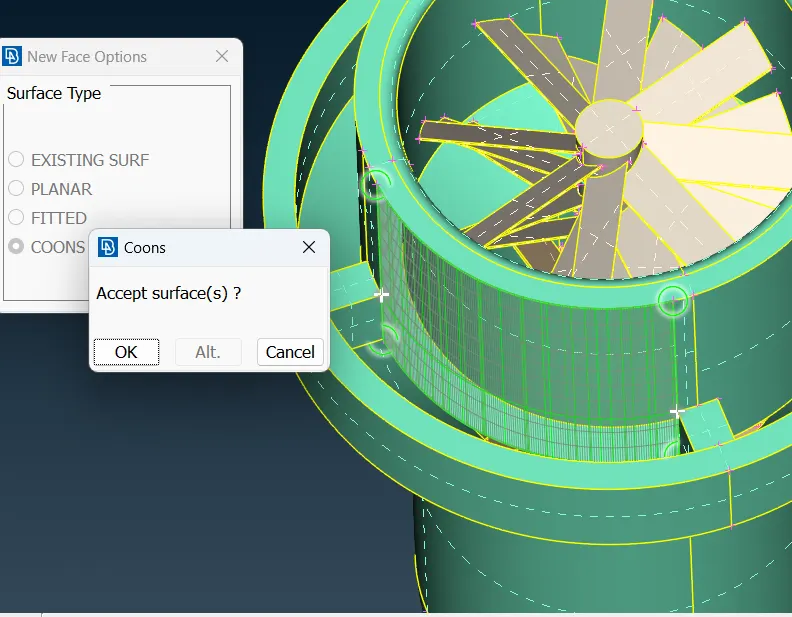
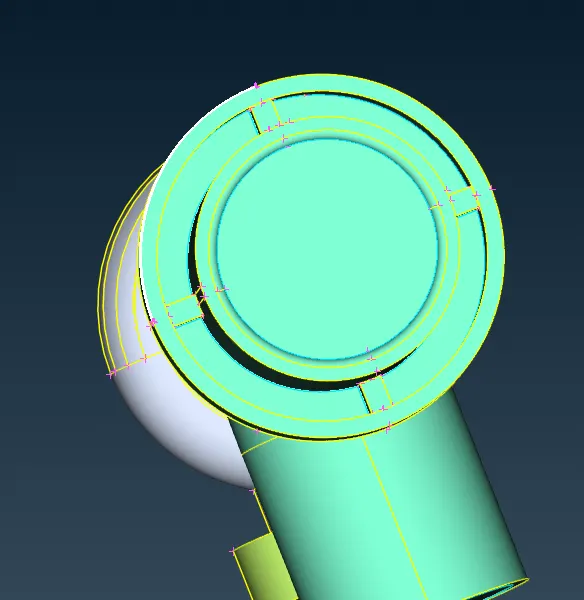
So we have fixed ultimaterly this part but still we see glitchings on the surface. We need to fix this glitchings.
Using 'TOPO tool' to check are there any triple cons
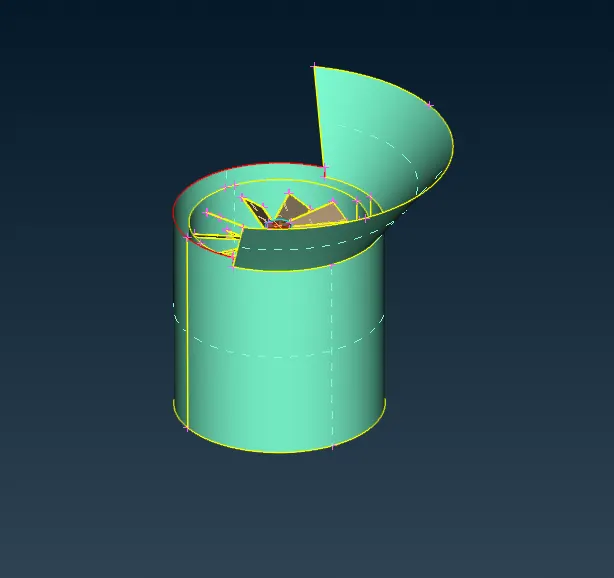
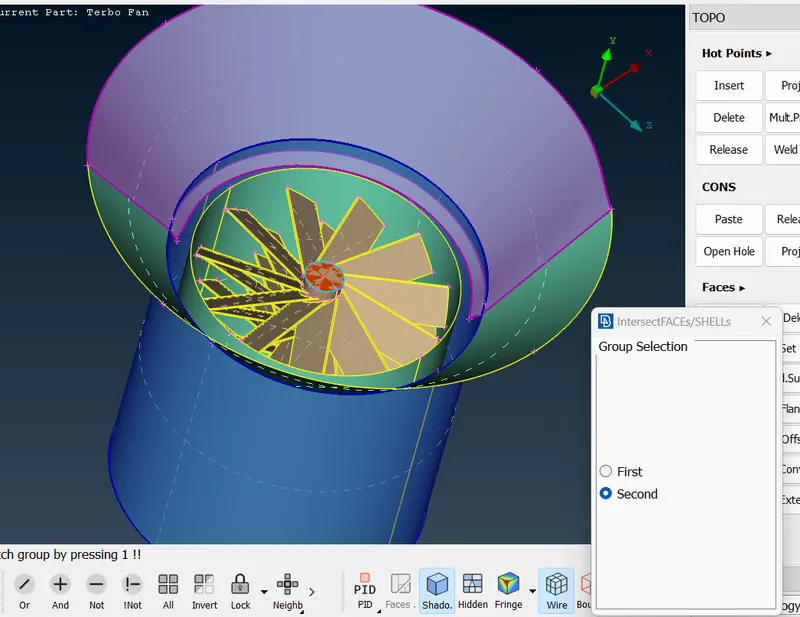
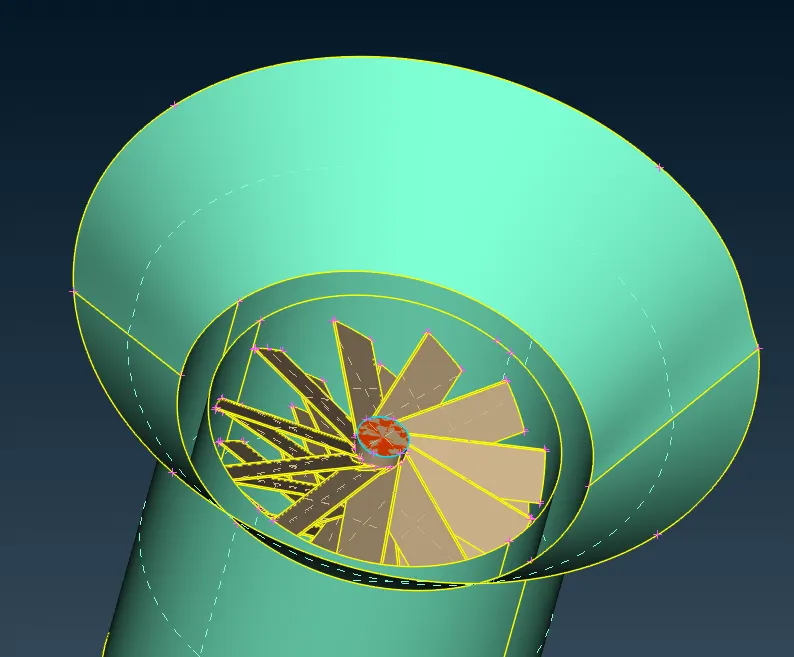
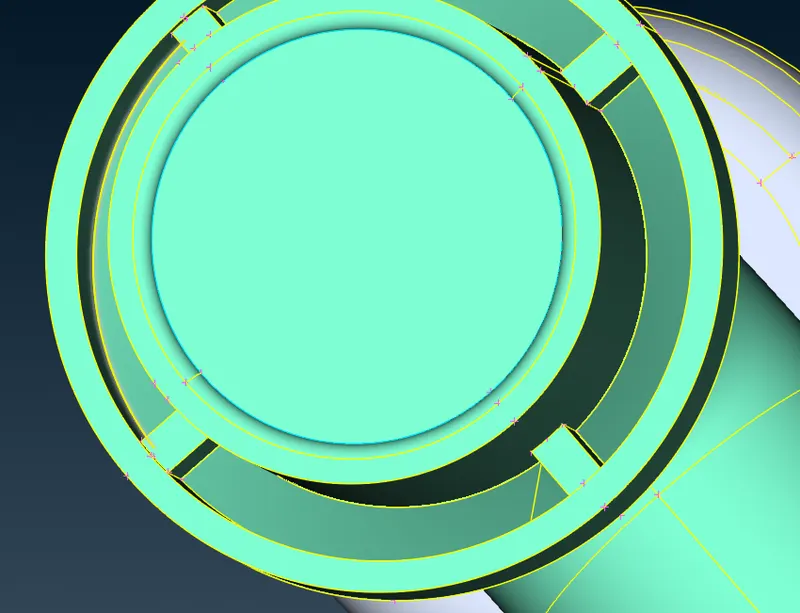
Creating surface cleanup for another part
so creating hot points using parameters
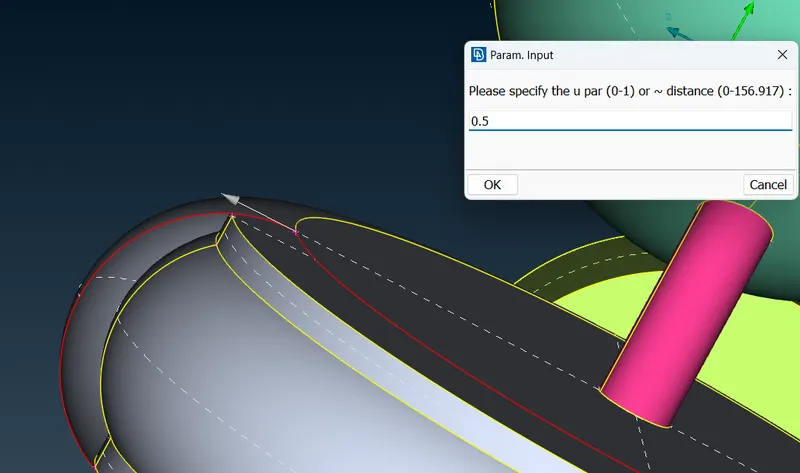
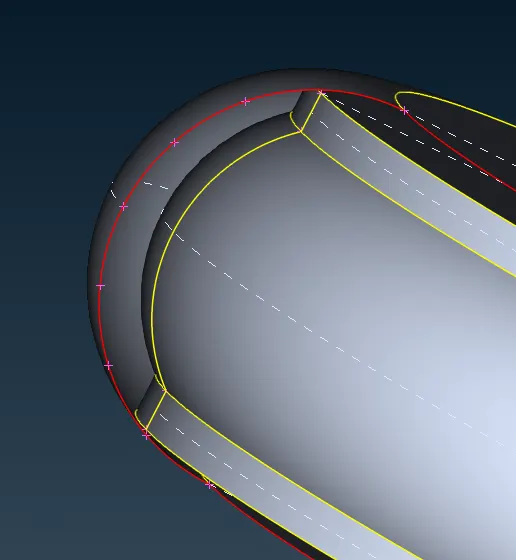
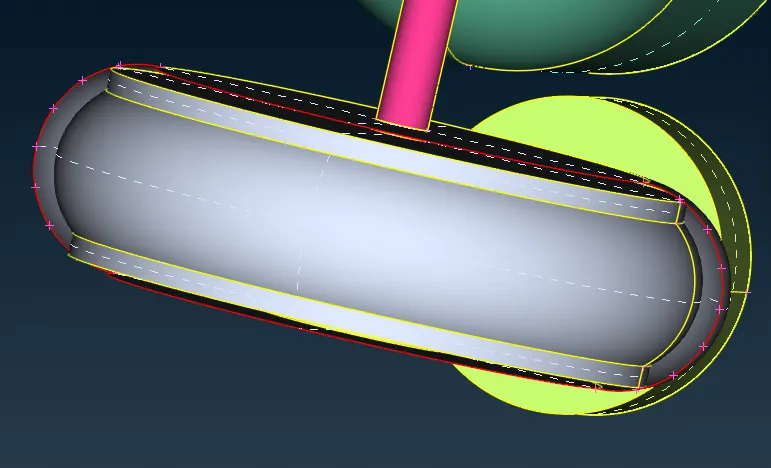
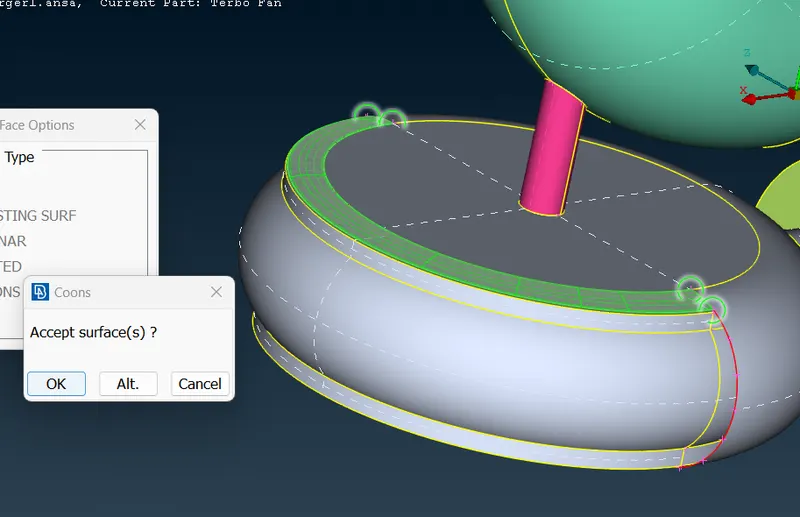
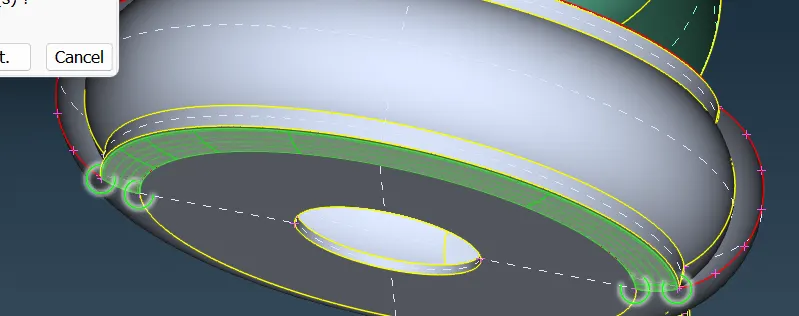
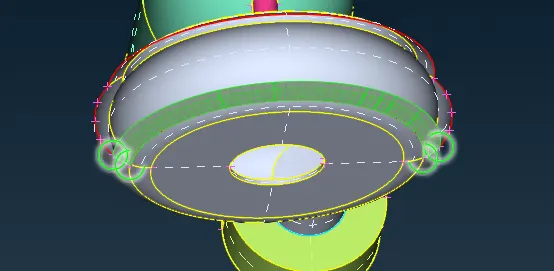
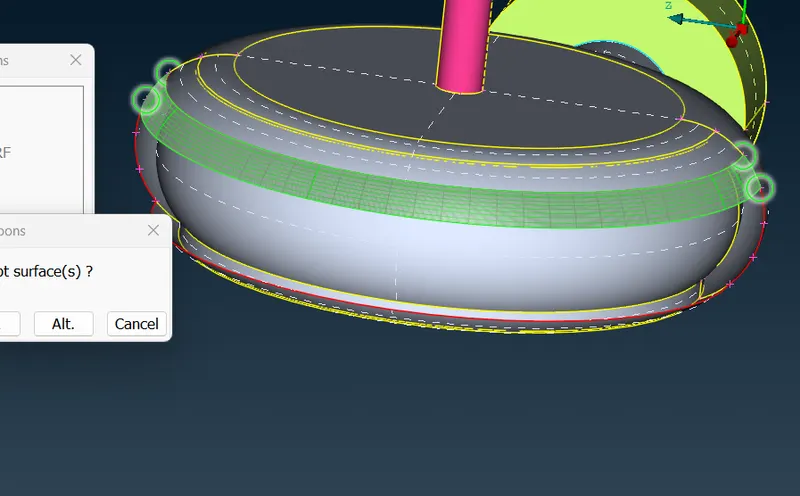
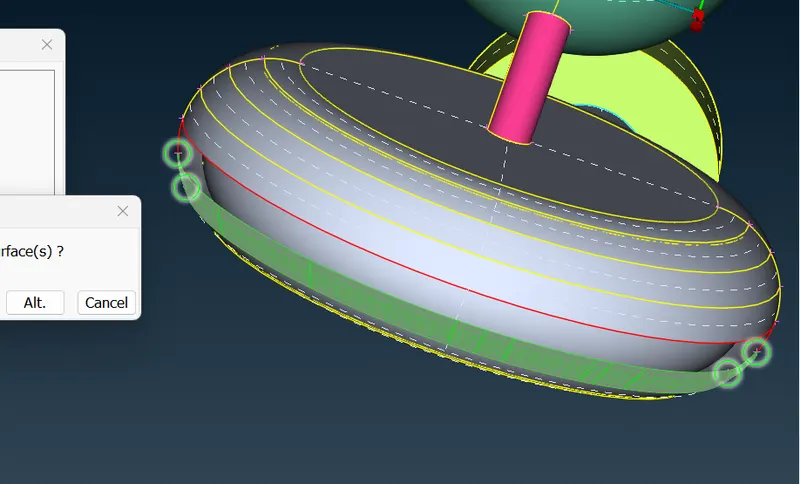
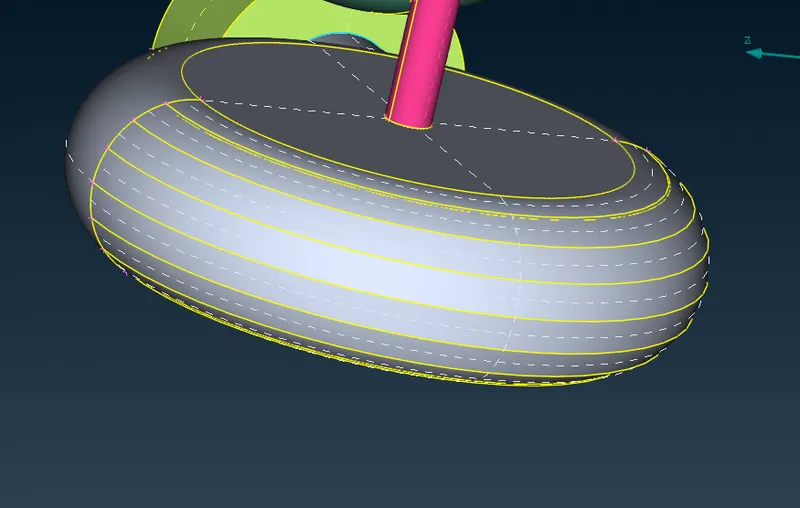
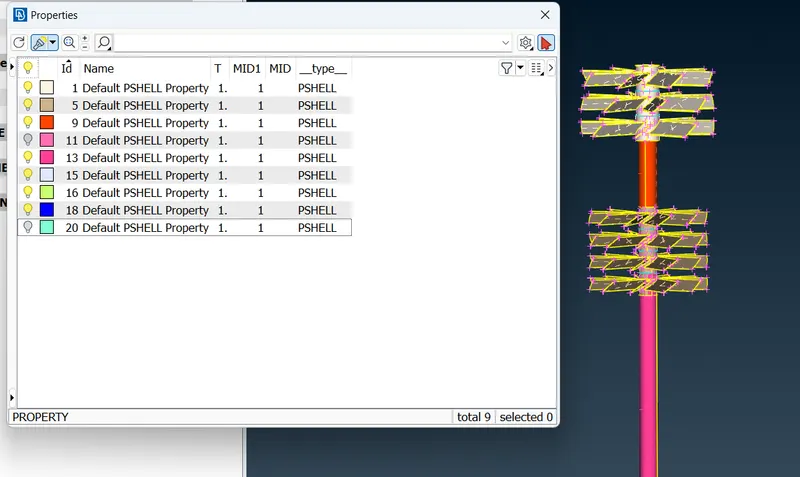
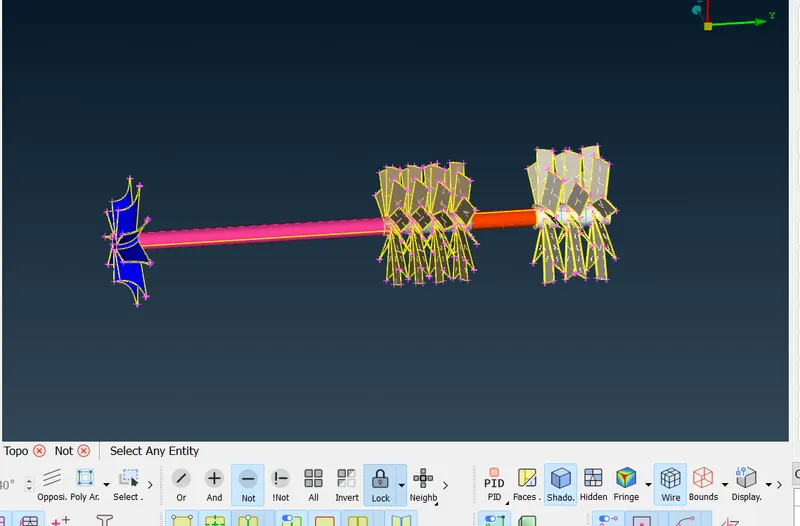
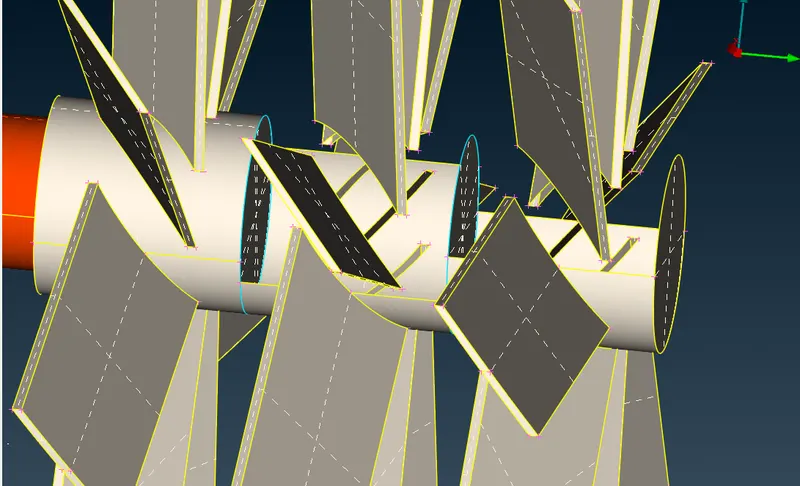
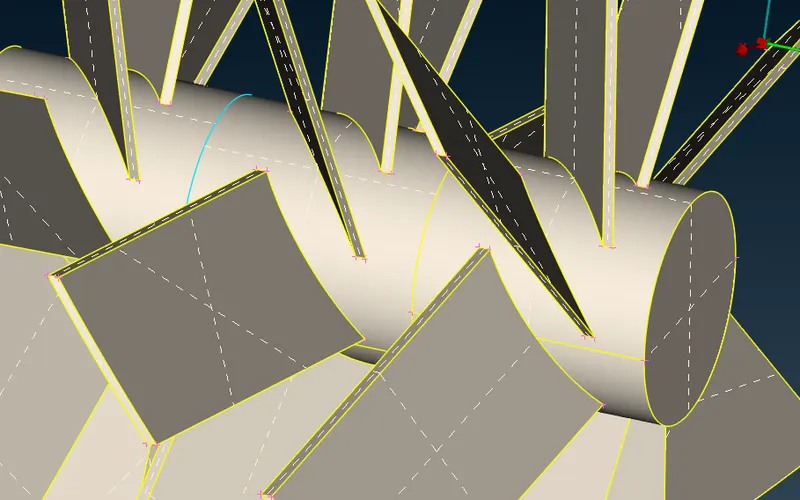
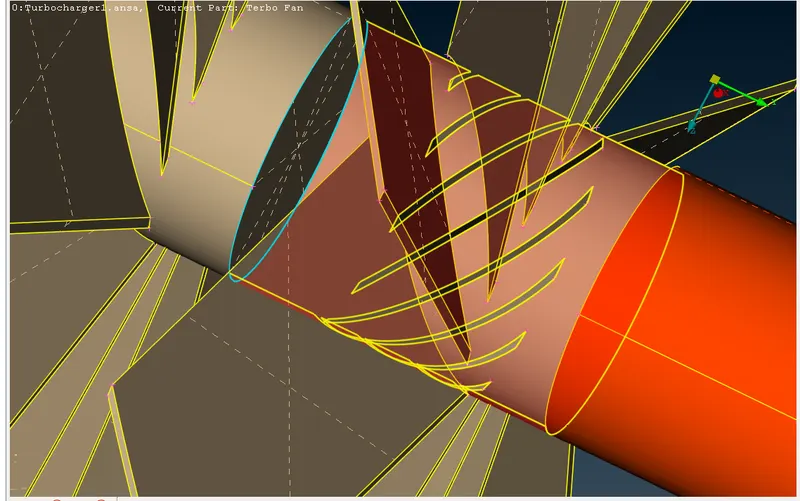
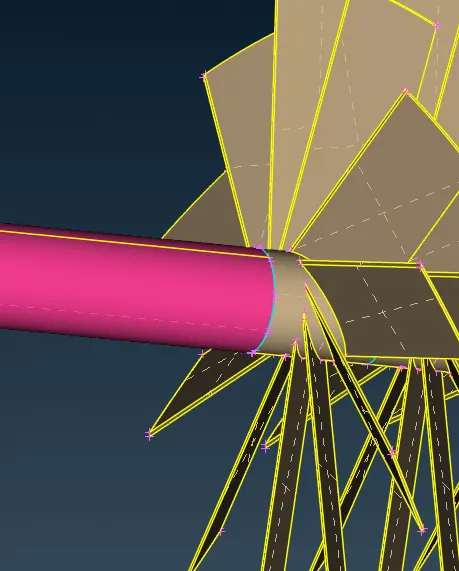
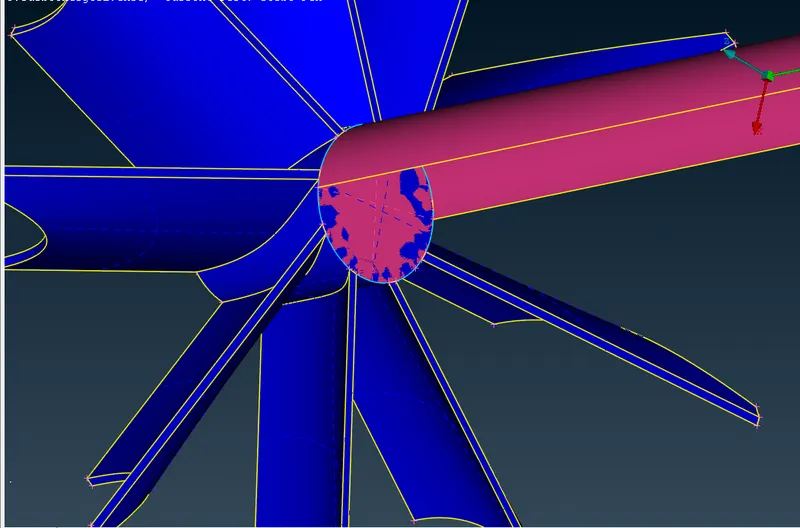
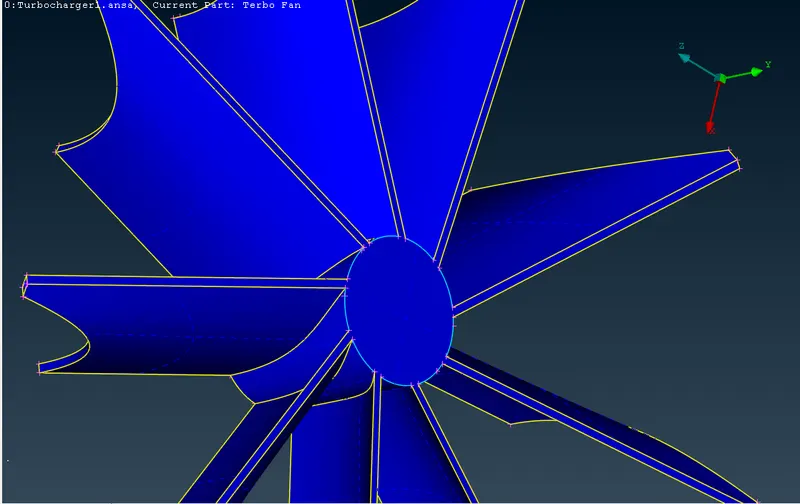
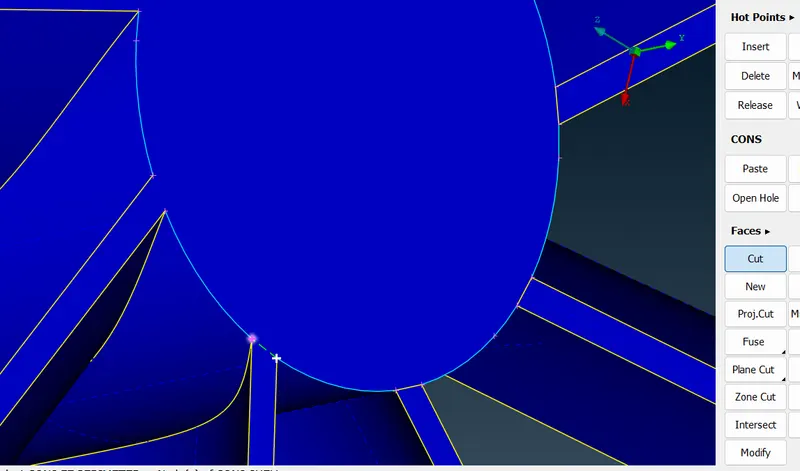
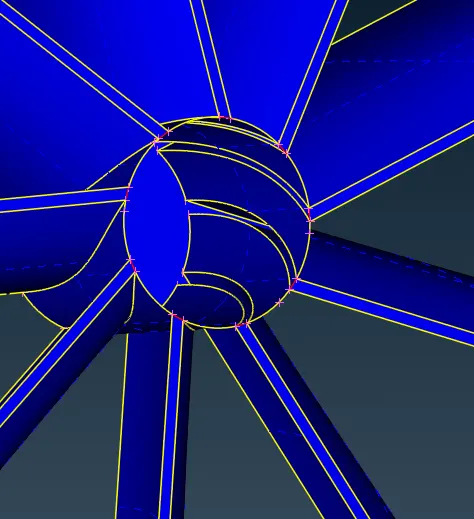
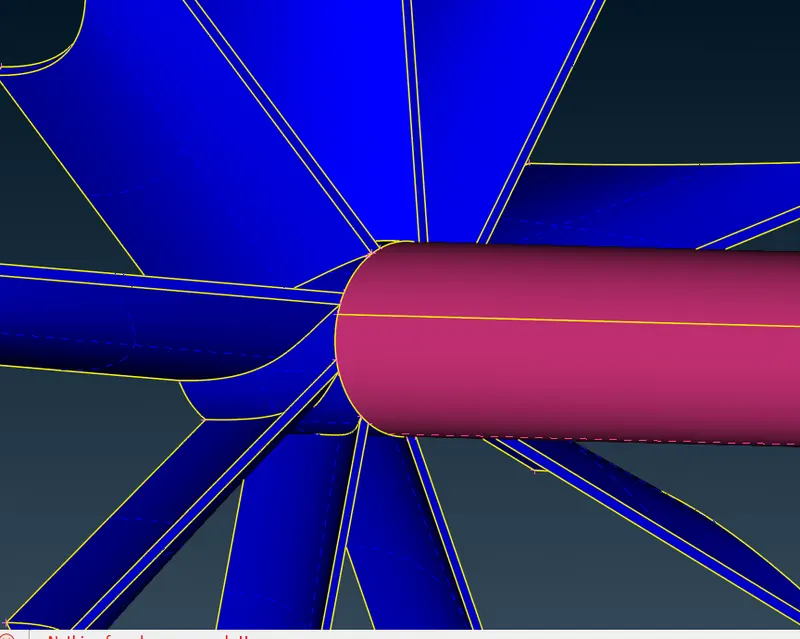
Leaving triple cons we see all the geometry checks are accepted
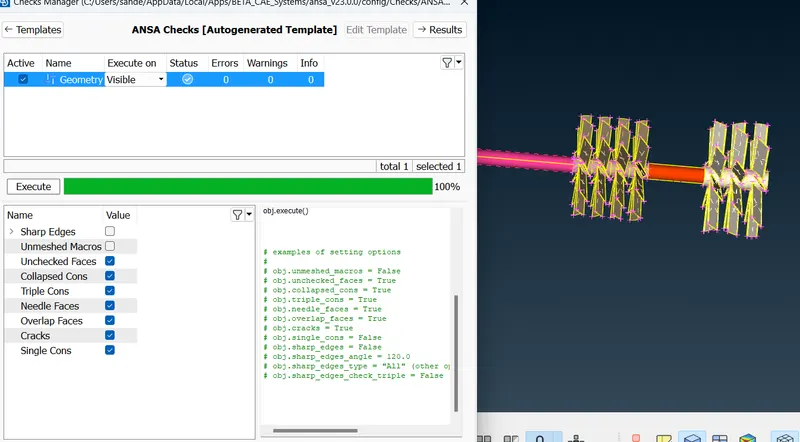
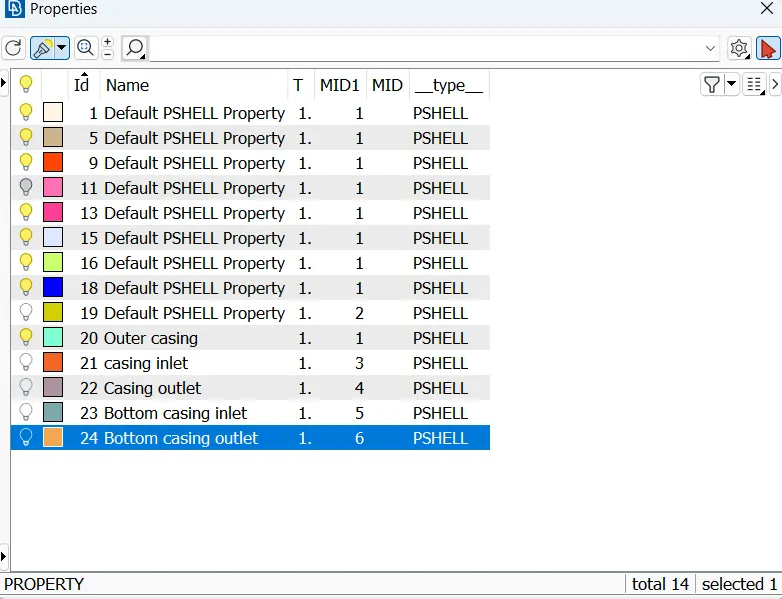
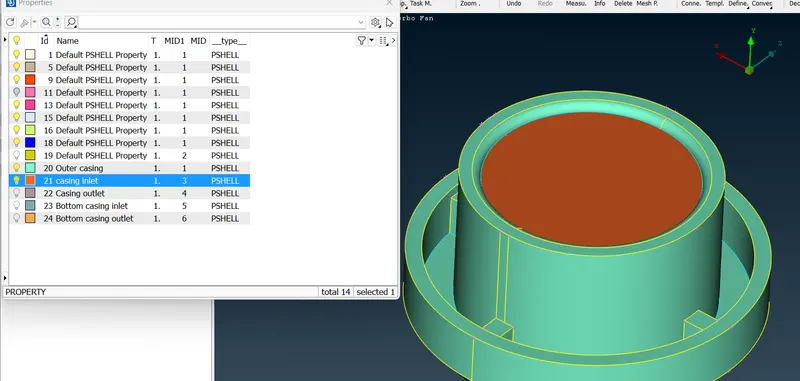
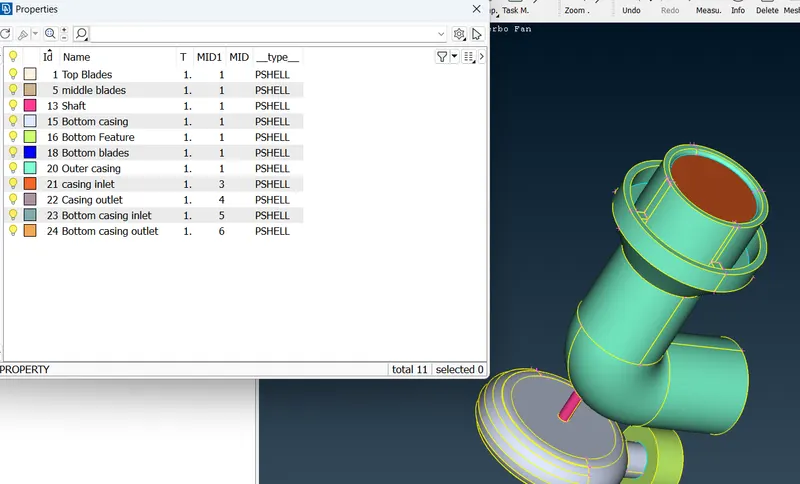
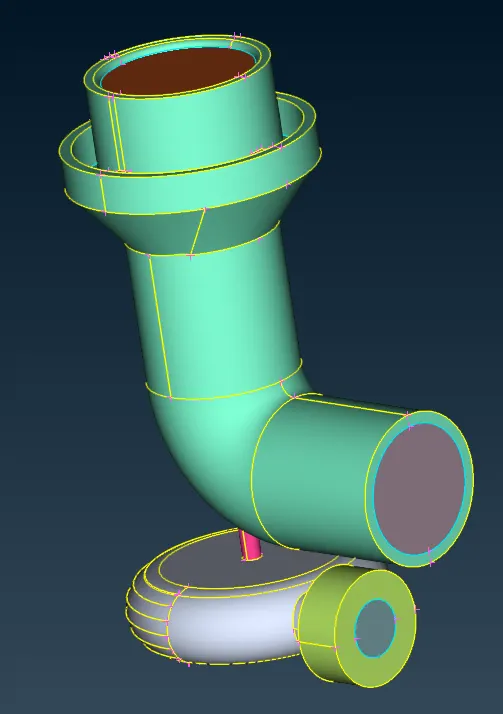
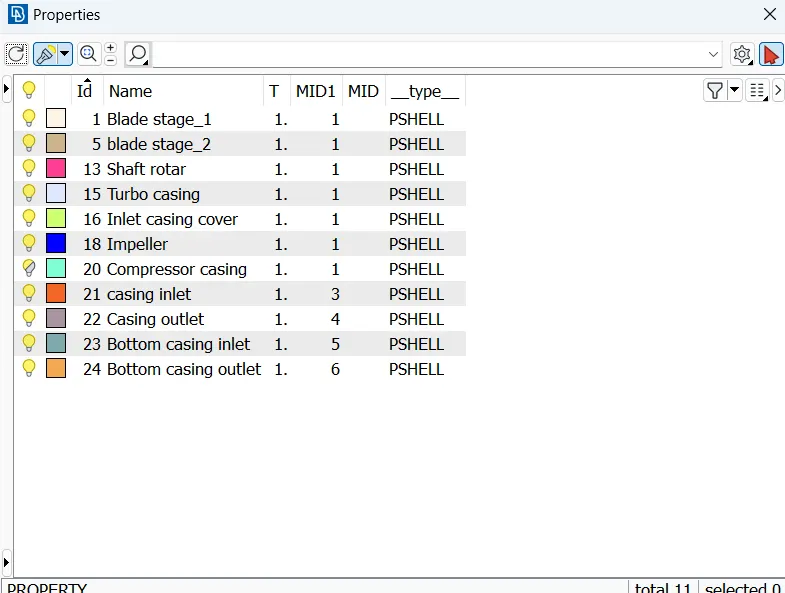
Assigning PID’s
To assign PID to a given surface, right click the name and click on apply. After that click the surface to be assigned and then press the middle mouse button.
Below is the list of PID’s for various surfaces.
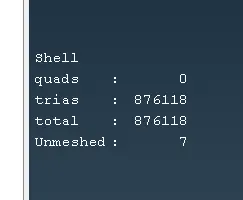
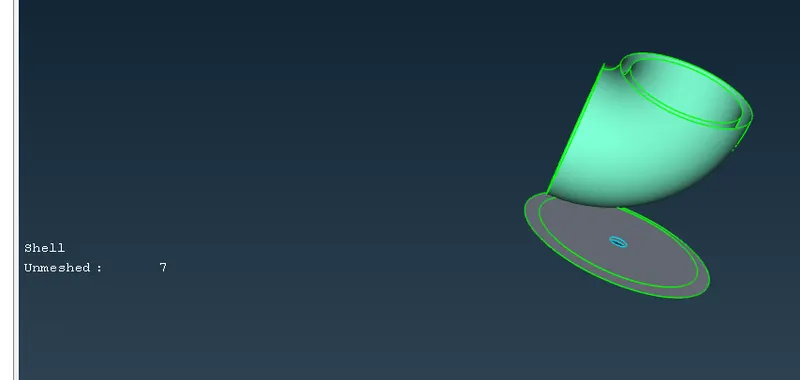
meshin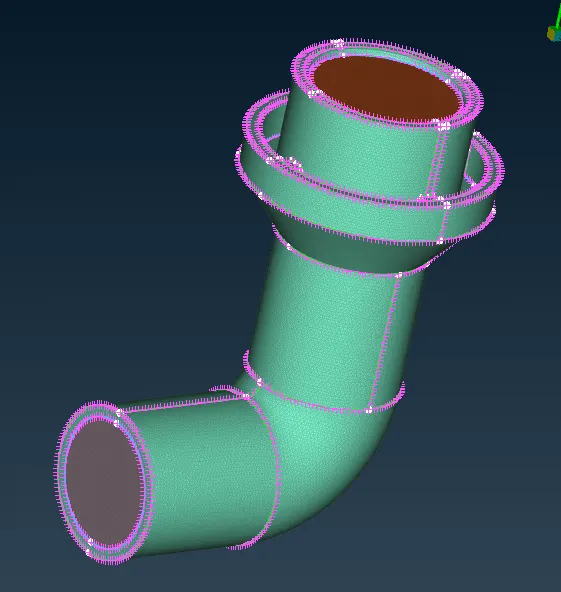 g starts
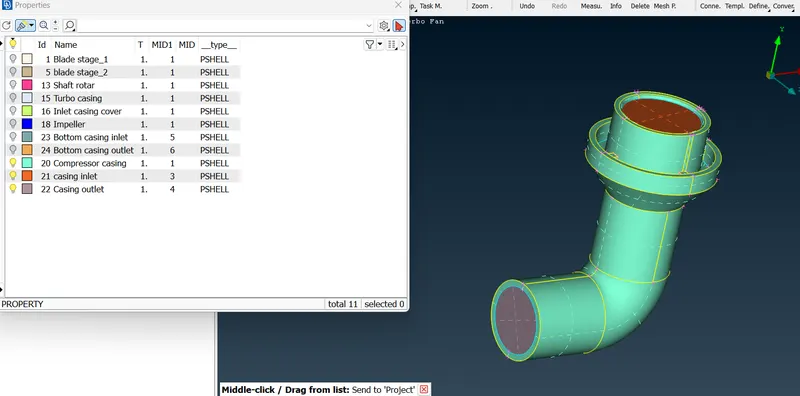
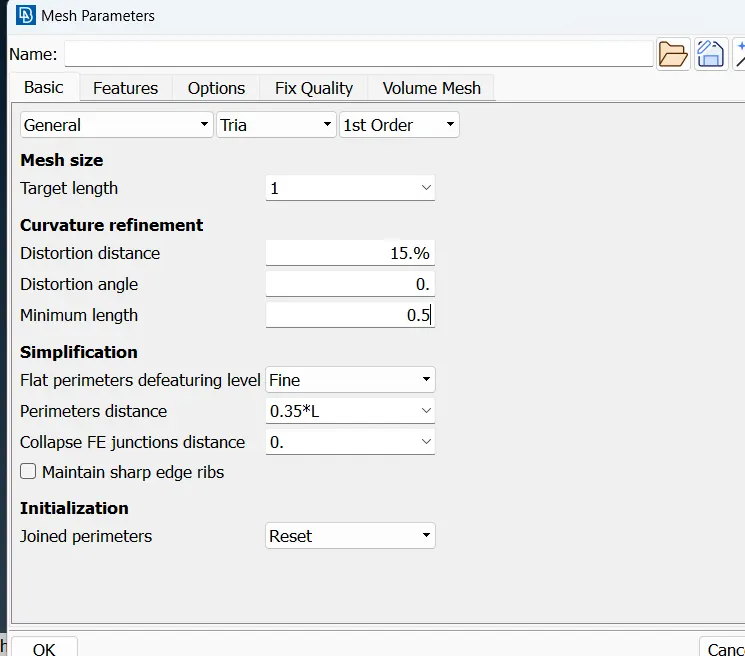
Surface Meshing :
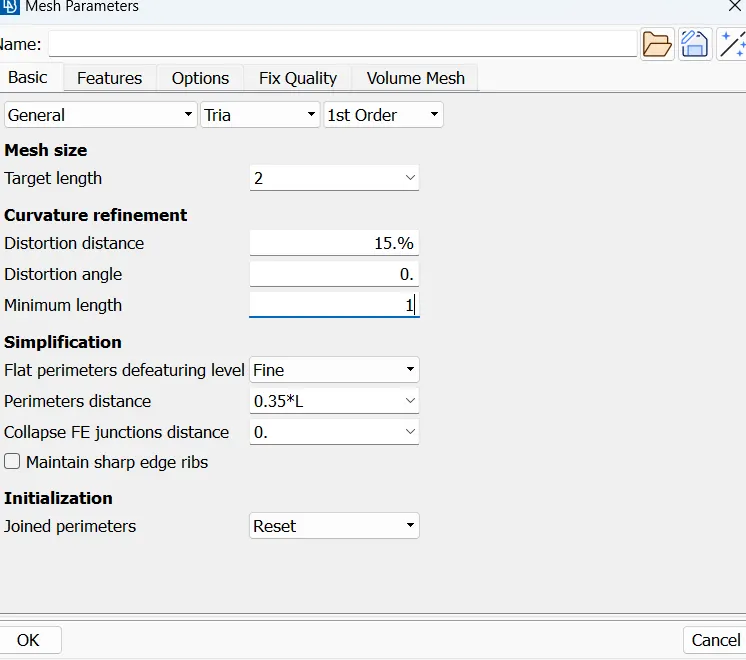
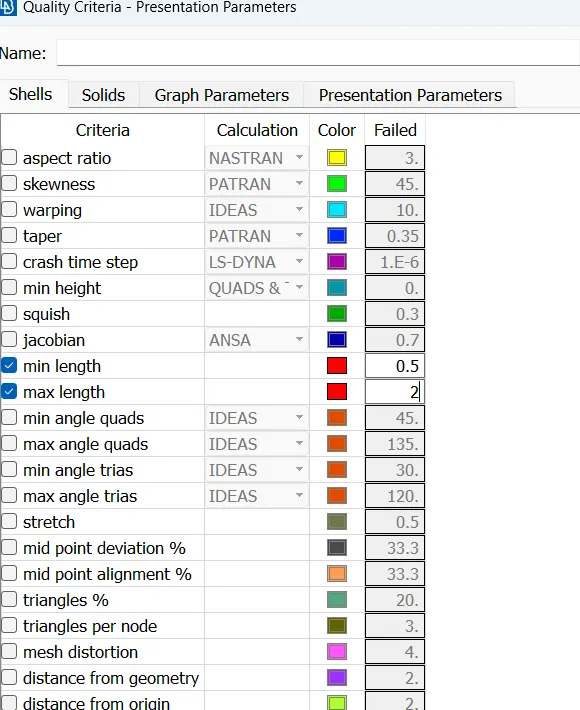
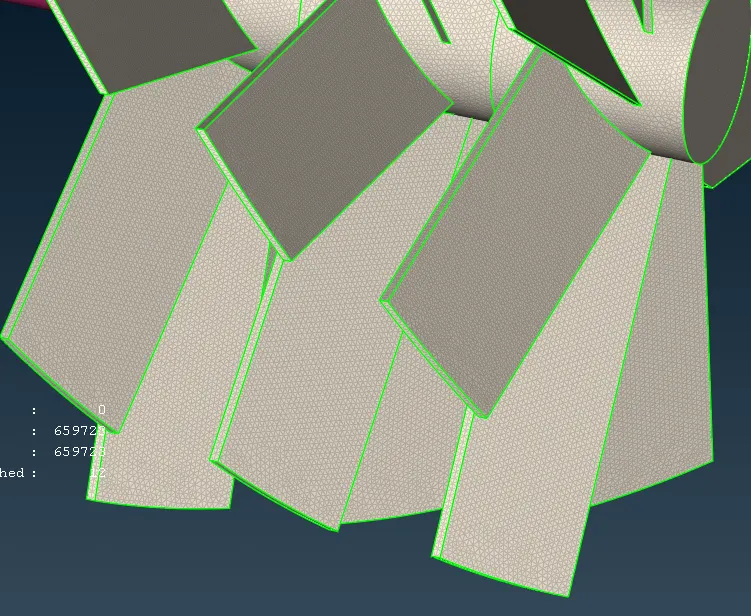
- Blade stage-1 = 1 mm
- Blade stage-2 = 1 mm
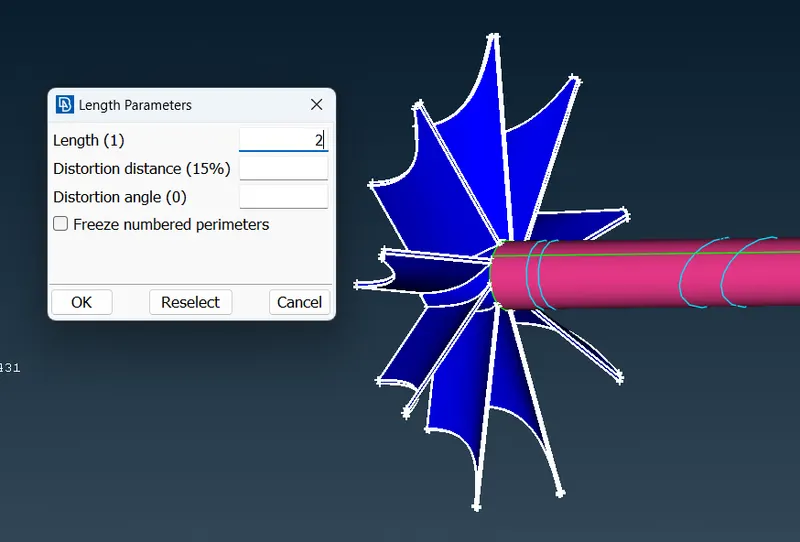
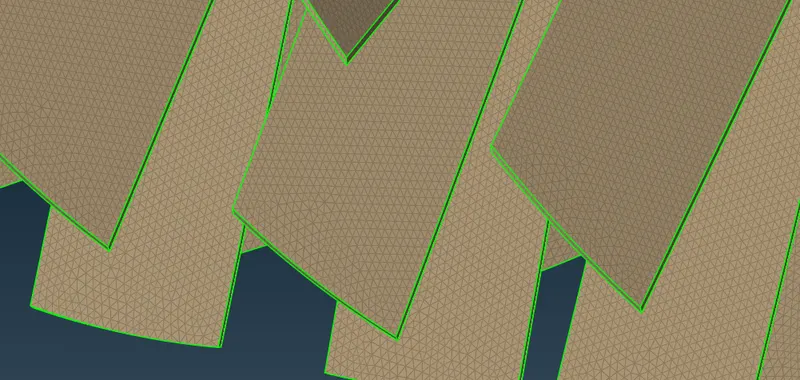
- Impeller = 2 mm
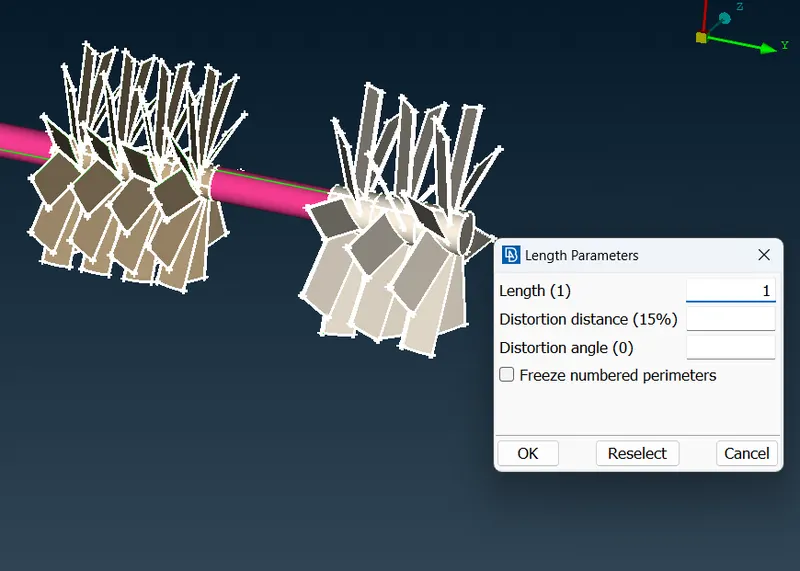
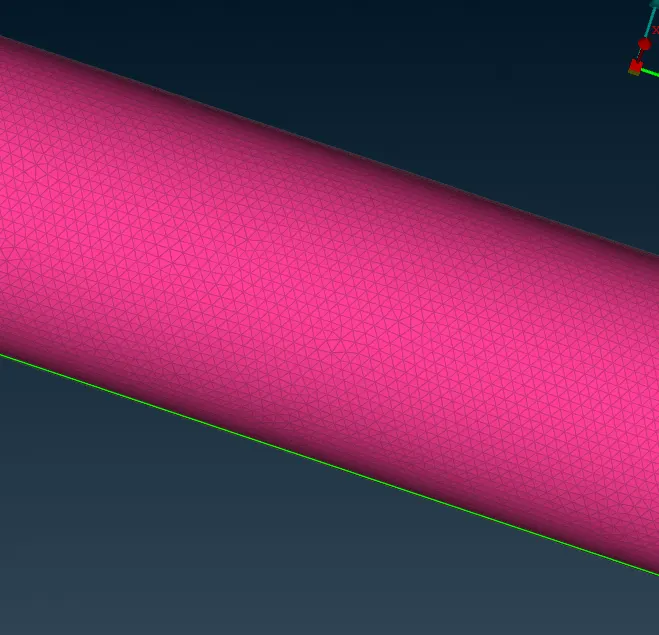
- Shaft rotor = 1 mm
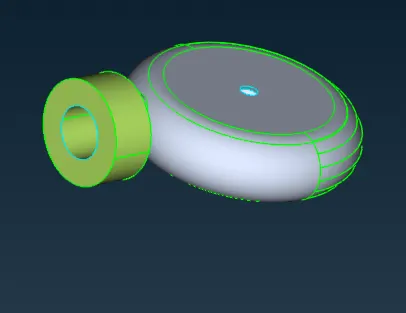
- Turbo casing = 5 mm
- Compressor casing = 5 mm
- Inlet casing cover = 5 mm
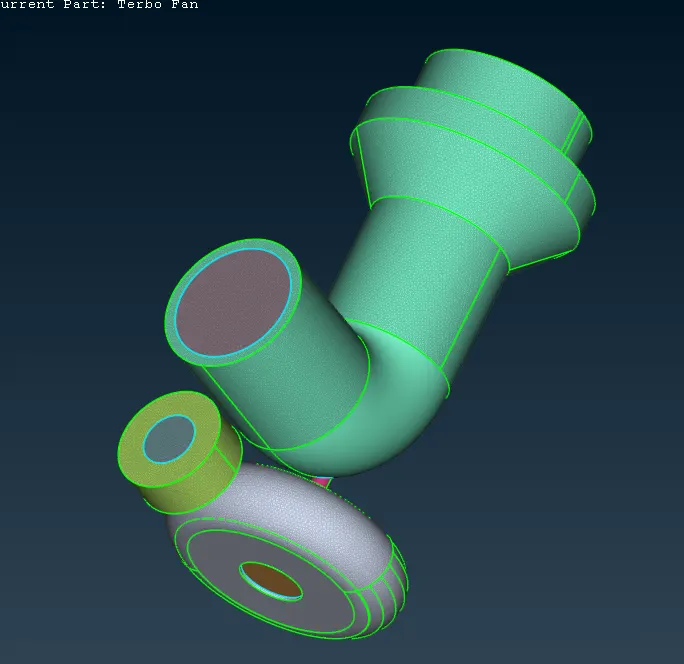
1. compressor casing meshing :
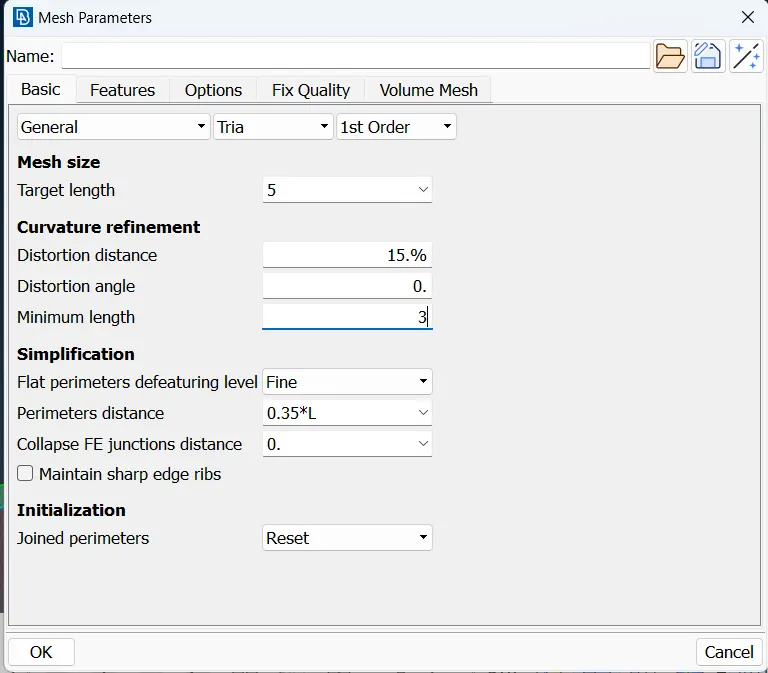
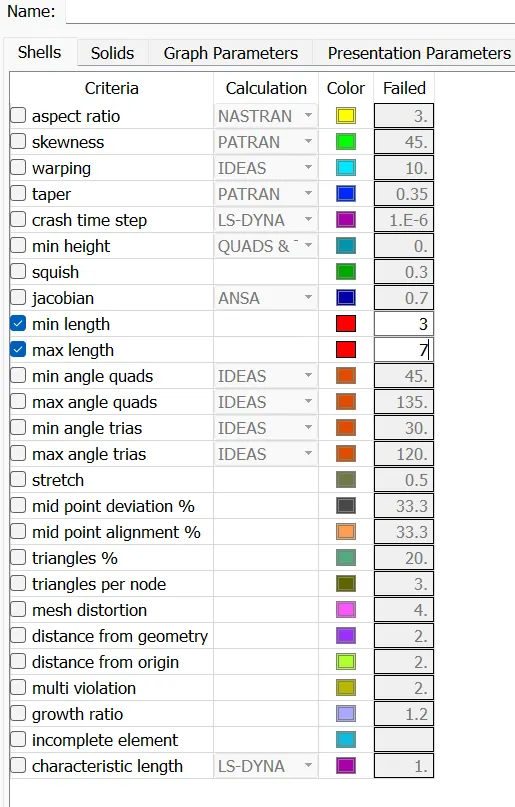
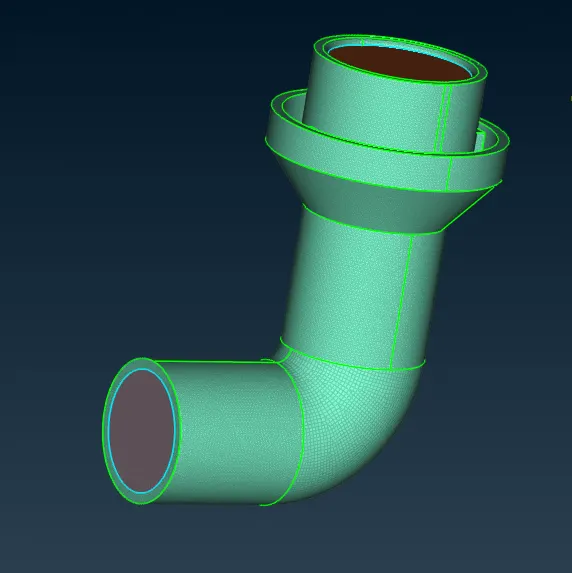
2. Turbo casing :
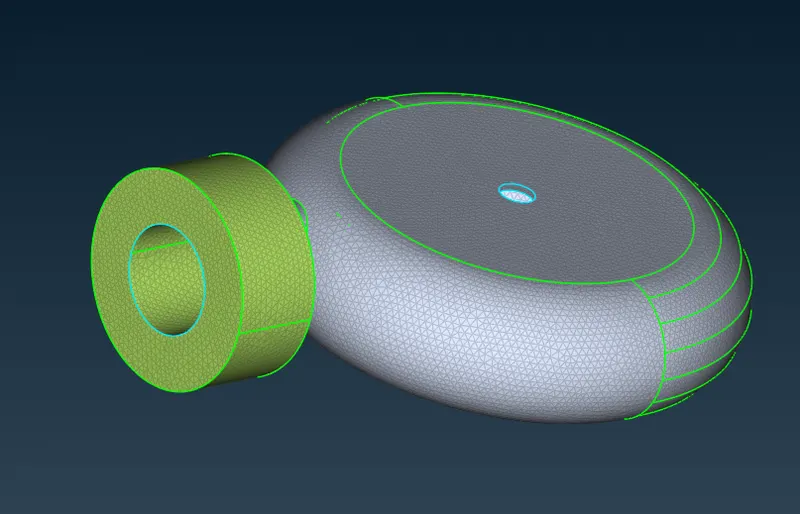
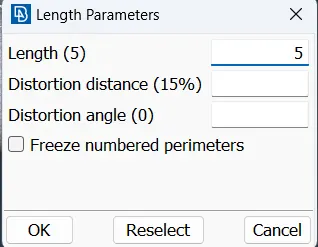
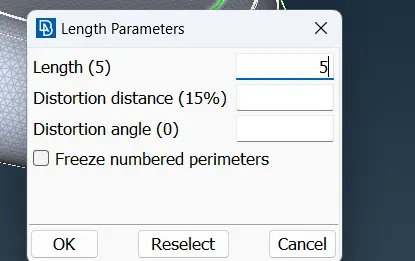
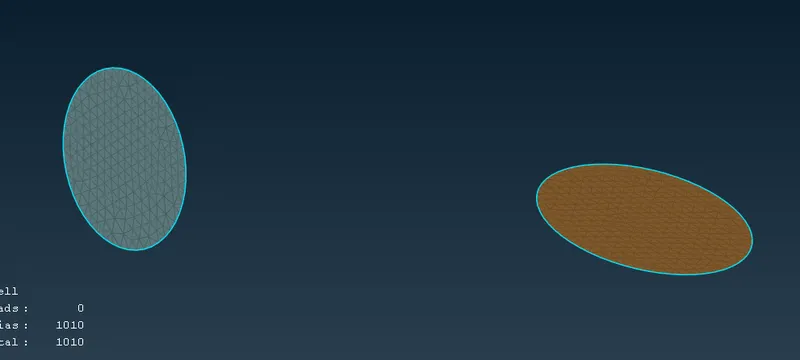
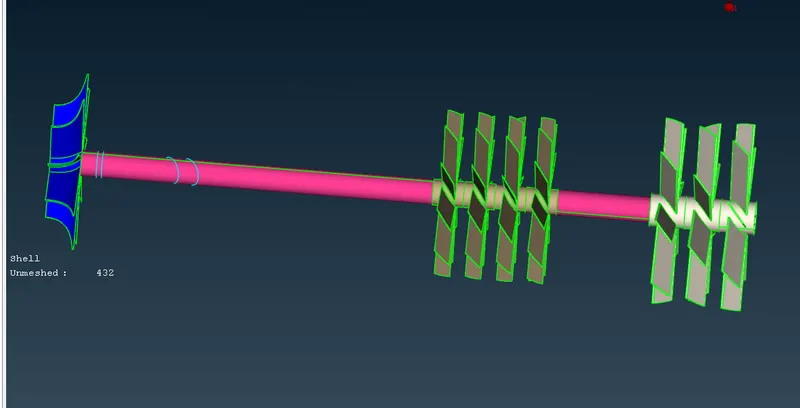
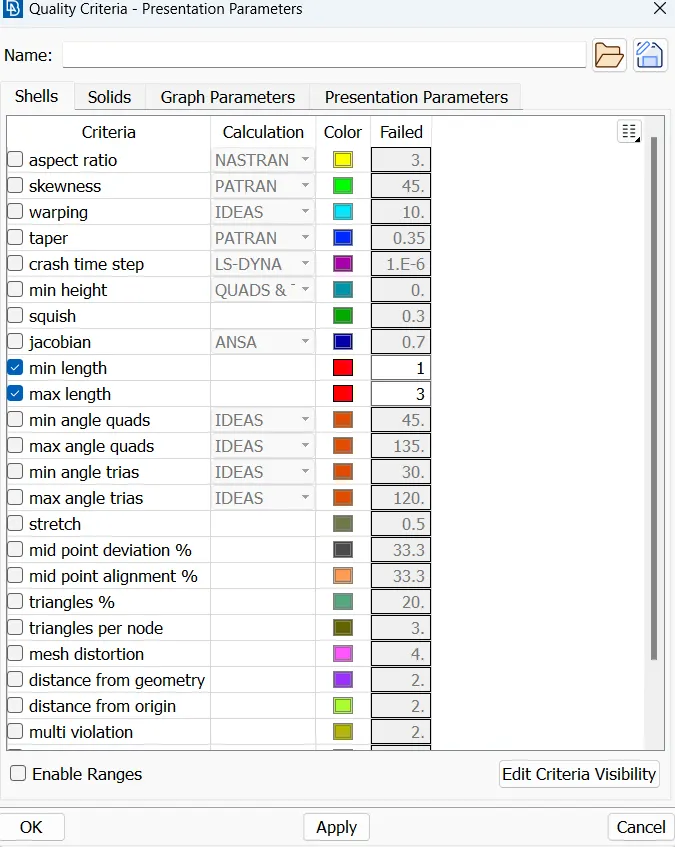
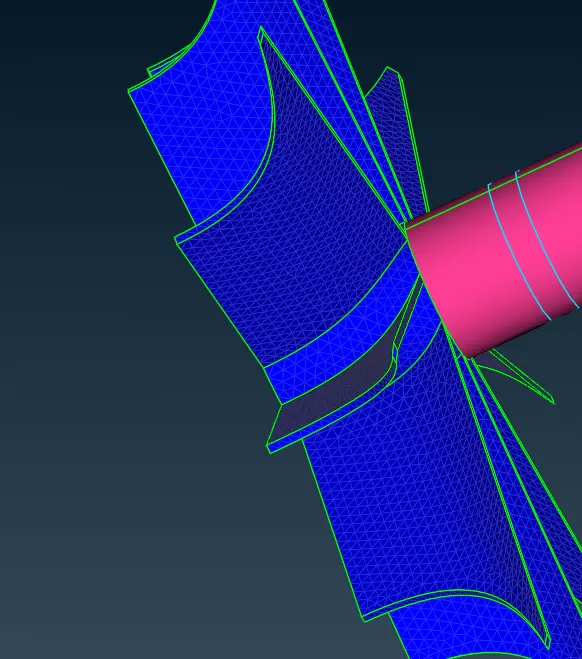
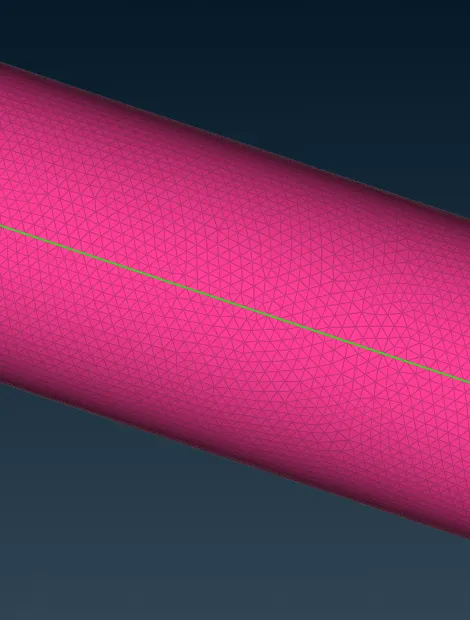
3. Blades, rotar shaft and impellar meshing :
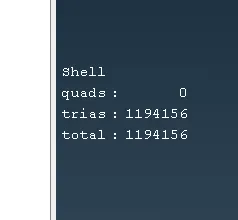
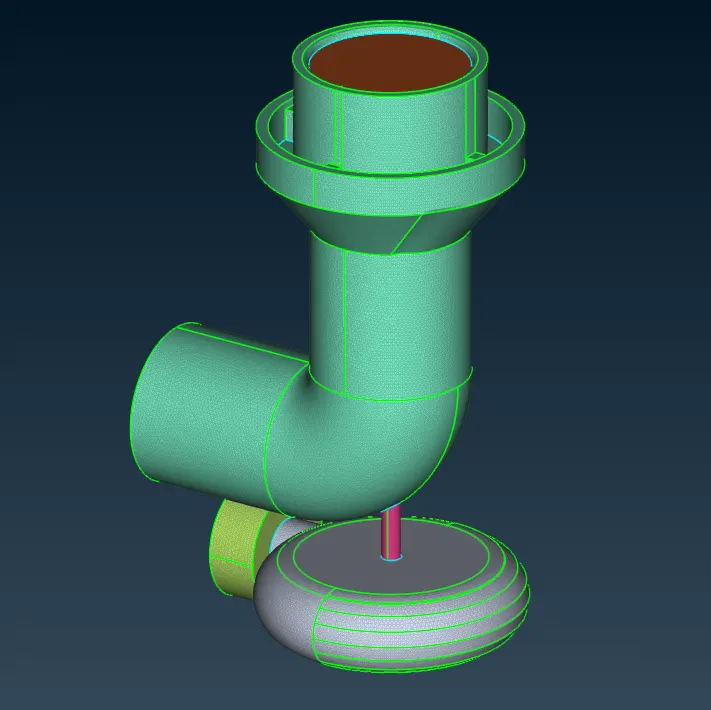
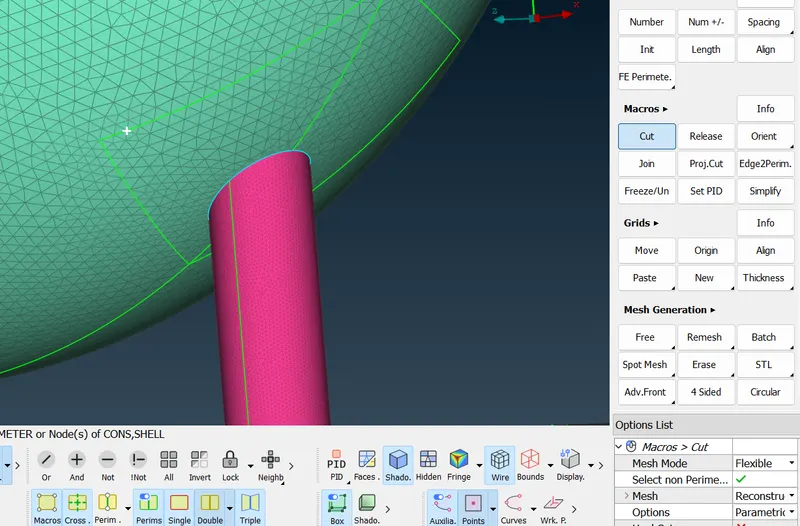
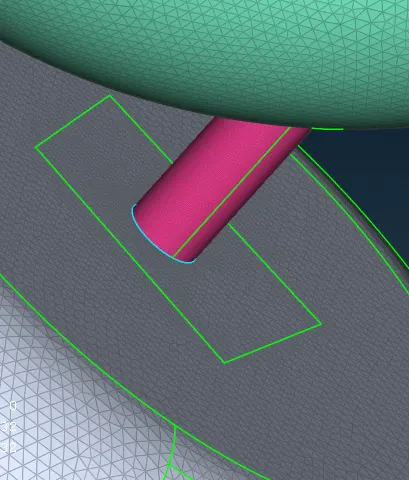
Volumetric Mesh
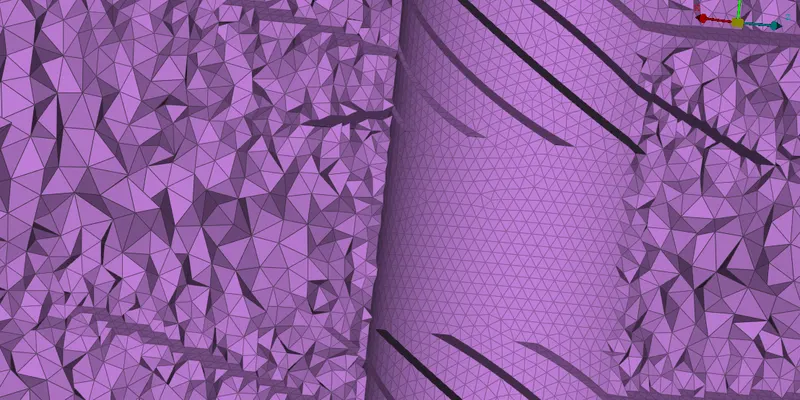
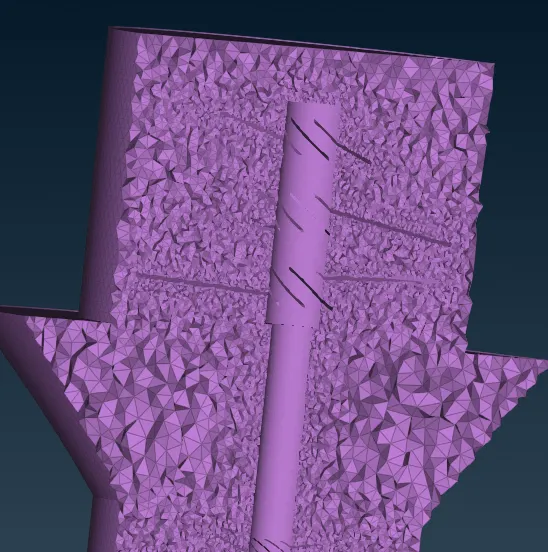
For volumetric meshing we will proceed to the icon just adjacent to the surface mesh. In that under Volumes click Define and select the entire Database and press ok.
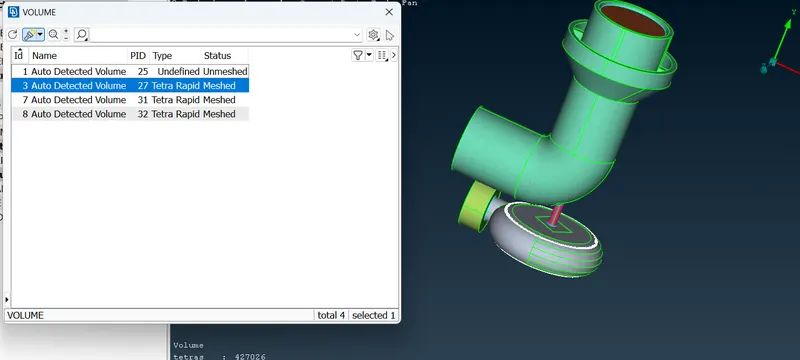
The autodetect feature will detect 8 volumes. From that we need only 4 volumes in which the fluid would flow. Deleting the unwanted 4 volumes which represents the thickness of the two components and the Shaft and blades.
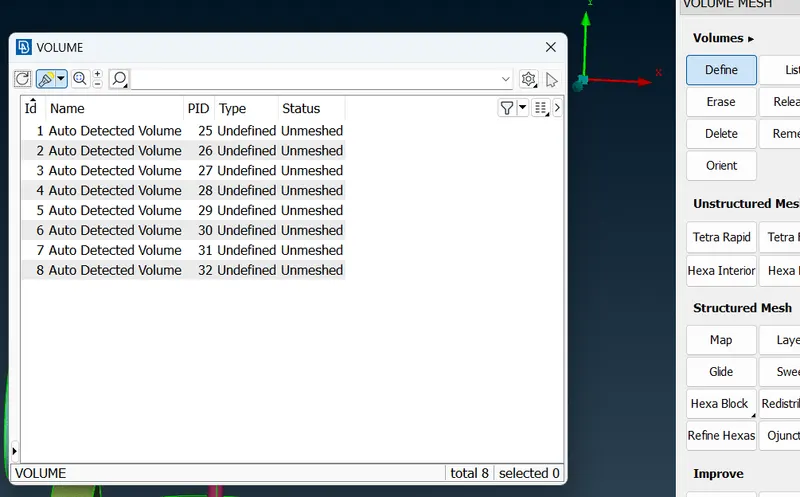
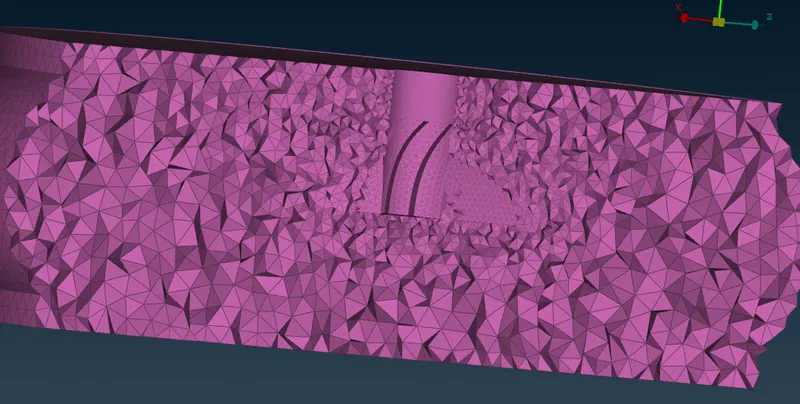
Once the required volumes are extracted, right click on these and select mesh and then select the type of application which in this case is Tetra CFD.
Conclusion :
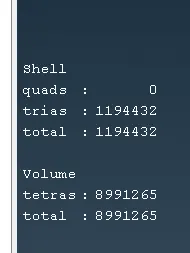
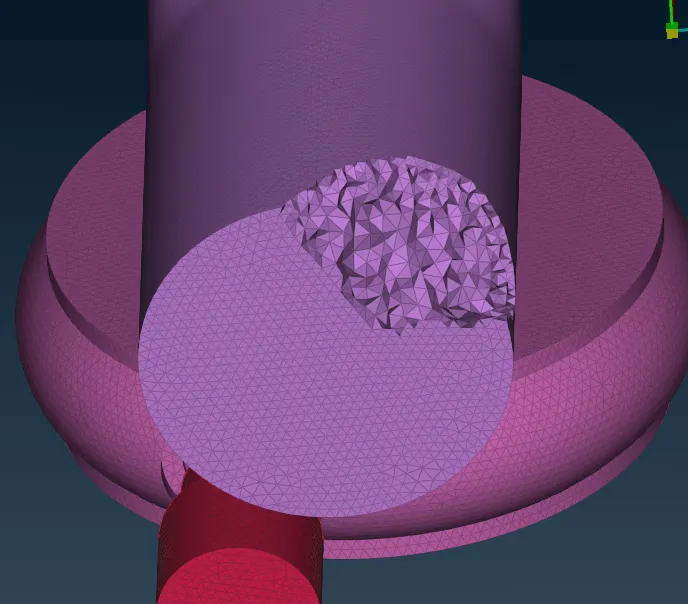
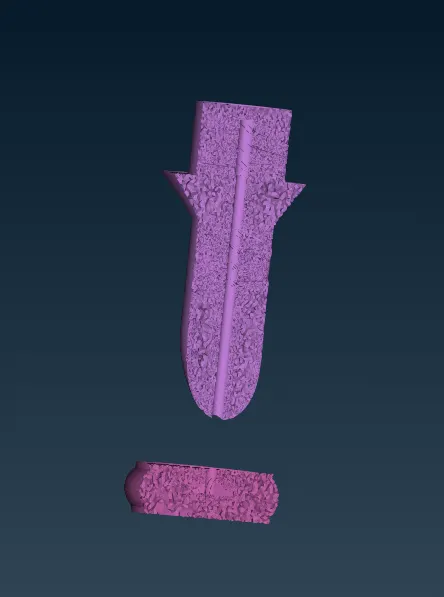
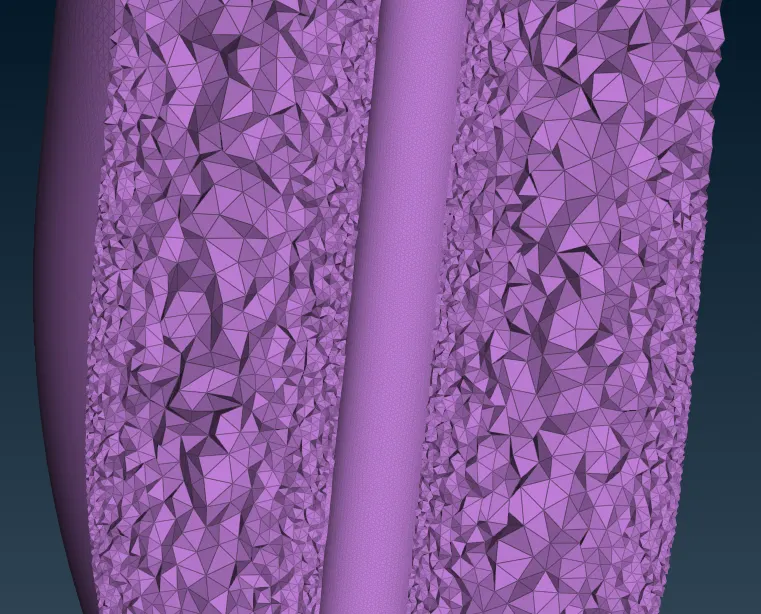
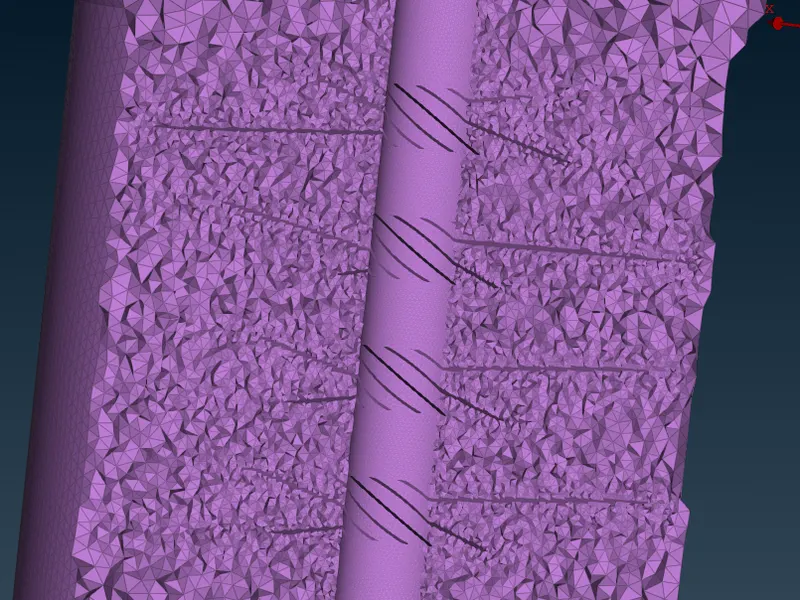
Achieved volumetric mesh of the turbocharger model.
Thus, the geometrical errors like single, double and triple con are checked and PIDs are assigned accordingly to the requirement and the surface is generated for with the given target lengths. Then volumetric meshing is performed for the volumed required successfully.
Google drive link:-
https://drive.google.com/file/d/1ZAWTEiZEJMDZ5NThyKFfYvBJUmnFx-c3/view?usp=sharing