Week 3 Challenge : CFD meshing on Turbocharger
Aim:
To volume mesh the given model by checking the geometrical errors and perform Topology cleanup accordingly.And to
Create and assign PIDs. Perform surface mesh with the given target lengths as per PIDs.
- Blade stage-1 = 1 mm
- Blade stage-2 = 1 mm
- Impeller = 2 mm
- Shaft rotor = 1 mm
- Turbo casing = 5 mm
- Compressor casing = 5 mm
- Inlet casing cover = 5 mm
Procedure:
First select topo and shaded mode intially from the deck

Given geomentry model check and do topo clean up intially from face deck then change resolution in settings to 1mm perimeter length move for further step.
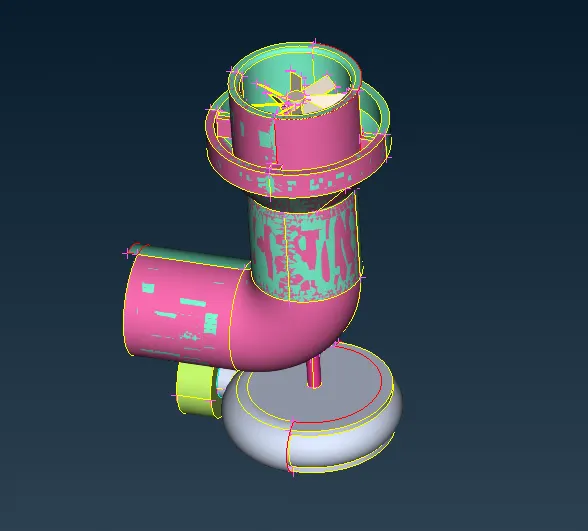
cleanup geometry by filling the surface and holes in the geometry, clear all the single coons.
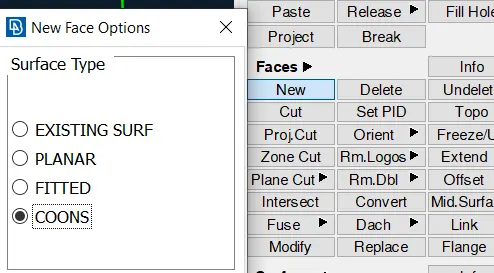
use the cons>fill hole option or face>New option.
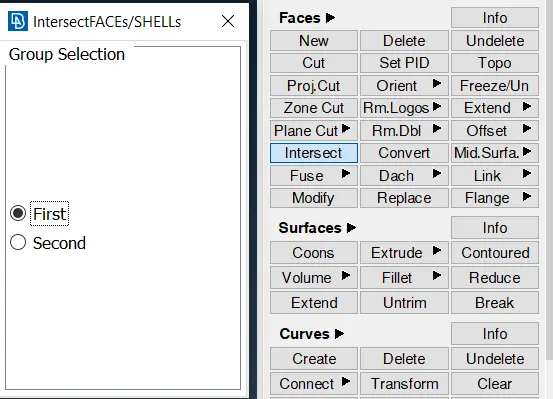
There is a face which boundary has uneven coons so use intercept option and delete unwanted face.
whereas someface need a boundary which can be done by cons>projection option
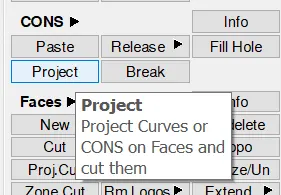
After finish cleaning the geometry check them using check from top deck
Then assign the Pid so that it will be easy to select them for further use by pid manager
properties window will pop up
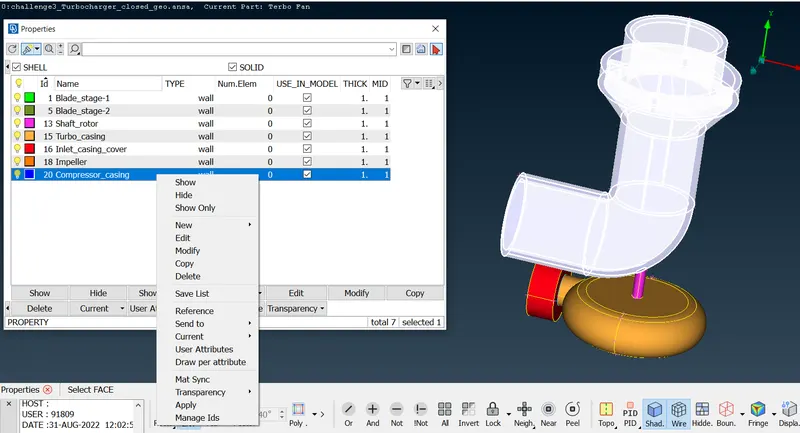
Deleted the faces which causes the intersection so that we can clear penetration error go one by one untill clearing all then close all the open holes to go for volume mesh after that check them by checks manager.
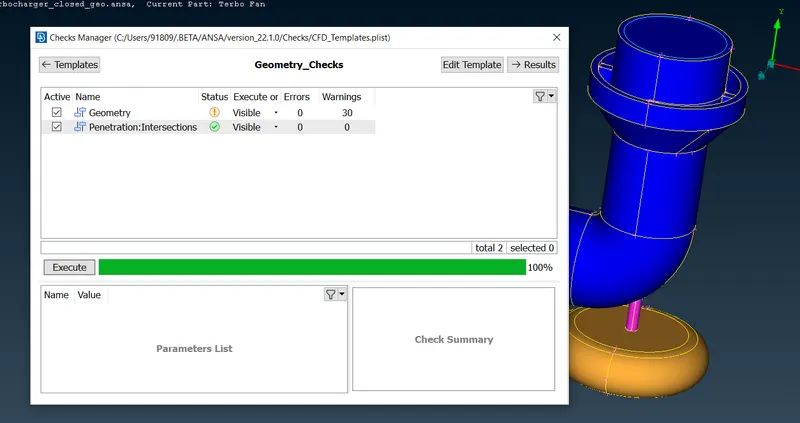
Then finally bring all the components together then go for mesh deck.
1.Surface mesh:
assign the given length one by one in perimeter also give min and max limit in mesh parameter and in quality criteria too.
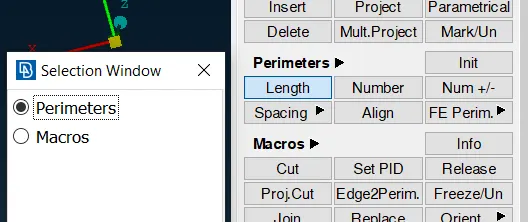
In mesh parameter give the element type as tria.
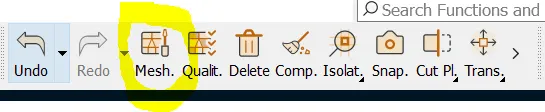
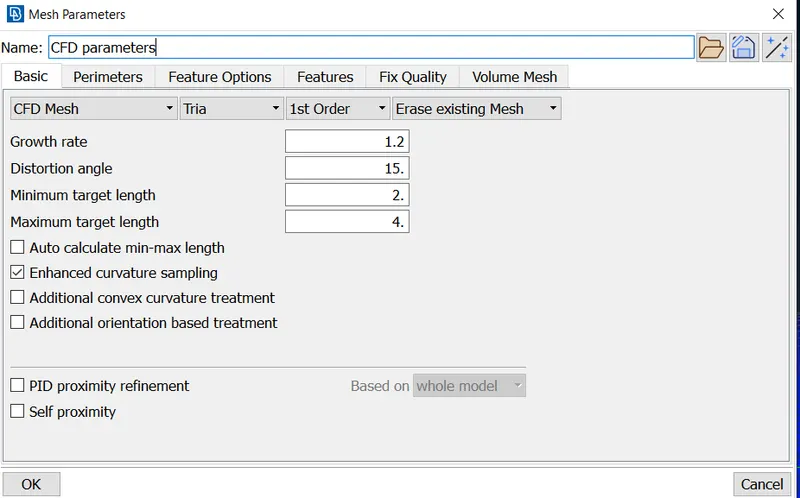
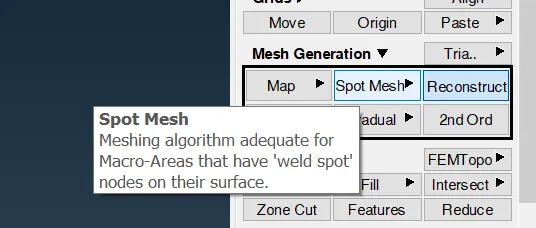
after finish giving the datas go to deck mesh generation>spot mesh along with that use reconstruct to get even mesh
then the suface mesh is done as
- Turbo casing = 5 mm
- Compressor casing = 5 mm
- Inlet casing cover = 5 mm
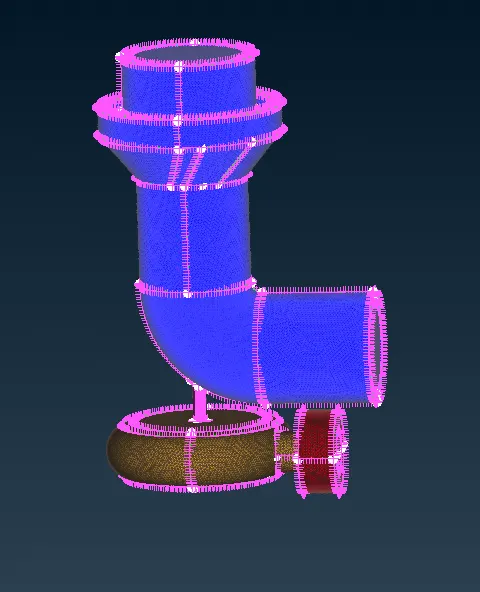
- Blade stage-1 = 1 mm
- Blade stage-2 = 1 mm
- Shaft rotor = 1 mm
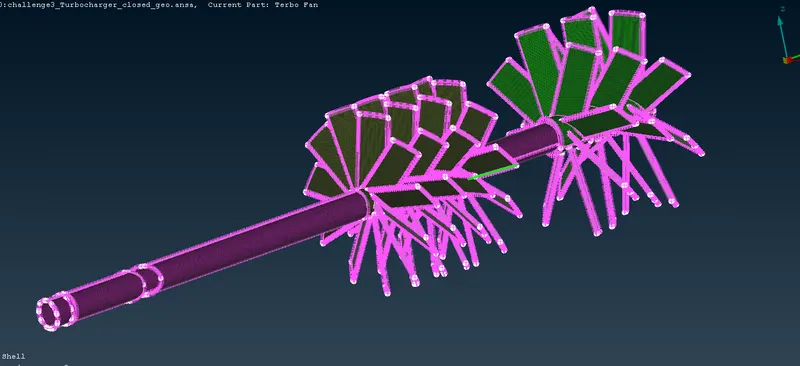
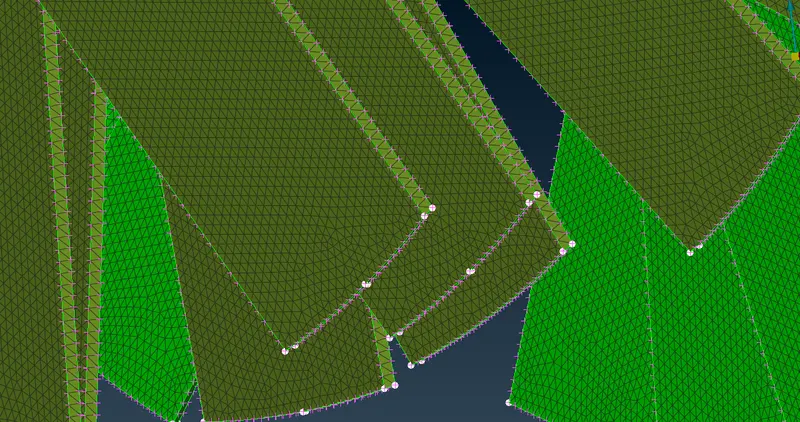
- Impeller = 2 mm
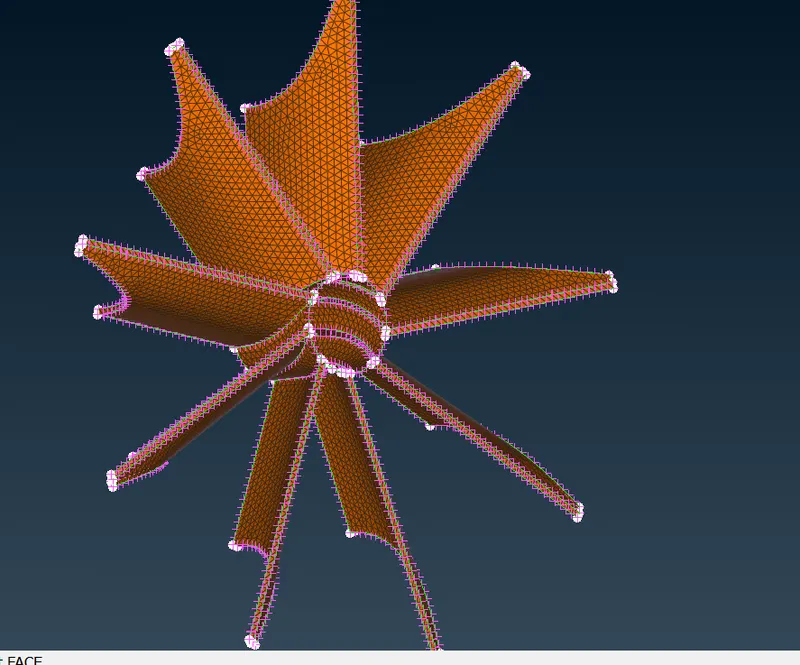
then check for any unmeshed faces if there use free in mesh generation tool to mesh them
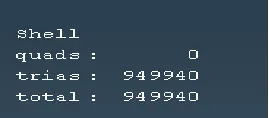
2:Volume mesh:
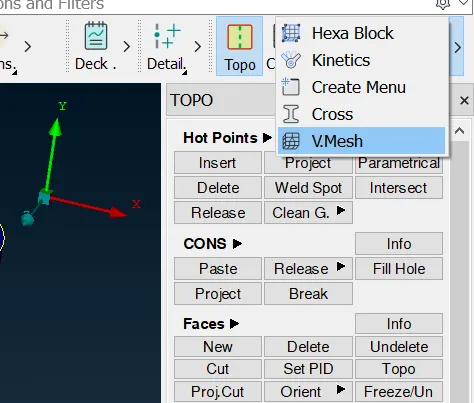
Define the volume as shown then deleted unwanted volumes.
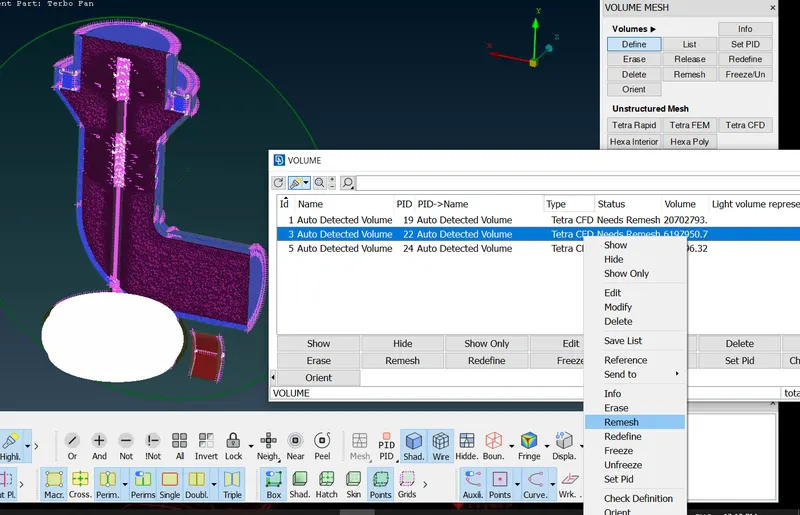
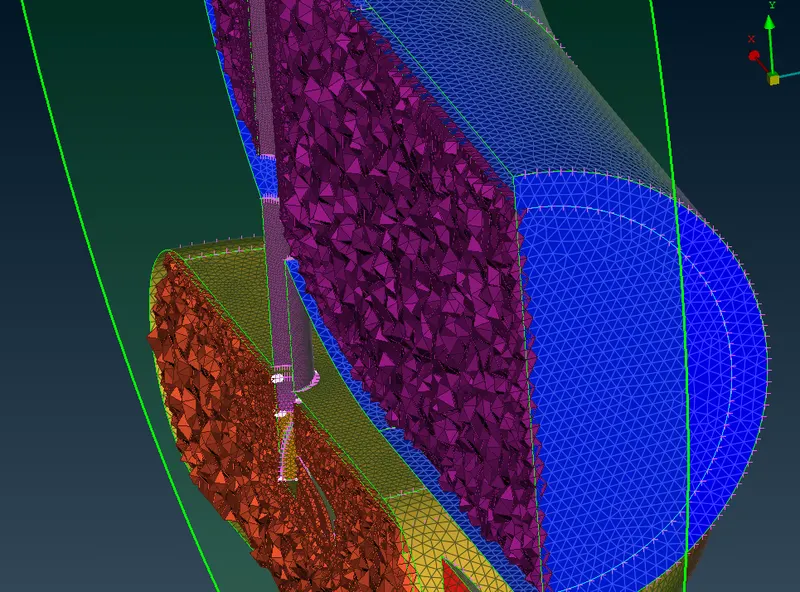
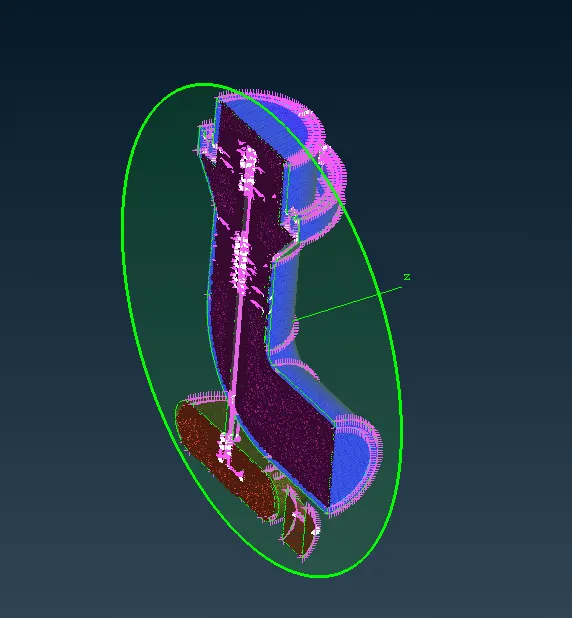
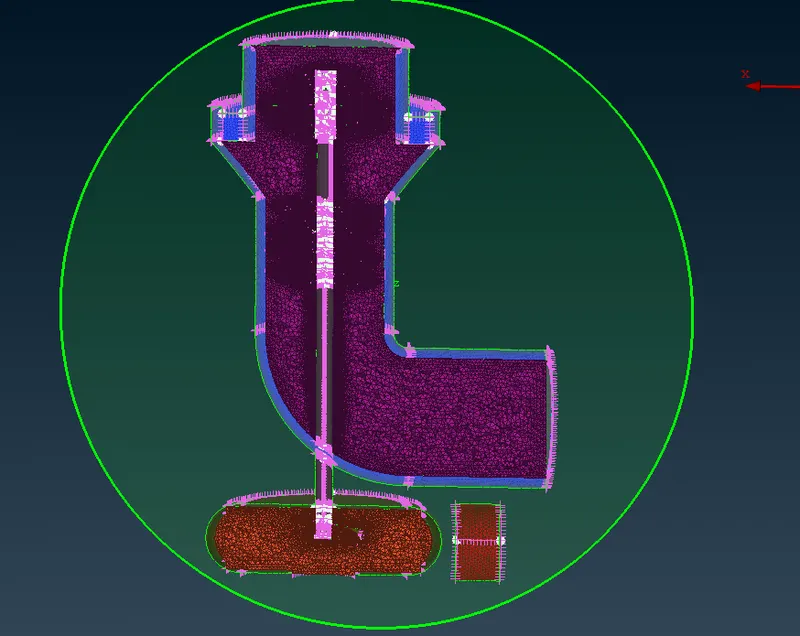
volume mesh type as tetra CFD then right click to remesh do one by one it takes time to mesh them by our system the more complex the componenet it takes time more.
After completing check all the volumes are meshed.
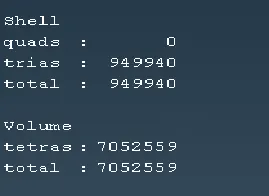
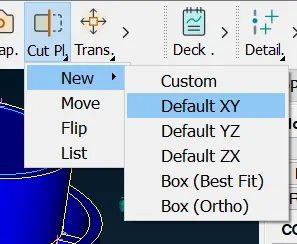
use cut plane option in top deck and choose the plane we need to cut here XY plane is done this is done so that we can view the volume mesh inside the component.
Result:
File link:
since the file size is too big i can't upload them i hereby attached link to the model
https://drive.google.com/file/d/1k4tssEgl5_xRHaUKg0OvfJUOkvgfY8pG/view?usp=sharing