Week 3 Challenge : CFD meshing on Turbocharger
Aim - Perform a volumetric mesh on turbocharger.
Objective -
- Remove topological errors ( including intersection and penetration)
- Perform classic mesh
- Blade stage 1 = 1mm
- Blade stage 2 = 1mm
- Impeller = 2mm
- Shaft rotor = 1mm
- Turbo casing = 5mm
- Inlet casing cover = 5mm
- Perform Volumetric mesh for the required volumes
- Show the cut sections.
Procedure -
- Open the ansa software and load the geometry
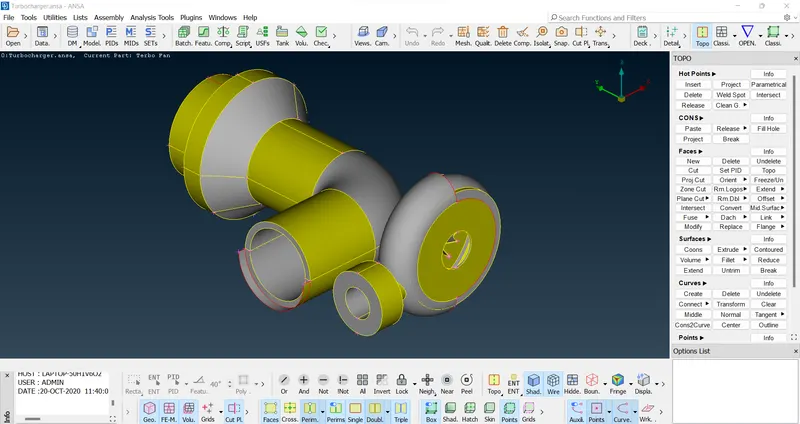
- Switch to wireframes for checking errors
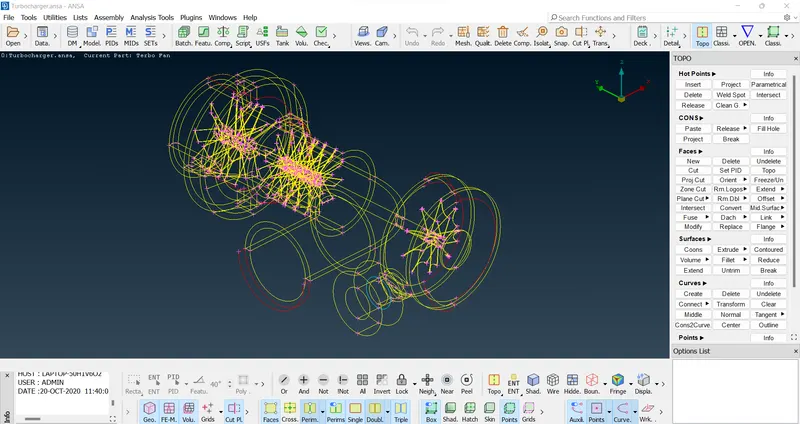
- checking overlapping surface or wrong PID by turning on PID
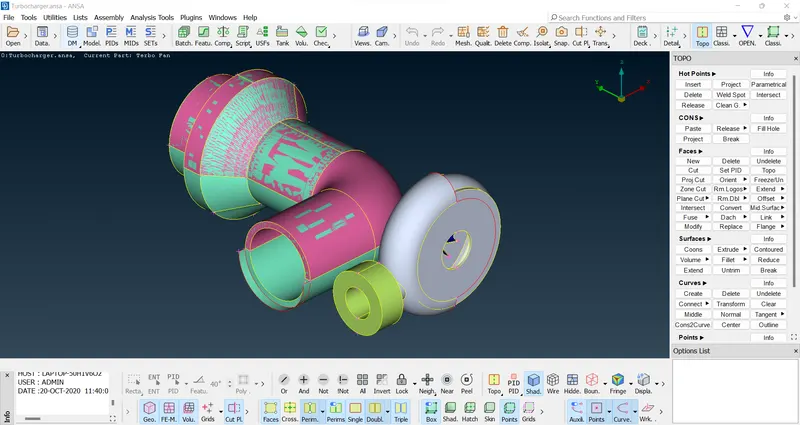
- Deleting overlapping surface and unwanted PID from PID manager
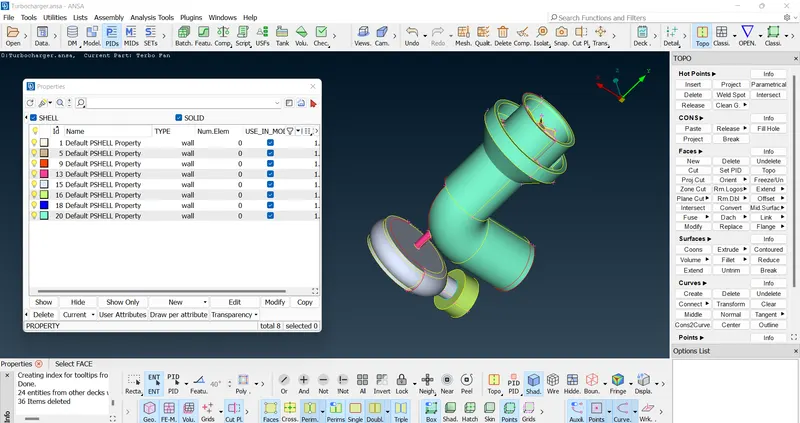
- Deleting single cons
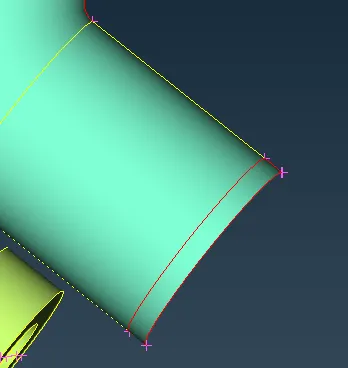
- Remove unwanted surface
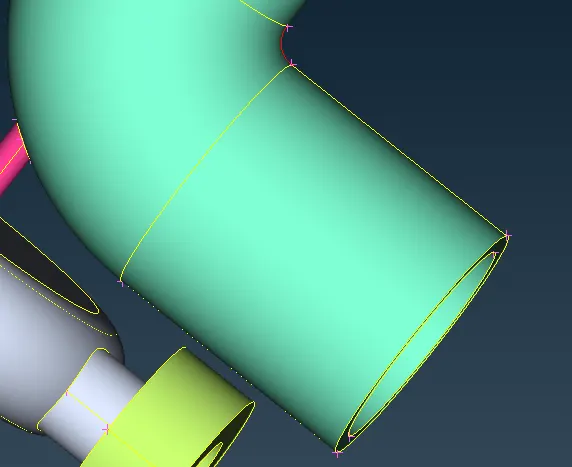
- Now we have this uneven surface
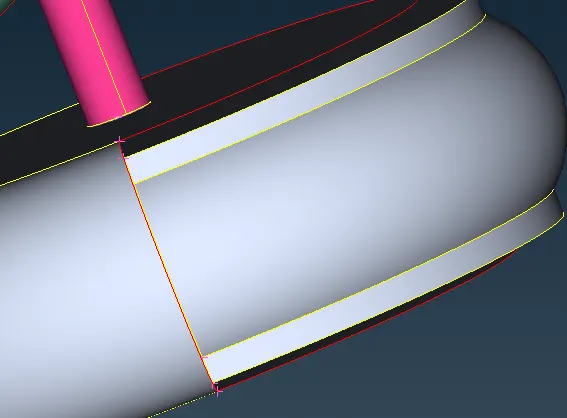
- Lets join three hot points and joint the surface using transform mirror 3 point plane
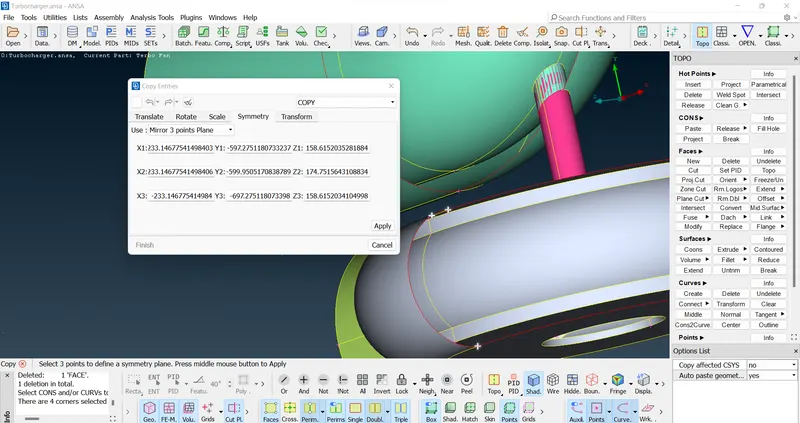
- We have this hole in our geometry lets fill this hole using fill option
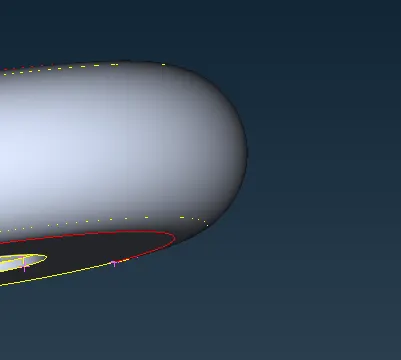
- Remove single cons by using topo
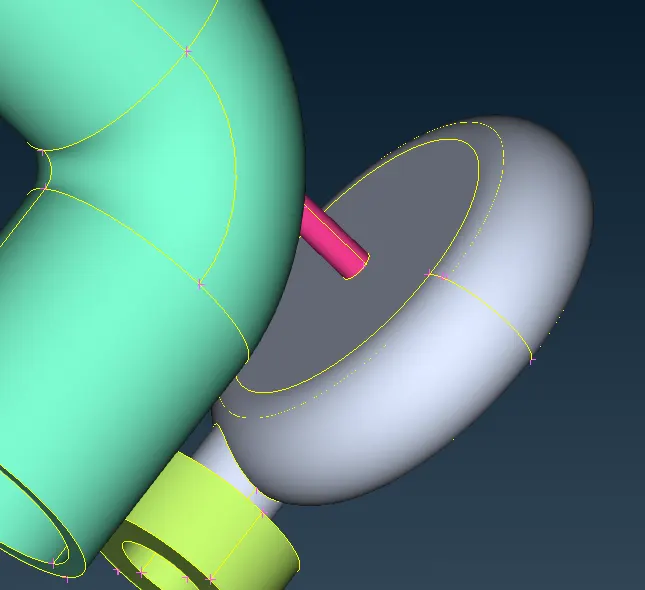
- We have to solve these single cons error
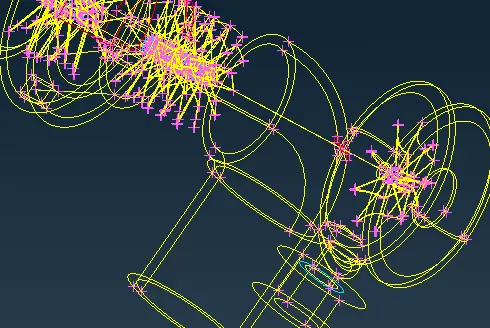
- Now we have very smooth surface
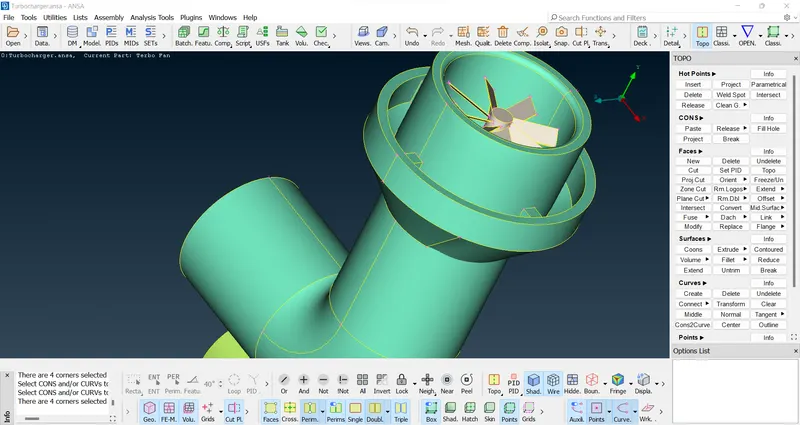
- Image showing zero single cons
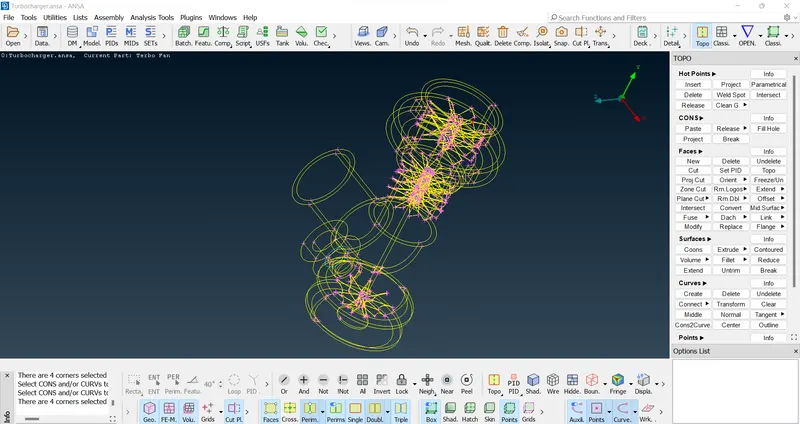
- Checking errors using check manager
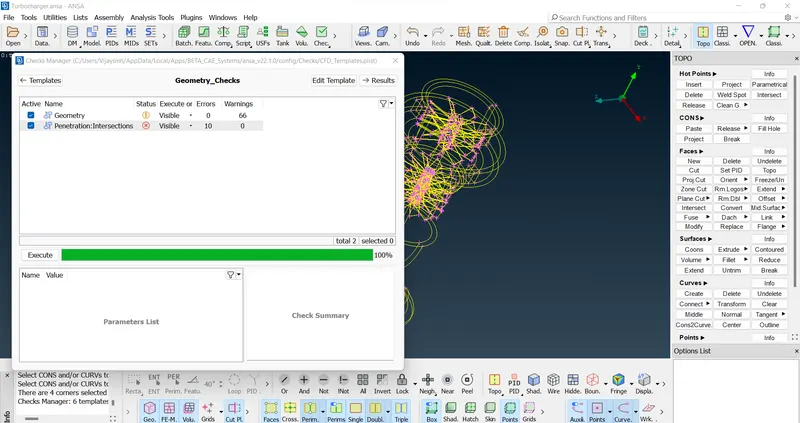
- Eliminating errors an overlapping surface
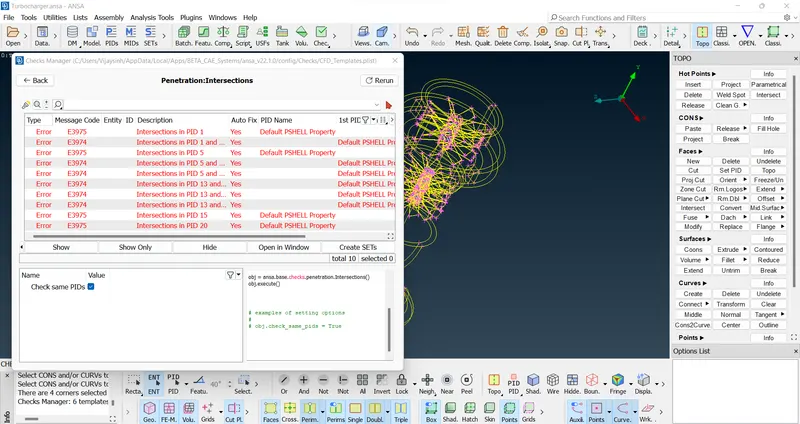
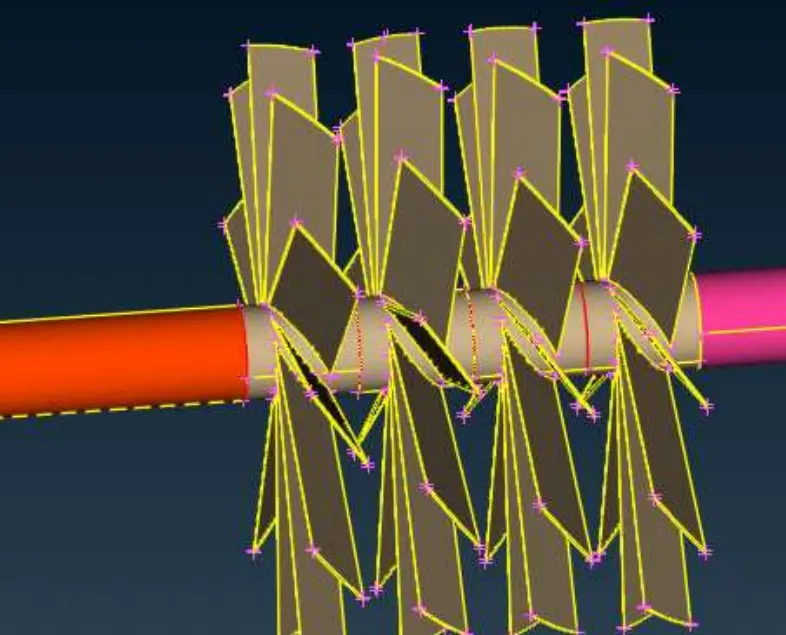
- After removing errors lets check one more time
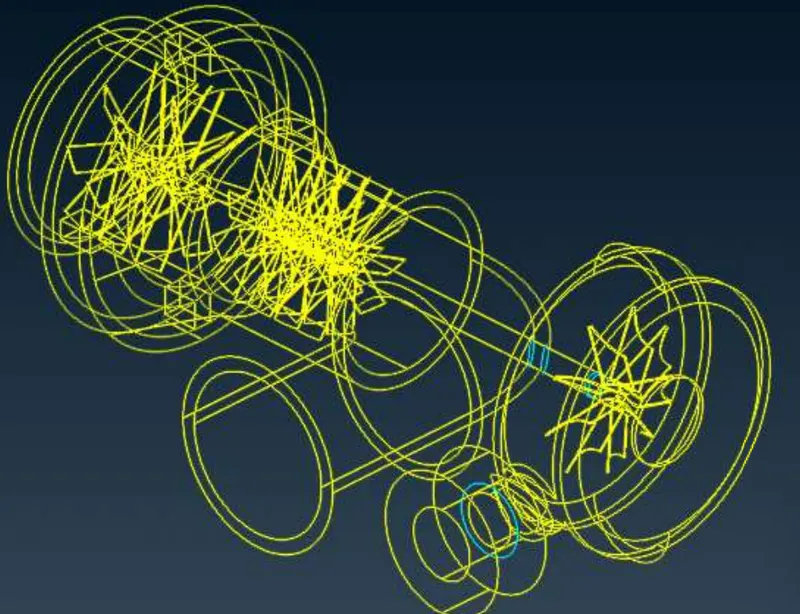
- Assigning some PIDs
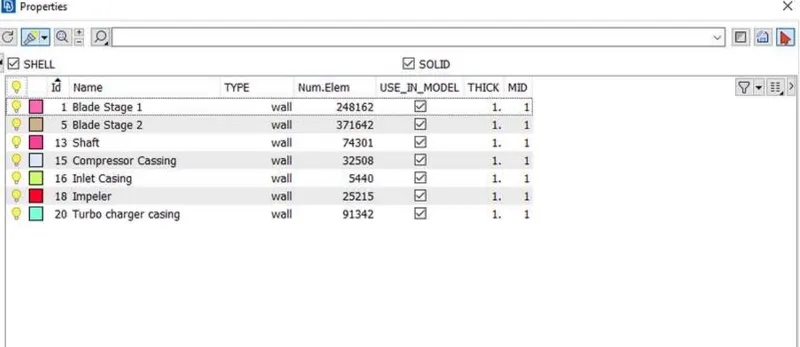
- Everything is done now apply meshing as per given diamensions
- mesh length for blade stage 1 is 1mm
- mesh length for blade stage 2 is 1mm
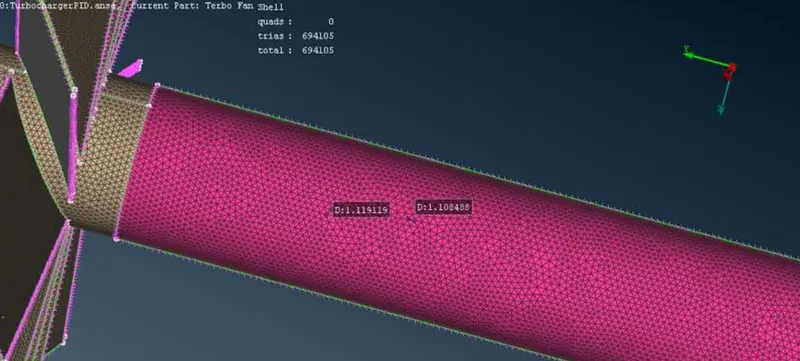
- Mesh length for blade is 2mm
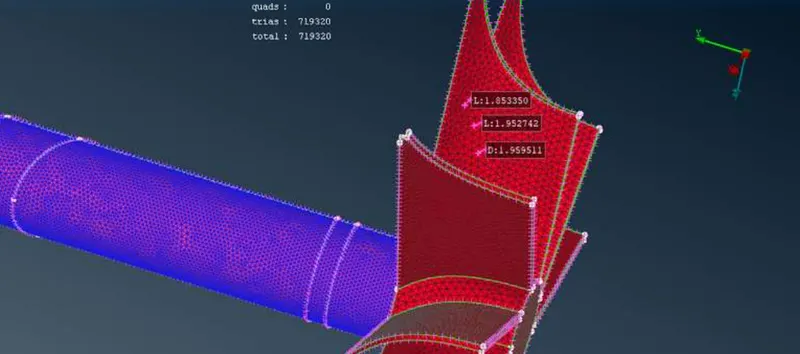
- Mesh length for casing, Impeller, Inner outer casing is 5mm
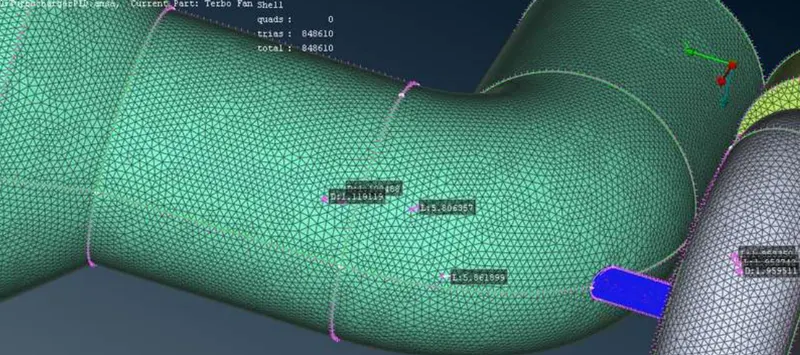
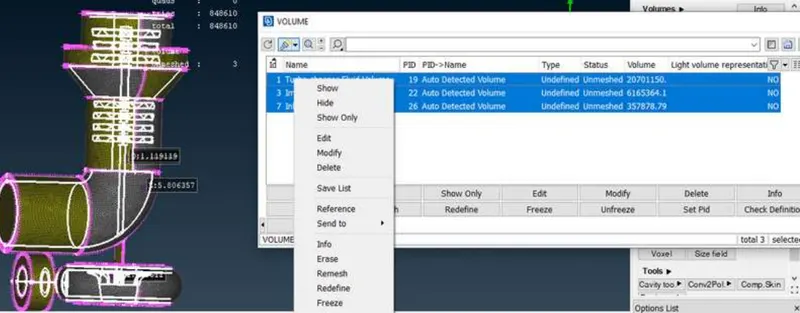
- Applying volumetric mesh
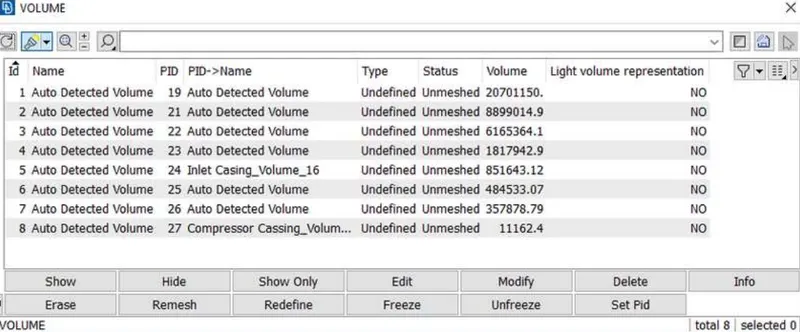
- we have a list of available volumes
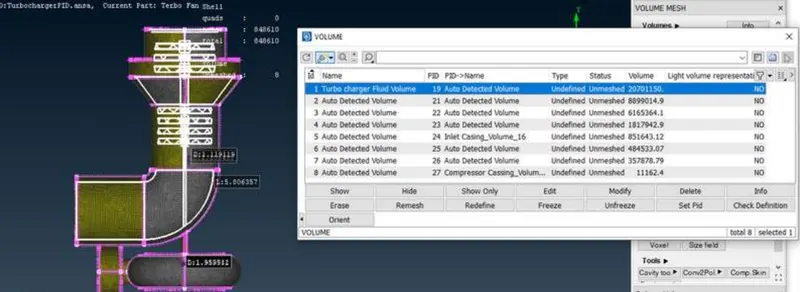
- We have to select weather its fluid or cfd
- Applying for other parts as well
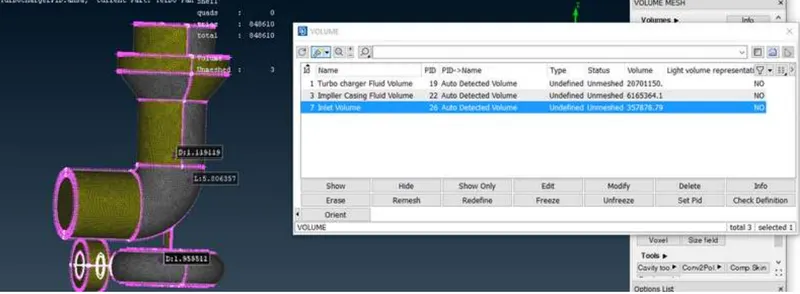
- Remeshing of unmeshed elements
- Cut the plane see cut section view
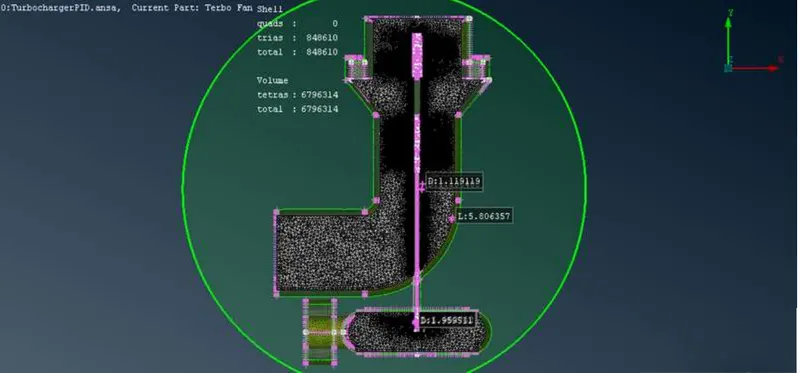
Result
Learing Outcomes from this challenge
- Removing topological errors
- Remove unwanted PID and surfaces
- Removing overlappng surface
- Creating surface mesh
- Apply volumetric mesh
- Create cut section views
Google Drive Link of Model