CFD meshing on Turbocharger
Aim:
To Check for the geometrical errors, make appropriate volumes of the given model, and perform surface and volumetric mesh.
Given:
- Blade stage-1 = 1 mm
- Blade stage-2 = 1 mm
- Impeller = 2 mm
- Shaft rotor = 1 mm
- Turbo casing = 5 mm
- Compressor casing = 5 mm
- Inlet casing cover = 5 mm
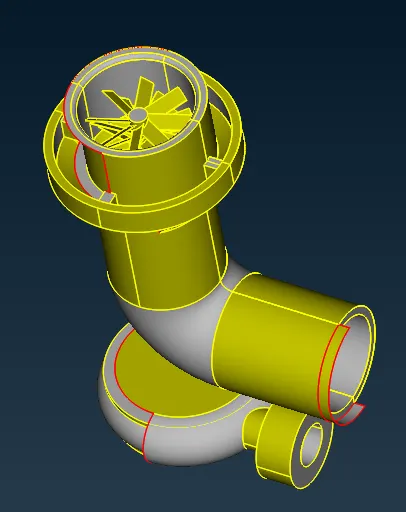
Procedure:
Step : 1 Topological Clean up of the Model
- Import CAD model in ANSA. (Open ANSA ⇒File ⇒ Select appropriate CAD Model)
- To check for Geometrical checks errors like single Cons, Double cons and Surface overlaps.
- For Checking geometrical errors. (Tools ⇒checks⇒Geometric⇒Select single cons, triple cons, etc and then execute)
-
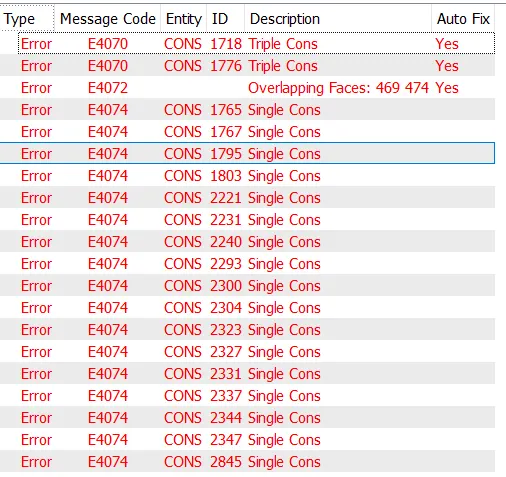
- Clear error using Modules like Faces (Cut, Delete, Topo, Intersect), Hot Points (Insert, Project, Multi-project), Cons(Fill Hole, Release), and Auxiliaries(Fine).
- Topo option is used to convert single cons into double cons by combining two single cons.
- Release option is the opposite function of Topo which is used to convert double cons into single con.
- Intersect option is used to intersect two faces.
While doing Topological clean up, try to make as a single geometry which is effective in Volumentric mesh.
Step:2 Assign PID
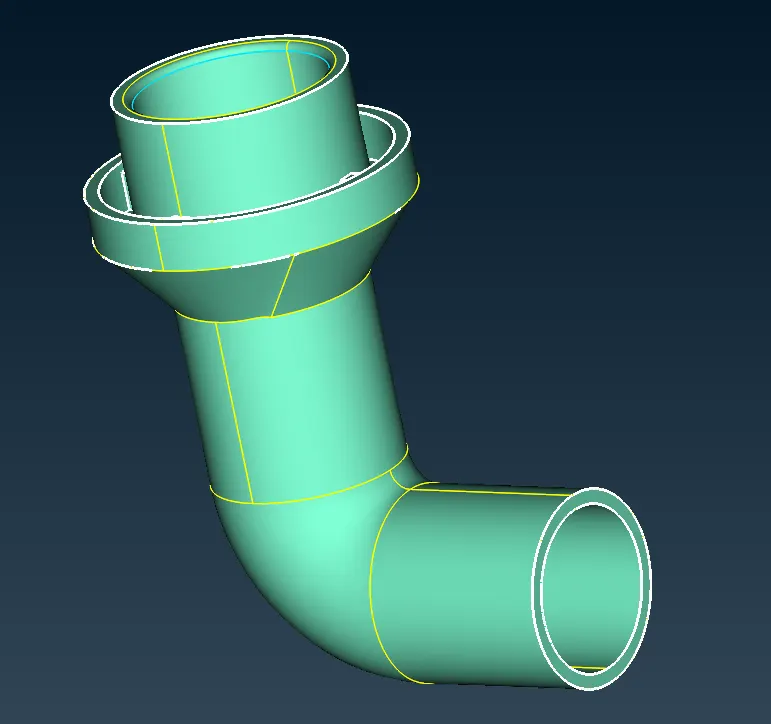
Compression casing:
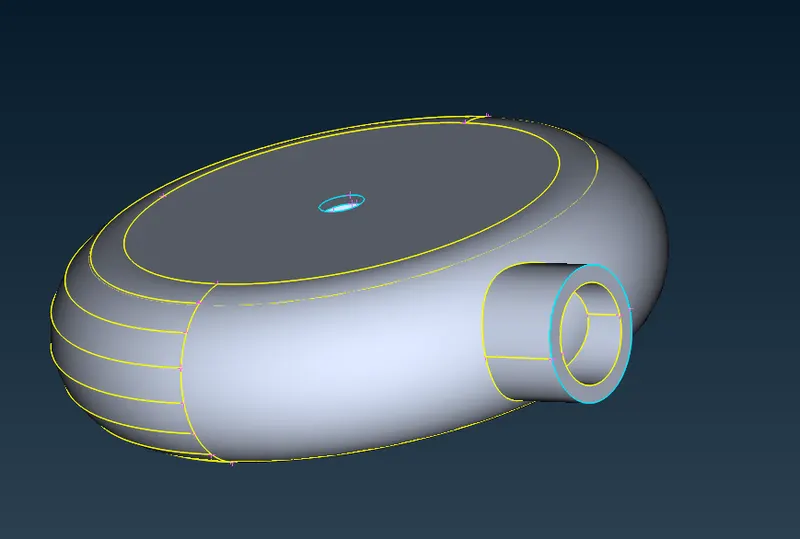
Turbo casing:
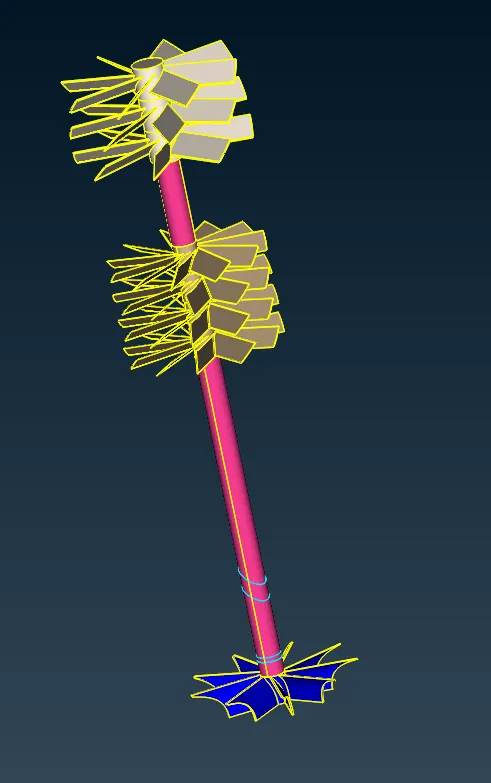
Blades,shaft and Impeller:
Step : 3 Surface Mesh
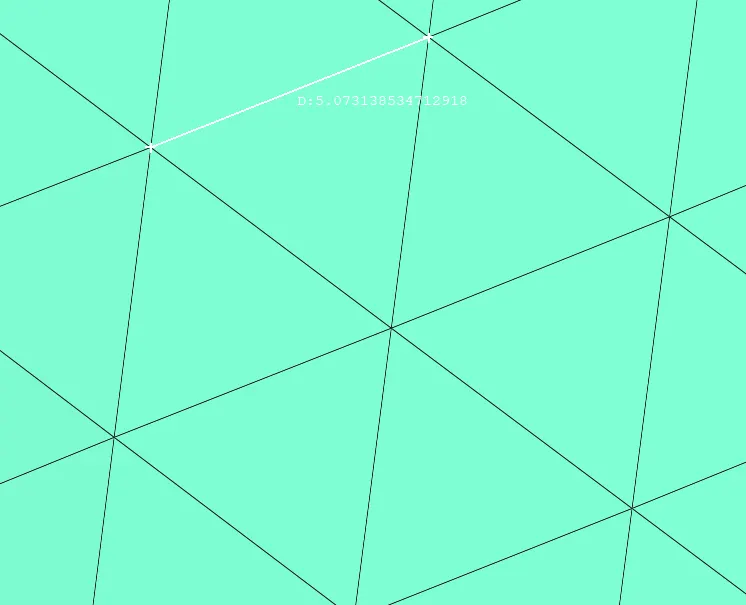
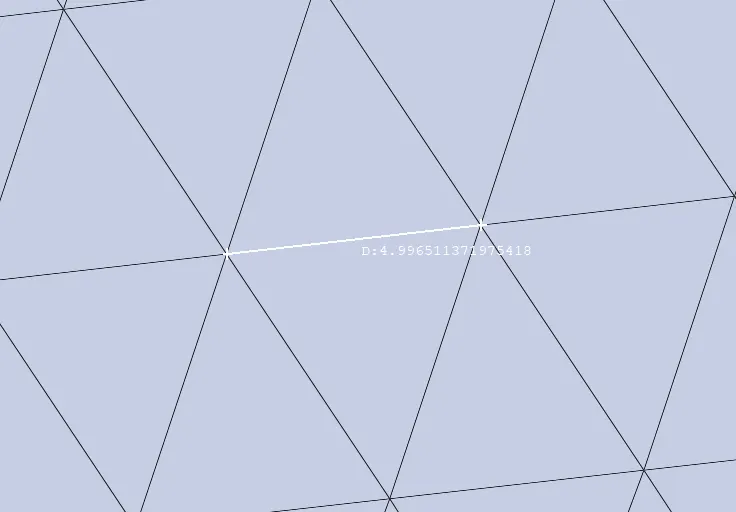
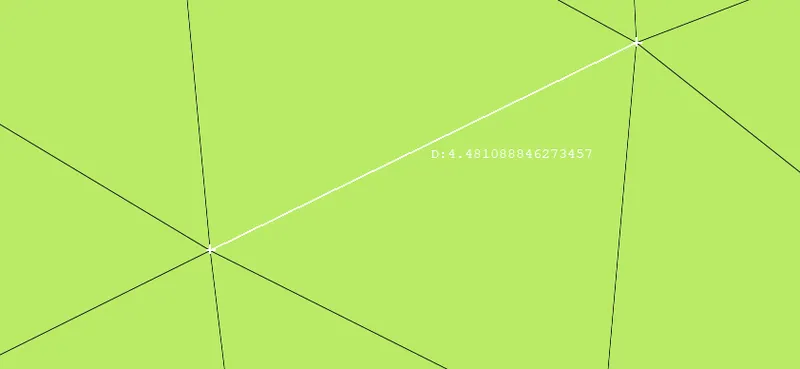
Compressor casing, Turbo casing, Inlet casing cover - 5mm.
Compressor casing:
Turbo casing:
Inlet casing cover:
Blades and shaft:
Blade stage-1 - 1mm
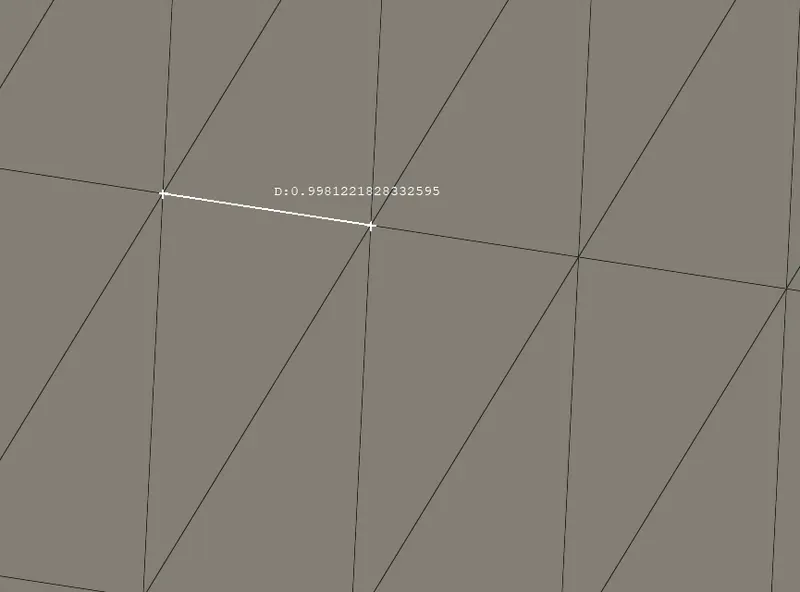
Blade stage 2 - 1mm
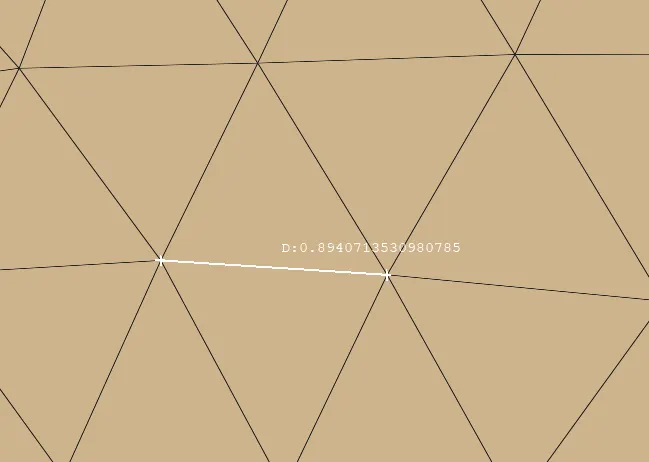
Shaft - 1mm

Impeller - 2mm
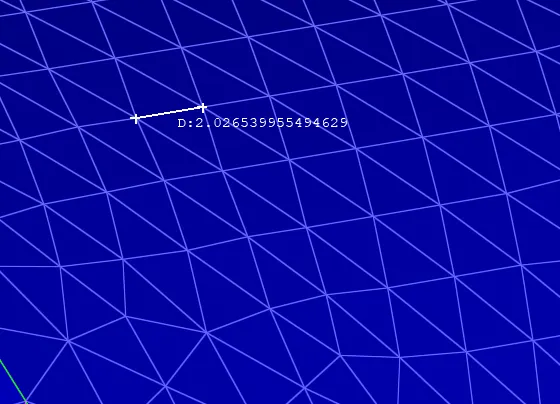
Step: 4 - Volumentric Mesh
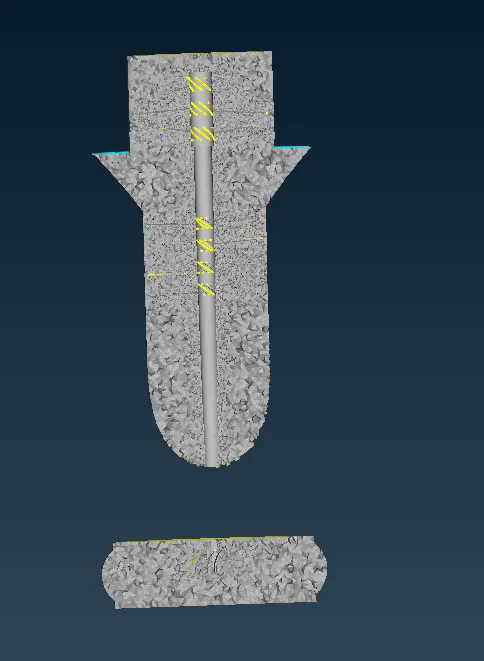
- To perform volumetric mesh, surface mesh should be completed.
- Combining different geometry into single geometry so that less no. of geometry will be auto-detected by ANSA.
- Delete the thickness of the geometry because the fluid does not flow on the outer surface.
Conclusion:
From the above image, we can observe that the size of the volumetric mesh differs with respect to surface mesh, so indeed surface mesh is mandatory for doing volumetric mesh.