Week-3 Challenge: ADVISOR Tool
1)
Model Advisor Overview
The Model Advisor checks your model or subsystem for modeling conditions and configuration settings that cause inaccurate or inefficient simulation of the system that the model represents. The Model Advisor checks can help you verify compliance with industry standards and guidelines. By using the Model Advisor, you can implement consistent modeling guidelines across projects and development teams.
Upon completing the analysis of your model, the Model Advisor produces a report that lists the suboptimal conditions, settings, and modeling techniques and proposes solutions, when applicable.
You can use the Model Advisor to check your model in these ways:
-
Interactively run Model Advisor checks
-
Configure the Model Advisor to automatically run edit-time checks (requires Simulink® Check™)
These limitations apply when you use the Model Advisor to check your model. For limitations that apply to specific checks, see the Capabilities and Limitations section in the check documentation.
-
If you rename a system, you must restart the Model Advisor to check that system.
-
In systems that contain a variant subsystem, the Model Advisor checks the active subsystem. To check both the active and inactive subsystems, set the
Advisor.Application(Simulink Check) property,AnalyzeVariants, totrue. -
Model Advisor does not analyze commented blocks.
-
Checks do not search in model blocks or subsystem blocks with the block parameter Read/Write set to
NoReadorWrite. However, on a check-by-check basis, Model Advisor checks do search in library blocks and masked subsystems. -
Unless specified otherwise in the documentation for a check, the Model Advisor does not analyze the contents of a Model block. To run checks on referenced models, use instances of the
Advisor.Application(Simulink Check) class (Simulink Check license required).
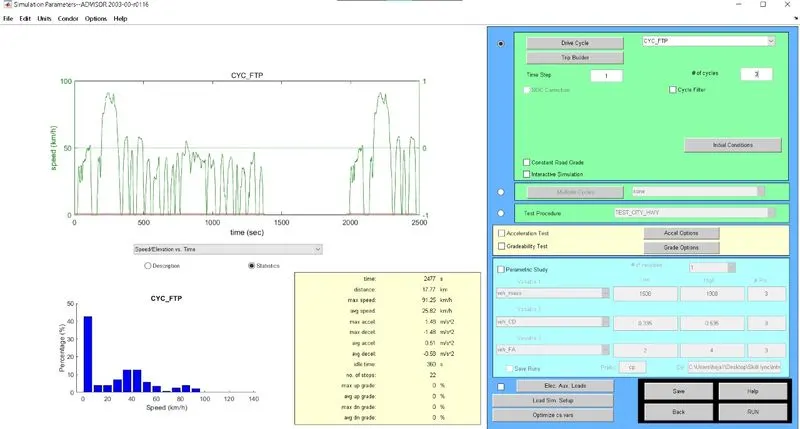
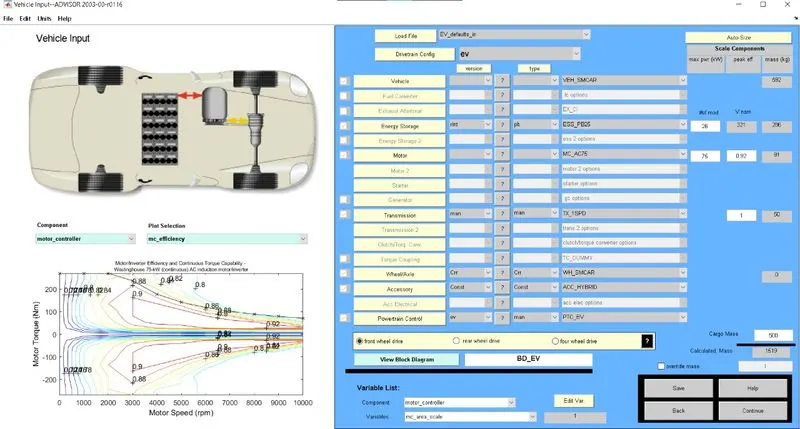
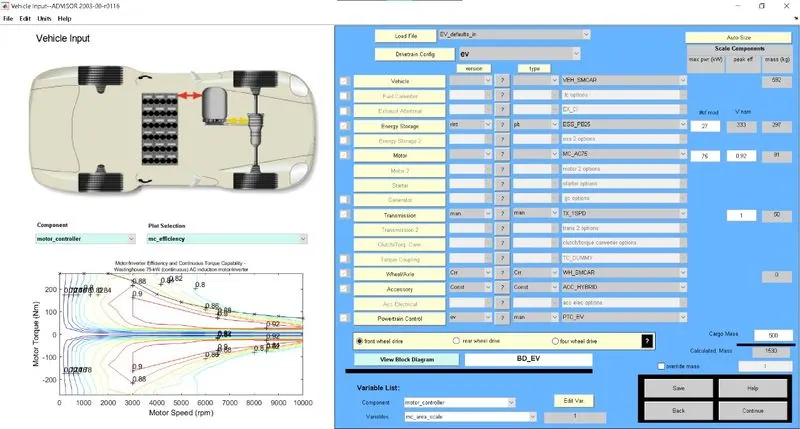
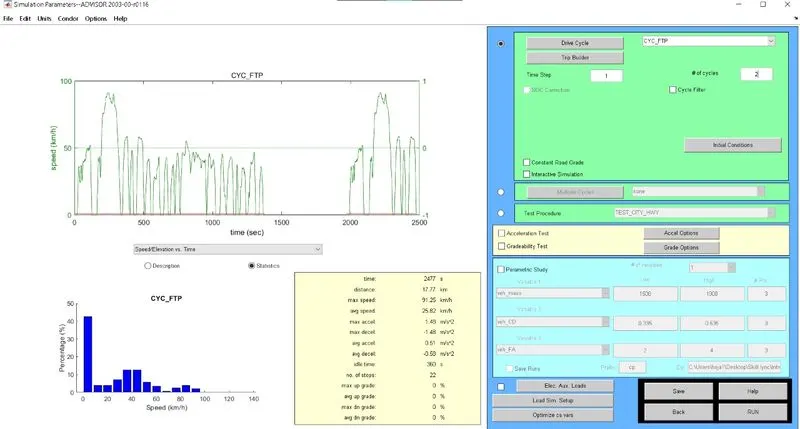
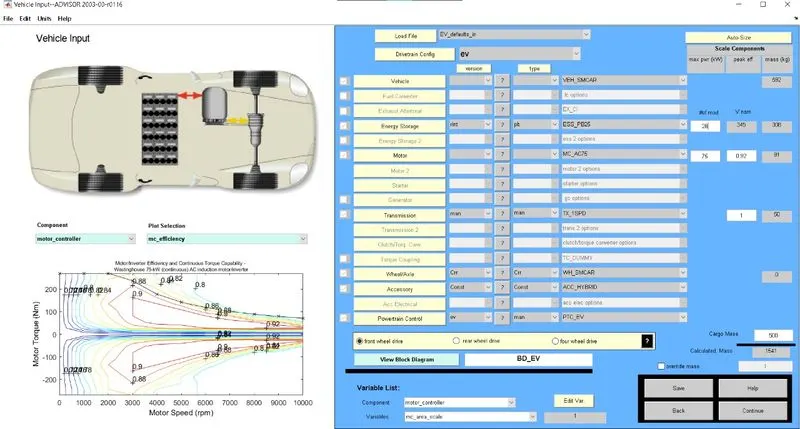
For EV_defaults_in file,
cargo mass is 500 kg
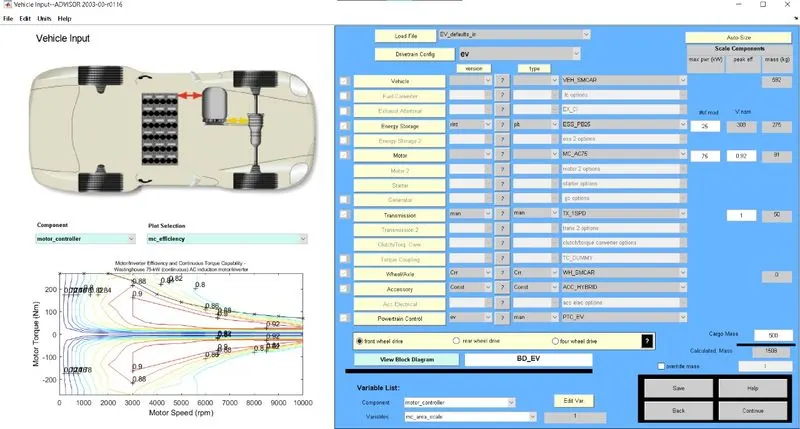
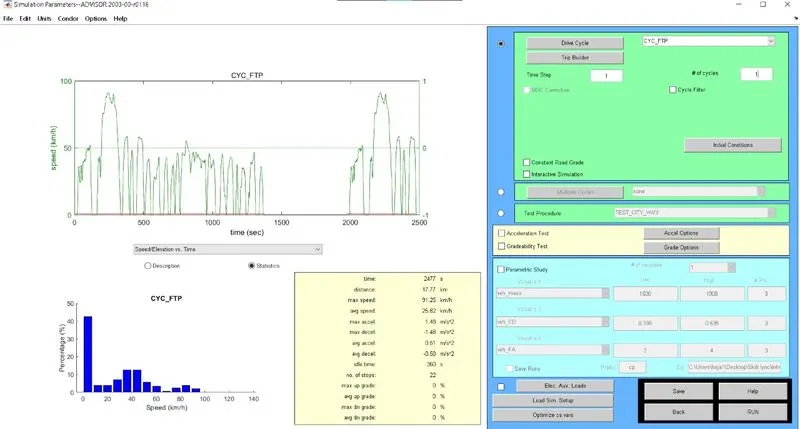
For drive cycle 1
Results
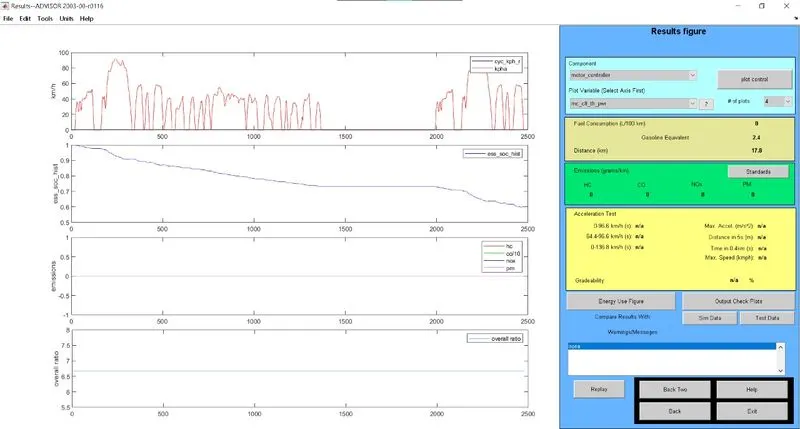
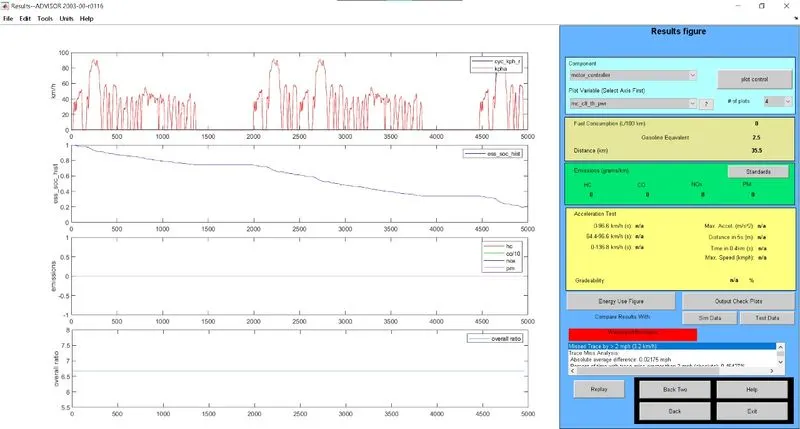
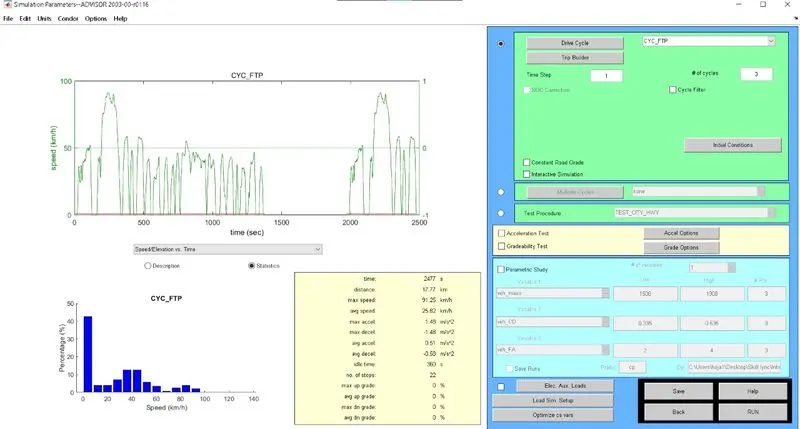
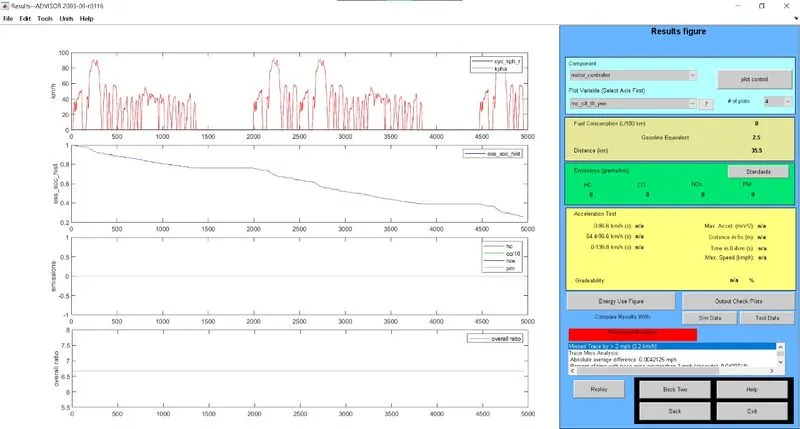
Distance travelled with 1 drive cycle is 17.8km uses 40% SOC
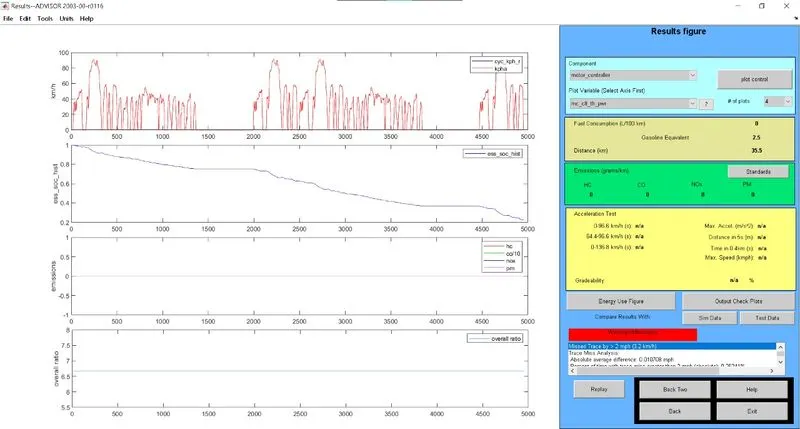
For drive cycle 2
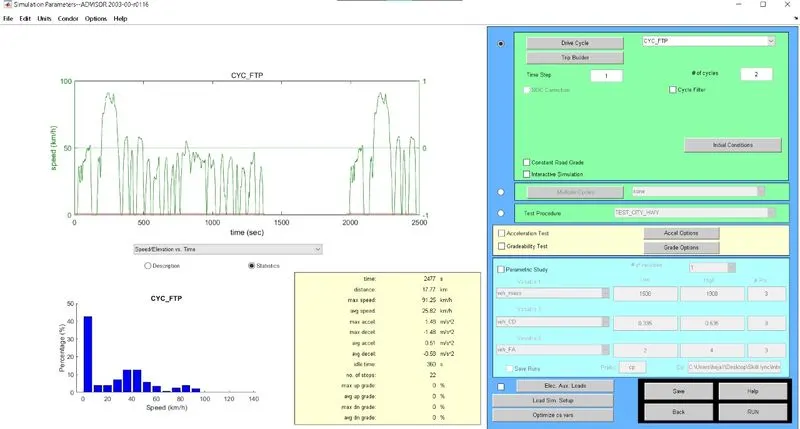
Result
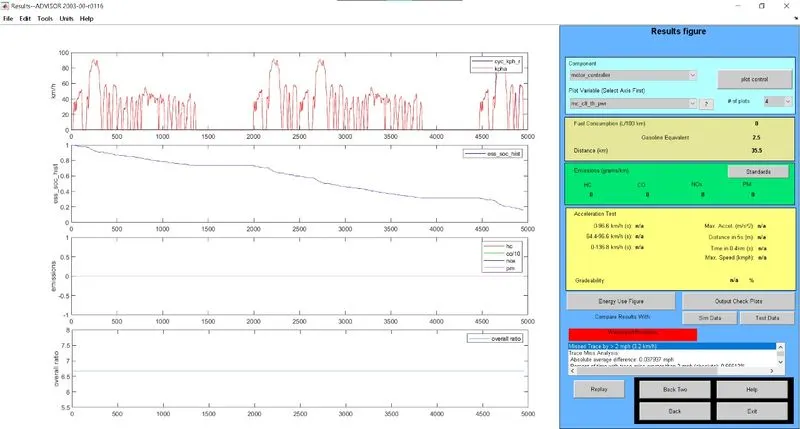
Distance travelled with 2 drive cycle is 35.5km uses 81% SOC
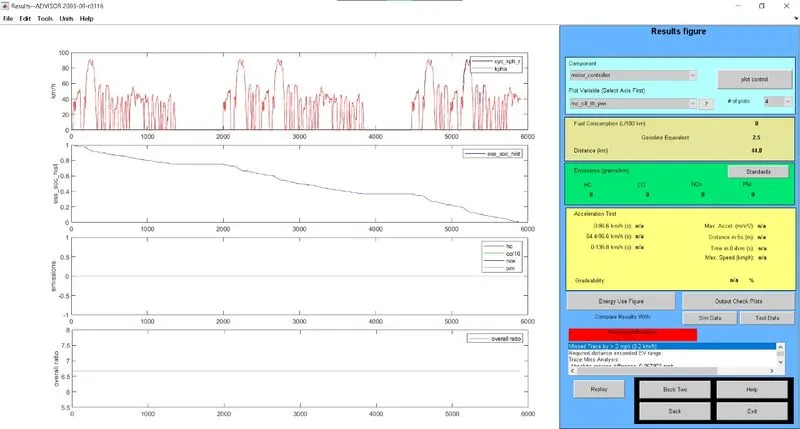
For 3 drive cycle
Results
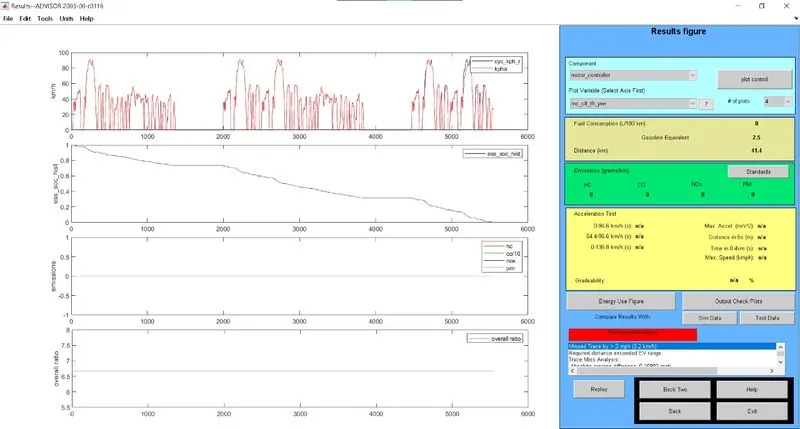
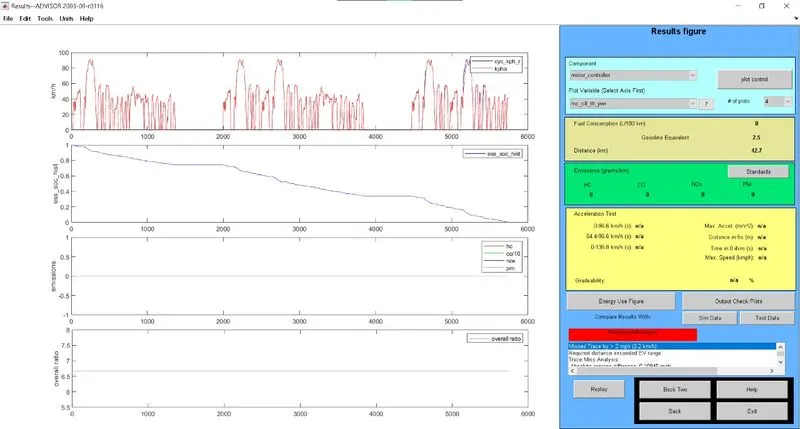
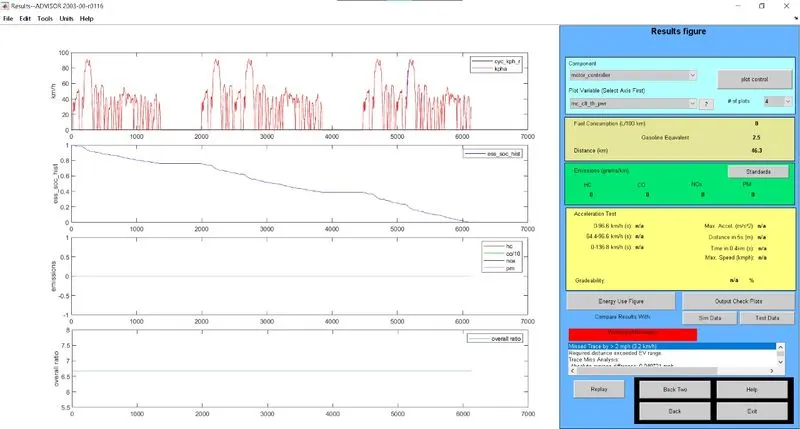
Distance trtavelled with 3 drive cycle is 41.4km uses 100% SOC
Minimum travel with 1 drive cycle is 17.8km
Maximum travel with 3 drive cycle is 41.4km
Hence, Vehicle can't travel for 45km with FTP drive for EV_defauts_in file
2)
Changing battery capacity from 25 to 26 module
With 2 cycle
results
With 3 cycle
Result
Changing battery capacity from 26 to 27 module
With 2 cycle
Result
With 3 cycle
Result
Changing battery capacity from 27 to 28 module
With 2 cycle
Result
with 3 cycle
Result
|
Drive cycle - 2
|
|||||||
|
26 |
321 |
35.5 |
286 |
||||
|
27 |
333 |
35.5 |
297 |
||||
|
28 |
345 |
35.5 |
308 |
||||
|
Drive cycle - 3
|
|||||||
|
26 |
321 |
42.7 |
286 |
||||
|
27 |
333 |
44.8 |
297 |
||||
|
28 |
345 |
46.3 |
308 |
||||
3) Gradeability test on PRIUS_jpn_default
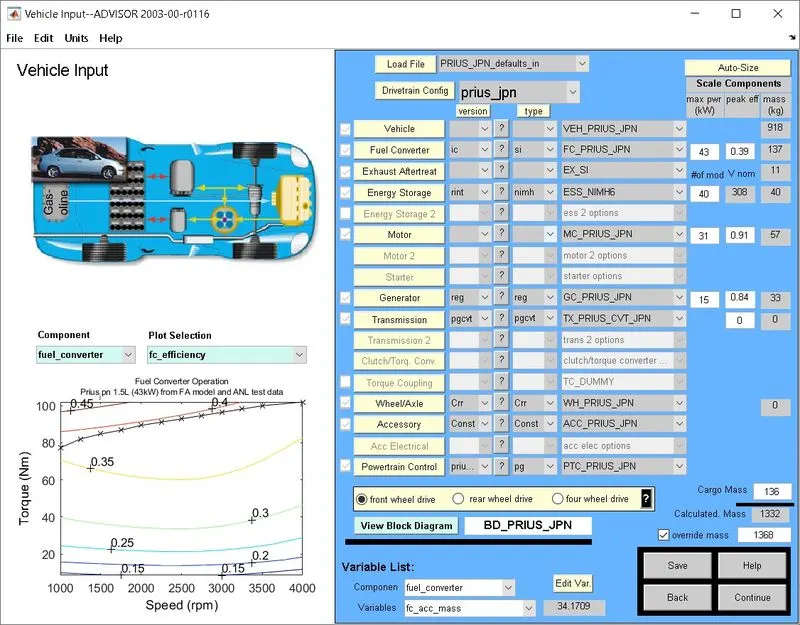
Setting speed at 20 mph
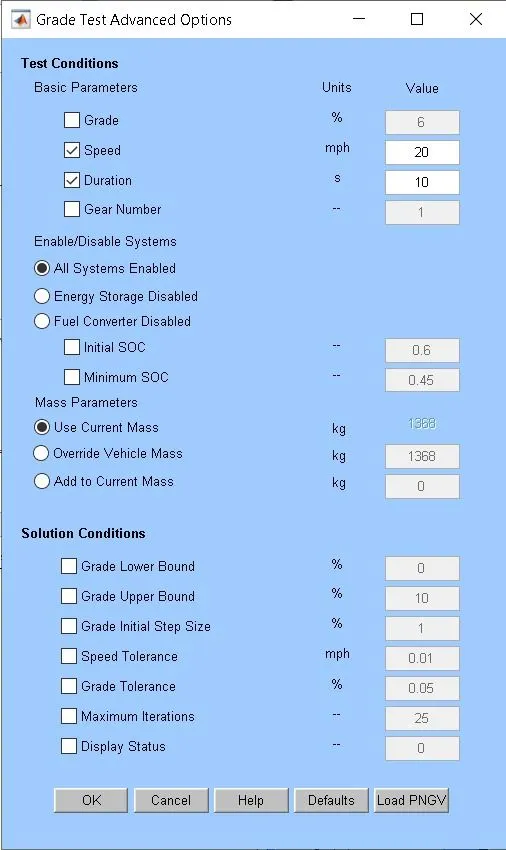
Results
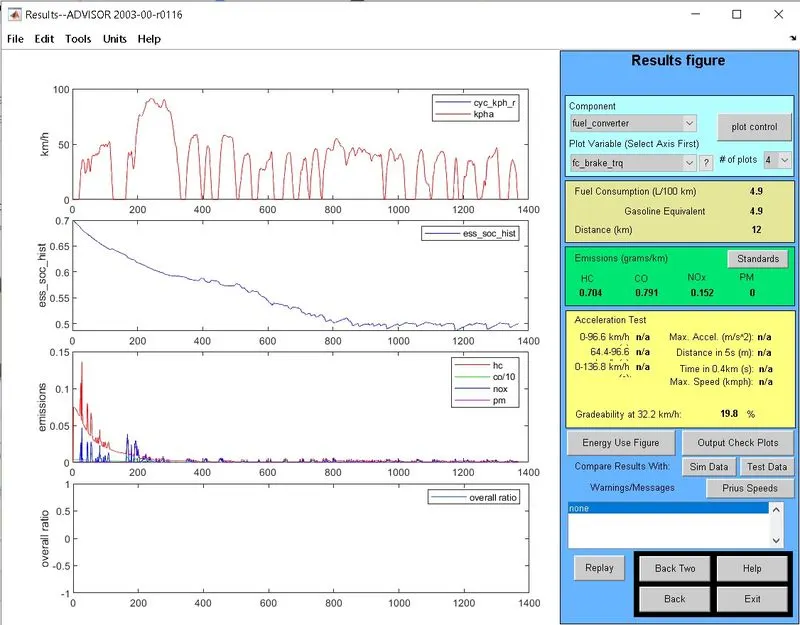
Table for gradeablity test for every 10 seconds
| mph | Gradeability |
| 20 | 19.8% |
| 30 | 14.7% |
| 40 | 11.7% |
From the above tables, it can be seen that when vehicle speed increases there is a decrease in gradeability for 10sec duration.
∴∴ when vehicle speed increases there is a decrease in gradeability.