ADVISOR Tool
AIM:
To use the ADVISOR TOOL and simulate the following
- For EV_defaults_in file, if cargo mass is 500 kg with all other default conditions, can the vehicle travel for 45 km with FTP drive cycle? Conclude your observations.
- In the above case, try changing the battery capacity and repeat the simulation.
- Perform gradeability test with PRIUS_Jpn_defaults_in file
Compare your results in table and conclude.
SIMULATION:
CASE 1:
Open the ADVISOR TOOL in matlab.The screen appears in which select the EV_defaults_in file from the load file.In the drive cycle configuration select ev file.
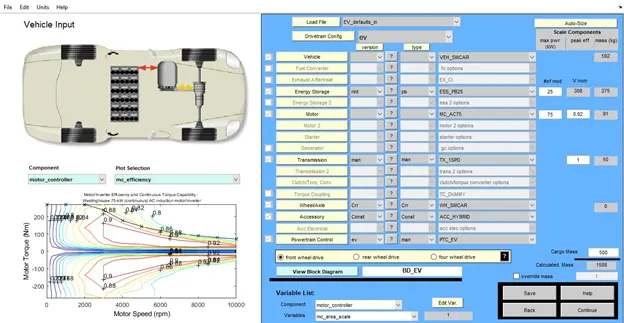
- Click the cargo mass box.Change the value of the cargo mass to 500 as shown below
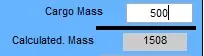
- As the value of the cargo mass is changed click continue button.The dialog box appears.In the drive cycle box select the FTP drive cycle.
- As this drive cycle covers 17.8km for one cycle.To cover a distance of 45km it requires 3 drive cycle. The no .of cycle box should be increased by 3.
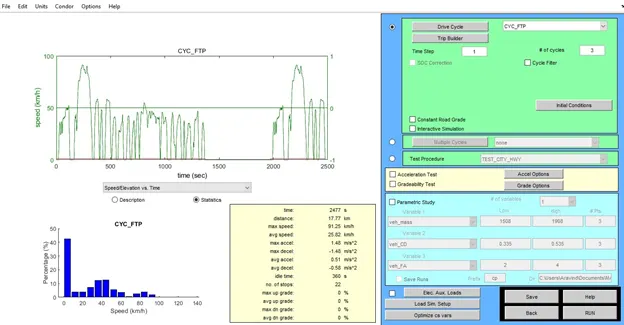
- Click Run button to view the result.
SIMULATION RESULT:
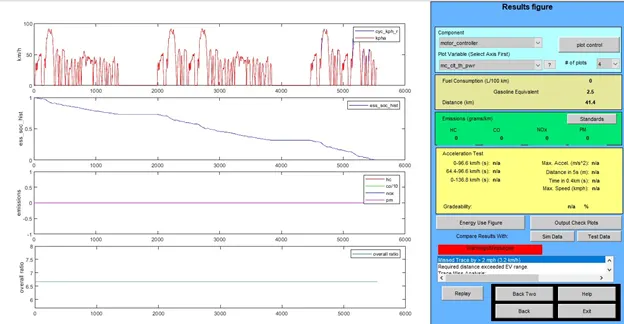
- This drive cycle covers 17.77km for one drive cycle.By increasing the drive cycle by 3 it should covers a distance of 53.31km.
- At the end of the simulation it covers a distance of 4km as the battery get discharged and comes to zero.
- Therefore the vehicle will not travel for a distance of 45km.
OBSERVATION:
The vehicle will travel for a distance upto 41.4km as the battery get discharged and comes to zero.So that the vehicle will not travel for distance of 45km.
CASE 2:
- The battery used in electric vehicle is lead battery.The battery capacity of the ESS_PB25 is changed form 25 to 50.
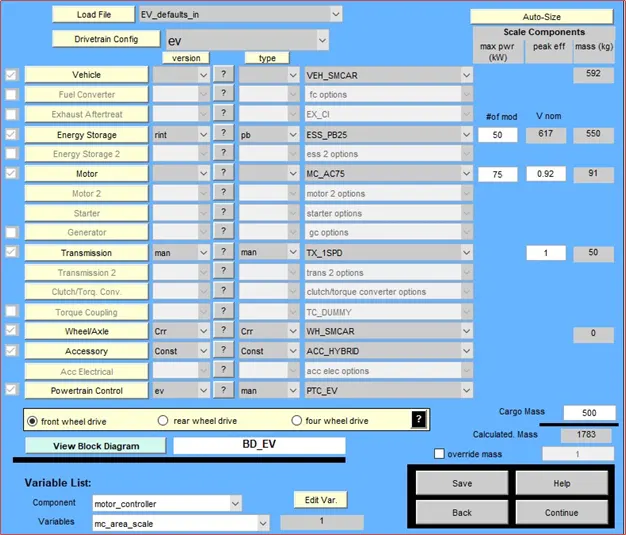
- As the battery capacity is increased the distance covered by this drive cycle also increases.It covers a distance of 53.3 km with battery charge remaining of 30%.
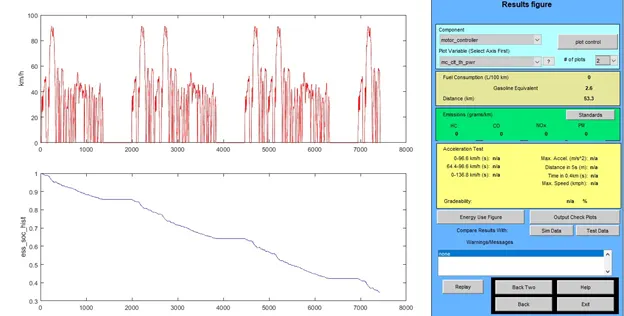
OBSERVATION:
To increase the distance covered by the vehicle increase the battery capacity so that it could not drain easily for short period of time.
CASE 3:
- Select PRIUS_Jpn_defaults from the load file.Click continue button.
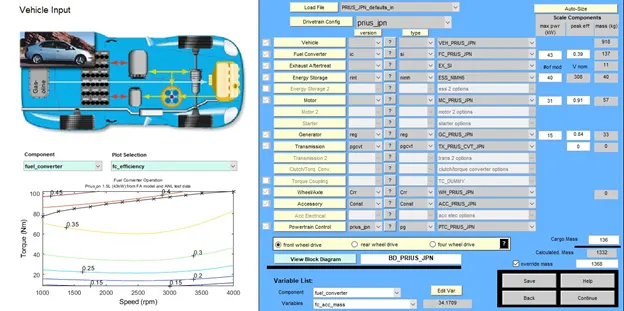
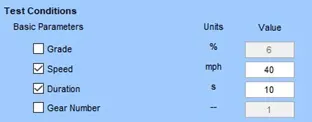
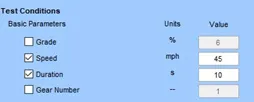
- To conduct the gradeability test for the vehicle,click the gradeability check box and click the grade option.The grade option dialog box appears.
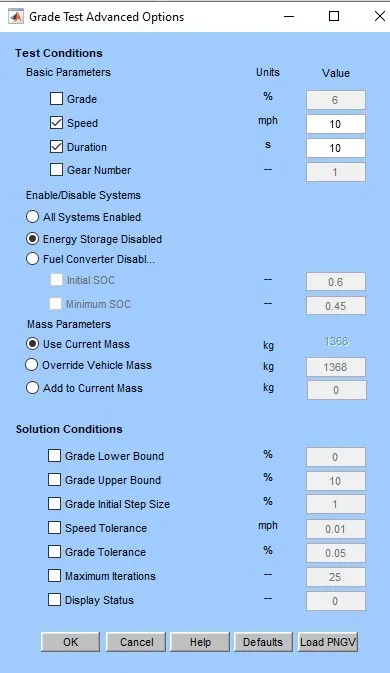
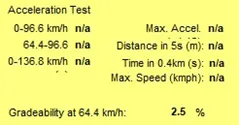
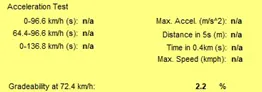
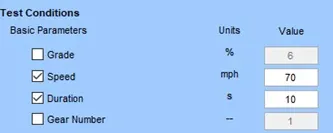
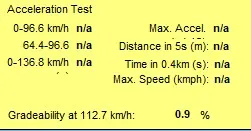
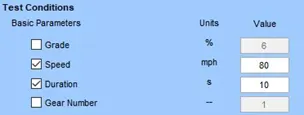
- Vary the speed and view the result for gradeability for the particular speed.
At speed of 40km
At speed of 45km
At speed of 50km
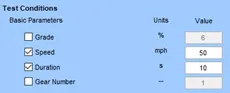
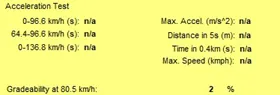
At speed of 55 km
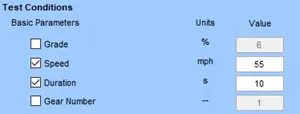
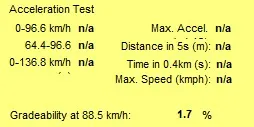
At speed of 70 km
At speed of 80 km
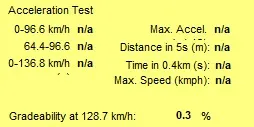
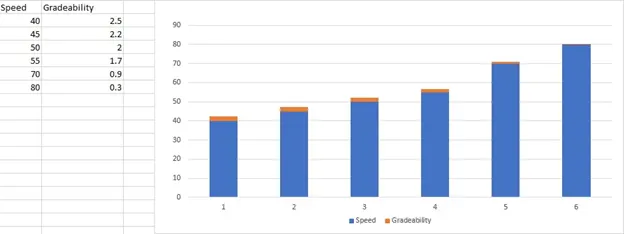
The speed vs gradeability plot is shown in bar chart.The gradeability value is decreased when the speed get increases.
OBSERVATION:
As the speed of vehicle gets increases the gradeability of the vehicle gets decreased and comes to zero.