Week 3 Challenge
AIM:
To create a parametric structure with the publication command for the given class A surface of the tail lamp lens
SOFTWARE USED: Catia V5
PARAMETRIC STRUCTURE TREE:
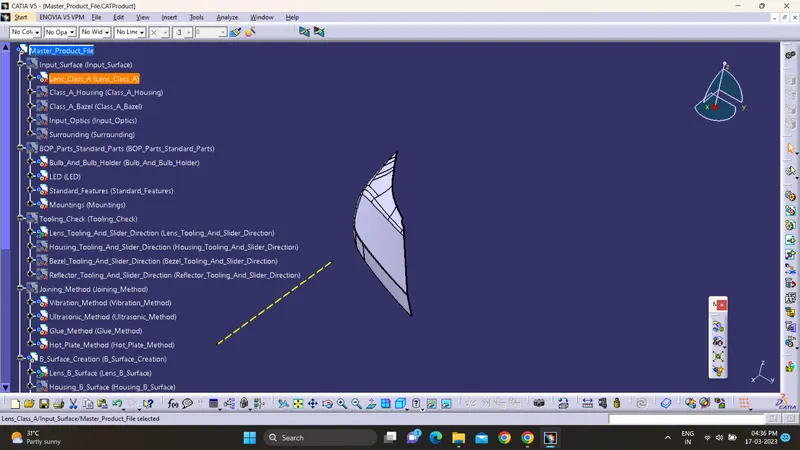
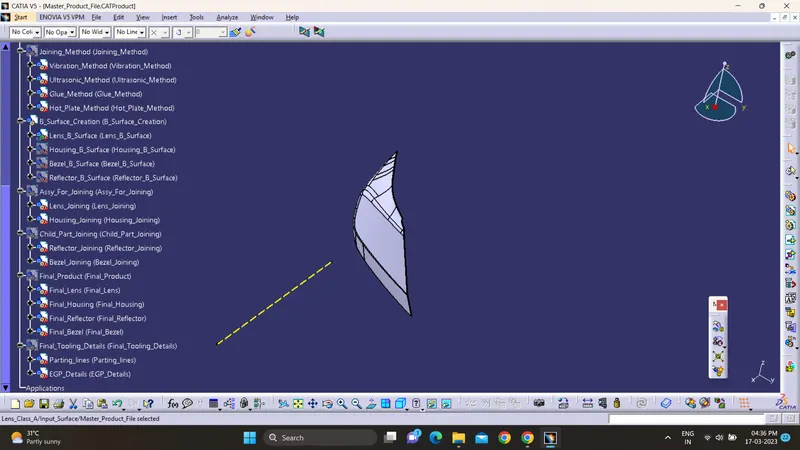
CHECKING THE INPUT - A SURFACE:
The A-surface or the styling surface is first checked for any gaps and other issues in its surfaces. This Surface acts as the input surface so any correction to be done should be with approval from the styling team or done by them. A- perfect surface is the one when a boundary is created, the lines are only on the edges of a component and its holes or cutouts as shown below.
Explaining the Draft Analysis and the Tooling Axis creation.
after that we need to perform Draft Analysis on CLOSED PART BODY and for that we need to attach Axis System to TOOLING AXIS after that we need to see the our surface having what Draft angle actually general draft angle ranges from 0.5 degree to 3 degree then we can see two colors on after draft anaysis it is of GREEN and Bottom of BLUE which represents that our Draft analysis is right and if we can see some RED patches on itr then our draft angle needs to be update or change then we need to check suitable draft value for it and need to Rectify that
Draft Analysis:-
The draft analysis will help you quickly gather the draft angle on multiple surfaces manual measurements.The first step is to change your shading style to “Shading with Material”.The next step is to click on the draft analysis icon in the Analysis toolbar.Draft analysis initially assumes a Z axis direction.This can be done with the dragging of the compass with respect to the Tool axis direction.Now that the draft direction is fixed, you can gather the draft angles along different surfaces using the “on the fly” mode. Simply activate the icon within the draft analysis dialogue box and hover your mouse over the surface.using “invert draft direction method” check the color variation in the part and analyze the draft angles in the part.now ok with this position and lock the current orientation.
DRAFT ANALYSIS OF A SURFACE:
Draft analysis of the surface is carried to check if the surface or part can be manufactured with the required draft angle.
Draft angle is needed for the component to clear the core and cavity surface as it would have shrunk towards the center while cooling.
The draft angle in this design is 5 degrees. As A surface is a single surface there won't be much difference in color. The draft analysis of A-surface is shown below.
CREATION OF CLOSED BODY :
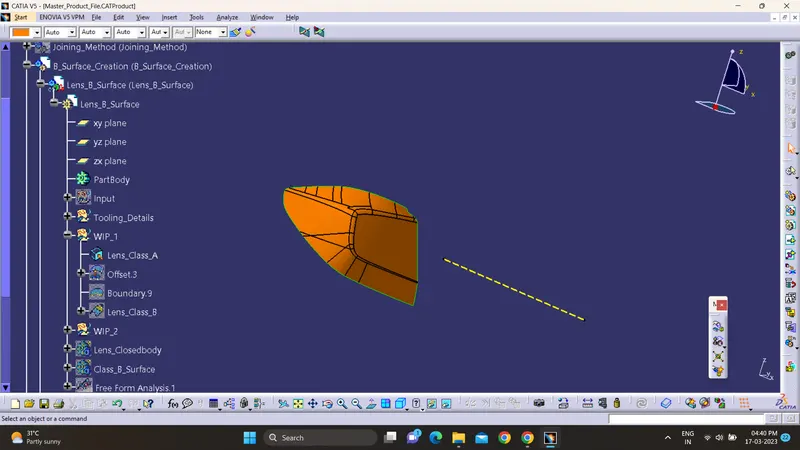
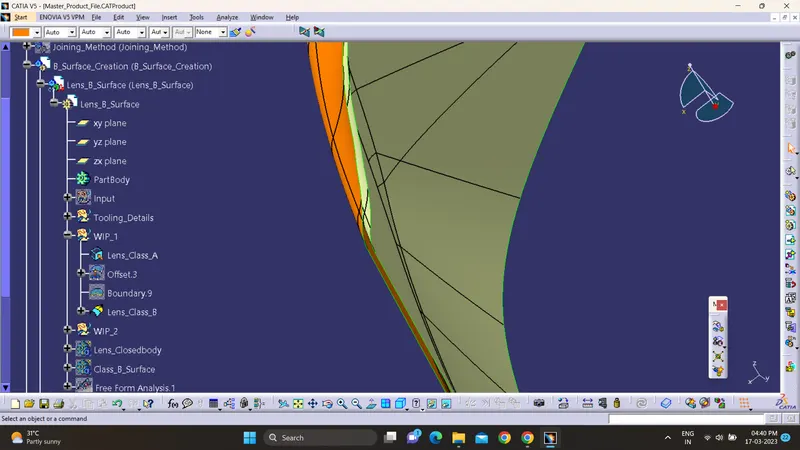
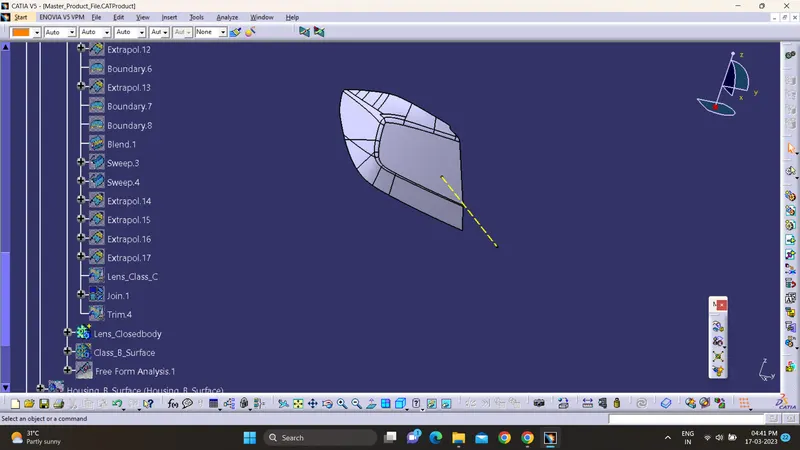
All the surfaces (A,B,C) are joined together to form a closed body.
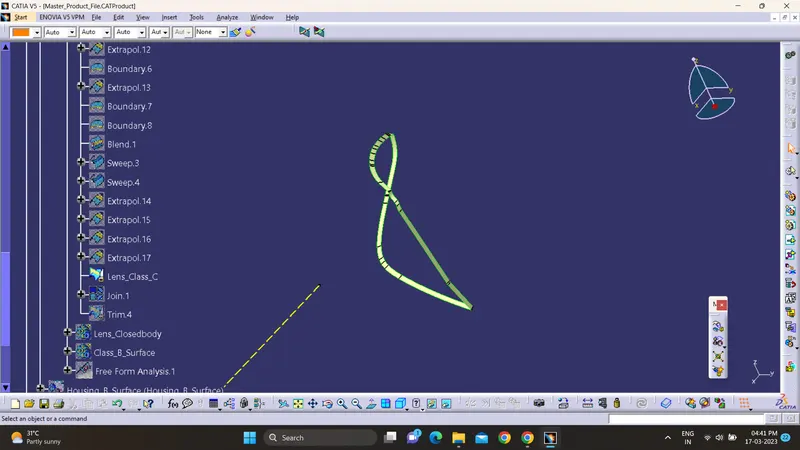
Boundary is selected and the body is picked. Since an error popped up it can be understood that all surfaces are joined with each other to form a proper closed surface body.
Finally in part design workbench, using close surface it is changed to a solid body.
Publications
The publication is the command used to publish the required part or surface or any others separately at the end of the catia tree. Publications are used for easy access. The things which are used very often are converted into publications.
Hello respected sir i dont know exactly what to submit so i created closed boby of lens and submitting till there ...