Week 3 - 2D meshing for Sheet metal
AIM:-
The below-mentioned quality criteria have to follow, also meshing the component with a target size of 5 units, and assigning thickness at last:
|
S.No |
Quality Criteria |
Value |
|
1 |
Target/Average length |
5 |
|
2 |
Minimum Length |
2 |
|
3 |
Maximum Length |
7 |
|
4 |
Aspect |
3 |
|
5 |
Warpage |
15 |
|
6 |
Skewness |
45 |
|
7 |
Jacobian |
0.7 |
|
8 |
Minimum Quad Angle |
45 |
|
9 |
Maximum Quad Angle |
135 |
|
10 |
Minimum Tria Angle |
30 |
|
11 |
Maximum Tria Angle |
120 |
|
10 |
Tria Percentage |
15 |
Procedure To Accomplish The Given Task:-
Step1:-
We have to Download the model and import it into ANSA software.
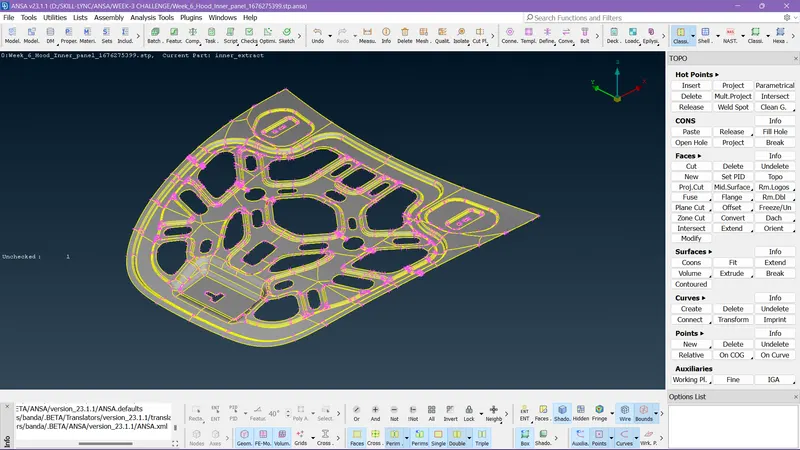
This is the component given to perform the task, I imported it into the ANSA software.
Step2:-
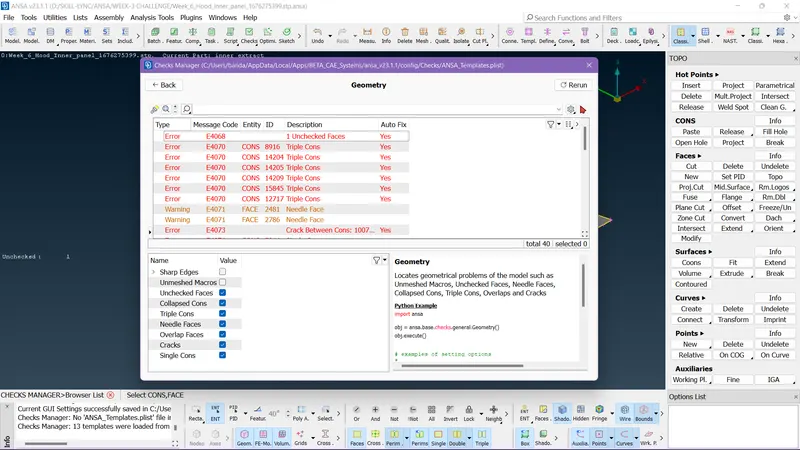
After importing we need to check whether the geometry is perfect or not.
Step 3:-
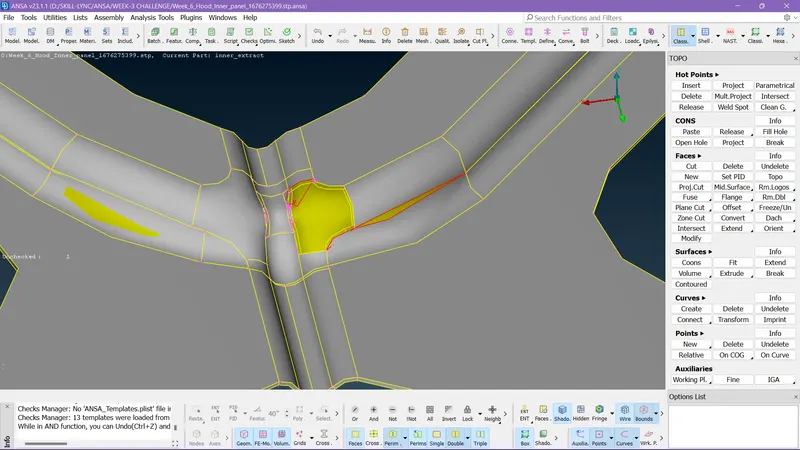
See how the surface is in an improper state we need to fix it.
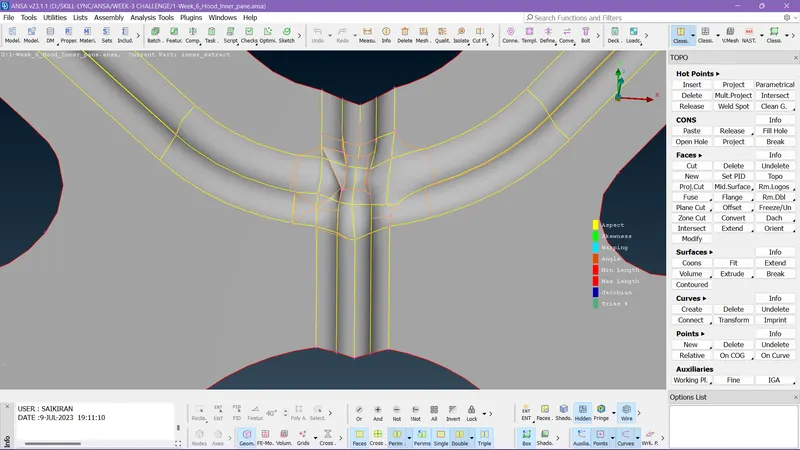
I created a new surface by clearing and deleting the unwanted surface to rectify the issue.
Step 4:-
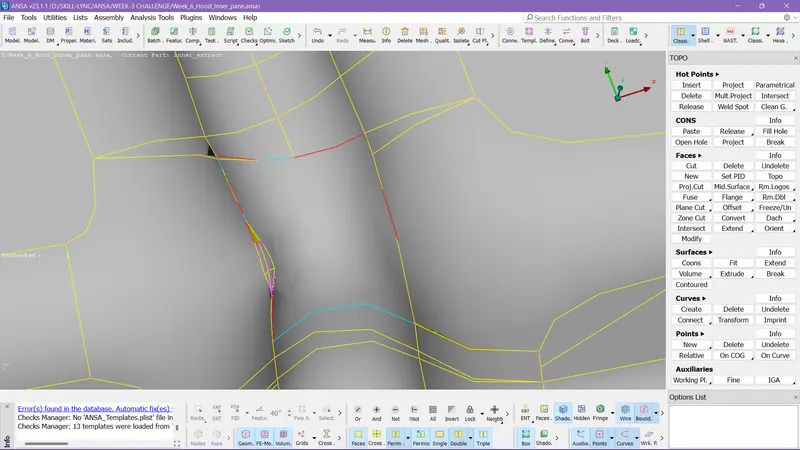
Here to another issue that needs to be solved.
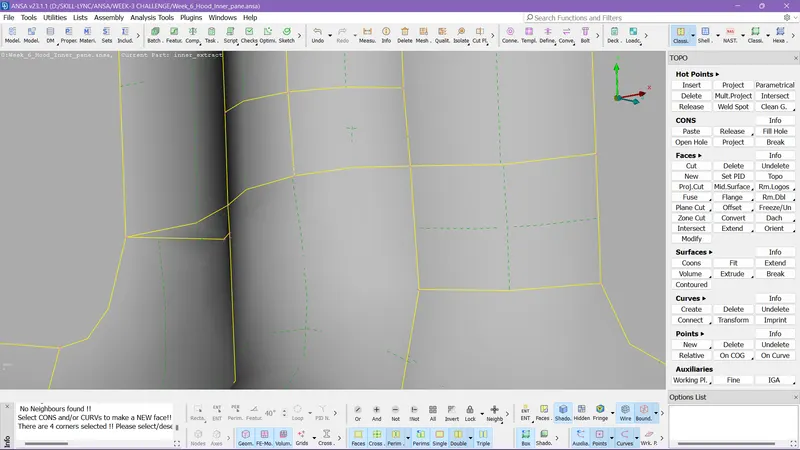
I cleared all the unwanted surfaces and formed a new surface.
Step 5:-
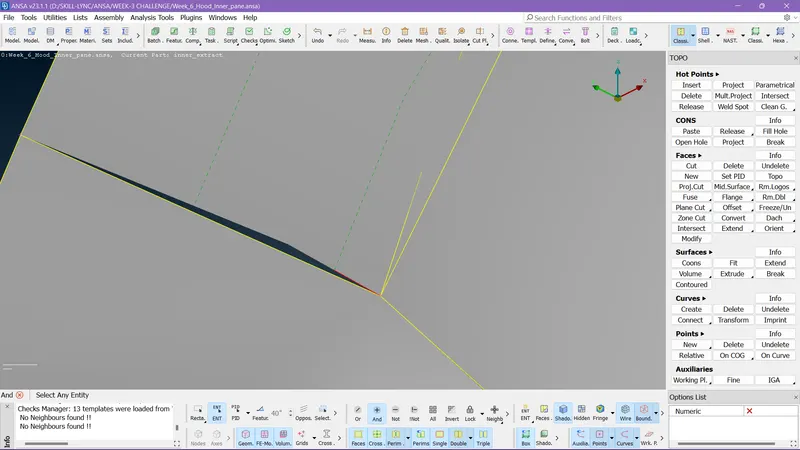
Here to solve this issue I relead the left point between two surfaces and then I used the TOPO option to rectify it.
Step 6:-
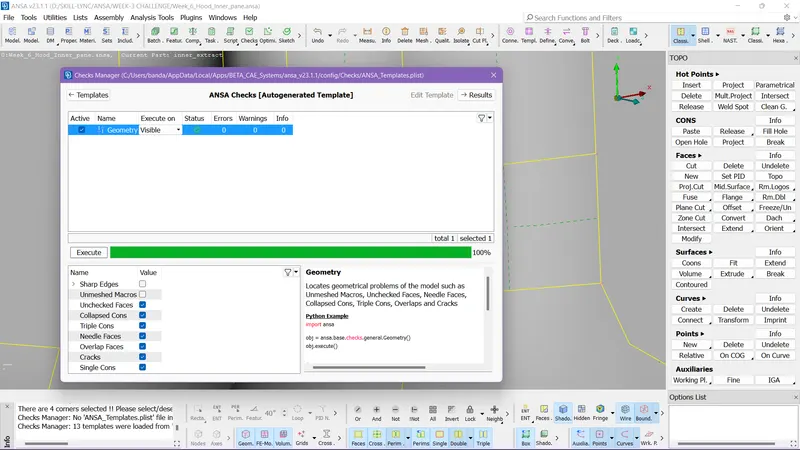
I resolved the issues and cleared all the issues in the parent component.
Step 7:-
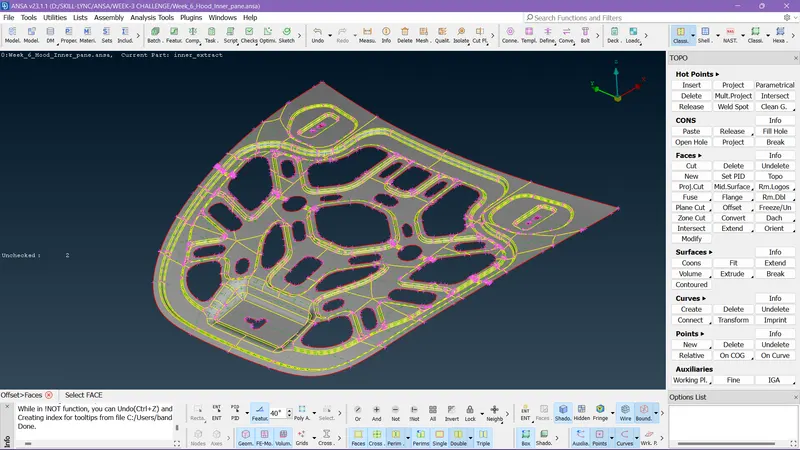
I created the mid-surface by offsetting the surface.
Step 8:-
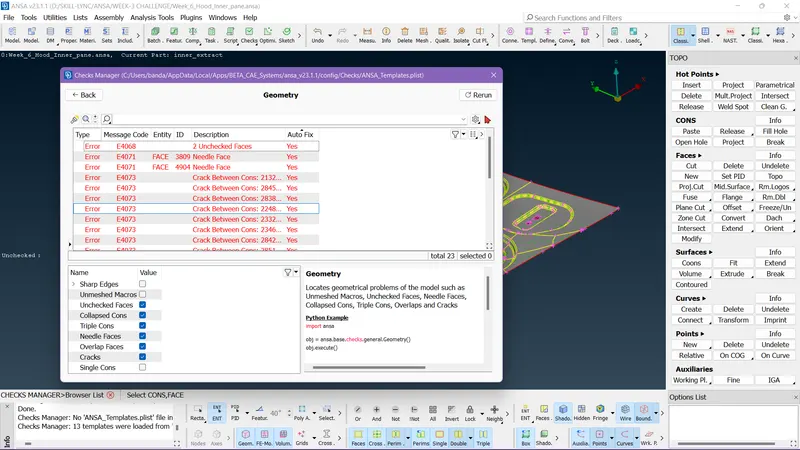
Some issues are raised in the mid-surface too we need to resolve them before meshing.
Step 9:-
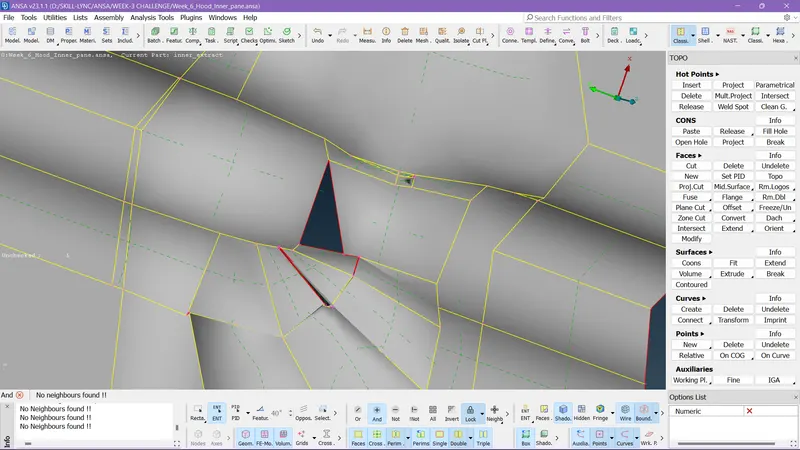
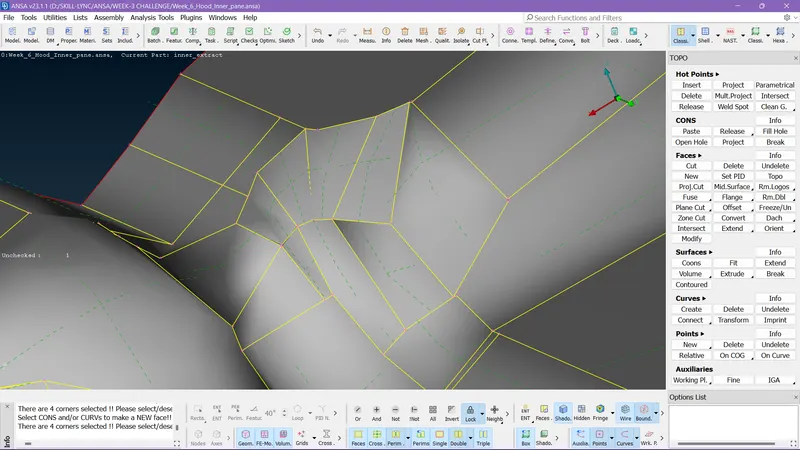
First I resolved the issue after the arranged the lines.
Step 10:-
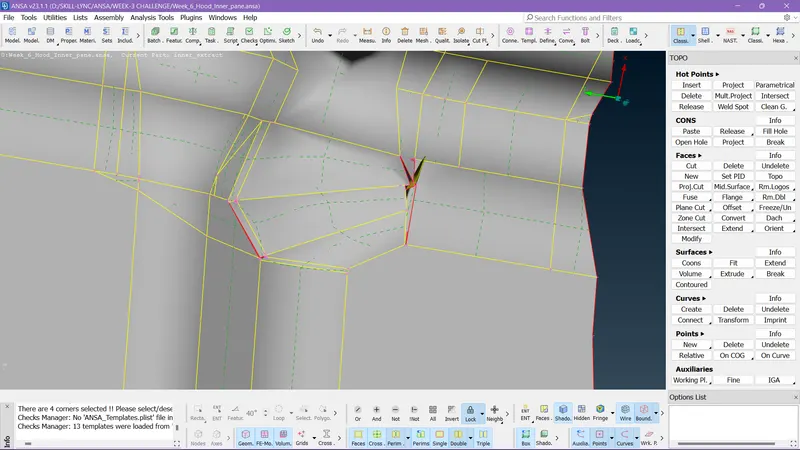
Another one is in the filleted region.
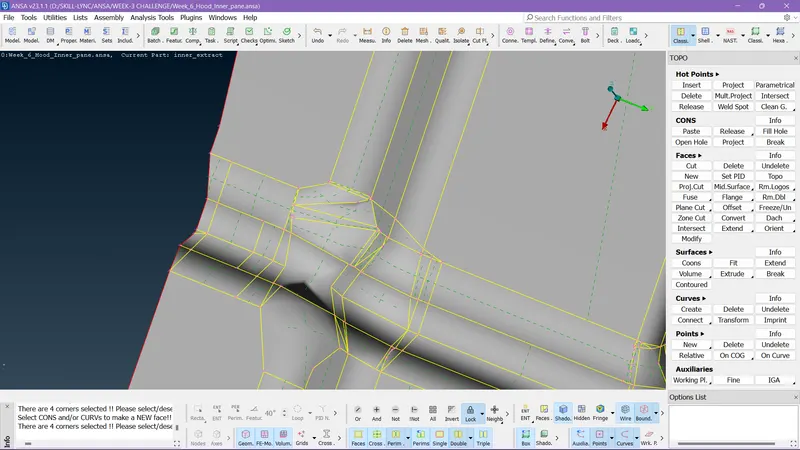
I resolve the issue by deleting the improper surface and creating a new one.
Step 11:-
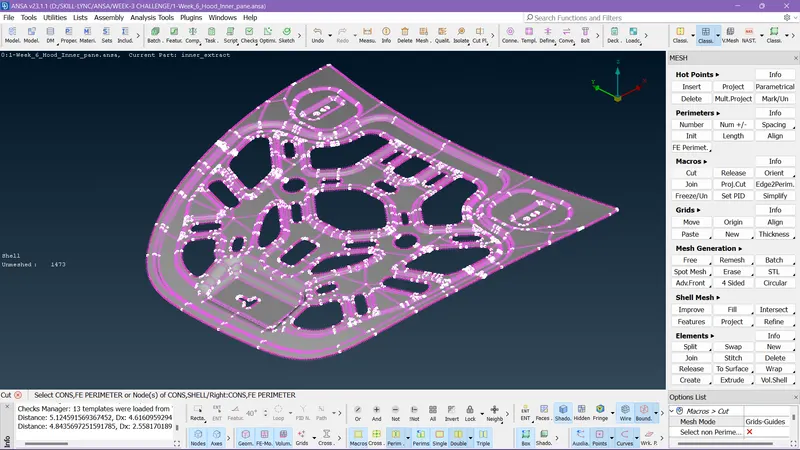
I set down the perimeters according to the target element size.
Step 12:-
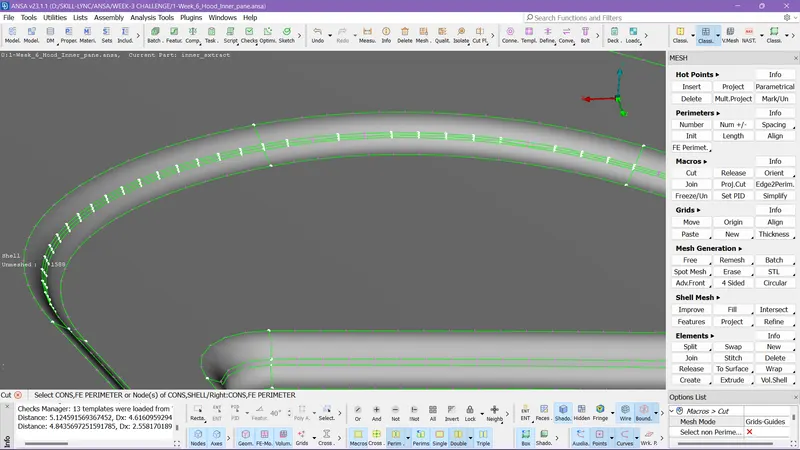
So now these regions are very small areas to capture by the elements and there can be element failure.
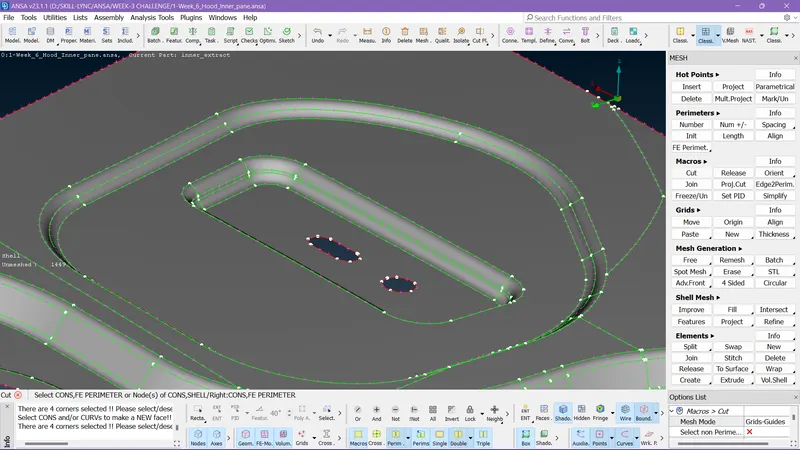
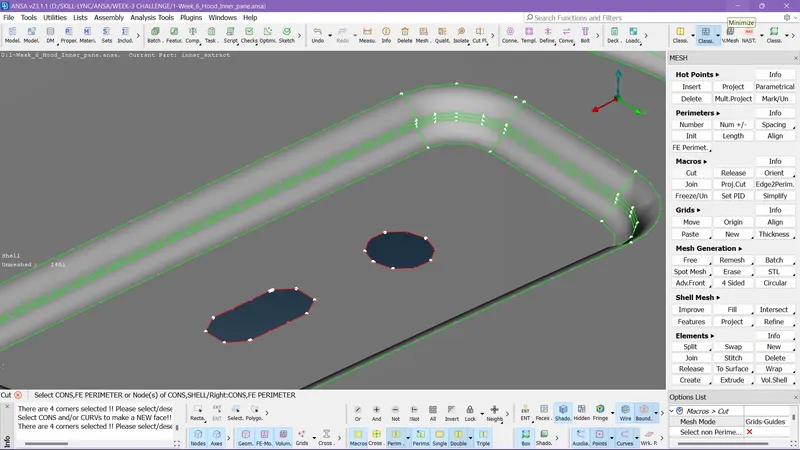
Here what I did is created a midline and deleted the other 2 lines the feature is safe and the failure issue has also been solved.
Step 13:-
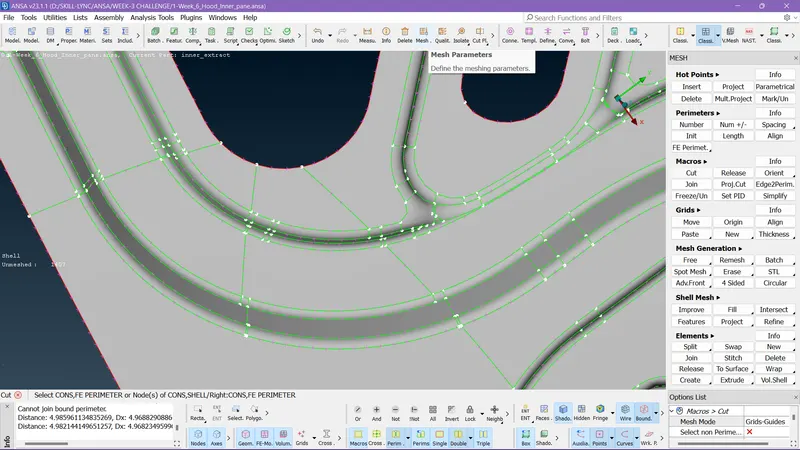
See all over the surface there are lots of hot points and unwanted cuts which can affect the mesh flow.
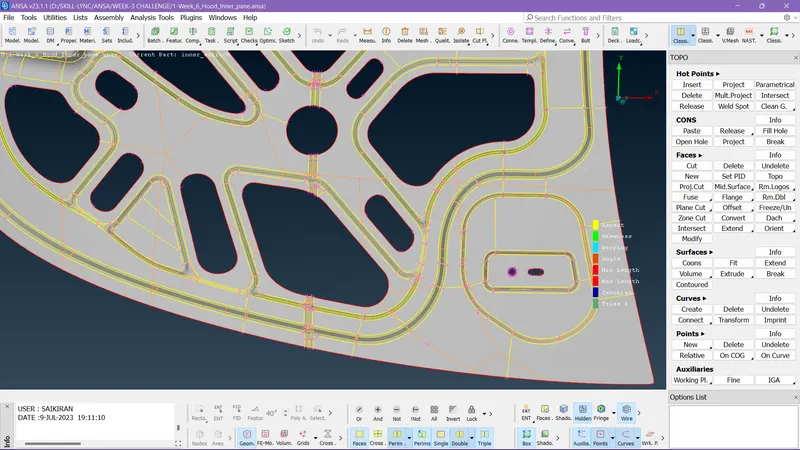
I suppressed all the unwanted cons and formed proper cons.
Step 14:-
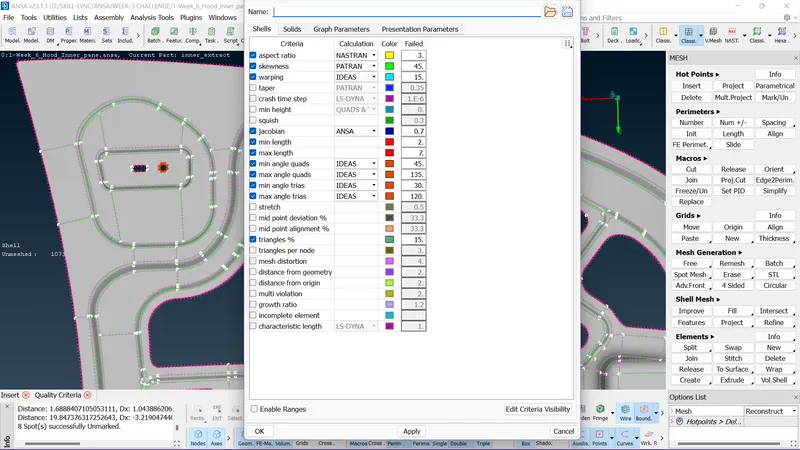
So after clearing all the issues in the mid-surface we need to set the quality parameters before meshing.
Step 15:-
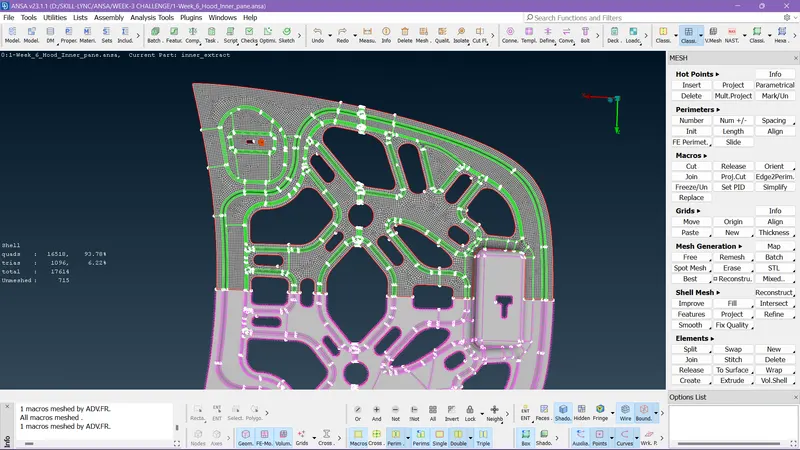
Using mesh generation options I created a mesh on one side of the mid-surface because it is in symmetry up to some region.
Step 16:-
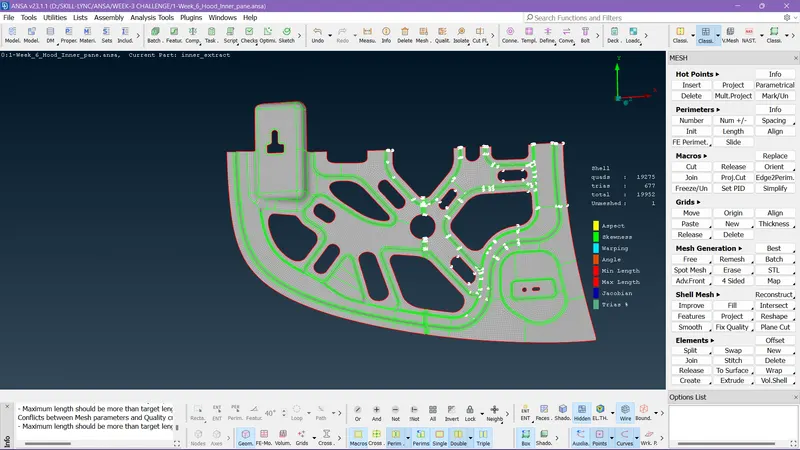
Then after I deleted the symmetry surface and cleared the mesh flow on the mid-surface.
Step 17:-
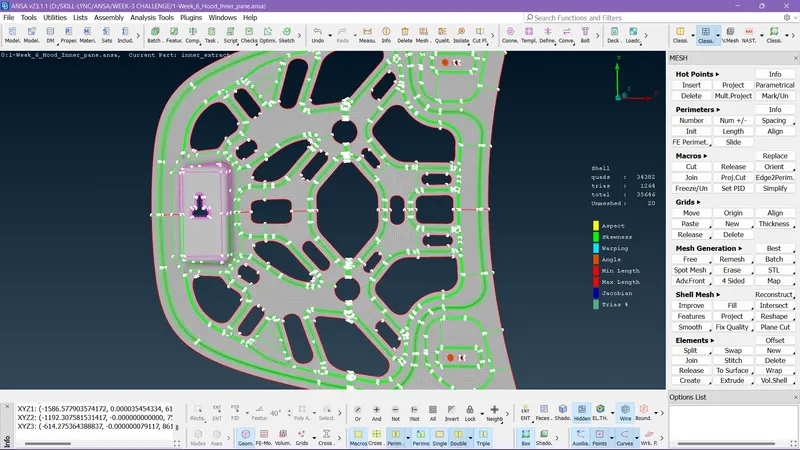
After resolving mesh issues I used the transform option to mirror the region.
Step 18:-
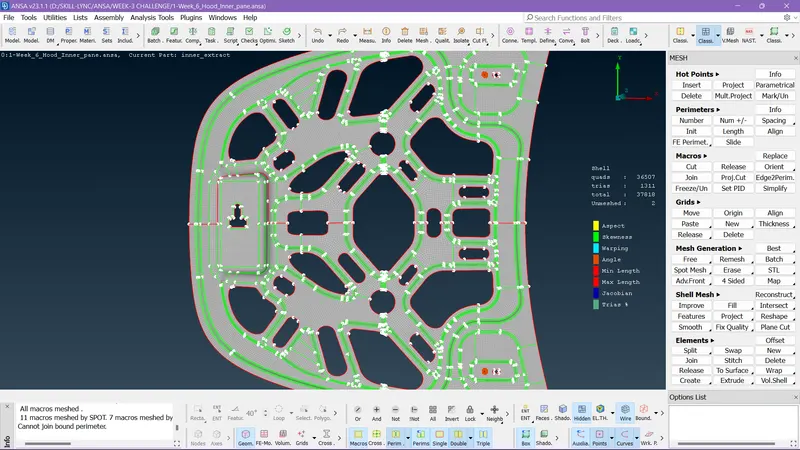
I meshed the surface on the left side which I had left.
Step 19:-
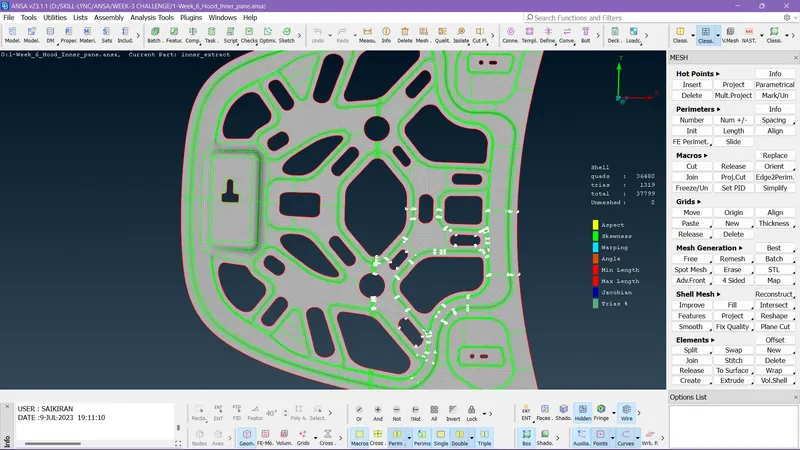
I used the TOPO option to stitch the surface and joined all the regions.
Step 20:-
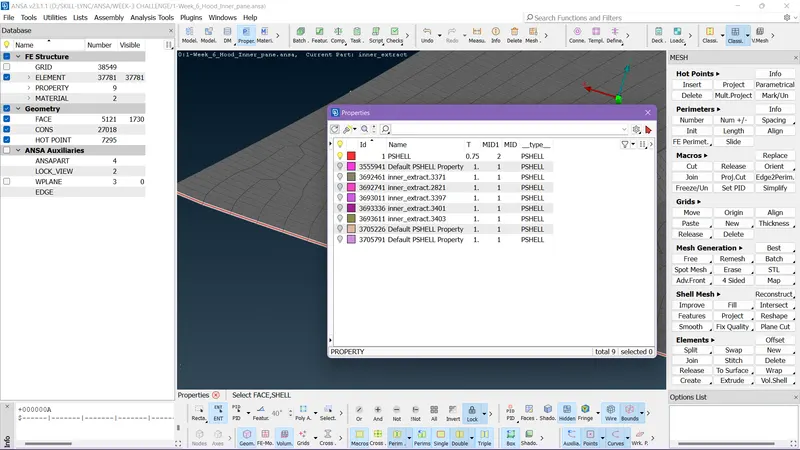
I created a new property and assigned to it.
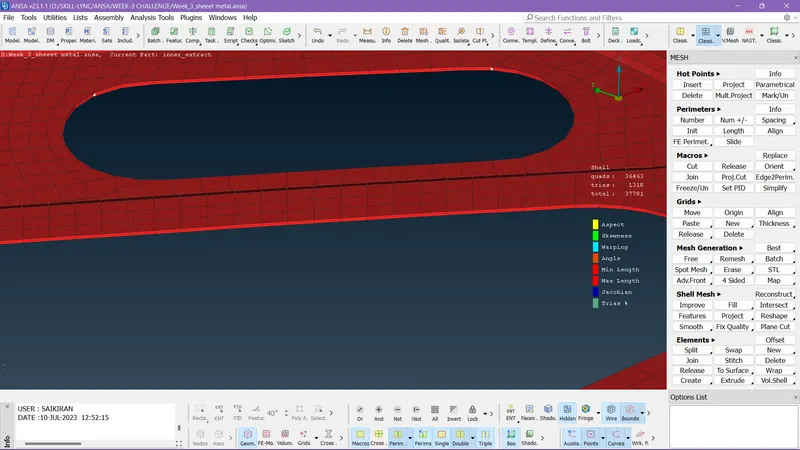
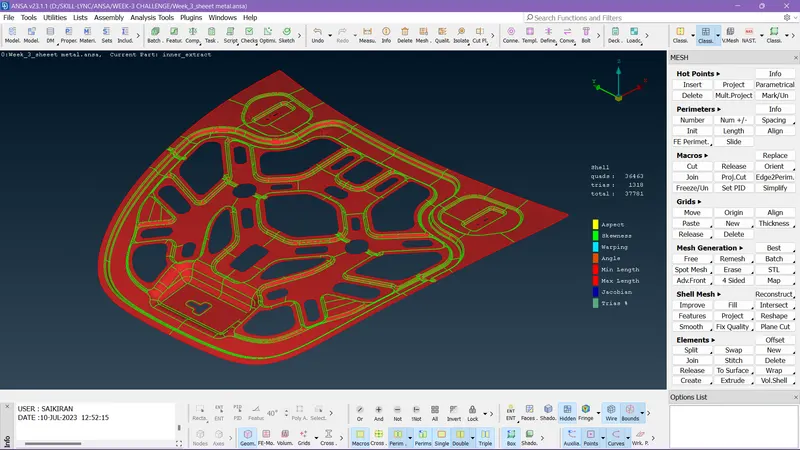
You can clearly see the thickness is assigned.
Result:-
By completing all the corrections we completed the task according to the given criteria.
Given Quality Criteria:
|
S.No |
Quality Criteria |
Value |
|
1 |
Target/Average length |
5 |
|
2 |
Minimum Length |
2 |
|
3 |
Maximum Length |
7 |
|
4 |
Aspect |
3 |
|
5 |
Warpage |
15 |
|
6 |
Skewness |
45 |
|
7 |
Jacobian |
0.7 |
|
8 |
Minimum Quad Angle |
45 |
|
9 |
Maximum Quad Angle |
135 |
|
10 |
Minimum Tria Angle |
30 |
|
11 |
Maximum Tria Angle |
120 |
|
10 |
Tria Percentage |
15 |