Week 3 - 2D meshing for Sheet metal
AIM: 2D meshing for Sheet metal
For the given Hood model, Take the mid surface for all the components after checking the geometrical errors and mesh the mid surface with the given element Quality criteria. (Refer the table below for the Quality criteria)
|
S.No |
Quality Criteria |
Value |
|
1 |
Target/Average length |
5 |
|
2 |
Minimum Length |
2 |
|
3 |
Maximum Length |
7 |
|
4 |
Aspect |
3 |
|
5 |
Warpage |
15 |
|
6 |
Skewness |
45 |
|
7 |
Jacobian |
0.7 |
|
8 |
Minimum Quad Angle |
45 |
|
9 |
Maximum Quad Angle |
135 |
|
10 |
Minimum Tria Angle |
30 |
|
11 |
Maximum Tria Angle |
120 |
|
12 |
Tria Percentage |
15 |
Geometry:
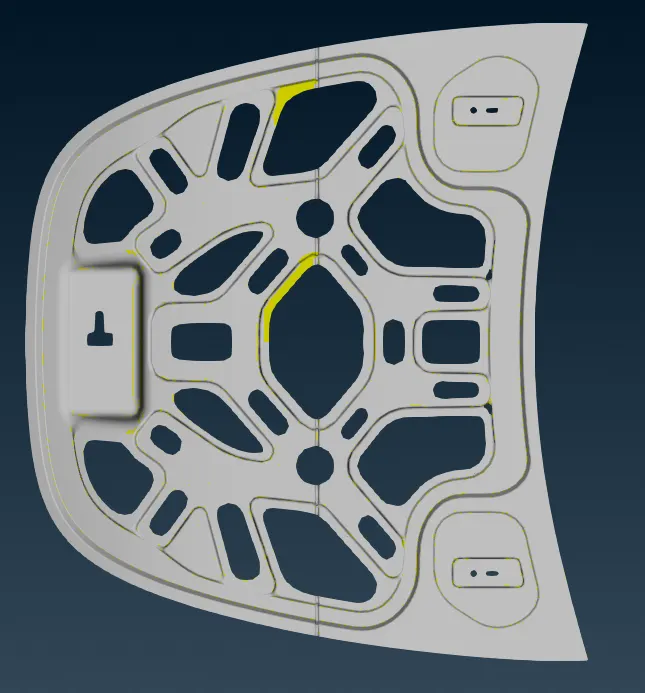
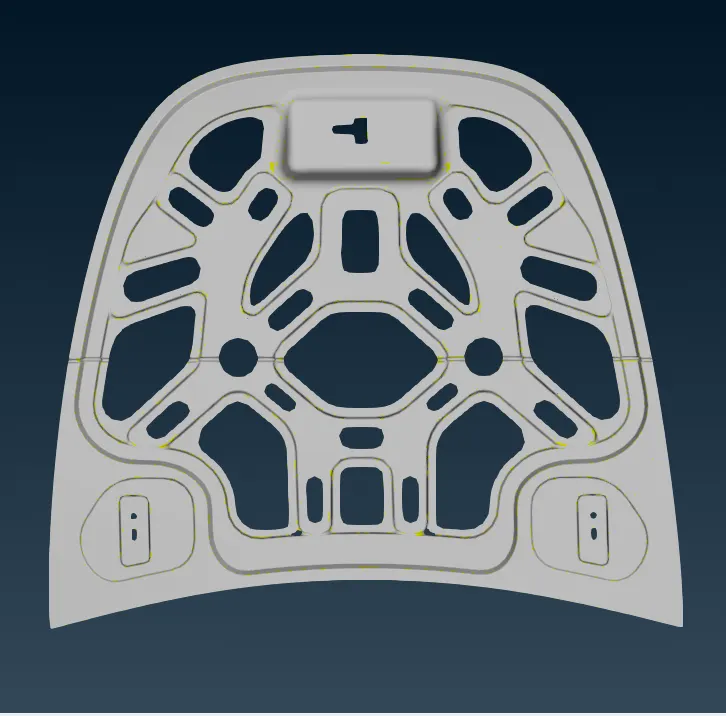
geometry in wire frame mode
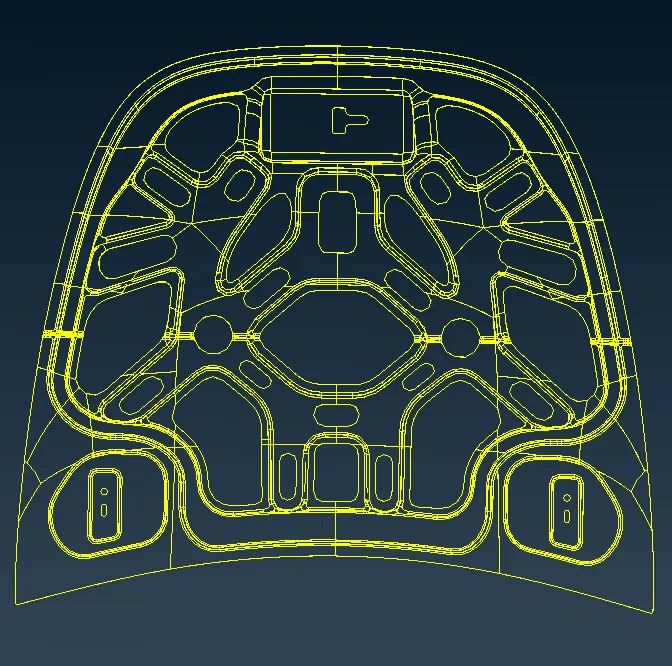
- Geometry cleanup
Geometry check up
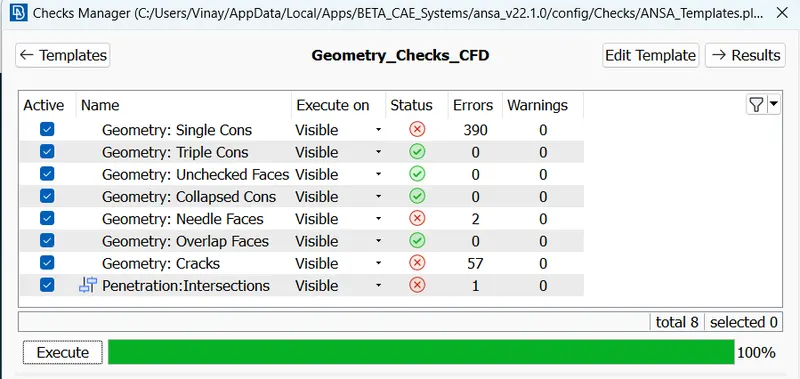
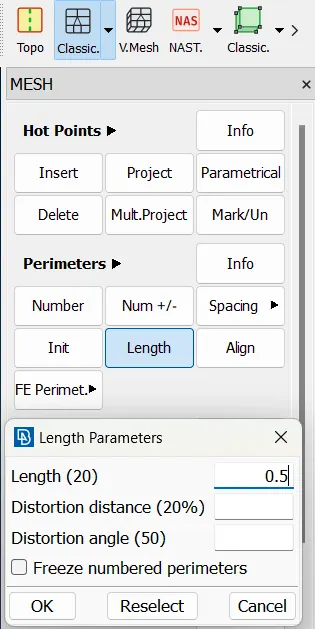
change perimeters length as 0.5mm ( classic mesh - perimeters - length )
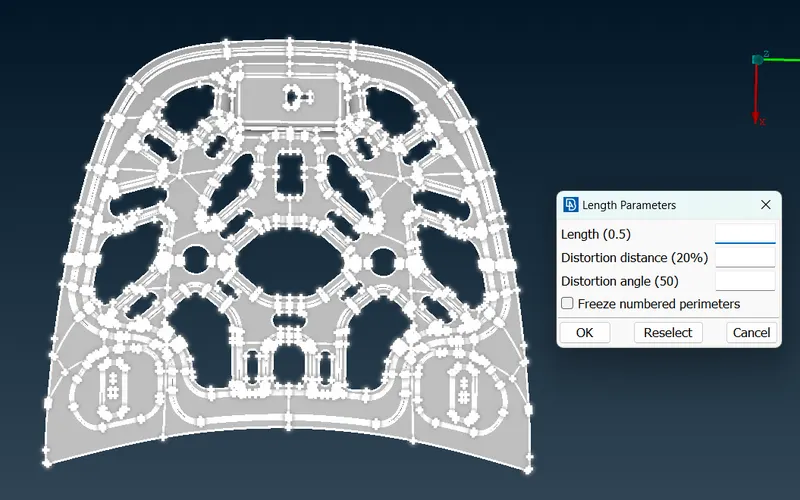
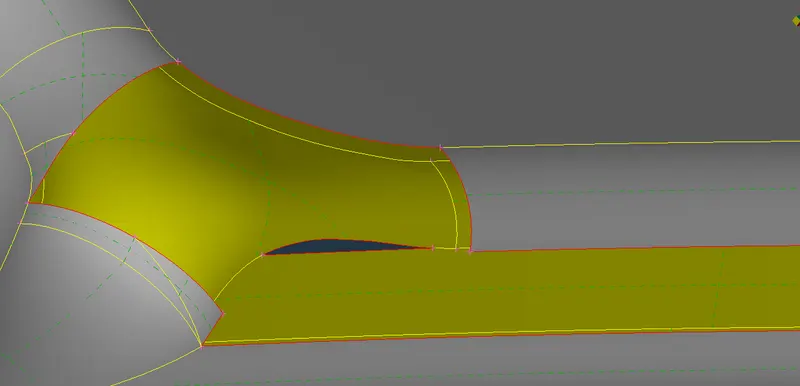
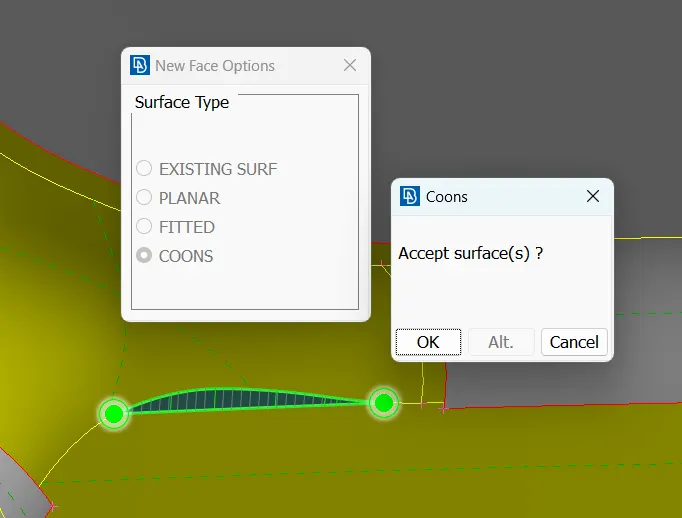
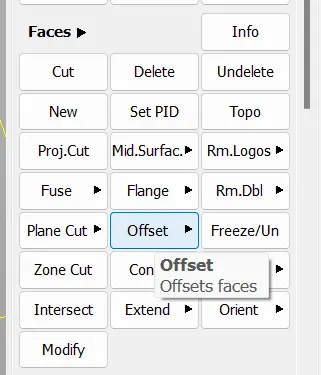
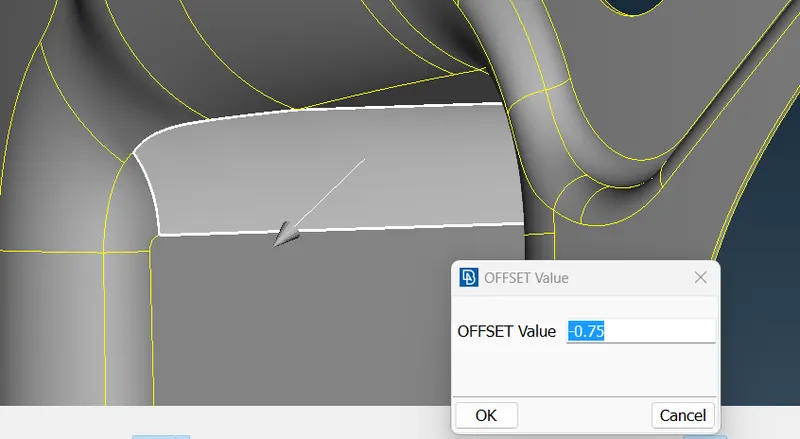
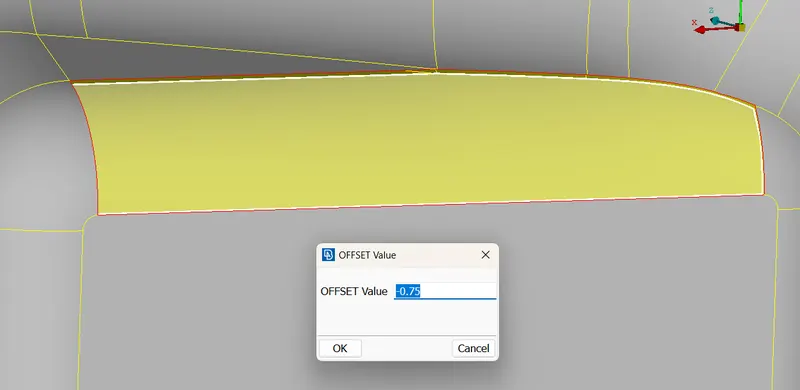
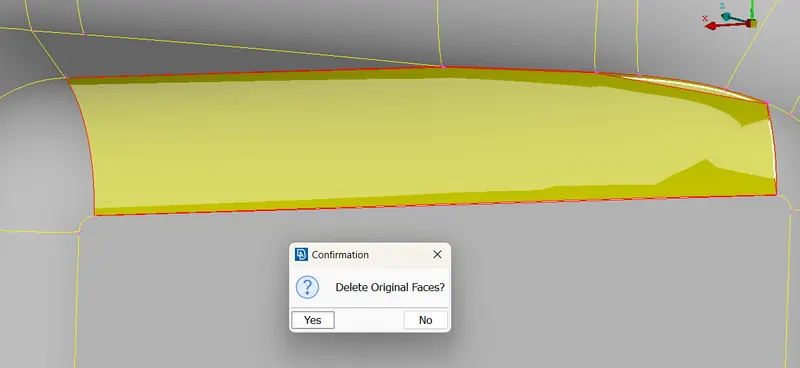
create new furface ( using new faces & Offset option )
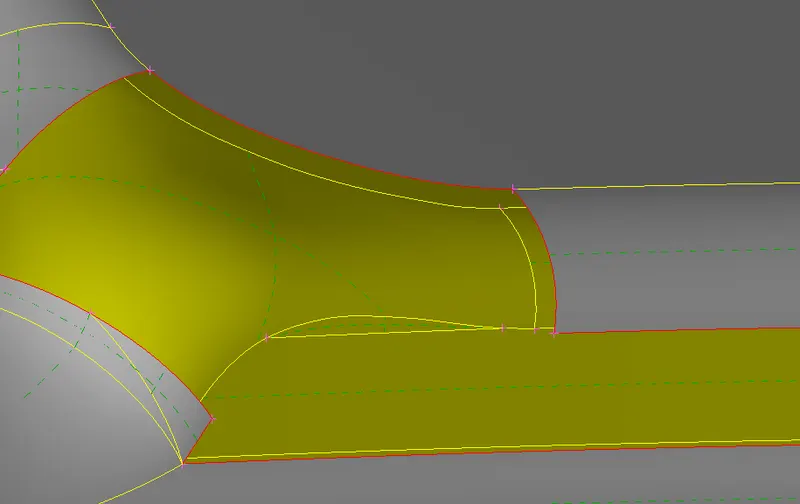
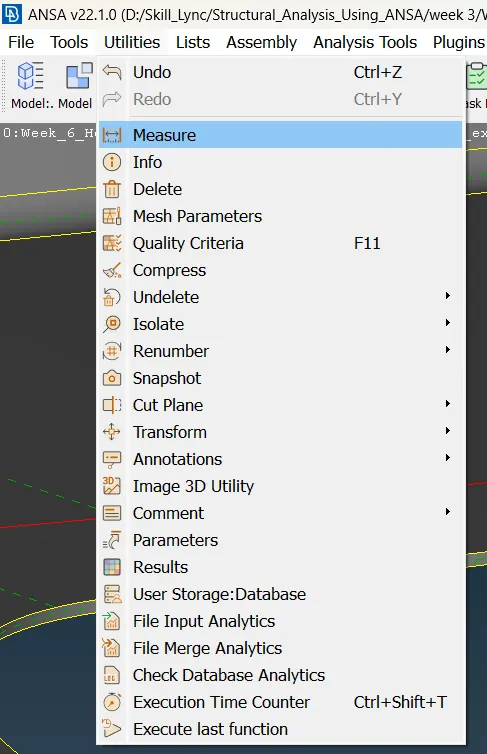
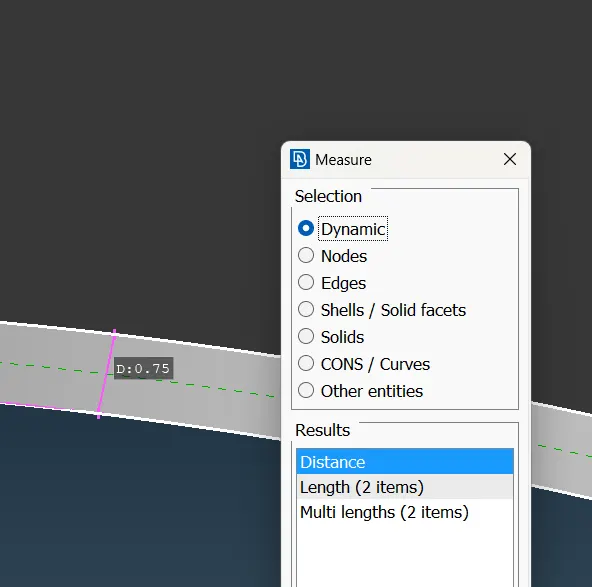
...........................................................................
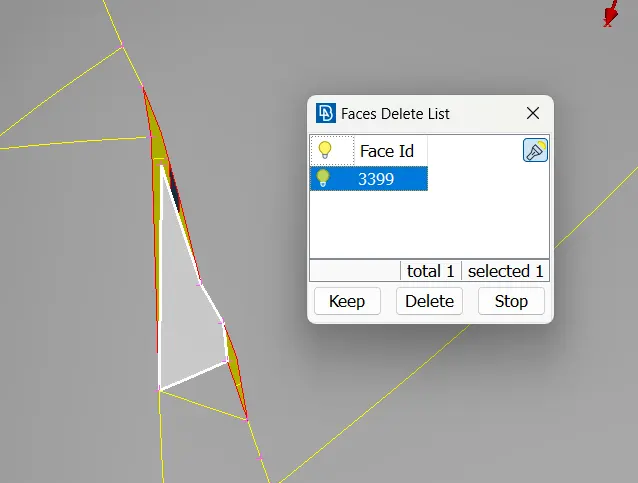
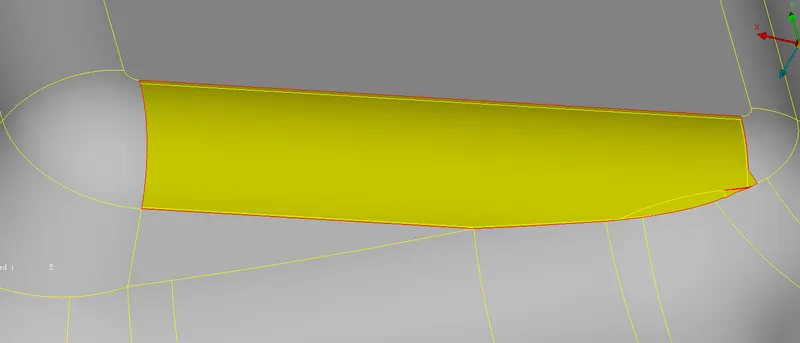
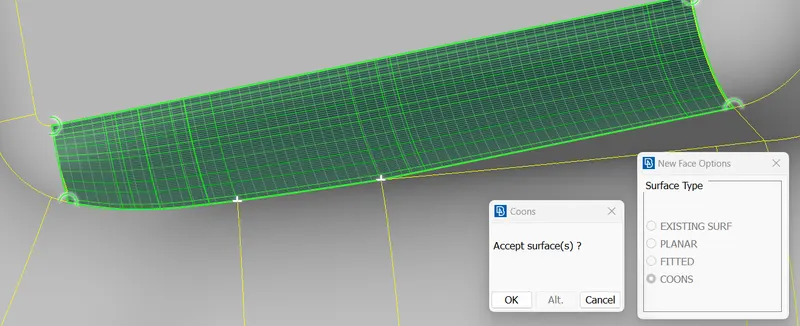
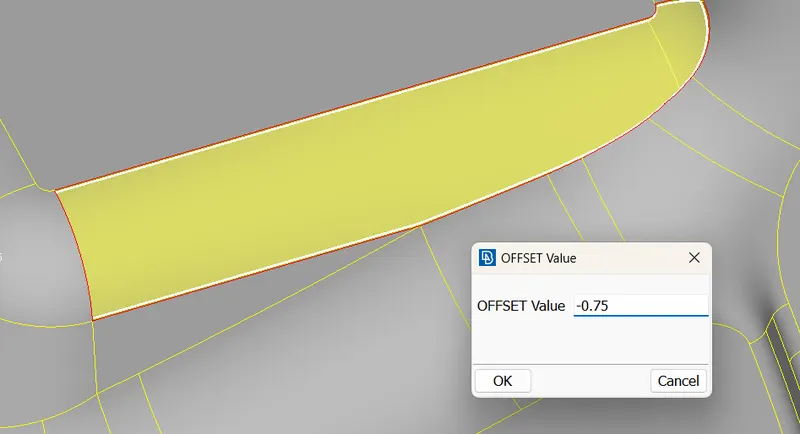
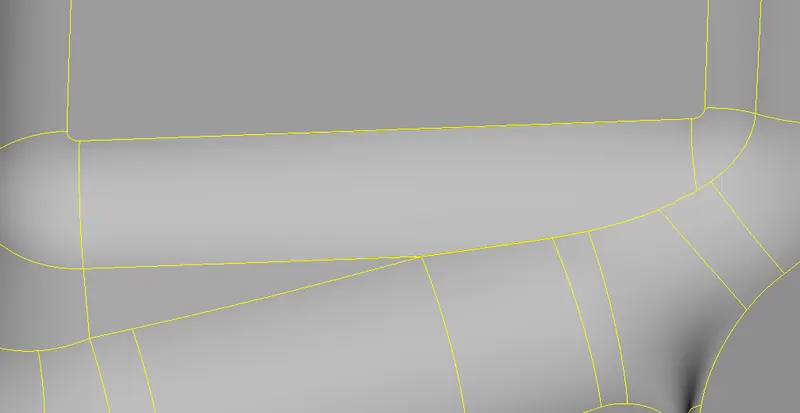
,,,,,,,,,,,,,,,,,,,,,,,,,,,,,,,,,,,,,,,,,,,,,,,,,,,,,,,,,,,,,,,,,,,,,,,,,,,,,,,,,,,,,,,,,,,,,,,,,,,,,,,,,,,,,,
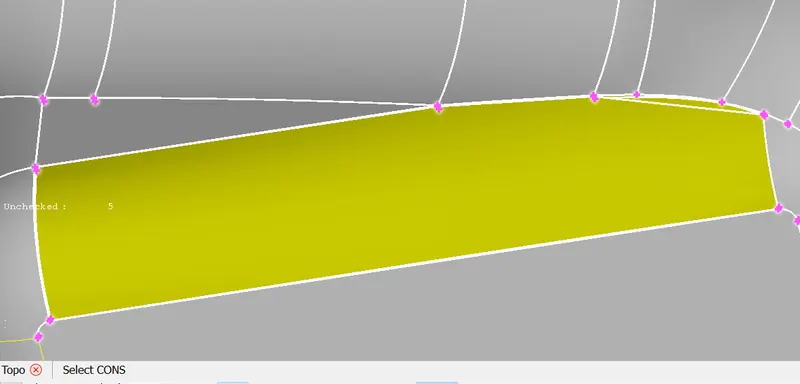
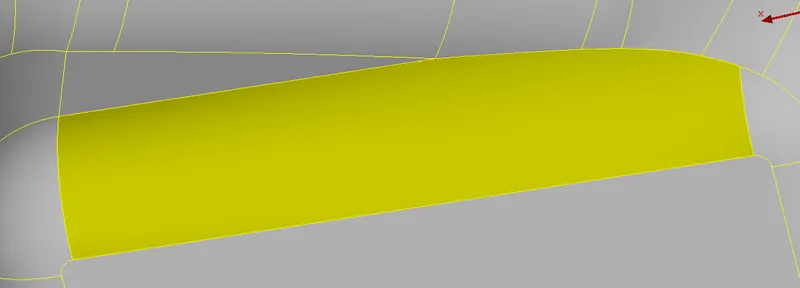
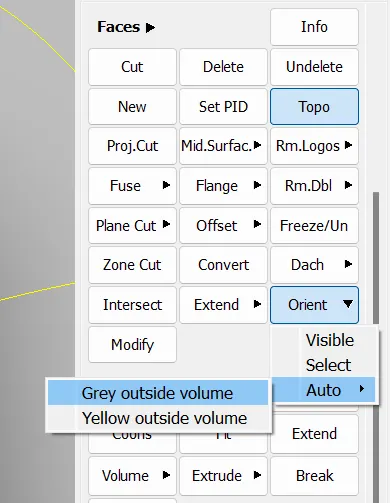
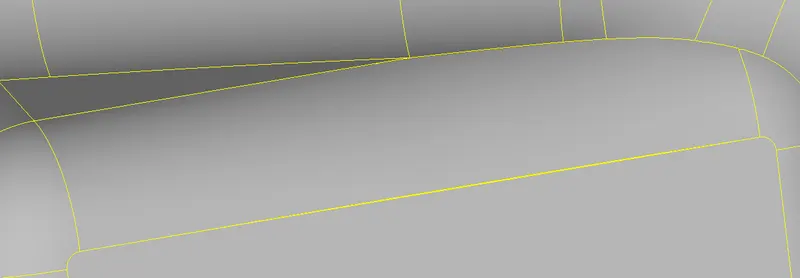
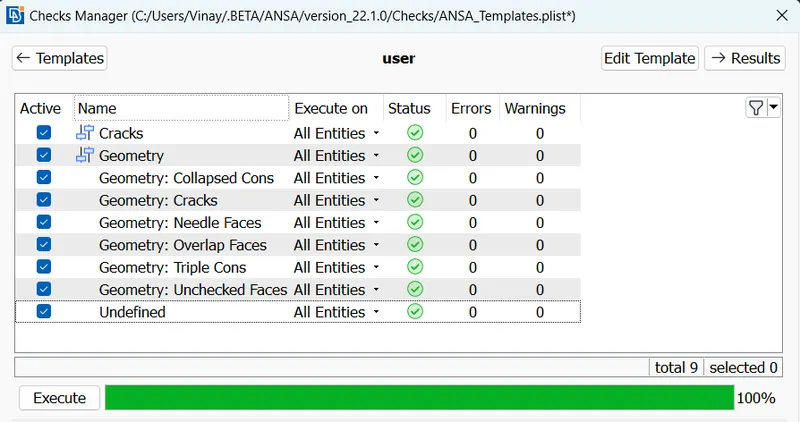
After clearing all errors
- Midsurface
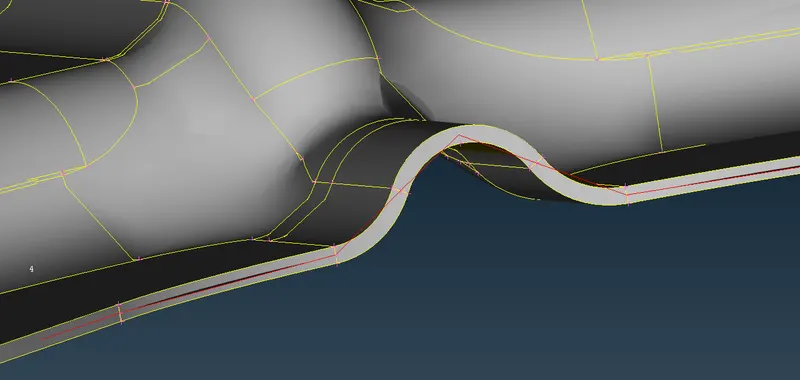
creating midsurface using offset option
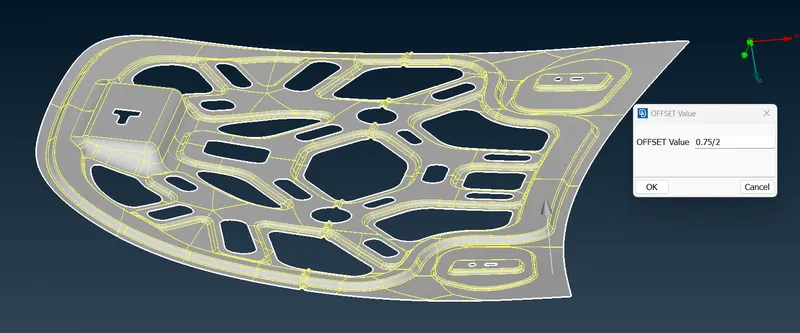
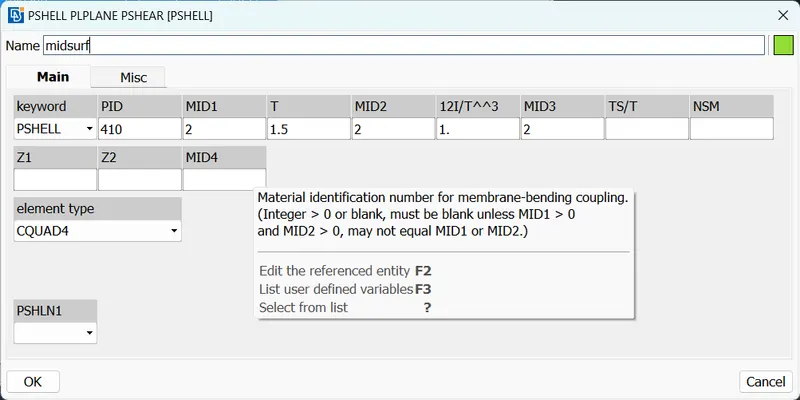
here we see Midsurface. we assign Midsurface as a new PID ( thickness 1.5mm )
- Quality Criteria
Then we assign Quality parameters for meshing
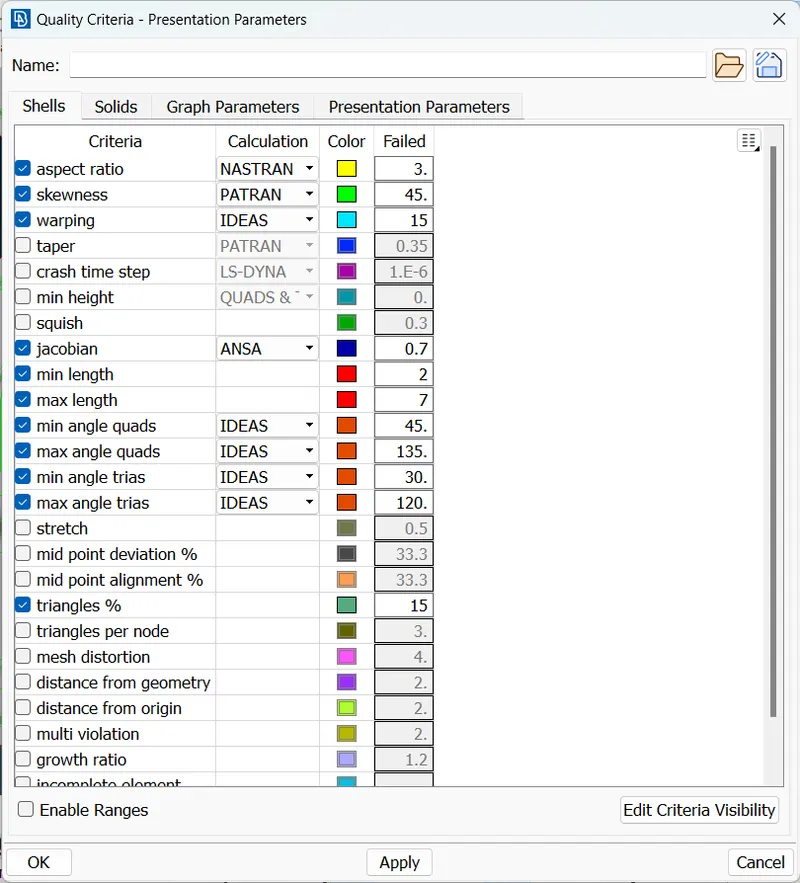
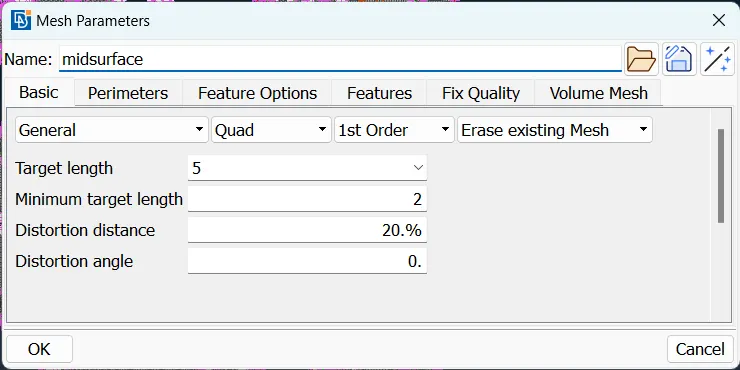
select mesh parameters
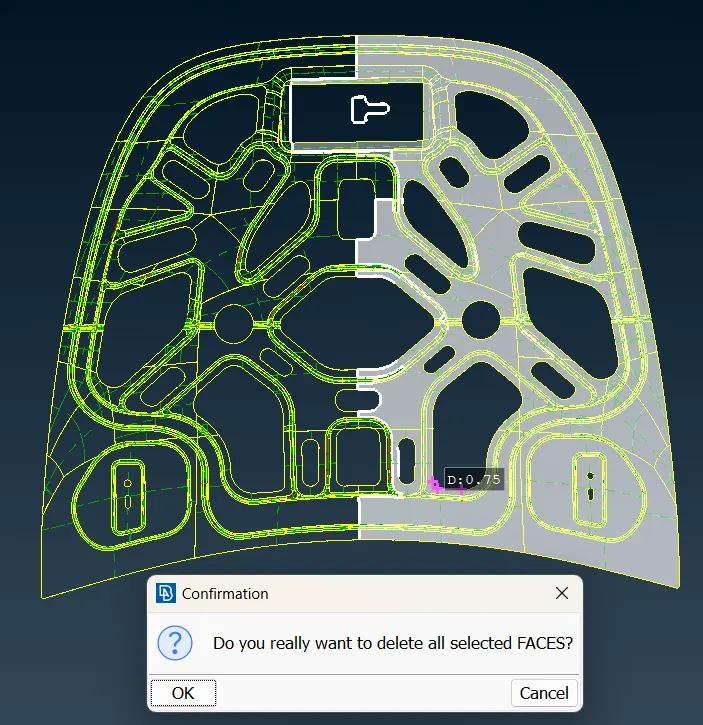
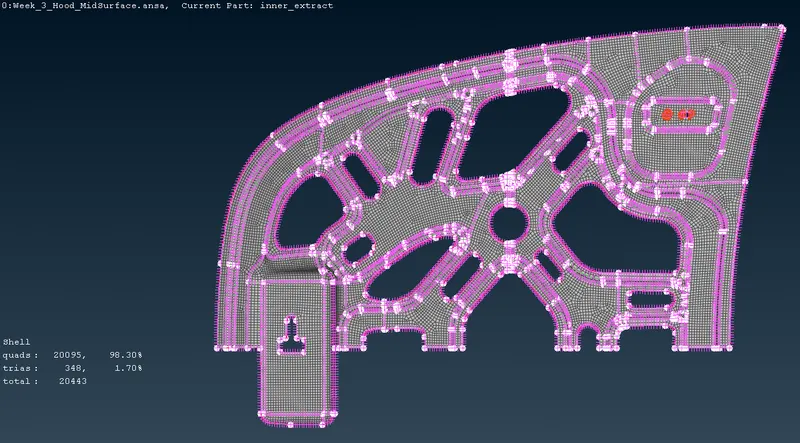
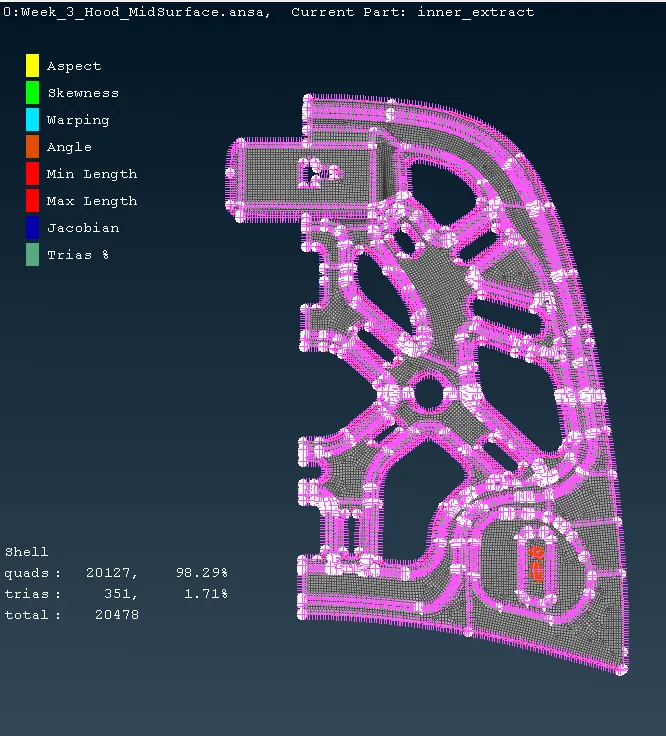
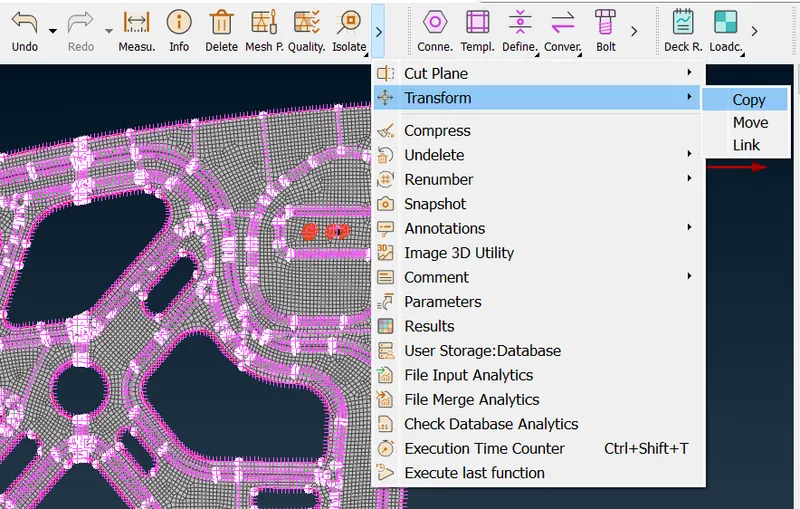
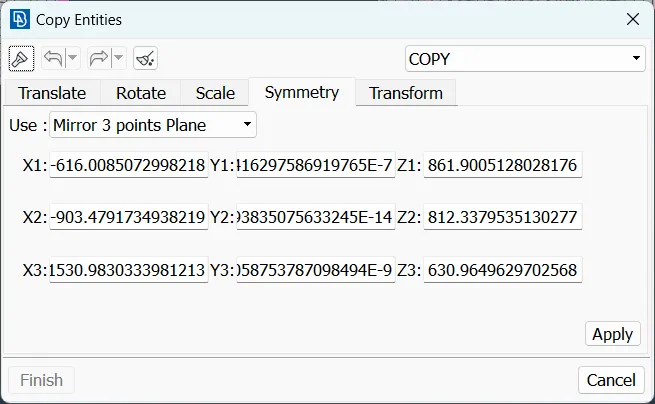
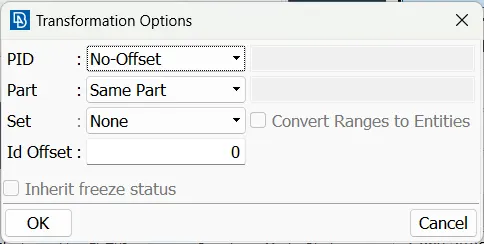
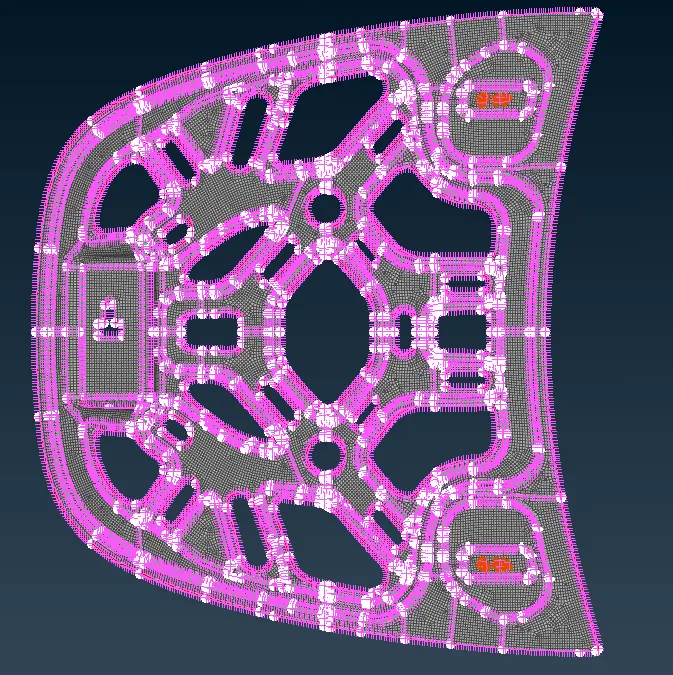
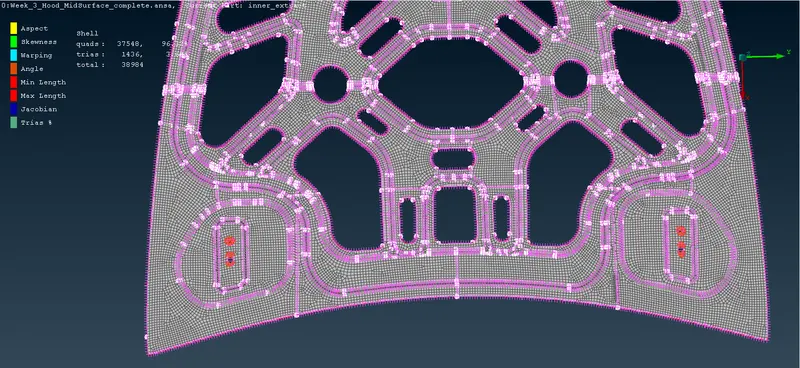
This is a symmetric body so we can delete half section . And after meshing completed we used Transform - Copy option . so we create remaing part as it is.
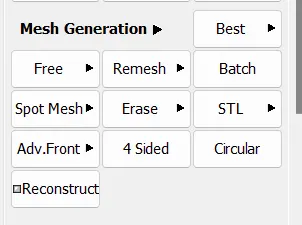
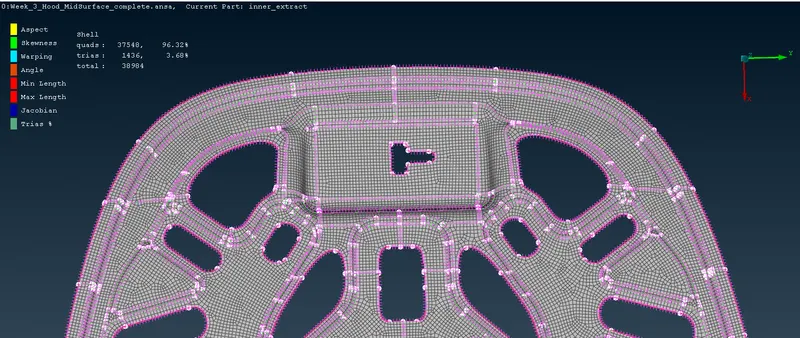
here we use Best mesh ( classic mesh - mesh generation - best mesh )
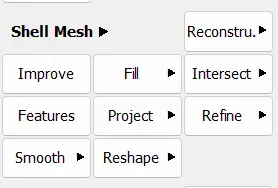
For mesh correction we used
- Reconstruct = Reconstruct the mesh on FEM & Macro areas
- Reshape = Automatic function which improves mesh quality
- Smooth = Smoothing the mesh on selected macro area's or FEM
file: https://drive.google.com/file/d/14fkbmB42Xe-2lajfO2A4aY-tEfs4lnvV/view?usp=sharing