Week 3 - 2D meshing for Sheet metal
Project report on hood i.e bonnet
Aim :- For the given Hood model, Take the mid surface for all the components after checking the geometrical errors and mesh the mid surface with the given element Quality criteria. (Refer the table Below for the Quality criteria)
PROCEDURE
For that we have to follow the following step :-
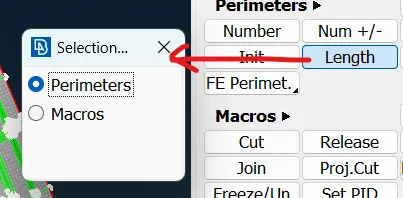
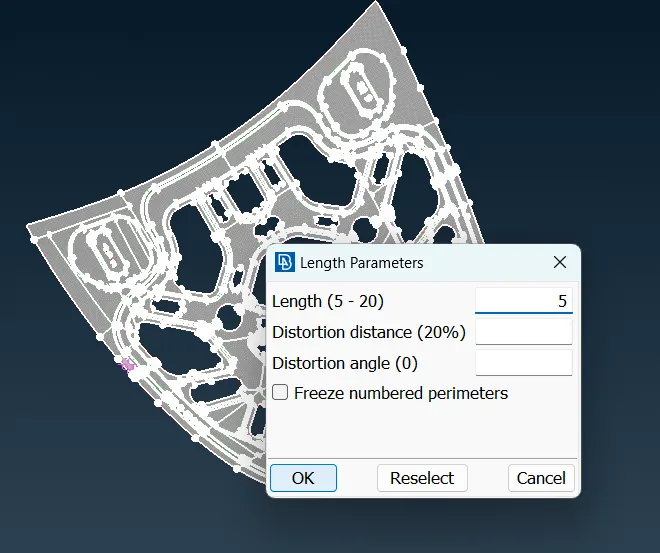
1) First we go to mesh module under this perimeter we select length option after left clicking on that option we select the whole model by midle mouse click we set a value 5 and click ok. By doing this in the geomtry the distance between any two nodes will be 5 unit
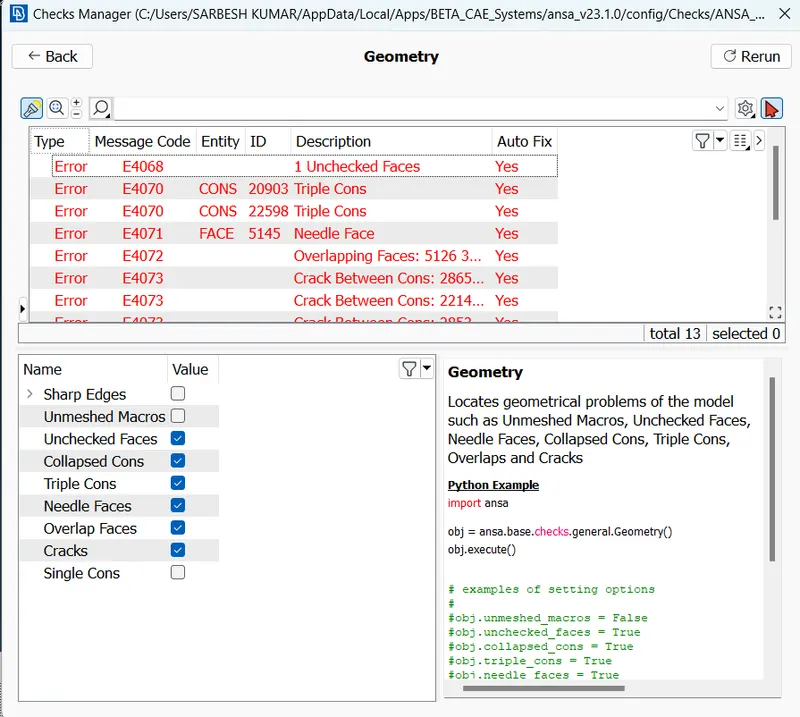
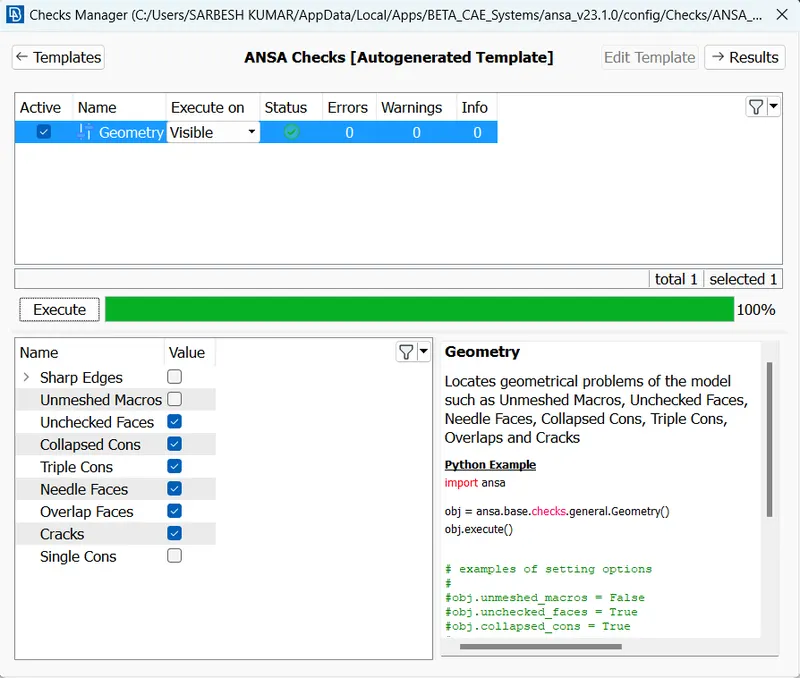
2)After that again we go to check >geometry>execute there are so many errors found one by one we resolve the errors and again go for check >geometry>execute and repeat this cycle until all the geometrical errors are eliminated\
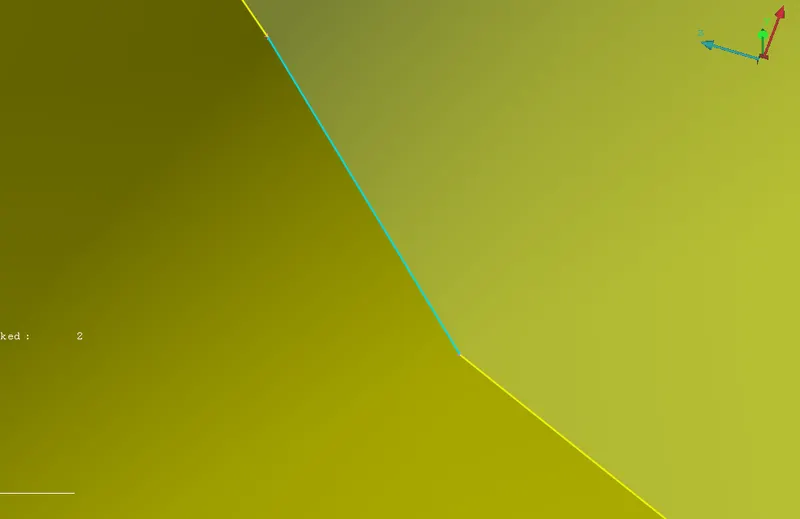
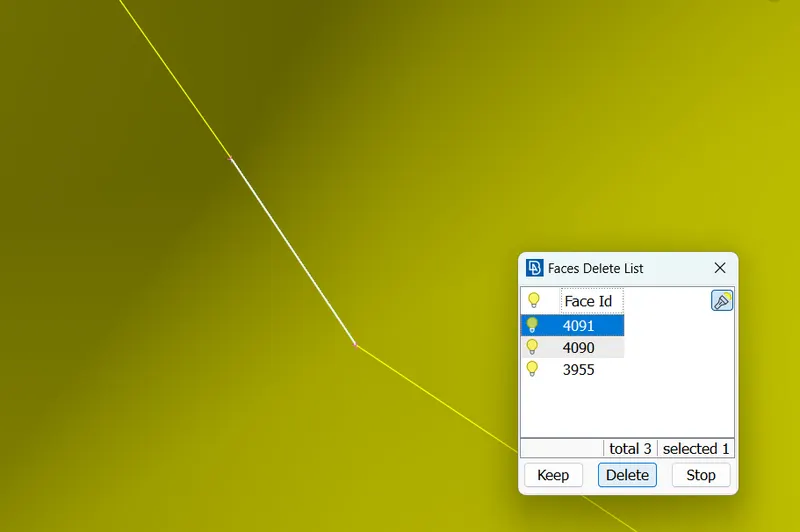
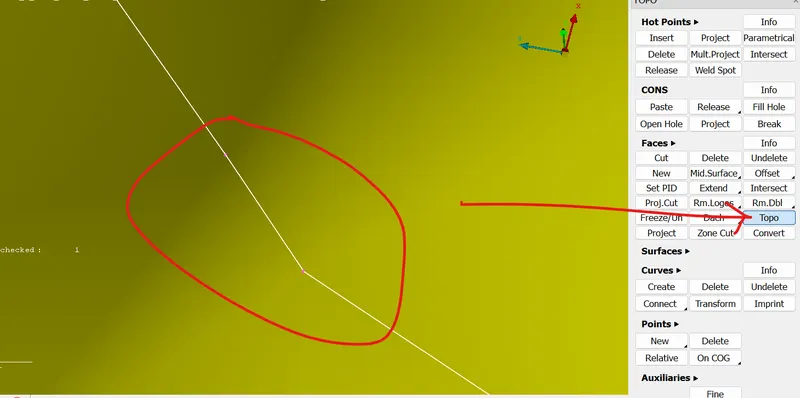
3)After geometrical cleanup, we have to do Mid-surface extraction for that we go to topo>faces>offset(select the face), by clicking middle mouse button we give the value according to the given direction of arrow on the face. e.g if the arrow in +ve y- direction we assign negative value which is equal to half of the thickness of the model along with negative sign
4)After that new mid surface will be created in thhe midle of the thickness of the plate
5)We have to assign property id for that we goto Topo>Faces>Set PID, under this a property window will open under this we create a new pid after that a particular id is set up for the mid surface
6)Now a mid plane is created , generally when thickness of body less than 5mm we arew doing only 2D Meshing
7) goto mesh>perimeter>lengh give value 5 i.e the distance between any two nodes will be 5 and For the given geometry we have to set quality criteria
here we are taking the half of the model because the whole model is symmetrical about mid line
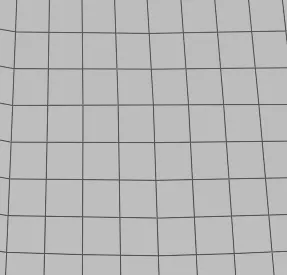
Here we can see that how we are doing meshing
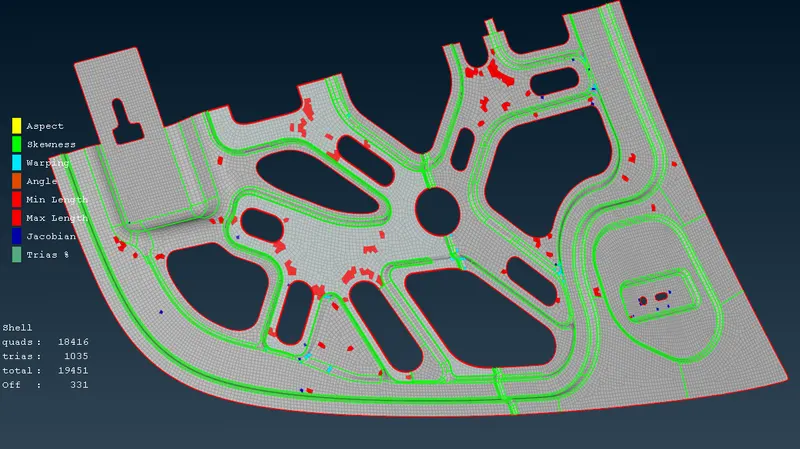
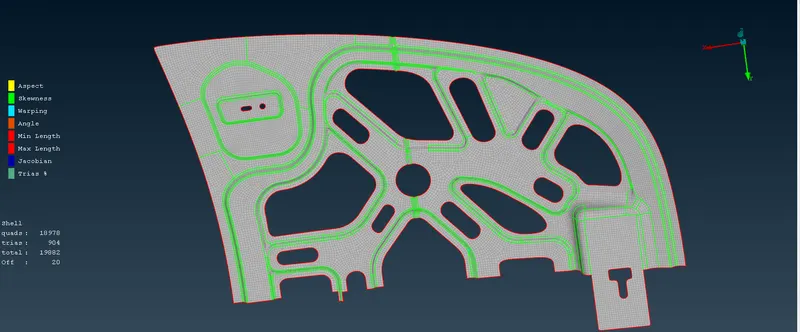
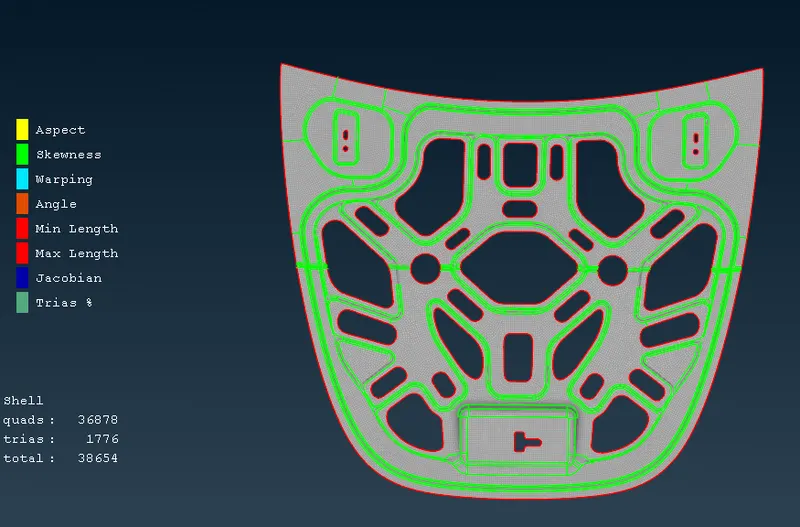
Few points must be Obey during the meshing
- No Tria element on the edges (free edge , share edge ,non- manifold edges, )
- No opposite trias in the Mesh
- Not trias should touch each other (no back to back trias)
- No trias must touch features (Embosses,Fillets , Holes, Logos, Dog Houses, Weldings etc.)
- There should be an even number of nodes on the holes opening
- No rotational quads
- No pattern Trias
here we are doing proper mesh flow using some common command like mesh>mesh generation>best, mesh>shell mesh>Reconstruction ,mesh>shell mesh>Smooth, F11 for quality parameter, mesh>element>split,swap,join
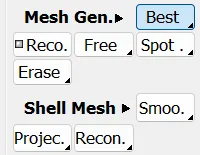
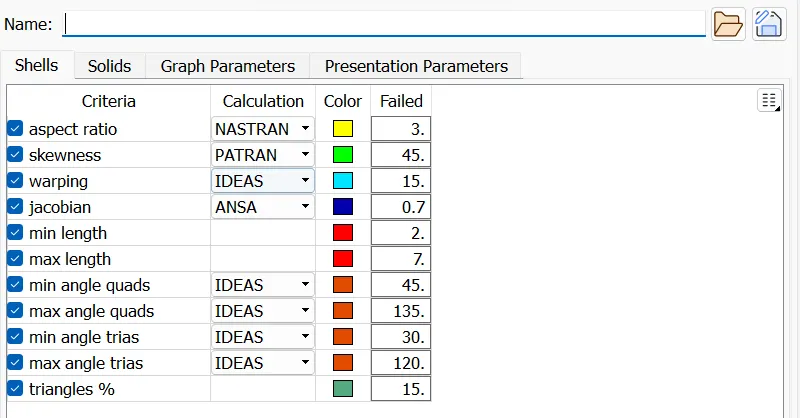
8) after geting the mid plane , we are proceding for meshing we goto mesh>mesh generation>best after selection the surface by midle mouse click we are getting the mesh on the mid surface along with meshing we are also checking the quality criteria
conclusion
After meshing and all the geometry checkup, cleanup and quality parameter