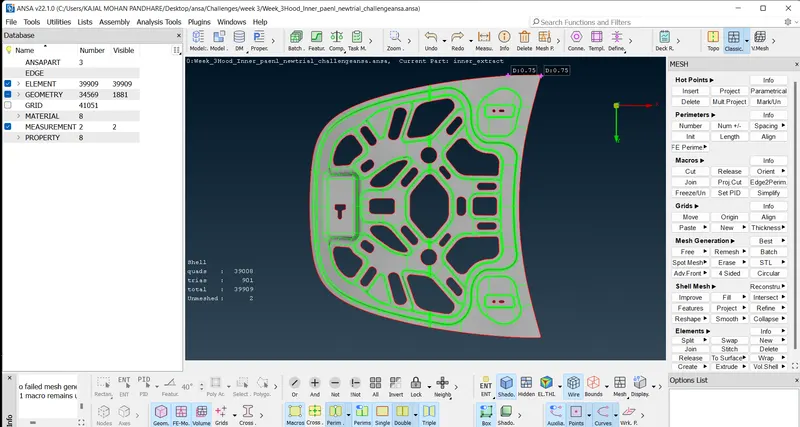
Week 3 - 2D meshing for Sheet metal
Objective:
For the given Hood model, Take the mid surface for all the components after checking the geometrical errors and mesh the mid surface with the given element Quality criteria.
Quality criteria:
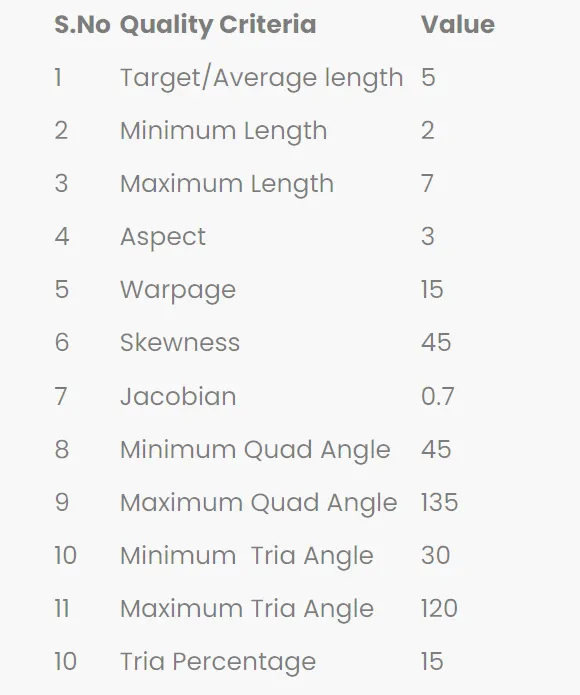
Following the below steps :
- Taking the geometry for portal.
Download the geometry from the portal and open it in the ANSA software . It looks like ,
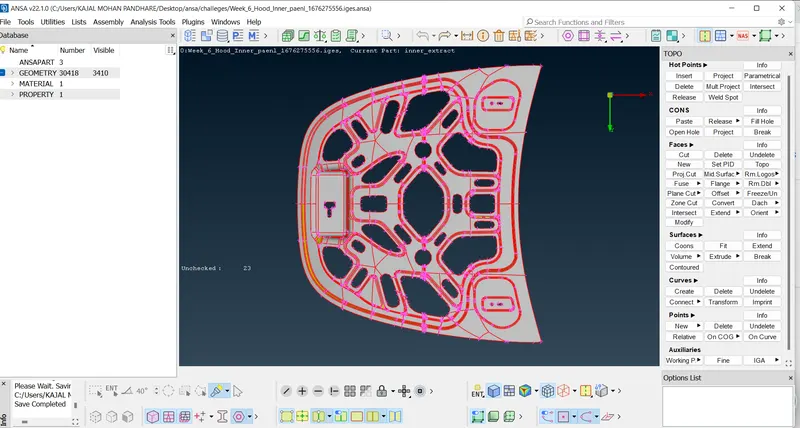
- Do Topo on the following model :
To connect the geometry together do Topo.
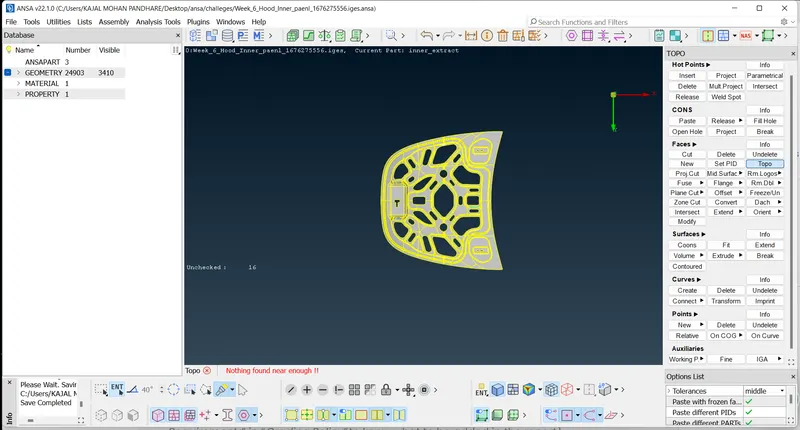
3.Geometry cleanup:
Do Geometry check to see any errors are present in geometry or not .If errors are there Fix the errors .
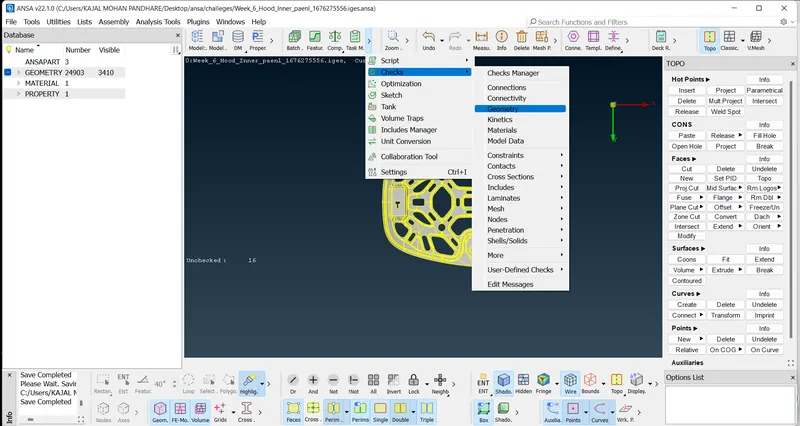
On the single cons option too,
Here we got the errors after Executing ,
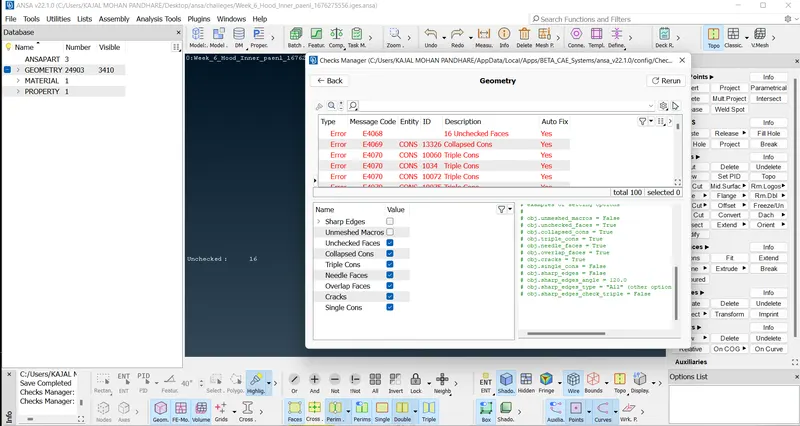
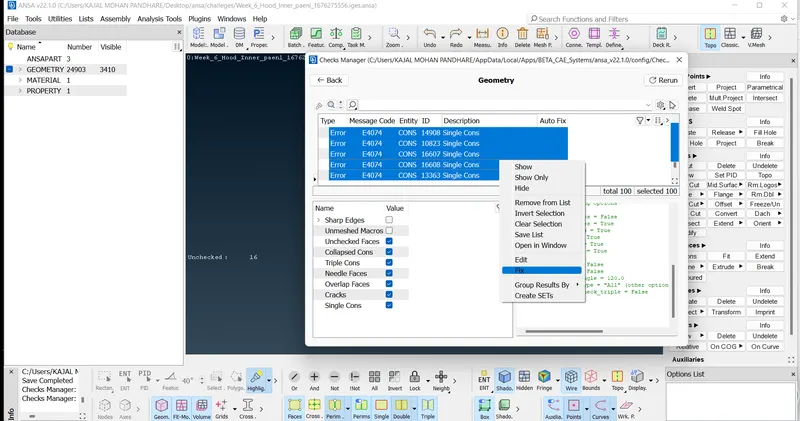
We fixed the errors ,
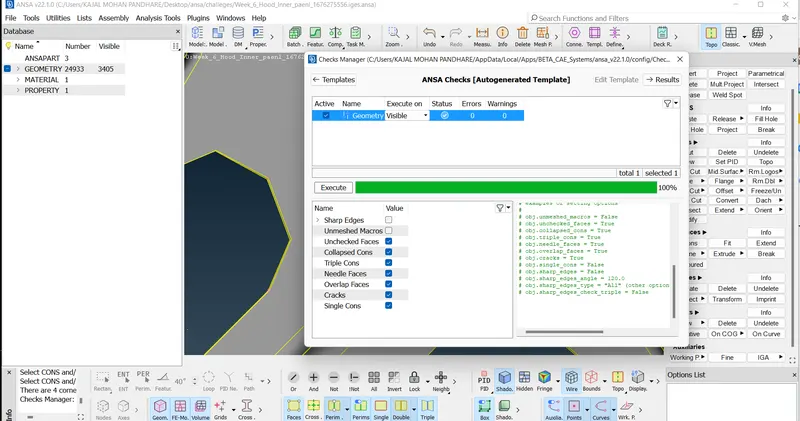
Now all the errors were removed and got the clean geaometry.
4.Midsurfacing :
Take parent geometry & do midsurfacing .
First measure the Thickness of parent geometry. Here we got the thickness 0.75 ,
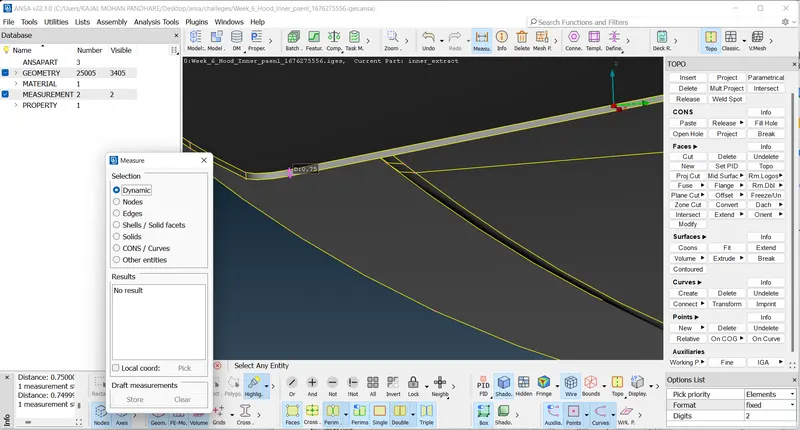
So, we selected Offset from Faces option,used Feature angle and selected the upperface of geometry .Then after clicking middle mouse button we get the arrow and pop up to give the offset distance .As direction of arrow is away from the geometry use -sign to offset (-0.375).
After clicking middle click we get the option to delet the original faces or not,so click on 'No'.
we get the Midsurfaced geometry .
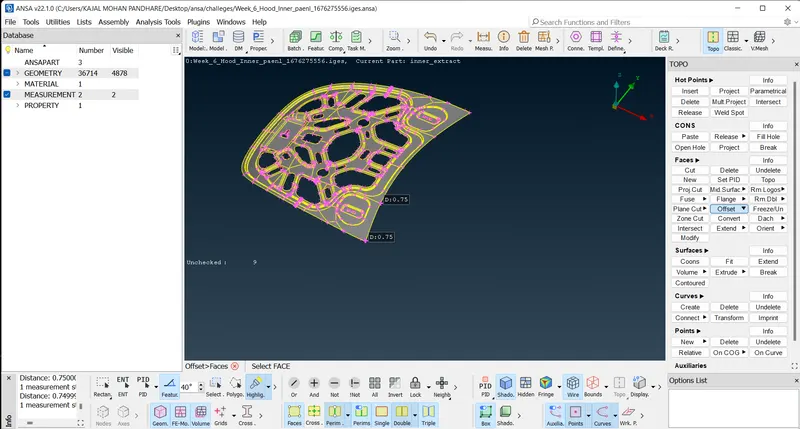
Create seperate property card for midsurface.
- Meshing
Take midsurface geometry & do meshing of part .
Switch to Mesh Module ,choose Classic Mesh option .
Here we can see the Geometry is Symetric , so for our convinence we cut the geometry from middle and Mesh the half geometry . After meshing ,by using Transform optionn we copy the other half mesh .
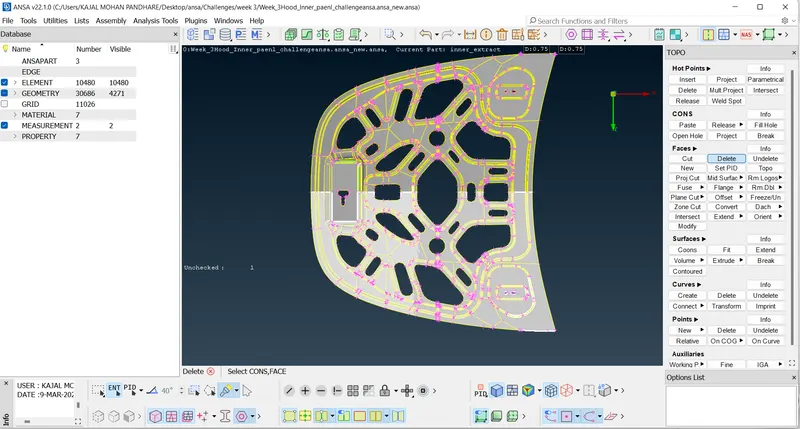
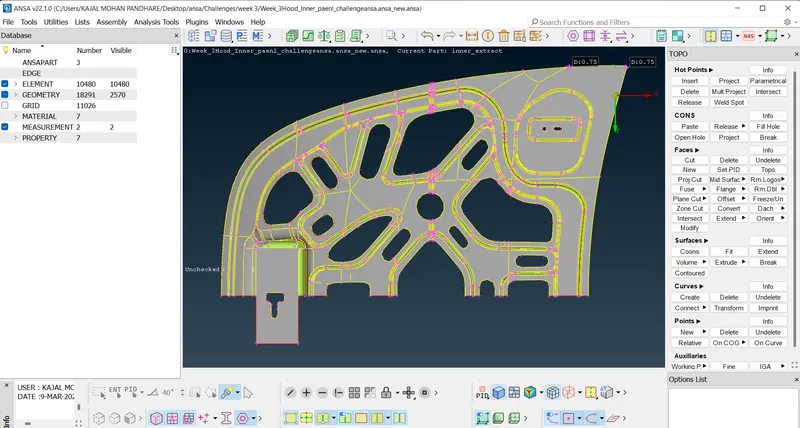
Use length option from Perimeter ,on middle click pop up box opens put 1 there.
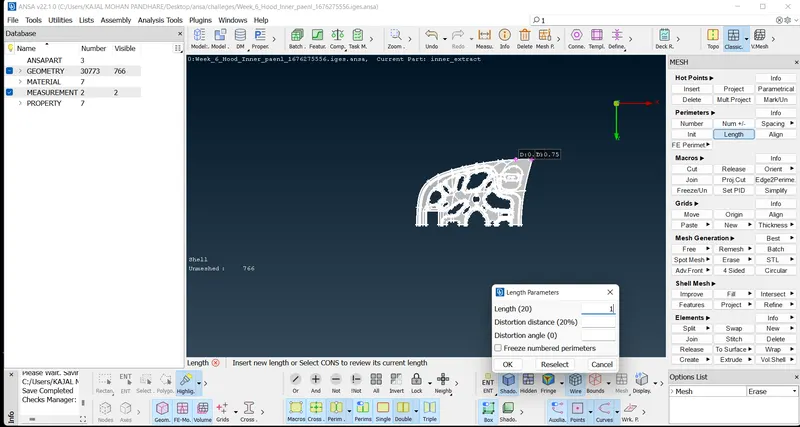
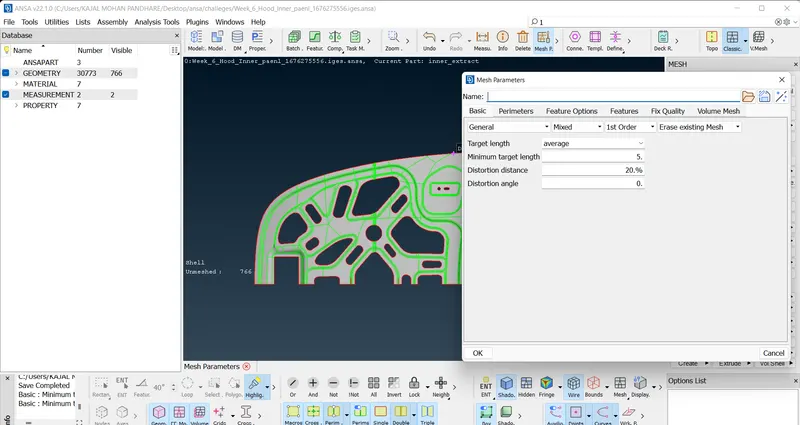
Set Mesh Parameters as per given requriments.
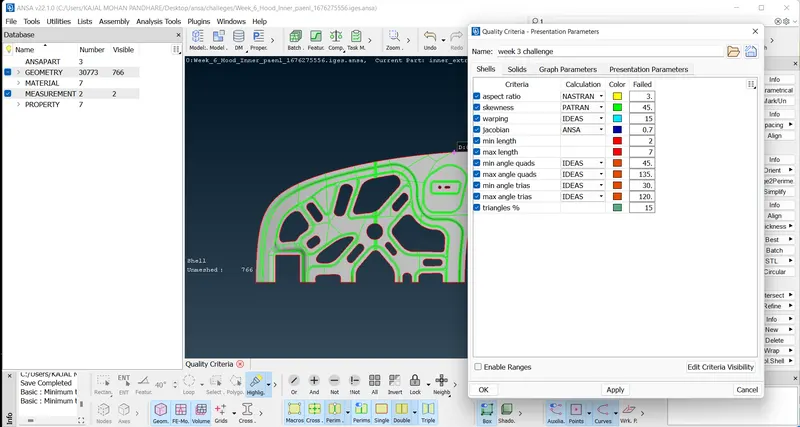
Se Quality Criteria as per given requriments.
Select only given parameters & put the values as per requirement.
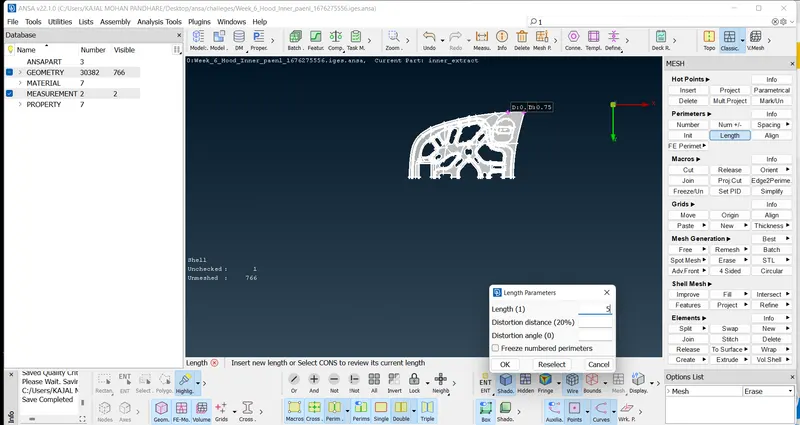
Use length option from Perimeter ,on middle click pop up box opens put 5 there as target length given is 5'.
Select the part & use Best option from Mesh Generation to generate mesh ,
After meshing we don't get the proper mesh as per quality criteria, so use Reconstruct option from shell mesh .
After Reconstruct,
Try to reduce trias using Reconstruct,Split, Smooth,Collpase options from Shell Mesh .
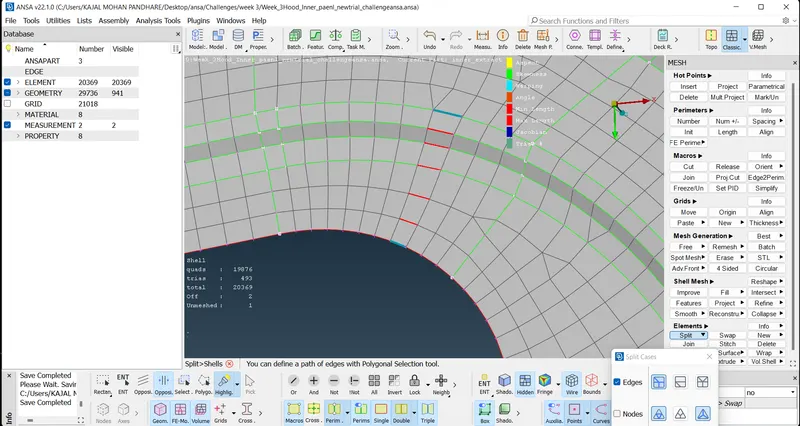
We reduce Trias and the final mesh we got,
Smillarly we do meshing for other component.
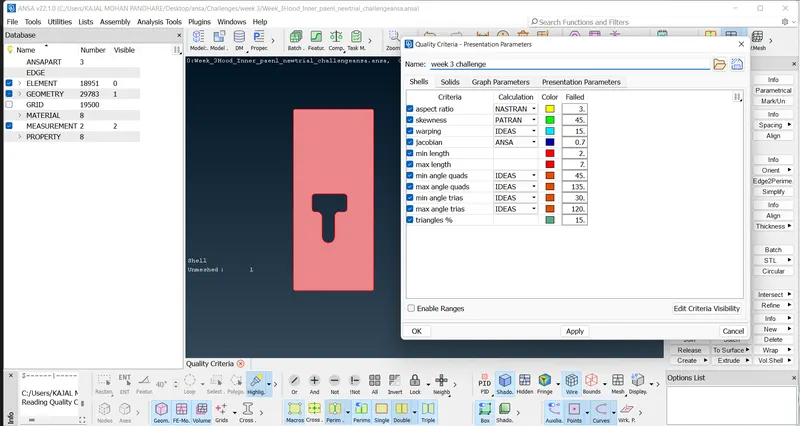
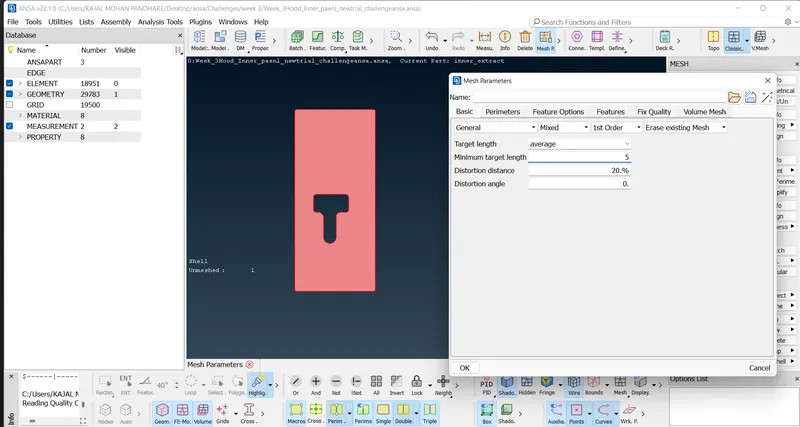
Half part meshing of components done .
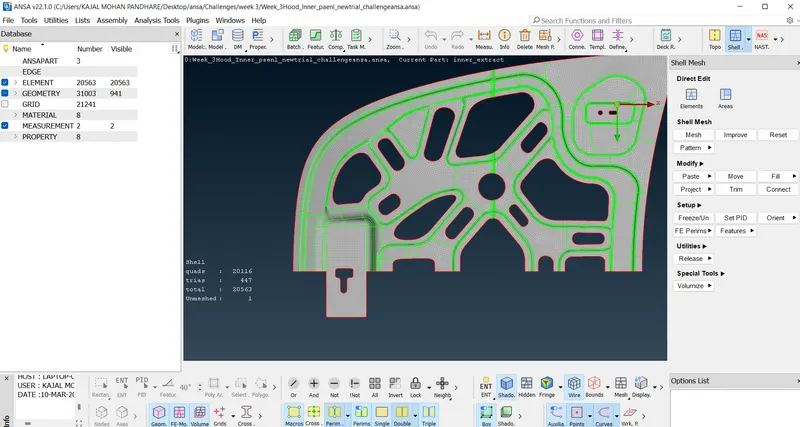
Now use Transform option to copy other half part.
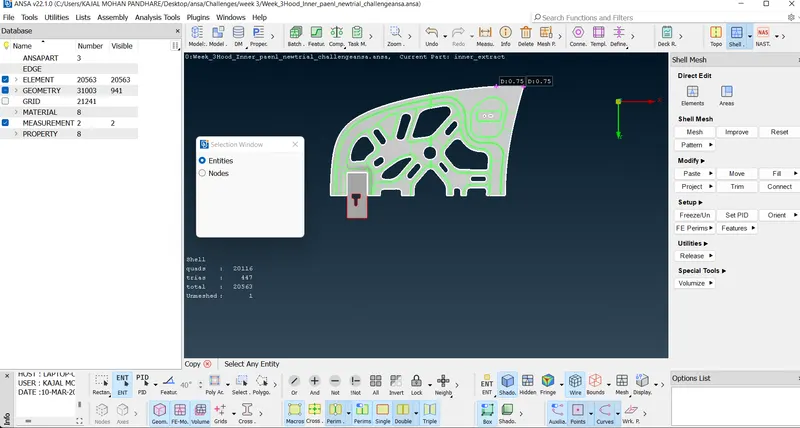
Use Symmetry
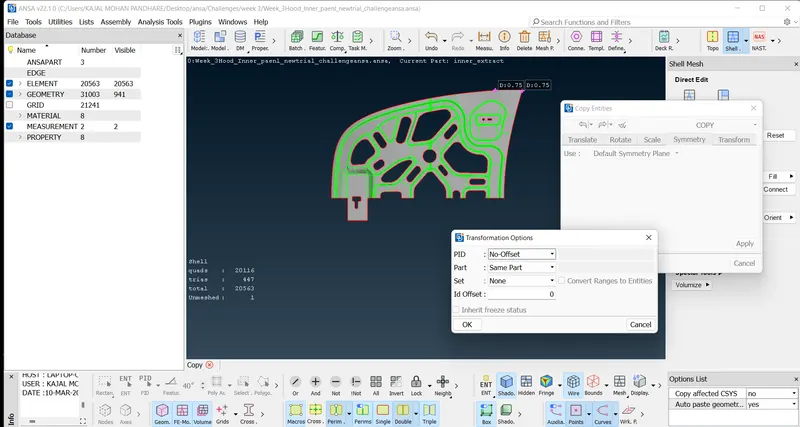
After symmetry model looks like ,
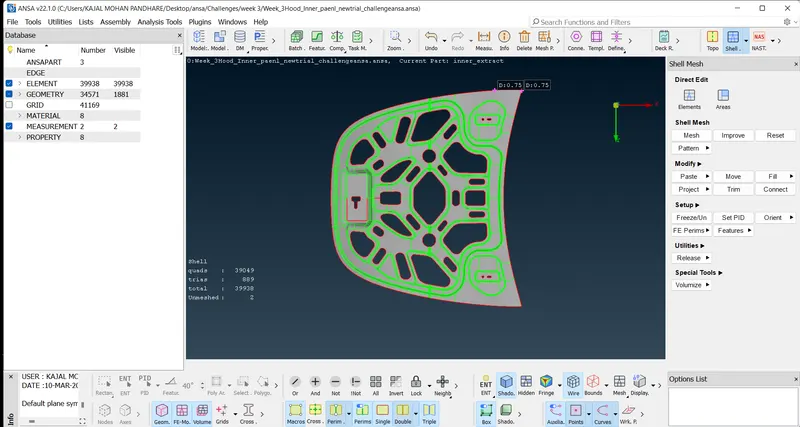
So use Topo to connect that single cons.
Add Thickness to the Midsurface.
lets give thickness=5
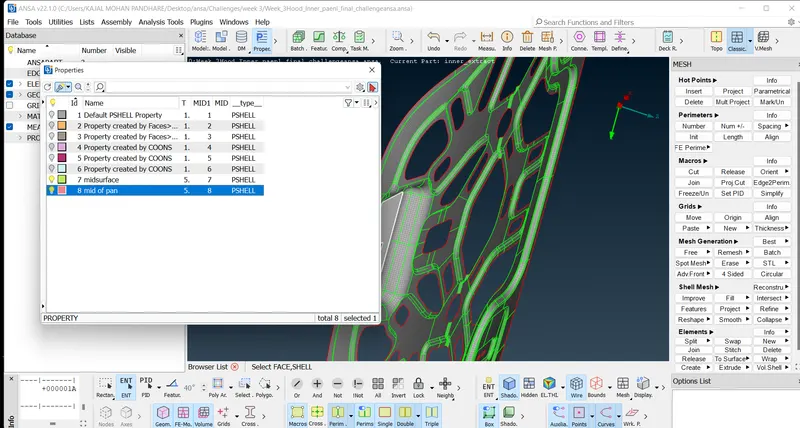
Final Mesh model: