Week 3 - 2D meshing for sheet metal
Import the geomtery into the ansa..
go to the length parameter in classic mesh.. (for cons resolution)
go to property and select one property to work on (entire model will take more time in processing)
give top and orient,
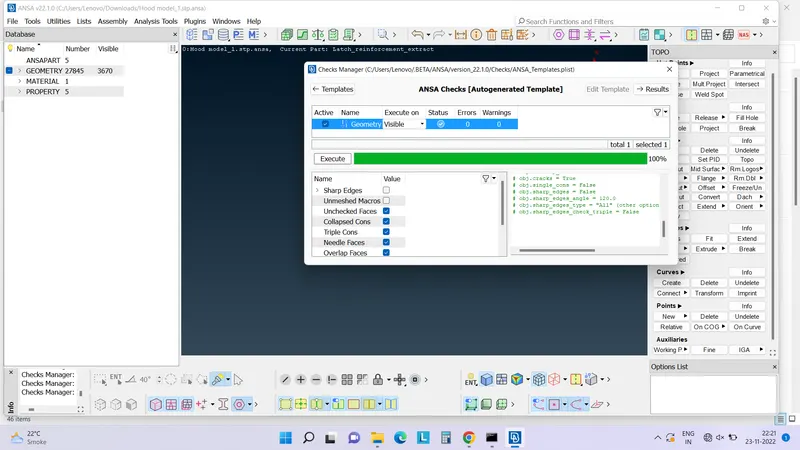
checks for geometry and clear the errors like triple cons etc...
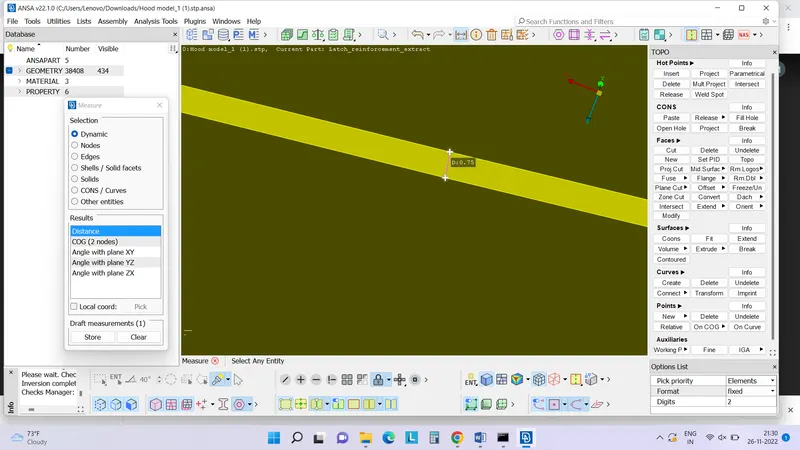
check fo the thickness of the particular property..
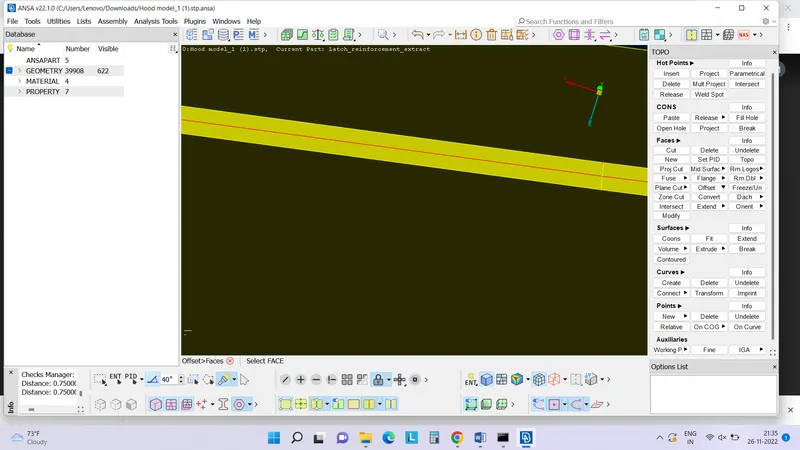
extract the mid surface using Offset--->face from topo module
select the auto create option from right down corner, it will create the new property for the mid surface offset.
enter the offset value which is half of the thickness (value is minus of plus is depends on the arrow in which it is going to create)
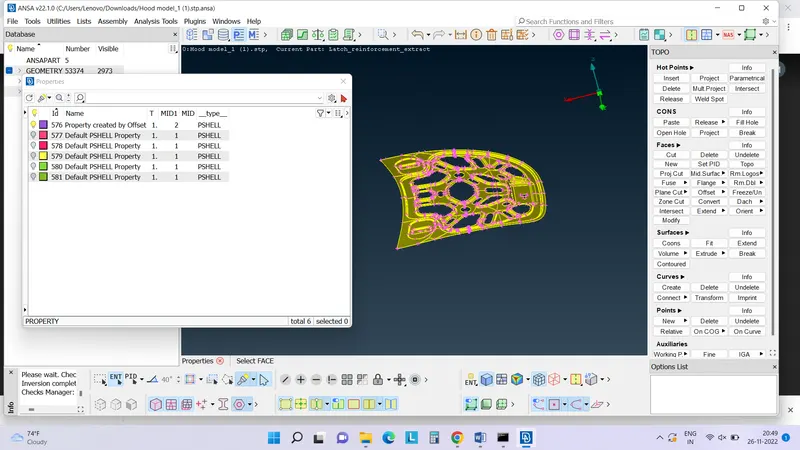
select the the mid surface property and deselect the original property
affter giving topo and orient in mid surface, go for the geometry check. and clear all the errors
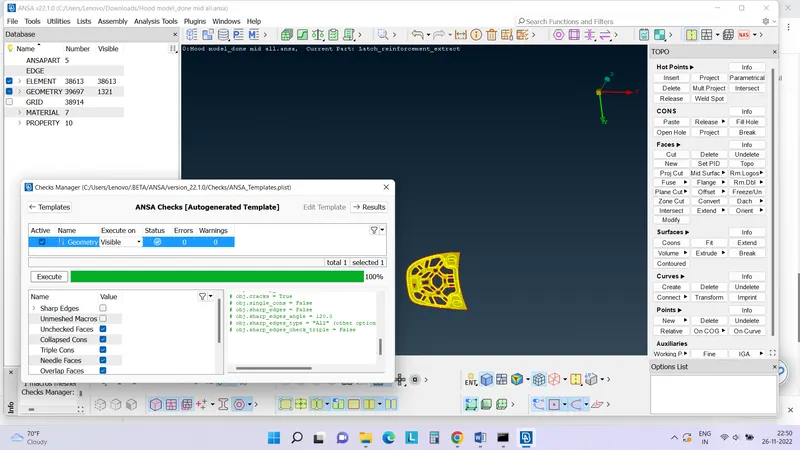
Do the same procesure for all the remaining properties
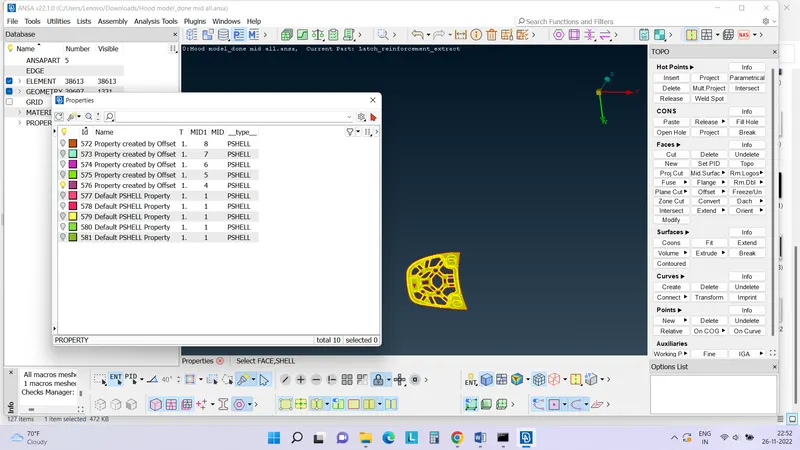
now move forward to meshing
Go to mesh module (classic mesh)
set the mesh parameters (Target length:5 , min target length:2)
set quality parameter accoriding to requirements in this challenges..
mesh the all properties one by one using best option in mesh module..(in mesh generation)
clear all traias at boundary and at hole..
check if some trias are left or not (check--mesh---trias at boundary)
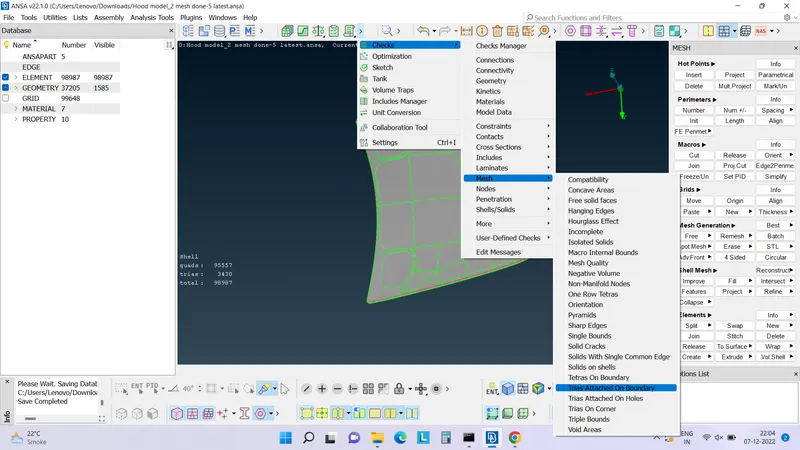
Likes this remove trias from all the mid surface part
and the pid should follows the mesh parameter and quality criteria
at last assign the thickness to all mid surface PIDs.