Week 3 - 2D meshing for sheet metal
Aim: For the given Hood model, Take the mid surface for all the components after checking the geometrical errors and mesh the mid surface with the given element Quality criteria.
Objective:
- for the given hood model check the geometry and take the midsurface and create a new PDI.
- mesh the extracted midsurface with target element of 5mm.
- check for the quality criteria as per given in the question for all the elements.
|
S.No |
Quality Criteria |
Value |
|
1 |
Target/Average length |
5 |
|
2 |
Minimum Length |
2 |
|
3 |
Maximum Length |
7 |
|
4 |
Aspect |
3 |
|
5 |
Warpage |
15 |
|
6 |
Skewness |
45 |
|
7 |
Jacobian |
0.7 |
|
8 |
Minimum Quad Angle |
45 |
|
9 |
Maximum Quad Angle |
135 |
|
10 |
Minimum Tria Angle |
30 |
|
11 |
Maximum Tria Angle |
120 |
|
10 |
Tria Percentage |
15 |
procedure:
1. The first step is to open the model to the working tab. file>open.
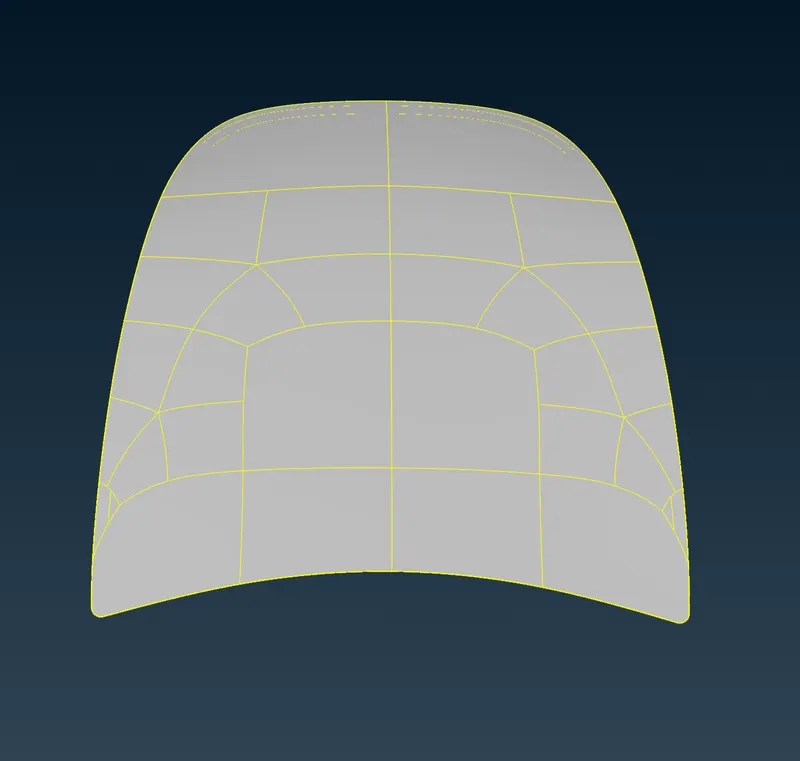
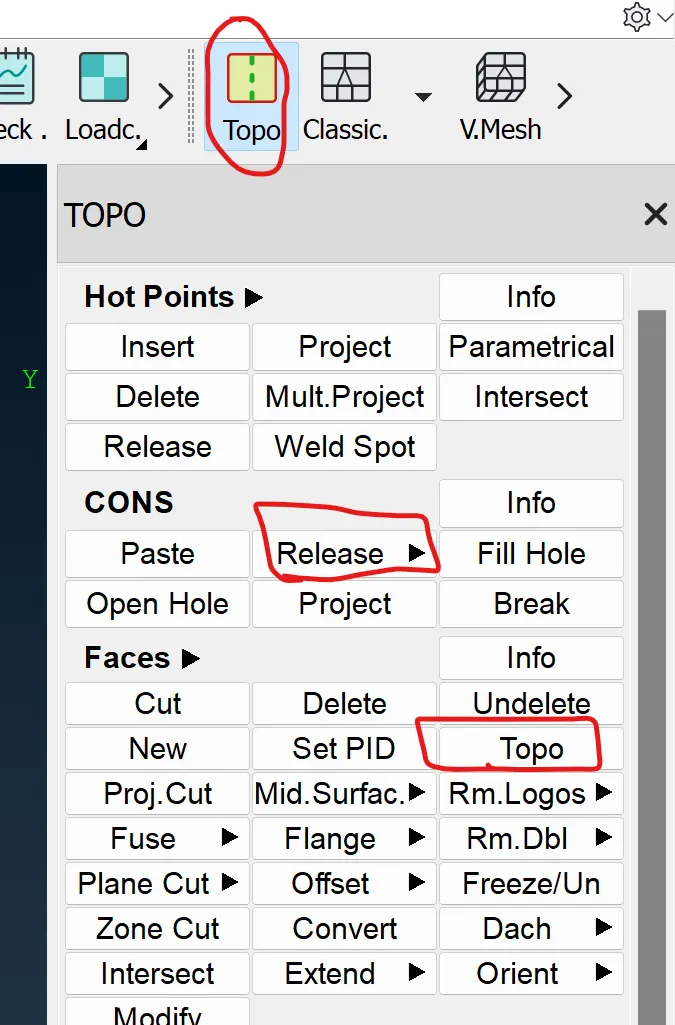
2. After importing the model we have to check the topo of the model. the command is Topo>cons>release>faces> Topo> select all faces >ok.
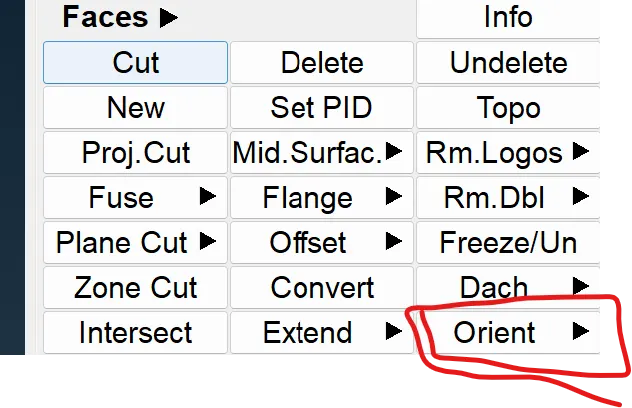
3.The orientation of the component is very important i.e the faces should have a same coloring on one side. the yellow and gray are the colours the grey is denotes the positive side and other rectifies the negative. TOPO>faces>orient>select the faces.
4. the geometry checks have been done to check whether it has single cons, triple cons, etc have been checked. if any are present in the model we have to clear that. after that, the fine has been on the surfaces of the model.
5. The extraction of the midsurface from the model of each compnent with respect to their thickness has been extracted. command is topo> faces> midsurface> skin> select the faces. After the extracting the midsurface we have to create a new PID for each component respect to their thickness.
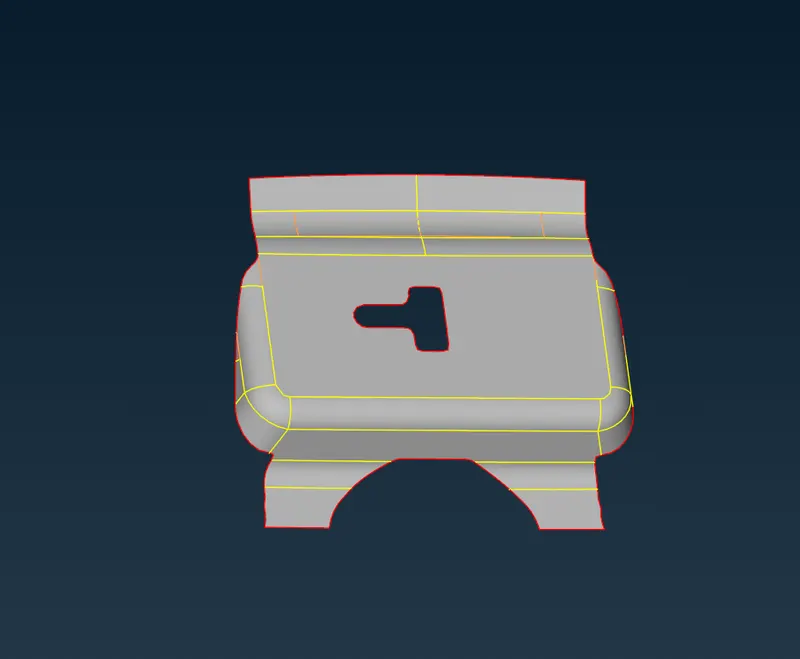
6. The geometry clean up has been taken on the each components to get a better mesh flow. the command used is topo>faces>cut>select the surfaces.
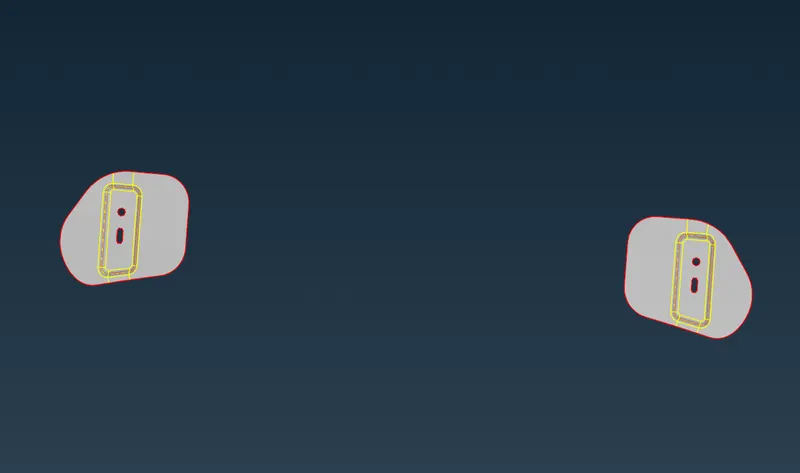
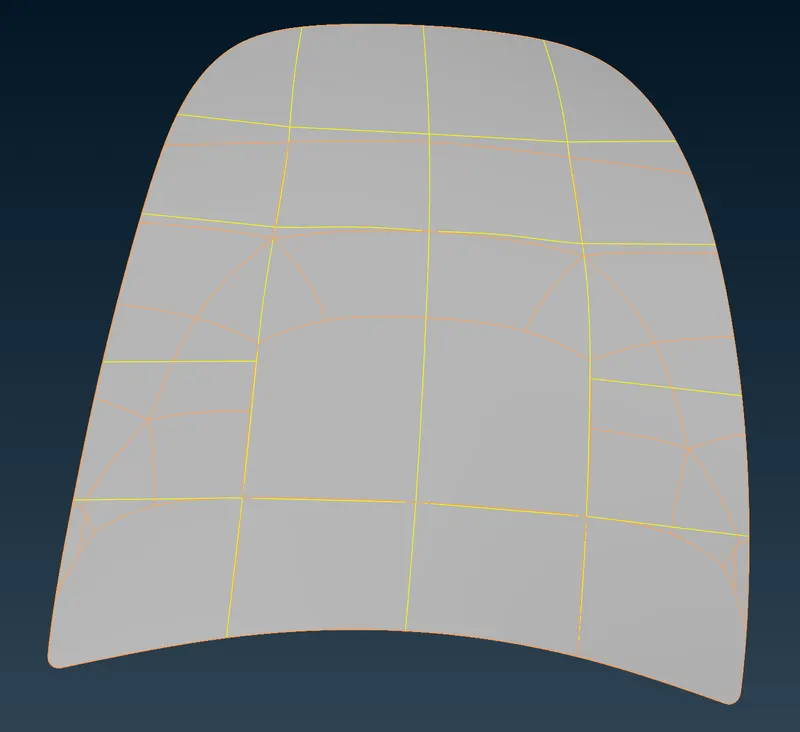
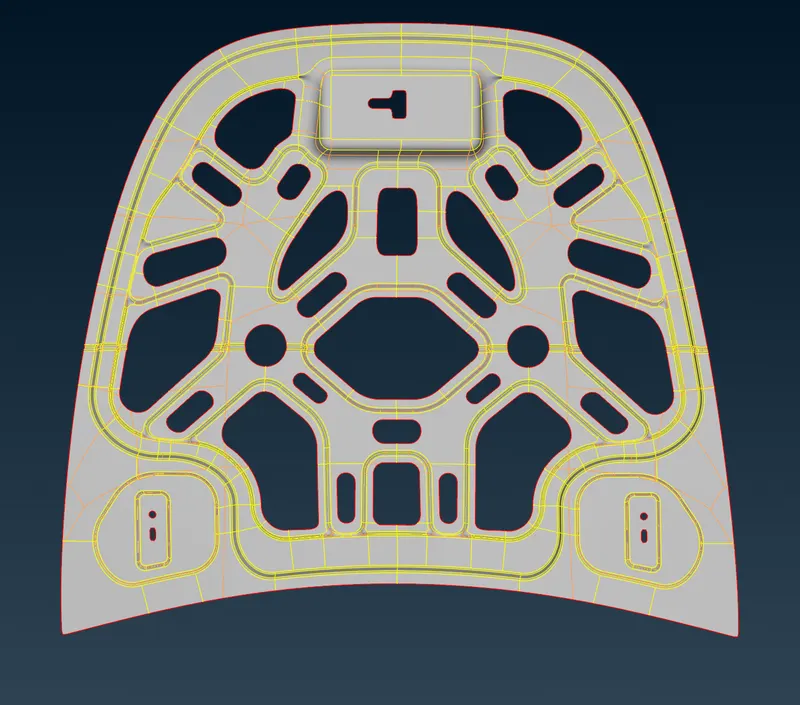
7. Before entering to meshing we have to set the quality criteria as per the question.f11(quality criteria).
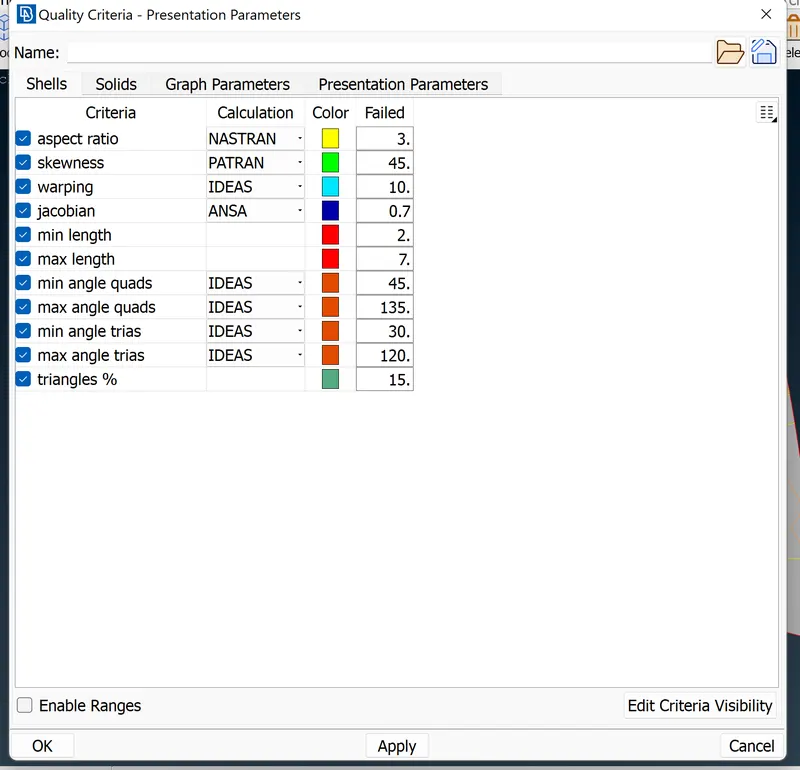
9. after setting the meshing parameter we perform the meshing on the components. classic mesh> mesh generation> best >select faces> ok.
THE reconstruction of the mesh is takes place to improve the mesh . shell mesh> reconstr.
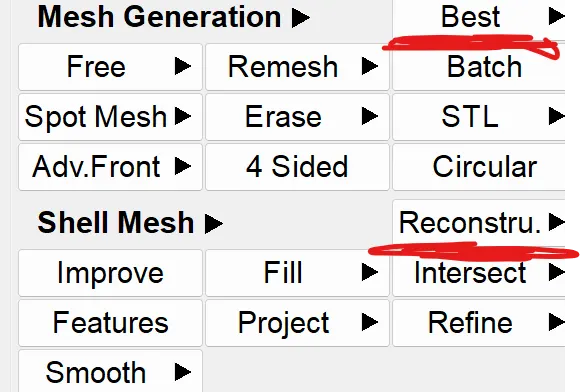
the split, swap and paste command is used to work on the tria elements and the other elements.
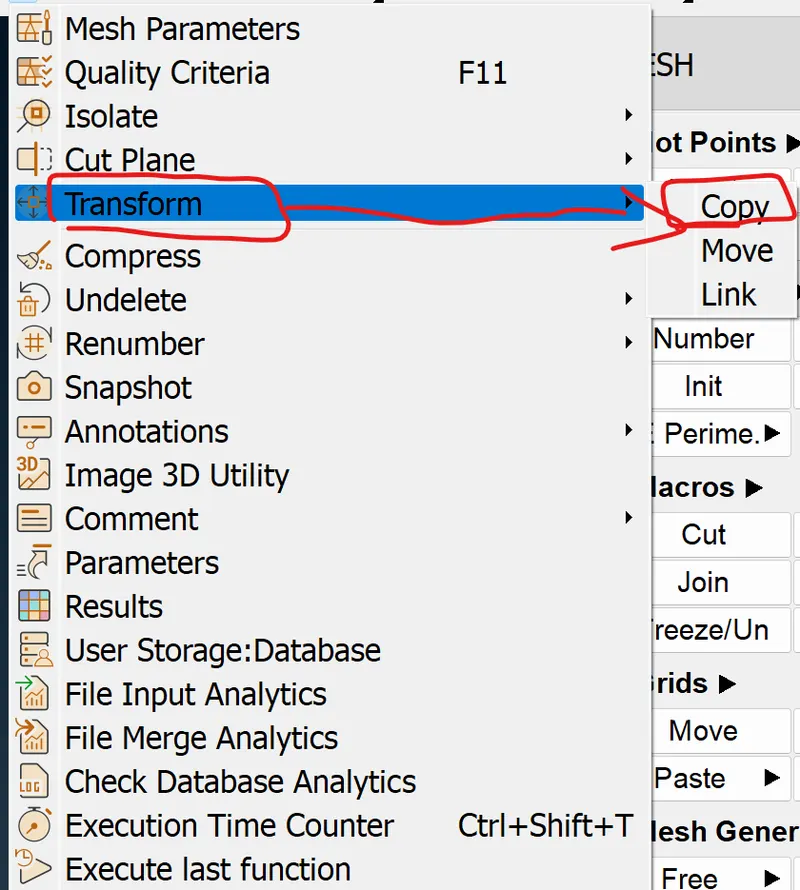
10.The symmetry command is used to mirrior the elements on the symmetry part of the component.The symmetry is used when there is only symmetrical parts.
transform> copy > select entities > symmetry > default > ok > finish.
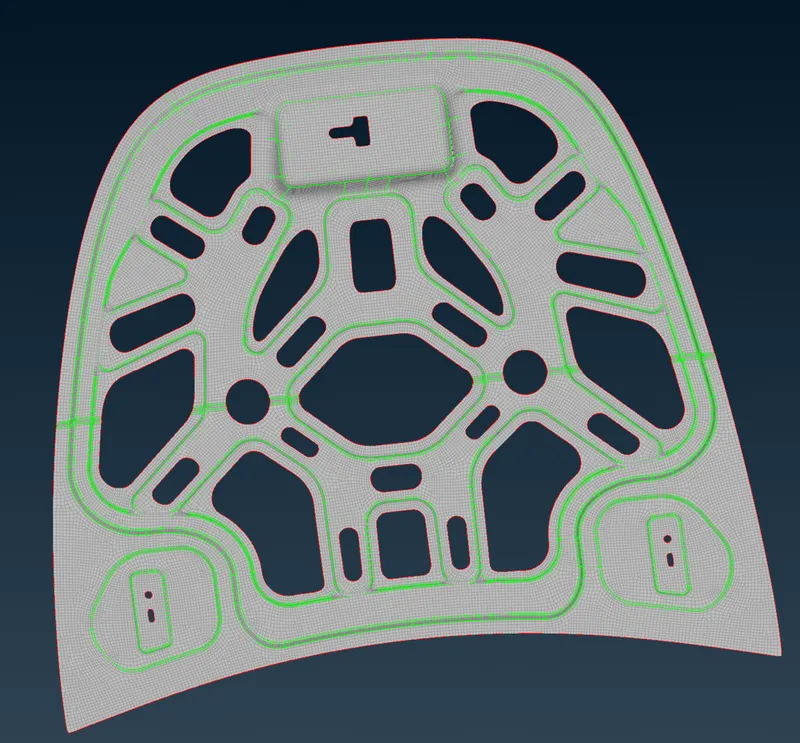
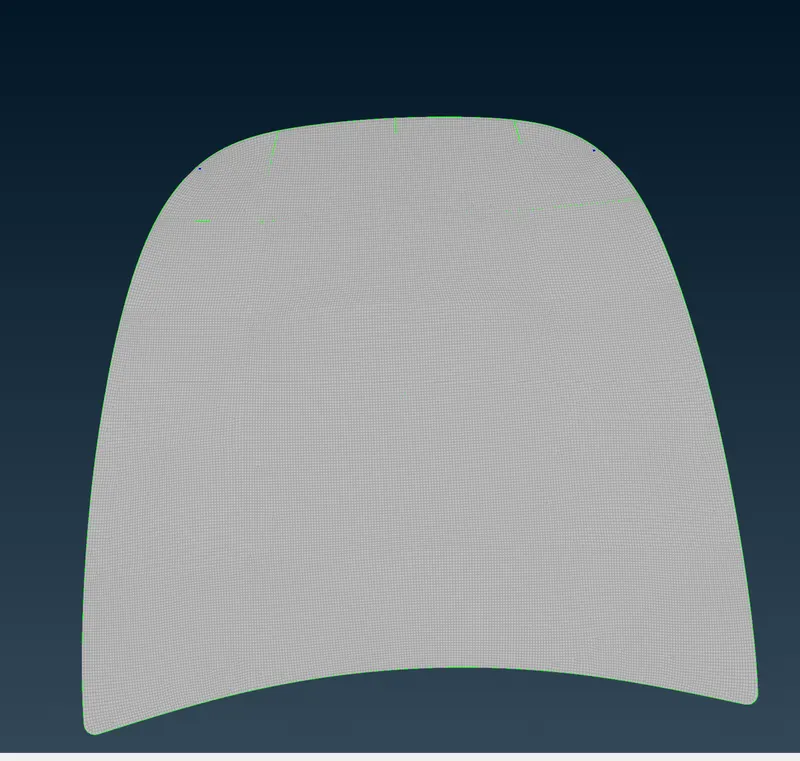
Final model:
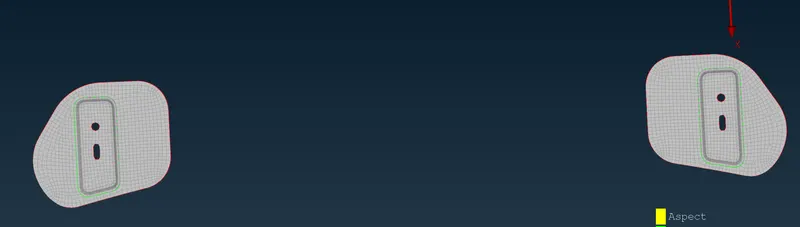
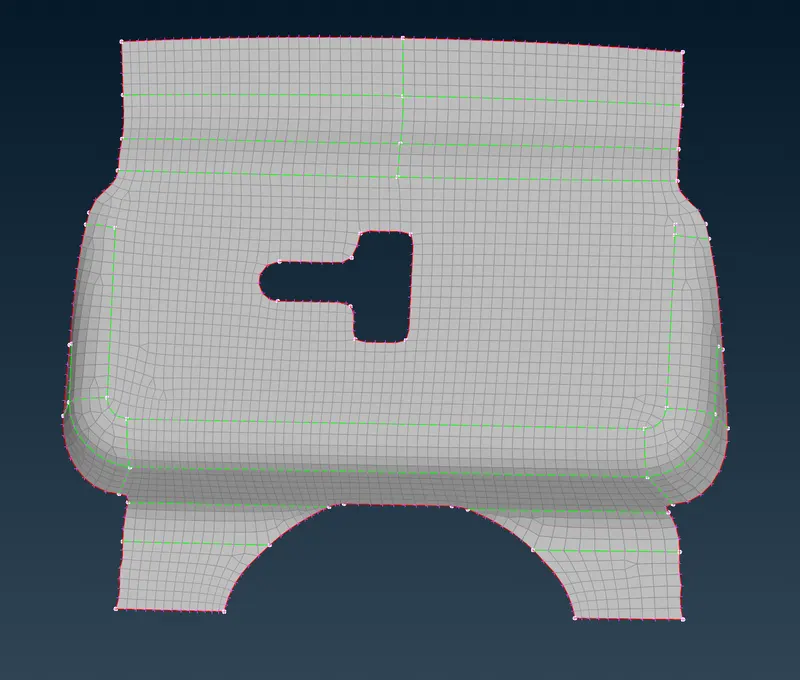
Result:
The midsurface extraction and meshing have been done as per the given conditions. The quality criteria are applied the off elements are zero as per the conditions.
Conclusion:
In this challenge, we can conclude as meshing has been done. The things learned in this challenge are how to handle the tria element and learned the command like paste, split, swap and smooth which are very useful to the mesh improvements.