Week 3 - 2D meshing for sheet metal
AIM:To create mid-surface and check for geomentry errors and create 2D mesh for the given model.
WORKING PROCEDURE:
Import the model into ansa and analysis the geometry and check the properties
Do the geometry check up for the parent geometry and measure the distance of each property using Utilities and Measure.
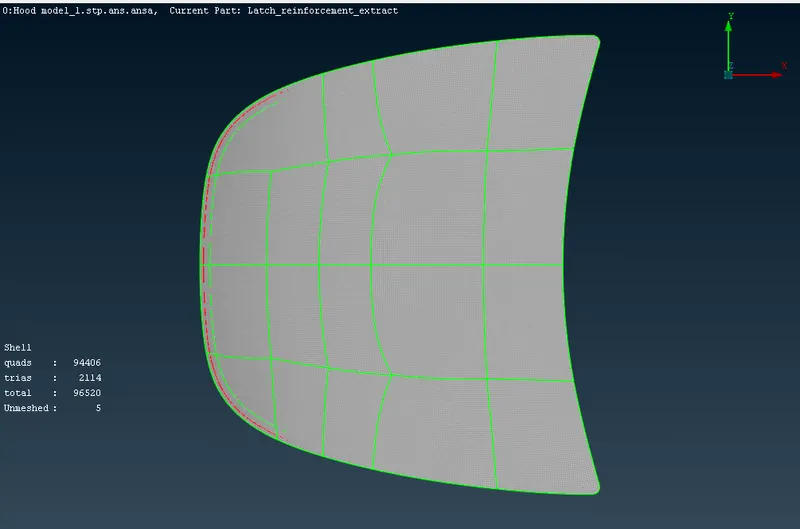
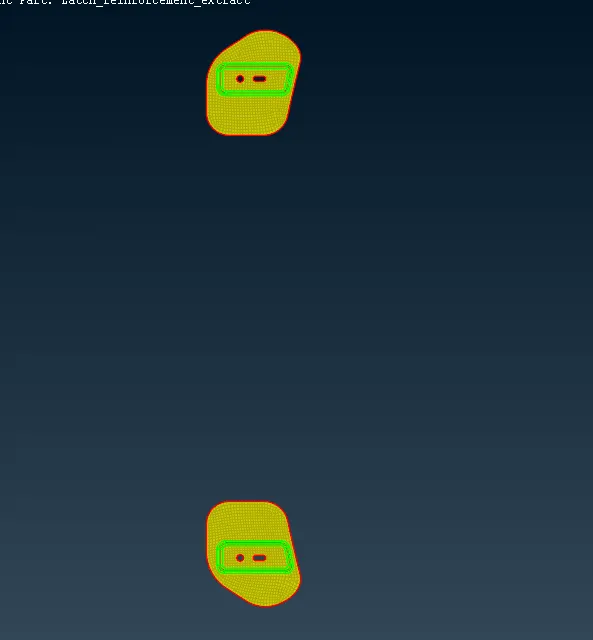
Then extract using auto mid surface or by manual offset option in faces and extract mid surface for each and every property.
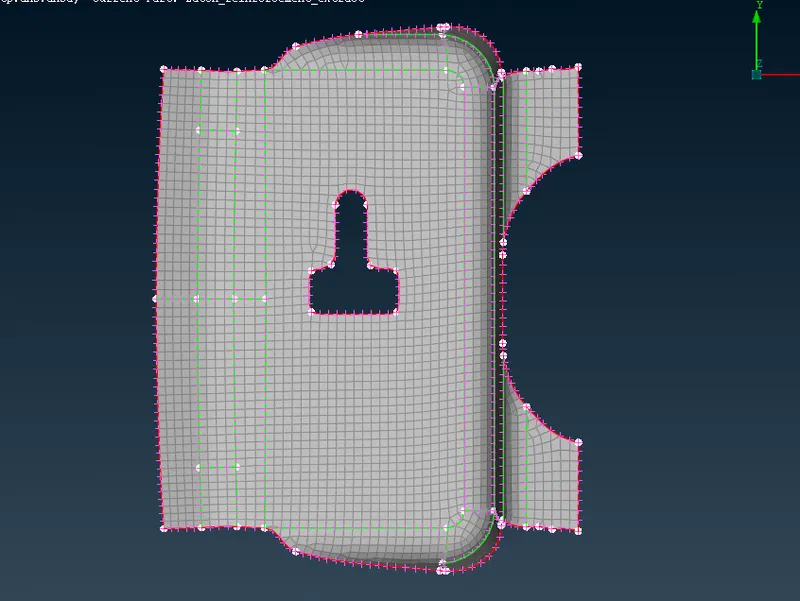
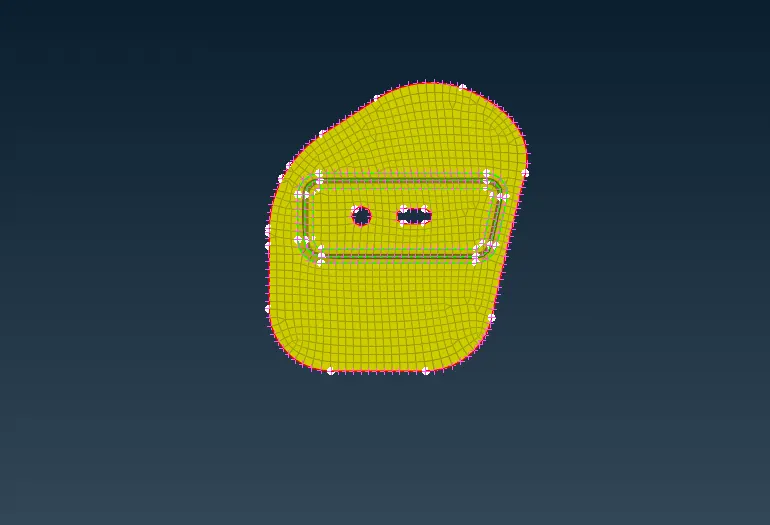
By Using classick mesh in mesh panal and using free and best mesh, mesh has been created for the midsurface and elements has to pass trough quality criteria.
Assign the quality criteria as given in the question. then find the elements fail for quality criteria and do the needful geometry cleanup or use reconstruct option in shell mesh.
Again check for geomentry and quality criteria.
LEARNING OUTCOME:
Basics of ANSA Software tools.
To do geomentry cleanup for the given model.
To Extract Auto and manual MidSurface and assign property and thickness.
To mesh the component satisfying Quality Criteria with better mesh flow.
CONCLOSION:
Geometry cleanup, mid surface extraction, and 2D meshing of the given hood model were successfully done. All the elements pass the quality criteria.