Week 3 - 2D meshing for sheet metal
Aim- For the given Hood model, Take the mid surface for all the components after checking the geometrical errors and mesh the mid surface with the given element Quality criteria.
|
S.No |
Quality Criteria |
Value |
|
1 |
Target/Average length |
5 |
|
2 |
Minimum Length |
2 |
|
3 |
Maximum Length |
7 |
|
4 |
Aspect |
3 |
|
5 |
Warpage |
15 |
|
6 |
Skewness |
45 |
|
7 |
Jacobian |
0.7 |
|
8 |
Minimum Quad Angle |
45 |
|
9 |
Maximum Quad Angle |
135 |
|
10 |
Minimum Tria Angle |
30 |
|
11 |
Maximum Tria Angle |
120 |
|
10 |
Tria Percentage |
15 |
Step to follow
1.Import given cad model to ansa.
2.After importing cad model need check for geometry clean up.
3.Seperate out the parts containts in hood assembly
4.Midsurface generation
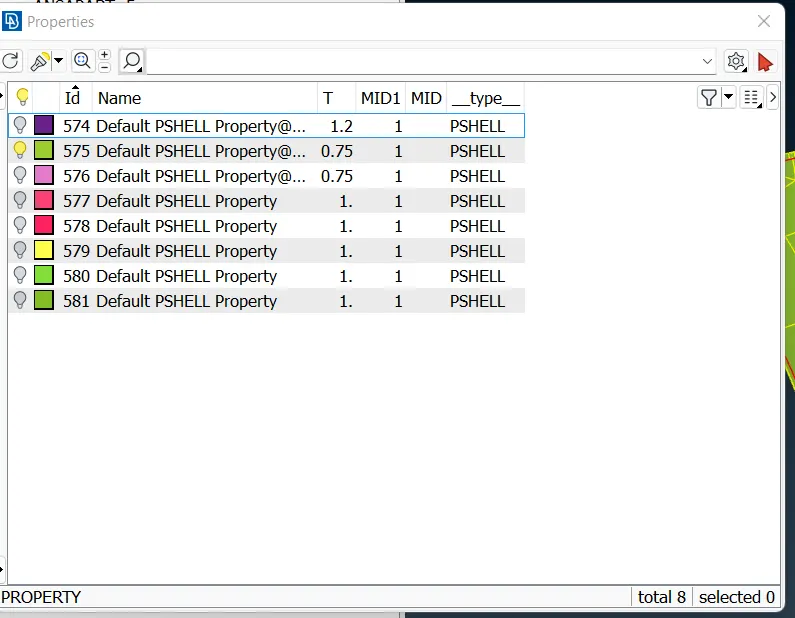
5.Assigning PID to midsurface
6.Generate good quality mesh flow with given quality criteria.
Process-
1.Cad model import in ansa
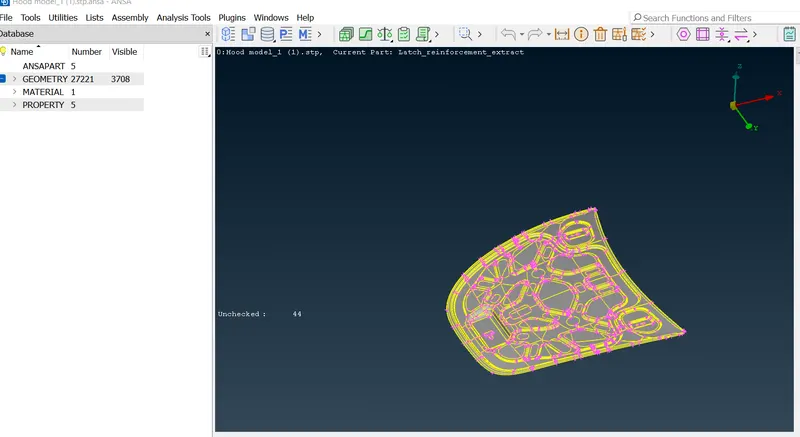
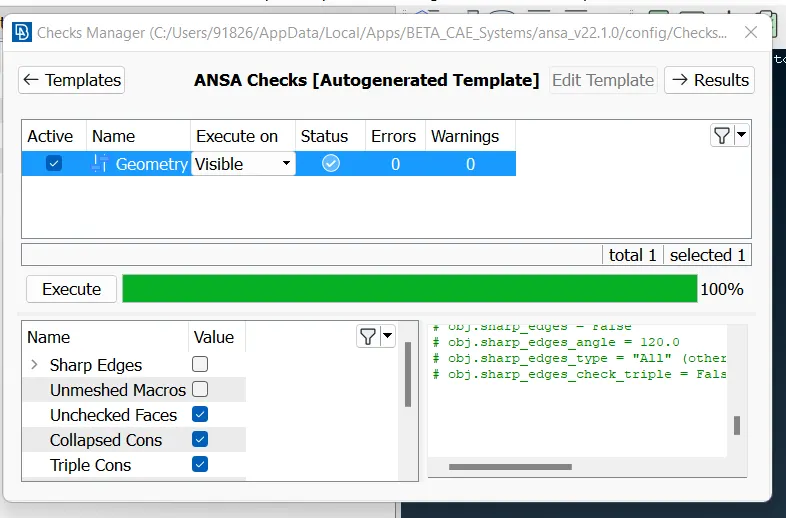
2.Geometry cleanup
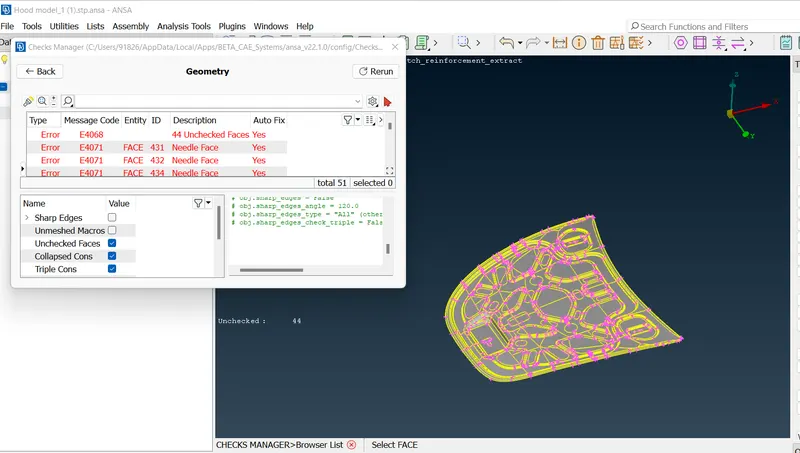
There are two ways to clean up the geometry either manual or ansa can auto fix the issues.
Issues which can not be auto fix in ansa need to resolve manually.
Here we can go for autofix.
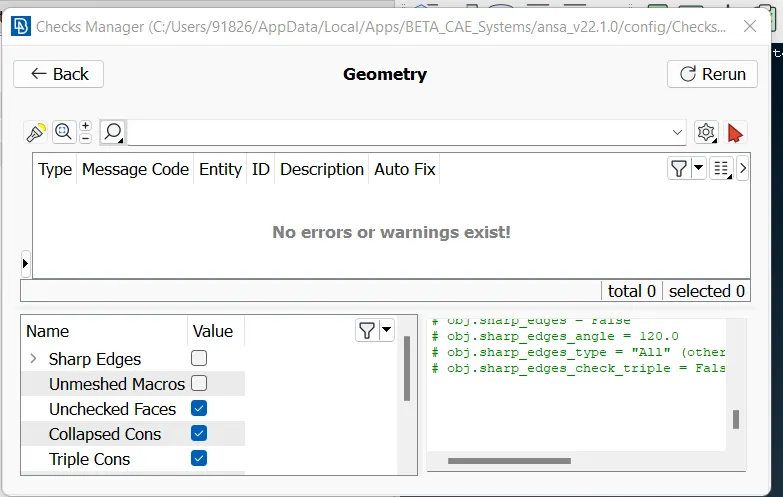
Re run geometry cleanup and confirm all issues resolve or not
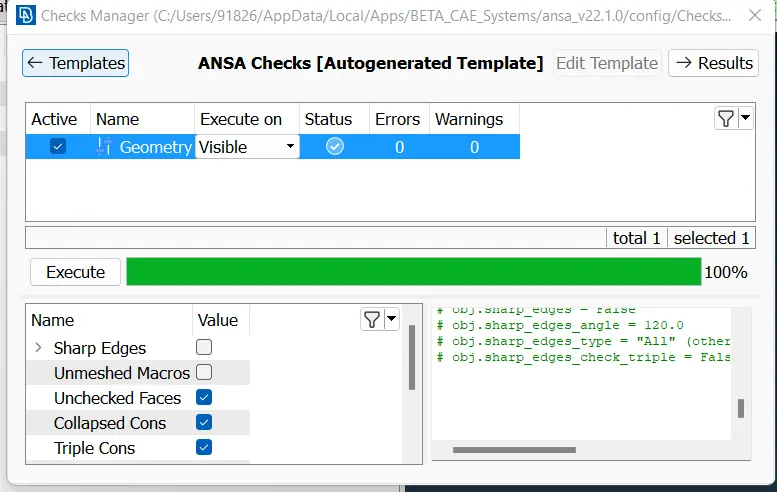
3.Identifing differnt parts in hood assembly
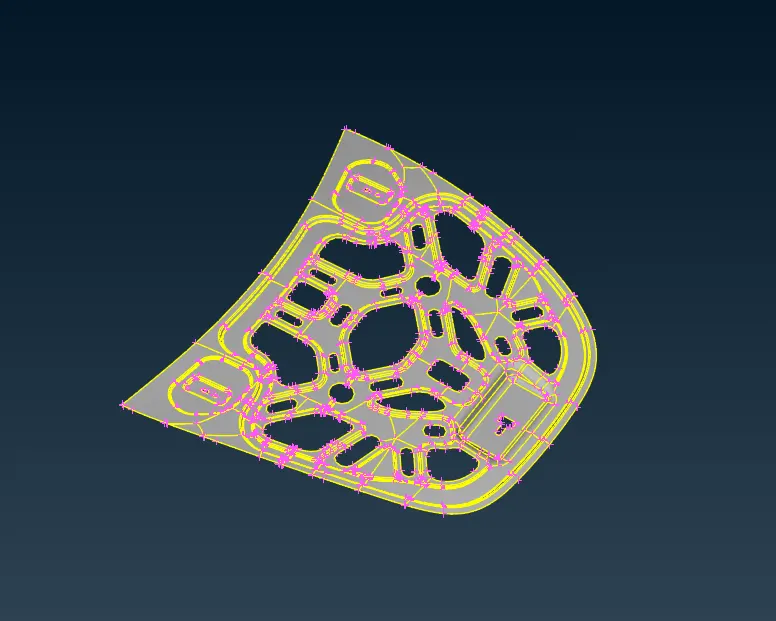
inner hood panel
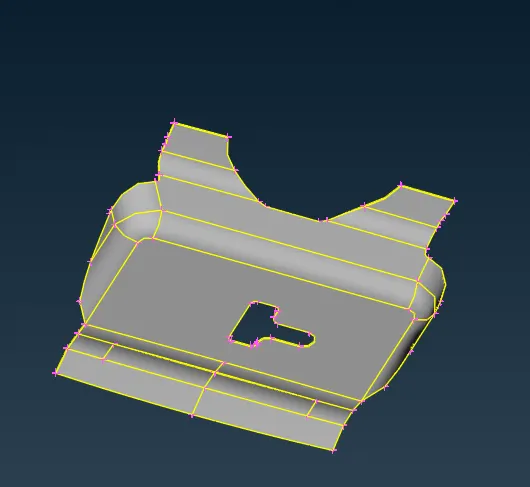
latch
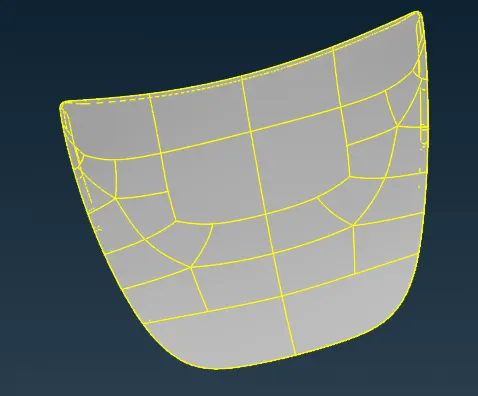
outer pannel
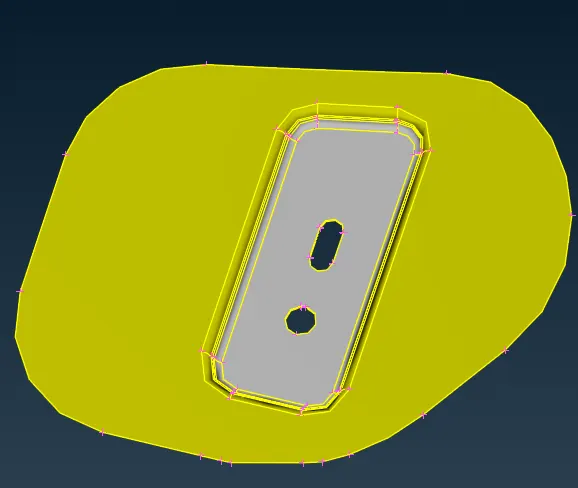
Hinges
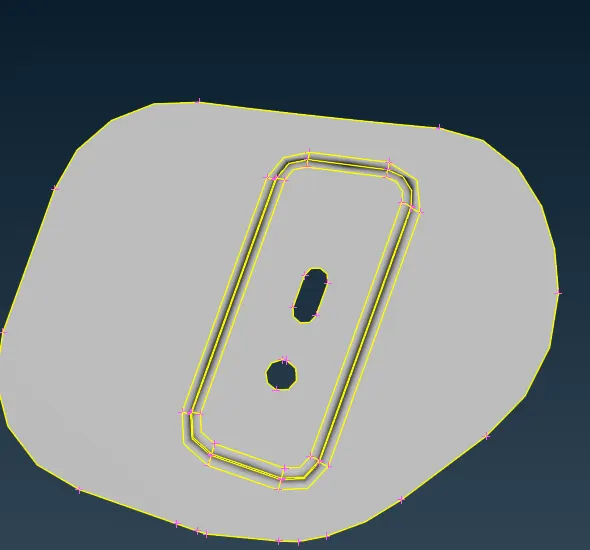
4.Midsurface generation
Midsurface generation is done by either manual midsurface generation or automatic way
In manual mid surface generation we use offset command from faces command group and select face to offect and assign the offeset distance as Part thickness /2.
In automatic way we have to use midsurf command from faces group to generate midsurface.In that need to select skin and midsurface get generated.
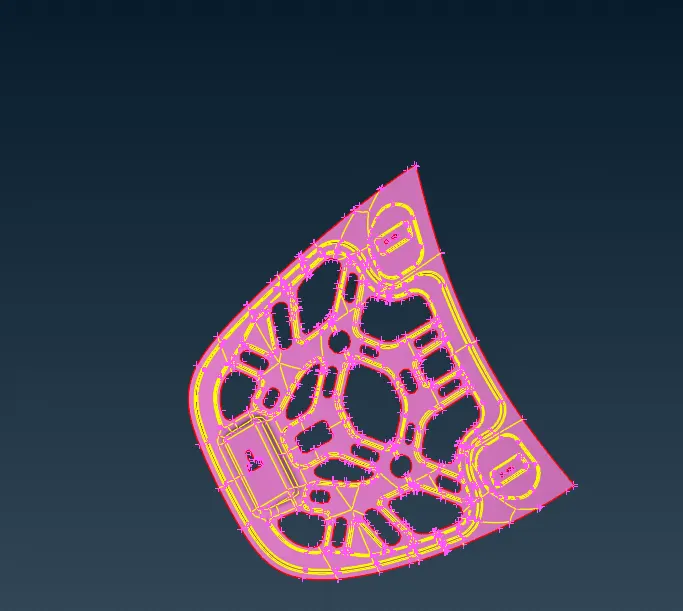
midsurface of inner hood
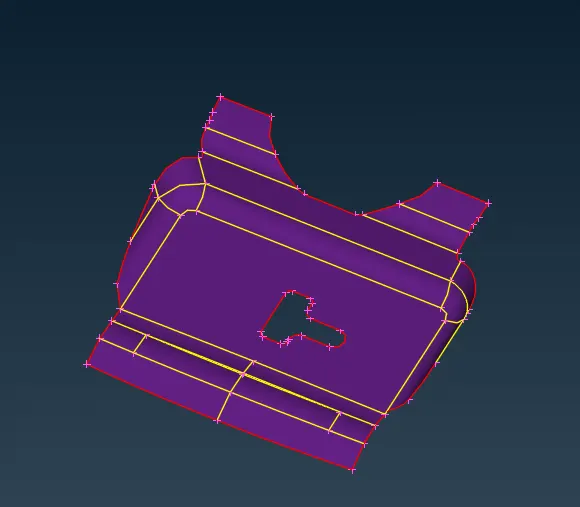
Latch
Hinges
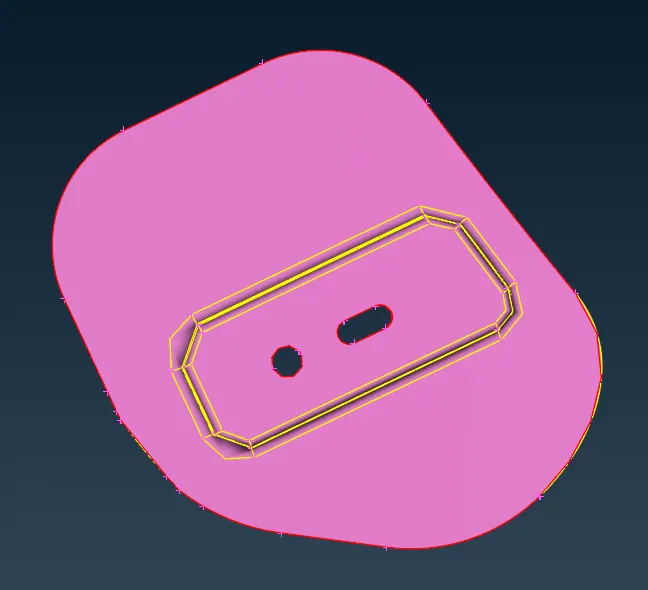
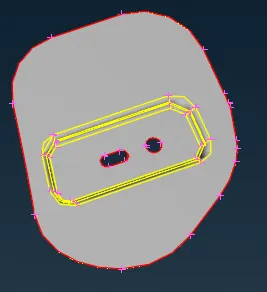
Outer hood cover
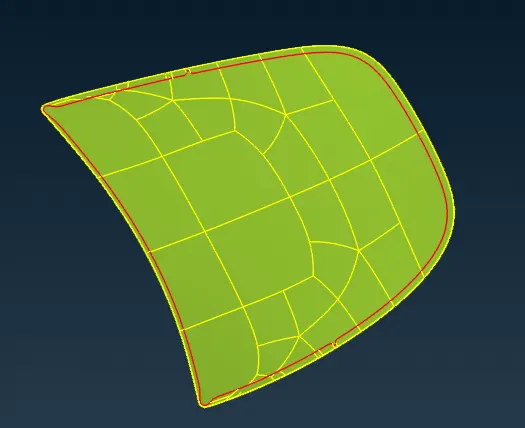
5.Set PID for all parts
Geometry check after midsurface generation
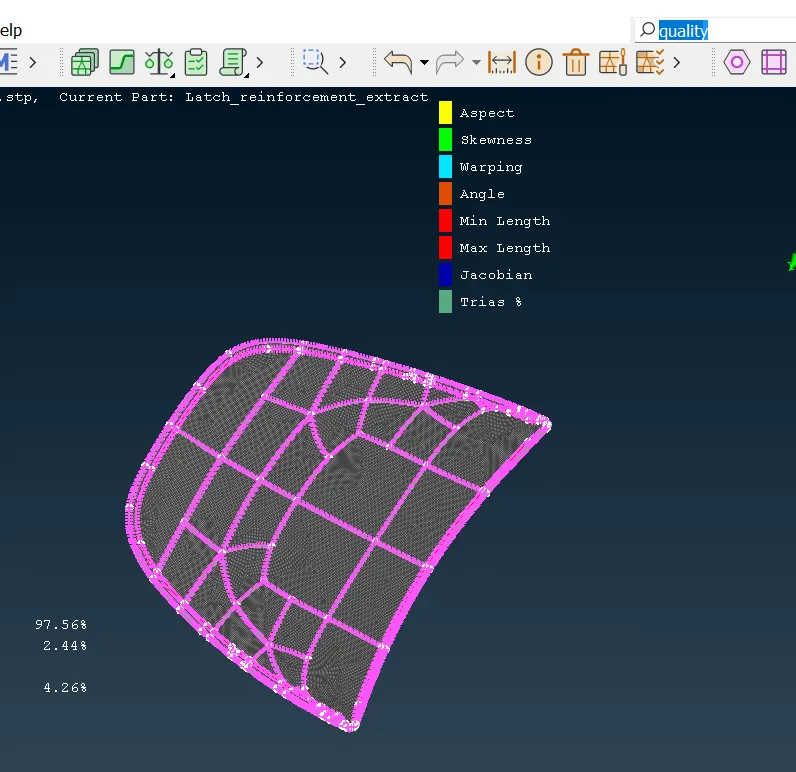
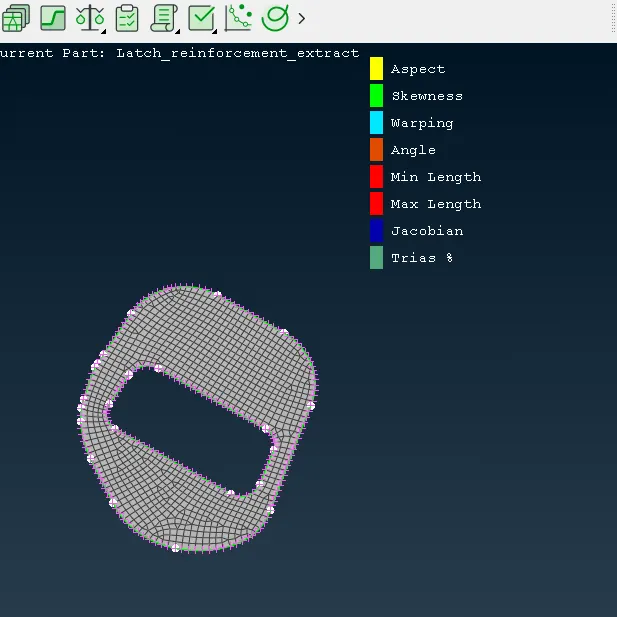
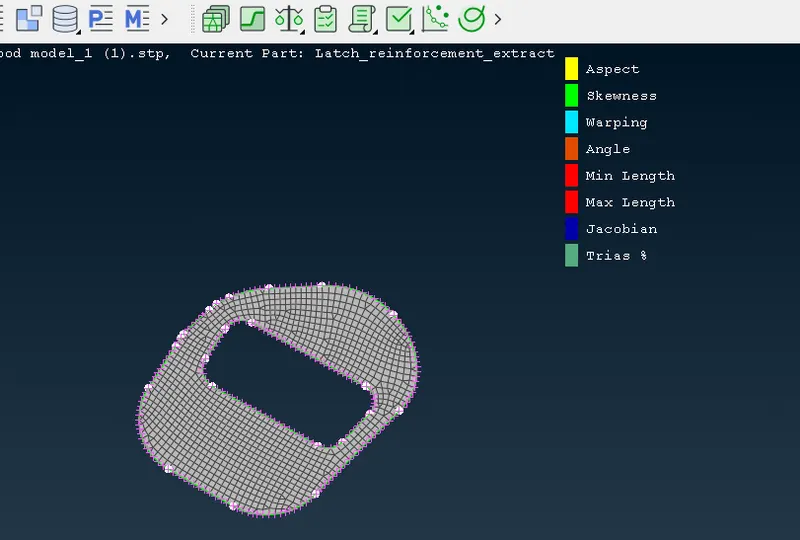
6.Meshing of parts
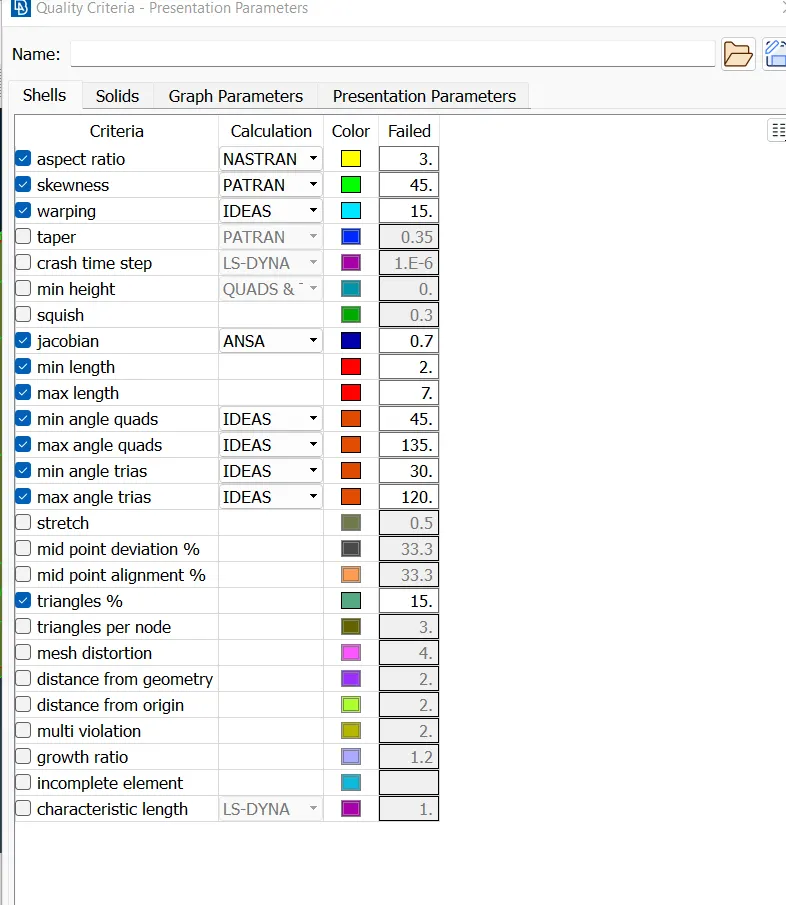
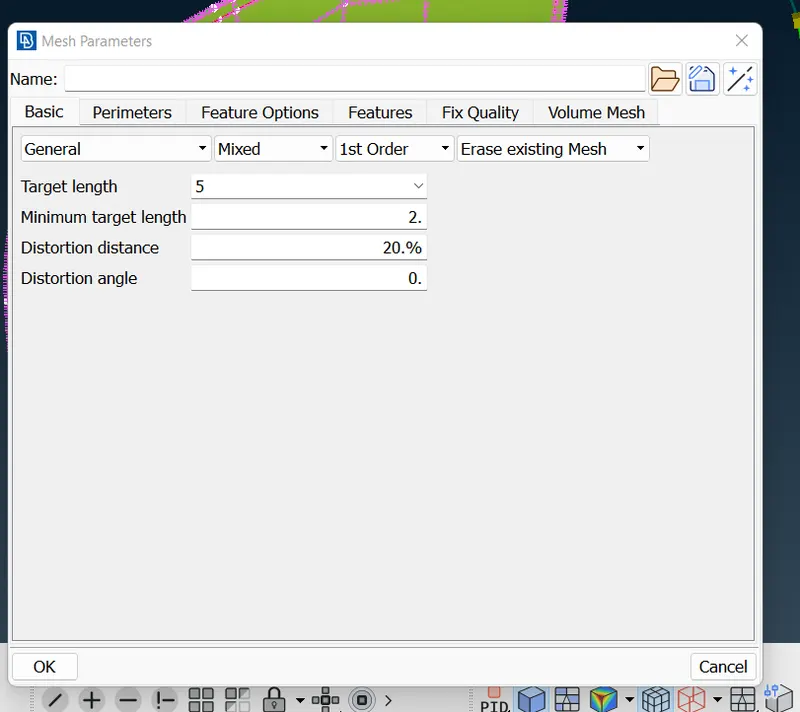
outer pannel mesh
Inner hood panel
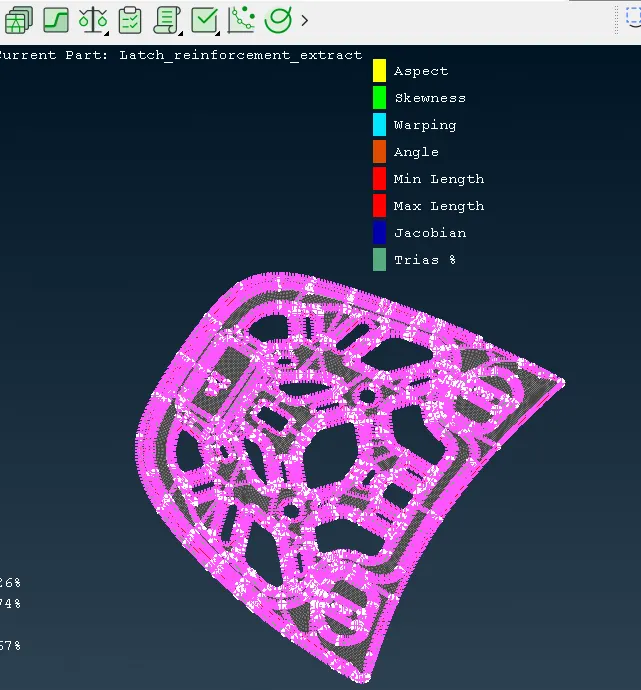
Latch
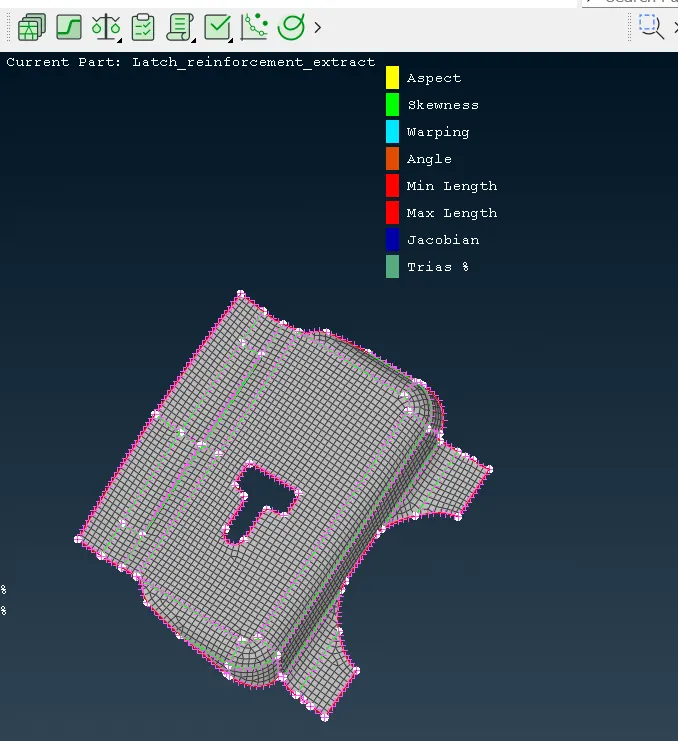
Hinges
Learnings from this excersise
1.How to import model in ansa.
2.How to use ansa interface and mouse handling and different commands.
3.Geometry clean up of given cad model.
4.Using OR, AND ,INOT, different assembly parts are seperated and listed out.
5.How to extract midsurface of all component.
6.How to set PID for midsurface.
7.How to mesh the objet.
8.How to assign quality criteria and mesh parameters.
9.How to clear the quality issue in the meshing and refining the model.
Conclusion-
Given Part meshed sucessfully.