Week 3 - 2D meshing for sheet metal
AIM:
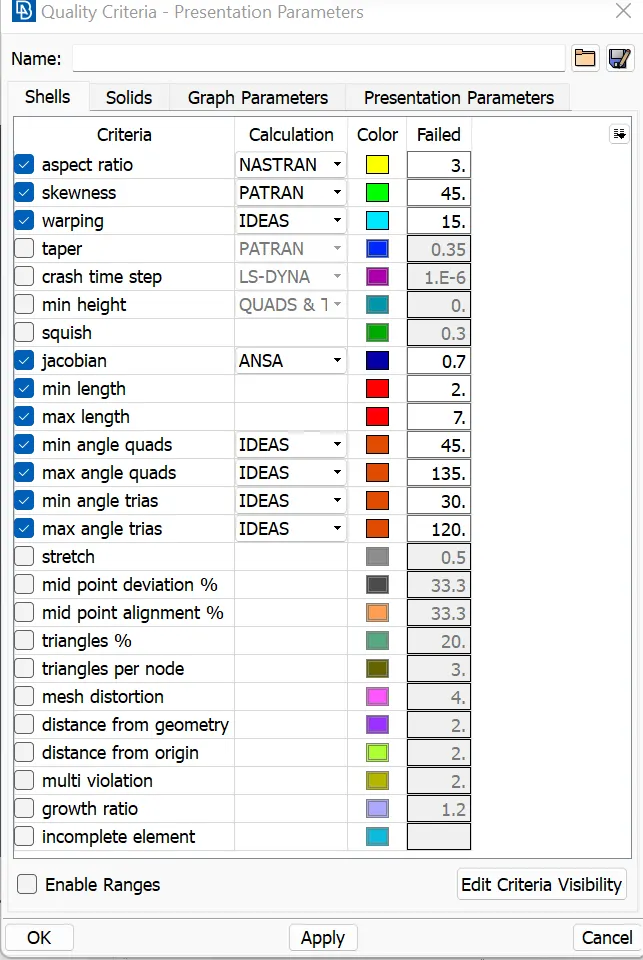
For the given Hood model, Take the mid surface for all the components after checking the geometrical errors and mesh the mid surface with the given element Quality criteria. (Refer to the table below for the Quality criteria)
GIVEN:
|
S.No |
Quality Criteria |
Value |
|
1 |
Target/Average length |
5 |
|
2 |
Minimum Length |
2 |
|
3 |
Maximum Length |
7 |
|
4 |
Aspect |
3 |
|
5 |
Warpage |
15 |
|
6 |
Skewness |
45 |
|
7 |
Jacobian |
0.7 |
|
8 |
Minimum Quad Angle |
45 |
|
9 |
Maximum Quad Angle |
135 |
|
10 |
Minimum Tria Angle |
30 |
|
11 |
Maximum Tria Angle |
120 |
|
10 |
Tria Percentage |
15 |
PROCEDURE:
Tools used:
In Topo mode
Hot points - Insert, Project, Delete.
Cons - Paste, Release, Fill the hole.
Faces - Info, Cut, Delete, Undelete, Set PID, Midsurface, Offset, Orient, Extend, Convert, Intersect & Topo these are the tools that have been used.
In Mesh mode
Hot points - Insert, Project, Delete.
Perimeters - Number +/-, Length.
Macros - Cut, Release, Orient, Join, Edge to Perimeter, Set PID
Grids - Move, Origin, Paste
Mesh Generation
- Spot Mesh, Erase, Best Mesh
Shell Mesh
- Reconstruct, Smooth
Elements
- Split, Join, Swap are the tools that have been used.
Firstly, We have to load the model in ANSA Software.
There are 5 components present in the given hood model, click on the model browser on the left side of the graphic area at the top to select the component to be worked on and hide all the rest of the components. For example, select the Outer extract component and hide all the rest of the components.
HOOD MODEL:
First we have to import the model and measuring the thickness,
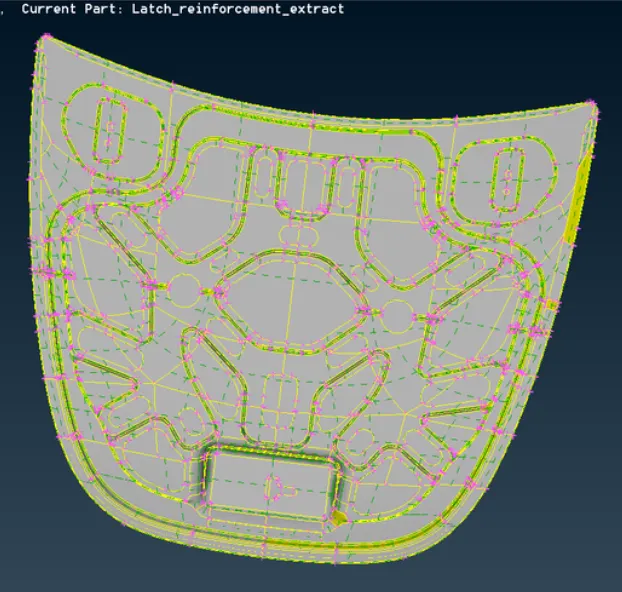
GEOMETRY CHECKUP:
After uploading the ANSA model, we have to check the Geometry of the model.
The first step after importing the model is to properly analyze and understand the geometry. When a CAD model is imported into the ANSA, there might be several geometrical errors like missing/distorted surfaces, intersecting surfaces, etc. due to the format conversion process or inherent bad model. And, it is important to clear all these errors before starting meshing. So, the next step is to clean up the geometry. To ensure that all the surfaces are connected properly Faces-Topo tool is used for all the edges of each individual component at a time. Next, a geometry check is performed by going to Checks-Geometry and running it for parameters.
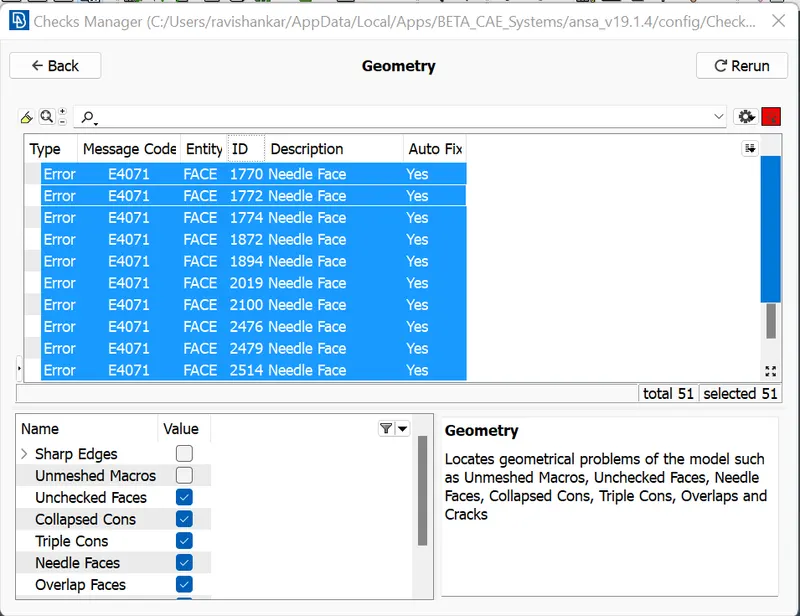
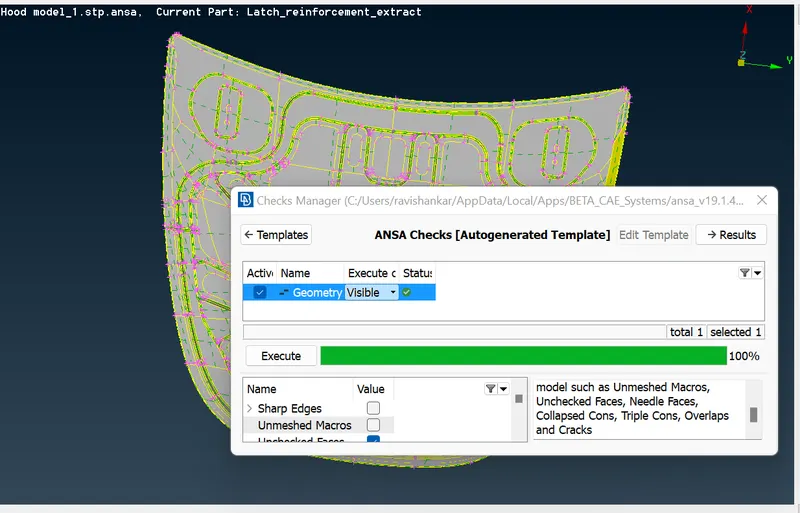
and fix all these issues by hitting 'FIX' options using a right-click on the mouse button, After fixing all these issues finally, the geometry has been cleared.
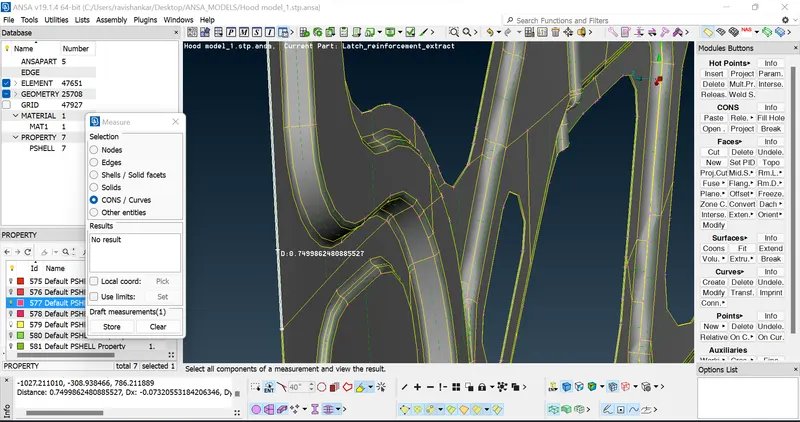
After that we can mention all of the quality criteria,
Next, the mid surface is extracted using the Offset tool by going to Faces-Offset and selecting all the surfaces on one face. Then, half of the thickness is given as the offset value, the direction is checked and offset. Now, the property is assigned to the extracted mid surface by going to Faces>Set PID and assigning it to the respective property. Similarly, all mid surfaces are extracted and property assigned for all the components. As the Outer panel and Inner panel (except one surface) are symmetrical, only half the mid surface is extracted. Similarly, both hinges are mirror images of each other, so the mid surface is extracted for only one hinge. Again, the extracted mid surfaces are checked for geometric errors and fixed.
we have taken mid-surface for all of the models in the HOOD.
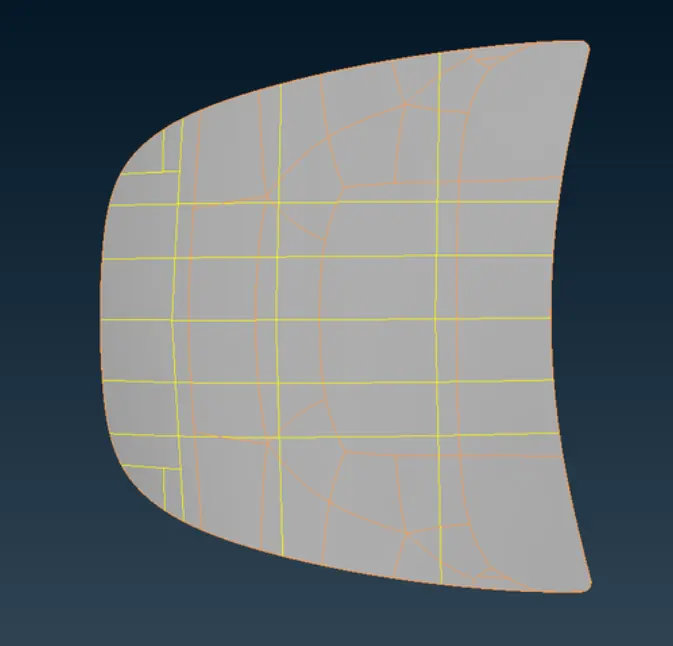
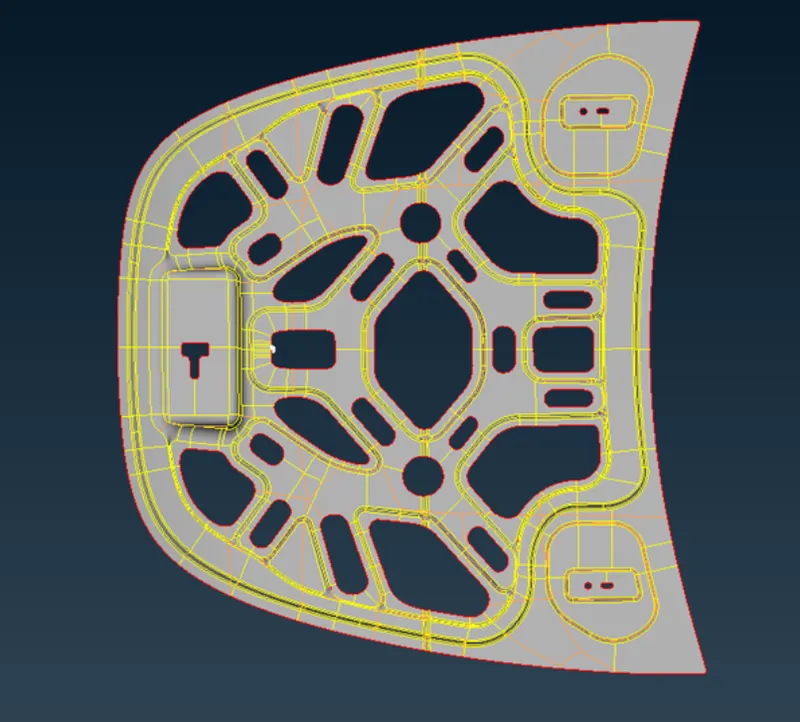
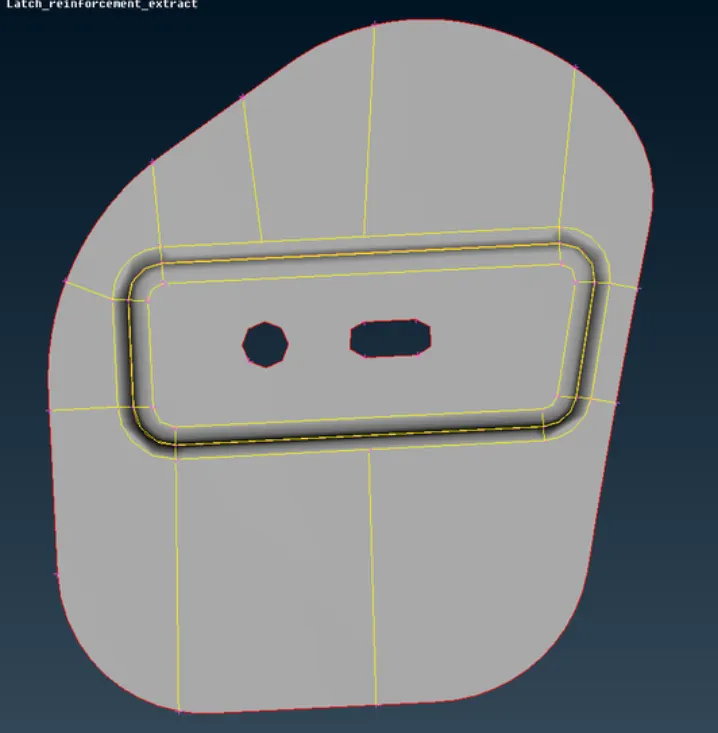
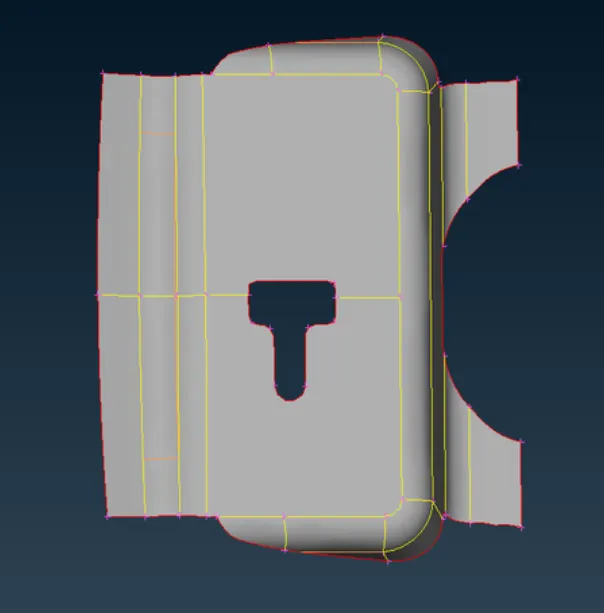
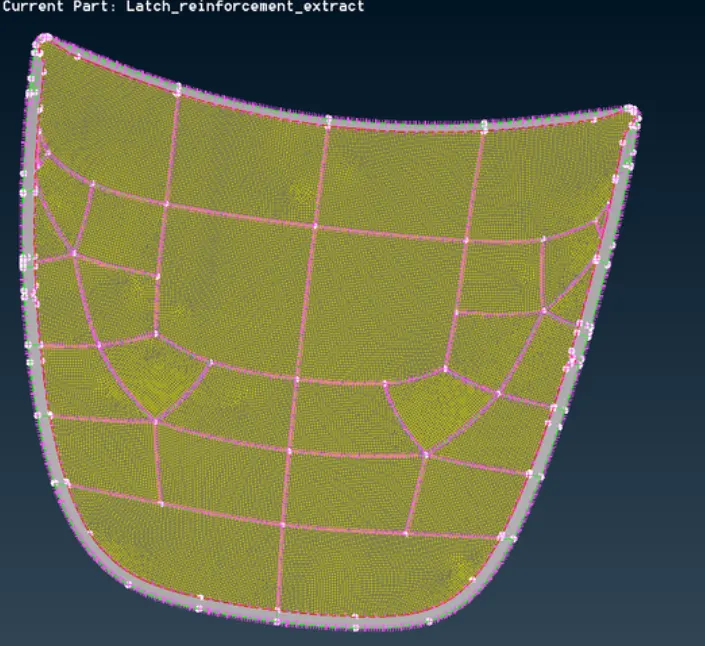
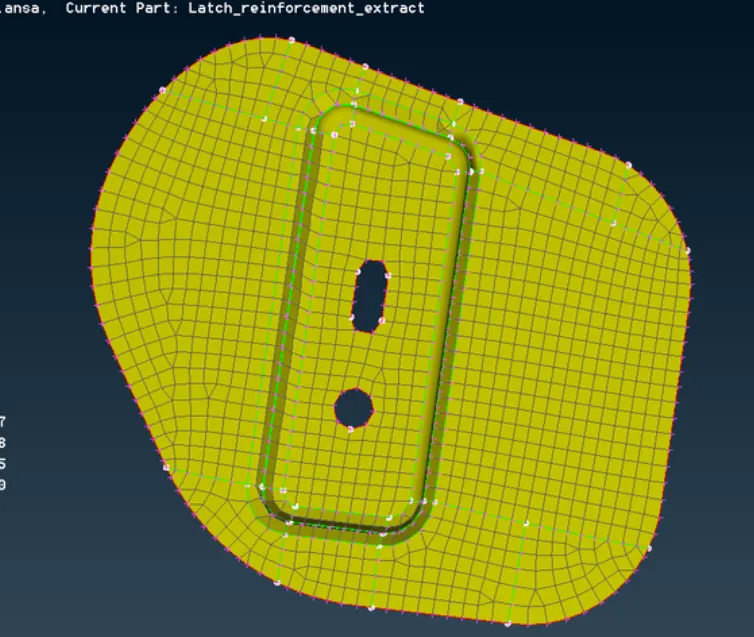
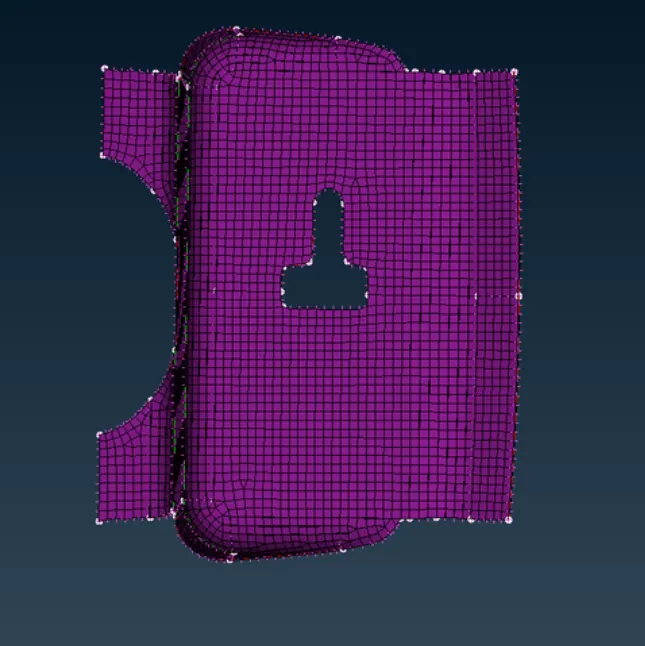
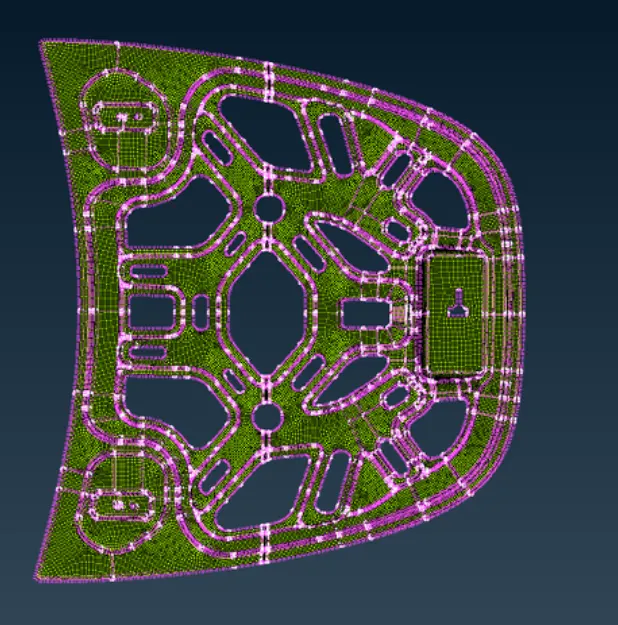
Next, meshing is done using the Mesh generation-Best tool. This tool generates the mesh using the best algorithm applicable. Then, the created mesh is refined using the Shell Mesh-Reconstruct tool. It is ensured that there are no rotating quads. Also, Areas are kept as low as possible. While dealing with areas, the following things need to be ensured.No back to back areas touching each other opposite Areas the following tools are used, Grid-Paste, to paste the nodes and move area backwardElements>Split, to split an element and move area forward Elements-Swap, to move the areas left or right elements-Join, to join two areas to make a quad.
Afterward we can use the smooth option to smooth the surface.
RESULT:
HERE WE CAN TAKE THE MID SURFACE FOR ALL THE COMPONENTS AFTER CHECKING THE GEOMETRICAL ERRORS AND MESH THE MID SURFACE WITH THE GIVEN ELEMENT QUALITY CRITERIA.