Week 3 - 2D meshing for sheet metal
AIM:
- To do a pre-processing on a given hood model using ANSA.
OBJECTIVE:
- To check the geometrical error on the hood model.
- To extract a mid-surface on the components such as inner extract, outer extract, latch reinforcement extract and two hinge reinforcement extracts.
- To generate 2D mesh on the components based on the quality criteria given.
- Assigning thickness to the components.
INTRODUCTION:
CAR HOOD:
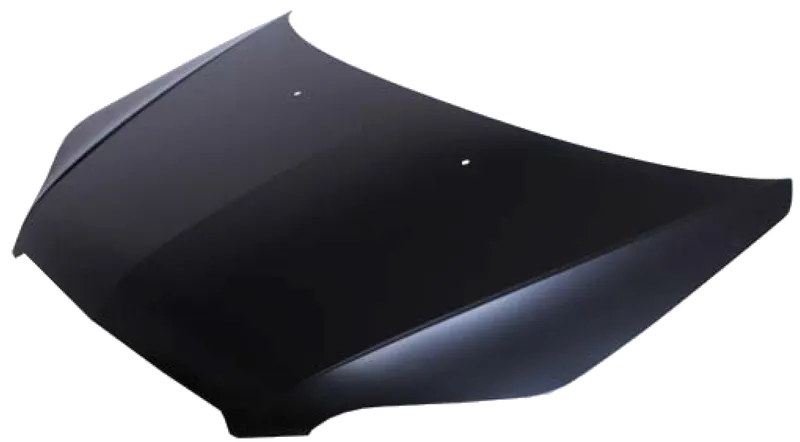
- The hood or bonnet is the hinged cover over the engine of motor vehicles. Hoods can open to allow access to the engine compartment, or trunk on rear-engine and some mid-engine vehicles for maintenance and repair.
- For sheet metal and plastic components which has thickness of less than 6-8mm. For that components a mid-surface should be extracted and pre-processed.
PROCEDURE:
IMPORTING THE CAD MODEL:
- The CAD model is imported into the workspace by using file > open and select the CAD model.
- The model will be imported into the workspace.
- In ANSA we can import all types of CAD software file formats.
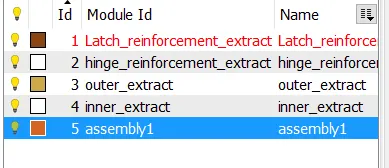
- In the ANSA part list we can see that we have four component
1. LATCH REINFORCEMENT EXTRACT:
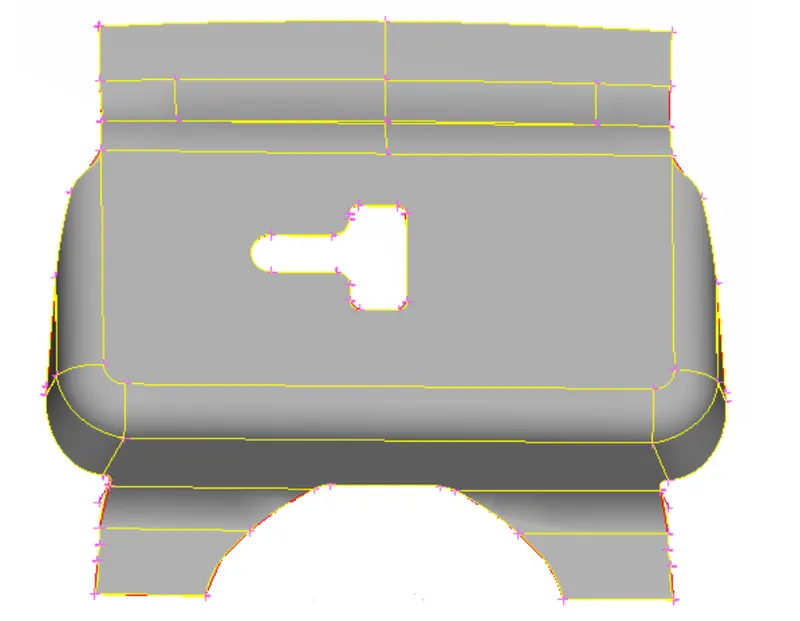 2. HINGE REINFORCEMENT EXTRACT:
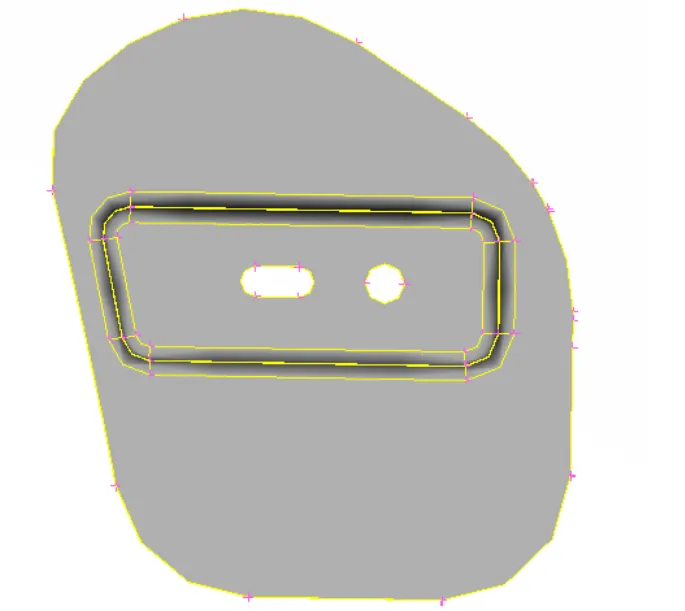
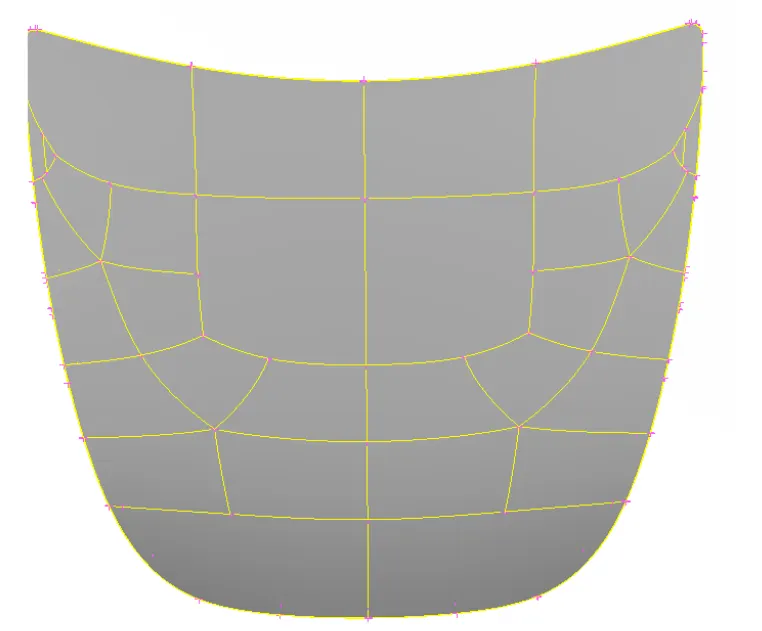
3. OUTER EXTRACT:
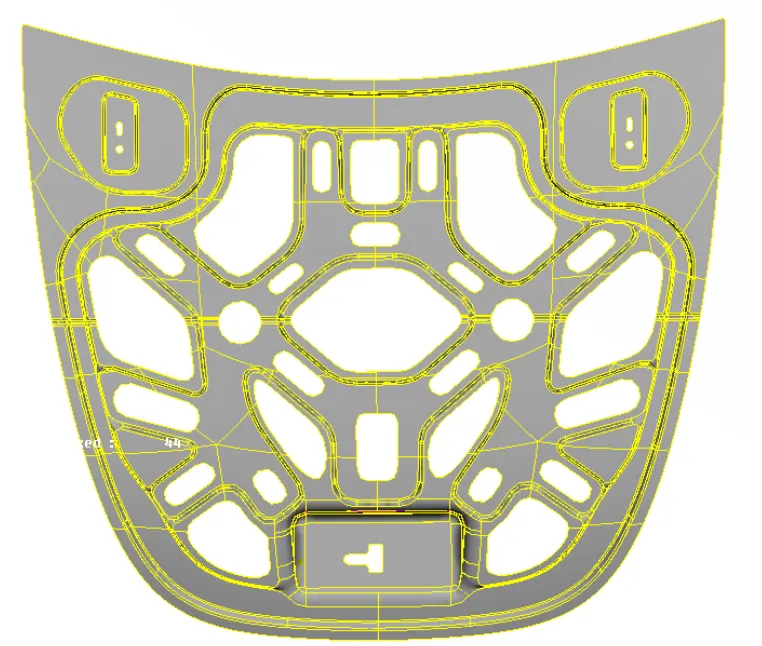
 4. INNER EXTRACT:
GEOMETRY CLEANUP:
- Before working on the model we need to check whether the model has any geometrical errors.
- To check the geometrical errors go to check manager that is available at the tool bar.
- In the check manager select geometry and click execute.
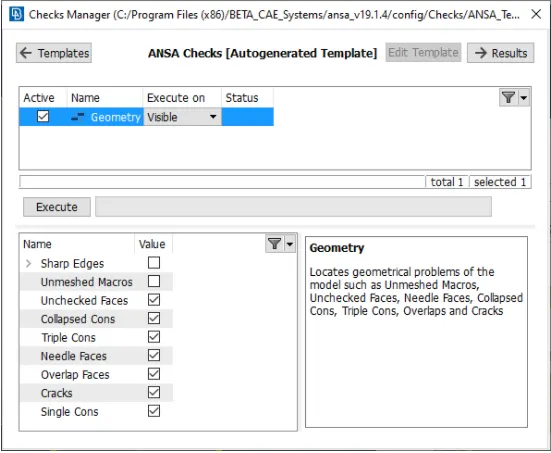
- After clicking on the check geometry the geometrical errors will display.
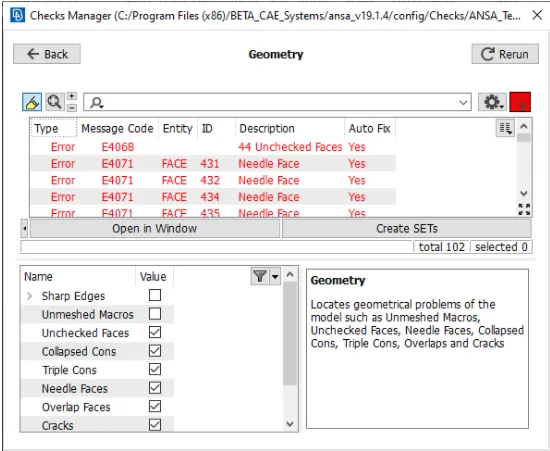
- The geometrical errors can be fixed manually or automatically.
- In our case we fixed the error automatically by right clicking on the error and click fix.
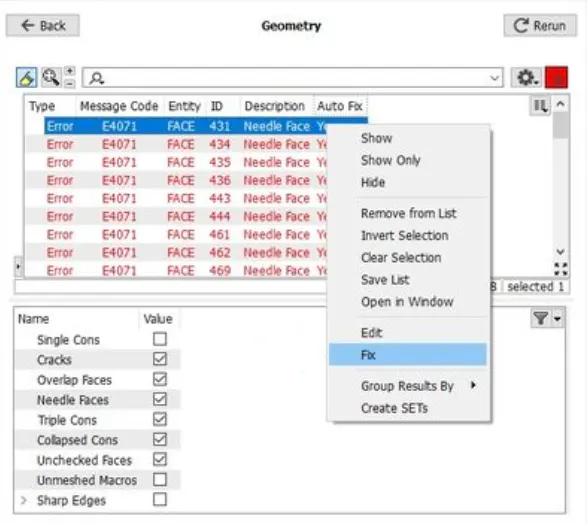
- Once the model has no error it will show green status in the above image and we can proceed further.
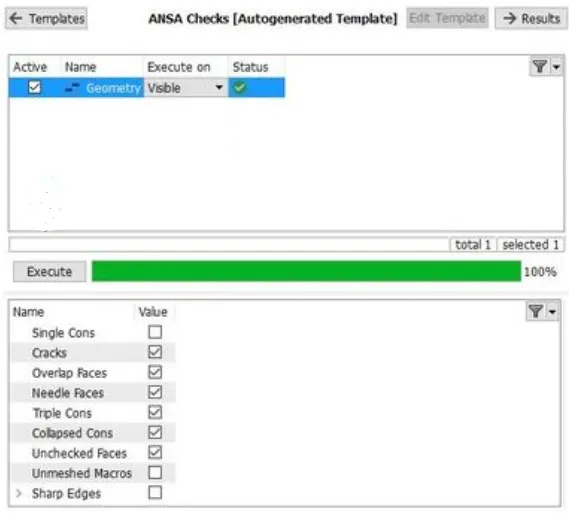
- Similarly the same process should be done for all the components.
MIDSURFACE GENERATION:
- For extracting we have two methods skin mid-surface and offset tool.
- In this case I used a manual offset tool to extract mid.
- To extract mid manually go to faces > offset
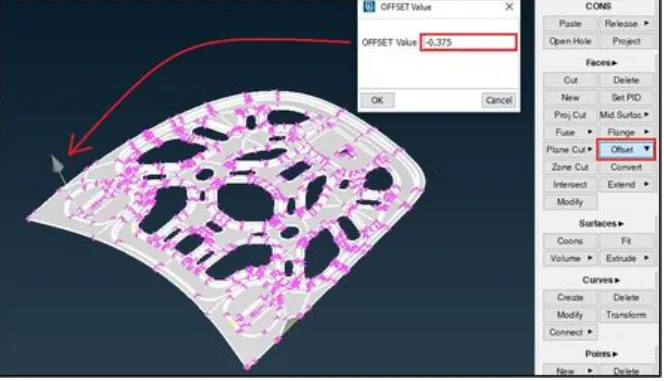
- Select the component faces and give the offset value and click middle mouse button.
- This will convert the solid model into a thin shell components.
- Then the mid surface is extracted by using AND and INOT tools available in ANSA
- The procedure is repeated for all the components to extract midsurface.
PROPERTY ID CREATION:
- Then the property id is created for the mid parts by going to set PID and select the surface and give the thickness value and click ok
- Then go to property id manager and right click the PID and click apply.
2D MESHING:
QUALITY CRITERIA:
- Go to quality criteria that is available in tool bar.
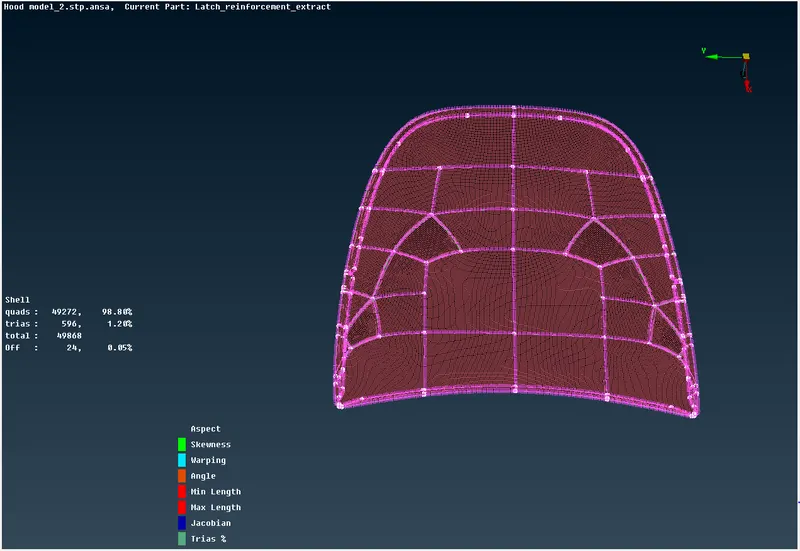
- The criteria that is given in the question are selected and given the value and clicked apply and ok.
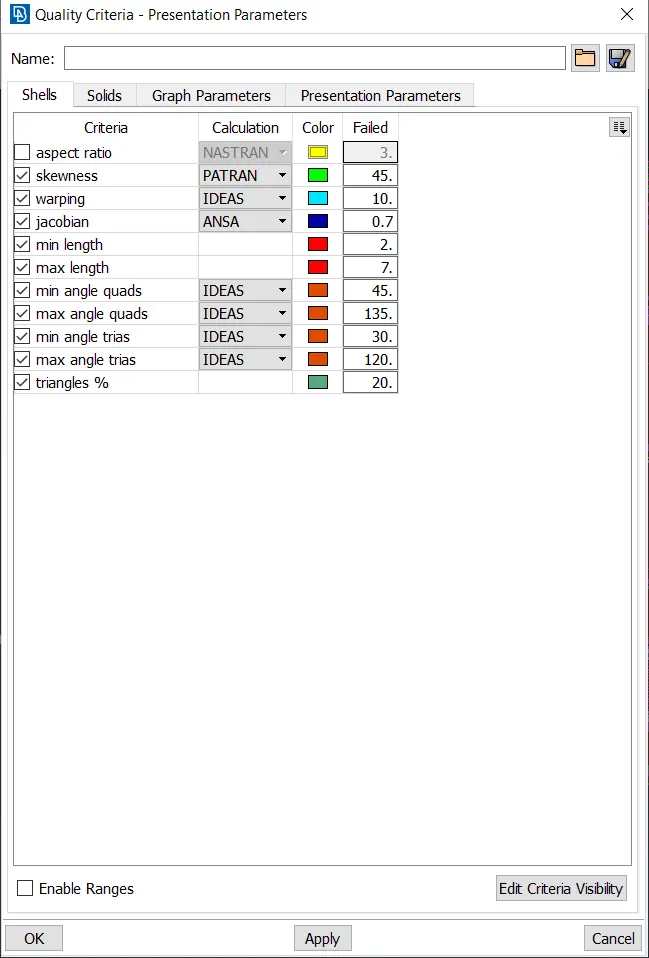
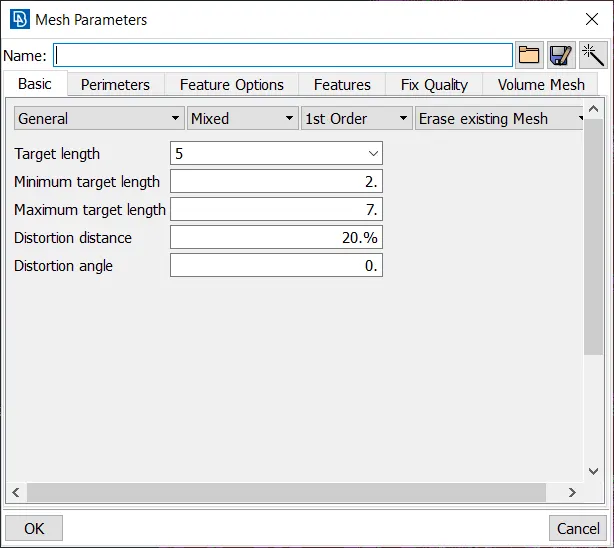
- Then the values of mesh parameters are entered.
- For that go to mesh parameter tool that is available in the tool bar of ANSA.
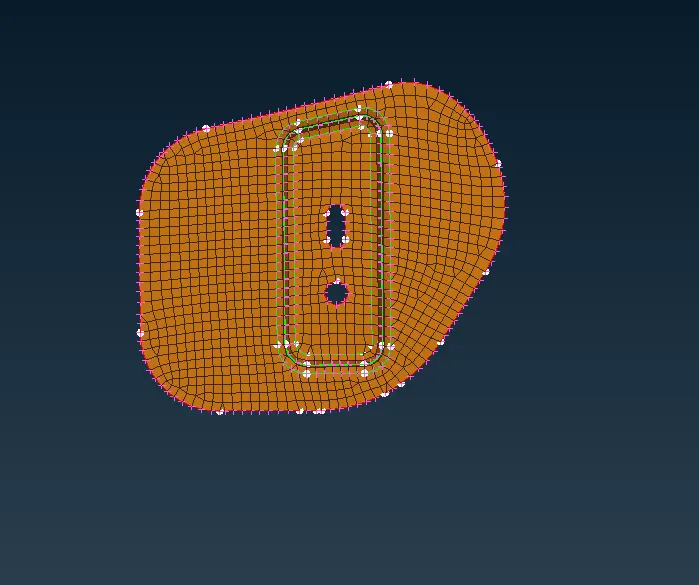
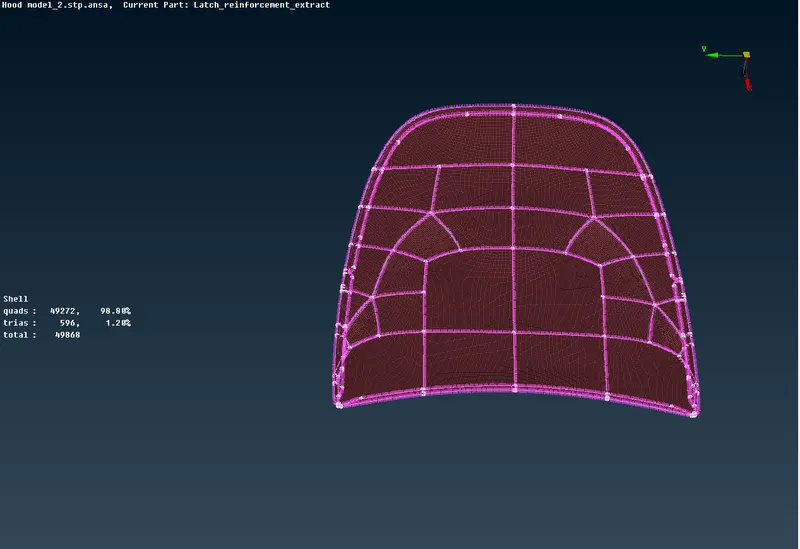
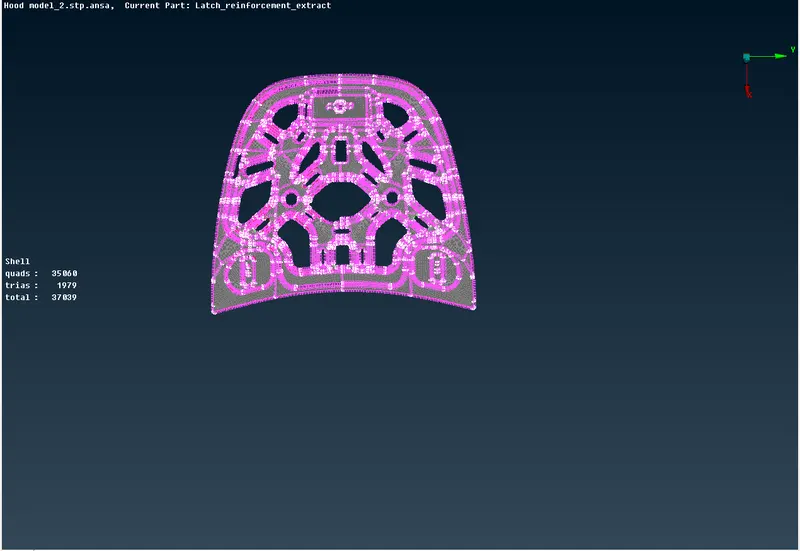
- Then the meshing is done using mesh generation > best tool. This tool generates the mesh using the best algorithm applicable.
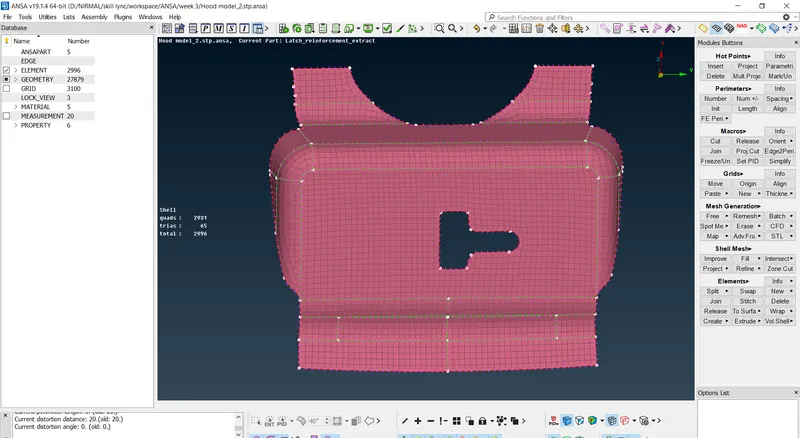
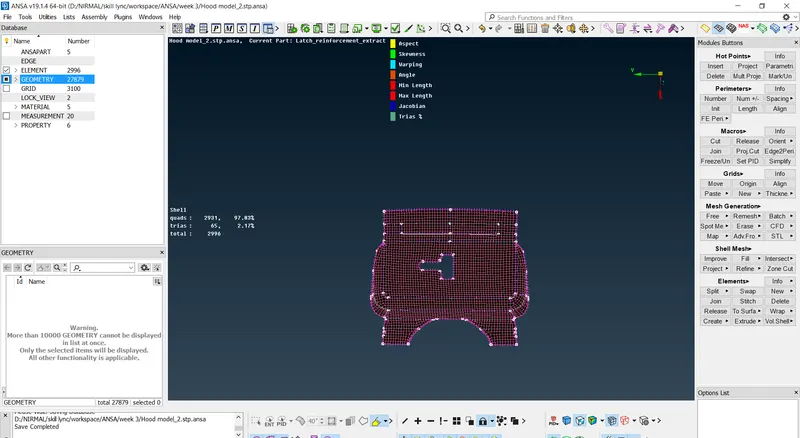
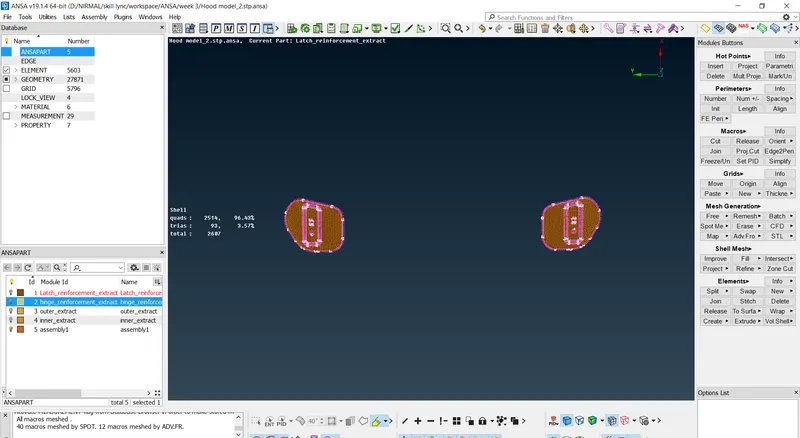
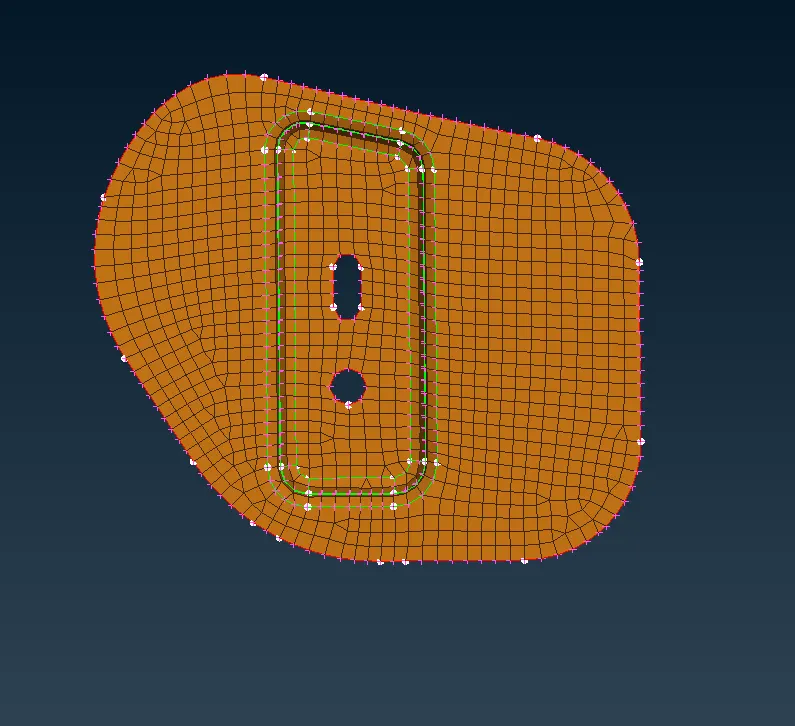
- Then the created mesh is refined using the shell mesh > reconstruct tool.
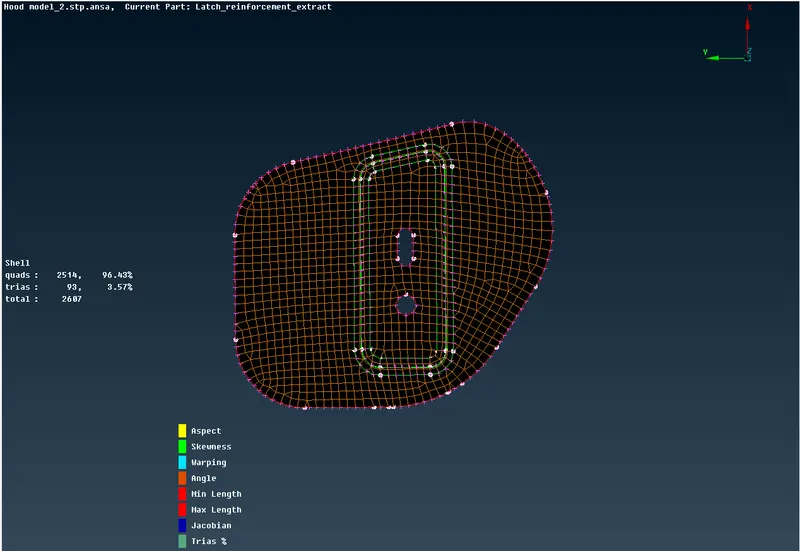
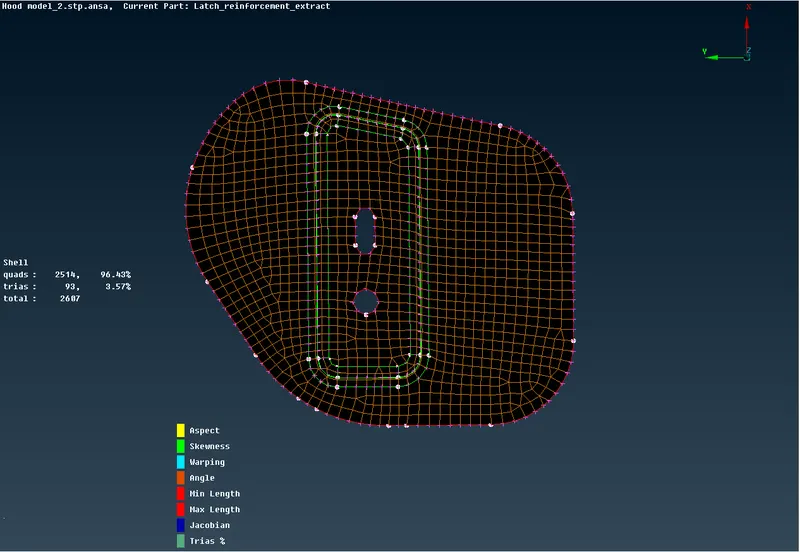
- It is ensured that there are no rotating quads.
- The trias are kept as low as possible.
LATCH REINFORCEMENT:
HINGE REINFORCEMENT:
OUTER EXTRACT:
INNER EXTRACT:
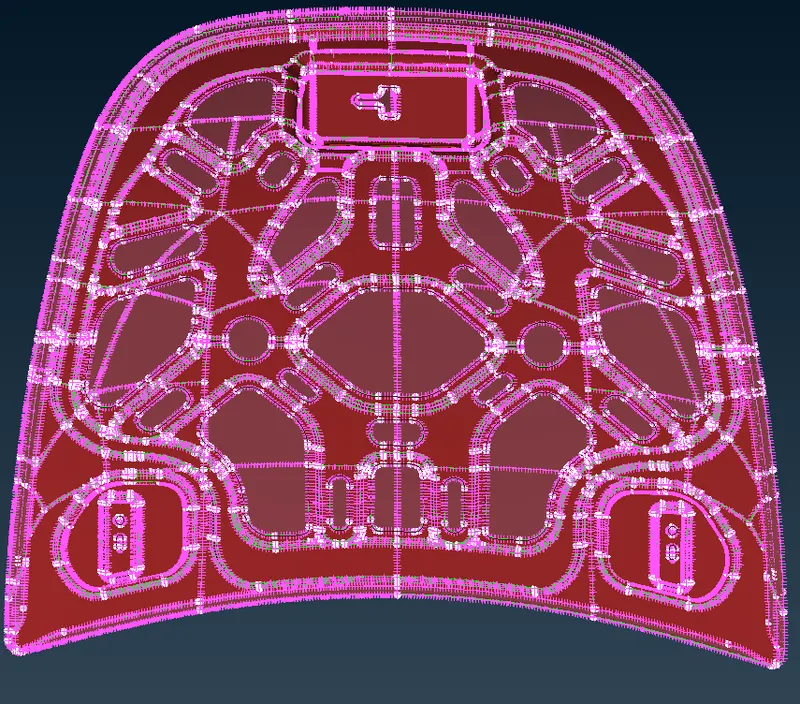
- Finally after creating the mesh and clearing the quality criteria the shell element representation is changed by going to utilities> quality criteria> presentation parameters and enabling the draw shell as solid.
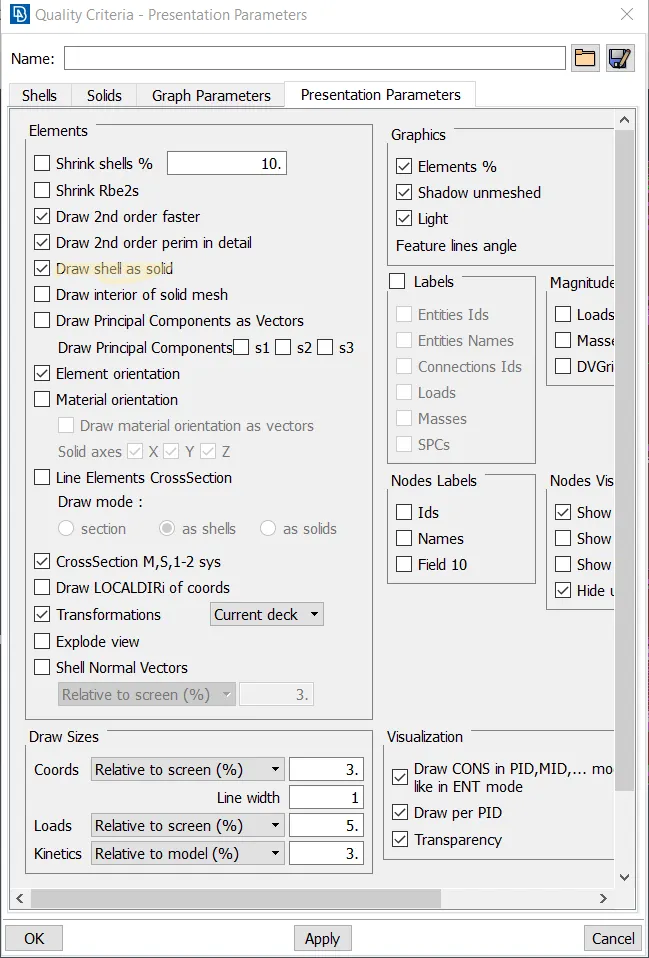
- Draw shell as model will add thickness to the model with the thickness that is provided in property ID.
- Then the final model will look like the image as shown below.
RESULT:
- Hence the mid surface has been extracted from the parent geometry.
- Hence there are no surface deformations in the geometry.
- A well connectivity has been established between surfaces.
- The features have been captured properly.
- A good mesh flow has been achieved.
CONCLUSION:
Geometry cleanup, mid-surface extraction and 2D meshing of the given hood model were successfully done.