Week 3.2 - 2R Robotic Arm Challenge
https://drive.google.com/file/d/15BVPn2luUErA23aD0Bi0onBWI4WRQxj2/view?usp=sharing
Robotic Arm Link
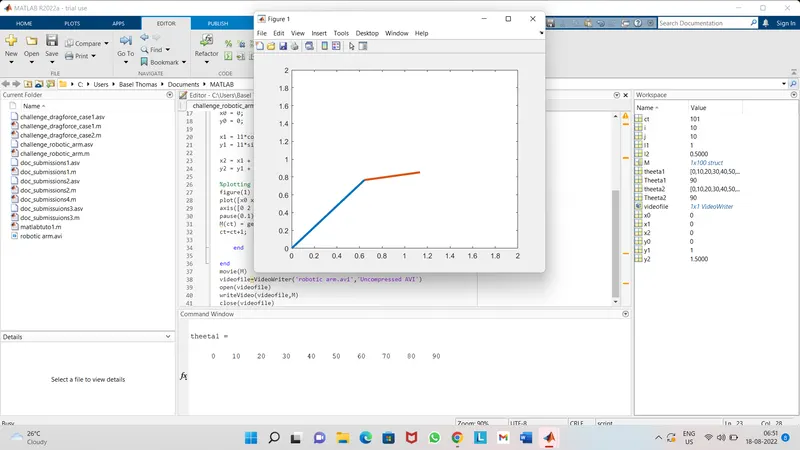
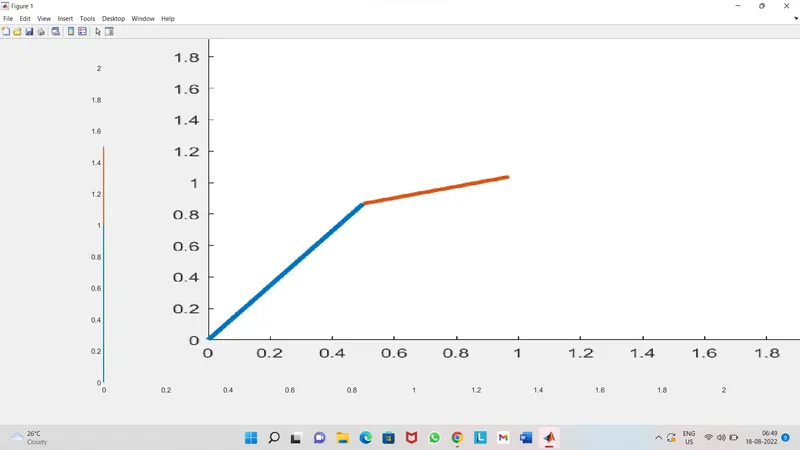
REORT :

Expaination of code:

Let give l1 & l2 as length of link 1 & 2 respectivily,
here i gave l1 = 1 & l2 = 0.5 (random values)

theeta1 = the angle between starting point & link1
theeta2 = the angle between link1 & link2

theeta1 = linspace(0,90,10)
theeta2 = linspace(0,90,10)

here linspace is for mentioning the the with 10 intervals

ct = 1 for representing each & every frame

for loop is used for the repeatition of each values in the array matrix
i = 1:length(theeta1) - for loop is in between i and j because link 2 has its own
     additional values for the array matrix
j = 1:length(theeta2) where i & j is the range operator storage & length of theeta 1 &
    2 means the range with the intervals
   - Theeta 1 & 2 means it has only one value and its a variable not an array which
     inturn helps in finding the reccuring values

x0=0
y0=0 - because x0 & y0 are starting points of arm
x1 , y1 = the end of link 1 & starting point of link 2 resp.
x2 , y2 = the end point of link 2

x1=l1*cosd(Theeta1)
y1=l1*sind(Theeta1) - equation for finding the position of link1

x2=x1+l2*cosd(Theeta1)
y2=y1+l2*sind(Theeta2) - equation for finding the the position of link 2

Potting -
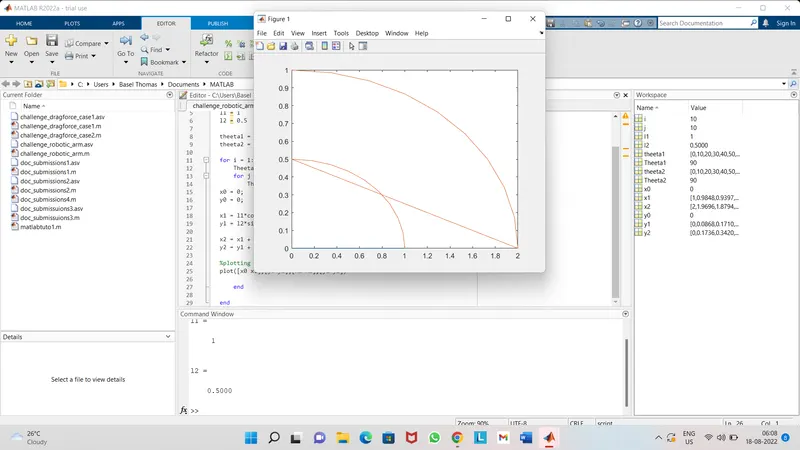
figure(1) for making sure that the all the movement of the links can be plotted on a single fig.

plot is used for making the plotting of all the axis values including x0,y0,x1,y1,y2,x2

linewidth helps to add the desired width for the line

axis[0 2 0 2] helps to change the xlimits & ylimits

pause helps to visualize the value of theeta2 when theeta1 changes

M(ct) = getframe(gcf)-helps caputre the movie of counter ie movie of each frame by frame.

ct = ct+1 means each time the for loop executed it may increment the frame

end is used to end the for loop i and j resp.

movie(M)-helps to play the movie frames in array
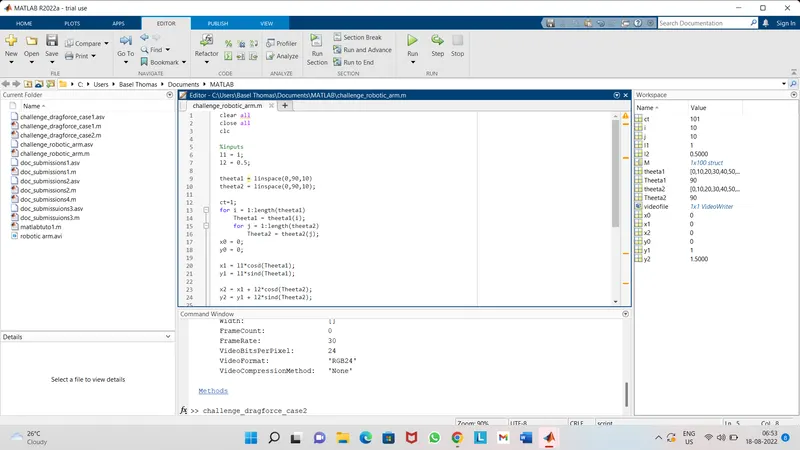
videofile=VideoWriter('robotic arm.avi','uncompressed Avi') - command helps to create a
          video file of specified name & format(AVI)
open(videofile) - opens the  video file
writeVideo(videofile,M) - writes the video frames caputered in M array
close(videofile) - closes the video file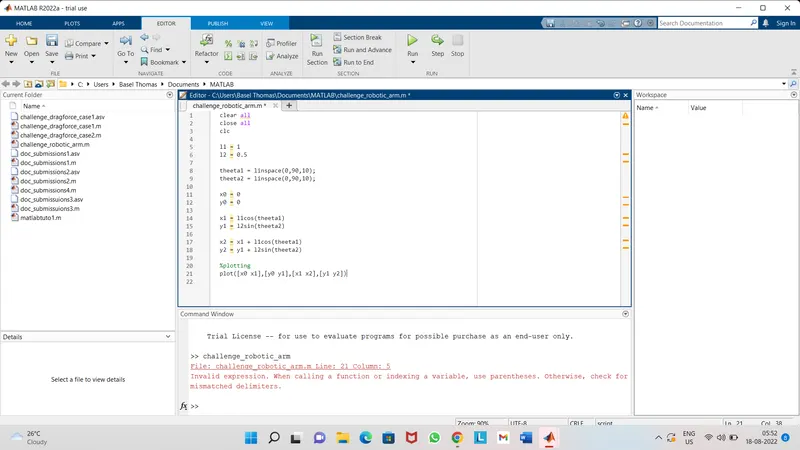
ERRORS & SOLUTIONS

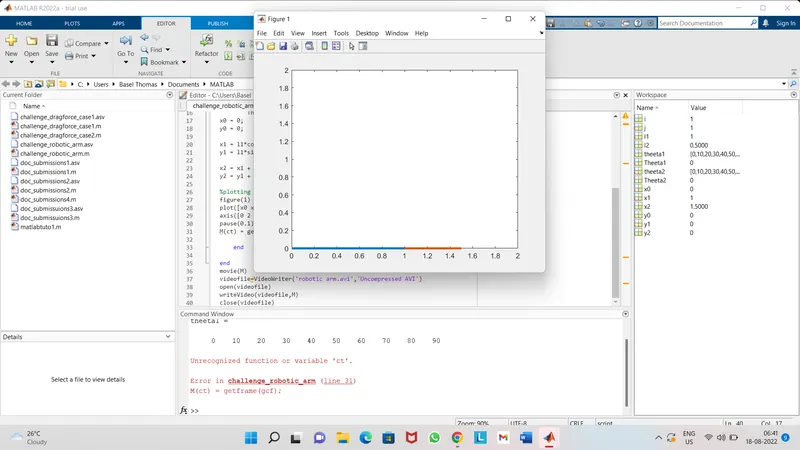
Error 1 - Absence of paranthesis () while calling a function (ie - plot)
        - absence of * while multiplying l1*cos & l1*sin

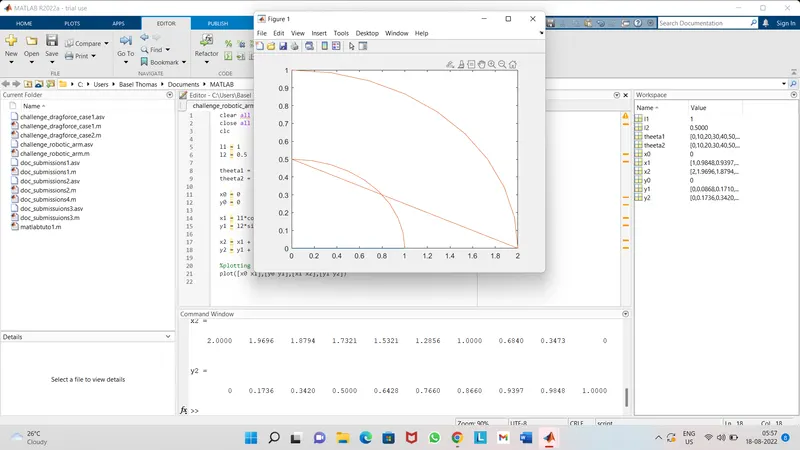
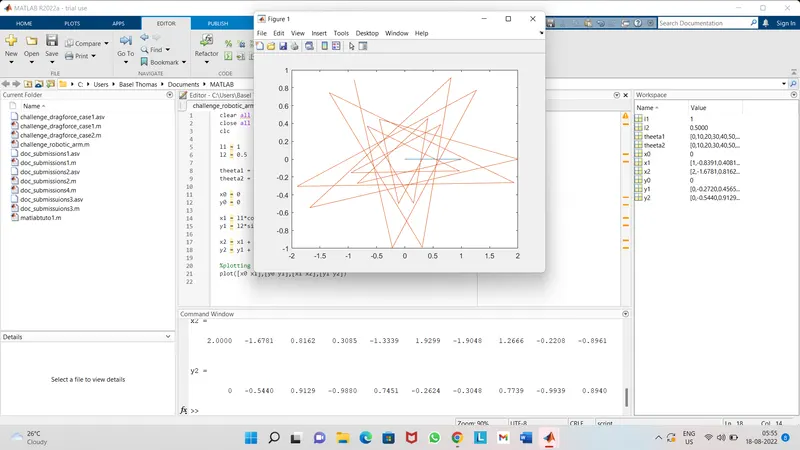
Error 2 - Not using deg for the calucation of x1,x2,y1,y2 beause cos & sin are in degree
          not in radian.

Error 3 - Absence of for loop for the execution next array value.

Error 4 - Entering incorrect equation ie using l2 & l1 instead of l1 & l2 in their
          respective y1 & y2 eqn.

Error 5 & 6 - use i instead of j in Theeta2 eqn & also l1 instead of l2 in x2 and y2
              equation respectivily.
            - counter variable is not given for the execution of getframe.

SOLUTIONS:

Error 1 - put paranthesis & * according to the need in the code
Error 2 - put deg in the eqn infront of cos and sin resp.
Error 3 - introduce for loop for the repetition of the array matrix values
Error 4 - correctly put the proper values for the correspinding eqns
Error 5 - correctly replace the i with j
Error 6 - ctr variable may give from ctr = 1 to ctr =ctr + 1 for the execution of
          getframe
% program for Robotic arm kinematic simulation
clear all
close all
clc
%inputs
l1 = 1;
l2 = 0.5;
theeta1 = linspace(0,90,10)
theeta2 = linspace(0,90,10);
ct=1;
for i = 1:length(theeta1)
Theeta1 = theeta1(i);
for j = 1:length(theeta2)
Theeta2 = theeta2(j);
x0 = 0;
y0 = 0;
x1 = l1*cosd(Theeta1);
y1 = l1*sind(Theeta1);
x2 = x1 + l2*cosd(Theeta2);
y2 = y1 + l2*sind(Theeta2);
%plotting
figure(1)
plot([x0 x1],[y0 y1],[x1 x2],[y1 y2],'lineWidth',3);
axis([0 2 0 2])
pause(0.1)
M(ct) = getframe(gcf);
ct=ct+1;
end
end
movie(M)
videofile=VideoWriter('robotic arm.avi','Uncompressed AVI')
open(videofile)
writeVideo(videofile,M)
close(videofile)
Command Window Results
theeta1 =
0 10 20 30 40 50 60 70 80 90
videofile =
VideoWriter
General Properties:
Filename: 'robotic arm.avi'
Path: 'C:\Users\Basel Thomas\Documents\MATLAB'
FileFormat: 'avi'
Duration: 0
Video Properties:
ColorChannels: 3
Height: []
Width: []
FrameCount: 0
FrameRate: 30
VideoBitsPerPixel: 24
VideoFormat: 'RGB24'
VideoCompressionMethod: 'None'
Methods
>>