Week 3.2 - 2R Robotic Arm Challenge
Aim: To write a program to simulate the forward kinematics of a 2R robotic arm.
Matlab code
clear all
close all
clc
l1 = 1;%length of arm 1
l2 = 0.5;%length of arm 2
theta1 = linspace(0,90,10);% angle variation for arm 1
theta2 = linspace(0,90,90);%angle variation for arm 2

ct = 1; %initialization of ct to capture animation frames

for i = 1:length(theta1)%for loop for inserting 1st arm angle
    THETA1 = theta1(i);%assigning index value theta1 to THETA1 for every value of i
    for j = 1:length(theta2)% nested for loop for inserting 2nd arm angle
        THETA2 = theta2(j);%assigning index value theta2 to THETA2 for every value of j
        x0 = 0;%initial point of arm 1
        y0 = 0;%initial point of arm 1
        x1 = l1*cosd(THETA1);%end co-ordinate of x of arm 1
        y1 = l2*sind(THETA1);%end co-ordinate of y of arm 1

        x2 = x1 + l2*cosd(THETA2);%end co-ordinate of x of arm 2
        y2 = y1 + l2*sind(THETA2);%end co-ordinate of y of arm 2
        plot([x0 x1],[y0 y1],[x1 x2],[y1 y2],'LineWidth',3)%plotting
        axis([-0.1,1.5,0,1.5])%difining axis
        pause(0.01)%pause for 0.01 sec after each iteration
        m(ct)=getframe(gcf);%geting each frame if iteration for creating animation
        ct = ct+1;%updating frame count
    end%end of nested loop
end%end of for loop
%creating animation
movie(m)
videofile = VideoWriter('Robotic_arm.avi','Uncompressed AVI');
open(videofile)
writeVideo(videofile,m)
close(videofile)
output plot
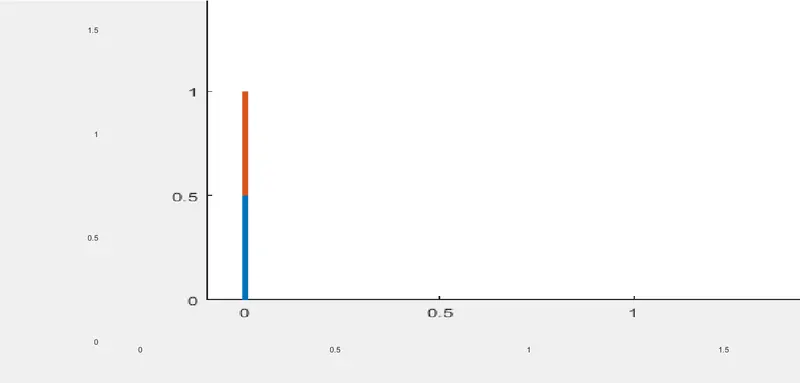
in the above diagram second arm is moving 1 degree of angle for every 0.01 second. it can be seen in the animation. and the first arm is moving 10 degrees in each iteration of theta1.
Animation Link