Week 3.2 - 2R Robotic Arm Challenge
Write a program in Matlab to simulate the forward kinematics of a 2R Robotic Arm, as shown in the video.
- Create an animation file of the plot
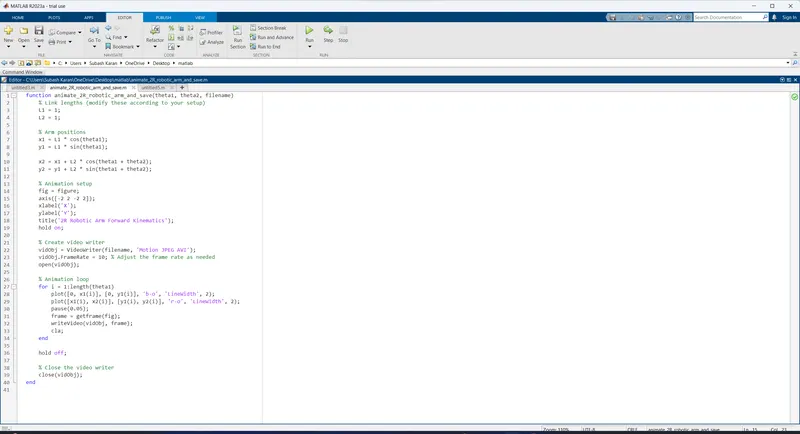
sol : Below is a MATLAB code that simulates the forward kinematics of a 2R robotic arm and generates an animation:
function animate_2R_robotic_arm_and_save(theta1, theta2, filename)
    % Link lengths (modify these according to your setup)
    L1 = 1;
    L2 = 1;

    % Arm positions
    x1 = L1 * cos(theta1);
    y1 = L1 * sin(theta1);

    x2 = x1 + L2 * cos(theta1 + theta2);
    y2 = y1 + L2 * sin(theta1 + theta2);

    % Animation setup
    fig = figure;
    axis([-2 2 -2 2]);
    xlabel('X');
    ylabel('Y');
    title('2R Robotic Arm Forward Kinematics');
    hold on;

    % Create video writer
    vidObj = VideoWriter(filename, 'Motion JPEG AVI');
    vidObj.FrameRate = 10; % Adjust the frame rate as needed
    open(vidObj);

    % Animation loop
    for i = 1:length(theta1)
        plot([0, x1(i)], [0, y1(i)], 'b-o', 'LineWidth', 2);
        plot([x1(i), x2(i)], [y1(i), y2(i)], 'r-o', 'LineWidth', 2);
        pause(0.05);
        frame = getframe(fig);
        writeVideo(vidObj, frame);
        cla;
    end

    hold off;

    % Close the video writer
    close(vidObj);
end
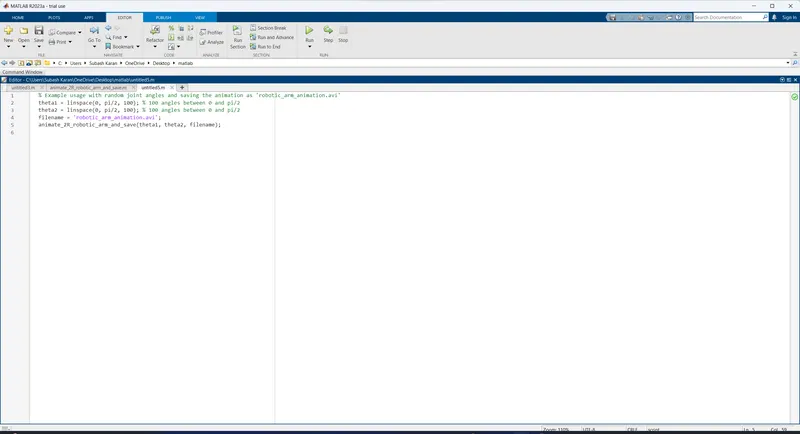
which specifies the name of the video file to be saved ('robotic_arm_animation.avi')
% Example usage with random joint angles and saving the animation as 'robotic_arm_animation.avi'
theta1 = linspace(0, pi/2, 100); % 100 angles between 0 and pi/2
theta2 = linspace(0, pi/2, 100); % 100 angles between 0 and pi/2
filename = 'robotic_arm_animation.avi';
animate_2R_robotic_arm_and_save(theta1, theta2, filename);
Explanition Of the COde :
-
The function
animate_2R_robotic_arm(theta1, theta2)takes two input arguments:theta1andtheta2, which represent the joint angles of the 2R robotic arm. -
The function starts by defining the link lengths
L1andL2that represent the lengths of the two segments of the robotic arm. -
It then calculates the positions of the two joints (endpoints) of the robotic arm using the forward kinematics equations:
x1 = L1 * cos(theta1)andy1 = L1 * sin(theta1)for the first joint.x2 = x1 + L2 * cos(theta1 + theta2)andy2 = y1 + L2 * sin(theta1 + theta2)for the second joint.
-
The function creates a new figure and sets up the axis and labels for the animation.
-
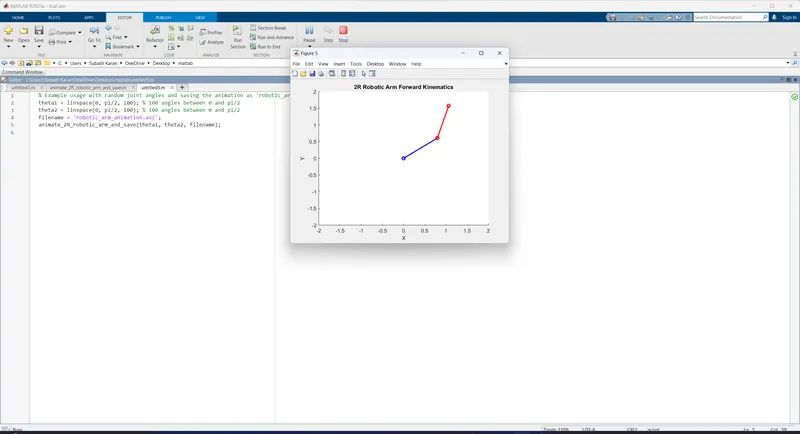
Inside the animation loop, it plots the two joints of the robotic arm as blue and red circles with lines connecting them, simulating the robotic arm's movement for different joint angles.
-
The
pause(0.05)function is used to introduce a small delay between consecutive frames to make the animation visible. -
After each frame, the
clafunction is called to clear the figure, so the next frame can be drawn without overlapping the previous one. -
Once the loop is completed, the animation is complete.
- The You tube link for an animation is provided below
OUT PUT :