Week 3.2 - 2R Robotic Arm Challenge
Aim
To plot a program for simulating forwar kinematics of 2R robotic arm using matlab
Before ploting the program for robotic arm we have to understand what forward kinematics and principle of robotic arms in industries
Forward kinematics of robotic arm
The kinematics equations for the series chain of a robot are obtained using a rigid transfermation [Z] to characterize the relative movement allowed at each joint and separate rigid transformation [X] to define the dimensions of each link. The result is a sequence of rigid transformations alternating joint and link transformations from the base of the chain to its end link, which is equated to the specified position for the end link
Program file
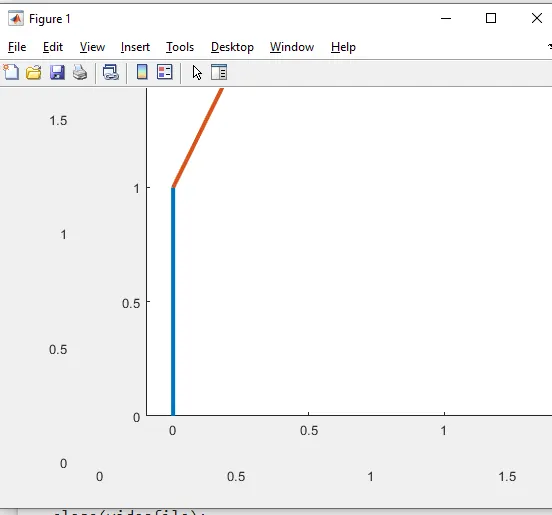
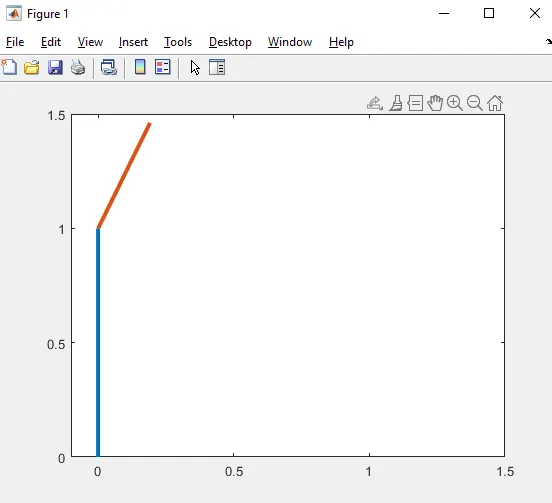
In this program we are going to find the forward kinematics of a 2R robotic arm in this file the robot has three different sections Base , section 1 and section 2 the for the inputs we take the x0,y0, and x1,y1 and x2,y2 and theta for the length of the arm of the robot
while the length of the both section are set as l1 = 1,and l2 = 0.5 and input x0, y0 are used as the base of the robot and x1,y1 are the section1 of the robot and x2,y2 are the section2 of the robot after the inputs given to the program and for the length of i and j are set with theta to get the movement of the robot arm
and after plot rhe figure we can make the video file using videowriter command to get the movie file after ploting we can view it in video playing softwares of the output file
Errors while ploting the program
while after created the movie file cant able to play it in the videoplaying software and shows as unsupported file format and resolved with correct commands
Drive link
After get the movie file the file was uploaded in drive and shared as asked in the challenge
https://drive.google.com/file/d/15cWycR_Ji_ZqNWzHIe7hdeLHhE2_zxSq/view?usp=drivesdk
Screenshot