Week 2 Challenge : Surface meshing on a Pressure valve
SURFACE MESHING ON A PRESSURE VALVE
Aim: To perform topological clean-up and surface meshing of the pressure valve model for three different cases.
Objective:
- check for the geometrical errors and perform Topology cleanup.
- Set three different target lengths as three different cases and mesh the model.
- Target length = 1mm, 3 mm and 5 mm (i.e. 3 cases).
- Element type is to be used triangular(tria)
Procedure:
I-Clean all topology and errors and assign the parts and pids.
a-Given geometry(with error)
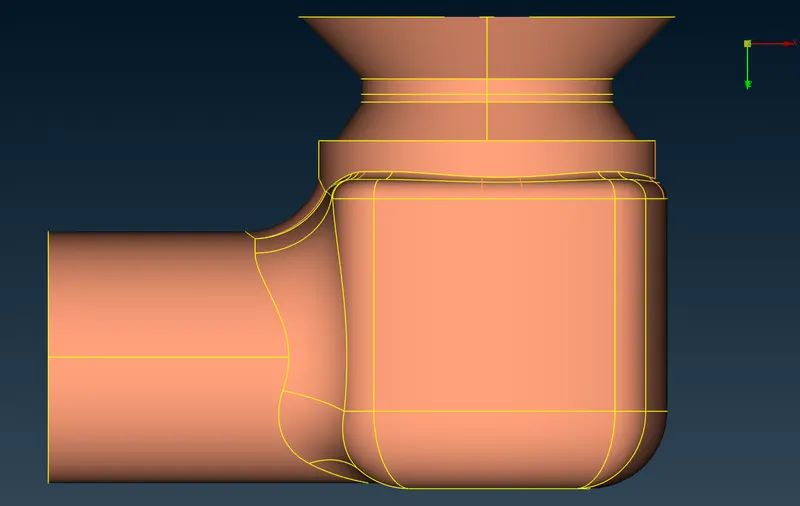
-First of all, we have to check the error in the check manager (Check manager>geometry>select the face>execute). After that, we saw the single cons error and these are the obstacles we have to solve in topo mode before going for meshing.
b-Topology cleanup
I- To solve this error, we filled the gaps using the add new faces option in topo mode (Topo>Faces>New)
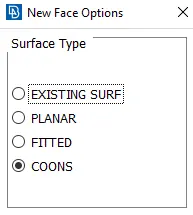
-After that, a new surface pop up, Then chose the desired surface type to fill all the errors.
-In our project, we used 3 of them out of the 4.
- Existing surf is used to fill all the openings on a particular surface.
- In coons option we have to choose all the coons which we want to fill.
- Fitted do the same and gives us some alternatives
c-Cleaned Geometry
-To check the desired geometry then go for a topology check, as we saw in the figure below some errors are showing, that there is nothing but triple coons which are required to fill the hole. The important thing is whether the triple cons are required or not, in our case we require the triple cons.
II- Assigning the PIDs
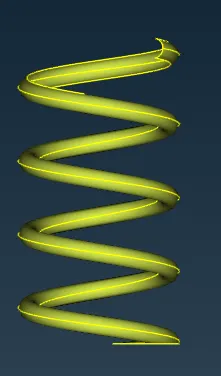
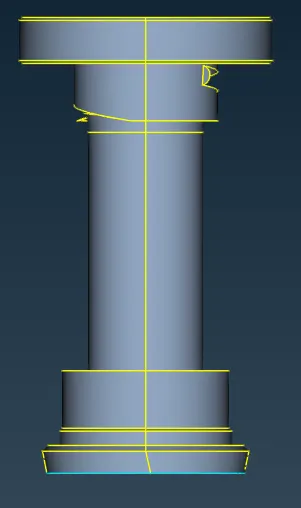
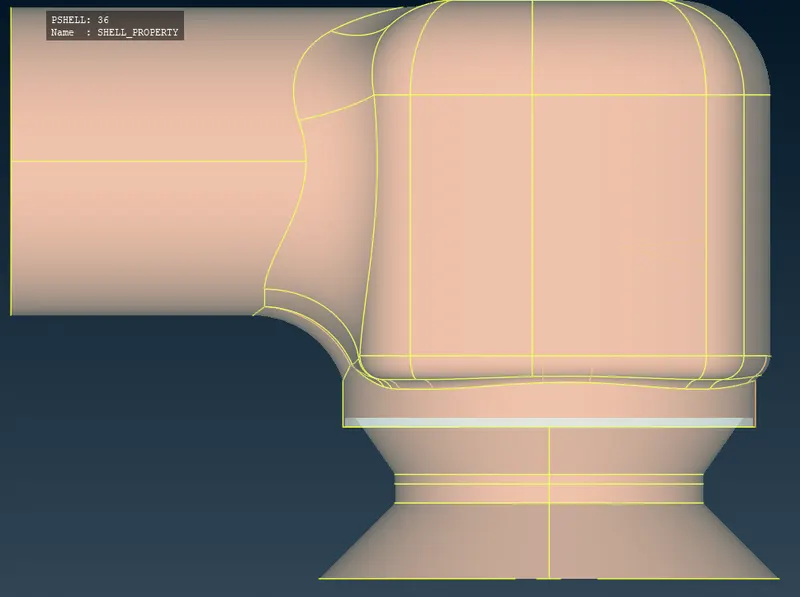
To assign the PIDs, go to the property present in the toolbar and the tools provided in the bottom toolbar we named the component as shown in the fig below,
Spring
Coloumn
Inlet

Outlet
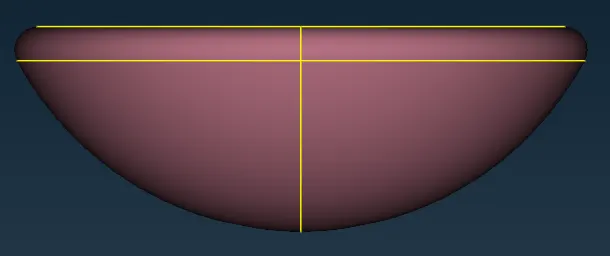
Valve head
Shell property
III-Meshing
In objectives, we have 3 cases to perform.
Case-1
Target length-5mm
-To mesh the meshing module, select the length under perimeters and give 5 mm as perimeter and in macros.
-In the meshing parameter give the maximum target length as 7mm and minimum target length as 3mm, for Mesh type select Triangular(Tria).
- In the quality criteria give the maximum target length as 7mm and minimum target length as 3mm.
We can use the PID region option and select the components one by one to mesh the geometry. The internal components can be selected by hiding the exterior components either by using the not command or by using the property manager.
Valve head, Column & Spring
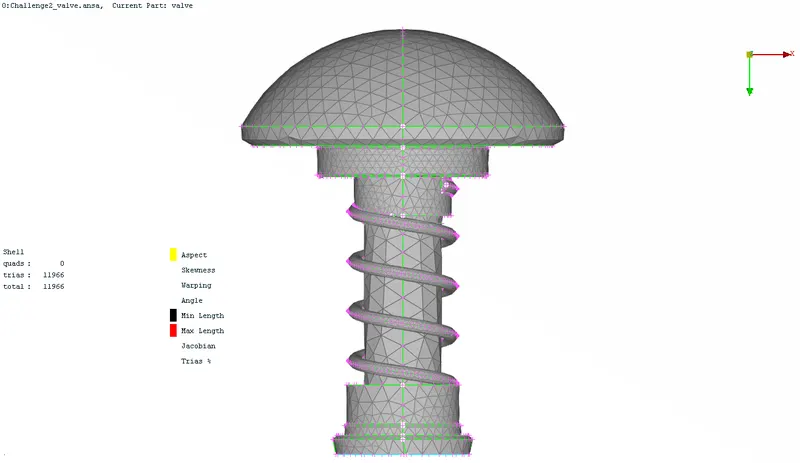
Shell Property
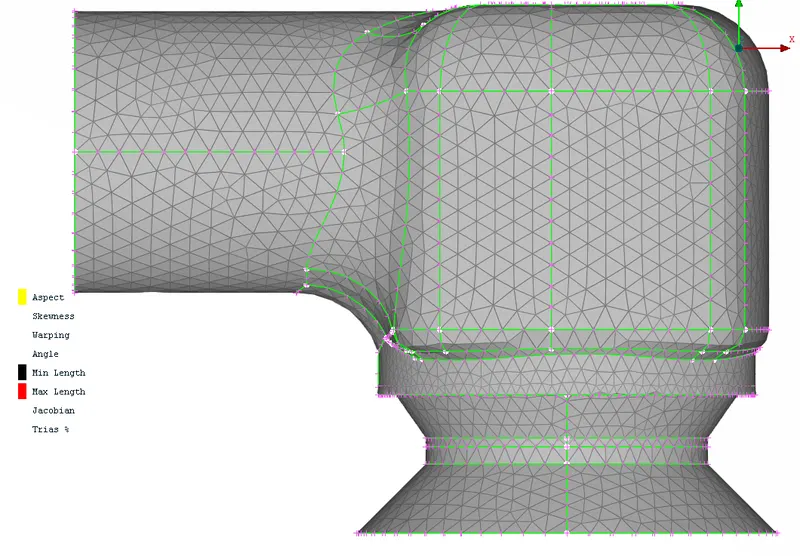
The total number of elements generated is 19270 and no unmeshed or quad ells. The external surface of the pressure valve is captured well with minor defeaturing at some curves but the internal components such as the spring and the basehead were defeatured because the minimum target length was larger than that of the coil diameter and the fillet radius of the valve head. The column is also defeatured because of the target length.
Case-2
Target length-3mm
-To mesh the meshing module, select the length under perimeters and give 3 mm as perimeter and in macros.
-In the meshing parameter give the maximum target length as 5 mm and minimum target length as 1mm, for Mesh type select Triangular(Tria).
- In the quality criteria give the maximum target length as 5mm and minimum target length as 1mm.
Valve head, Column & Spring
Shell Property
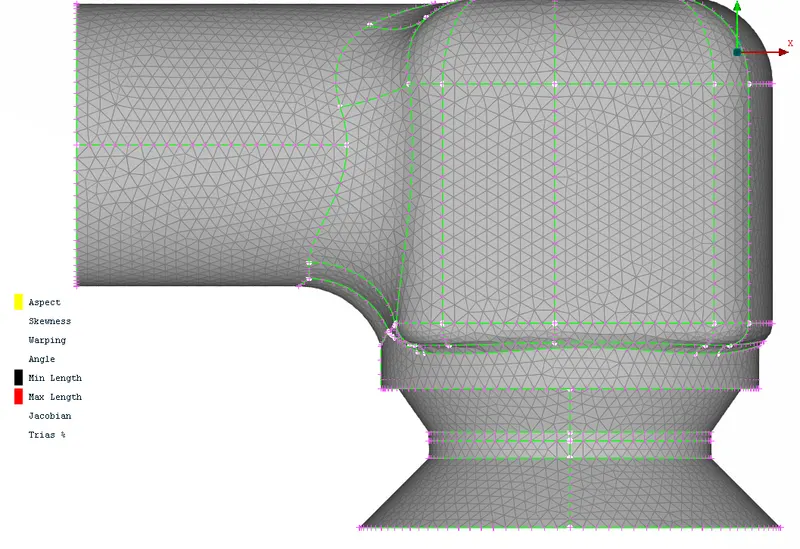
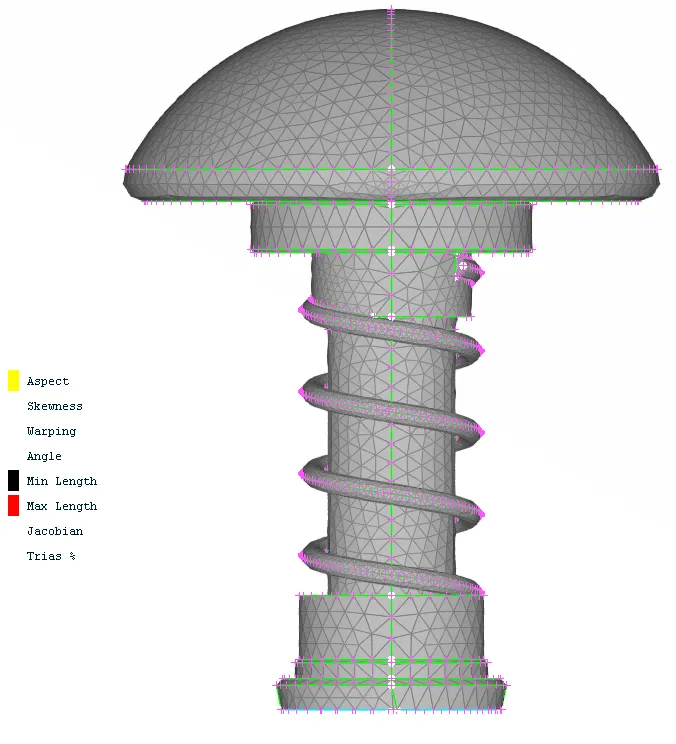
The total number of elements generated is 31153 and no unmeshed or quad ells. The external surface of the pressure valve is captured well with minor defeaturing at some curves but the internal components such as the spring and the basehead were defeatured because the minimum target length was larger than that of the coil diameter and the fillet radius of the valve head. The column is also defeatured because of the target length.
Case-3
Target length-1mm
-To mesh the meshing module, select the length under perimeters and give 1 mm as perimeter and in macros.
-In the meshing parameter give the maximum target length as 3 mm and minimum target length as 0.5 mm, for Mesh type select Triangular(Tria).
- In the quality criteria give the maximum target length as 3 mm and minimum target length as 0.5 mm
Valve head, Column & Spring
Shell Property
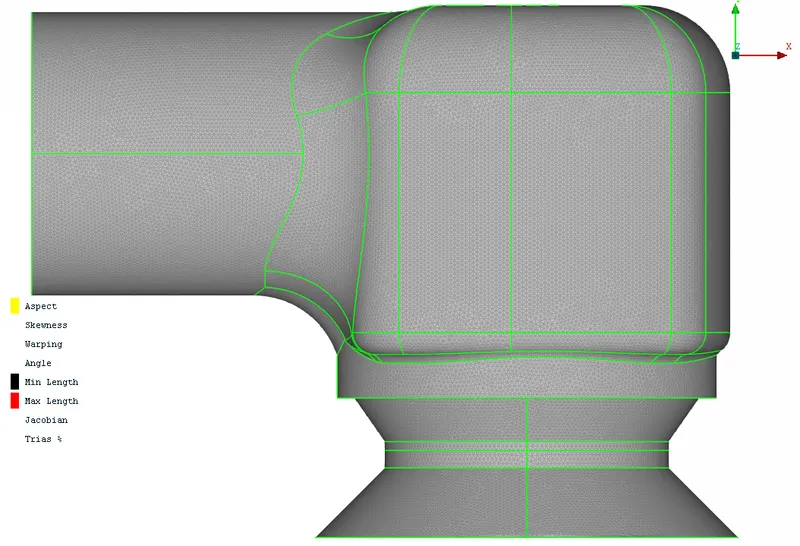
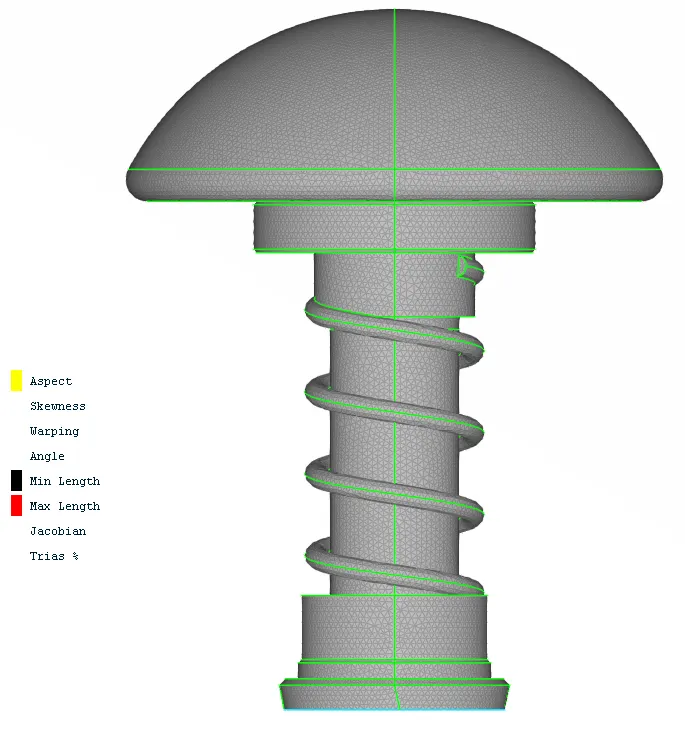
The total number of elements generated is 206045 and no unmeshed or quad ells. The external surface of the pressure valve is captured well as compared to other cases.
CONCLUSION
-From the above 3 cases we conclude that the case of 1 mm has no defeaturing and has retained the geometry of all components. To archive the best mesh you have to mesh it individually with different target lengths.