Week 2 Challenge : Surface meshing on a Pressure valve
Aim: To perform the topology cleanup and to check the geometrical errors.
Tools: 1) Topo>Faces>New / Topo>Cons>Fill Holes
This tool is used for the topological cleanup of the geometry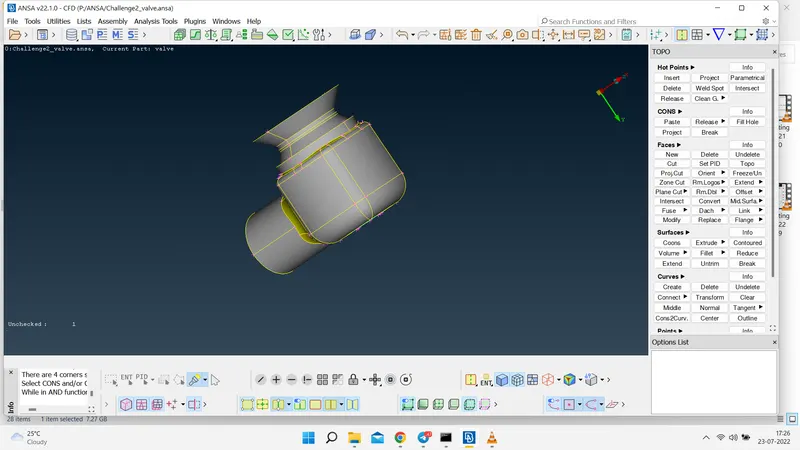
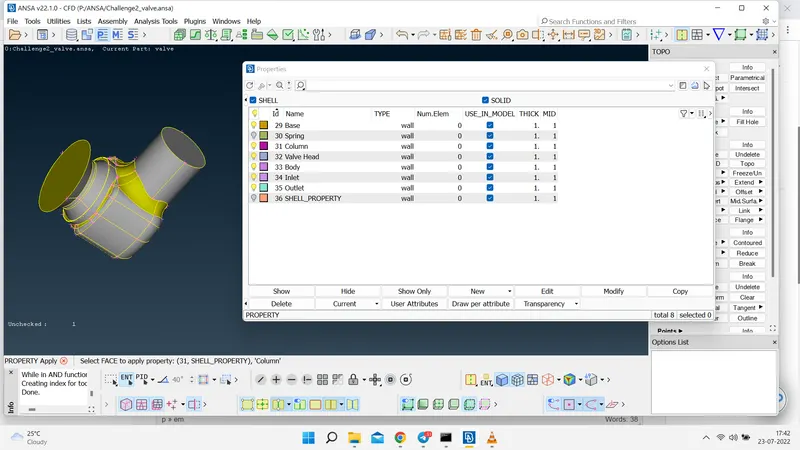
2) PID Tool
This tool is used to create many PIDs.
3) Compress Tool
This tool is used for the removal of unnecessary PIDs present in the Properties.
4) Topo>Faces>Intersect
This tool is used because spring passes through the column that's why by using intersect tool both these objects get properly intersected and get combined.
5) Geometry Check
This tool is performed for the analysis of the geometry and removes the triple cons and various issues and also checks the intersections in the geometry.
6) Meshing
Procedure: 1) Firstly a topological cleanup is performed on the geometry.
2) After this we are assigning the various PIDs of the geometry.
3) Then we perform the geometry and intersection check.
4) After checking we move towards the meshing of the geometry.
Meshing Process: 1) In this firstly we define the perimeter and macros length of 1mm then 3mm and after that 5 mm.
2) After this we provide the visible spot mesh to the geometry.
3) We can apply the spot mesh all together or we can apply the mesh one by one, and after meshing each PID we freeze that geometry because after applying this we cannot get the unstructured meshing at the joints of the PIDs.
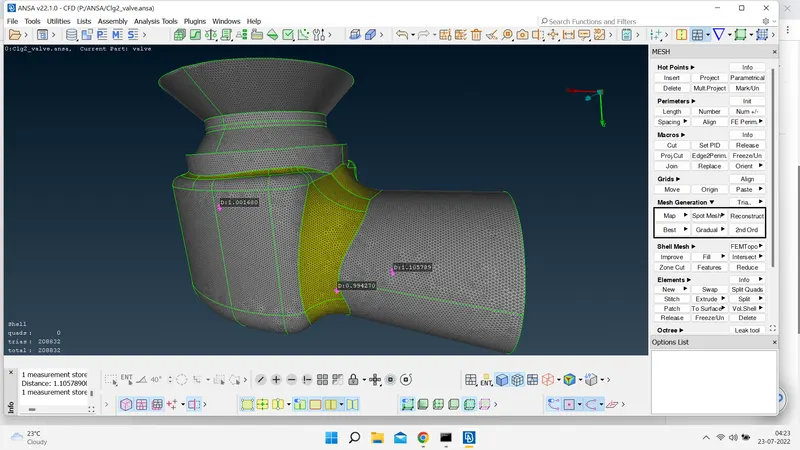
Meshing Images:
1) Target Length of 5mm
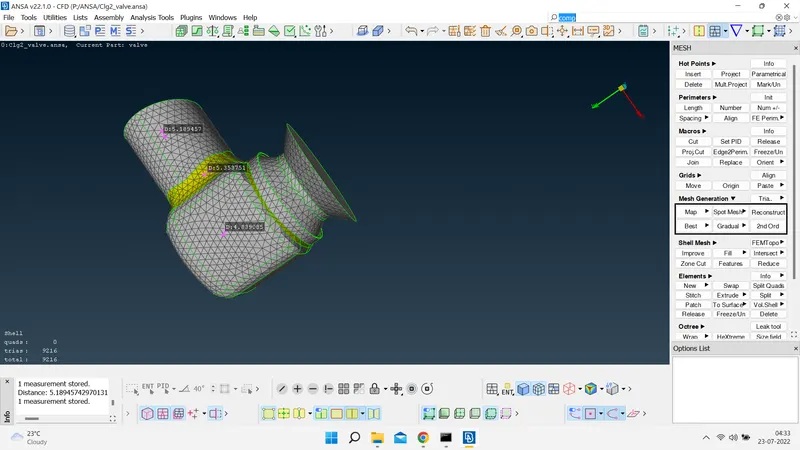
2) Target Length of 3mm
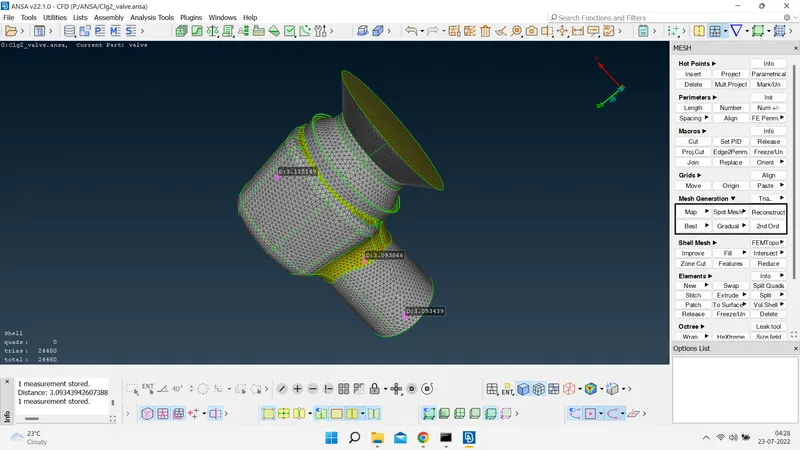
3) Target Length of 1 mm
Meshed Geometry Link:
https://drive.google.com/file/d/1e-jZEdqq-Q977d4Ef9Eb-YBP02zT5jB5/view?usp=sharing
https://drive.google.com/file/d/1qAd8VO06Xwyt3B3Zkn-v_GGmULrNiIKG/view?usp=sharing
https://drive.google.com/file/d/1m88NfALTTkYiz9aP1y6-ZSYa2ISY4Mqp/view?usp=sharing