Week 2 Challenge : Surface meshing on a Pressure valve
Aim:
Surface meshing on a pressure valve
Procedure
Upload the model in ANSA Using Open and select the file.
Check the geometry check in the check box using check>check manager>geometry >execute
Then select the execute to check the geometry error
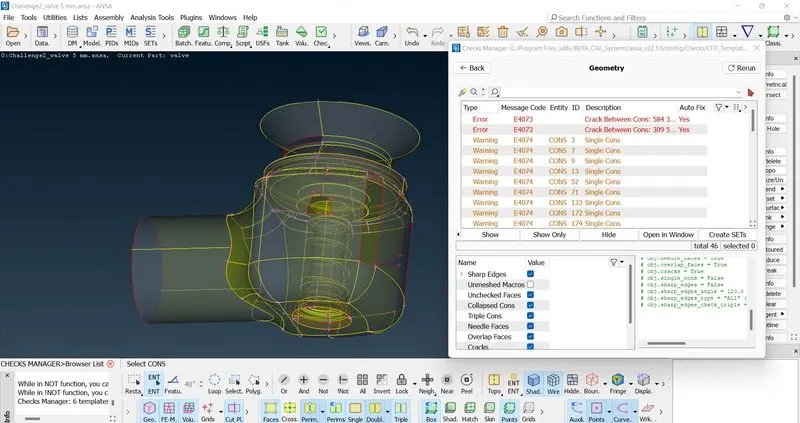
There is single cons and triple con errors, so fill the unfaced surface using hole and face option
close the check manager and using the topo>Face>New>existing surf, planner, fitted, coons
and using topo>cons>fil hole
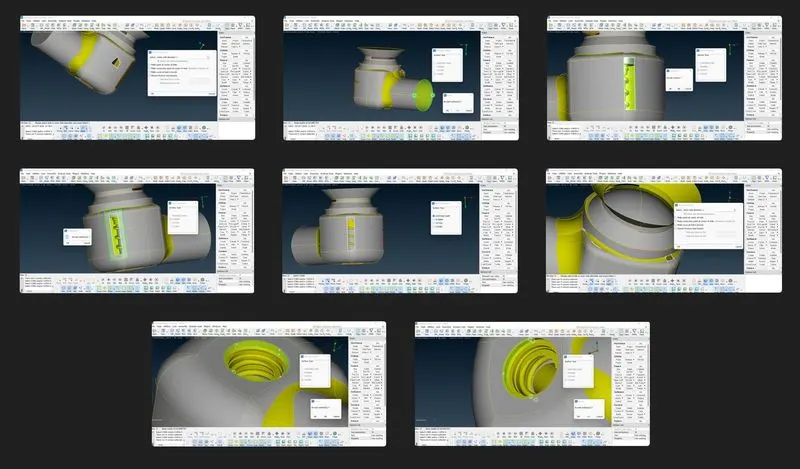
After clearing the single con error checked the geometry check
in that check having penetration error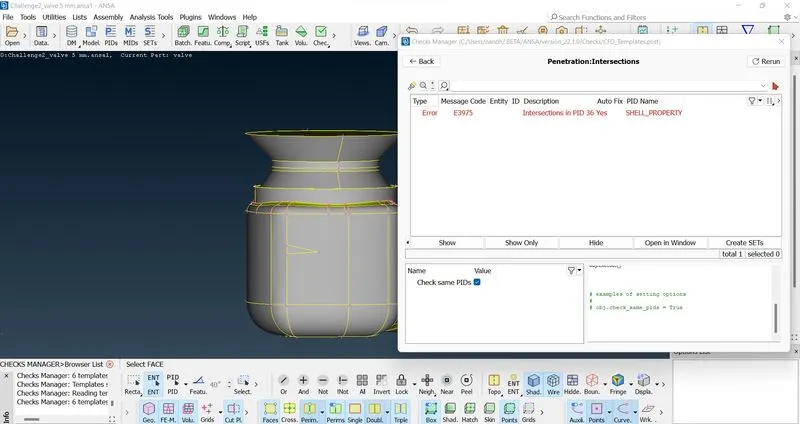
The penetration intersection error is there due to the spring and body is intersecting
First hide the outer body using NOT and create a PID For the spring and body and top to clear the intersecting error easily
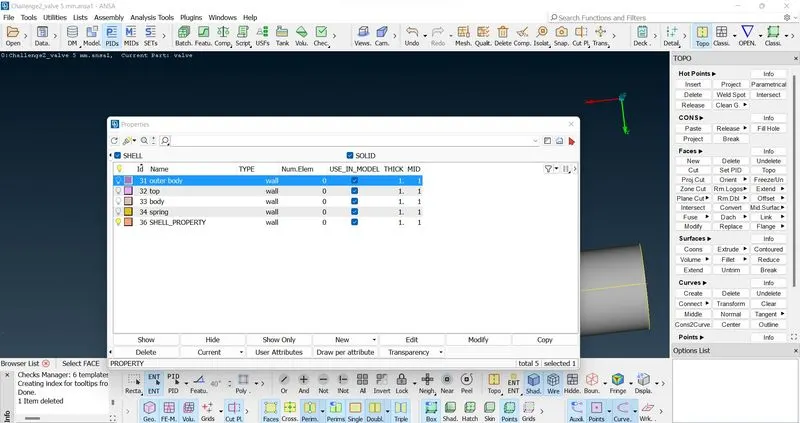
Creating the new pid using the new option and named as body, spring and top etc.,
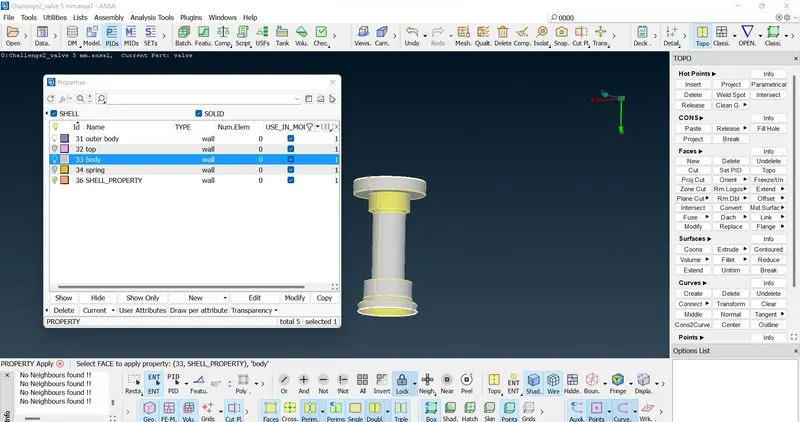
Then select the pid spring and isolate. By using the topo>face>intersect
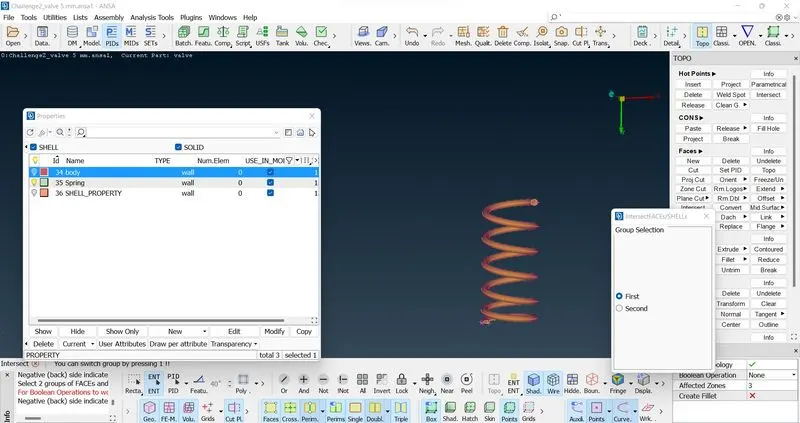
select the spring as first and mid click and then using the pid option isolate the body and select the body seperatly in the secound
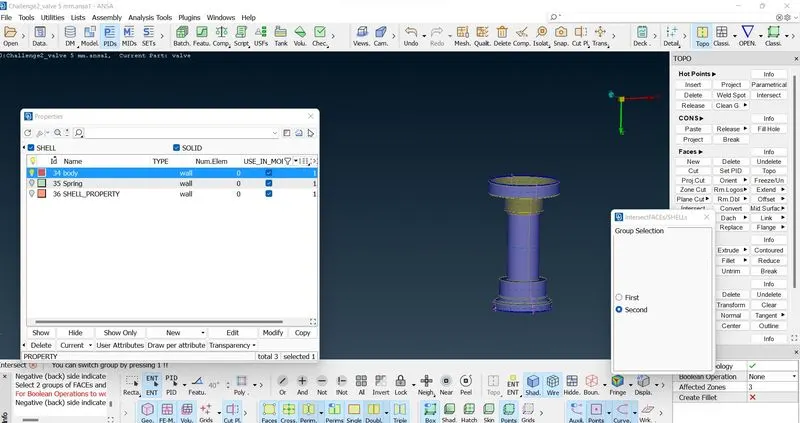
then mid click. then deleted the unwated face and keep the face which required
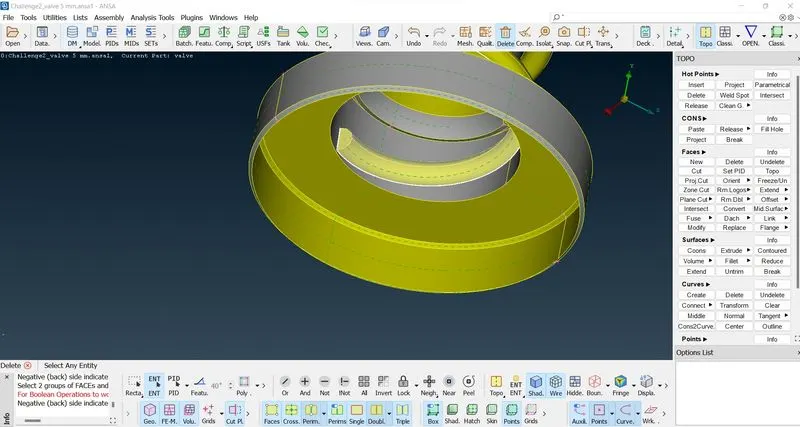 after intersect done deleted the extra unwated face which not need
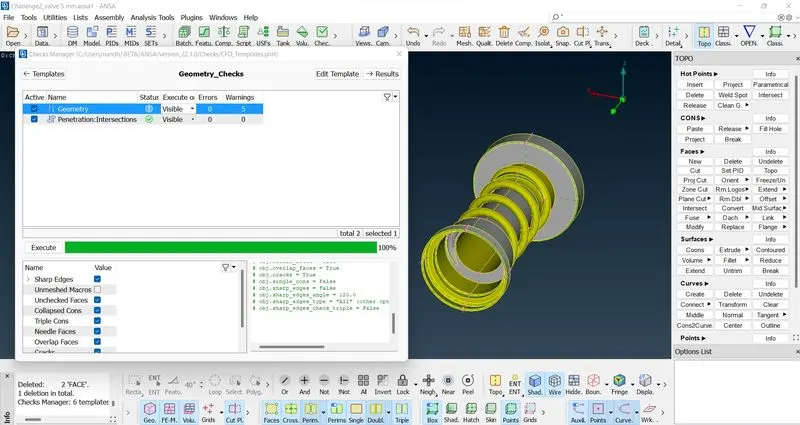
finaly check the gemotry check and execute
ignore the warning which are negligible
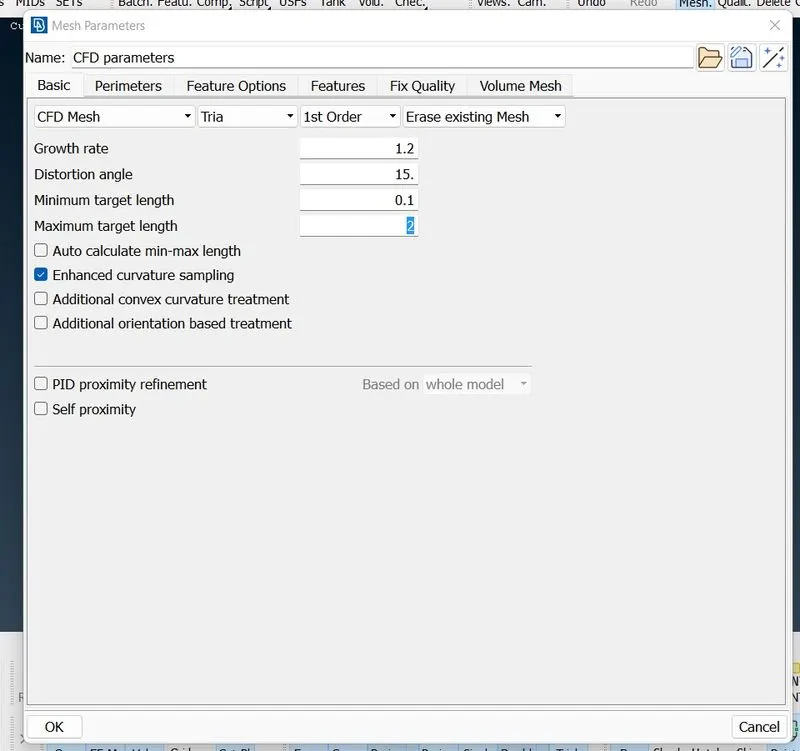
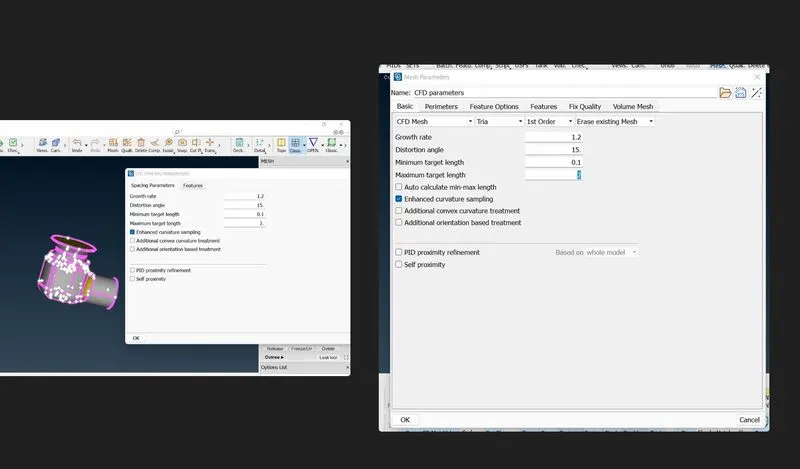
Then select the Mesh parameter and enter the tria option and selecting the 1 mm mesh first and enter the mim and max target length
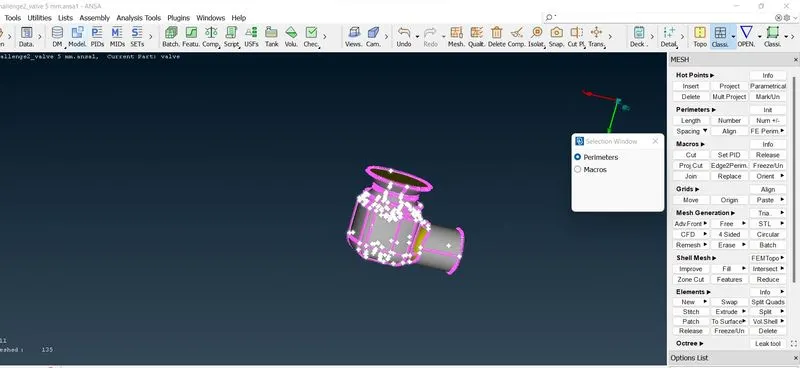
Then select the Perimeters>Spacing>auto cfd for meshing and select the perimeters and marco for proper meshing
 then select the Mesh generation>CFD>Visible for mesh was visible
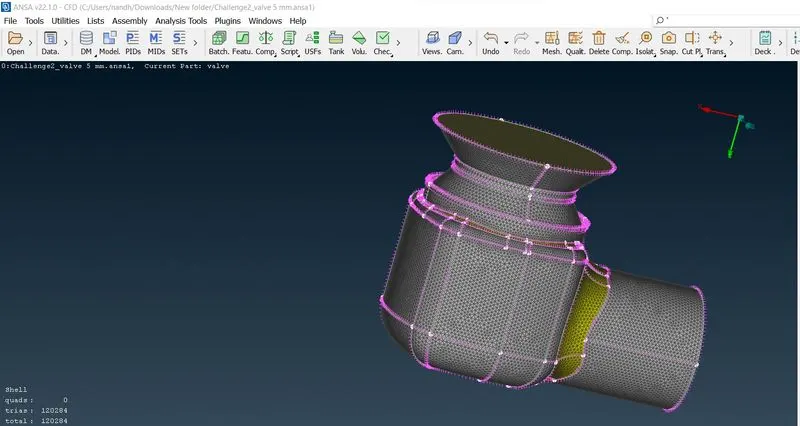
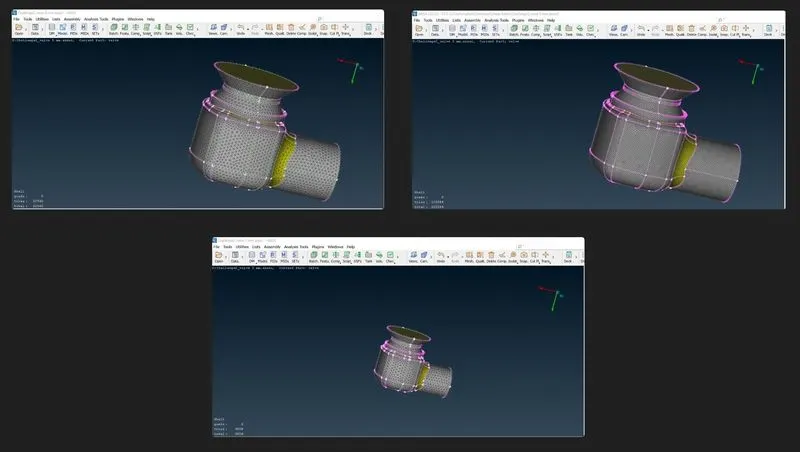
Repet the this for mesh the geometry for 3mm and 5mm meshing target length
Conclusion
Finally meshing was done for the given model, and Check for the geometrical errors and perform topology cleanup accordingly. then done the meshing using tria element type in different target lenght of 1mm, 3mm and 5mm.