Week 2 Challenge : Surface meshing on a Pressure valve
Aim: For the given model, check for the geometrical errors and perform Topology cleanup accordingly. Set three different target lengths as three different cases and mesh the model.
Target length = 1mm, 3 mm and 5 mm (i.e. 3 cases)
Element type = Tria
Topo: This module is having a set of tools which helps to clear the geometrical errors.
Mesh: This module helps to create the surface mesh for the geometry.
Setup:
- Import the geometry in ANSA
- Check the geometrical error
- Clear the geometrical error
- Cut the minimal area cons
- Set the PIDs
- Set the target length
- Generate mesh
Procedure:
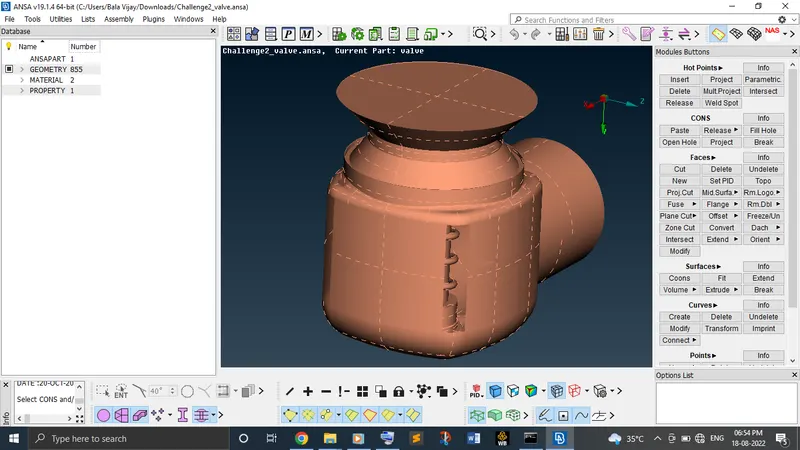
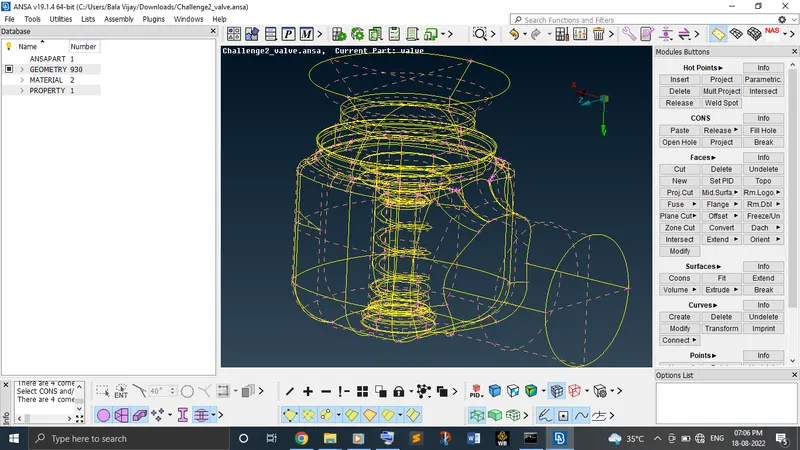
Import the geometry of the pressure valve in ANSA.
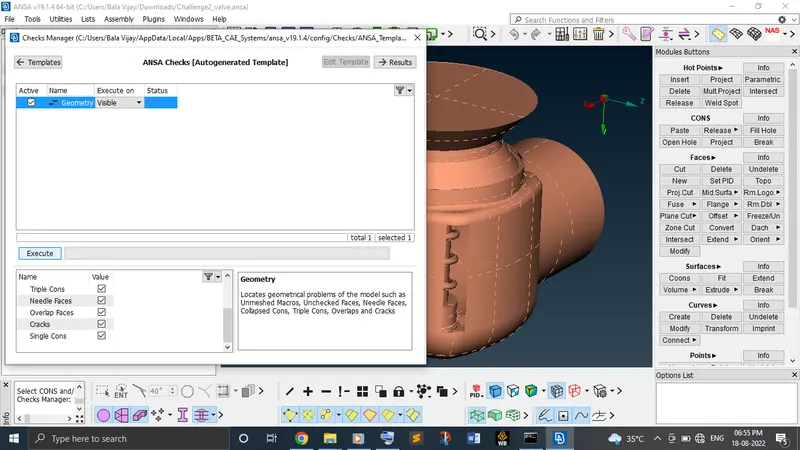
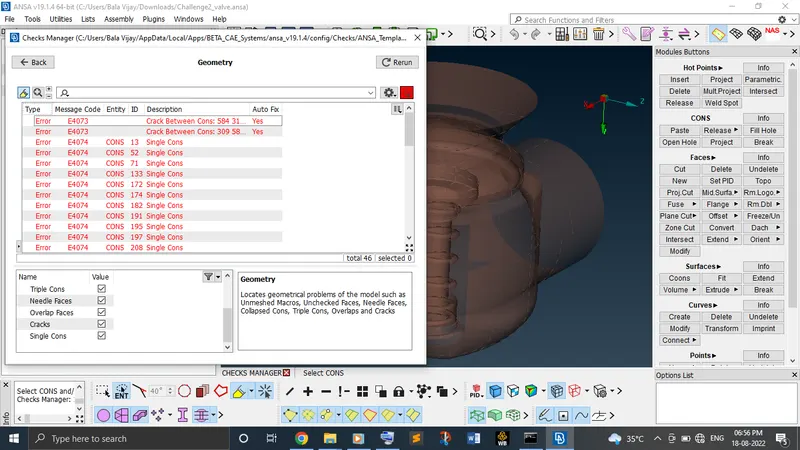
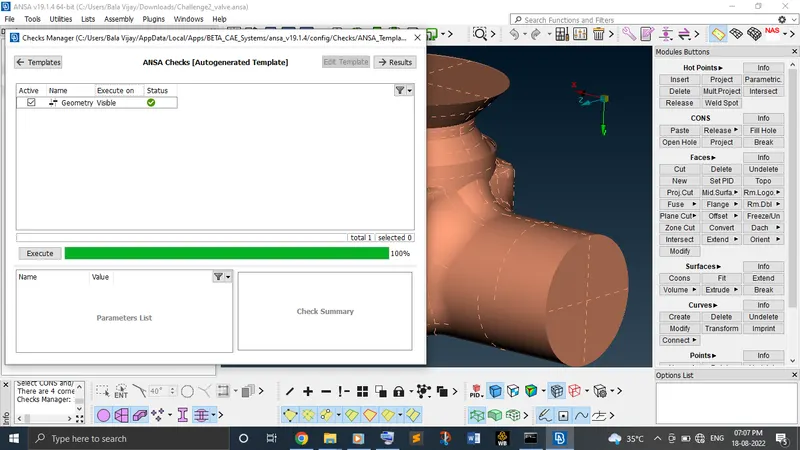
Check the geometrical error by topo module as active. Have geometry as visible in check manager and mark tick for what stuffs we need to check the errors and execute it. In our case, so many errors occurred. So, first of all we need to clear it.
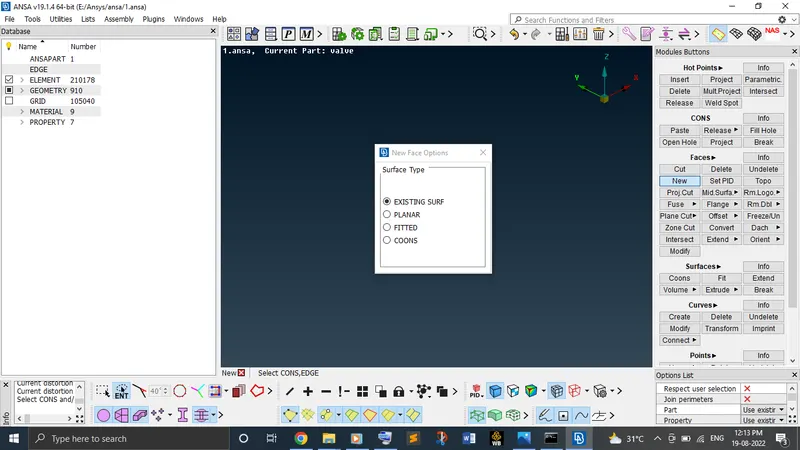
In the imported geometry, we are clearly able to see the missing surfaces. So, fill the gaps with the new tool under the faces which has existing surfaces, planar, coons, fitted options leads to get back those missing surfaces.
Again, check the geometrical error to know whether every errors get cleared or not. In our case, we cleared all the errors.
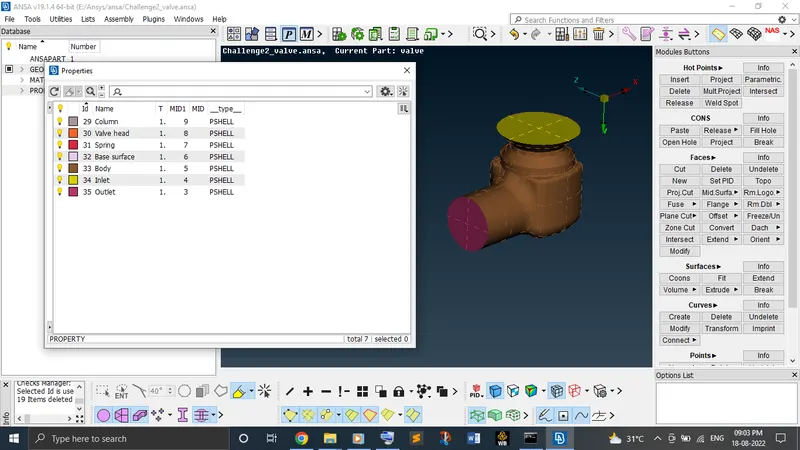
Now, setup the PIDs in the properties which is nothing but assigning a particular faces with a name.
Activate the mesh module. Now, set the perimeter and macro length under perimeters for all the PIDs by box selection.
Go to the mesh parameters. Set the target length and element type.
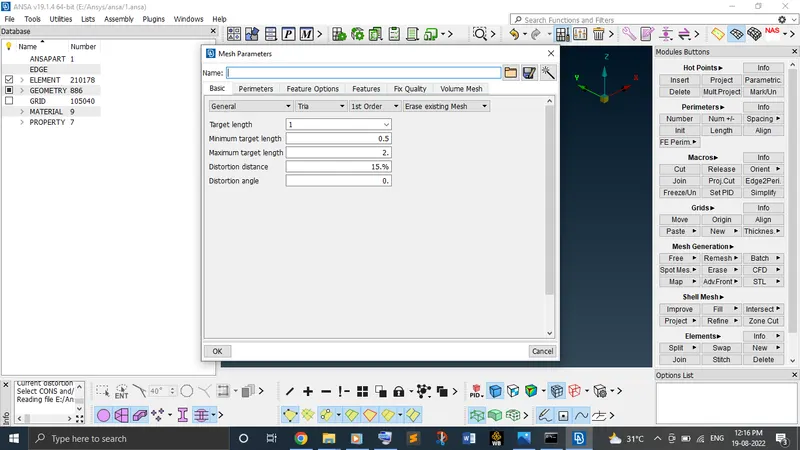
Generate mesh using spot mesh for all the PIDs.
Learning outcomes:
From this challenge, newly learnt how to check the geometrical errors and clear it up with the topo module and how to fill the holes with surface using new option from under faces in the topo module. Also learnt how to set up the PIDs.
Result:
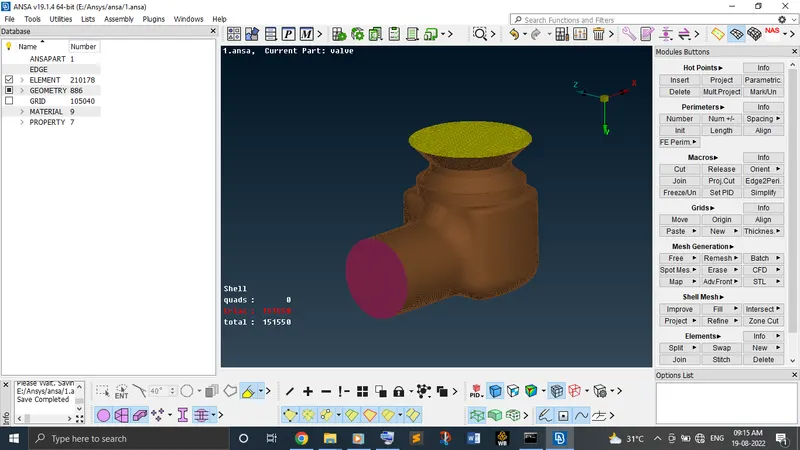
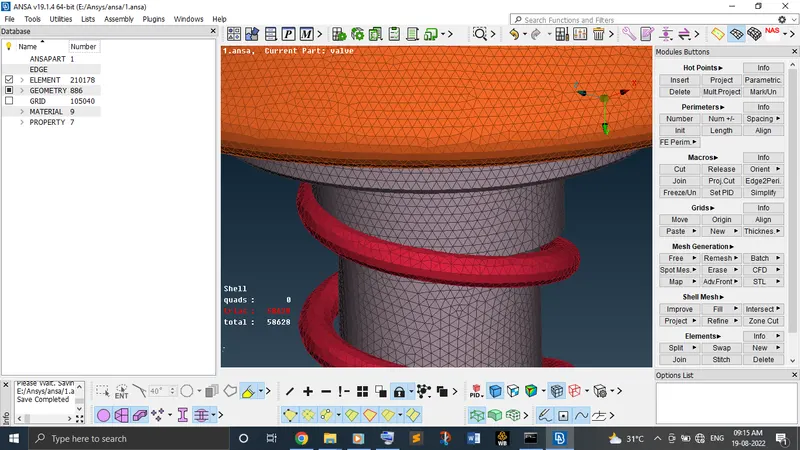
Case 1: Target length 5 mm
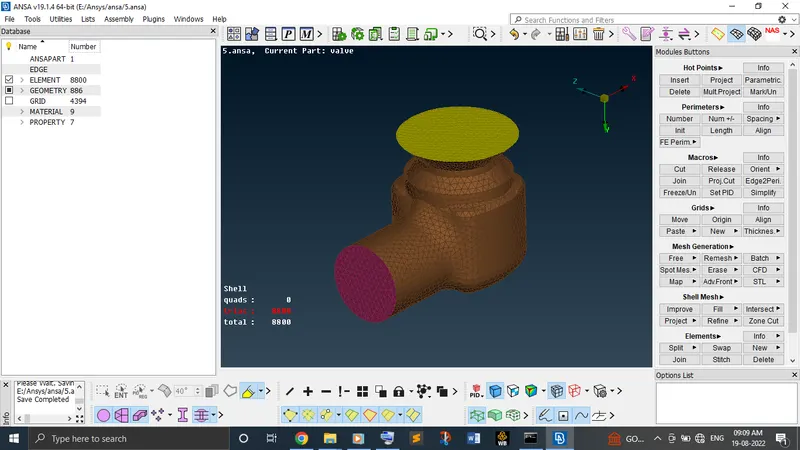
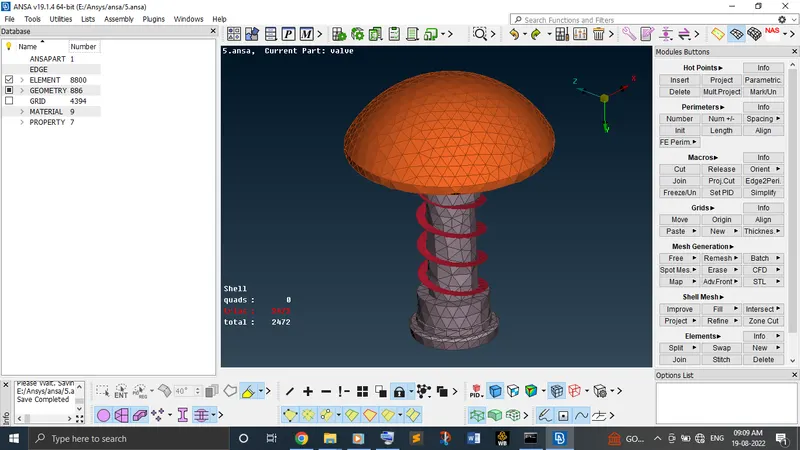
Case 2: Target length 3 mm
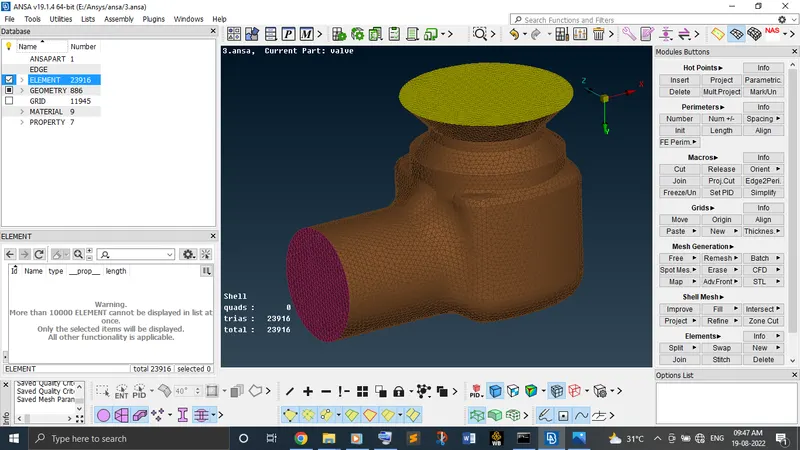
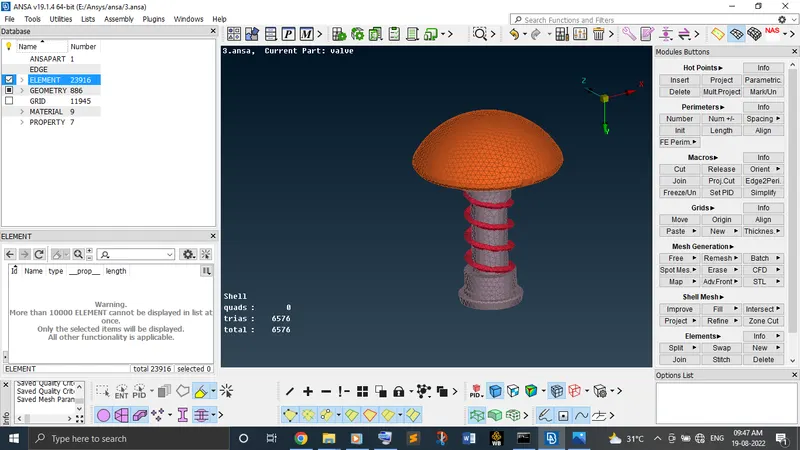
Case 3: Target length 1 mm
Conclusion:
From the result obtained, we can conclude that when the size of the object faces are minimum than the target length, the surface meshing quality result will be too poor and that is what we faced while set the target length as 5 mm for spring geometry. When we reduce the target length, we get a good surface meshing quality for the same geometry. So, we need to maintain the target length properly for the object as its required. Then, we get a good surface meshing result.