Week 2 Challenge
1. After creating geometry of column , go to properties , circle section define dimensions and add it then assign
2. open a new model file you will find two option English, meteric
3.for a bay frame , bay spacing between two column and beam is required
4.
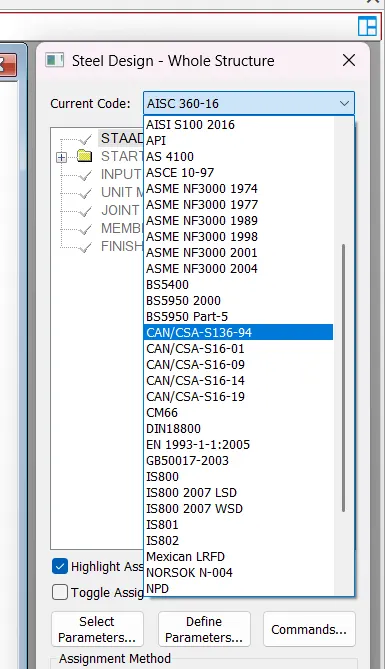
5. Go to design, change current code as Is 456 then define parameters check FC enter value and add then assign
2.1. Input geometry , input properties, input support/specification/constant, specify analysis type, input design standards , input load and load combinations.
2. In fixed support there forces X,Y,Z and moment along x,y,z directions whereas in enforced condition is also the same
3.1. creating geomerty of given section member ,assigning properties, materials , specification and support condition required design define parameters and run the analysis as required
2.using structural template, wizard or sketching the model via node cursor, beam cursor etc and complete the model
3. In fixed support there forces X,Y,Z and moment along x,y,z directions are restrained whereas in enforced condition is also the same. In pinned condition translational moments FX,FY,FZ are restrained, rotational moments MX,MY,MZ are released . In fixed but (roller support) all moments are released and there is a spring value to add . In enforced but condition all moments are released .
4.for staircase after creating model (geometry, materials, specification,loading) required define parameters and design parameters assigned then run analysis . In postprocessing , plate results and you can view load cases as per stress oriented results
5. After the analysis is completed you go to post processing where fx,fy,fz is for SFD, mx,my,mz is for BMD and annotate option is also available to view more precise and beam results , layout option are also seen .
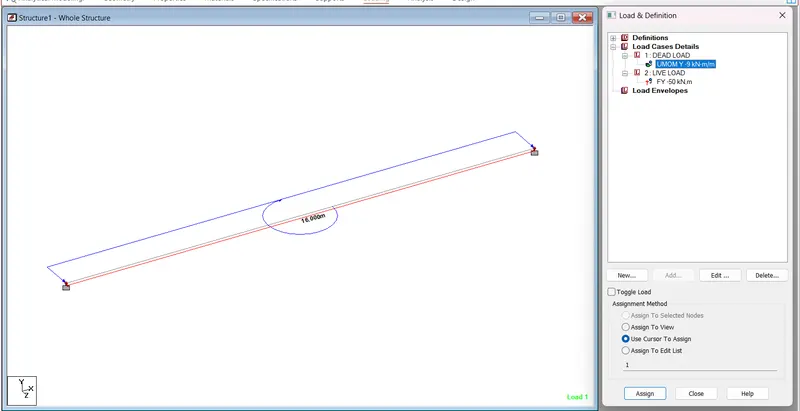
SIMPLY SUPPORTED BEAM
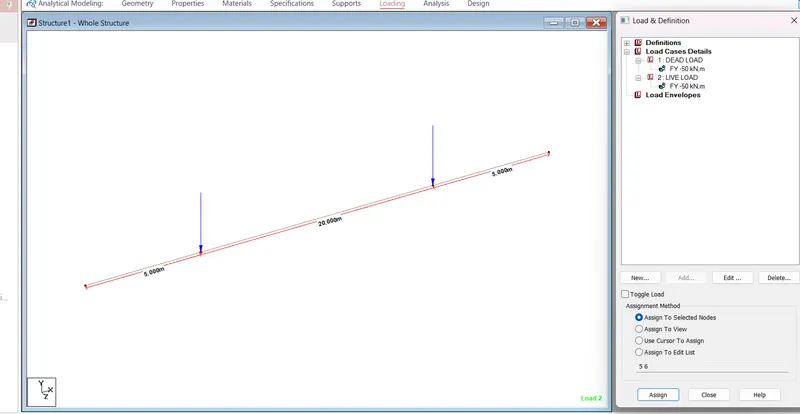
FIXED BEAM