Week 2 Challenge
ANS:- To create column and beams to the Grid.
PROCEDURE:-
- Opening the TEKLA file which was saved with grid in last challenge.
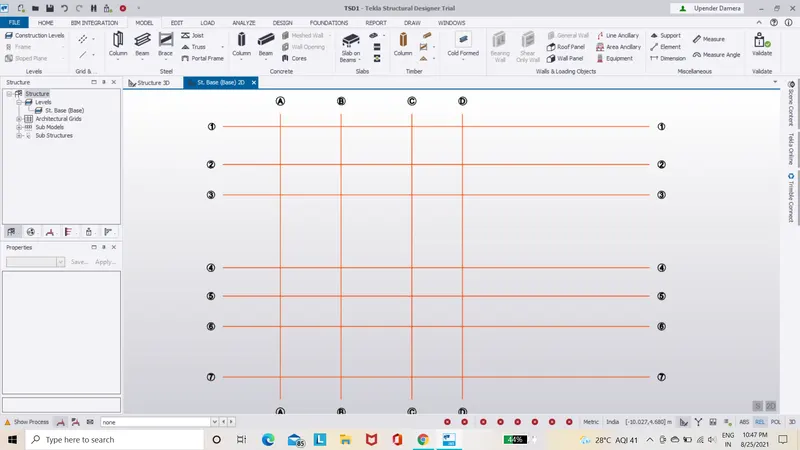
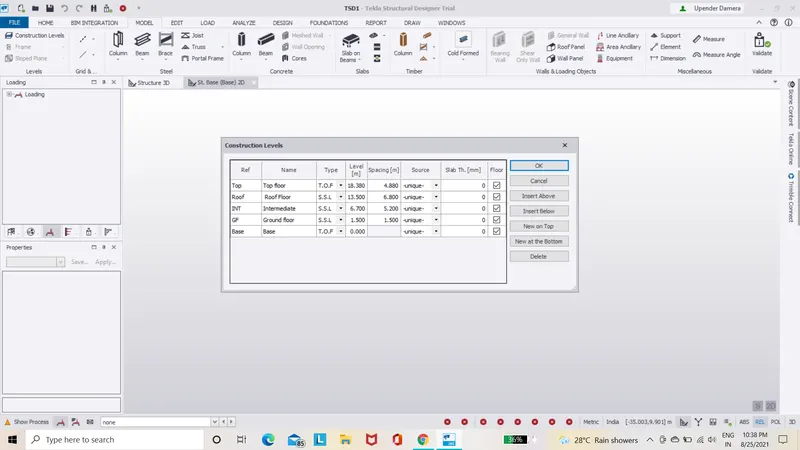
- Define the different levels such as base level,ground level,intermediate level and roof level appropriately according to the plan.
- Selecting manage property sets and adding memebers like concrete column,steel column and steel beams.
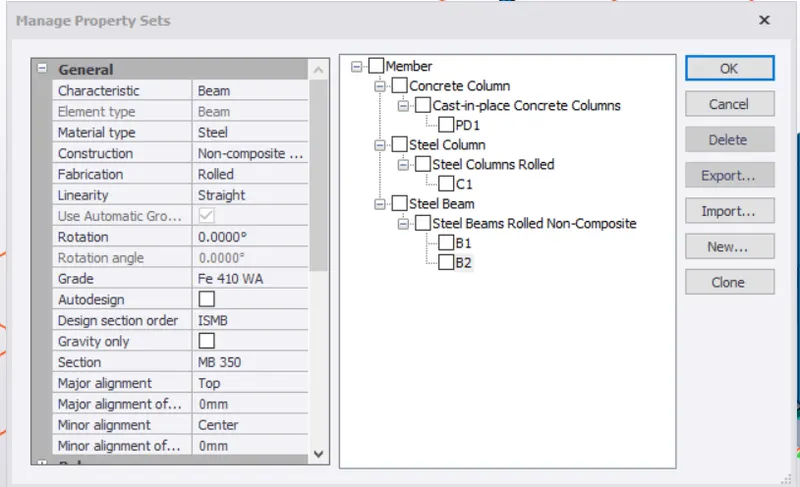
- Adding the elements with appropriate properties.
- Placing the concrete column from base level to ground level.
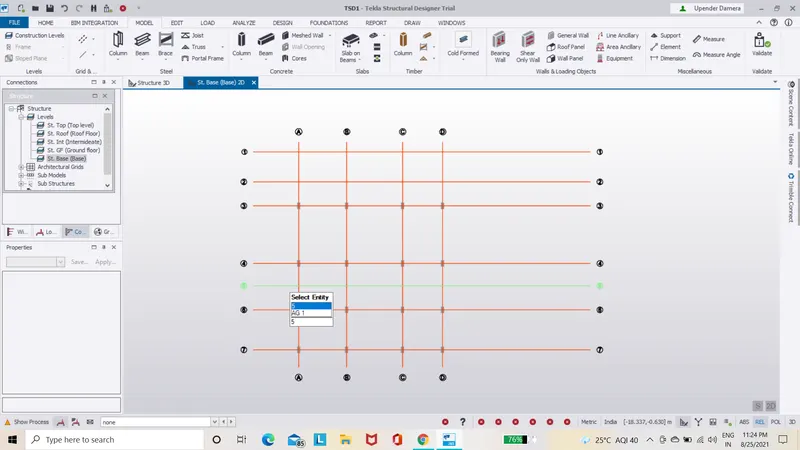
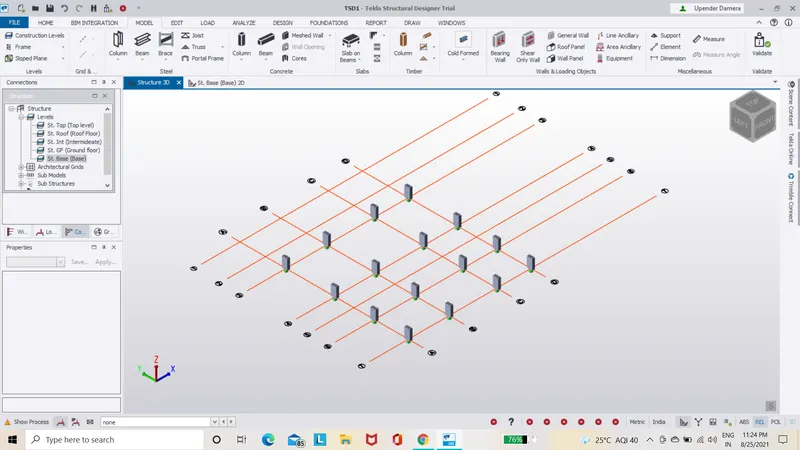
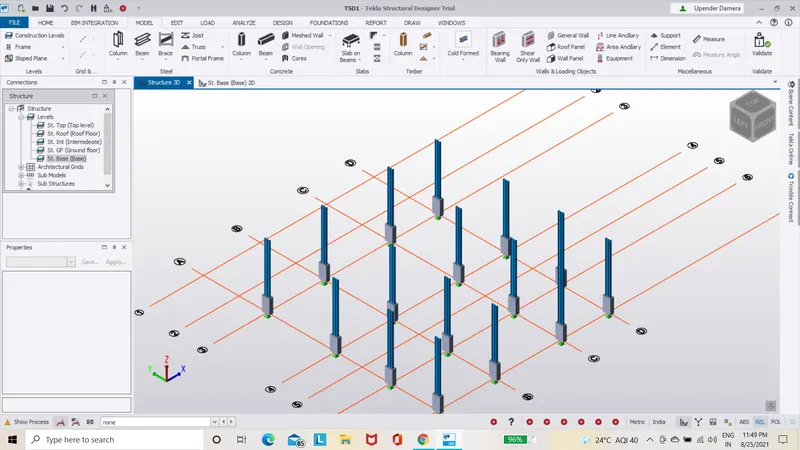
- Placing the steel column from ground to intermideate level.
- Placing the primary steel beam.
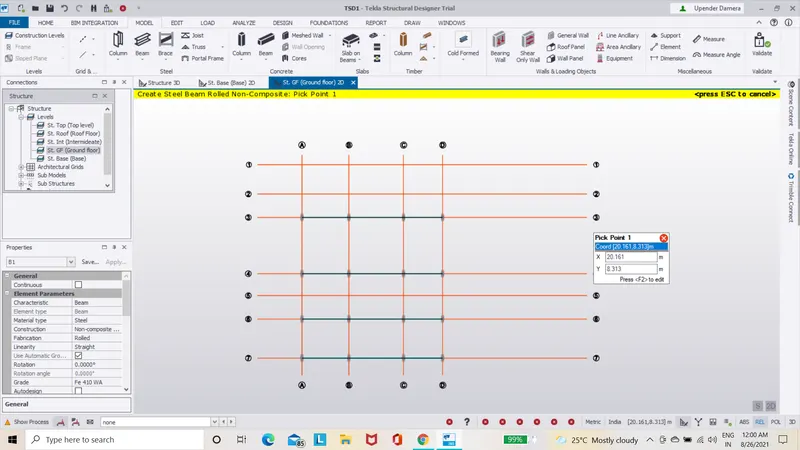
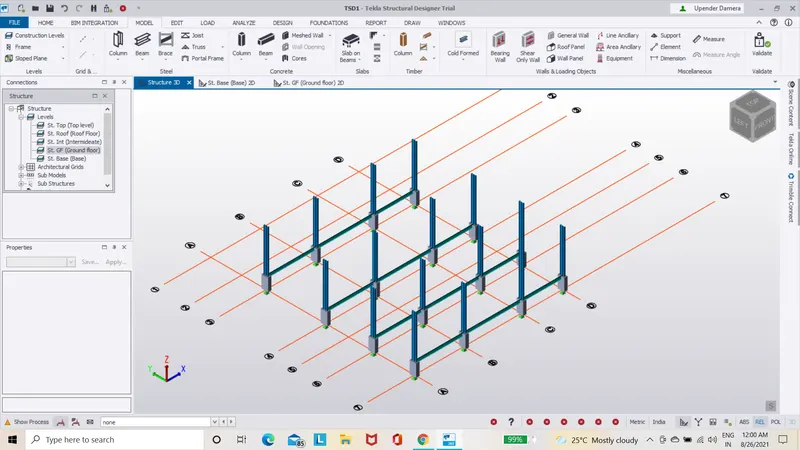
- Placing the secondary steel beam.
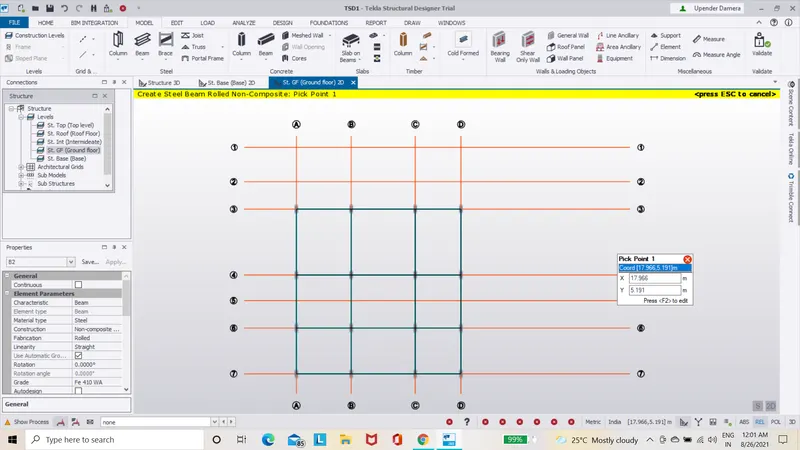
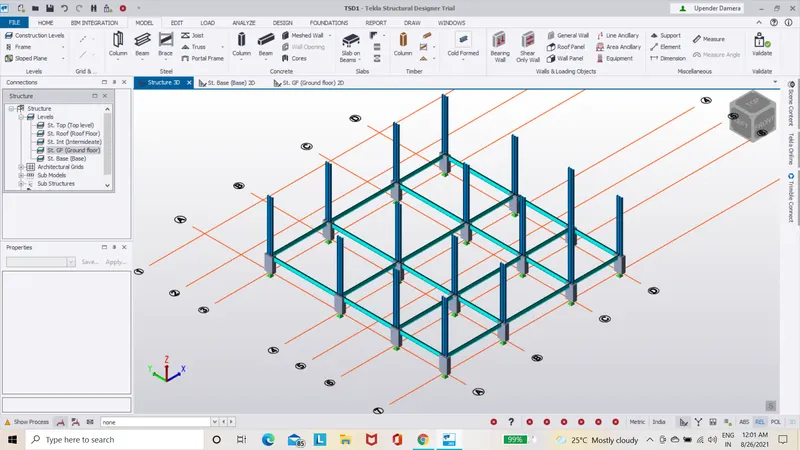
- After compeleting the design of beams and columns then go to model and select validate option and check the design.
RESULT:-
The columns and beams are successfully created to the Grids.