Week 2- 2R Robotic Arm Challenge
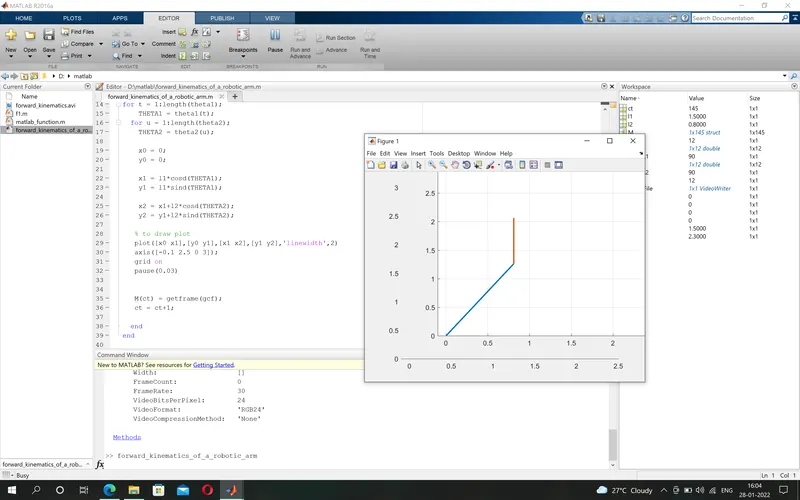
% forward kinematics of a robotic arm
% using for loop
% parameters

% length of two robotic arm
l1 = 1.5;
l2 = 0.8;

% angle
theta1 = linspace(0,90,12);
theta2 = linspace(0,90,12);

ct = 1;
for t = 1:length(theta1);
    THETA1 = theta1(t);
  for u = 1:length(theta2);
    THETA2 = theta2(u);

    x0 = 0;
    y0 = 0;

    x1 = l1*cosd(THETA1);
    y1 = l1*sind(THETA1);

    x2 = x1+l2*cosd(THETA2);
    y2 = y1+l2*sind(THETA2);

   % to draw plot
   plot([x0 x1],[y0 y1],[x1 x2],[y1 y2],'linewidth',2)
   axis([-0.1 2.5 0 3]);
   grid on
   pause(0.03)


   M(ct) = getframe(gcf);
   ct = ct+1;

  end
end

movie(M)
VideoFile = VideoWriter('forward_kinematics.avi','Uncompressed AVI')
open(VideoFile)
writeVideo(VideoFile,M)
close(VideoFile)
Google photos(videos) link to see result :-
https://photos.app.goo.gl/feLwHxgQ81UzyLW27
Step Wise Explanation (Command) :-
1). %(comment)- Starting with comment.
2). linspace - to get numbers between to integers with same interval between them.
3). for loop - in this programme we used two for loops to get two different values of two different angles of a robotic arm.
4). plot - it use to get plot or graph.
5). ct(couter) -it reprsents each and every frame or it add frames that use to create a movie or video.
6). movie - to create a movie with the frame that generated after the complition of the programme.
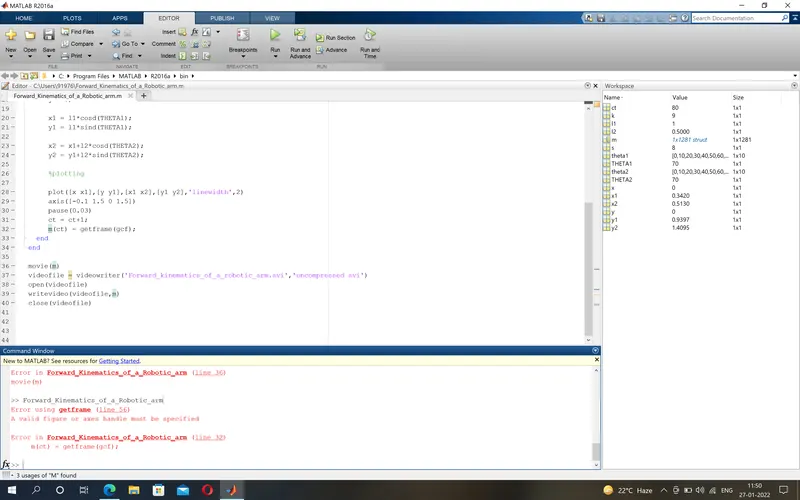
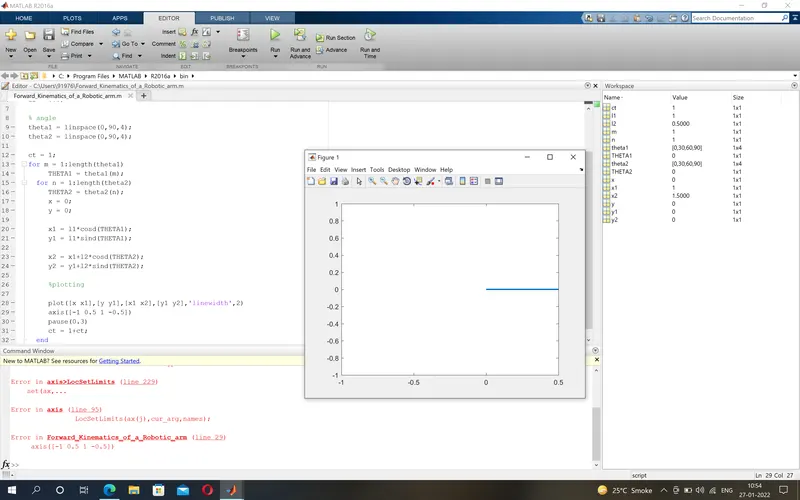
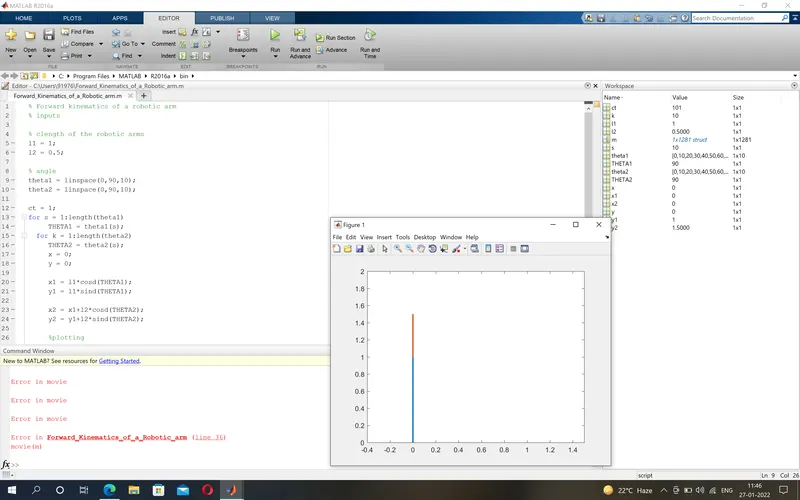
Errors and Steps to correct the programming :-
1). Invalid axis coordinates results in error while running the code.
- Giving specific/required values to draw the plot from its origin
2). Silly spelling mistakes results in error.
- Rechecking the spelling.
3). Forget to write a command in a order.
- Changing positions of the command.
4). Got stuck in for loop command.
- Watching lecture again to correct it.