Week 2- 2R Robotic Arm Challenge
% animating the kinematic manipulator

% inputs
l1=1;
l2= 0.5;
theta1= linspace(0,90,25);
theta2= linspace(0,90,25);
ct=1;

for i= 1:length(theta1)
    A1= theta1(i);
    for j= 1:length(theta2)
        A2 = theta2(j);
% defining cordinates
x0=0;
y0=0;
x1= l1*cosd(A1);
y1= l1*sind(A1);
x2=x1+l2*cosd(A2);
y2= y1+l2*sind(A2);

% plotting
plot([x0 x1],[y0 y1],[x1 x2],[y1 y2],'linewidth',3)
axis([-0.1 1.5 0 1.5])
pause(0.03)
ct=ct+1;
    end
end
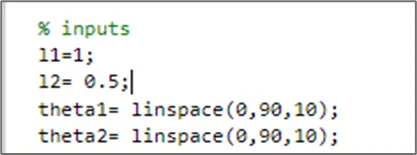
L1 and L2 are the lengths of the robotic arms and theta1 and theta2 are the respective angles. Here I took 10 different angles for each arm between 0 to 90.
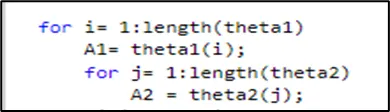
Here I used for loop to repeat the position of the links at various angles. Here i starts from 1 to length of the theta1 i.e total values of link1, similarly j represents the values for link2. A1 and A2 are the angles of link1 and link2 that changes w.r.t position.
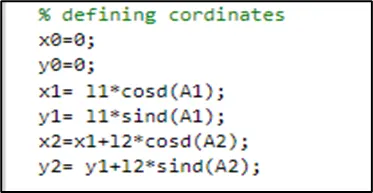
Coordinates define the position of the links. x0,y0 are starting points of link1 and x1,y1 are end points of link1 or starting points of link2 and x2,y2 are end points of link2. As we know when a line makes an angle theta then length of the that line w.r.t x-axis is Length*cos(theta), and length w.r.t y-axis is Length*sin(theta). In coding I used cosd instead of cos because the Matlab by default takes angle in radians so to represent the units in degrees I used cosd and sind
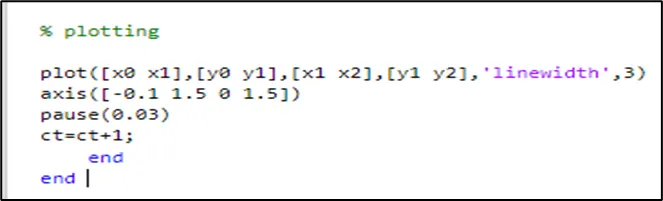
After defining cordinates I created the animation by plotting. Here I used single plot because double plot creates multiple links as explained in video by Sarang sir. Here axis represents the range of the plane, the first two values represents x-axis and next two values represents y-axis. pause command used to pause for each angular position. we should remember that each for loop requires end command otherswise we will get error here. I used for loop two times so I should use end command twice.
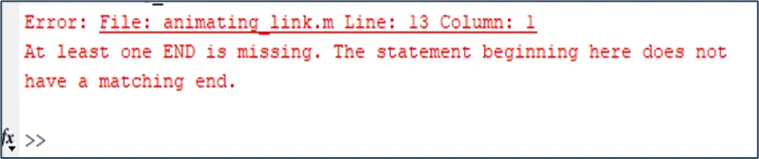
After creating the animation, I created the movie.
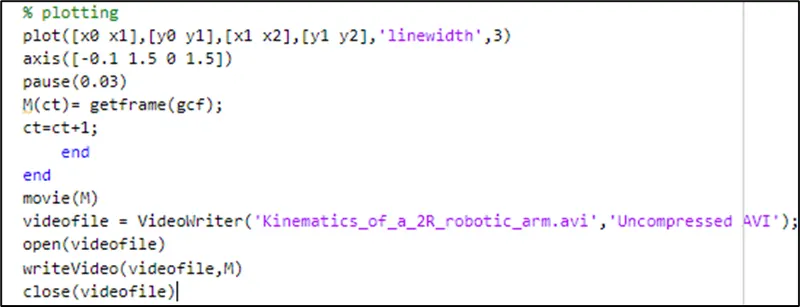
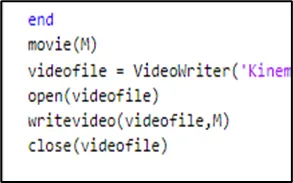
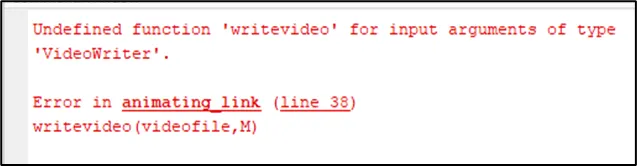
While creating movie keep in mind that for Matlab functions we should not change chacter format i.e use upper case and lower case properly. To write video file I used lower letters where as the correct format is writeVideo. Here I continuosly got errors. Finally I fixed errors by watching the video again and again.
https://drive.google.com/file/d/153tP2bUJYkLgnrmLDCVZlWew8hjj6qDI/view?usp=sharing
link for animation.