Week 2- 2R Robotic Arm Challenge
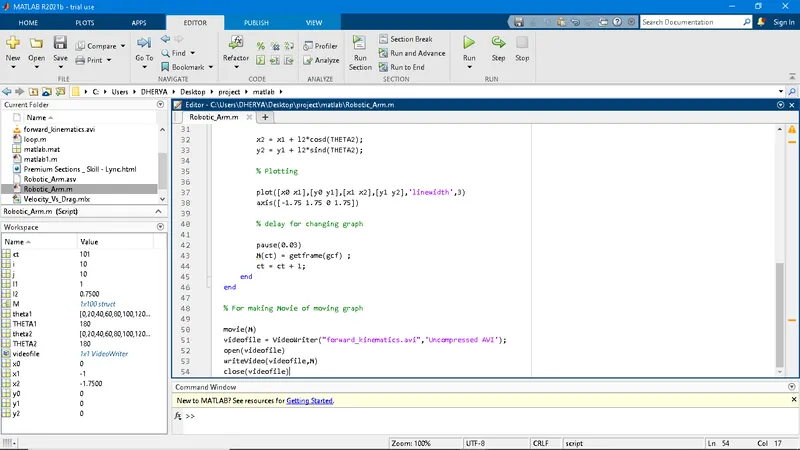
% A program in Matlab to simulate the forward kinematics of a 2R Robotic Arm
clear all
close all
clc
% Inputs

% Length of Arms be l1& l2 in meter

l1 = 1;
l2 = 0.75;

% Angles of both Arms be theta1 & theta2 with x-axis in degree

theta1 = linspace(0,180,10); % ten partition is done between 0 to 90
theta2 = linspace(0,180,10);

% Now we need make a loop for appling all all the angles
ct = 1;
for i = 1:length(theta1)
    THETA1 = theta1(i);
    for j = 1:length(theta2)
        THETA2 = theta2(j);

        % Cordinates for both arms

        x0 = 0;
        y0 = 0;

        x1 = l1*cosd(THETA1);
        y1 = l1*sind(THETA1);

        x2 = x1 + l2*cosd(THETA2);
        y2 = y1 + l2*sind(THETA2);

        % Plotting

        plot([x0 x1],[y0 y1],[x1 x2],[y1 y2],'linewidth',3)
        axis([-1.75 1.75 0 1.75])

        % delay for changing graph

        pause(0.03)
        M(ct) = getframe(gcf) ;
        ct = ct + 1;
    end
end

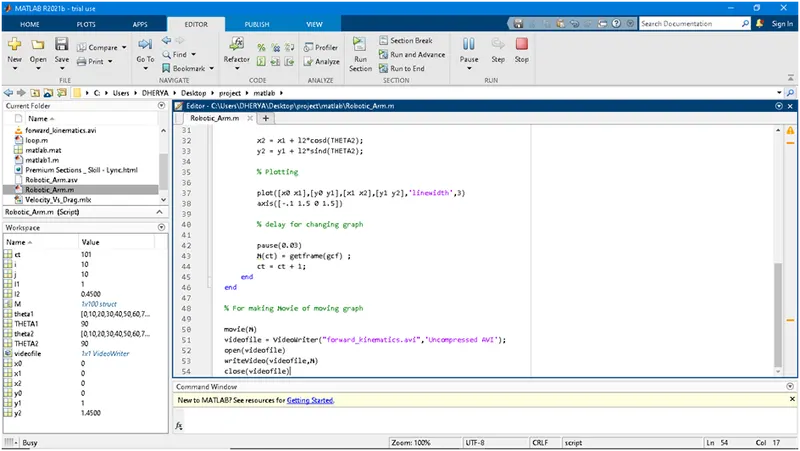
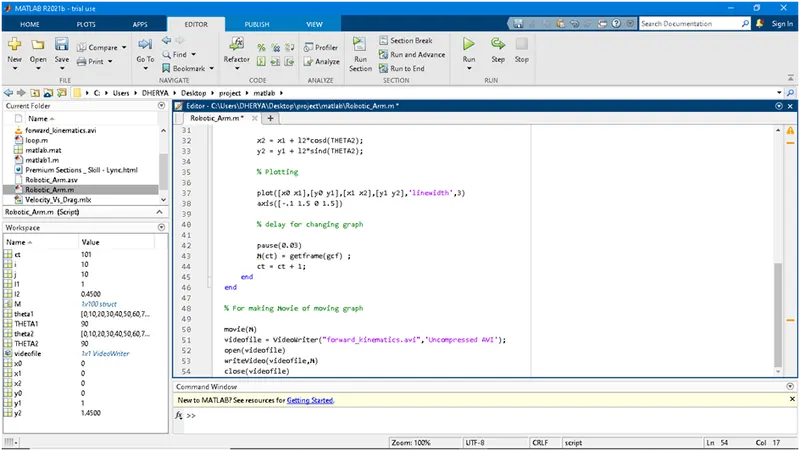
% For making Movie of moving graph

movie(M)
videofile = VideoWriter("forward_kinematics.avi",'Uncompressed AVI');
open(videofile)
writeVideo(videofile,M)
close(videofile)
My videos link on youtube https://youtu.be/dSHb35o6DdM
on drive its https://drive.google.com/file/d/1WhgT_eSmF-pB_CGUIiY-vNIlTg--1_qe/view?usp=sharing
I had changed the dimension of length and angle for more interesting video.
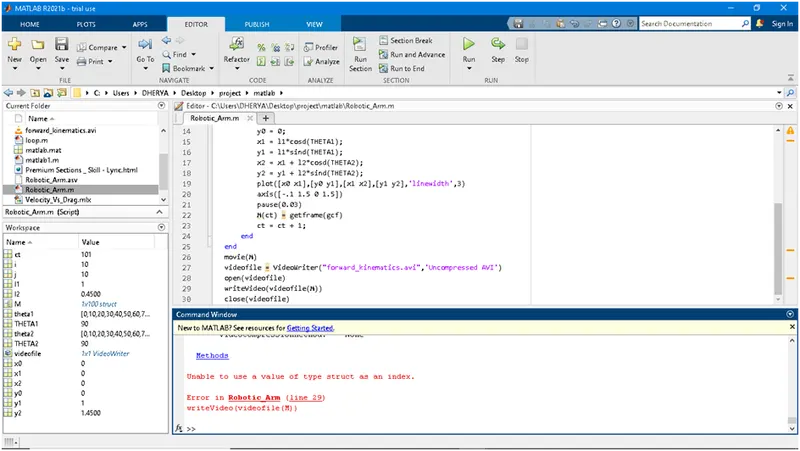
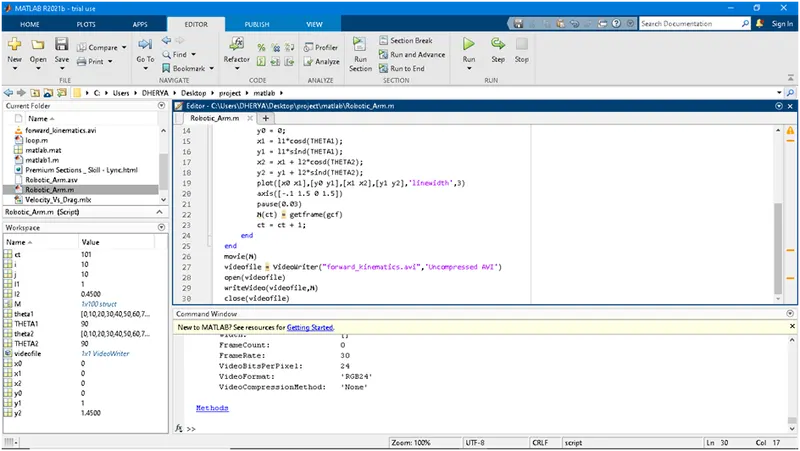
I faced following problems;-